Our take: Consider Design.com if you want to generate a logo from a business name and keywords and quickly reuse it across business cards, social covers, flyers and other branded assets in one place.
Main limitation: No pricing is published; costs appear only in the download flow, and an account is needed to save or download designs.
By the AI Tool Atlas editors.
Based on the vendor's official documentation; we have not tested this product hands-on. What “documented overview” means
Is Design.com right for you?
Consider Design.com if you want to generate a logo from a business name and keywords and quickly reuse it across business cards, social covers, flyers and other branded assets in one place. Based on the vendor's documentation, not on a hands-on test.
Best for: Small businesses needing a quick brand kit
Also a good fit for
Creators making social banners and posts
Consider another tool if no public pricing page; costs shown only in the download flow
Or if
Account required to save or download designs
Cookie consent banner with advertising partners on load
Design.com pricing and usage limits
Prices checked Sep 29, 2026 on the official US pricing page. Prices and limits change often.
Free access and trial conditions
The logo generator can be tried for free per the site.
Design.com is a web design platform centered on an AI logo maker: users enter a business name and keywords and the generator produces logos drawn from what the site describes as a library of 455,000+ AI-generated logos, without third-party stock icons. The logo flows into matching business cards, social media covers and posts, flyers, posters and other branded assets.
Beyond logos the site lists AI tools for image generation, background removal, business and domain name generation, website and link-in-bio building, presentations and social media posts. Pricing is not published on a standalone page; costs appear during the design and download flow.
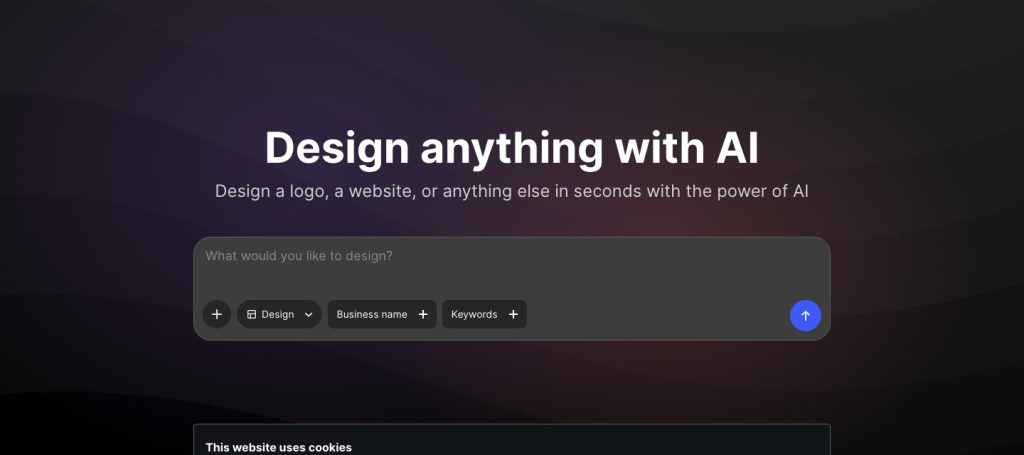
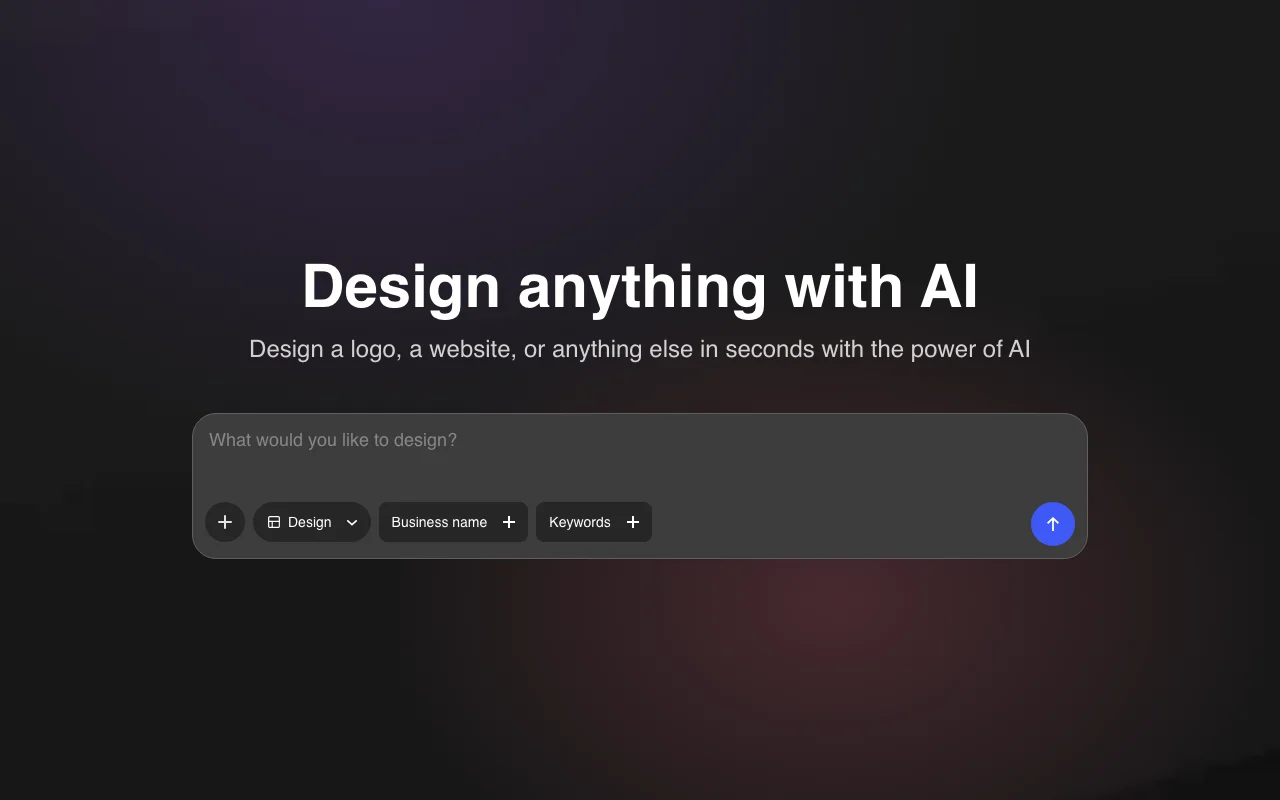
Design.com's official site: how the product presents itself. design.com, captured Oct 1, 2026
What you provide and what you get back
What you give Design.com and what comes back, from its documentation
You provide
Business name and keywords
Template choices
Prompts for AI image or background tools
You get back
Logos and brand assets
Business cards, flyers, posters
Social media posts, covers and stories
Websites and link-in-bio pages
Where you can use it
Platforms
Web
Account
Required
Logo library
455,000+ AI-generated logos
Asset types
Cards, flyers, posters, social, web
Pricing
Not published
Platform
Web
Best use cases for Design.com
Scenarios are worked out by our editors from the documentation; the actual result depends on your input and plan.
Generating a logo from a business name and keywords
Logo generator can be tried for free per the site You can compare options before paying.documentedsource (opens in a new tab)
Wide range of asset types under one account Consistent branding across assets.documentedsource (opens in a new tab)
No third-party stock icons in generated logos, per the vendor Reduces legal doubt over stock graphics.documentedsource (opens in a new tab)
Designs are edited by AI prompt or chat for fonts, colors and layouts Adjusting a logo or business card does not need manual design skills.documentedsource (opens in a new tab)
Site describes a library of tens of thousands of business card templates A business card can start from a ready template instead of a blank page.documentedsource (opens in a new tab)
Check before paying for Design.com
No public pricing page; costs shown only in the download flow Budgeting is hard until checkout.documentedsource (opens in a new tab)
Account required to save or download designs You must register to keep designs.documentedsource (opens in a new tab)
Cookie consent banner with advertising partners on load Tracking consent prompts appear.documentedsource (opens in a new tab)
The /privacy and /docs pages returned HTTP 404 when checked Data handling and usage rules could not be verified from the public site.documentedsource (opens in a new tab)
How to use Design.com for generating a logo for a new business
Set up Design.com
Open the AI Logo Generator at design.com.
Enter your business name and keywords.
Browse the generated logo options.
Create an account to save a design.
Example: generating a logo for a new business
Pick a logo and adjust fonts, colors and shapes.
Open the matching business card template.
Create a social media cover with the same logo.
Review the price shown at download.
Review and export the result
Check the logo reads well small and on a dark background.
Confirm the price before downloading.
Confirm the name is available as a domain with the domain tool.
Design.com alternatives by need
"Better suited" is based on documented features and pricing, not on a head-to-head test.
Not verified: Pricing and plans; Export formats and resolution; Commercial-use terms; Privacy policy.
How we documented and maintain this page
Every fact about Design.com above comes from the 1 official page listed here, last compared on Sep 29, 2026; we have not run Design.com ourselves, so it has no editorial score. How we check and re-check pages.
Article updated Oct 10, 2026; prices checked Sep 29, 2026. Outbound links to vendors are plain links; we do not earn commissions. How we review · Report an error