Xirp (beta) web
Free source (opens in a new tab)
Month
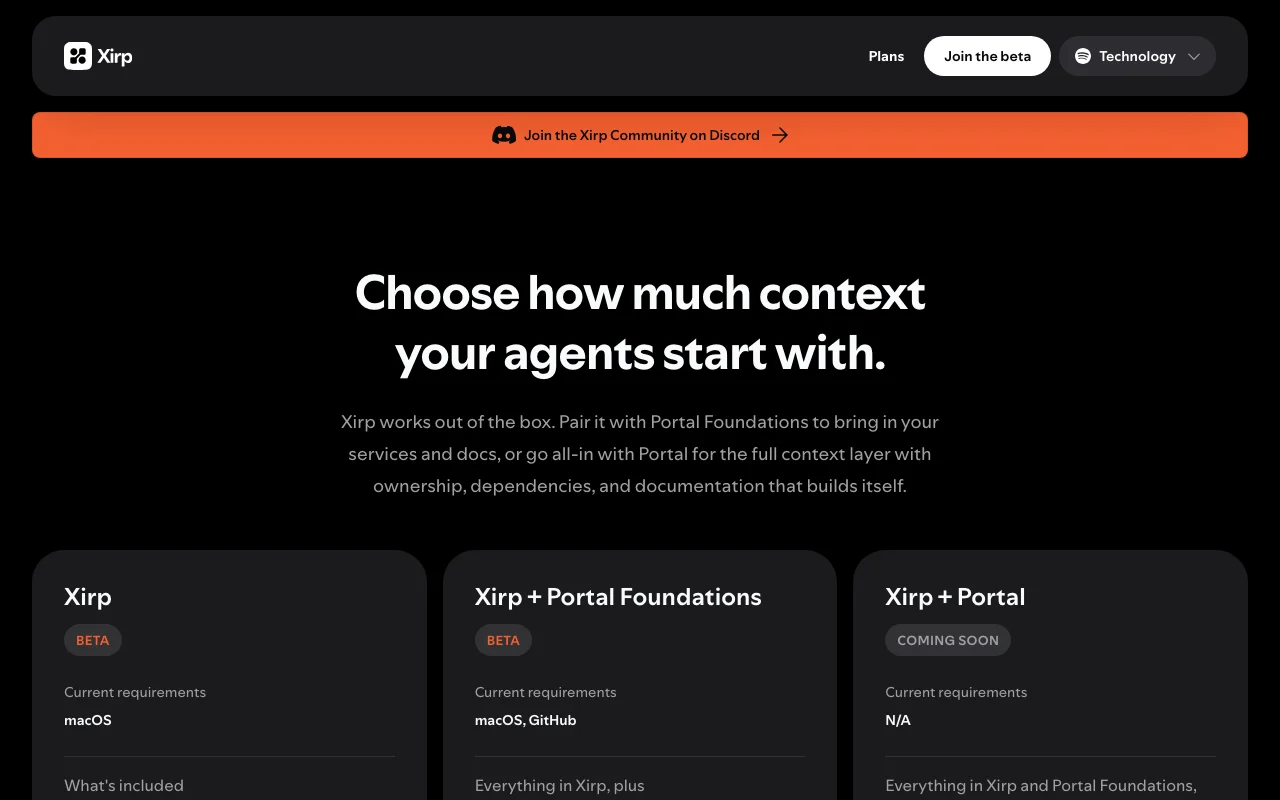
For: Developers running several agents
Limits
- macOS only
- Beta
Includes
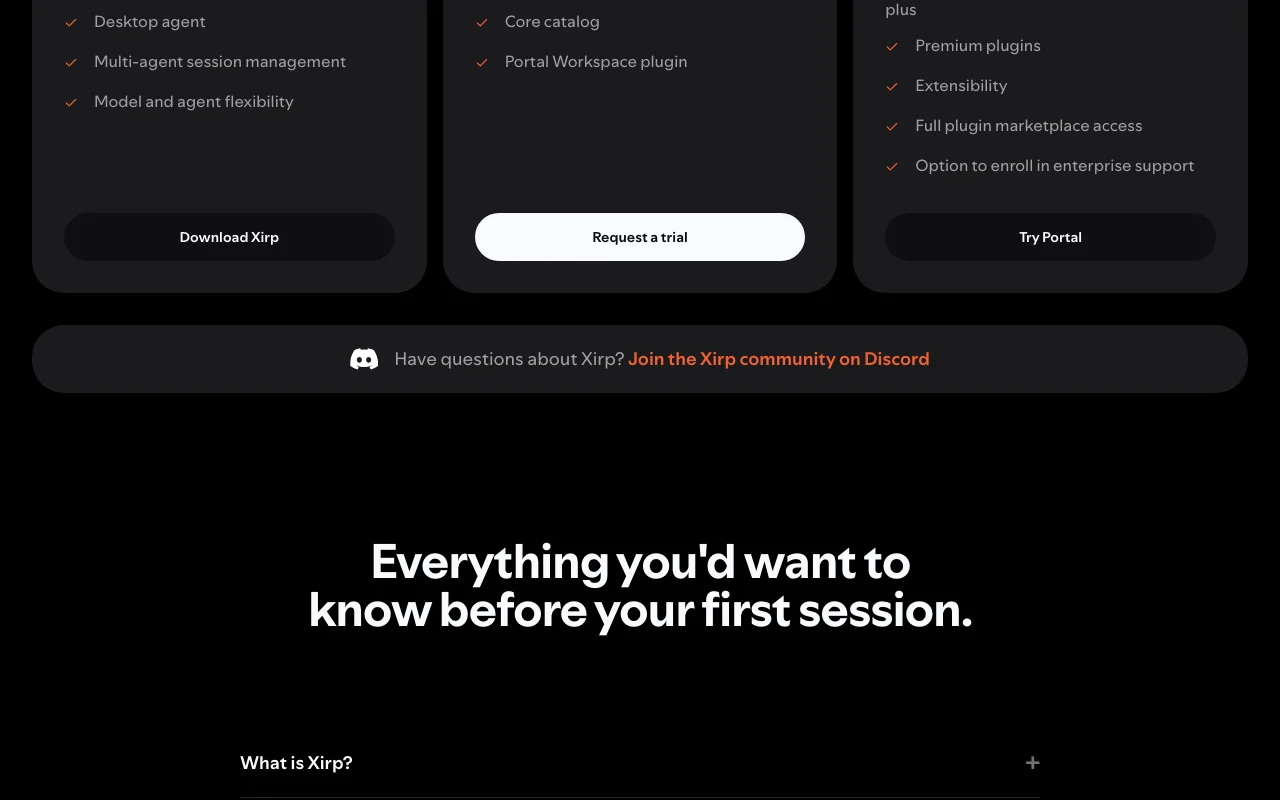
- Desktop agent
- Multi-agent session management
1 more
- Model and agent flexibility

CodingDocumented overviewLast checked Sep 29, 2026
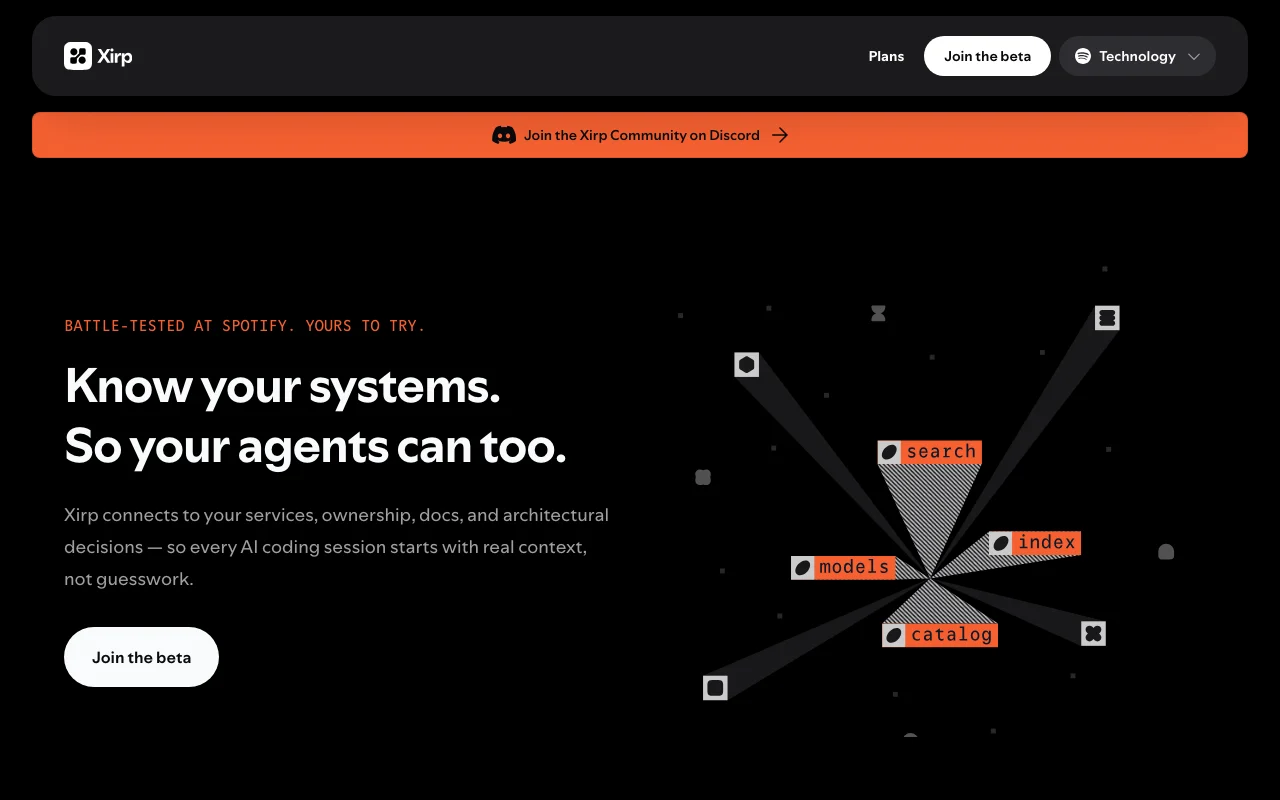
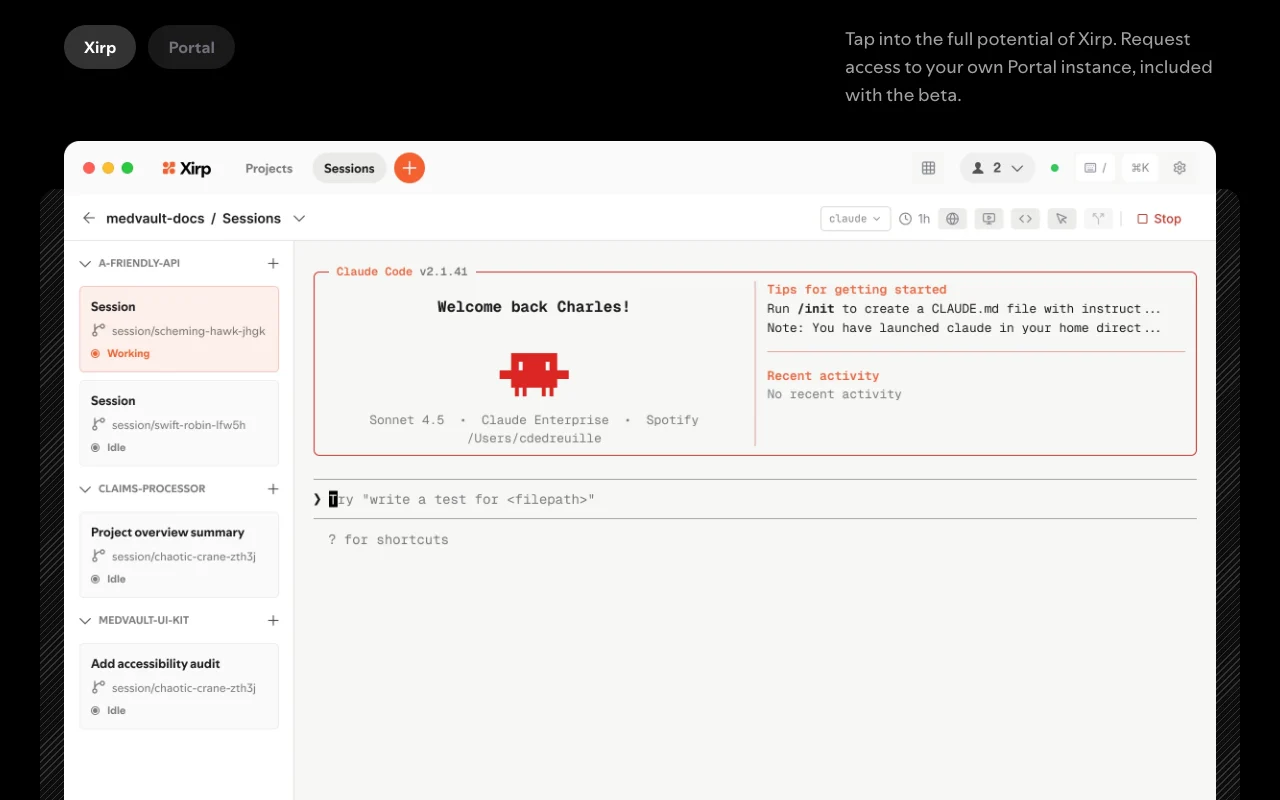
Spotify's desktop app for managing multiple AI coding agent sessions with organizational context, currently in beta.
 (open full size in a new tab)
 (open full size in a new tab)
 (open full size in a new tab)
 (open full size in a new tab)
 (open full size in a new tab)
Our take: Xirp suits Mac developers who run several AI coding agents and want one local place to manage their sessions with shared organizational context.
Main limitation: It is a beta that is macOS only and not open source, and Portal tiers need a trial request or are coming soon.
Xirp suits Mac developers who run several AI coding agents and want one local place to manage their sessions with shared organizational context. Based on the vendor's documentation, not on a hands-on test.
Also a good fit for
Or if
Prices checked Sep 29, 2026 on the official US pricing page. Official pricing ↗ Prices and limits change often.
The desktop app is free to download; the vendor says it is free for now.
Portal Foundations trial is free for 60 days.
Free source (opens in a new tab)
Month
For: Developers running several agents
Limits
Includes
Free source (opens in a new tab)
Month
Price after trial not published
For: Teams sharing context
Limits
Includes
See official pricing source (opens in a new tab)
Month
For: Larger organizations
Includes
Pricing for Portal tiers is not shown.
Not stated.
Xirp is a desktop app, offered as a beta, that organizes sessions of AI coding agents such as Claude, Gemini CLI and Codex in one place. It does not generate code itself. It can attach organizational context and optionally pair with Spotify's Portal for service ownership, dependencies and generated documentation.
You provide
You get back
Scenarios are worked out by our editors from the documentation; the actual result depends on your input and plan.
Runs on Mac as a local application for AI coding agent sessions. Gives one interface to existing agents.
Lets you run multiple agents in parallel and switch between them keeping context. Cuts context loss.
Supports Claude, Gemini CLI and Codex to start. Avoids choosing one vendor.
Attaches software catalog, Google Drive docs and Linear work items to sessions. Starts sessions with company context.
Xirp has no public API in its official documentation. API not mentioned.
Summarized from the vendor's current policies; this is not legal advice and a vendor's badge is not an independent audit.
Everything runs locally; session context can be shared with a team through Portal.
"Better suited" is based on documented features and pricing, not on a head-to-head test.
| Alternative | When to choose it | Pricing | Limitation | |
|---|---|---|---|---|
| Cursor | — | — | Compare | |
| GitHub Copilot | — | — | Compare | |
| Devin Desktop (formerly Windsurf) | — | — | Compare |
No user reviews yet.
Used Xirp? Be the first to share your experience.
No, it sits on top of existing AI coding agents and organizes their sessions. source (opens in a new tab)
Claude, Gemini CLI and Codex to start. source (opens in a new tab)
No, it is a beta product available for download but not open source. source (opens in a new tab)
No, everything runs locally on your machine. source (opens in a new tab)
Not verified: Pricing after trials; Privacy policy; Windows or Linux support.
Every fact about Xirp above comes from the 2 official pages listed here, last compared on Sep 29, 2026; we have not run Xirp ourselves, so it has no editorial score. How we check and re-check pages.
Article updated Oct 10, 2026; prices checked Sep 29, 2026. Outbound links to vendors are plain links; we do not earn commissions. How we review · Report an error
compare>