Our take: Acebuilder suits founders and front-end developers who want to start from Aceternity UI Pro templates and refine a landing page in chat before downloading the React and Tailwind code.
Main limitation: Usage is metered in credits, and heavier models and longer sessions spend more of the monthly allowance.
By the AI Tool Atlas editors.
Based on the vendor's official documentation; we have not tested this product hands-on. What “documented overview” means
Is Acebuilder right for you?
Acebuilder suits founders and front-end developers who want to start from Aceternity UI Pro templates and refine a landing page in chat before downloading the React and Tailwind code. Based on the vendor's documentation, not on a hands-on test.
Best for: Startup founders
Also a good fit for
Front-end developers
Small businesses
Consider another tool if credit-based; heavier models use more credits
Or if
No free plan seen on pricing page
Currently labeled beta
Acebuilder pricing and usage limits
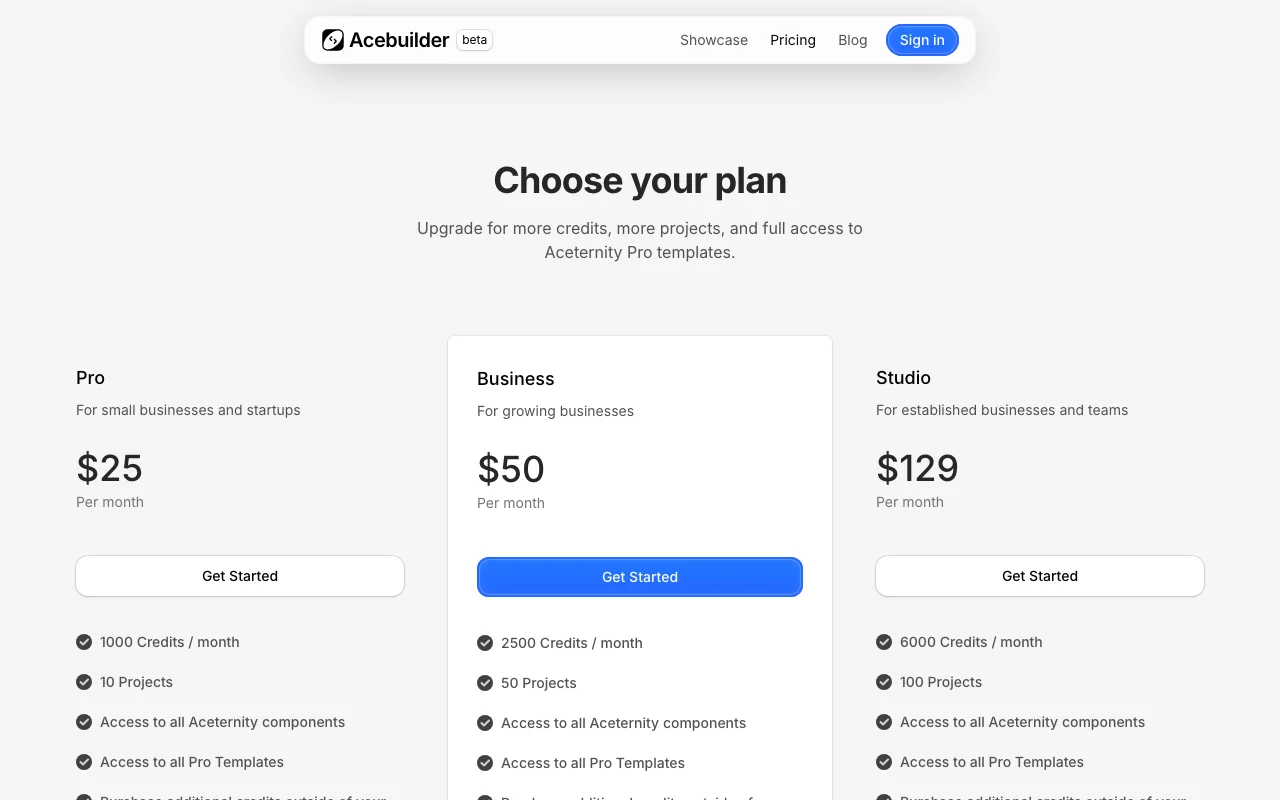
Prices checked Oct 1, 2026 on the official US pricing page. Official pricing ↗ Prices and limits change often.
The official Acebuilder pricing page as we saw it. acebuilder.ai, captured Oct 1, 2026
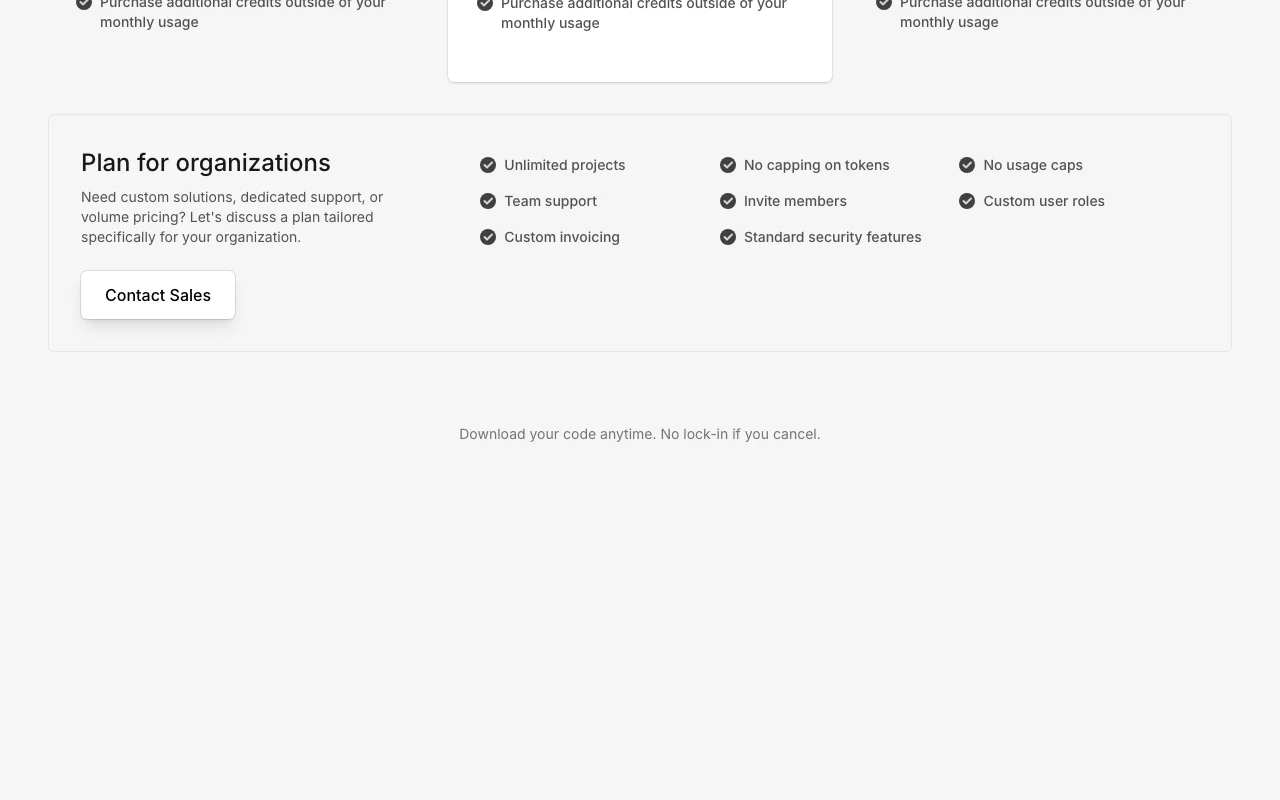
Additional credits can be purchased outside the monthly allowance.
Not stated.
What is Acebuilder, and how does it work?
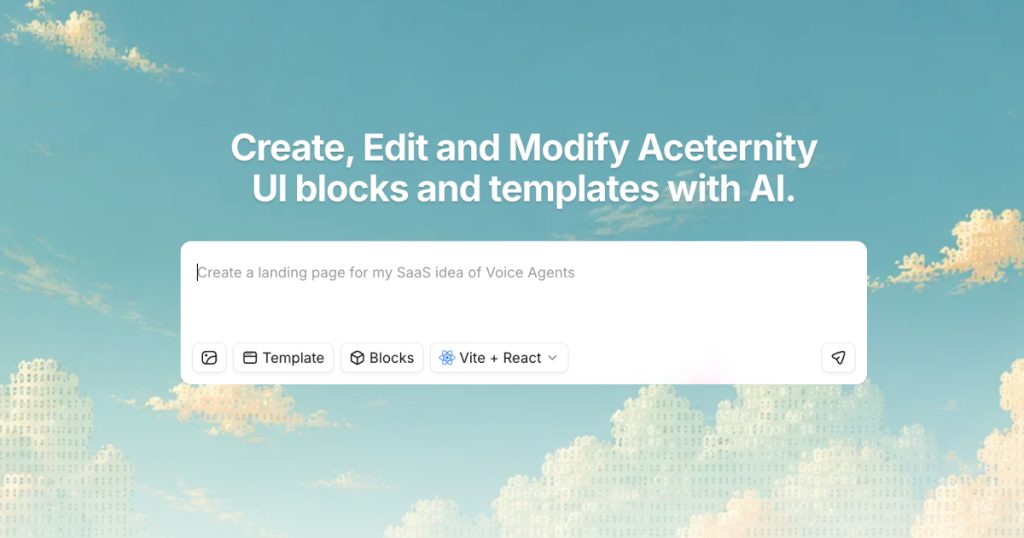
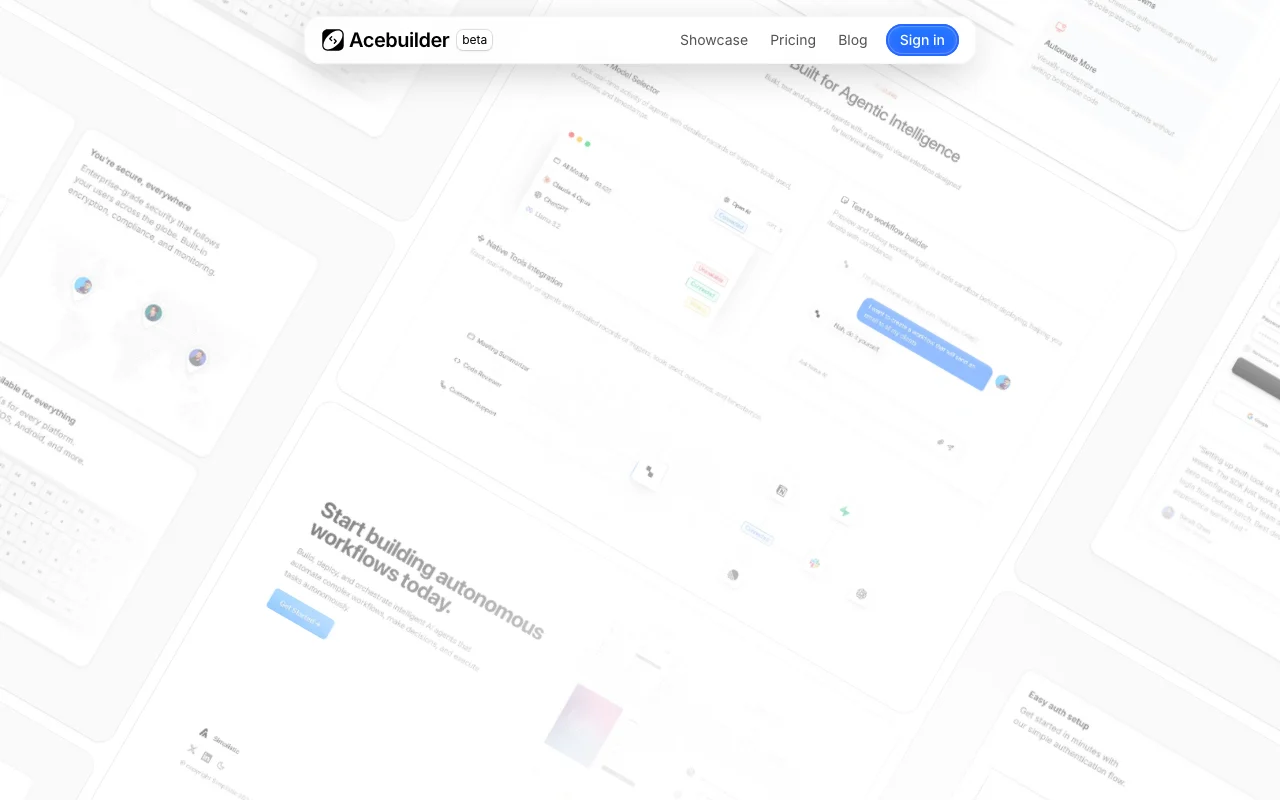
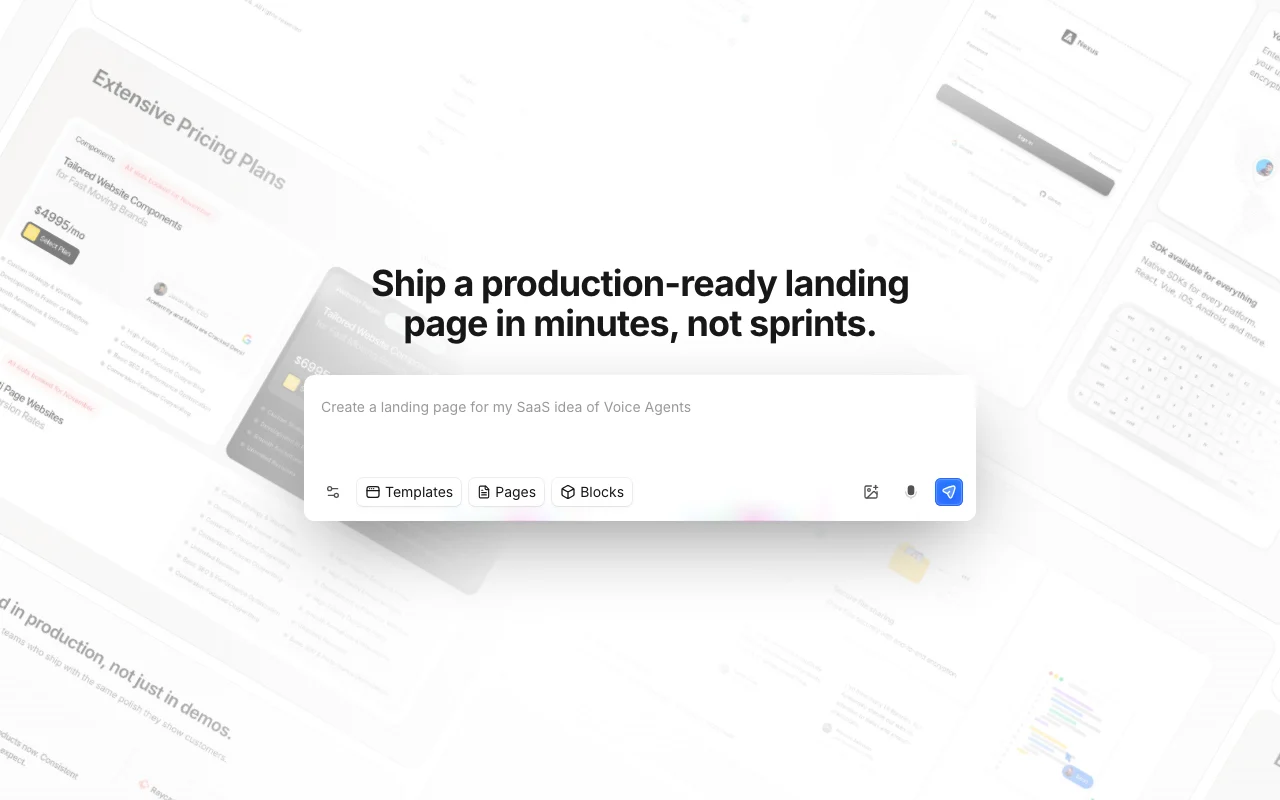
Acebuilder is a beta AI builder for landing pages made by the Aceternity team. Users describe a site, start from Aceternity UI templates and blocks, and edit in chat.
Generated pages can be exported as source code, and image generation is built into the editor. Usage is metered in credits.
Acebuilder's official site: how the product presents itself. acebuilder.ai, captured Oct 1, 2026
What you provide and what you get back
What you give Acebuilder and what comes back, from its documentation
You provide
Text description of a page
Aceternity UI Pro templates
Image prompts
You get back
Landing page built from React and Tailwind components
Downloadable source code
Generated images
Where you can use it
Platforms
Web
Account
Required
Stack
React and Tailwind via Aceternity UI
Export
Full source code download
Image model
Flux appears in the image prompt UI
What people use Acebuilder for
Scenarios are worked out by our editors from the documentation; the actual result depends on your input and plan.
Landing pages
Who
Founders launching a product
You provide
A short brief of product, audience and offer
Expected result
A first landing page assembled from Pro blocks, editable in chat
Code can be downloaded anytime Moving the site elsewhere does not require rebuilding it, and cancelling does not lock the work in.documentedsource (opens in a new tab)
Access to Pro templates on all plans Even the cheapest tier can open every premium template, so no upgrade is needed for design assets.documentedsource (opens in a new tab)
Extra credits can be purchased Heavy months do not force a plan change because credits can be topped up.documentedsource (opens in a new tab)
Custom plan for organizations Larger teams get roles, invoicing and unlimited projects through a negotiated plan.documentedsource (opens in a new tab)
Built on production React and Tailwind components Exported code is conventional front-end code that developers can maintain.documentedsource (opens in a new tab)
Limitations to check before paying
Credit-based; heavier models use more credits Costs are hard to predict because a single turn can charge for model, tools and images.documentedsource (opens in a new tab)
No free plan seen on pricing page There is no free tier, so you must pay before judging fit.documentedsource (opens in a new tab)
Currently labeled beta A beta label means features and behavior may change.documentedsource (opens in a new tab)
Project limits per plan Heavy multi-site work pushes you to higher tiers.documentedsource (opens in a new tab)
Pricing page does not mention a trial Evaluation requires paying for a month.documentedsource (opens in a new tab)
How to use Acebuilder for building a landing page
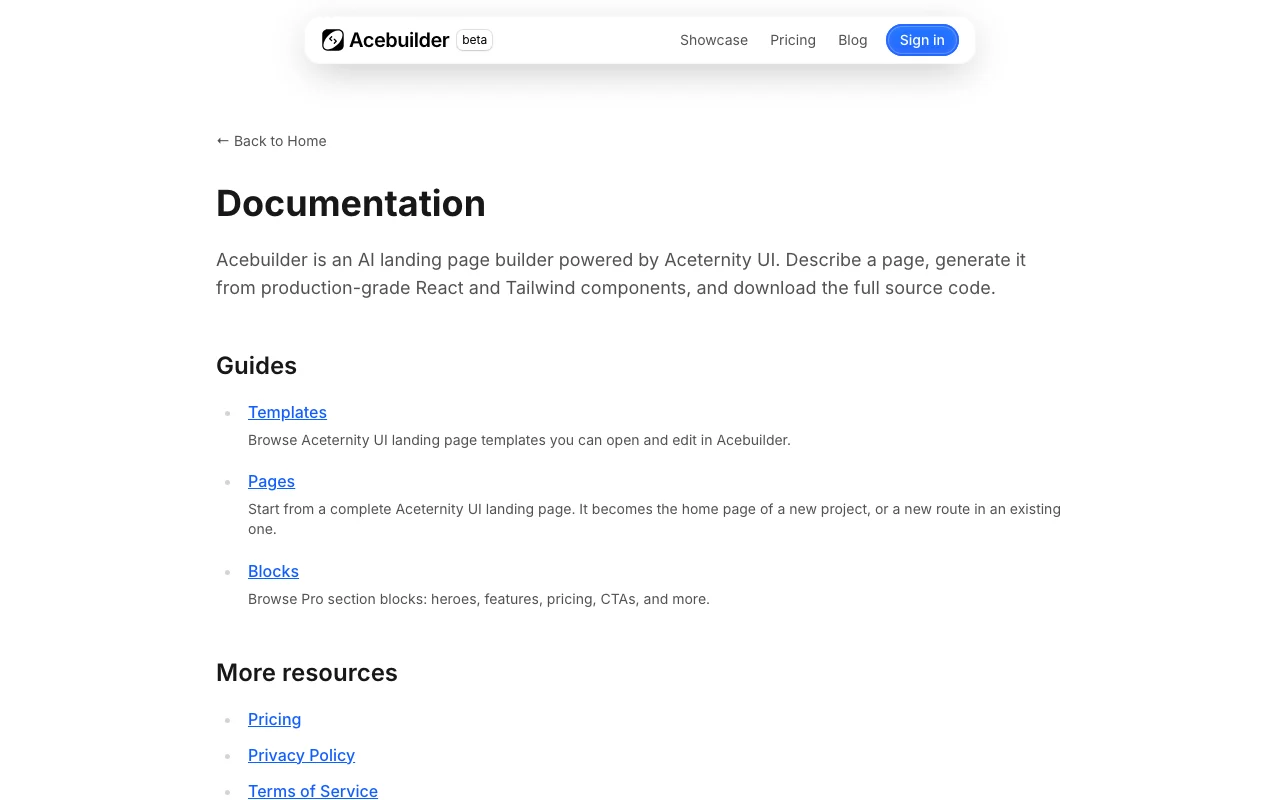
Acebuilder documentation: where the steps below come from. acebuilder.ai, captured Oct 1, 2026
Set up Acebuilder
Open acebuilder.ai and choose Get Started on the Pro plan.
Create an account and pick a plan to receive monthly credits.
Create a new project and choose an Aceternity UI Pro template or start from a description.
Open the editor to see the page preview next to the chat panel.
Example: building a landing page
Import a Pro landing page template as the home page of the project.
Ask in chat to rewrite the hero for your product and swap the blocks you do not need.
Select a section and run a skill to improve its layout and copy.
Generate a background image from a prompt and apply it.
Download the source code.
Review and export the result
Review the preview on desktop and mobile widths.
Check the credit balance to see what the session consumed.
Open the downloaded code and confirm it builds.
Example prompt suggested by our editors (not a recorded output of the product)
Rewrite the hero for a hiking guide booking site: headline, one-line subtext, and two buttons for Book a trip and View trails.
Acebuilder integrations and API
Plan comparison on the official pricing page. acebuilder.ai, captured Oct 1, 2026
Native integrations and export formats
Export: React and Tailwind source code
API access and separate billing
Acebuilder has no public API in its official documentation. No API is documented on the fetched pages.
Privacy, data use and commercial rights
Summarized from the vendor's current policies; this is not legal advice and a vendor's badge is not an independent audit.
How your inputs and outputs are handled
Prompts and generated pages are stored in your projects; details are in the privacy policy, which could not be fetched.
Commercial use and plan restrictions
The site has an FAQ on owning generated code; its answer was not included in the fetched text.
Controls for business users
Standard security features on the organization plan
Credits are spent whenever the AI works, including model responses, file reads and edits, search, imports, image generation and screenshots. Heavier models and longer sessions cost more. source (opens in a new tab)
Can I keep my code if I stop paying?
Yes, the pricing page says you can download your code anytime with no lock-in if you cancel. source (opens in a new tab)
Pro is $25 for 1000 credits and 10 projects, Business $50 for 2500 credits and 50 projects, Studio $129 for 6000 credits and 100 projects. source (opens in a new tab)
Is there a plan for larger organizations?
Yes, a custom plan via sales offers unlimited projects, no usage caps, member invites, custom roles and custom invoicing. source (opens in a new tab)
Not verified: Privacy policy content (404 on fetch); Training use and retention; API availability; Answers to the FAQ items on code ownership and refunds.
How we documented and maintain this page
Every fact about Acebuilder above comes from the 3 official pages listed here, last compared on Oct 1, 2026; we have not run Acebuilder ourselves, so it has no editorial score. How we check and re-check pages.
Article updated Oct 10, 2026; prices checked Oct 1, 2026. Outbound links to vendors are plain links; we do not earn commissions. How we review · Report an error
 (open full size in a new tab)
 (open full size in a new tab)
 (open full size in a new tab)
 (open full size in a new tab)
 (open full size in a new tab)
 (open full size in a new tab)