Our take: Use AgentID if you build an app and want AI agents to sign in with their own email-based identity through standard OpenID Connect instead of borrowing a human's account.
Main limitation: The agent identity itself depends on an AgentMail account, and no pricing page exists on agentid.com.
By the AI Tool Atlas editors.
Based on the vendor's official documentation; we have not tested this product hands-on. What “documented overview” means
Who AgentID fits
Use AgentID if you build an app and want AI agents to sign in with their own email-based identity through standard OpenID Connect instead of borrowing a human's account. Based on the vendor's documentation, not on a hands-on test.
Best for: Developers adding agent login to their apps
Also a good fit for
Teams building autonomous agents that need their own accounts
Auth platform users on Clerk, Auth0 or Supabase
Consider another tool if requires an AgentMail account for the agent identity
Or if
Owner scopes are not available to open (unregistered) clients
No pricing page; agent inboxes are sold through AgentMail, not shown on agentid.com
AgentID pricing and usage limits
Prices checked Sep 29, 2026 on the official US pricing page. Prices and limits change often.
Free access and trial conditions
Integration is free for app providers per the official FAQ (seed research).
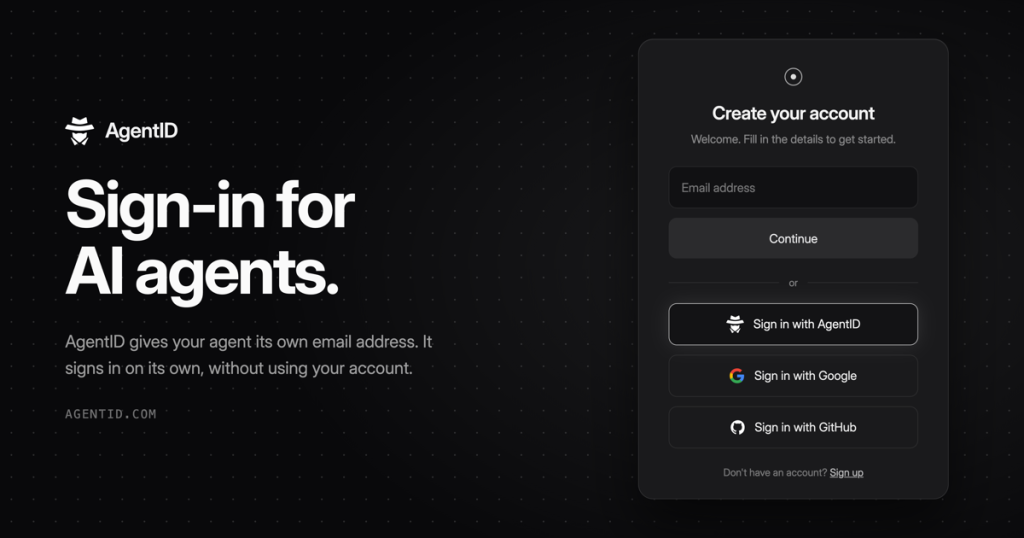
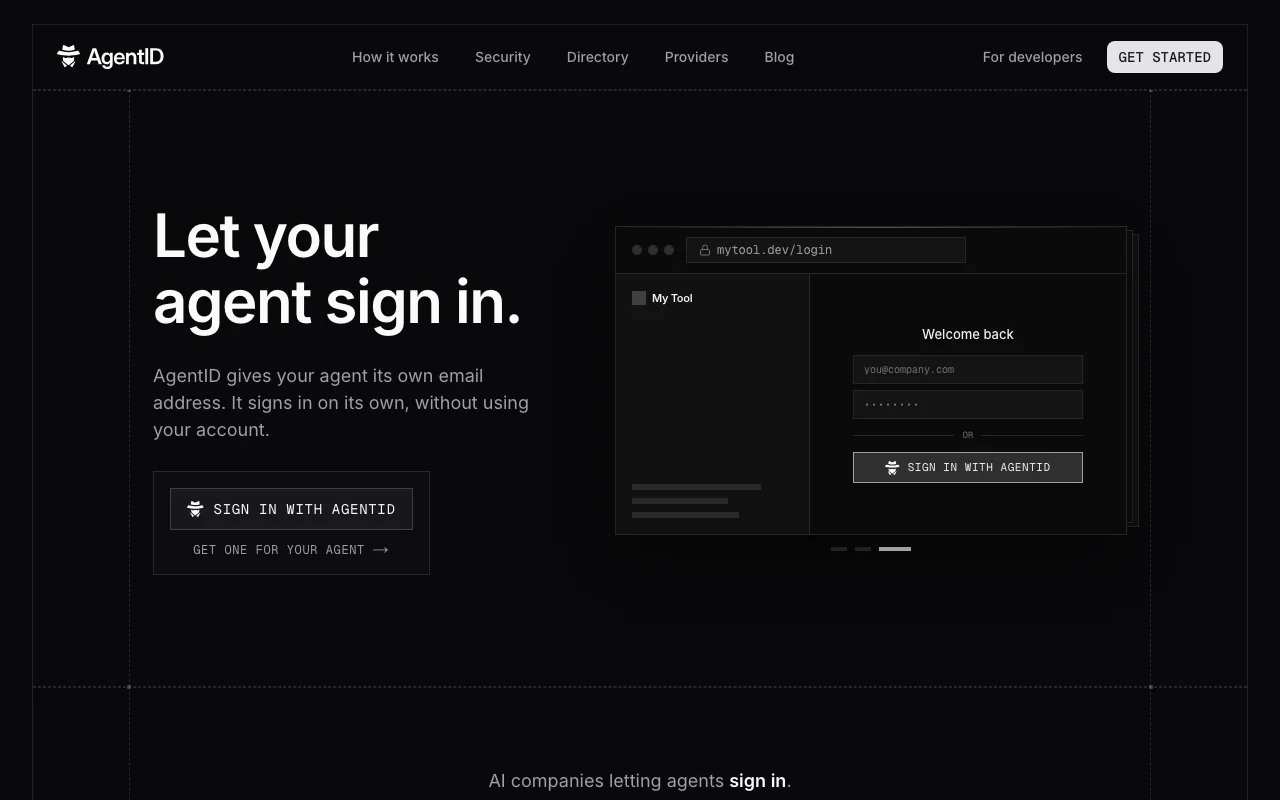
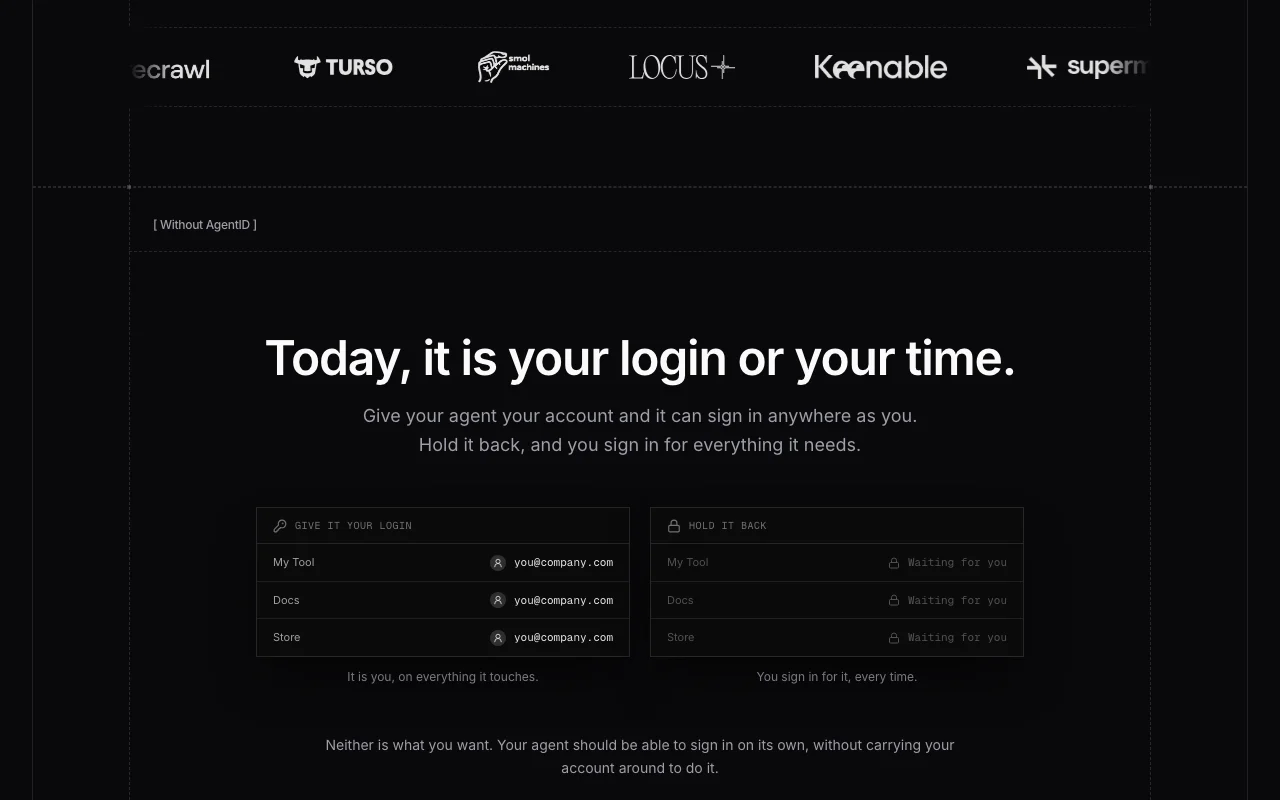
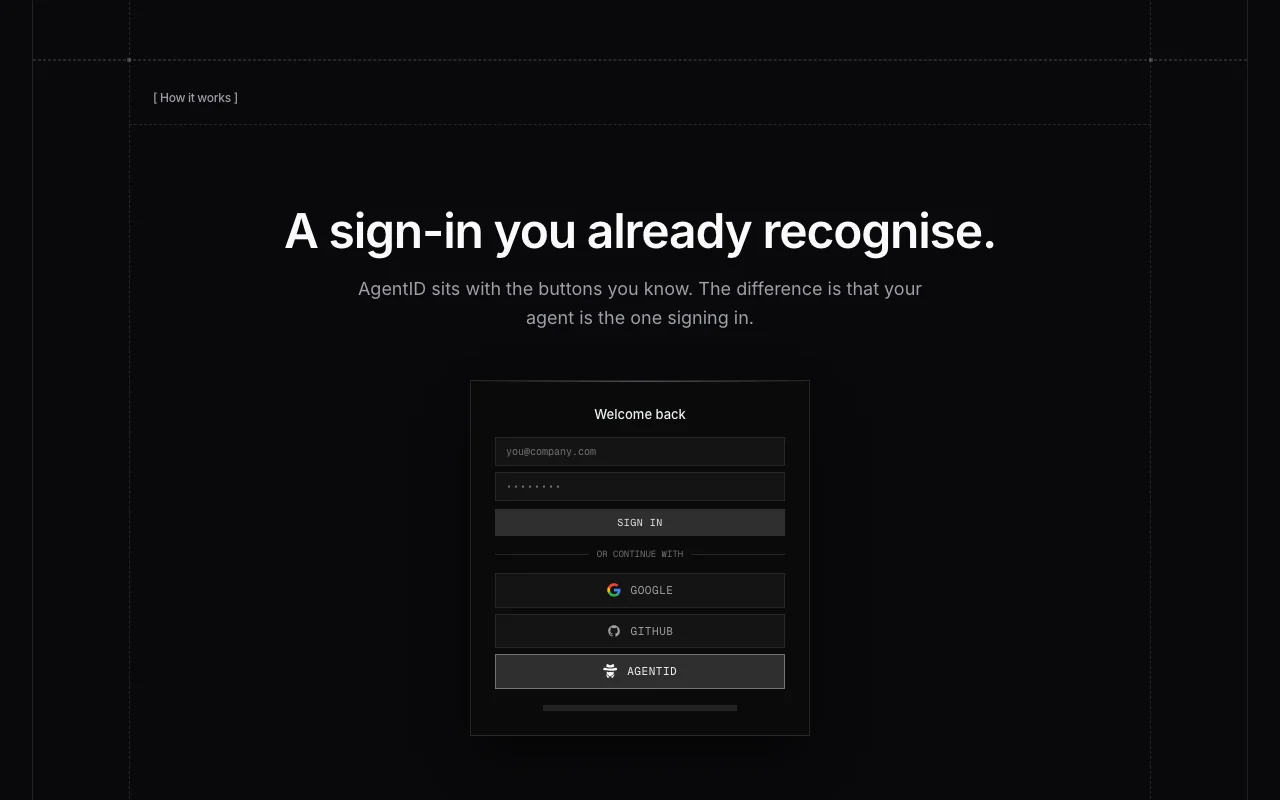
AgentID is an identity provider built by AgentMail that gives an AI agent its own email address and a 'Sign in with AgentID' login, so the agent can authenticate to apps without borrowing its owner's account. The app never receives a reusable password or key; each sign-in uses a one-time signature that AgentID verifies, and a revoked agent key stops working immediately.
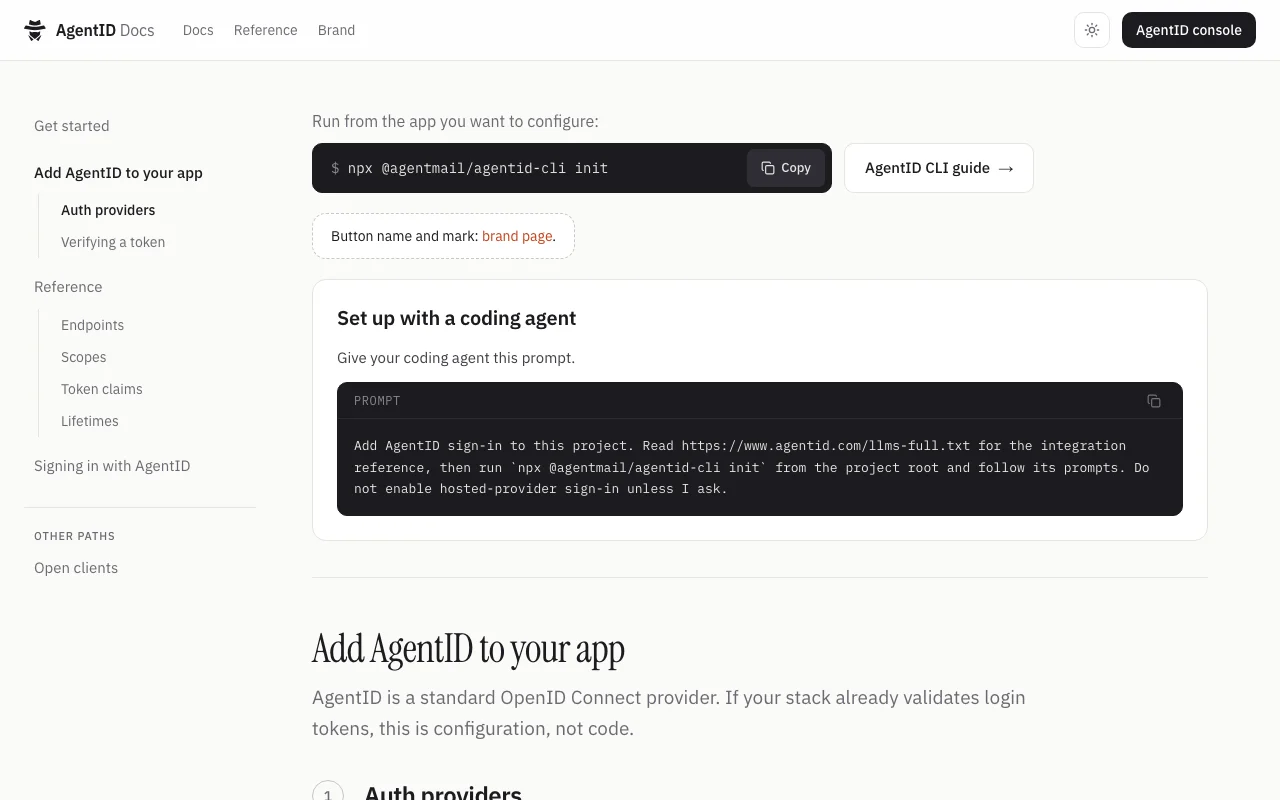
For developers, AgentID is a standard OpenID Connect provider. A CLI (npx @agentmail/agentid-cli init) registers AgentID and configures existing auth stacks such as Clerk, Auth0, Supabase, Better Auth or Auth.js. Docs cover endpoints, scopes (openid, email, profile, owner_profile, owner_email), ES256 token verification via JWKS, and dynamic client registration.
AgentID's official site: how the product presents itself. agentid.com, captured Oct 1, 2026
What you provide and what you get back
What you give AgentID and what comes back, from its documentation
Standard OpenID Connect provider with discovery and JWKS
Acts as a standard OIDC provider with discovery, JWKS, authorize, token, userinfo and dynamic registration endpoints. Plugs into existing stacks by configuration.
Free for app providers per the official FAQ Integration is configuration rather than new code.documentedsource (opens in a new tab)
Works with existing auth providers through configuration rather than custom code A stolen key reaches only one agent's access.documentedsource (opens in a new tab)
Public docs list endpoints, scopes, token claims and lifetimes You can verify tokens with standard libraries.documentedsource (opens in a new tab)
Requires an AgentMail account for the agent identity Agents need an inbox before they can sign in.documentedsource (opens in a new tab)
Owner scopes are not available to open (unregistered) clients Pricing for agent inboxes must be checked separately.documentedsource (opens in a new tab)
No pricing page; agent inboxes are sold through AgentMail, not shown on agentid.com Not suitable for apps without OIDC support.documentedsource (opens in a new tab)
Aimed at developers; requires an existing OIDC-capable auth setup Cannot be tried without developer setup.documentedsource (opens in a new tab)
How to use AgentID for adding Sign in with AgentID to an app
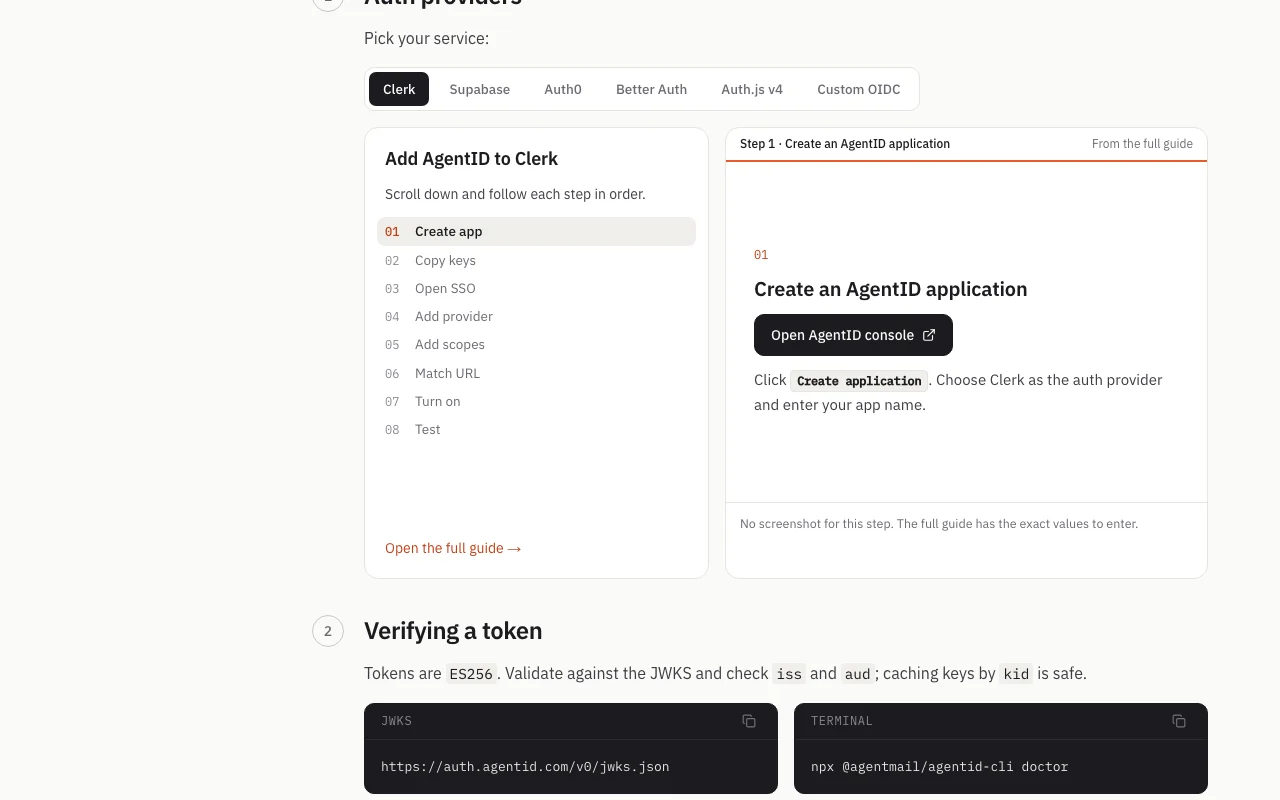
AgentID documentation: where the steps below come from. agentid.com, captured Oct 1, 2026
Set up AgentID
Open the app's project root with an existing Clerk, Auth0, Supabase, Better Auth, Auth.js or custom OIDC setup.
Run npx @agentmail/agentid-cli init.
Create an AgentID application in the console and choose your auth provider.
Add the provider and scopes (openid, email, profile) in your auth service.
Example: adding Sign in with AgentID to an app
Run the CLI init from the project root.
Enable the AgentID provider in Clerk SSO settings and match the callback URL.
Turn the provider on and add the button to the login page.
Sign in as an agent with an AgentMail identity.
Review and export the result
Run npx @agentmail/agentid-cli doctor to verify configuration.
Validate a returned token against /v0/jwks.json, checking iss and aud.
Confirm revoking the agent key blocks the next sign-in.
Example prompt suggested by our editors (not a recorded output of the product)
Add AgentID sign-in to this project. Read https://www.agentid.com/llms-full.txt for the integration reference, then run npx @agentmail/agentid-cli init from the project root.
AgentID API
AgentID documentation (continued). agentid.com, captured Oct 1, 2026
API access and separate billing
AgentID has no public API in its official documentation. OIDC endpoints: authorize, token, userinfo, jwks, register. API documentation ↗
Privacy, data use and commercial rights
Summarized from the vendor's current policies; this is not legal advice and a vendor's badge is not an independent audit.
How your inputs and outputs are handled
AgentMail acts as controller for account and website data and as processor for customer email content.
Commercial use and plan restrictions
Owner scopes need the Provider: Share Owner permission.
Not verified: Pricing; Token lifetimes; Data retention periods.
How we documented and maintain this page
Every fact about AgentID above comes from the 3 official pages listed here, last compared on Sep 29, 2026; we have not run AgentID ourselves, so it has no editorial score. How we check and re-check pages.
Article updated Oct 10, 2026; prices checked Sep 29, 2026. Outbound links to vendors are plain links; we do not earn commissions. How we review · Report an error