CodingDocumented overviewLast checked Sep 29, 2026

AnyCrawler: Pricing, Features & Best Use Cases

Web scraping and search API that returns clean Markdown from URLs for AI agents and RAG, with screenshots.
Who AnyCrawler fits

Pick AnyCrawler when AI agents or RAG pipelines need clean Markdown from live pages with published per-request credit costs, starting free with 5,000 one-time credits. Based on the vendor's documentation, not on a hands-on test.

Best for: AI agent developers

Also a good fit for

  • RAG builders
  • Teams needing scraping APIs

Consider another tool if credit-metered; fetch 2, render 10, screenshots 20-50 credits

Or if

  • Free credits are one-time, not monthly
  • Rate and browser concurrency limits per plan

AnyCrawler pricing and usage limits

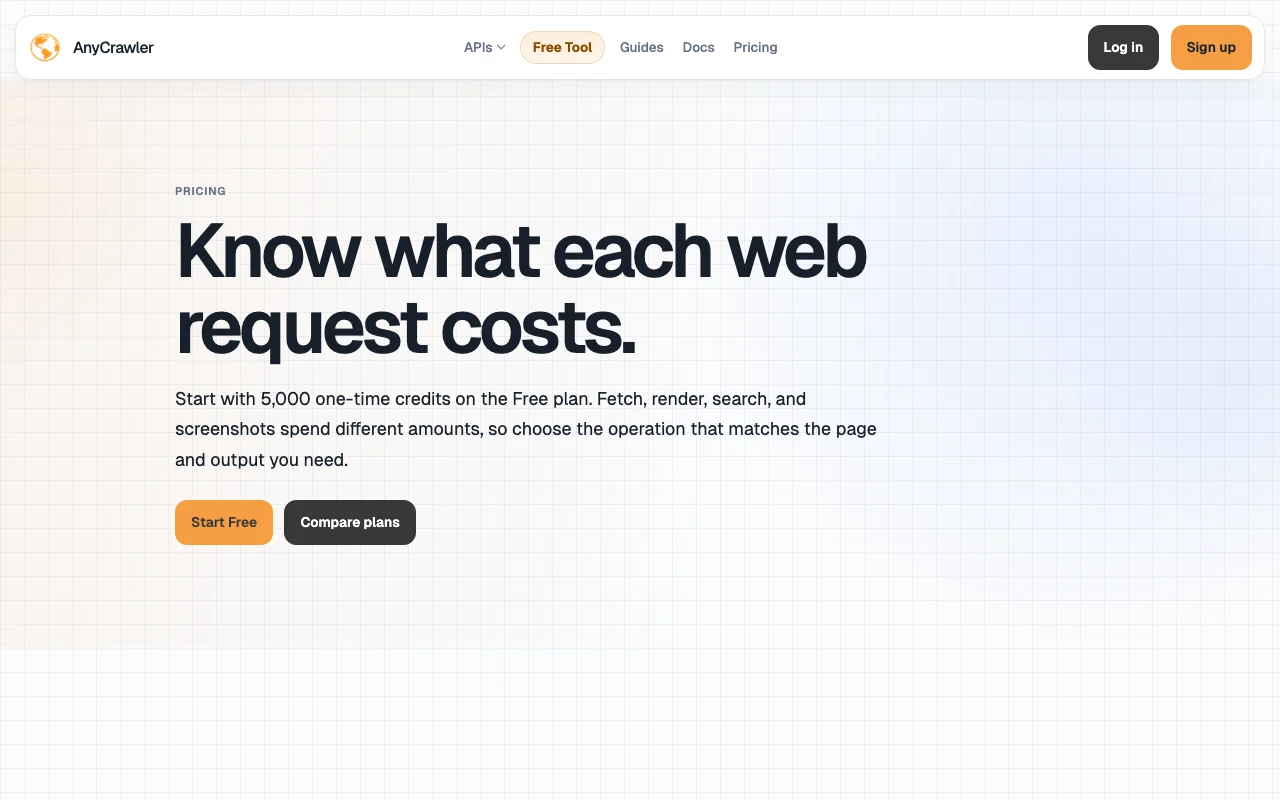
Prices checked Sep 29, 2026 on the official US pricing page. Official pricing ↗ Prices and limits change often.

AnyCrawler pricing page with plans and prices — screenshot of the coding AI tool, Oct 1, 2026
The official AnyCrawler pricing page as we saw it. anycrawler.com, captured Oct 1, 2026

Free access and trial conditions

Free plan with 5,000 one-time credits; a try-a-URL tool needs no signup.

No separate trial.

Paid plans: what changes as you upgrade

Free Web

Free source (opens in a new tab)

One-time

For: Early validation

Limits

  • 5,000 one-time credits
  • Fetch 30 req/min
1 more
  • Browser 1 concurrent

Includes

  • $0 per credit

API included

Agent Lite Web

$5/mo source (opens in a new tab)

Month

For: Low-frequency agents

Limits

  • 15,000 per month credits
  • Fetch 60 req/min
1 more
  • Browser 2 concurrent

Includes

  • $0.000333 per credit

API included

Builder Web

$20/mo source (opens in a new tab)

Month

For: Shipping crawler workflows

Limits

  • 80,000 per month credits
  • Fetch 180 req/min
1 more
  • Browser 3 concurrent

Includes

  • $0.000250 per credit

API included

Growth Web

$80/mo source (opens in a new tab)

Month

For: Production scraping teams

Limits

  • 960,000 per month credits
  • Fetch 480 req/min
1 more
  • Browser 8 concurrent

Includes

  • $0.0000833 per credit

API included

Scale Web

$200/mo source (opens in a new tab)

Month

For: High-volume pipelines

Limits

  • 3,000,000 per month credits
  • Fetch 1200 req/min
1 more
  • Browser 20 concurrent

Includes

  • $0.0000667 per credit

API included

Usage caps, credits and extra costs

Persistent top-ups sold separately; optional fields add 1 credit each; higher volume terms via support.

Not stated.

What is AnyCrawler, and how does it work?

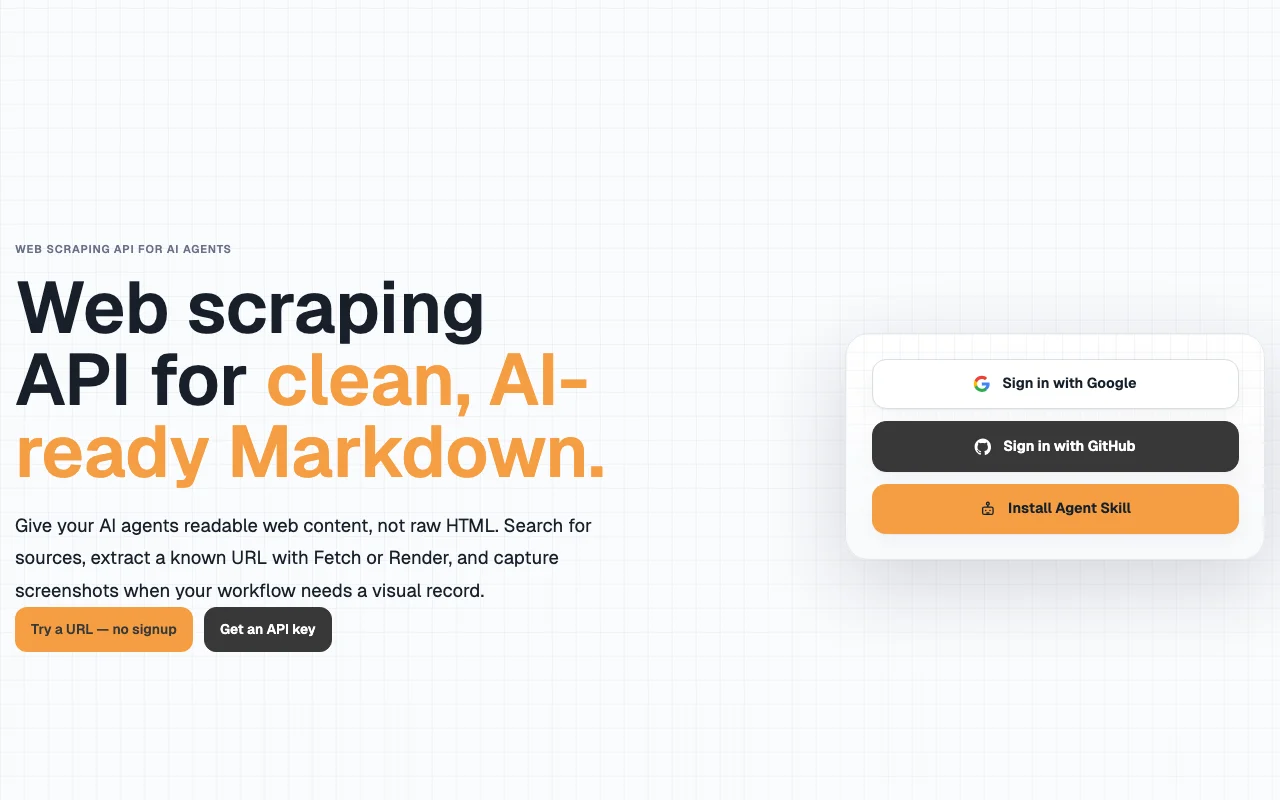
AnyCrawler is a credit-based API that turns web pages into Markdown. Fetch reads the page's initial HTML, Render loads it in a browser first, and separate endpoints cover web search and screenshots. Access is through an API key and a web account (sign-in with Google or GitHub). A free tool lets visitors try a URL without signing up.

AnyCrawler homepage — screenshot of the coding AI tool, Oct 1, 2026
AnyCrawler's official site: how the product presents itself. anycrawler.com, captured Oct 1, 2026

What you provide and what you get back

How AnyCrawler works: what you provide, where it runs and what you get backYOU PROVIDEYour inputA known URL to fetch or renderA search queryScreenshot optionsCODINGAnyCrawlerWeb, APIfrom $5/mo (Agent Lite)free tier availableaccount requiredchecked Sep 29, 2026YOU GET BACKThe resultClean MarkdownMetadata and linksSearch result listsPNG screenshotsinput → AnyCrawler → output · from the vendor's own pages, no hands-on test unless stated
What you give AnyCrawler and what comes back, from its documentation

You provide

  • A known URL to fetch or render
  • A search query
  • Screenshot options

You get back

  • Clean Markdown
  • Metadata and links
  • Search result lists
  • PNG screenshots

Where you can use it

Platforms
Web, API
Account
Required
Operations
Search, fetch, render, screenshot
Search channels
Web, image, news, video, scholar
Output
Markdown, JSON, PNG
Sign-in
Google or GitHub

Where AnyCrawler is most useful

Scenarios are worked out by our editors from the documentation; the actual result depends on your input and plan.

Feeding web content to AI agents

Who
Agent developers
You provide
URLs or search queries from the agent
Expected result
Markdown the model can read directly
Plan needed
Agent Lite and up
Limitation
Credit cost per call source (opens in a new tab)

Building RAG pipelines

Who
RAG engineers
You provide
A list of source URLs
Expected result
Clean Markdown documents for indexing
Plan needed
Builder and up
Limitation
Fetch rate limited per minute by plan source (opens in a new tab)

Scraping JavaScript-heavy pages

Who
Developers with dynamic sites
You provide
URLs needing browser rendering
Expected result
Markdown after browser rendering
Plan needed
Any plan
Limitation
Render costs 10 credits source (opens in a new tab)

Capturing visual evidence of pages

Who
Monitoring and compliance teams
You provide
Page URL with viewport or full-page mode
Expected result
PNG of the visible or full page
Plan needed
Any plan
Limitation
20 to 50 credits per image source (opens in a new tab)

What AnyCrawler does, and where it stops

AnyCrawler homepage — screenshot of the coding AI tool, Oct 1, 2026
Feature overview on the official site. anycrawler.com, captured Oct 1, 2026

URL to Markdown (Fetch)

Reads the page's initial HTML and returns Markdown for 2 credits. Cheap extraction when no JavaScript is needed.

Access: All plansLimit: Does not execute JavaScript source (opens in a new tab)

JavaScript rendering (Render)

Loads the page in a browser first and returns Markdown for 10 credits base. Gets content that only appears after scripts run.

Access: All plansLimit: Browser concurrency limited per plan source (opens in a new tab)

Search APIs

Separate endpoints for web, image, news, video and scholar search at 2 credits per result. Finds source pages before crawling.

Access: All plansLimit: Cost scales with number of results source (opens in a new tab)

Screenshots

Captures viewport (20 credits) or full-page (50 credits) PNGs. Visual record alongside structured output.

Access: All plansLimit: Markdown needs a separate fetch call source (opens in a new tab)

Pros, cons and deal-breakers

Where AnyCrawler is strong

Limitations to check before paying

How to use AnyCrawler for converting web pages to Markdown for an AI agent

Set up AnyCrawler

  1. Open anycrawler.com and sign in with Google or GitHub
  2. Create an API key in the console
  3. Store the key as an environment variable
  4. Choose Fetch for static pages or Render for JavaScript pages

Example: converting web pages to Markdown for an AI agent

  1. Send a Fetch request with the target URL
  2. Read results.markdown in the JSON response
  3. Retry with Render if content is missing
  4. Check credits_used in the response

Review and export the result

  1. Compare the Markdown with the visible page
  2. Call GET /v1/account/usage to confirm credit rules and balance

AnyCrawler integrations and API

AnyCrawler pricing page with plans and prices — screenshot of the coding AI tool, Oct 1, 2026
Plan comparison on the official pricing page. anycrawler.com, captured Oct 1, 2026

Native integrations and export formats

Export: Markdown, JSON, PNG

API access and separate billing

AnyCrawler has no public API in its official documentation. REST API with usage endpoint /v1/account/usage; docs URL returned 404 at review

Privacy, data use and commercial rights

Summarized from the vendor's current policies; this is not legal advice and a vendor's badge is not an independent audit.

How your inputs and outputs are handled

Target URLs, search queries, request metadata and crawl outputs are processed to return results.

Not stated in reviewed text.

Varies by data type per the policy; specifics not captured.

Commercial use and plan restrictions

Policy says AnyCrawler does not claim ownership of content you access; you are responsible for legal basis.

Not stated.

Controls for business users

  • Request logs
  • API keys

Policies: anycrawler.com/privacy/

Best AnyCrawler alternatives for different needs

"Better suited" is based on documented features and pricing, not on a head-to-head test.

Perplexity: better suited to

Alternatives
AlternativeWhen to choose itPricingLimitation
Perplexity——

Explore AnyCrawler further

Tools and guides near AnyCrawler

AnyCrawler user reviews

No user reviews yet.

Used AnyCrawler? Be the first to share your experience.

Write a review

Reviews are checked by a moderator before they appear. Your email is never published. Plain text only.

Your rating (required)

Show what you made or what went wrong. Images are published only if the review is approved; location data is removed.

    AnyCrawler FAQ

    What does a fetch cost compared with a render?

    Fetch costs 2 credits base and returns Markdown from the initial HTML; render costs 10 credits base after loading in a browser. source (opens in a new tab)

    How far do the free 5,000 credits go?

    At base cost, about 2,500 fetches, 500 renders, 250 viewport screenshots or 100 full-page screenshots. source (opens in a new tab)

    Do paid plans have rate limits?

    Yes: fetch limits run from 60 requests per minute on Agent Lite to 1,200 on Scale, and browser concurrency from 2 to 20. source (opens in a new tab)

    Can I reduce render cost?

    With accept_cache=true, a valid render cache hit has a 1-credit base cost; optional fields can still add credits. source (opens in a new tab)

    Do optional fields cost extra?

    include_metadata, include_links and include_media add 1 credit each on fetch and render. source (opens in a new tab)

    Sources and review methodology

    Official sources and verification dates

    Not verified: Docs content; Training-data policy; Exact retention periods.

    How we documented and maintain this page

    Every fact about AnyCrawler above comes from the 2 official pages listed here, last compared on Sep 29, 2026; we have not run AnyCrawler ourselves, so it has no editorial score. How we check and re-check pages.

    Article updated Oct 10, 2026; prices checked Sep 29, 2026. Outbound links to vendors are plain links; we do not earn commissions. How we review · Report an error