CodingDocumented overviewLast checked Sep 29, 2026

Autosana: Pricing, Features & Best Use Cases

AI end-to-end testing for iOS, Android and web apps, with tests written in natural language.
Is Autosana right for you?

Autosana suits mobile and web teams that want end-to-end tests written in natural language and run in CI by their coding agents, though pricing must be requested through a demo. Based on the vendor's documentation, not on a hands-on test.

Best for: Mobile engineering teams

Also a good fit for

  • Teams using coding agents

Consider another tool if pricing not published ('coming soon')

Or if

  • Demo-based onboarding ('Book a Demo')
  • Requires uploading app builds for cloud runs

Autosana pricing and usage limits

Prices checked Sep 29, 2026 on the official US pricing page. Official pricing ↗ Prices and limits change often.

Autosana pricing page with plans and prices — screenshot of the coding AI tool, Oct 1, 2026
The official Autosana pricing page as we saw it. autosana.ai, captured Oct 1, 2026

Free access and trial conditions

No free tier documented

Not stated; Book a Demo is the entry point

Paid plans: what changes as you upgrade

Not published web

See official pricing source (opens in a new tab)

Unknown

For: Teams ready to book a demo

Limits

  • Pricing page returned empty during checking

Includes

  • Contact sales via Book a Demo

Usage caps, credits and extra costs

Not stated

Not stated

What is Autosana, and how does it work?

Autosana is an E2E testing platform where tests are written in natural language for mobile apps and websites. It runs on cloud-hosted devices or locally and adapts tests when the UI changes. The docs cover a CLI, an MCP server, an API, and integrations such as GitHub, Jira, Linear and Slack. The pricing page says details are being finalized.

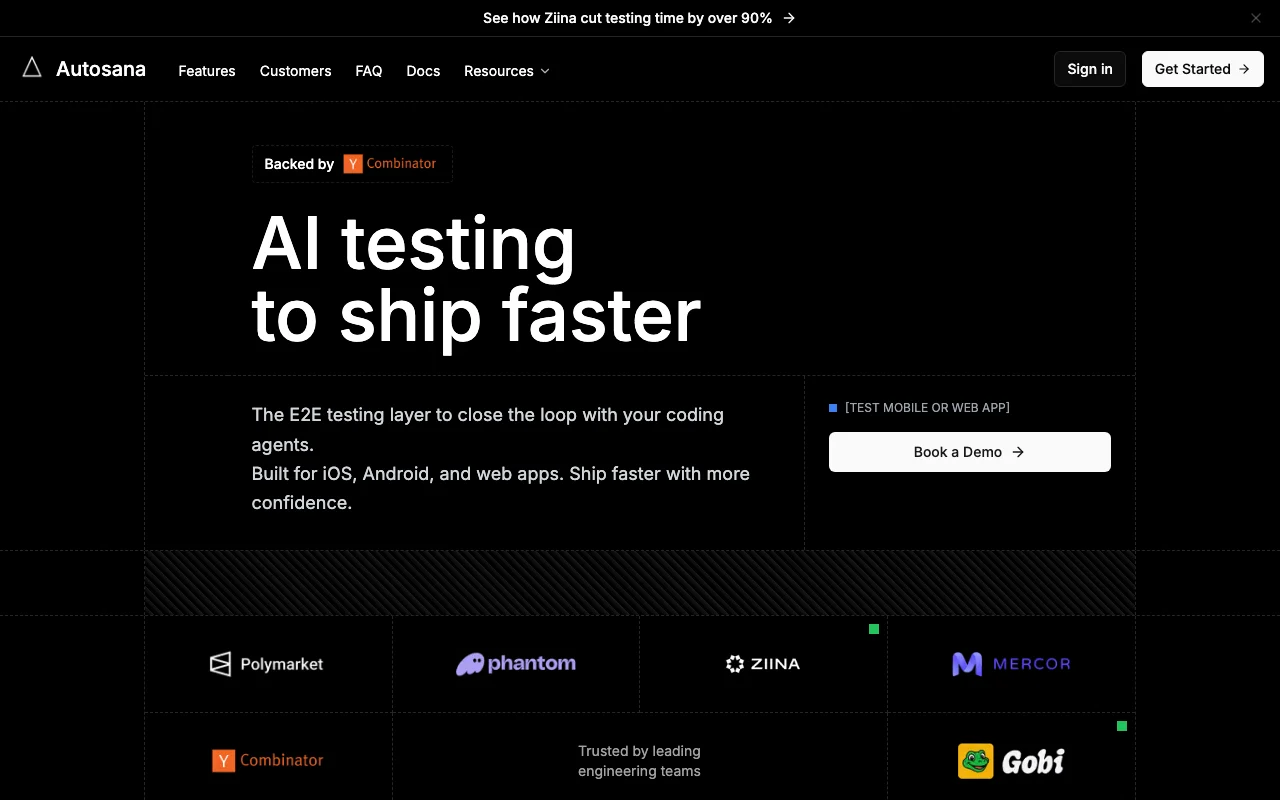
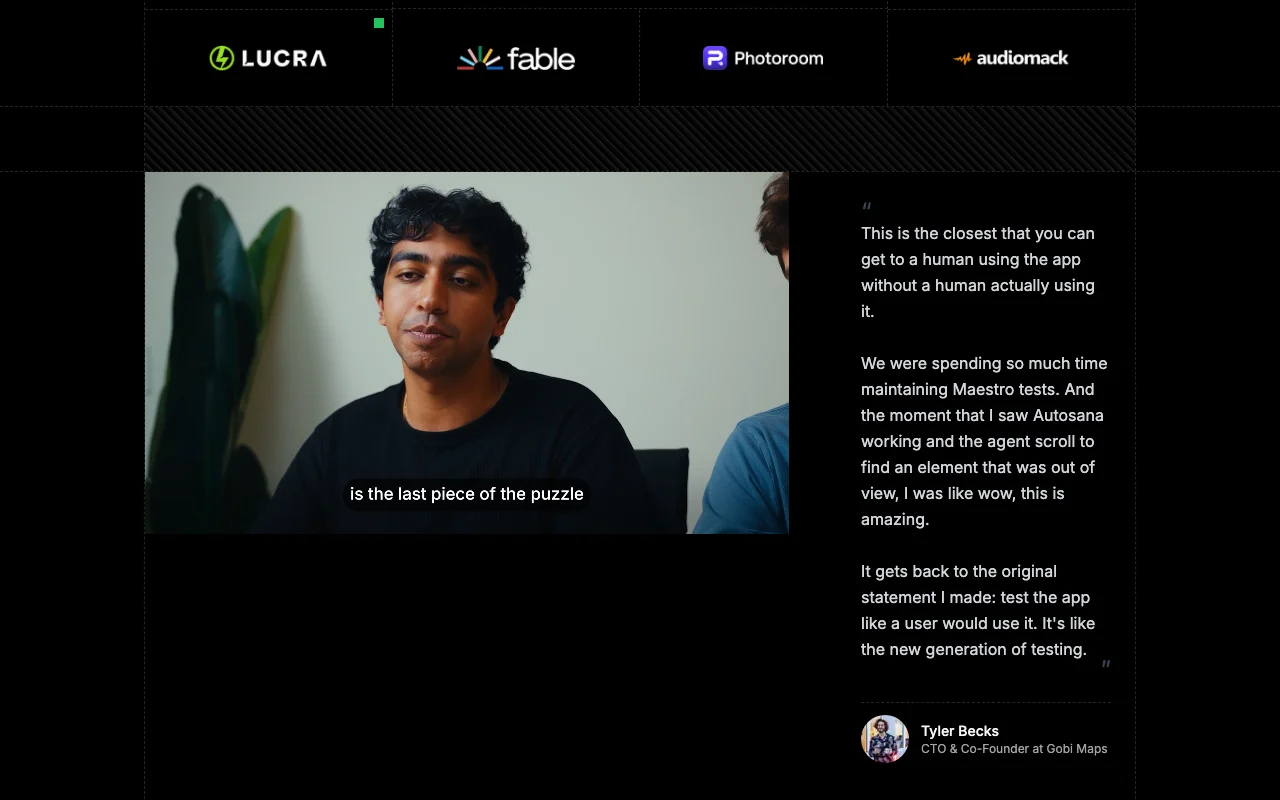
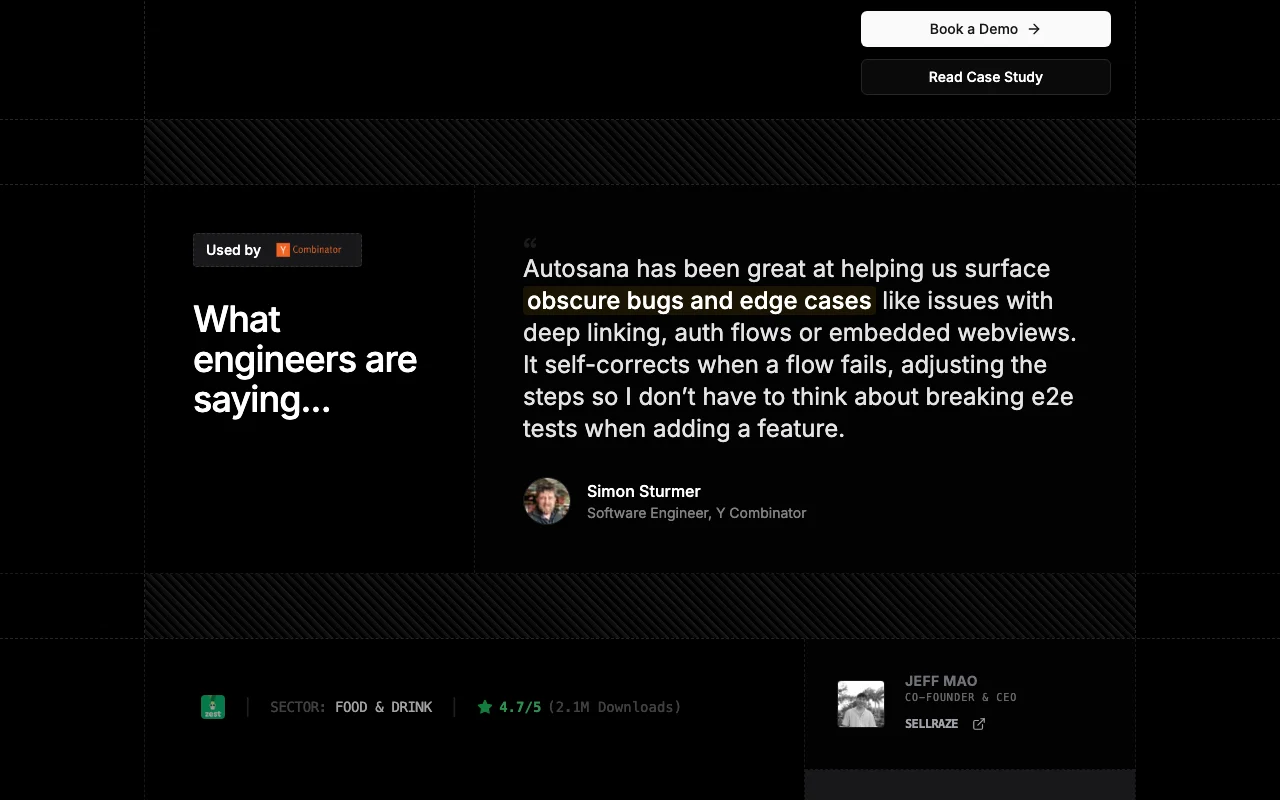
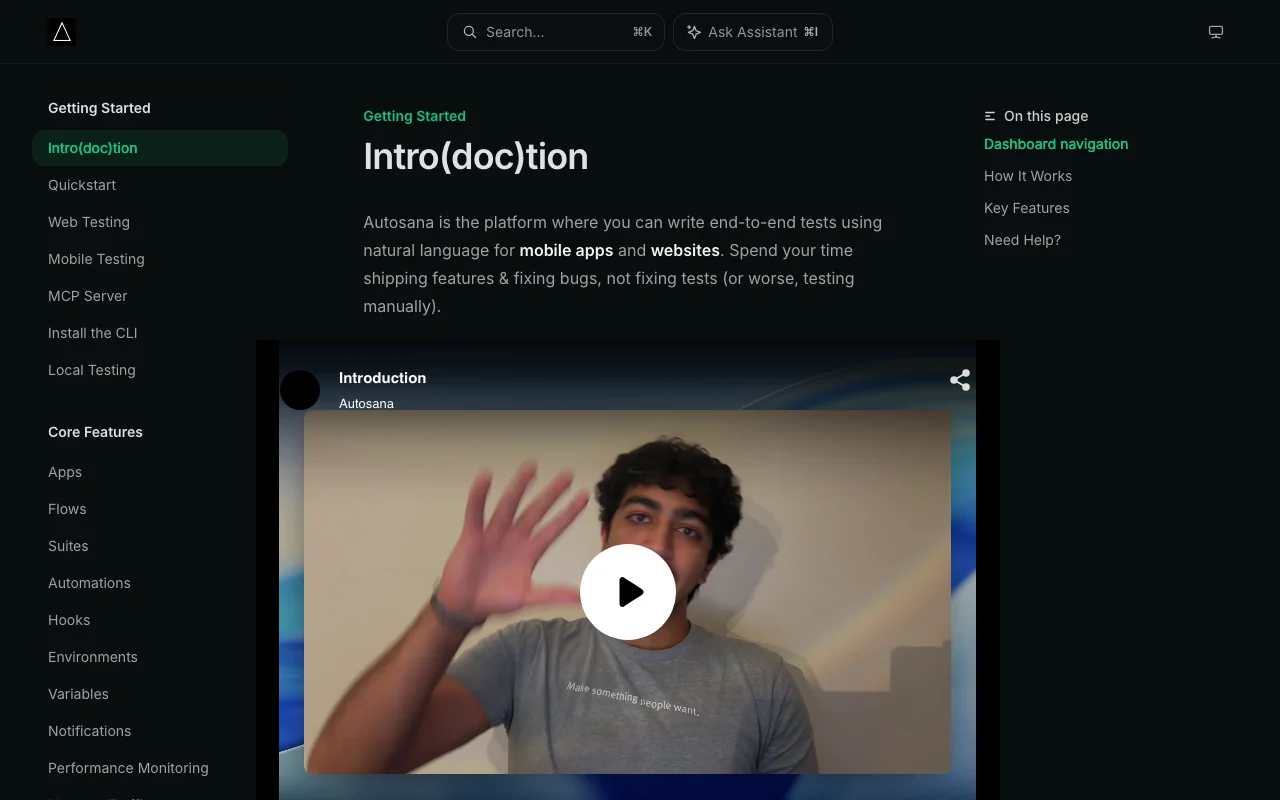
Autosana homepage — screenshot of the coding AI tool, Oct 1, 2026
Autosana's official site: how the product presents itself. autosana.ai, captured Oct 1, 2026

What you provide and what you get back

How Autosana works: what you provide, where it runs and what you get backYOU PROVIDEYour inputiOS or Android builds, or a web U…Natural-language test flowsCode diffs and CI triggersCODINGAutosanaWeb, APIprice not publishedno free tieraccount requiredchecked Sep 29, 2026YOU GET BACKThe resultPass/fail runs with session replayReports via PR, email or SlackSelf-healed flow updatesinput → Autosana → output · from the vendor's own pages, no hands-on test unless stated
What you give Autosana and what comes back, from its documentation

You provide

  • iOS or Android builds, or a web URL
  • Natural-language test flows
  • Code diffs and CI triggers

You get back

  • Pass/fail runs with session replay
  • Reports via PR, email or Slack
  • Self-healed flow updates

Where you can use it

Platforms
Web, API
Account
Required
Platforms
iOS, Android, web
Frameworks
Flutter, React Native, Swift, Kotlin, React
Browsers
Chrome, Firefox, Edge, Chromium
Reporting
PR, email, Slack
Integrations
GitHub, Jira, Linear, Slack

What people use Autosana for

Scenarios are worked out by our editors from the documentation; the actual result depends on your input and plan.

End-to-end mobile app testing

Who
Mobile engineering teams
You provide
An uploaded iOS or Android build and plain-English flows
Expected result
Recorded runs of the app on cloud devices
Plan needed
Demo-quoted
Limitation
Cloud runs require uploading app builds source (opens in a new tab)

Web app regression testing

Who
Web teams on Chrome, Firefox, Edge or Chromium
You provide
A web URL and written flows
Expected result
Regression results per run
Plan needed
Demo-quoted
Limitation
Pricing not public source (opens in a new tab)

Testing in CI via CLI or GitHub

Who
Teams with pull-request workflows
You provide
CLI, GitHub integration or code-managed flow files
Expected result
Run recordings posted in each PR
Plan needed
Demo-quoted
Limitation
Setup beyond quickstart not verified source (opens in a new tab)

Closing the loop for coding agents

Who
Teams using AI coding agents
You provide
MCP server connection
Expected result
Agents trigger E2E checks on their own changes
Plan needed
Demo-quoted
Limitation
MCP setup details were not read source (opens in a new tab)

Key features and their practical limits

Autosana homepage — screenshot of the coding AI tool, Oct 1, 2026
Feature overview on the official site. autosana.ai, captured Oct 1, 2026

Natural-language test flows

Lets you describe tests in plain English instead of scripting selectors Non-specialists can write and read tests

Access: AccountLimit: Wording must be clear for the agent source (opens in a new tab)

Self-healing tests

Adapts flows when the UI changes, using code diffs Cuts maintenance of broken tests

Access: AccountLimit: Heals what it can infer; real regressions still need review source (opens in a new tab)

Cloud-hosted devices

Runs iOS, Android and web browsers in Autosana's cloud or locally No device farm to maintain

Access: AccountLimit: Cloud runs need uploaded builds source (opens in a new tab)

Session replay

Records each run and posts it in the PR Lets you verify the agent's result visually

Access: AccountLimit: Retention not stated source (opens in a new tab)

MCP server and CLI

Exposes testing to coding agents and scripts Fits into agent and CI loops

Access: AccountLimit: Documentation depth not fully checked source (opens in a new tab)

Pros, cons and deal-breakers

Reasons to choose Autosana

Check before paying for Autosana

How to use Autosana for running a natural-language end-to-end test on a mobile app

Autosana documentation — screenshot of the coding AI tool, Oct 1, 2026
Autosana documentation: where the steps below come from. docs.autosana.ai, captured Oct 1, 2026

Set up Autosana

  1. Book a demo or sign in at autosana.ai (GitHub, Google or email)
  2. Upload your iOS or Android build, or enter a web URL, manually or from CI
  3. Open the Flows page in the dashboard

Example: running a natural-language end-to-end test on a mobile app

  1. Write a flow in plain English, such as logging in and adding an item to the cart
  2. Run it on a cloud device or locally
  3. Watch the session replay for the run
  4. Add the flow to an Automation that runs on each PR

Review and export the result

  1. Confirm the replay shows each step you described
  2. Check the PR comment or Slack report after a CI run
Example prompt suggested by our editors (not a recorded output of the product)
Open the app, log in with the test account, add the first product to the cart and verify the cart shows one item.
Autosana API

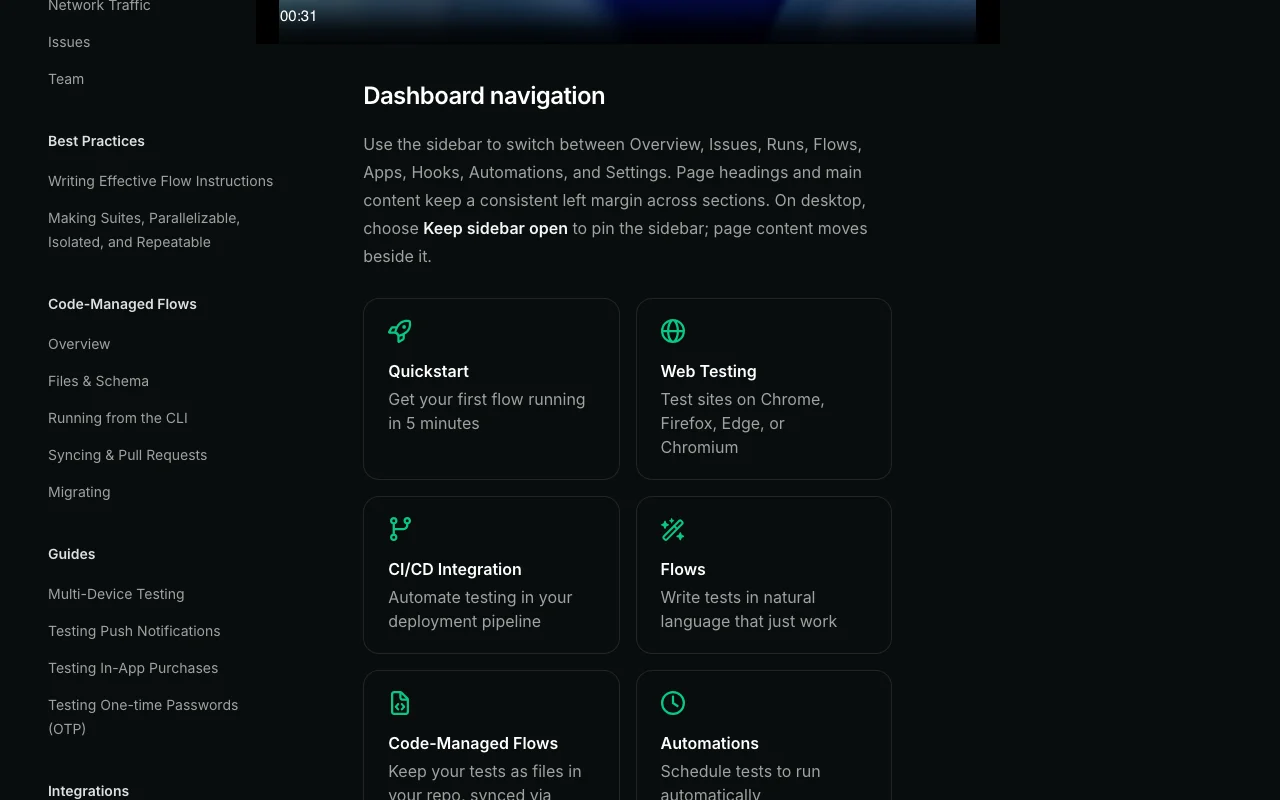
Autosana documentation — screenshot of the coding AI tool, Oct 1, 2026
Autosana documentation (continued). docs.autosana.ai, captured Oct 1, 2026

API access and separate billing

An API is available, billing not documented. Docs mention a CLI, MCP server and API API documentation ↗

Privacy, data use and commercial rights

Summarized from the vendor's current policies; this is not legal advice and a vendor's badge is not an independent audit.

How your inputs and outputs are handled

App builds, URLs and flow definitions are uploaded; runs are recorded

Not stated

Not stated

Commercial use and plan restrictions

Not stated

Not stated

Policies: autosana.ai/privacy

Autosana alternatives by need

"Better suited" is based on documented features and pricing, not on a head-to-head test.

Cursor: better suited to

GitHub Copilot: better suited to

Alternatives
AlternativeWhen to choose itPricingLimitation
Cursor——Compare
GitHub Copilot——Compare

Explore Autosana further

Tools and guides near Autosana

Autosana user reviews

No user reviews yet.

Used Autosana? Be the first to share your experience.

Write a review

Reviews are checked by a moderator before they appear. Your email is never published. Plain text only.

Your rating (required)

Show what you made or what went wrong. Images are published only if the review is approved; location data is removed.

    Autosana FAQ

    How much does Autosana cost?

    The pricing page was empty when checked and the site points to Book a Demo, so no price is public. source (opens in a new tab)

    Which platforms can Autosana test?

    iOS, Android and web (Chrome, Firefox, Edge, Chromium). source (opens in a new tab)

    What happens when my UI changes?

    Autosana's agents adapt and update flows based on code diffs instead of requiring rewrites. source (opens in a new tab)

    Can I keep tests in my repo?

    Yes, the docs describe Code-Managed Flows stored as files and synced through GitHub. source (opens in a new tab)

    Can I run it in CI?

    Yes, flows can be scheduled on triggers or CI and results post to PRs, email or Slack. source (opens in a new tab)

    Sources and review methodology

    Official sources and verification dates

    Not verified: Pricing; Free tier; Data retention; Training use; US availability.

    How we documented and maintain this page

    Every fact about Autosana above comes from the 3 official pages listed here, last compared on Sep 29, 2026; we have not run Autosana ourselves, so it has no editorial score. How we check and re-check pages.

    Article updated Oct 10, 2026; prices checked Sep 29, 2026. Outbound links to vendors are plain links; we do not earn commissions. How we review · Report an error