Our take: Choose Blume if your team keeps docs as Markdown or MDX in Git and wants a free, open-source Astro-based site that also serves llms.txt, Markdown mirrors and an MCP server to AI agents.
Main limitation: It is a CLI framework you host yourself, with no web editor, and its AI features need your own model provider.
By the AI Tool Atlas editors.
Based on the vendor's official documentation; we have not tested this product hands-on. What “documented overview” means
Who should use Blume
Choose Blume if your team keeps docs as Markdown or MDX in Git and wants a free, open-source Astro-based site that also serves llms.txt, Markdown mirrors and an MCP server to AI agents. Based on the vendor's documentation, not on a hands-on test.
Best for: Developer teams shipping docs sites from Markdown
Your host (static hosting often free) and your model provider for the assistant (about $1.90 per 1,000 answers, vendor estimate) and generated narration.
Not applicable.
What is Blume, and how does it work?
Blume is a free, open-source documentation framework built on Astro and Vite. You drop Markdown or MDX files in a folder and run the blume CLI to get a static docs site with inferred navigation, local search, theming, Open Graph images, i18n in 30+ languages, a changelog timeline and interactive OpenAPI, AsyncAPI and GraphQL references.
It is designed for both human readers and AI agents: every page has a Markdown twin at its .md URL, the build emits llms.txt and llms-full.txt, a JSON API is exposed, and an optional MCP server lets coding agents search and read the docs. The CLI also includes agent-driven commands such as eval, translate and migrate from Mintlify, Fumadocs, Docusaurus, Starlight or Nextra.
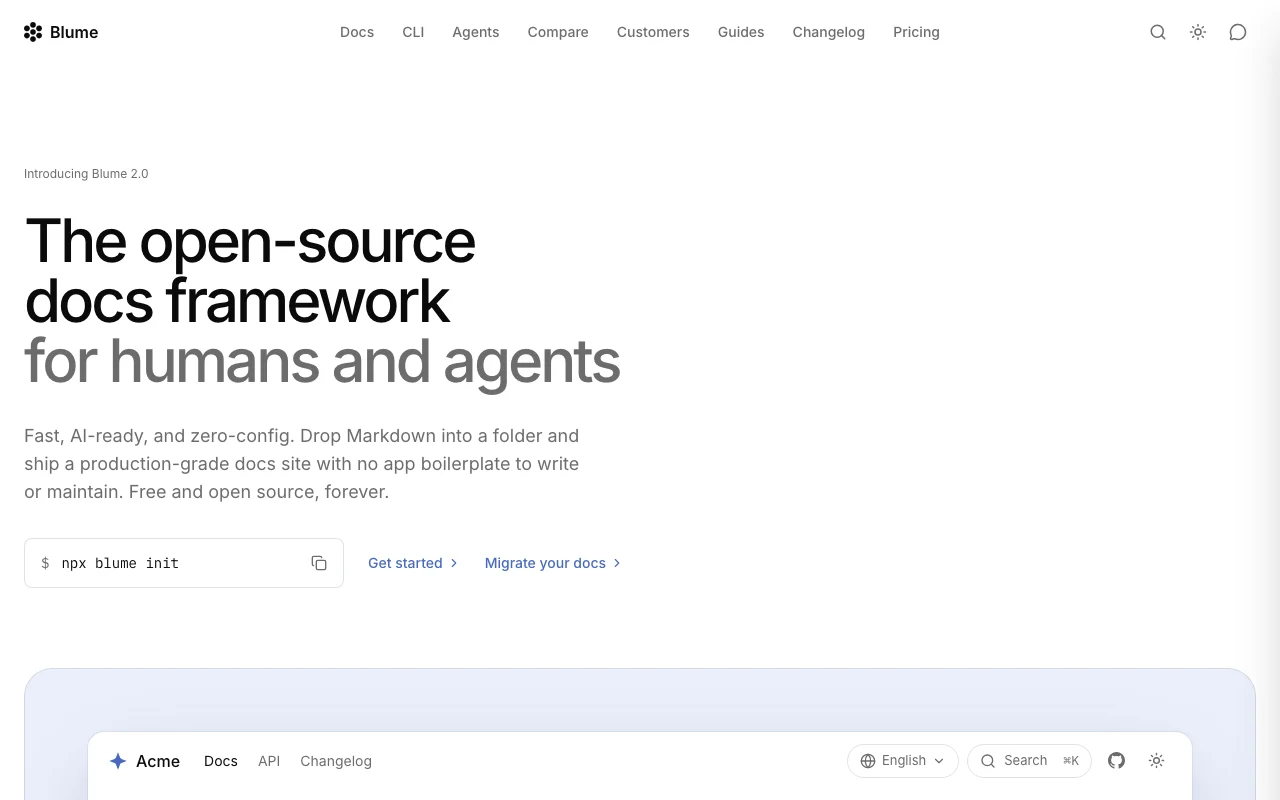
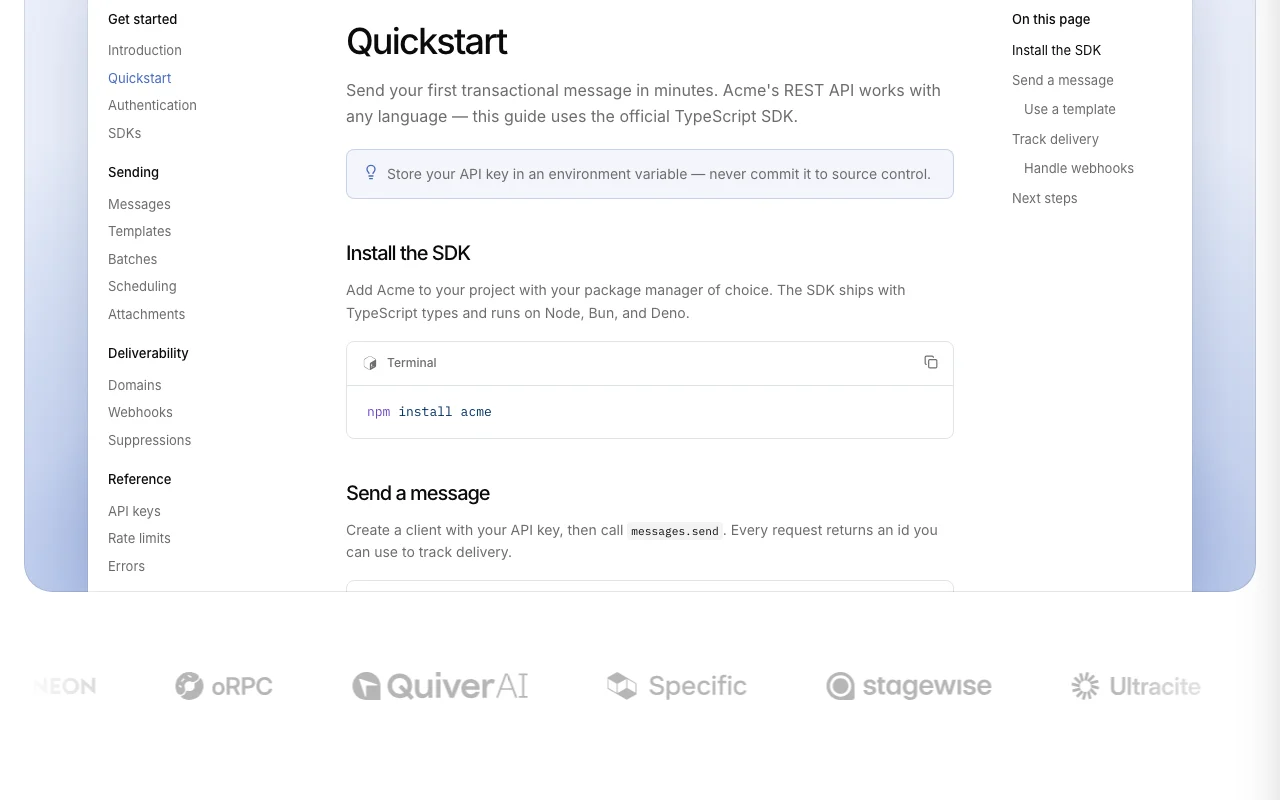
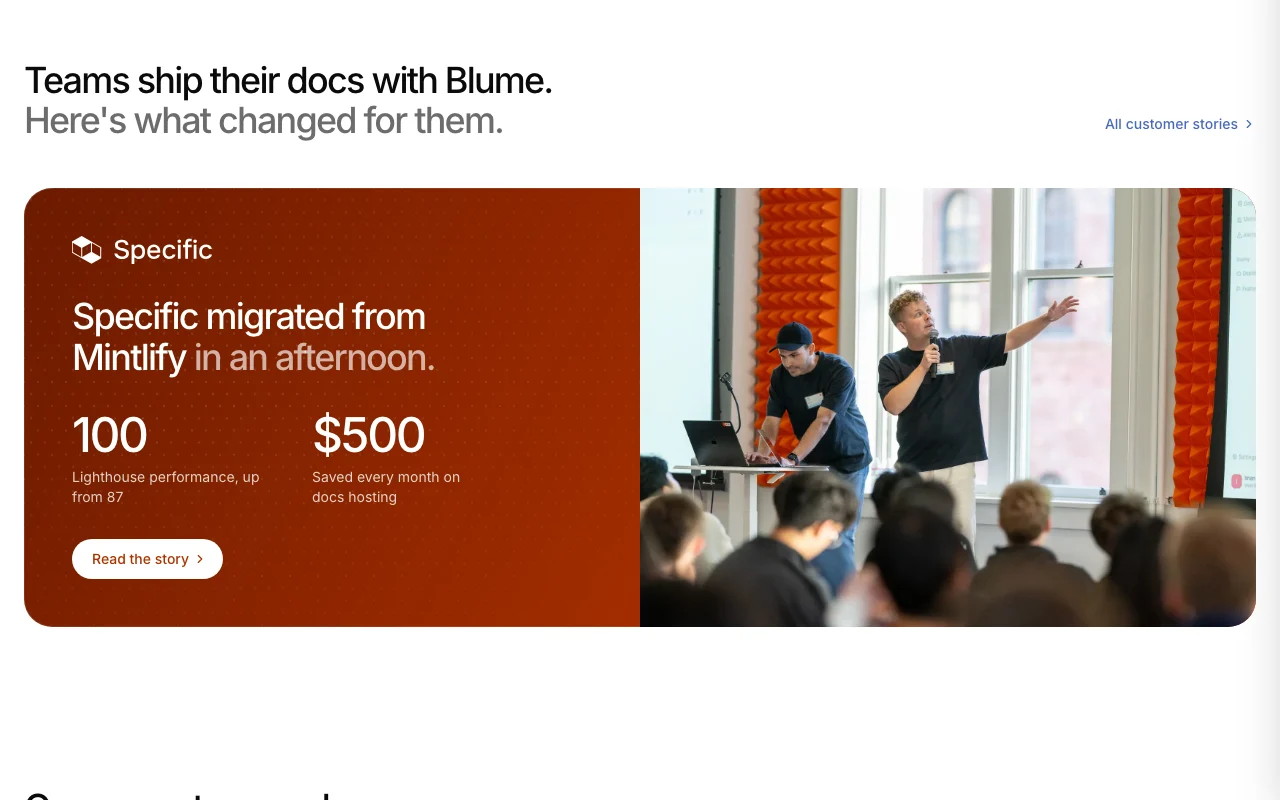
Blume's official site: how the product presents itself. useblume.dev, captured Oct 1, 2026
What you provide and what you get back
What you give Blume and what comes back, from its documentation
You provide
Markdown/MDX files
OpenAPI, AsyncAPI or GraphQL specs
Optional model provider key
You get back
Static docs site
llms.txt and llms-full.txt
Markdown mirrors and JSON API
MCP server
Where you can use it
Platforms
Desktop
Account
Not required
Runtime
Astro + Vite, Node.js CLI
Content
Markdown, MDX
API references
OpenAPI, AsyncAPI, GraphQL
i18n
30+ languages via blume translate
Where Blume is most useful
Scenarios are worked out by our editors from the documentation; the actual result depends on your input and plan.
Publishing product or API documentation from a Markdown folder
Who
Developer-tool teams
You provide
Folder of Markdown/MDX files
Expected result
Docs site with inferred navigation and local search after npx blume init
MIT-licensed with unlimited editors, pages and traffic and no seat limits A docs team of any size pays $0 for the tool itself, only for hosting and any AI model provider.documentedsource (opens in a new tab)
blume validate, audit and eval commands run in CI Broken docs can be caught in a pull request pipeline without a paid service.documentedsource (opens in a new tab)
Check before paying for Blume
Requires Node.js tooling and command-line use; no hosted editor Non-developers cannot edit in a browserdocumentedsource (opens in a new tab)
Agent features like translate and migrate rely on external coding agent CLIs (Codex or Claude Code) Needs a separate agent subscriptiondocumentedsource (opens in a new tab)
Server-side Markdown content negotiation only on Vercel and Cloudflare builds Some agent features need specific hostsdocumentedsource (opens in a new tab)
No hosted version: blume build outputs a site you deploy to your own host You must pick and operate a host (Cloudflare, Vercel, Netlify, GitHub Pages or a Node server) yourself.documentedsource (opens in a new tab)
No built-in analytics dashboard; analytics come from your own provider by adapter Tracking page views needs a separate analytics account such as Cloudflare Web Analytics.documentedsource (opens in a new tab)
How to use Blume for building a documentation site
Set up Blume
Install Node.js and open your docs repository
Run npx blume init
Add Markdown or MDX pages to the folder
Example: building a documentation site
Run the blume dev command to preview locally
Add an OpenAPI file to render the API reference
Run blume validate to catch broken links
Deploy the build to Cloudflare or GitHub Pages
Review and export the result
Open a page URL with .md appended to confirm the Markdown twin
Check /llms.txt exists on the deployed site
Blume integrations and API
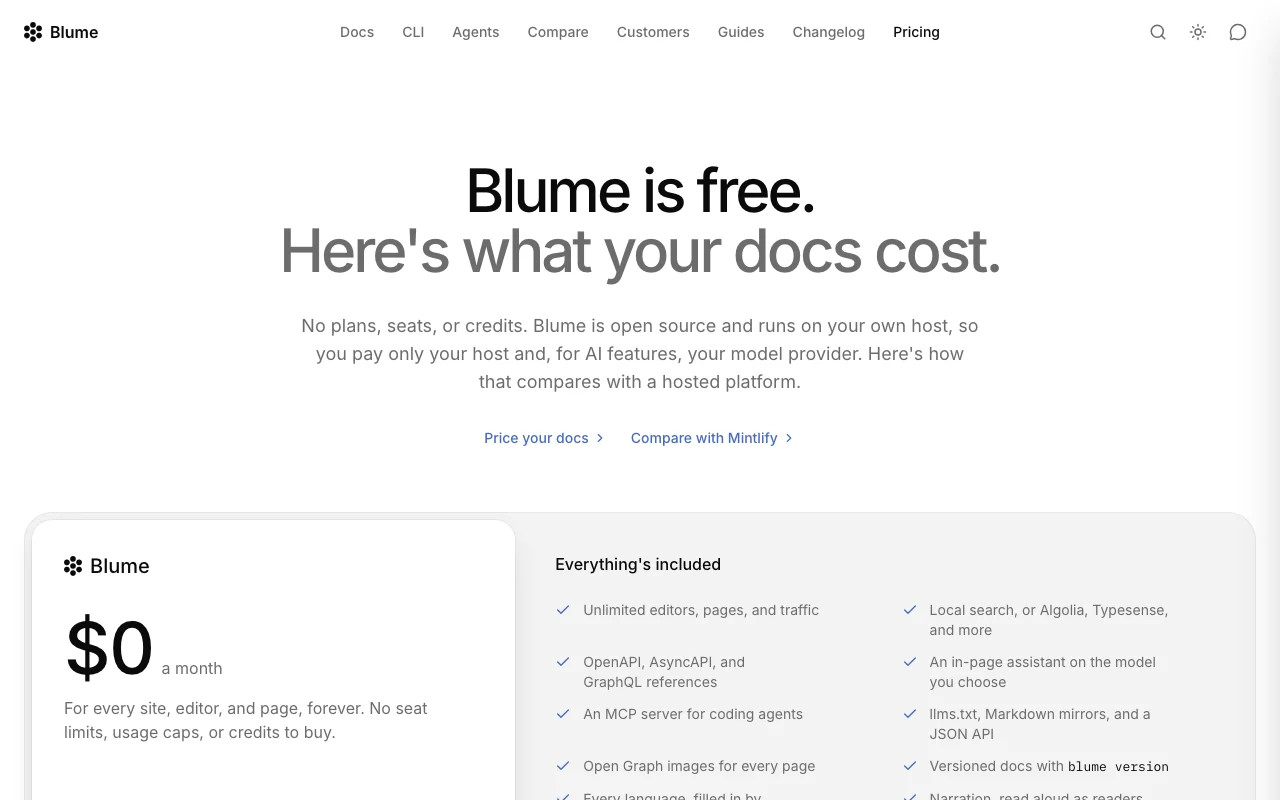
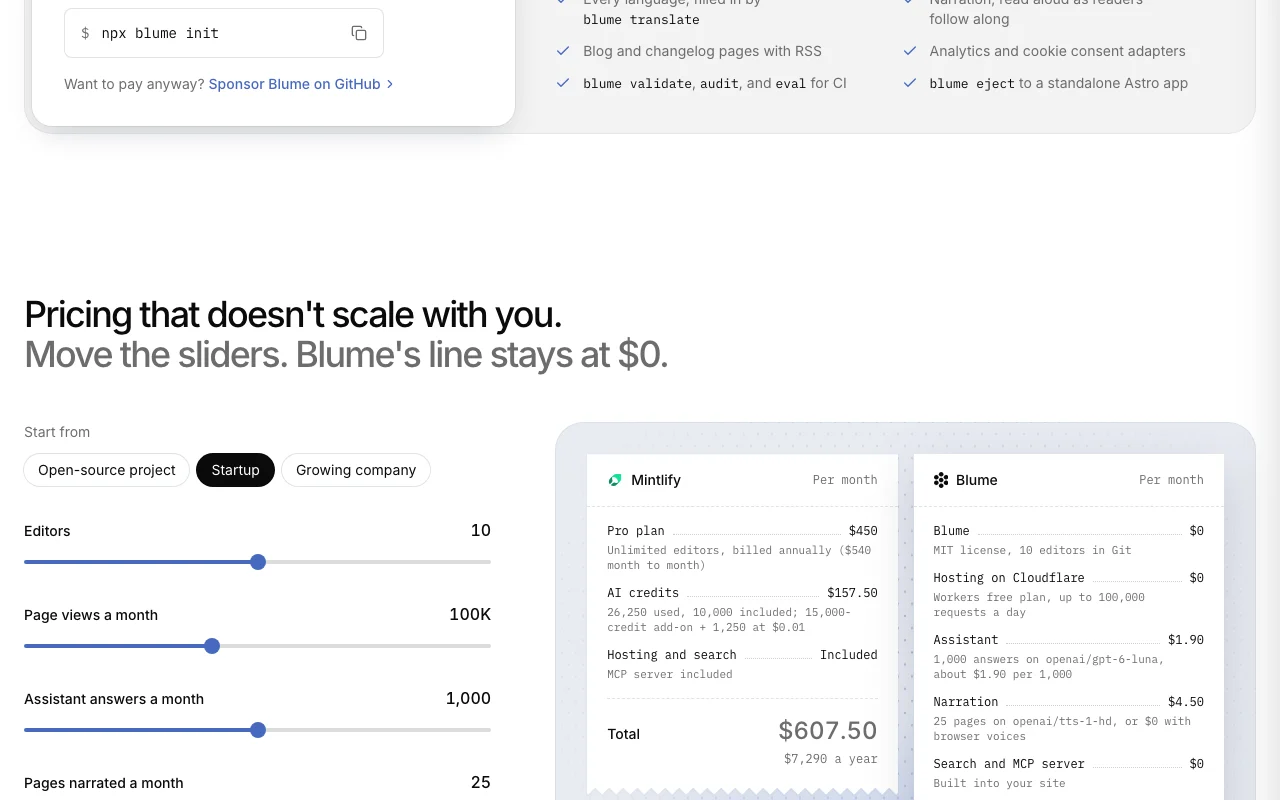
Plan comparison on the official pricing page. useblume.dev, captured Oct 1, 2026
Native integrations and export formats
Export: Markdown, llms.txt, JSON API
API access and separate billing
Blume has no public API in its official documentation. JSON API and MCP server exposed by the built site API documentation ↗
Privacy, data use and commercial rights
Summarized from the vendor's current policies; this is not legal advice and a vendor's badge is not an independent audit.
How your inputs and outputs are handled
Runs on your own host; content goes to a model provider only if you enable the assistant or translation.
Commercial use and plan restrictions
MIT license
Best Blume alternatives for different needs
"Better suited" is based on documented features and pricing, not on a head-to-head test.
Cursor: better suited to
GitHub Copilot: better suited to
Replit: better suited to
Devin Desktop (formerly Windsurf): better suited to
Yes, an MCP server that lets coding agents search and read your docs; on Cloudflare Workers' free plan it covers up to 100,000 requests a day. source (opens in a new tab)
When would Mintlify suit me better?
If you want a browser editor, fully hosted docs, or private docs with SSO, SCIM and RBAC. source (opens in a new tab)
Every fact about Blume above comes from the 3 official pages listed here, last compared on Sep 29, 2026; we have not run Blume ourselves, so it has no editorial score. How we check and re-check pages.
Article updated Oct 10, 2026; prices checked Sep 29, 2026. Outbound links to vendors are plain links; we do not earn commissions. How we review · Report an error