Our take: Great for non-technical founders wanting to ship web and mobile applications quickly without hiring developers.
Main limitation: Pricing page shows conflicting prices ($40/mo vs $20 USD in metadata); full plan details not visible without JavaScript; credit-based usage
By the AI Tool Atlas editors.
Based on the vendor's official documentation; we have not tested this product hands-on. What “documented overview” means
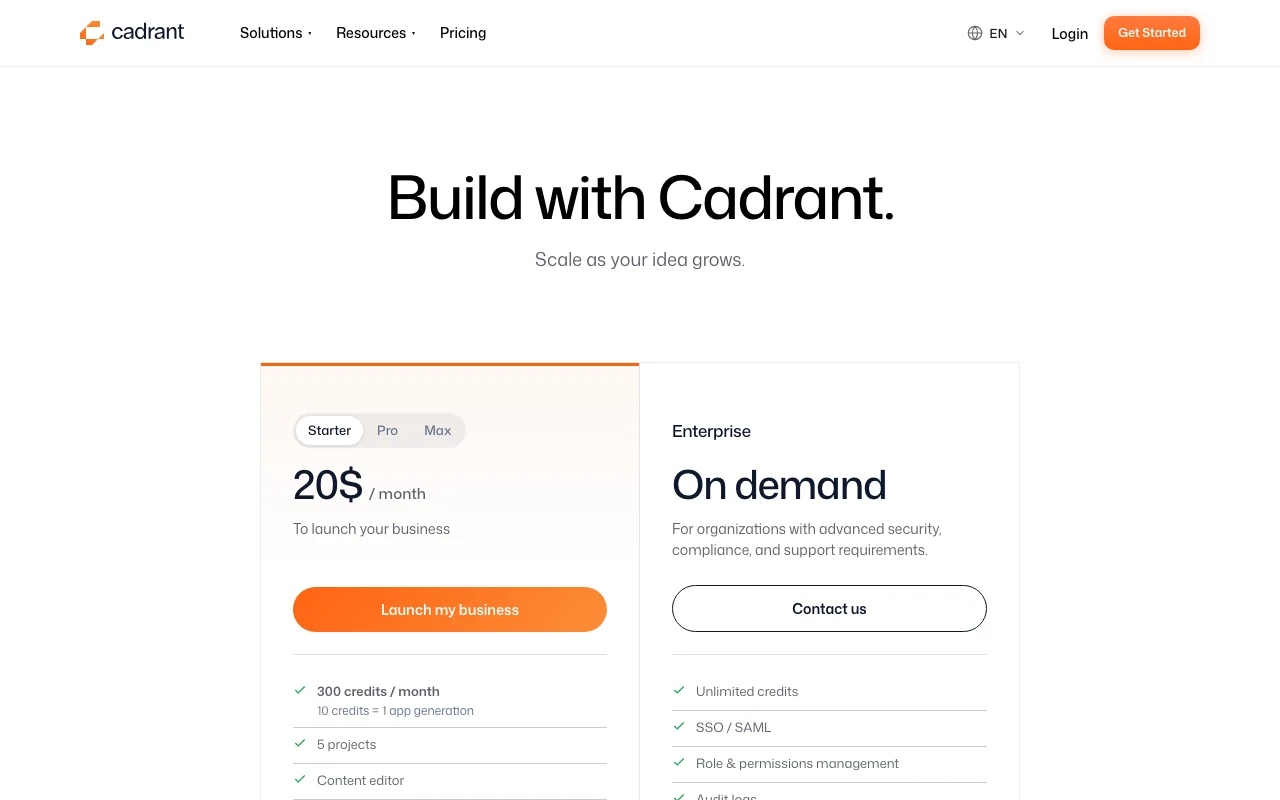
Cadrant pricing and usage limits
Prices checked Oct 1, 2026 on the official US pricing page. Official pricing ↗ Prices and limits change often.
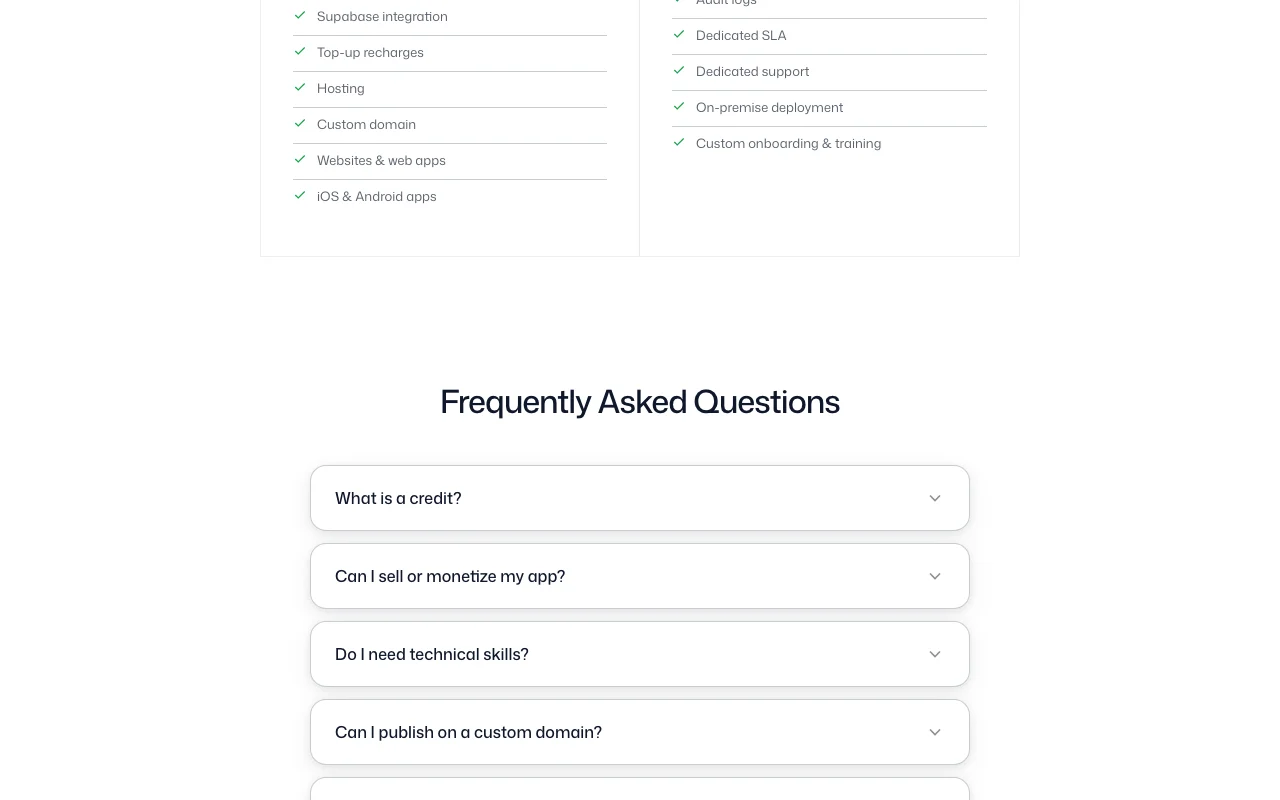
The official Cadrant pricing page as we saw it. cadrant.ai, captured Oct 1, 2026
Free access and trial conditions
No free plan mentioned
No trial mentioned; unclear if first month is free or discounted
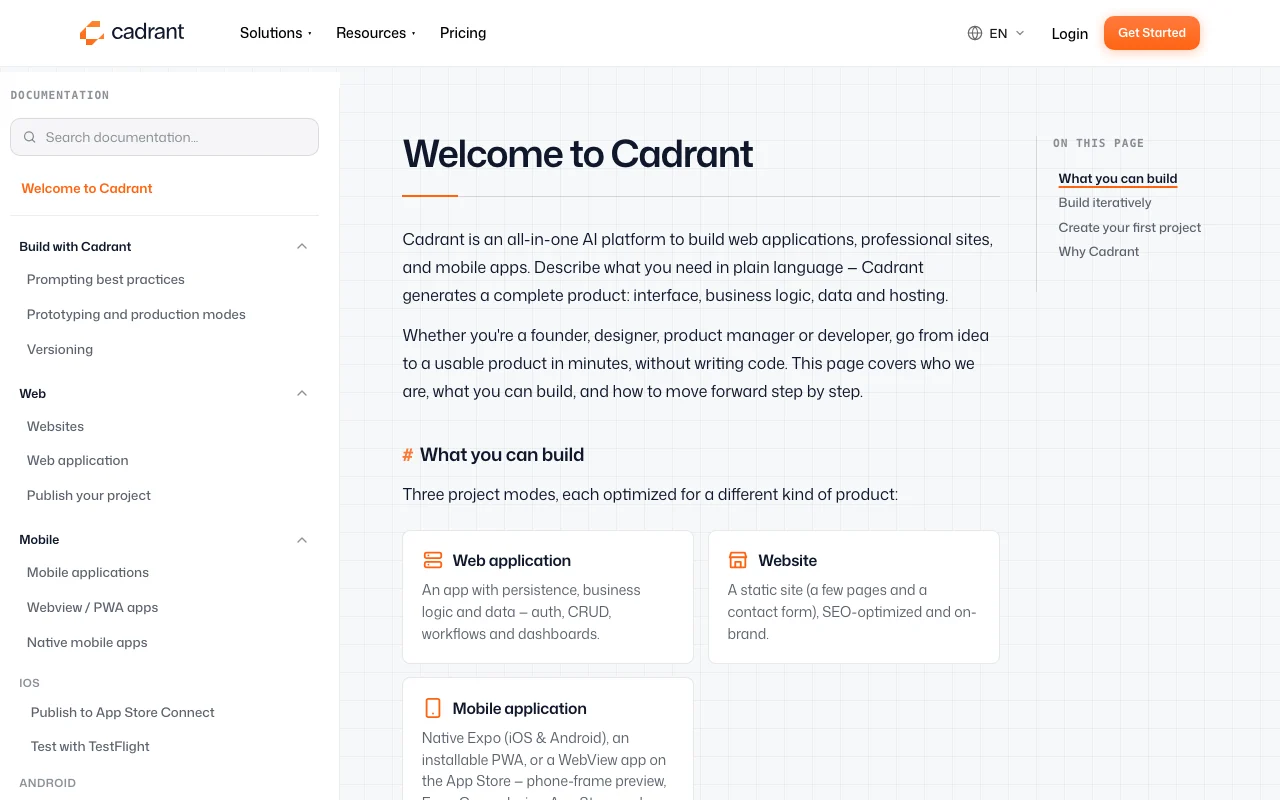
Cadrant is an AI app-building platform: you describe a project and it generates the structure and code, then refines it through chat. It produces SEO-ready static websites, full-stack web apps with a React front end and a Supabase backend, native Expo mobile apps for iOS and Android, and internal tools with roles and permissions. Hosting, custom domains, code export and GitHub integration are included, and mobile apps can be submitted to the App Store and Google Play.
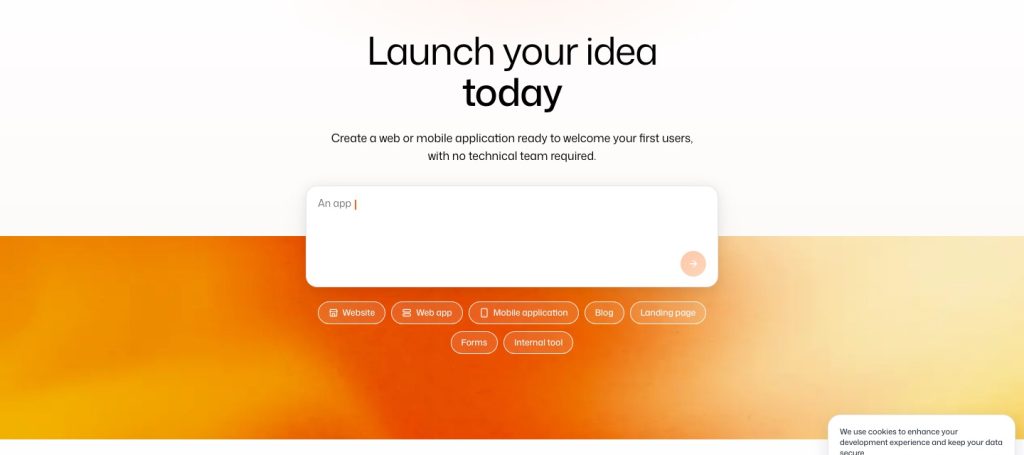
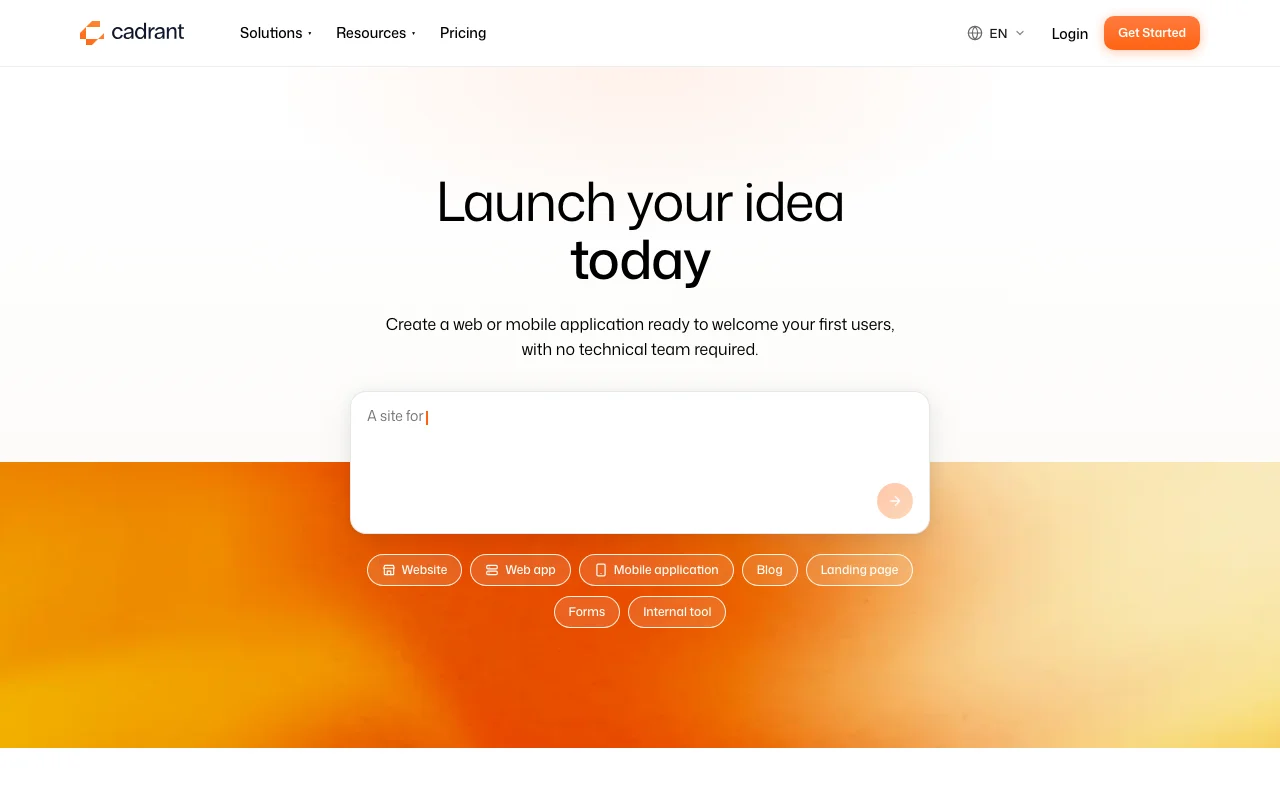
Cadrant's official site: how the product presents itself. cadrant.ai, captured Oct 1, 2026
What you provide and what you get back
What you give Cadrant and what comes back, from its documentation
You provide
Natural language description of the app or website
Visual design preferences and branding
Feature specifications and user stories
Optional: code snippets or integrations to connect
You get back
SEO-optimized websites with hosting and custom domains
Full-stack web apps (React + Supabase) with auth
Native iOS and Android apps (Expo-based)
Internal tools with role-based access control
Exportable source code to GitHub
Where you can use it
Platforms
Web (builder), Web (generated apps), iOS (generated apps), Android (generated apps)
Account
Required
Where Cadrant is most useful
Scenarios are worked out by our editors from the documentation; the actual result depends on your input and plan.
Launching a showcase website without a developer
Who
Non-technical founders, freelancers, consultants
You provide
Website description, branding, services or products
Expected result
SEO-optimized site published on a custom domain with contact forms, blog, testimonials
Plan needed
Any plan (Starter likely sufficient)
Limitation
Static websites only; no complex backend logic
Prototyping a full-stack web app with auth and dashboards
Who
Startup founders, product teams
You provide
App concept, user roles, features, database schema
Expected result
Working web app with user authentication, databases, dashboards, admin panel
Plan needed
Pro or Max plan
Limitation
Full source code control requires export to GitHub
Building native iOS/Android apps and publishing to app stores
Who
Mobile app developers without native development experience
You provide
App concept, features, and design style
Expected result
Native Expo app ready for TestFlight (iOS) and Google Play (Android)
Plan needed
Pro or Max plan
Limitation
Requires Apple Developer ($99/year) and Google Play ($25 one-time) accounts
What Cadrant does, and where it stops
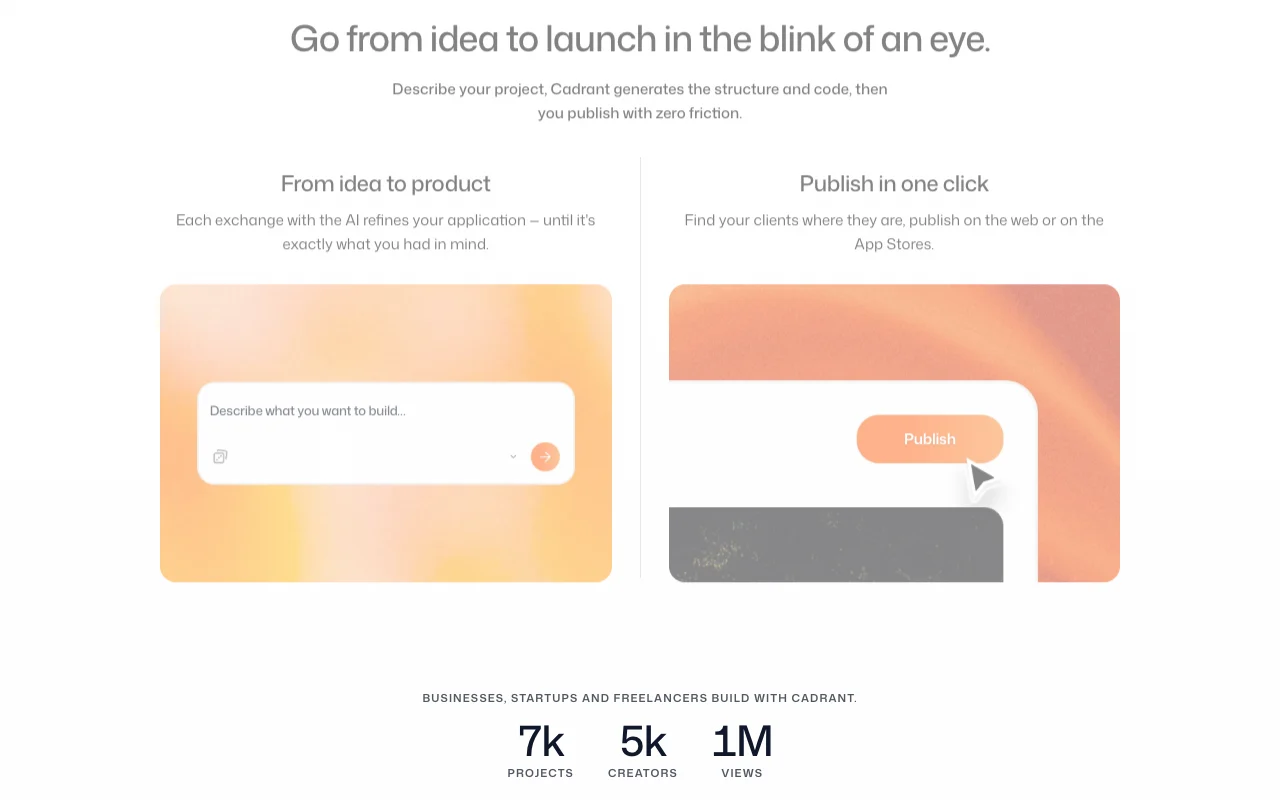
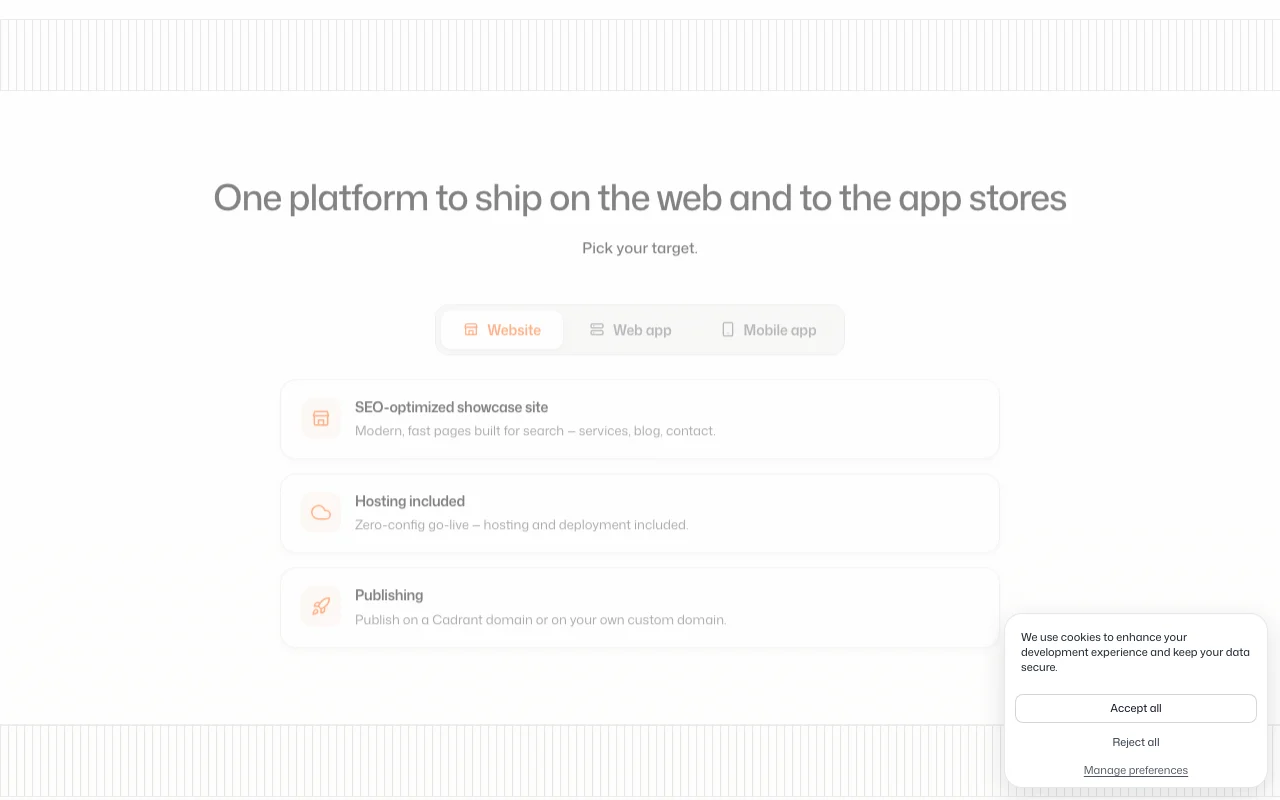
Feature overview on the official site. cadrant.ai, captured Oct 1, 2026
Chat-driven generation and iteration
Describe your app in natural language; Cadrant generates code; refine through chat until perfect Iterate fast without writing code; no programming experience required
Access: Web-based builder; real-time AI responsesLimit: Complex interactions may require multiple iterations to get right
React + Supabase full-stack web apps
Generates modern full-stack apps with React frontend, Supabase backend, authentication, and database Build production-ready apps with professional architecture
Access: All plans; Supabase integration includedLimit: Your Supabase account required; data stays under your control
Expo native mobile apps with Expo Go preview
Generates native iOS and Android apps using Expo; preview on your phone with QR code Test mobile apps on real devices before publishing to app stores
Access: Pro plan and aboveLimit: Limited to Expo-compatible libraries; complex native features not supported
Static website builder with hosting and custom domains
Generates SEO-ready websites with built-in hosting on Cadrant domains or custom domains Publish websites instantly without managing servers or domain DNS
Access: All plans; included freeLimit: Static sites only; no complex server-side logic
Pros, cons and deal-breakers
Where Cadrant is strong
Full source-code export; own Supabase backend Not locked into Cadrant; migrate anytime with full code controldocumented
Hosting and custom domain included No separate hosting or domain fees; deploy directly from builderdocumented
Covers web, mobile and internal tools in one platform Build all three app types without switching toolsdocumented
Documentation covers App Store, TestFlight and Google Play publishing Step-by-step guidance for getting apps to storesdocumented
Limitations to check before paying
Credit-based usage; pricing page shows conflicting prices (displayed $40/mo vs metadata $20) Pricing structure is unclear; actual cost per credit unknowndocumented
No free plan visible on the pricing page No way to test platform without entering payment detailsdocumented
Full plan details (Starter, Pro, Max) require JavaScript to render Pricing not transparent in plain HTML; must sign up to see full optionsdocumented
Enterprise pricing only on request Large deployments require sales conversationdocumented
How to use Cadrant for launching your first website or app
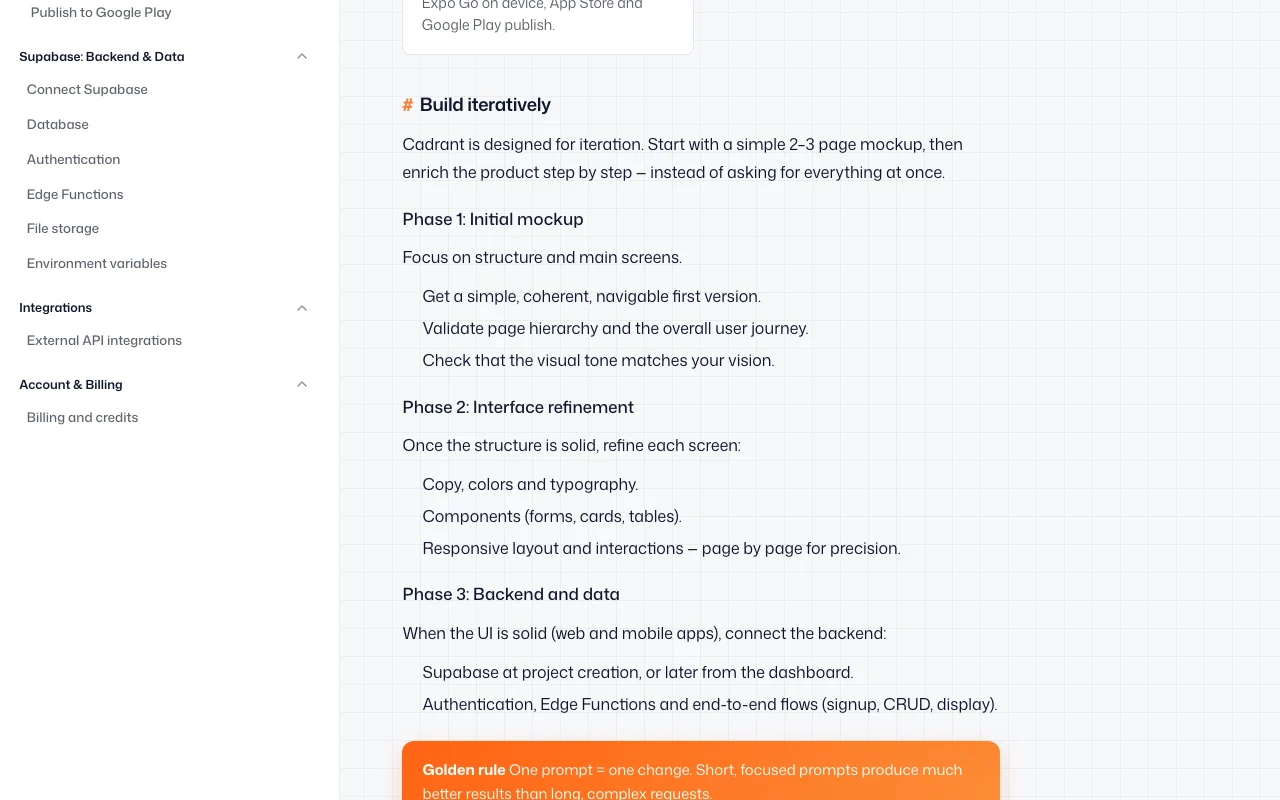
Cadrant documentation: where the steps below come from. cadrant.ai, captured Oct 1, 2026
Set up Cadrant
Sign up at cadrant.ai and create an account
Choose your app type: website, web app, mobile app, or internal tool
Describe your idea in natural language (or pick a template)
Connect integrations if needed (Supabase for web apps, Stripe for payments)
Example: launching your first website or app
Say 'Create a landing page for my SaaS product with pricing table and contact form'
Cadrant generates the website; see live preview
Click on elements to request changes: 'Change the button color to blue, add 3 pricing tiers'
When satisfied, click Publish and choose your domain (Cadrant or custom)
Website is live immediately with SEO optimization
Review and export the result
Visit your published site and test all forms, links and buttons
Check Google indexing (site:yourdomain.com in Google Search) after 24 hours
Example prompt suggested by our editors (not a recorded output of the product)
Create a mobile app for tracking daily habits. Include a list of habits with daily check-ins, a progress chart showing the last 30 days, and the ability to add new habits. The app should save data to Supabase and work on both iOS and Android.
Cadrant integrations and API
Cadrant documentation (continued). cadrant.ai, captured Oct 1, 2026
A credit is the unit used to generate with AI: roughly 10 credits = 1 app generation (creating or modifying). Starter has 300 credits/month; Pro has more; Max is unlimited. source (opens in a new tab)
Can I sell or monetize my app?
Yes. You can integrate payments (Stripe), offer subscriptions, or sell access to your application. Cadrant builds an app ready for your first customers. source (opens in a new tab)
Do I own the applications I generate?
Yes, 100%. You can export your project's source code anytime, and your database belongs to you. Zero vendor lock-in. source (opens in a new tab)
Can I publish on a custom domain?
Yes. You can publish your application on a custom domain. For mobile, you can also publish native applications on the Apple App Store. source (opens in a new tab)
Not verified: Actual pricing for Pro and Max plans (page doesn't render without JavaScript; conflicting prices shown); Credit cost per app generation; Whether free tier or trial will be offered; Privacy policy (not fetched); Enterprise pricing.
How we documented and maintain this page
Every fact about Cadrant above comes from the 3 official pages listed here, last compared on Oct 1, 2026; we have not run Cadrant ourselves, so it has no editorial score. How we check and re-check pages.
Article updated Oct 10, 2026; prices checked Oct 1, 2026. Outbound links to vendors are plain links; we do not earn commissions. How we review · Report an error