Our take: CC Switch is a good fit for developers juggling providers across Claude Code, Codex and Gemini CLI who want one free open-source manager.
Main limitation: It is desktop-only, support varies by tool, and the main site defaults to Chinese.
By the AI Tool Atlas editors.
Based on the vendor's official documentation; we have not tested this product hands-on. What “documented overview” means
Who should use CC Switch
CC Switch is a good fit for developers juggling providers across Claude Code, Codex and Gemini CLI who want one free open-source manager. Based on the vendor's documentation, not on a hands-on test.
Best for: Developers using several AI coding CLIs
Also a good fit for
Users who switch between API providers
Consider another tool if desktop only, no web or mobile version
Or if
Supported features vary by tool
Main site is in Chinese by default; English page content is a client-rendered app
CC Switch pricing and usage limits
Prices checked Sep 29, 2026 on the official US pricing page. Prices and limits change often.
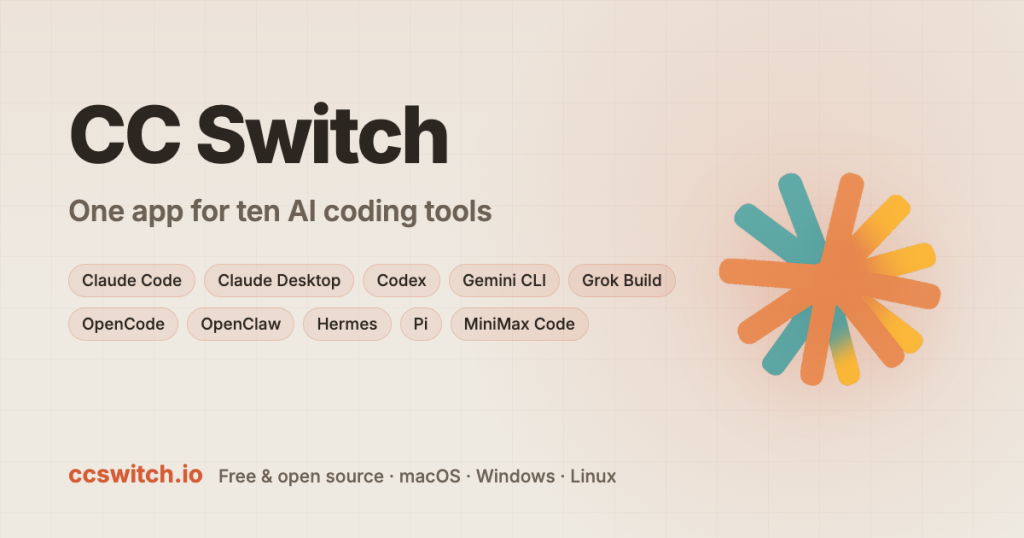
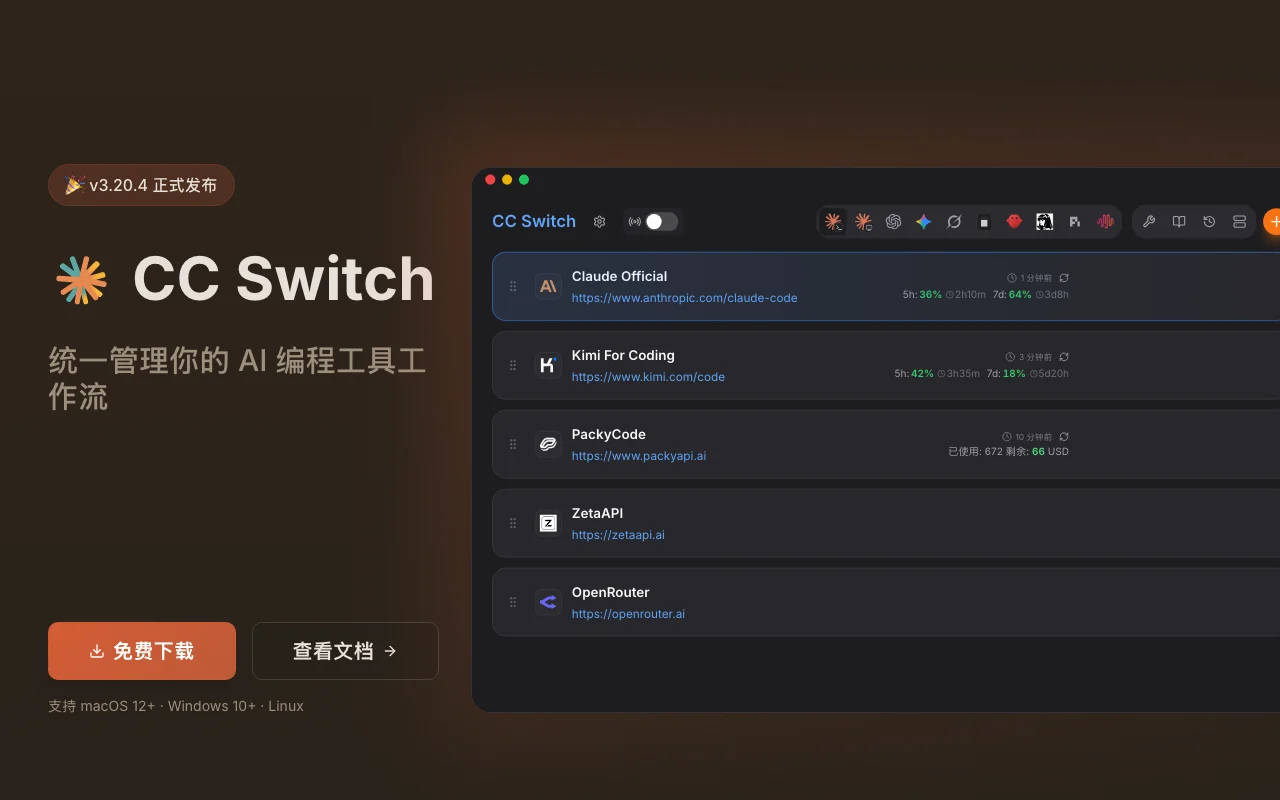
CC Switch is an open-source (MIT) desktop app for Windows, macOS and Linux that manages AI coding tools in one place. It covers ten tools including Claude Code, Codex, Gemini CLI and OpenCode.
It handles provider presets and switching, local routing between API formats, MCP servers, skills, session history and usage tracking.
CC Switch's official site: how the product presents itself. ccswitch.io, captured Oct 1, 2026
What you provide and what you get back
What you give CC Switch and what comes back, from its documentation
You provide
Provider configs and API keys
MCP servers and skills
You get back
Updated tool configs
Usage and cost stats
Where you can use it
Platforms
Desktop
Account
Required
Platforms
Windows, macOS, Linux
Tools
10 AI coding tools
Presets
90+ providers
License
MIT
Where CC Switch is most useful
Scenarios are worked out by our editors from the documentation; the actual result depends on your input and plan.
Switch API providers for Claude Code or Codex
Who
AI coding users
You provide
Provider endpoints
Expected result
You get your chosen tool pointed at a different provider without editing config files by hand.
Plan needed
Free (MIT)
Limitation
You need your own provider keys, because the app only switches between providers you already have. source (opens in a new tab)
Share MCP servers and skills across tools
Who
Teams of tools
You provide
MCP servers and skills
Expected result
You get one set of MCP servers and skills that is kept in step across your supported tools.
Plan needed
Free (MIT)
Limitation
Per-tool support varies, so not every tool can use every synced server or skill. source (opens in a new tab)
Convert between Anthropic, OpenAI and Gemini API formats locally
Who
Developers
You provide
Anthropic, OpenAI or Gemini API calls
Expected result
You get calls in one API format translated locally into the format another provider expects.
Plan needed
Free (MIT)
Limitation
The conversion runs locally only, so it applies to calls that go through the app on your own machine. source (opens in a new tab)
Key features and their practical limits
Feature overview on the official site. ccswitch.io, captured Oct 1, 2026
90+ provider presets
Ships 90+ provider presets. It helps people who test several providers by giving them ready-made settings instead of typing each one in.
Free and open source under the MIT license The app is free and open source under the MIT license, so there is no fee to use it.documentedsource (opens in a new tab)
Runs on Windows, macOS and Linux It runs on Windows, macOS and Linux, so one tool covers the main desktop systems.documentedsource (opens in a new tab)
Supports ten AI coding tools It supports ten AI coding tools, so you can manage several of them from one place.documentedsource (opens in a new tab)
Source code and issue tracker are public on GitHub The source code and issue tracker are public on GitHub, so you can inspect the code and see reported problems.documentedsource (opens in a new tab)
Check before paying for CC Switch
Desktop only, no web or mobile version It is a desktop app only, with no web or mobile version, so you cannot manage settings from a phone or browser.documentedsource (opens in a new tab)
Supported features vary by tool Supported features vary by tool, so something that works for one coding tool may not work for another.documentedsource (opens in a new tab)
Main site is in Chinese by default; English page content is a client-rendered app The main site is in Chinese by default and the English content is a client-rendered app, so finding English information can be harder.documentedsource (opens in a new tab)
Needs the user's own provider accounts or API keys You need your own provider accounts or API keys, since the app manages them but does not supply model access.documentedsource (opens in a new tab)
How to use CC Switch for switching AI coding providers
Set up CC Switch
Download CC Switch from the GitHub releases.
Install it.
Open the app.
Example: switching AI coding providers
Add a provider preset.
Enter your API key.
Switch Claude Code to it.
Review and export the result
Run the CLI tool and check the provider.
Check the usage page.
CC Switch API
API access and separate billing
CC Switch has no public API in its official documentation. Desktop app only.
Privacy, data use and commercial rights
Summarized from the vendor's current policies; this is not legal advice and a vendor's badge is not an independent audit.
How your inputs and outputs are handled
Local app; keys stay on your machine per open-source code
Every fact about CC Switch above comes from the 3 official pages listed here, last compared on Sep 29, 2026; we have not run CC Switch ourselves, so it has no editorial score. How we check and re-check pages.
Article updated Oct 10, 2026; prices checked Sep 29, 2026. Outbound links to vendors are plain links; we do not earn commissions. How we review · Report an error

 (open full size in a new tab)
 (open full size in a new tab)
 (open full size in a new tab)
 (open full size in a new tab)