Our take: Consider Zoah if you want designers and developers to build and deploy software visually in one web or macOS workspace with AI agents and git-style branching, once access opens.
Main limitation: No pricing is published and access is through an early-access waitlist.
By the AI Tool Atlas editors.
Based on the vendor's official documentation; we have not tested this product hands-on. What “documented overview” means
Who should use Zoah
Consider Zoah if you want designers and developers to build and deploy software visually in one web or macOS workspace with AI agents and git-style branching, once access opens. Based on the vendor's documentation, not on a hands-on test.
Best for: Product teams pairing designers and developers
Also a good fit for
Developers using AI coding agents
Consider another tool if no pricing page published
Or if
Access described as early access; requires sign-up
Desktop app listed only for macOS
Zoah pricing and usage limits
Zoah does not publish a plan table we could verify (checked Sep 29, 2026). See official pricing ↗
What is Zoah, and how does it work?
Zoah is a platform for designing, building and deploying software where designers and developers work in one place. It combines a visual Builder, an infinite DOM-based Canvas, vector tooling and Git-style collaboration (branching, reviews, merges) with AI agents and a development harness called Interfacer.
The product runs in a web editor, offers a macOS download, and ships a CLI and MCP server so external coding agents can work with Zoah projects. The site lists early-access teams and a help center covers getting started for designers and developers.
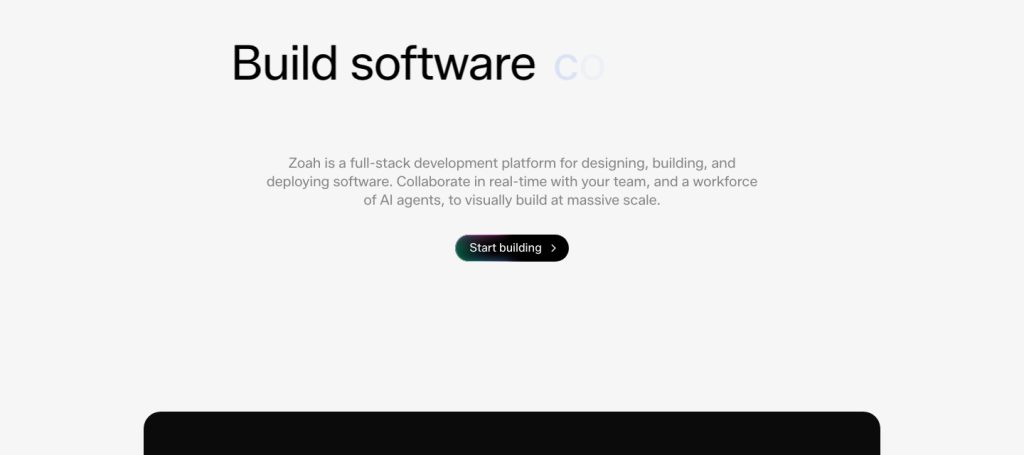
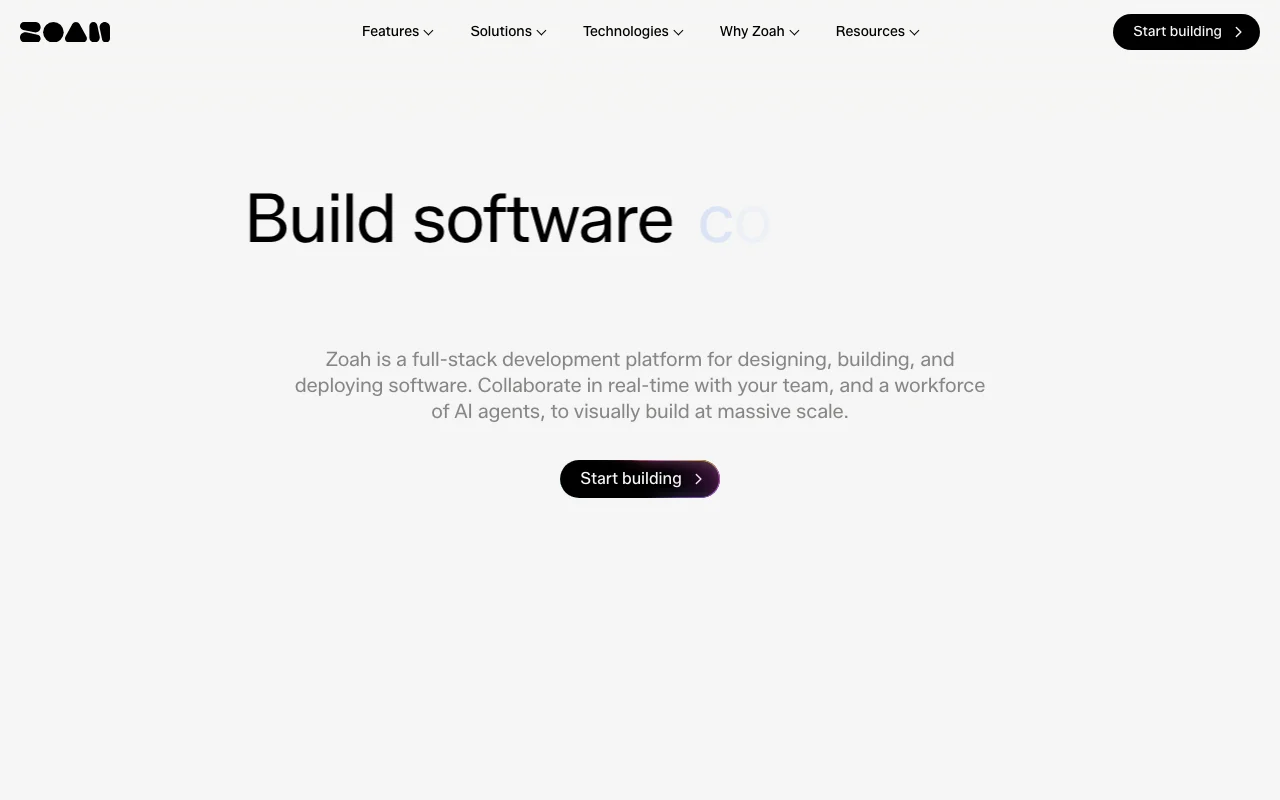
Zoah's official site: how the product presents itself. zoah.com, captured Oct 2, 2026
What you provide and what you get back
What you give Zoah and what comes back, from its documentation
You provide
Mission, brand and product descriptions
Canvas designs
Prompts to Interfacer AI agents
You get back
Production-grade app code and components
Deployed apps on your own URL
Branches, reviews and merges
Where you can use it
Platforms
Web, Desktop
Account
Required
Platforms
Web, macOS
Framework
Operand (own)
Agent integration
CLI and MCP
Collaboration
Branch, review, merge
What people use Zoah for
Scenarios are worked out by our editors from the documentation; the actual result depends on your input and plan.
Designing product UI visually and turning it into code
Teammates and AI agents collaborate in real time with git-like branching, reviews and merges A team can review an agent's change on a branch before merging it, as with code.documentedsource (opens in a new tab)
Projects push to production in one click from the same platform where they are designed A prototype built on the canvas can be deployed without a separate hosting setup step.documentedsource (opens in a new tab)
Access described as early access; requires sign-up You may wait before using it.documentedsource (opens in a new tab)
Desktop app listed only for macOS Windows and Linux users use the web editor.documentedsource (opens in a new tab)
Operators, the autonomous long-running agents, are marked coming soon Continuous agents that fix issues and grow the product cannot be relied on yet.documentedsource (opens in a new tab)
Apps ship on Operand, Zoah's own development framework Software built here depends on a proprietary framework rather than a stack you already use.documentedsource (opens in a new tab)
How to use Zoah for designing and shipping an app visually
Set up Zoah
Join the waitlist or sign in from the homepage for early access.
Open the web editor or macOS app.
Define your mission, brand and look.
Start a new project in the Builder.
Example: designing and shipping an app visually
Describe the product to Interfacer in the Builder.
Refine layout and components on the Canvas.
Create a branch and request a review.
Deploy to your own URL.
Review and export the result
Preview the build before production.
Review the merge diff before accepting.
Open the live URL and test core flows.
Example prompt suggested by our editors (not a recorded output of the product)
Build a landing page and signup flow for a bookkeeping app using a warm, organic brand.
Zoah API
API access and separate billing
Zoah has no public API in its official documentation. CLI and MCP server mentioned; docs page returned 404.
Best Zoah alternatives for different needs
"Better suited" is based on documented features and pricing, not on a head-to-head test.
Lovable: better suited to
Cursor: better suited to
Replit: better suited to
Devin Desktop (formerly Windsurf): better suited to
Not verified: Pricing and plans; Privacy policy content (page returned homepage text); Public docs.
How we documented and maintain this page
Every fact about Zoah above comes from the 1 official page listed here, last compared on Sep 29, 2026; we have not run Zoah ourselves, so it has no editorial score. How we check and re-check pages.
Article updated Oct 10, 2026; prices checked Sep 29, 2026. Outbound links to vendors are plain links; we do not earn commissions. How we review · Report an error