Unsere Einschätzung: Consider Zoah if you want designers and developers to build and deploy software visually in one web or macOS workspace with AI agents and git-style branching, once access opens.
Wichtigste Einschränkung: No pricing is published and access is through an early-access waitlist.
Von den Redakteuren des AI Tool Atlas.
Auf Basis der offiziellen Dokumentation des Anbieters; wir haben dieses Produkt nicht selbst getestet. Was „dokumentierte Übersicht“ bedeutet
Für wen Zoah geeignet ist
Consider Zoah if you want designers and developers to build and deploy software visually in one web or macOS workspace with AI agents and git-style branching, once access opens. Auf Basis der Dokumentation des Anbieters, nicht in einem praktischen Test.
Am besten für: Product teams pairing designers and developers
Auch gut geeignet für
Developers using AI coding agents
Ein anderes Tool in Betracht ziehen, wenn no pricing page published
Oder wenn
Access described as early access; requires sign-up
Desktop app listed only for macOS
Zoah Preise und Nutzungslimits
Zoah veröffentlicht keine Tariftabelle, die wir prüfen konnten (geprüft Sep 29, 2026). Offizielle Preise ansehen ↗
Was ist Zoah und wie funktioniert es?
Zoah is a platform for designing, building and deploying software where designers and developers work in one place. It combines a visual Builder, an infinite DOM-based Canvas, vector tooling and Git-style collaboration (branching, reviews, merges) with AI agents and a development harness called Interfacer.
The product runs in a web editor, offers a macOS download, and ships a CLI and MCP server so external coding agents can work with Zoah projects. The site lists early-access teams and a help center covers getting started for designers and developers.
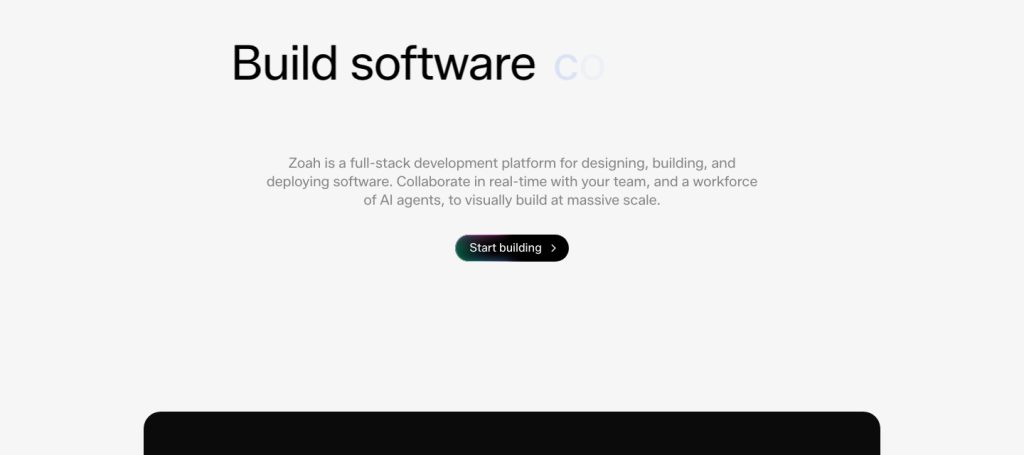
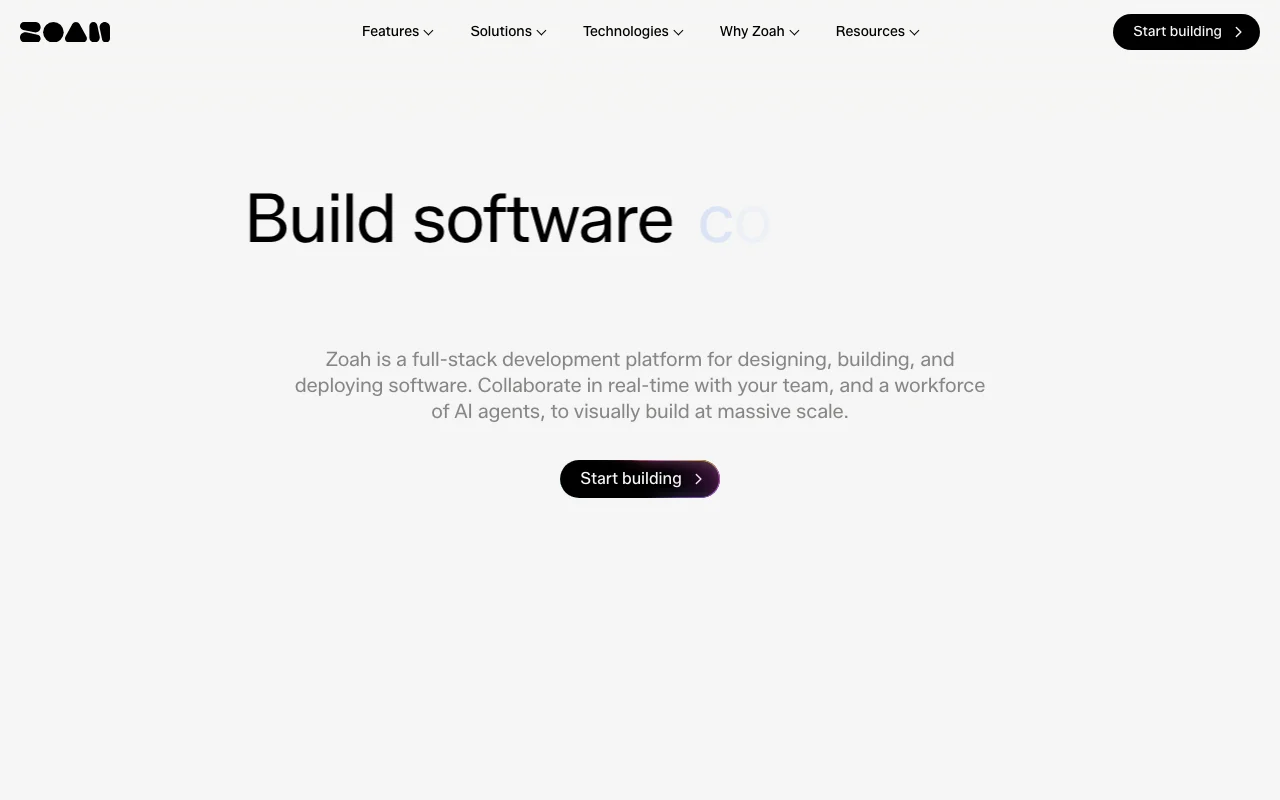
Offizielle Website von Zoah: So stellt sich das Produkt selbst dar. zoah.com, erfasst Oct 2, 2026
Was Sie liefern und was Sie erhalten
Was Sie Zoah geben und was zurückkommt, laut Dokumentation
Sie liefern
Mission, brand and product descriptions
Canvas designs
Prompts to Interfacer AI agents
Sie erhalten zurück
Production-grade app code and components
Deployed apps on your own URL
Branches, reviews and merges
Wo Sie es nutzen können
Plattformen
Web, Desktop
Konto
Erforderlich
Platforms
Web, macOS
Framework
Operand (own)
Agent integration
CLI and MCP
Collaboration
Branch, review, merge
Wofür Zoah genutzt wird
Die Szenarien erarbeiten unsere Redakteure anhand der Dokumentation; das tatsächliche Ergebnis hängt von Ihrer Eingabe und Ihrem Tarif ab.
Designing product UI visually and turning it into code
Teammates and AI agents collaborate in real time with git-like branching, reviews and merges A team can review an agent's change on a branch before merging it, as with code.dokumentiertQuelle (öffnet in neuem Tab)
Projects push to production in one click from the same platform where they are designed A prototype built on the canvas can be deployed without a separate hosting setup step.dokumentiertQuelle (öffnet in neuem Tab)
Einschränkungen, die Sie vor dem Bezahlen prüfen sollten
Access described as early access; requires sign-up You may wait before using it.dokumentiertQuelle (öffnet in neuem Tab)
Desktop app listed only for macOS Windows and Linux users use the web editor.dokumentiertQuelle (öffnet in neuem Tab)
Operators, the autonomous long-running agents, are marked coming soon Continuous agents that fix issues and grow the product cannot be relied on yet.dokumentiertQuelle (öffnet in neuem Tab)
Apps ship on Operand, Zoah's own development framework Software built here depends on a proprietary framework rather than a stack you already use.dokumentiertQuelle (öffnet in neuem Tab)
So nutzen Sie Zoah für designing and shipping an app visually
Zoah einrichten
Join the waitlist or sign in from the homepage for early access.
Open the web editor or macOS app.
Define your mission, brand and look.
Start a new project in the Builder.
Beispiel: designing and shipping an app visually
Describe the product to Interfacer in the Builder.
Refine layout and components on the Canvas.
Create a branch and request a review.
Deploy to your own URL.
Ergebnis prüfen und exportieren
Preview the build before production.
Review the merge diff before accepting.
Open the live URL and test core flows.
Von unserer Redaktion vorgeschlagener Beispiel-Prompt (keine aufgezeichnete Ausgabe des Produkts)
Build a landing page and signup flow for a bookkeeping app using a warm, organic brand.
Zoah API
API-Zugang und separate Abrechnung
Zoah hat laut offizieller Dokumentation keine öffentliche API. CLI and MCP server mentioned; docs page returned 404.
Die besten Zoah-Alternativen für unterschiedliche Anforderungen
„Besser geeignet“ beruht auf dokumentierten Funktionen und Preisen, nicht auf einem direkten Test.
Lovable: besser geeignet für
Cursor: besser geeignet für
Replit: besser geeignet für
Devin Desktop (formerly Windsurf): besser geeignet für
Nicht verifiziert: Pricing and plans; Privacy policy content (page returned homepage text); Public docs.
Wie wir diese Seite dokumentiert haben und pflegen
Jede Angabe zu Zoah oben stammt aus den 1 hier aufgeführten offiziellen Seite, zuletzt verglichen am Sep 29, 2026; wir haben Zoah nicht selbst getestet, daher gibt es keine redaktionelle Bewertung. Wie wir Seiten prüfen und erneut prüfen.
Artikel aktualisiert Oct 10, 2026; Preise geprüft Sep 29, 2026. Ausgehende Links zu Anbietern sind einfache Links; wir erhalten keine Provisionen. So testen wir · Fehler melden