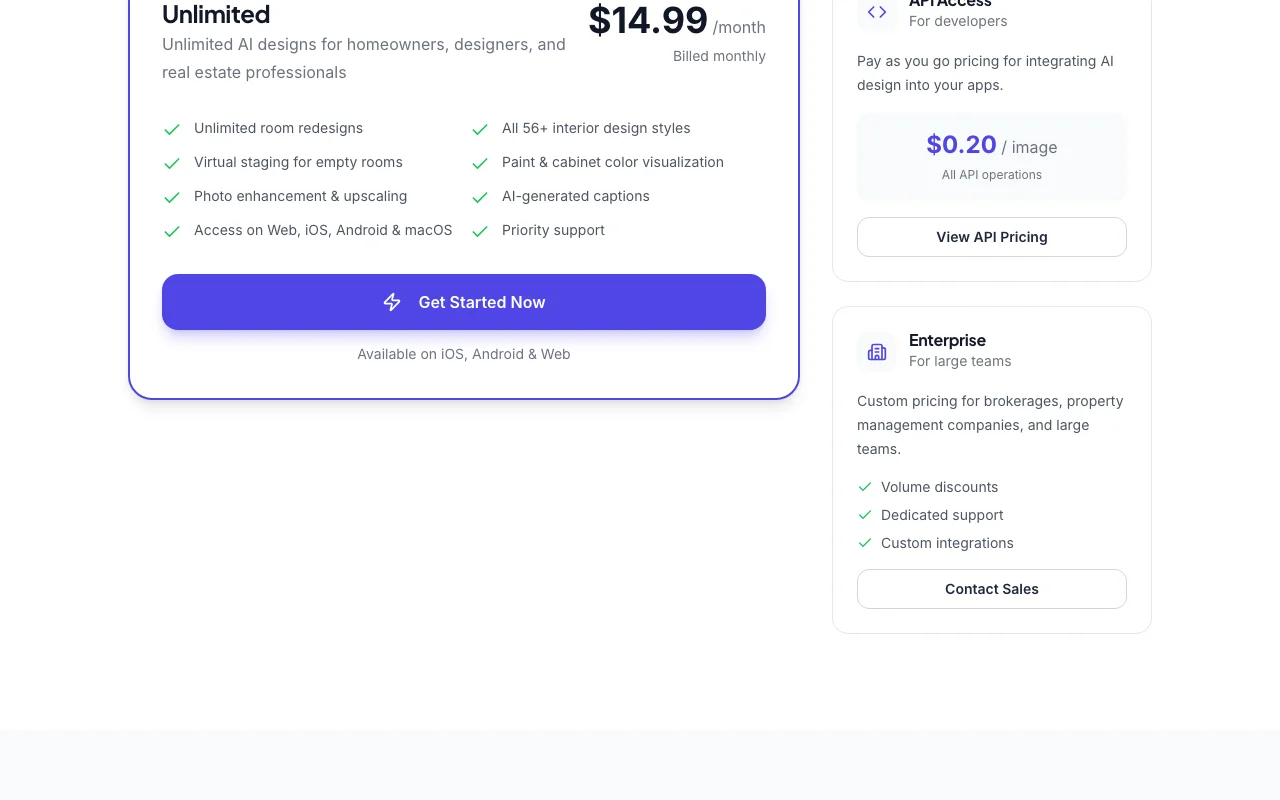
Our take: Decor8 AI suits homeowners, designers and realtors who want unlimited room redesigns and virtual staging for a flat $14.99 per month.
Main limitation: The pricing page lists no free plan or trial, and the privacy and docs pages could not be retrieved.
By the AI Tool Atlas editors.
Based on the vendor's official documentation; we have not tested this product hands-on. What “documented overview” means
Is Decor8 AI right for you?
Decor8 AI suits homeowners, designers and realtors who want unlimited room redesigns and virtual staging for a flat $14.99 per month. Based on the vendor's documentation, not on a hands-on test.
Best for: Realtors
Also a good fit for
Homeowners
Interior designers
Consider another tool if no free plan shown on pricing page
Or if
Only one consumer plan
Enterprise requires contacting sales
Decor8 AI pricing and usage limits
Prices checked Oct 2, 2026 on the official US pricing page. Official pricing ↗ Prices and limits change often.
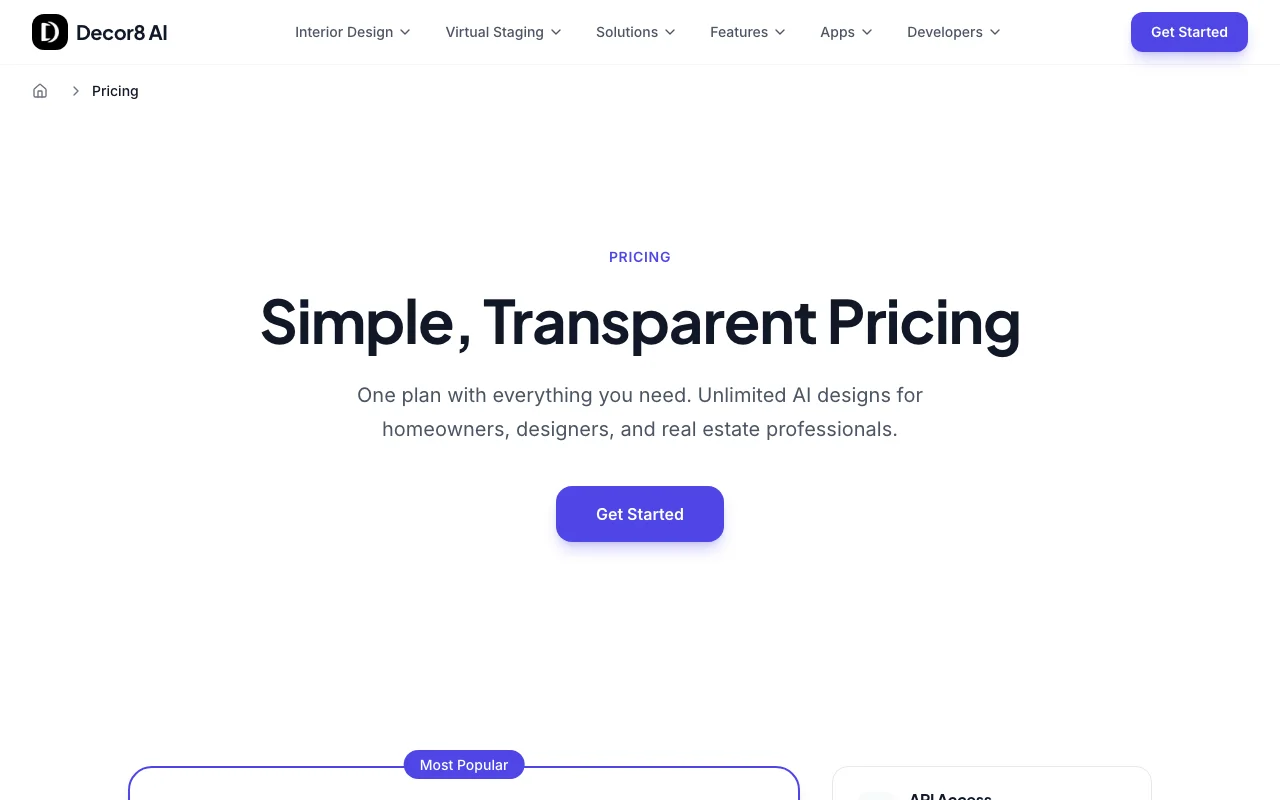
The official Decor8 AI pricing page as we saw it. decor8.ai, captured Oct 2, 2026
API usage is billed separately at $0.20 per image.
Not stated.
What is Decor8 AI, and how does it work?
Decor8 AI transforms uploaded room photos into redesigned or virtually staged images. It offers 56+ styles, paint and cabinet color visualization, furniture removal and photo upscaling.
It is available on web, iOS, Android and macOS, with a pay-per-image API for developers.
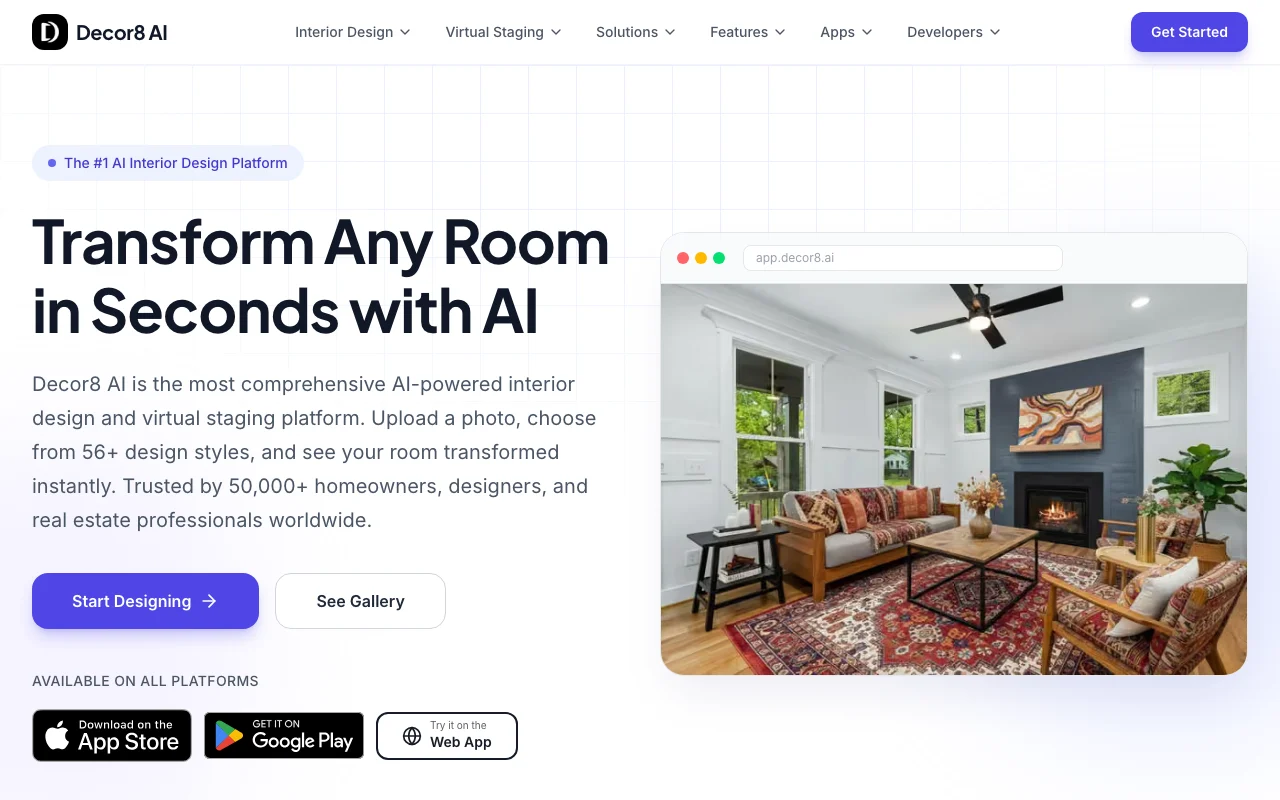
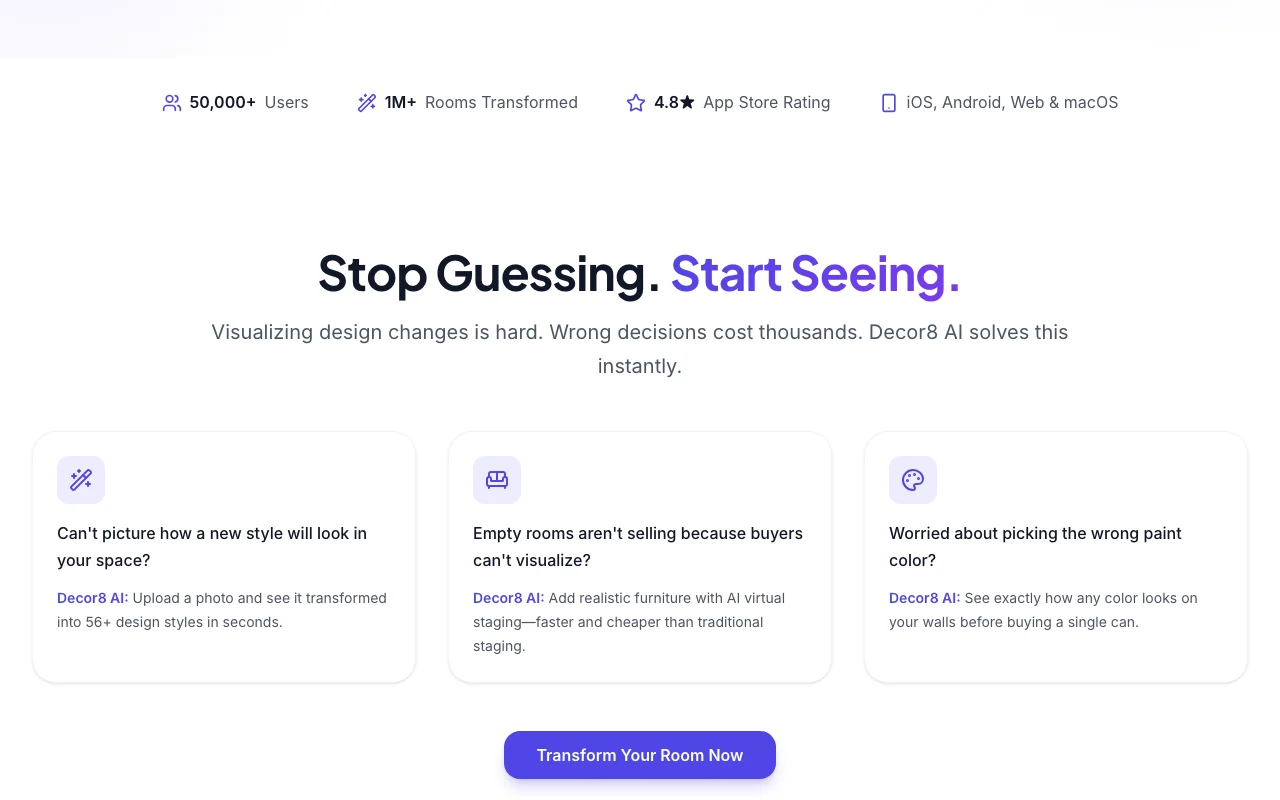
Decor8 AI's official site: how the product presents itself. decor8.ai, captured Oct 2, 2026
What you provide and what you get back
What you give Decor8 AI and what comes back, from its documentation
You provide
Room photo (phone shot or uploaded image)
Design style choice from 56+ styles or a text description
Room type
You get back
Redesigned room image
Virtually staged room image
Paint or cabinet color preview
Enhanced and upscaled photo
Where you can use it
Platforms
Web, Mobile, Desktop, API
Account
Required
Design styles
56+
Room types
38 room types browsable
Result time
Under 30 seconds per homepage
Platforms
Web, iOS, Android, macOS
Extras
Twilight photos, photo enhancement, AI captions
Best use cases for Decor8 AI
Scenarios are worked out by our editors from the documentation; the actual result depends on your input and plan.
Virtual staging of empty rooms
Who
Real estate agents with empty listings
You provide
Photo of an empty room
Expected result
Furnished listing photo generated in under 30 seconds per the homepage
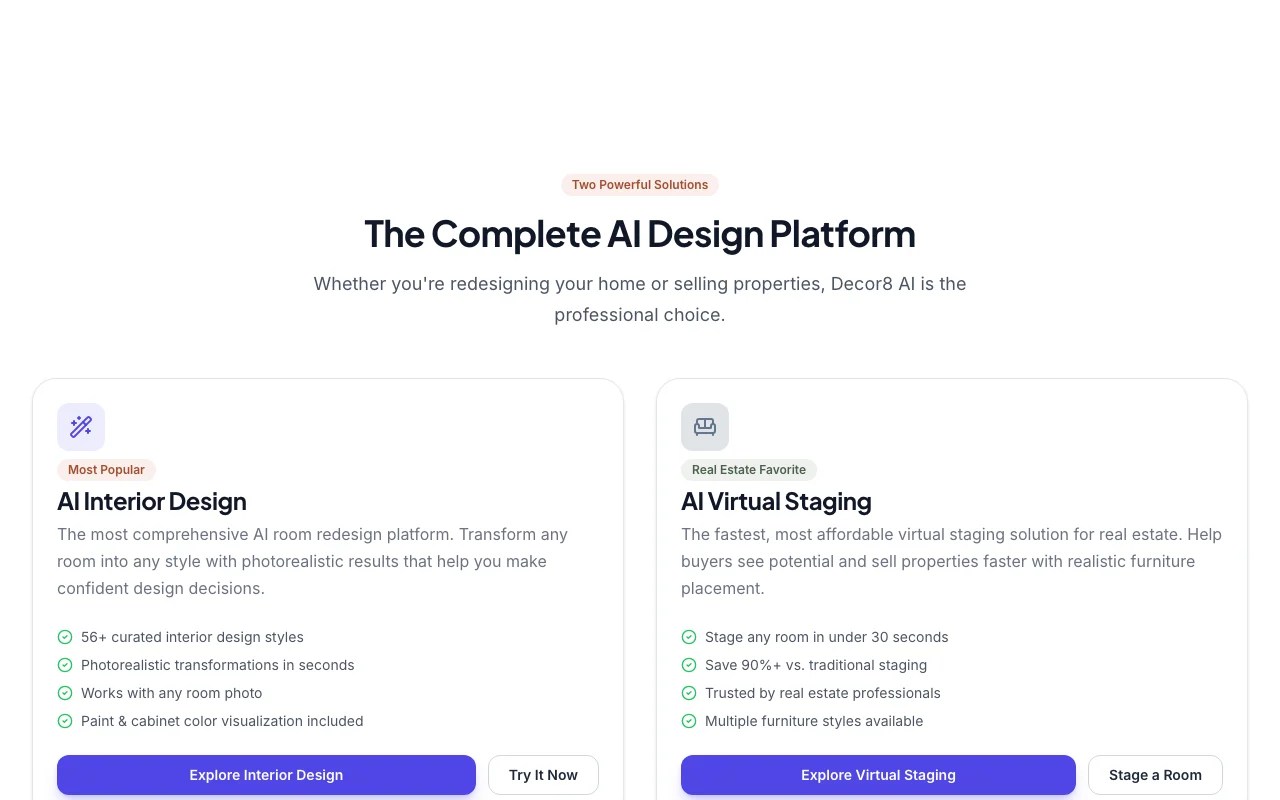
Feature overview on the official site. decor8.ai, captured Oct 2, 2026
Room redesign
Re-renders an uploaded room photo in one of 56+ interior design styles such as Modern, Farmhouse or Japandi. Lets users compare styles without buying furniture.
Strips existing furniture from a room photo to produce a cleared space. Prepares occupied rooms for restaging or redesign.
Access: Listed among 20+ features on the homepageLimit: Detail of this tool is not described on the fetched pagessource (opens in a new tab)
Decor8 AI: strengths and limits
Where Decor8 AI is strong
Single unlimited plan at $14.99/mo Heavy users pay a fixed monthly amount rather than per imagedocumentedsource (opens in a new tab)
Web, iOS, Android and macOS access The same account works across phone, tablet and desktopdocumentedsource (opens in a new tab)
API at $0.20 per image Developers can integrate at a known per-image ratedocumentedsource (opens in a new tab)
Limitations to check before paying
No free plan shown on pricing page Casual users cannot test the service without paying, based on the pricing pagedocumentedsource (opens in a new tab)
Only one consumer plan Teams needing different tiers have no mid-level optiondocumentedsource (opens in a new tab)
Enterprise requires contacting sales Larger teams must negotiate pricing before committingdocumentedsource (opens in a new tab)
How to use Decor8 AI for virtually staging an empty room
Set up Decor8 AI
Open the Decor8 AI web app or install the iOS, Android or macOS app.
Create an account.
Subscribe to the Unlimited plan from the pricing page.
Example: virtually staging an empty room
Upload a photo of an empty room.
Pick the room type and a style such as Modern.
Generate the design and download the high-resolution result.
Review and export the result
Compare furniture placement with the real room layout.
Confirm the output resolution before using it in a listing.
Example prompt suggested by our editors (not a recorded output of the product)
Stage this empty living room in a Scandinavian style with a sofa, rug and coffee table.
Decor8 AI integrations and API
Plan comparison on the official pricing page. decor8.ai, captured Oct 2, 2026
Native integrations and export formats
Export: High-resolution image download
API access and separate billing
Decor8 AI has no public API in its official documentation. REST API with X-API-Key header; results in about 20 seconds per the homepage example API documentation ↗
Privacy, data use and commercial rights
Summarized from the vendor's current policies; this is not legal advice and a vendor's badge is not an independent audit.
How your inputs and outputs are handled
Users upload room photos and receive generated images; the pricing page mentions Secure and Private.
Decor8 AI alternatives by need
"Better suited" is based on documented features and pricing, not on a head-to-head test.
It costs $14.99 per month billed monthly and includes unlimited room redesigns, all 56+ styles, virtual staging, paint and cabinet visualization, upscaling, captions and priority support. source (opens in a new tab)
How much does the Decor8 AI API cost per image?
The pricing page lists pay-as-you-go API access at $0.20 per image for all API operations. source (opens in a new tab)
Not verified: Free plan or trial; Annual billing discount; Privacy, retention and training policy (privacy page 404); Commercial use terms; Image resolution limits.
How we documented and maintain this page
Every fact about Decor8 AI above comes from the 3 official pages listed here, last compared on Oct 2, 2026; we have not run Decor8 AI ourselves, so it has no editorial score. How we check and re-check pages.
Article updated Oct 2, 2026; prices checked Oct 2, 2026. Outbound links to vendors are plain links; we do not earn commissions. How we review · Report an error