Chat assistantsDocumented overviewLast checked Oct 1, 2026

Atomic Chat: Pricing, Features & Best Use Cases

Local AI chat app that runs open-source models on your own device, offline.

Who Atomic Chat fits

Pick Atomic Chat if you want to run open-source models like Qwen, DeepSeek or Llama entirely on your own Mac, PC or phone with no subscription and no cloud. Based on the vendor's documentation, not on a hands-on test.

Best for: Privacy-focused users

Also a good fit for

  • Developers testing open models

Consider another tool if performance depends on local hardware

Or if

  • Mac build requires macOS 13+ on Apple Silicon
  • Models must be downloaded separately

Atomic Chat pricing and usage limits

Prices checked Oct 1, 2026 on the official US pricing page. Official pricing ↗ Prices and limits change often.

Free access and trial conditions

Homepage states no subscription and no rate limits; no pricing page exists (404).

Not applicable.

Paid plans: what changes as you upgrade

Free web

Free source (opens in a new tab)

One-time

For: Anyone running local models

Limits

  • No rate limits stated
  • Models downloaded separately

Includes

  • Offline local inference
  • Model browser
1 more
  • Open source

Usage caps, credits and extra costs

Hardware and storage for models; third-party model hosts may log downloads.

Not applicable.

What is Atomic Chat, and how does it work?

Atomic Chat is an app for running open-source language models locally on Mac, Windows, Linux and mobile. It lets users browse and download models from Hugging Face. The vendor says it uses a TurboQuant engine for longer context and lower RAM use, and states it does not collect data.

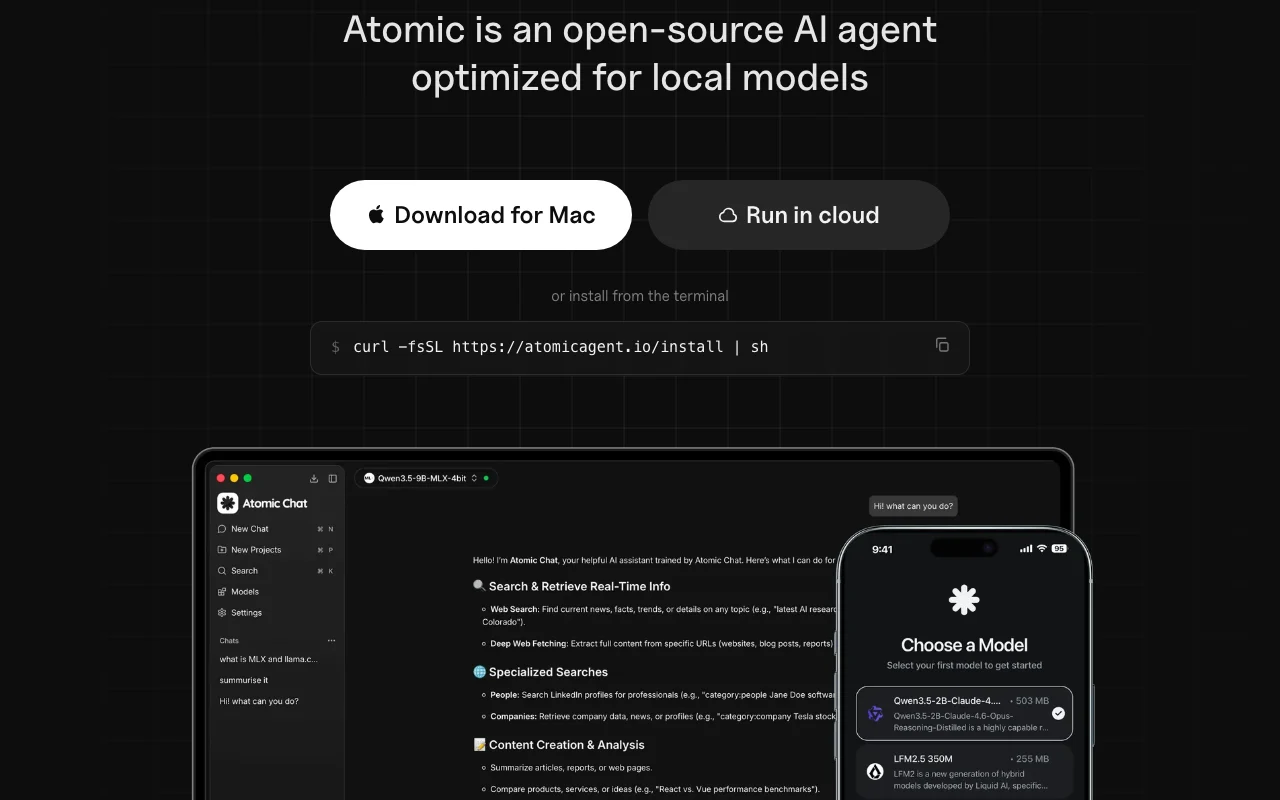
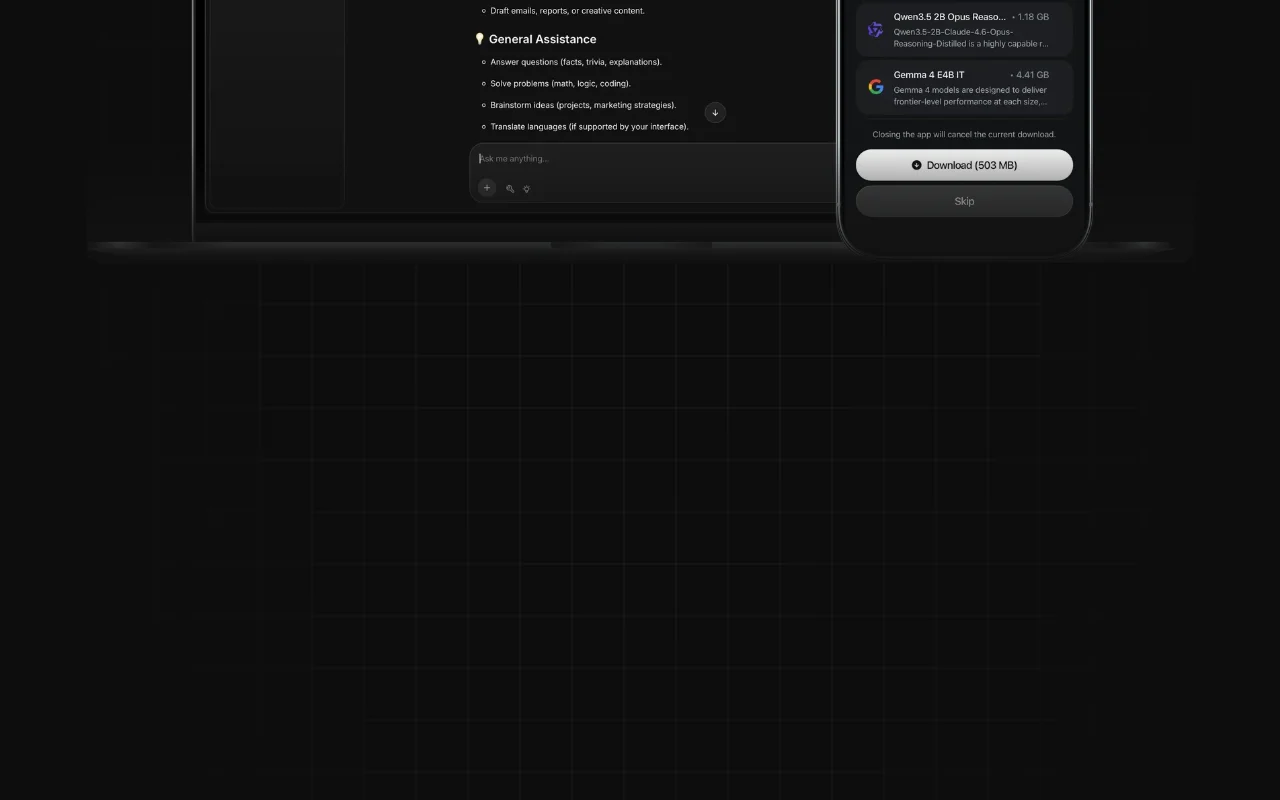
Atomic Chat homepage — screenshot of the chat assistants AI tool, Oct 1, 2026
Atomic Chat's official site: how the product presents itself. atomic.chat, captured Oct 1, 2026

What you provide and what you get back

How Atomic Chat works: what you provide, where it runs and what you get backYOU PROVIDEYour inputTyped promptsModels downloaded from Hugging Fa…GGUF, MLX or ONNX model filesCHAT ASSISTANTSAtomic ChatDesktop, Mobilefree tier, paid price not publish…free tier availableaccount requiredchecked Oct 1, 2026YOU GET BACKThe resultLocal chat repliesChats and Projects with persisten…Locally run agent workflowsinput → Atomic Chat → output · from the vendor's own pages, no hands-on test unless stated
What you give Atomic Chat and what comes back, from its documentation

You provide

  • Typed prompts
  • Models downloaded from Hugging Face
  • GGUF, MLX or ONNX model files

You get back

  • Local chat replies
  • Chats and Projects with persistent memory
  • Locally run agent workflows

Where you can use it

Platforms
Desktop, Mobile
Account
Required
Models / versions
local Hugging Face models: K2 Horizon, GLM-5.3-Flash, Qwen3.8, Gemma, Llama, DeepSeek
Platforms
macOS, Windows, Linux, iOS, Android
Model formats
GGUF, MLX, ONNX
Model catalog
1,000+ via Hugging Face
Model families
Qwen, DeepSeek, Kimi, Llama, MiniMax, Gemma, Mistral

What people use Atomic Chat for

Scenarios are worked out by our editors from the documentation; the actual result depends on your input and plan.

Private offline chat with local models

Who
Privacy-minded users and professionals with sensitive notes
You provide
Prompts typed on a laptop with a downloaded model
Expected result
Answers generated offline with no chat data leaving the device
Plan needed
Free
Limitation
Quality depends on the chosen open model and your RAM source (opens in a new tab)

Trying open-source models

Who
Developers and hobbyists comparing open models
You provide
Hugging Face model picked from the in-app browser
Expected result
Side-by-side feel for Qwen, Gemma, Llama or Mistral without API bills
Plan needed
Free
Limitation
Each model must be downloaded first, which can be large source (opens in a new tab)

Running models in GGUF, MLX or ONNX formats

Who
Power users with existing quantized files
You provide
GGUF, MLX or ONNX files
Expected result
Models run locally in a single desktop app
Plan needed
Free
Limitation
Format support per model not detailed in fetched pages source (opens in a new tab)

Atomic Chat features and their limits

Atomic Chat homepage — screenshot of the chat assistants AI tool, Oct 1, 2026
Feature overview on the official site. atomic.chat, captured Oct 1, 2026

Offline model execution

Runs language models on the device and works without internet after download Removes rate limits and API costs

Access: All platforms listed (Mac, Windows, Linux, iOS, Android)Limit: Needs enough RAM and a capable CPU or GPU source (opens in a new tab)

Model browser for 1,000+ models

Lets you browse Hugging Face models and download with one click Saves manual file hunting

Access: In-appLimit: Vendor figure of 1,000+ models; availability depends on Hugging Face source (opens in a new tab)

GGUF, MLX and ONNX support

Loads GGUF, MLX and ONNX model formats Covers Apple Silicon and cross-platform runtimes

Access: In-appLimit: Not every model exists in every format source (opens in a new tab)

TurboQuant engine

Built-in TurboQuant KV-cache compression the vendor says cuts memory about 6x Allows longer context on modest machines

Access: Built inLimit: Speed claims (8x on H100 GPUs) are vendor figures, not tested here source (opens in a new tab)

Pros, cons and deal-breakers

Reasons to choose Atomic Chat

Check before paying for Atomic Chat

How to use Atomic Chat for chatting with a local open-source model

Set up Atomic Chat

  1. Download Atomic Chat for your OS from the homepage (Mac needs Apple Silicon, macOS 13+)
  2. Install it like a normal app
  3. Open the model browser and pick a model that fits your RAM
  4. Wait for the model download to finish

Example: chatting with a local open-source model

  1. Search for a small Qwen or Gemma model
  2. Click download and wait
  3. Start a new chat in a Project
  4. Ask it to summarize a pasted meeting note

Review and export the result

  1. Turn off Wi-Fi and confirm the model still replies
  2. Watch memory use to see if the model fits your machine
Example prompt suggested by our editors (not a recorded output of the product)
Summarize these meeting notes into five bullet points and list action items with owners.

Atomic Chat API

API access and separate billing

Atomic Chat has no public API in its official documentation. No API documented in fetched pages

Privacy, data use and commercial rights

Summarized from the vendor's current policies; this is not legal advice and a vendor's badge is not an independent audit.

How your inputs and outputs are handled

Policy says conversations, prompts and outputs never leave the device.

No training on chats; no chat data collected.

No chat retention by vendor; anonymous app analytics via PostHog use a random device identifier.

Commercial use and plan restrictions

Not stated.

None; single free product.

Policies: atomic.chat/privacy

Other tools to consider instead of Atomic Chat

"Better suited" is based on documented features and pricing, not on a head-to-head test.

ChatGPT: better suited to

Claude: better suited to

Google Gemini: better suited to

Alternatives
AlternativeWhen to choose itPricingLimitation
ChatGPT——Compare
Claude——Compare
Google Gemini——Compare

Explore Atomic Chat further

If you are looking at Atomic Chat

Atomic Chat user reviews

No user reviews yet.

Used Atomic Chat? Be the first to share your experience.

Write a review

Reviews are checked by a moderator before they appear. Your email is never published. Plain text only.

Your rating (required)

Show what you made or what went wrong. Images are published only if the review is approved; location data is removed.

    Atomic Chat FAQ

    Does Atomic Chat need an internet connection?

    Only to download models; after that it works fully offline, per the homepage and privacy policy. source (opens in a new tab)

    Is Atomic Chat free?

    The homepage says no subscription, no rate limits and no cloud; there is no pricing page, so paid tiers could not be ruled out. source (opens in a new tab)

    Which Macs are supported?

    Macs with Apple Silicon (M1 or better) on macOS 13 or later; Windows x64 and Linux x86_64 builds also exist. source (opens in a new tab)

    What model formats does it run?

    GGUF, MLX and ONNX, with models browsed from Hugging Face. source (opens in a new tab)

    Does it collect my chats?

    No. The privacy policy states conversations, prompts and outputs stay on your device, though anonymous usage stats are described. source (opens in a new tab)

    Sources and review methodology

    Official sources and verification dates

    Not verified: Pricing page; Documentation; US availability; Mobile requirements.

    How we documented and maintain this page

    Every fact about Atomic Chat above comes from the 4 official pages listed here, last compared on Oct 1, 2026; we have not run Atomic Chat ourselves, so it has no editorial score. How we check and re-check pages.

    Article updated Oct 10, 2026; prices checked Oct 1, 2026. Outbound links to vendors are plain links; we do not earn commissions. How we review · Report an error