MCP server Official

Microsoft Learn MCP Server

Free remote MCP server giving AI assistants search and fetch access to official Microsoft Learn docs and code samples.

Author
Microsoft
Works with
Any MCP client, Claude Code, Cursor, Gemini CLI, OpenAI Codex, Windsurf
License
CC-BY-4.0
Documented
Oct 2, 2026

What Microsoft Learn MCP Server is

The Microsoft Learn MCP Server is a remote endpoint that gives AI assistants direct access to official Microsoft documentation, with no key or login. Any MCP client supporting Streamable HTTP can connect to it. It exposes docs search, page fetch and code sample search tools.

What it does

How Microsoft Learn MCP Server plugs in: which agents run it and what it addsRUNS INYour agentAny MCP clientClaude CodeOpenAI CodexCursor4 hosts documentedMCP SERVER · OFFICIALMicrosoft Learn MCP ServerConnect the agent to tools, data…4 install steps1 permission notelicense: CC-BY-4.0WHAT IT ADDSWhat it doesmicrosoft_docs_search: semantic s…microsoft_docs_fetch: convert a d…microsoft_code_sample_search: fin…Optional maxTokenBudget query par…agent → extension → new capability · from the official repository or docs
Where Microsoft Learn MCP Server runs and what it adds, from its documentation
  • microsoft_docs_search: semantic search of official docs
  • microsoft_docs_fetch: convert a docs page to markdown
  • microsoft_code_sample_search: find official code snippets with optional language filter
  • Optional maxTokenBudget query parameter to limit response size
  • OpenAI-compatible endpoint for Deep Research models (experimental)

When to use it

Good fit

  • Verifying Azure, .NET or Microsoft API usage against current docs
  • Avoiding hallucinated SDK methods

Not for

  • Browser access: the URL returns 405 outside an MCP client
  • Non-Microsoft documentation

How to install Microsoft Learn MCP Server

You need: MCP client supporting Streamable HTTP; No API key or sign-up

  1. Claude Code: /plugin install microsoft-docs@claude-plugins-official

  2. Codex: codex mcp add "microsoft-learn" --url "https://learn.microsoft.com/api/mcp"
  3. Other clients: add an http server with URL https://learn.microsoft.com/api/mcp
  4. Cursor and VS Code have one-click install links in the README
Configuration example (from the official docs)
{
  "servers": {
    "microsoft-learn": {
      "type": "http",
      "url": "https://learn.microsoft.com/api/mcp"
    }
  }
}

Permissions and security

What it can access

  • Read-only network access to Microsoft documentation through the remote endpoint

Review the source before granting an agent access to credentials or production systems. We document what the maintainers state; we do not audit code.

Limitations

  • Tools and schemas evolve; clients should discover tools dynamically
  • Experimental features may change

Tools it extends

No user reviews yet

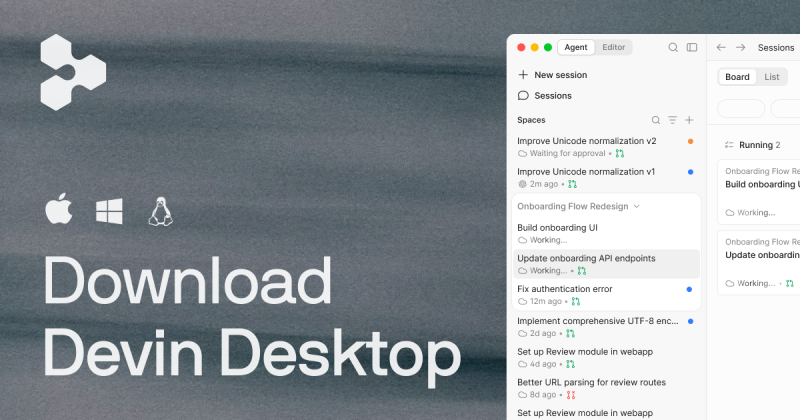
AI coding IDE, formerly Windsurf, now Devin Desktop: manage local and cloud coding agents inside a full IDE.

Free stops at: Light quota for agent usage, resets daily and weekly, Limited model availability

Listed Not yet reviewed

Verified windsurf.com (opens Devin Desktop (formerly Windsurf) website in a new tab)

Frequently asked questions

What is the Microsoft Learn MCP Server endpoint?

https://learn.microsoft.com/api/mcp, used via Streamable HTTP from an MCP client. source

Does the Microsoft Learn MCP Server need an API key?

No. The README says no keys, logins or sign-ups are required. source

How do I add the Microsoft Learn MCP Server to Codex?

Run codex mcp add "microsoft-learn" --url "https://learn.microsoft.com/api/mcp". source

Which tools does the Microsoft Learn MCP Server provide?

microsoft_docs_search, microsoft_docs_fetch and microsoft_code_sample_search. source

Related guides

Sources and gaps

Not stated by the maintainers: No release date visible; Code license for repo beyond CC-BY-4.0 LICENSE file not checked.

More extensions to look at