OpenAI Codex vs Devin Desktop (formerly Windsurf) in 2026: agent or IDE
Pick Codex if you already pay for ChatGPT and want an agent in the terminal, editor, desktop app and cloud. Pick Devin Desktop (formerly Windsurf) if you want a full AI-first IDE. Codex starts free, with Go at $8/month and Plus at $20/month.
Devin Desktop starts free, with Pro at $20/month and Max at $200/month. Neither profile states training or retention terms.
We based this comparison on our OpenAI Codex profile verified 2026-09-29 and our Devin Desktop profile verified 2026-10-01, both built from official vendor pages; it uses no third-party benchmarks and no vendor paid for placement.
Is OpenAI Codex better than Devin Desktop (formerly Windsurf)? The short answer
Codex is the better-documented fit if you already pay for ChatGPT: it ships as a CLI, IDE extension, desktop app, web and iOS agent, with an API-key route for CI. Devin Desktop (formerly Windsurf) is a full desktop IDE with an Agent Command Center, unlimited tab completions on every plan and a $20/month Pro plan. Codex lists no privacy or training terms and Devin Desktop states none either, so neither is verified for sensitive code. Pick Codex to add an agent to tools you already use; pick Devin Desktop to switch to an AI-first editor.
Based on our OpenAI Codex profile verified 2026-09-29 and our Devin Desktop (formerly Windsurf) profile verified 2026-10-01; privacy pages for both could not be read, and no benchmark was run.
OpenAI Codex and Devin Desktop (formerly Windsurf), as their sites look today
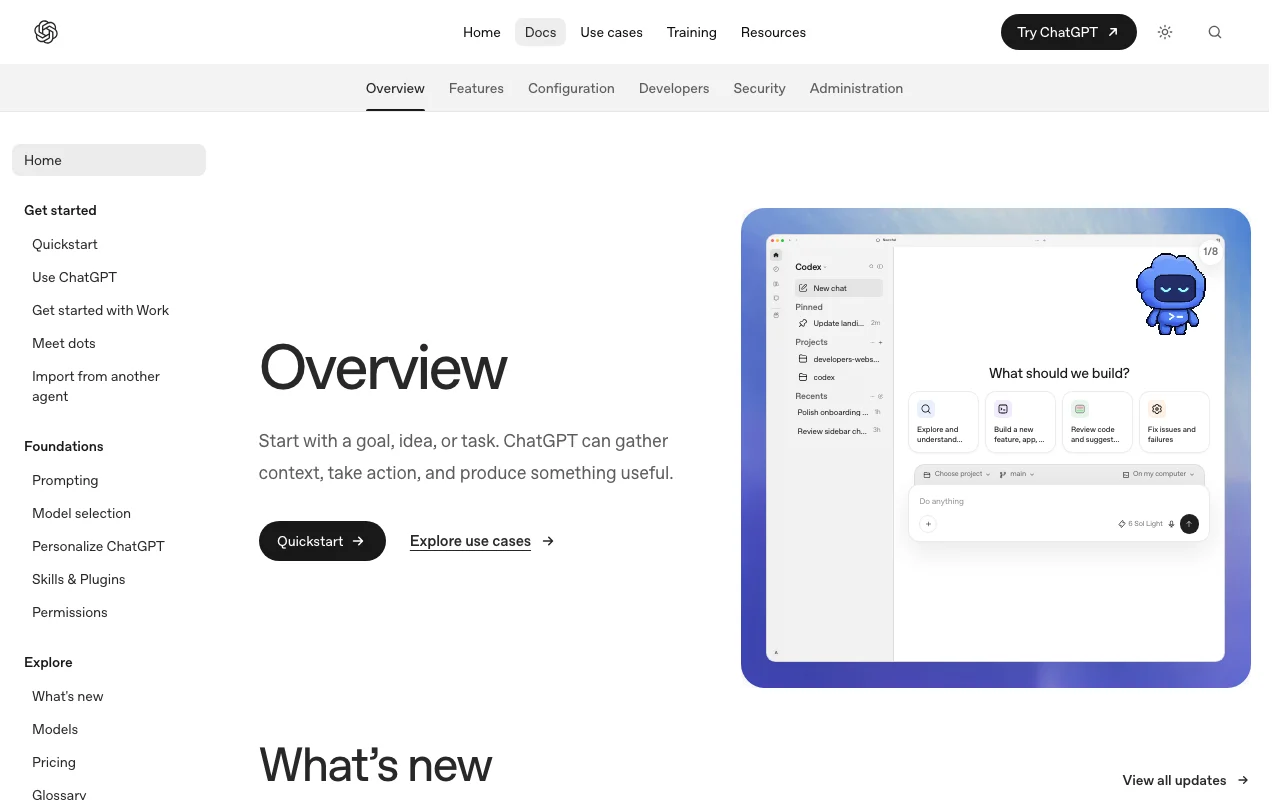
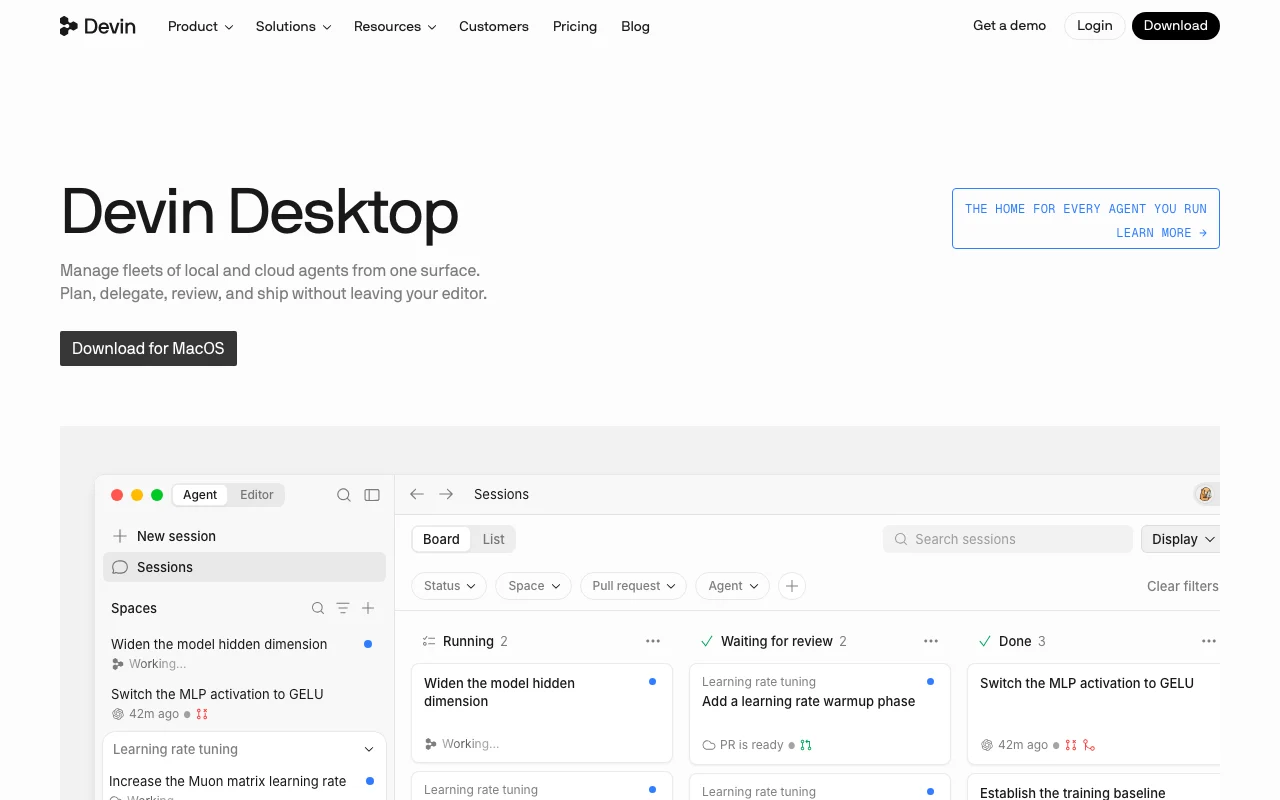
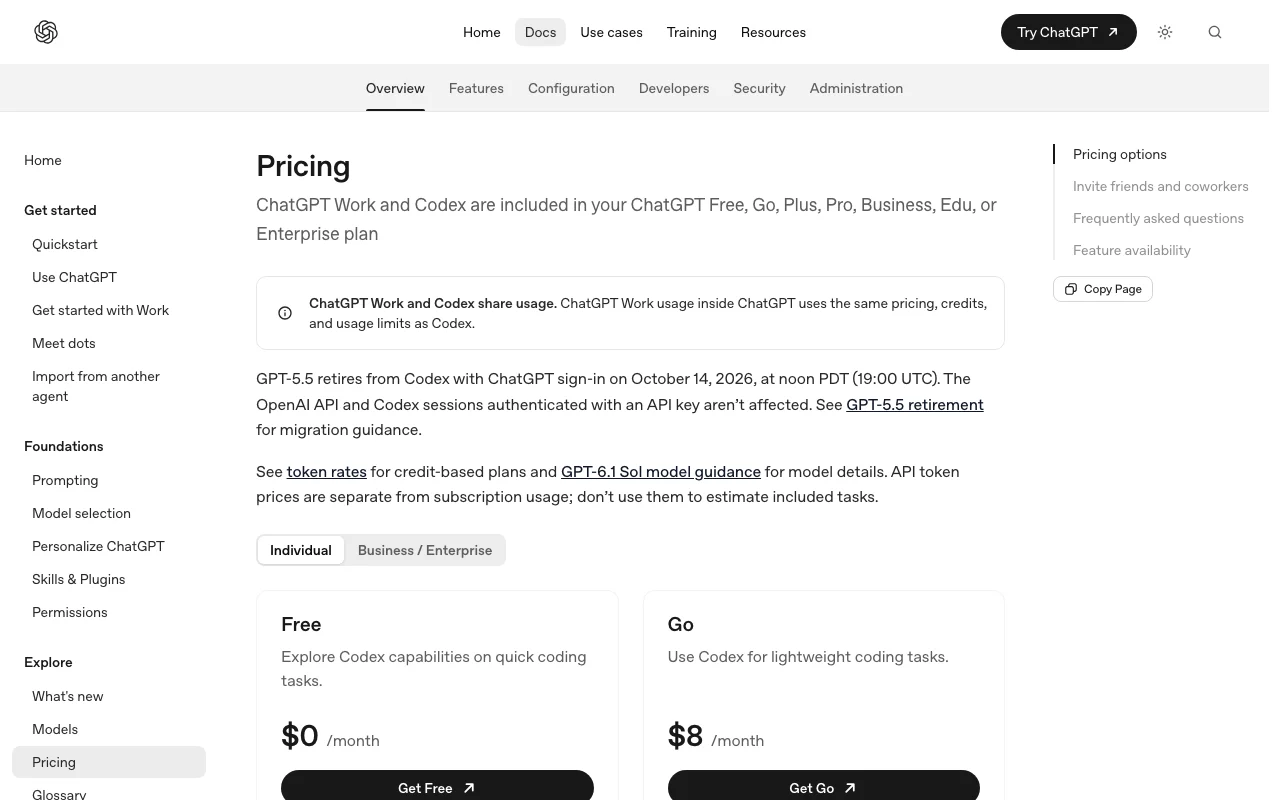
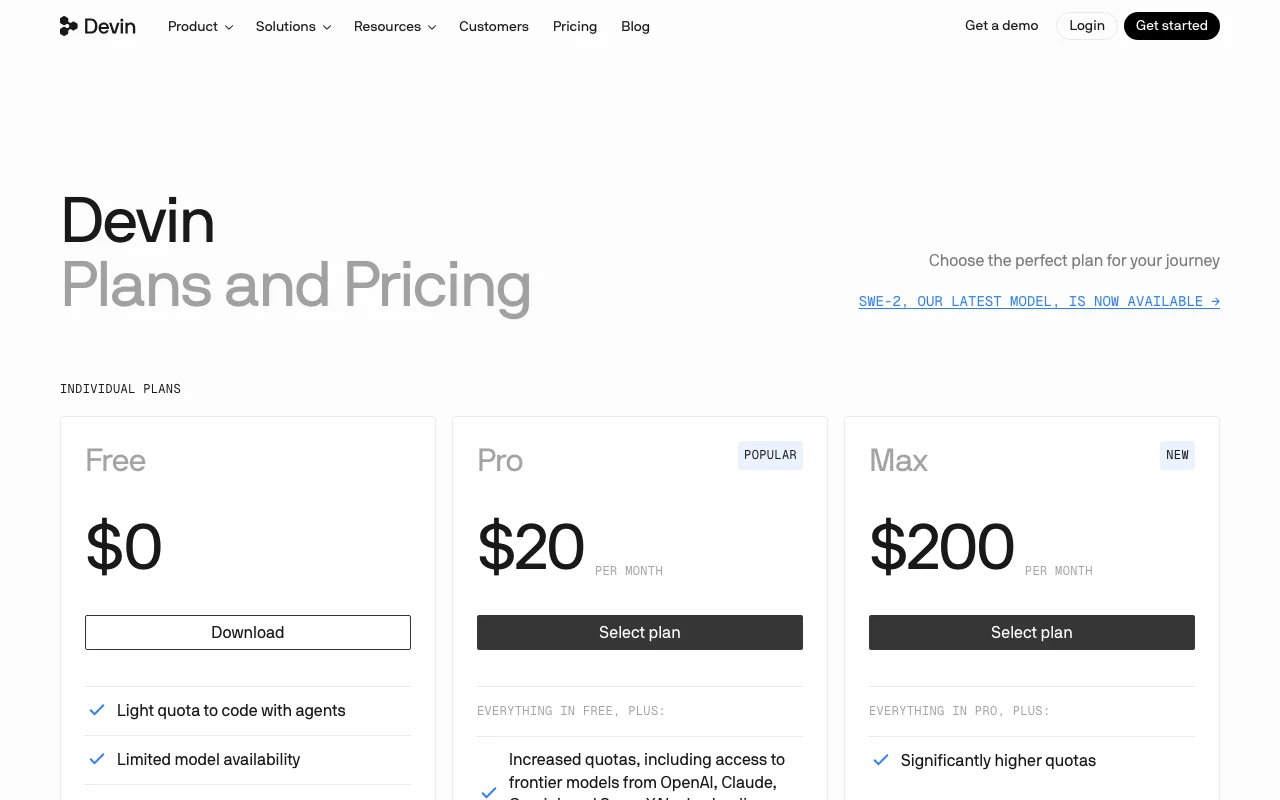
Our own captures of each vendor's public pages. Click a frame for the full-size image.
OpenAI Codex homepage. developers.openai.com, captured Oct 28, 2026Devin Desktop (formerly Windsurf) homepage. windsurf.com, captured Oct 1, 2026OpenAI Codex plans and prices. developers.openai.com, captured Oct 28, 2026Devin Desktop (formerly Windsurf) plans and prices. devin.ai, captured Oct 1, 2026
OpenAI Codex or Devin Desktop (formerly Windsurf): which to use, by task
If you only want the answer, this is the table. Everything below is the evidence from the two documented profiles.
Side-by-side comparison
You want to
Use
Why
Try an AI coding agent for free
Either
Both have a free plan; Codex Free lists the desktop app only and Devin Desktop Free has a light agent quota
Add an agent to VS Code or Cursor
OpenAI Codex
Codex lists an IDE extension for VS Code, Cursor and Windsurf
Work in one full IDE with debugging
Devin Desktop (formerly Windsurf)
Devin Desktop includes autocomplete, debugging and syntax highlighting
Get inline tab completions
Devin Desktop (formerly Windsurf)
Devin Desktop lists unlimited tab completions and inline edits on all plans; Codex lists none
Run tasks in the cloud without your machine
Either
Codex runs a cloud agent on web and iOS; Devin Desktop paid plans include Devin Cloud agents
Start or check work from a phone
OpenAI Codex
Codex on the web and iOS is listed for Plus; Devin Desktop is desktop only
Run a coding agent in CI
OpenAI Codex
Codex has an API-key option listed for CI and automation
Manage several agents in one view
Devin Desktop (formerly Windsurf)
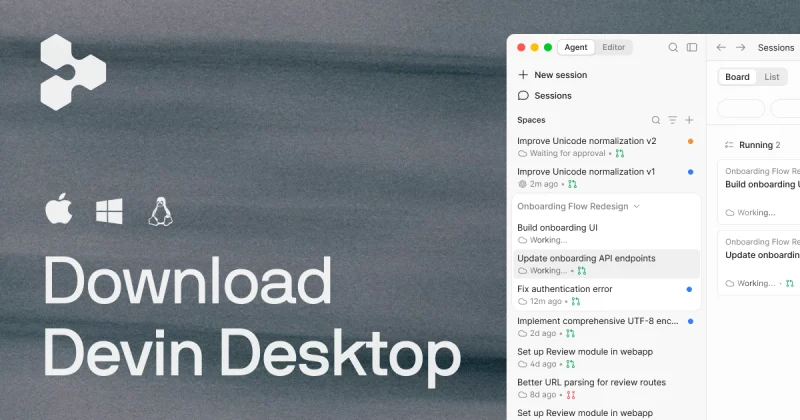
Devin Desktop's Agent Command Center uses Spaces and Kanban boards
Work from the terminal
Either
Codex has an open-source CLI; Devin Desktop lists a CLI too
Give a team shared billing and an admin dashboard
Devin Desktop (formerly Windsurf)
Devin Desktop Teams lists centralized billing and an admin dashboard with analytics; Codex Business lists workspace admin features
Who should pick which
Pick Codex to add an agent to your ChatGPT plan, Devin Desktop for a full AI-first IDE
Pick OpenAI Codex if
You already pay for a ChatGPT plan and want Codex usage shared with it
You want a CLI, IDE extension, desktop app and a cloud agent on web and iOS
You need an API-key route for CI, accepting that cloud features like GitHub code review and Slack are not included
You want to keep VS Code, Cursor or Windsurf and add an agent extension
Pick Devin Desktop (formerly Windsurf) if
You want a full IDE with autocomplete and debugging, with agents managed inside it
You want a free plan with unlimited tab completions and inline edits
You want Pro at $20/month with full model availability, or a Teams plan with an admin dashboard
You work on macOS, Windows or Linux and are happy with a desktop-only tool
What OpenAI Codex does better, and what Devin Desktop (formerly Windsurf) does better
OpenAI Codex
One agent across CLI, IDE extension, desktop app, web and iOS
Usage shared with the ChatGPT plan you already have
An API-key option for CI pipelines
Open-source CLI installable by script, npm or Homebrew
Devin Desktop (formerly Windsurf)
A full IDE with autocomplete, debugging and syntax highlighting
Unlimited tab completions and inline edits on every plan
Agent Command Center for managing several agents in Spaces and Kanban boards
Fast Context, which finds the files and lines an agent needs
OpenAI Codex vs Devin Desktop (formerly Windsurf) pricing: plans and free tiers
Side-by-side comparison
Plan
Tool
Price
Limits
Codex Free
OpenAI Codex
$0
Desktop app only listed; usage limits apply
Codex Go
OpenAI Codex
$8/mo
Desktop app only listed; usage limits apply
Codex Plus
OpenAI Codex
$20/mo
Local messages and cloud chats share one allowance per five-hour period; weekly limits may apply
Codex Pro
OpenAI Codex
$100, $200 or $500/mo (tier mapping not confirmed)
Higher usage than Plus; no five-hour limit currently, weekly limits may apply
Codex Business
OpenAI Codex
$25/user/mo ($20 annual)
Same per-seat five-hour estimates as Plus; extra credits can be bought
Codex API key
OpenAI Codex
Pay per API token
No GitHub code review or Slack
Codex Enterprise/Edu
OpenAI Codex
Contact sales
Not stated
Devin Desktop Free
Devin Desktop (formerly Windsurf)
$0
Light agent quota, daily and weekly; limited models; up to 10 concurrent sessions
Devin Desktop Pro
Devin Desktop (formerly Windsurf)
$20/mo
Increased quotas; full model availability; up to 10 concurrent sessions
Devin Desktop Max
Devin Desktop (formerly Windsurf)
$200/mo
Significantly higher quotas than Pro; unlimited concurrent sessions
OpenAI Codex or Devin Desktop (formerly Windsurf): how to choose
Already pay for ChatGPT and want one agent for terminal, editor and cloud: choose Codex
Want a full IDE with tab completions and an agent manager: choose Devin Desktop
Need an API-key route for CI: choose Codex
Need a team plan with an admin dashboard: look at Devin Desktop Teams
Want to start a task from a phone: choose Codex (Plus and above)
Handling sensitive code: neither profile states training or retention terms, so read the vendor policy first
Frequently asked questions
Is Windsurf the same as Devin Desktop?
Our profile lists Devin Desktop as formerly Windsurf, and says plans and settings migrate from Windsurf automatically. We use the Devin Desktop name for plans and prices because that is what the pricing page shows.
Is Codex or Devin Desktop free?
Both have a free plan. A Free ChatGPT plan includes Codex with the desktop app listed and usage limits. Devin Desktop Free has a light agent quota, limited models and unlimited tab completions and inline edits.
Can I use Codex inside Windsurf?
Codex lists an IDE extension for VS Code, Cursor and Windsurf, so it can run next to your open files in an editor you may already use. We have not verified how the extension behaves in Devin Desktop.
Which costs more for a team?
Codex Business is $25 per user per month billed monthly ($20 billed annually). Devin Desktop Teams is $80 team base plus $40 per full dev seat, billed monthly. Both have contact-sales Enterprise plans.