CodingDocumented overviewLast checked Oct 1, 2026

Vicoa: Pricing, Features & Best Use Cases

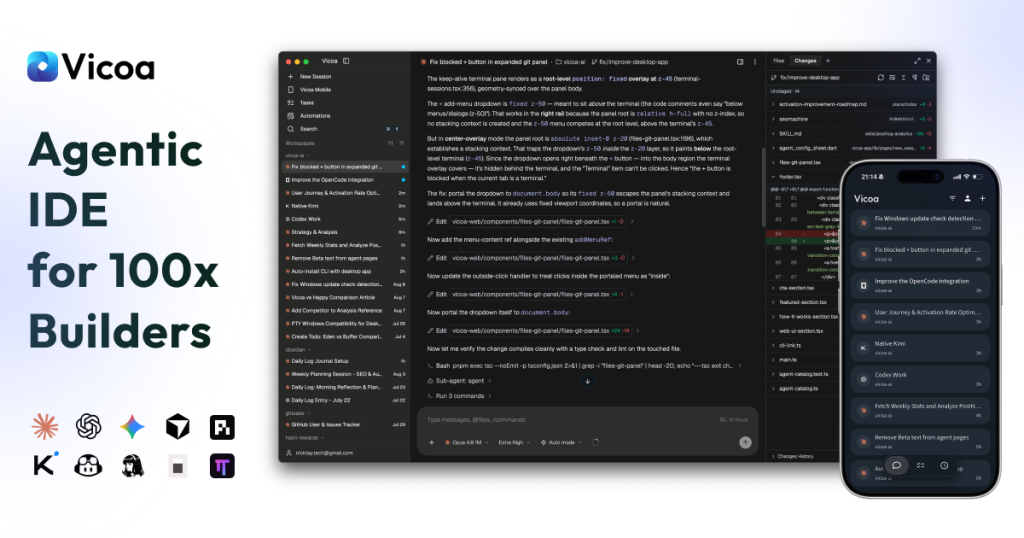
Workspace to run and steer multiple coding agents on your machines from desktop, web or phone.

Is Vicoa right for you?

Vicoa suits developers who already pay for coding agents such as Claude Code or Codex and want to run several in parallel on their own machines and steer them from desktop, web or phone. Based on the vendor's documentation, not on a hands-on test.

Best for: Developers using multiple coding agents

Also a good fit for

  • Remote coding workflows

Consider another tool if free limited to 1 remote machine

Or if

  • Free limited to 10 automations
  • Requires your own agent subscriptions

Vicoa pricing and usage limits

Prices checked Oct 1, 2026 on the official US pricing page. Official pricing ↗ Prices and limits change often.

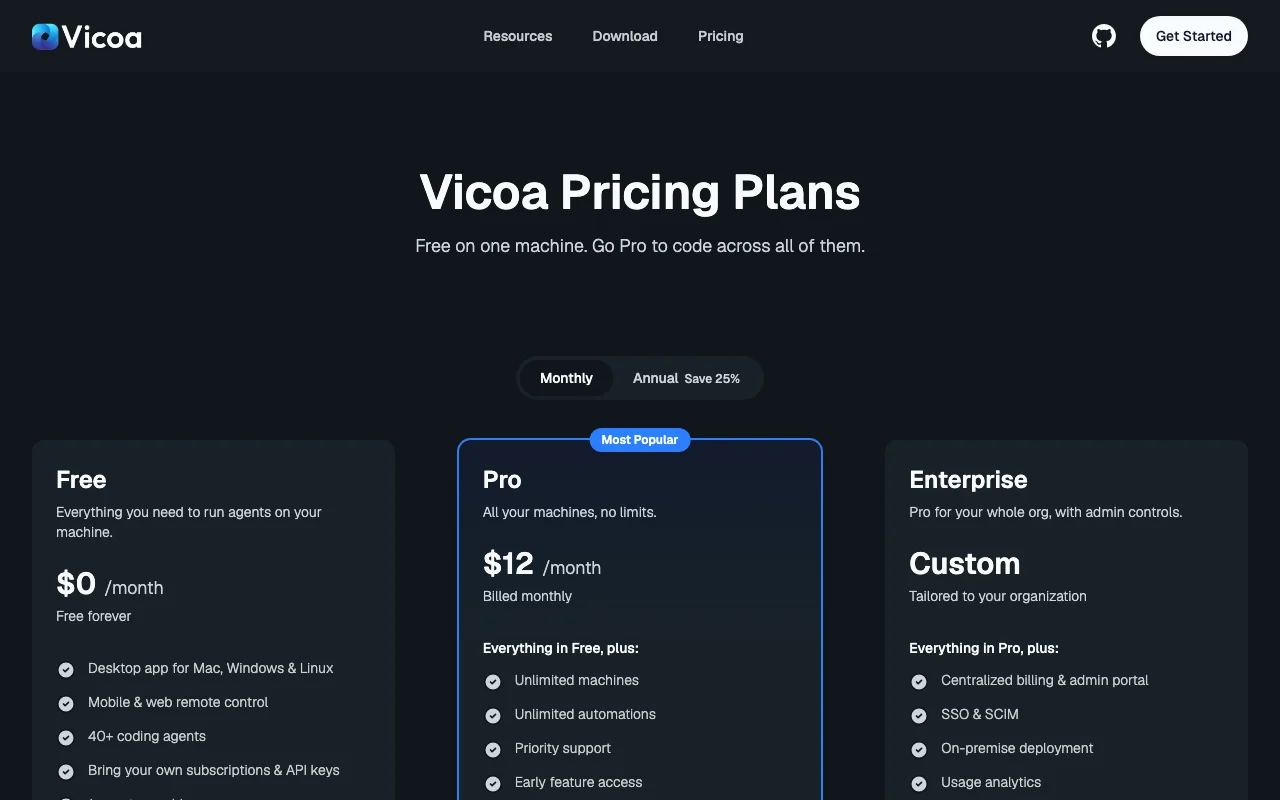
Vicoa pricing page with plans and prices — screenshot of the coding AI tool, Oct 2, 2026
The official Vicoa pricing page as we saw it. vicoa.ai, captured Oct 2, 2026

Free access and trial conditions

Free forever on one remote machine.

Annual Pro includes a free trial.

Paid plans: what changes as you upgrade

Free web

Free source (opens in a new tab)

Month

For: One machine

Limits

  • 1 remote machine
  • 10 automations
1 more
  • No message cap

Includes

  • Desktop app for Mac, Windows and Linux
  • Mobile and web remote control
2 more
  • 40+ coding agents
  • Community support

No API

Pro web

$12/mo source (opens in a new tab)

Month

Annual billing saves 25%; annual Pro includes a free trial.

For: Developers with several machines

Limits

  • Billed monthly at this price

Includes

  • Unlimited machines and automations
  • Priority support
1 more
  • Early feature access

No API

Enterprise web

Custom pricing source (opens in a new tab)

For: Organizations needing admin controls

Limits

  • Contact sales

Includes

  • Admin portal and centralized billing
  • SSO and SCIM
1 more
  • On-premise deployment and SLA

No API

Usage caps, credits and extra costs

Your own agent subscriptions or API keys; Vicoa adds no usage markup.

Not stated.

What is Vicoa, and how does it work?

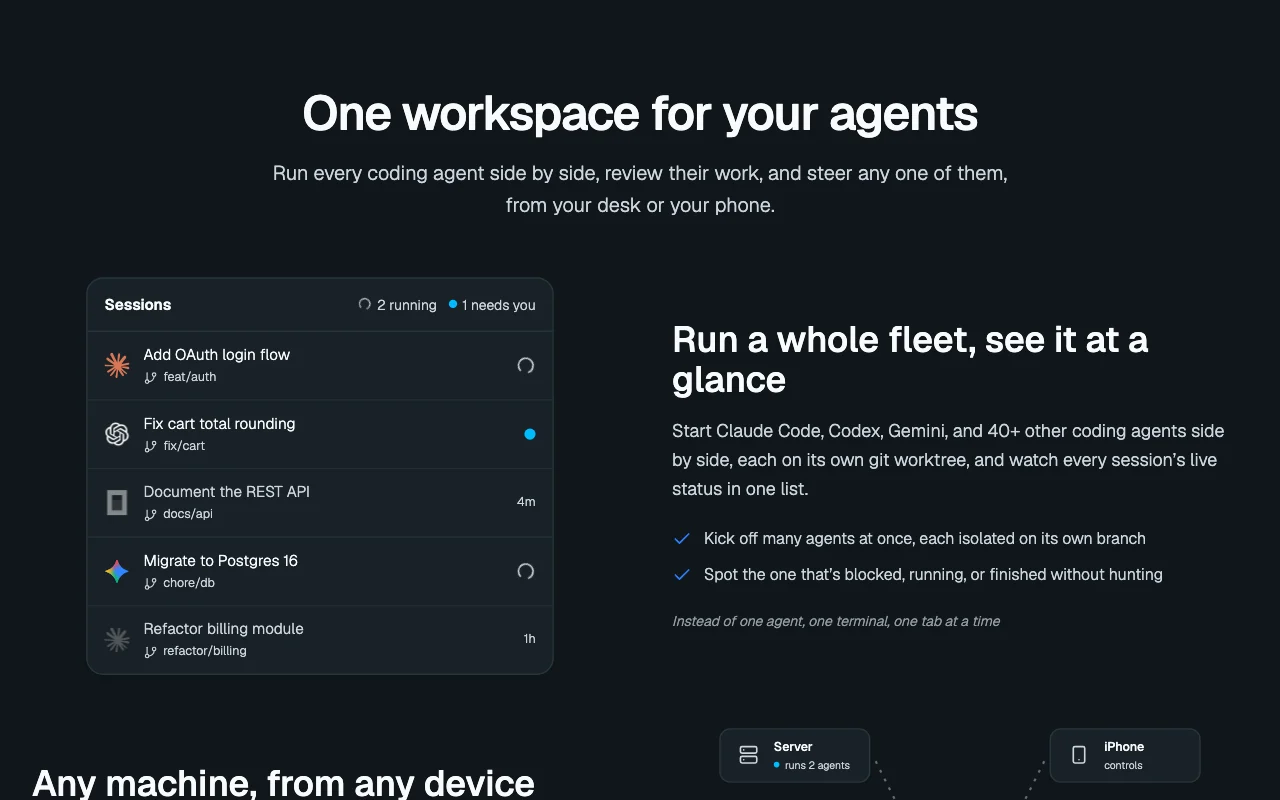
Vicoa lets you run coding agents such as Claude Code, Codex and Gemini in parallel, each on its own git worktree, and control them from desktop, web or mobile apps. Code stays on your own machines; a relay carries the conversation. A free plan covers one remote machine; Pro adds unlimited machines and automations. You bring your own agent subscriptions or API keys.

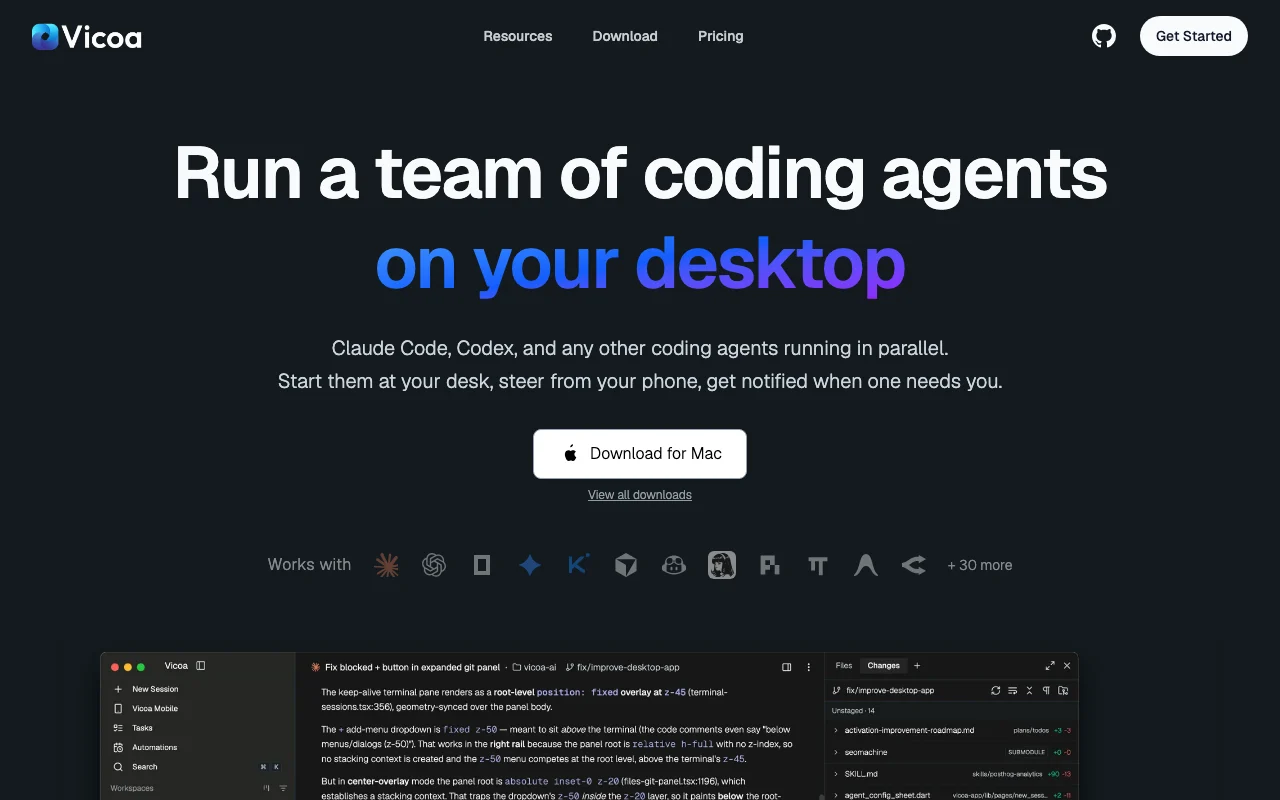
Vicoa homepage — screenshot of the coding AI tool, Oct 2, 2026
Vicoa's official site: how the product presents itself. vicoa.ai, captured Oct 2, 2026

What you provide and what you get back

How Vicoa works: what you provide, where it runs and what you get backYOU PROVIDEYour inputYour coding agent subscriptions o…Git repositories on your machinesVoice or text instructions from p…CODINGVicoaWeb, Desktop, Mobilefrom $12/mo (Pro)free tier availableaccount requiredchecked Oct 1, 2026YOU GET BACKThe resultParallel agent sessions in separa…Git diffs and commitsPush notifications needing approv…input → Vicoa → output · from the vendor's own pages, no hands-on test unless stated
What you give Vicoa and what comes back, from its documentation

You provide

  • Your coding agent subscriptions or API keys
  • Git repositories on your machines
  • Voice or text instructions from phone or web

You get back

  • Parallel agent sessions in separate worktrees
  • Git diffs and commits
  • Push notifications needing approval

Where you can use it

Platforms
Web, Desktop, Mobile
Account
Required
Agents
40+, including Claude Code, Codex, Gemini, Cursor, Copilot
Apps
Mac, Windows, Linux, web, iOS, Android
Isolation
Each session on its own git worktree
Tools
Diffs, terminals, live preview, slash commands, voice dictation

Where Vicoa is most useful

Scenarios are worked out by our editors from the documentation; the actual result depends on your input and plan.

Run parallel coding agents

Who
Developers running several agents
You provide
A repo and multiple task descriptions
Expected result
Parallel sessions each on its own git worktree
Plan needed
Free
Limitation
One remote machine only source (opens in a new tab)

Steer agents from a phone

Who
Engineers away from the desk
You provide
A running agent session
Expected result
Push notification and one-tap approval from a phone
Plan needed
Free
Limitation
Needs the machine online to continue source (opens in a new tab)

Approve changes remotely

Who
Teams automating recurring code chores
You provide
A scheduled automation
Expected result
Runs with history logged
Plan needed
Pro
Limitation
Free capped at 10 automations source (opens in a new tab)

What Vicoa does, and where it stops

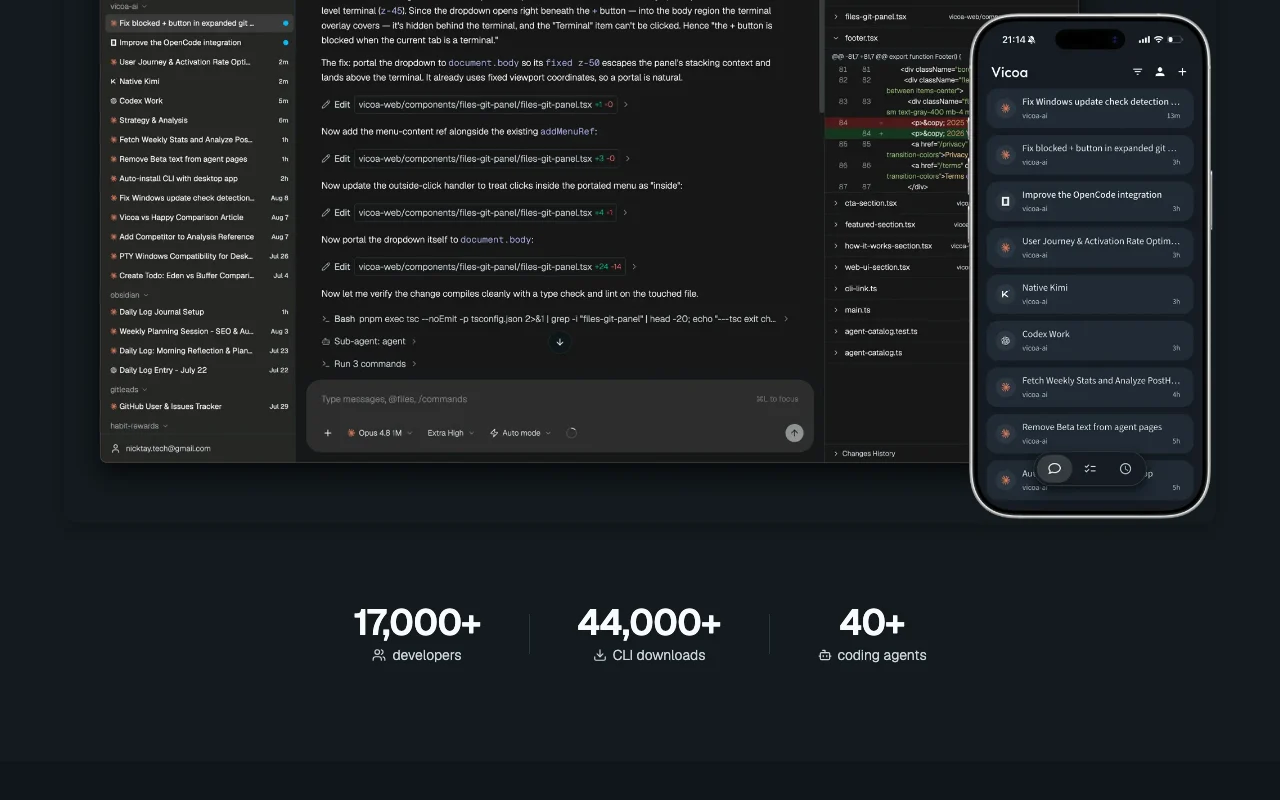
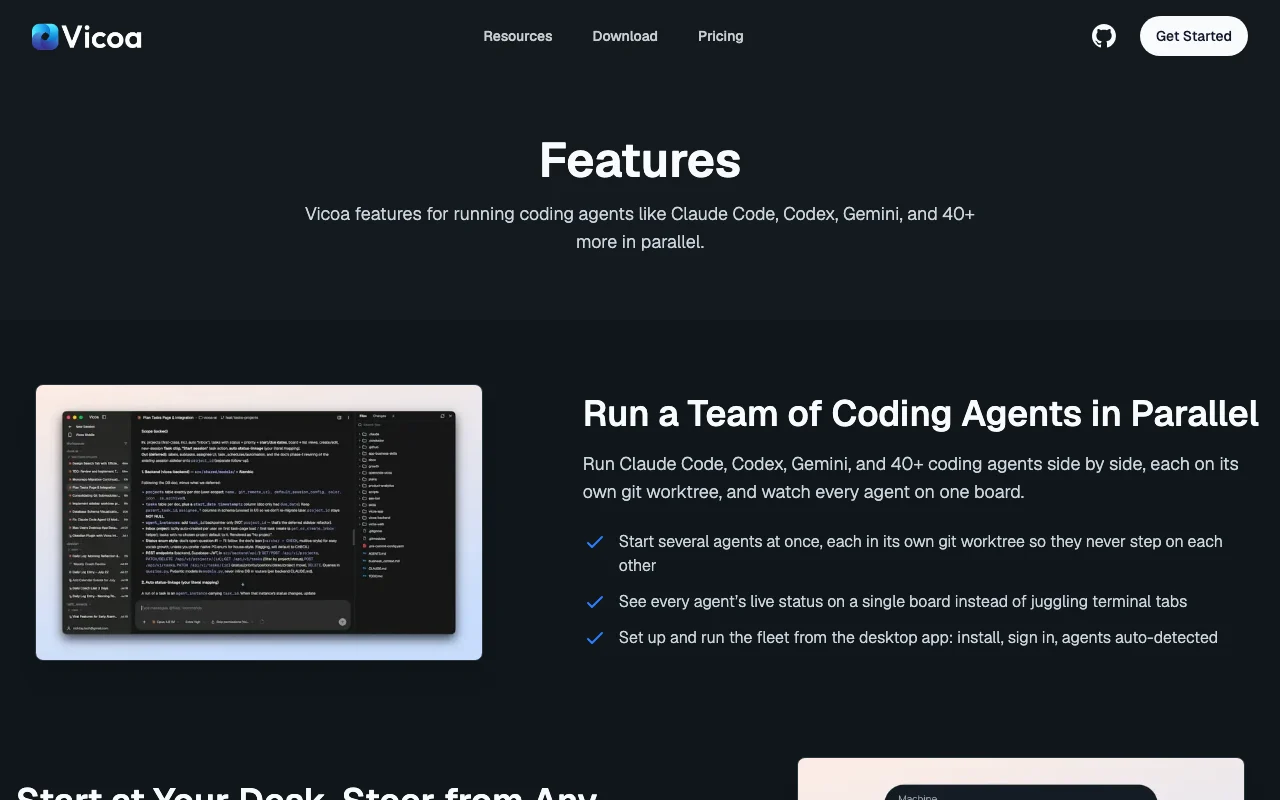
Vicoa homepage — screenshot of the coding AI tool, Oct 2, 2026
Feature overview on the official site. vicoa.ai, captured Oct 2, 2026

40+ supported agents

Supports 40+ coding agents including Claude Code, Codex, Gemini, Cursor and Copilot, plus any ACP-compatible agent. Lets you mix agents in one workspace.

Access: All plansLimit: You pay for each agent's own subscription. source (opens in a new tab)

Git worktree isolation

Runs each session on its own git worktree. Avoids parallel agents overwriting each other.

Access: All plansLimit: Needs a git repository. source (opens in a new tab)

Cross-device sync

Syncs sessions in real time across desktop, web and mobile. Start at your desk and continue on the phone.

Access: All plansLimit: Conversation relay stores messages on Vicoa servers. source (opens in a new tab)

Push notifications

Sends push notifications with one-tap approvals. Keeps agents moving without watching them.

Access: All plansLimit: Depends on mobile notification settings. source (opens in a new tab)

Vicoa pros and cons

Reasons to choose Vicoa

Check before paying for Vicoa

How to use Vicoa for running coding agents in parallel and steering them from a phone

Set up Vicoa

  1. Download the Vicoa desktop app for Mac, Windows or Linux from vicoa.ai
  2. Sign in with your Claude, Codex or other agent subscription, or add API keys
  3. Install the iOS or Android app and sign in to the same account

Example: running coding agents in parallel and steering them from a phone

  1. Open a repository and start two sessions, each on its own worktree
  2. Give each agent a task, such as a login flow and a bug fix
  3. Leave your desk and wait for a push notification
  4. Review the diff on your phone and approve or interrupt

Review and export the result

  1. Open the git diff and commit history for each worktree before merging
  2. Confirm only intended files changed
Example prompt suggested by our editors (not a recorded output of the product)
Add an OAuth login flow on a new branch and open the diff when tests pass.

Vicoa API

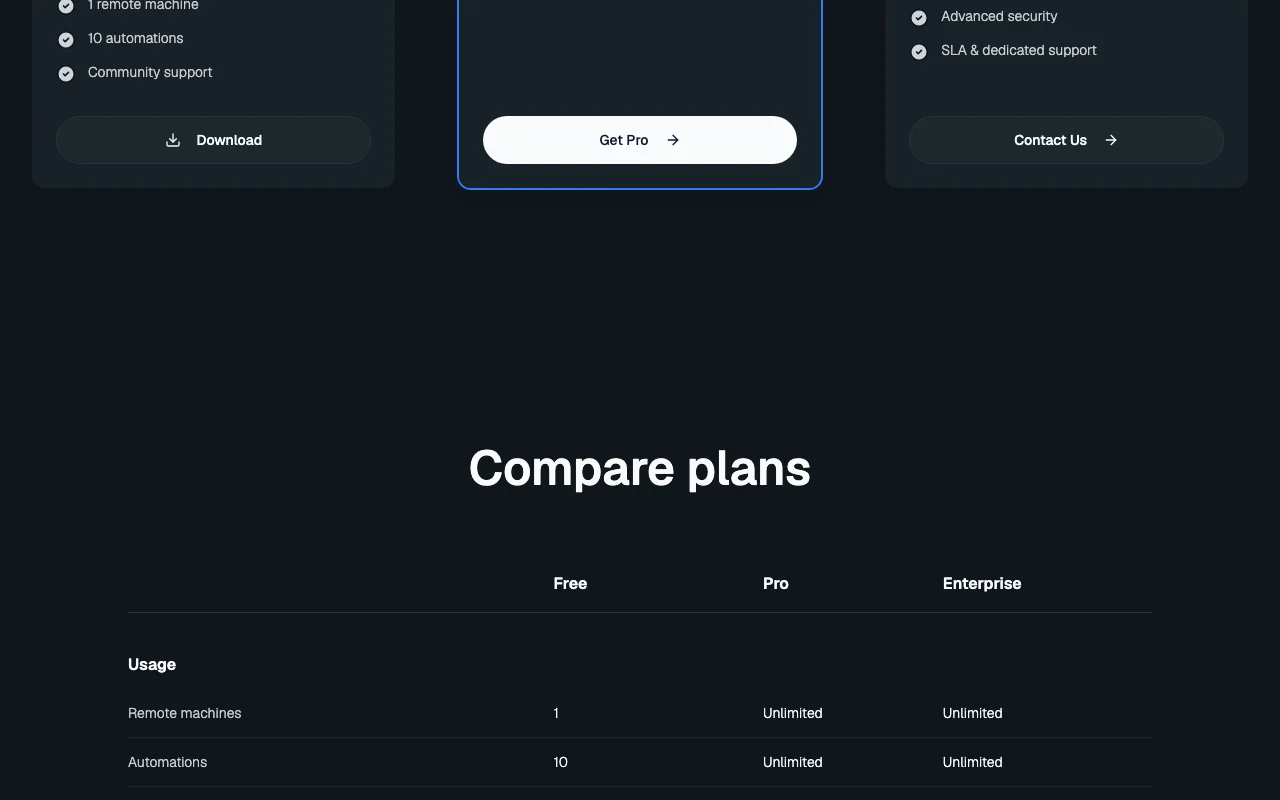
Vicoa pricing page with plans and prices — screenshot of the coding AI tool, Oct 2, 2026
Plan comparison on the official pricing page. vicoa.ai, captured Oct 2, 2026

API access and separate billing

Vicoa has no public API in its official documentation. CLI downloads exist; no public API stated. API documentation ↗

Privacy, data use and commercial rights

Summarized from the vendor's current policies; this is not legal advice and a vendor's badge is not an independent audit.

How your inputs and outputs are handled

Code stays on your machines; a relay carries conversations, and message content is stored to sync across devices.

Not stated in the excerpt.

Retained as needed; message content you delete is immediately and permanently removed.

Commercial use and plan restrictions

Not stated.

On-premise deployment is Enterprise.

Controls for business users

  • SSO and SCIM
  • Advanced security (Enterprise)

Policies: vicoa.ai/privacy

Other tools to consider instead of Vicoa

"Better suited" is based on documented features and pricing, not on a head-to-head test.

Cursor: better suited to

GitHub Copilot: better suited to

Devin Desktop (formerly Windsurf): better suited to

Replit: better suited to

Alternatives
AlternativeWhen to choose itPricingLimitation
Cursor——Compare
GitHub Copilot——Compare
Devin Desktop (formerly Windsurf)——Compare
Replit——Compare

Explore Vicoa further

Tools and guides near Vicoa

Vicoa user reviews

No user reviews yet.

Used Vicoa? Be the first to share your experience.

Write a review

Reviews are checked by a moderator before they appear. Your email is never published. Plain text only.

Your rating (required)

Show what you made or what went wrong. Images are published only if the review is approved; location data is removed.

    Vicoa FAQ

    What are the Vicoa Free plan limits?

    One remote machine and ten automations, with no message cap. source (opens in a new tab)

    Do I need my own AI subscription for Vicoa?

    Yes. Vicoa does not resell model access; sign in with your own subscription or bring API keys. source (opens in a new tab)

    How much is Vicoa Pro?

    $12 per month billed monthly, with annual billing saving 25%. source (opens in a new tab)

    Which coding agents does Vicoa support?

    40+, including Claude Code, Codex, OpenCode, Gemini, Cursor and Copilot, plus any ACP-compatible agent. source (opens in a new tab)

    Does Vicoa store my conversations?

    Yes, messages are stored to sync across devices, and deleted messages are removed immediately and permanently. source (opens in a new tab)

    Sources and review methodology

    Official sources and verification dates

    Not verified: Training use; Docs content; Commercial terms.

    How we documented and maintain this page

    Every fact about Vicoa above comes from the 3 official pages listed here, last compared on Oct 1, 2026; we have not run Vicoa ourselves, so it has no editorial score. How we check and re-check pages.

    Article updated Oct 2, 2026; prices checked Oct 1, 2026. Outbound links to vendors are plain links; we do not earn commissions. How we review · Report an error