Our take: Choose W&B HiveMind if your team uses several coding agents and wants one searchable, replayable record of their sessions, noting that pricing is not stated.
Main limitation: Pricing is not stated on the pages read, and it needs a background daemon installed.
By the AI Tool Atlas editors.
Based on the vendor's official documentation; we have not tested this product hands-on. What “documented overview” means
Is W&B HiveMind right for you?
Choose W&B HiveMind if your team uses several coding agents and wants one searchable, replayable record of their sessions, noting that pricing is not stated. Based on the vendor's documentation, not on a hands-on test.
Best for: Engineering teams running multiple AI coding agents
Also a good fit for
Individual developers who want searchable agent history
Consider another tool if pricing not stated on the pages read
Or if
Requires installing a background daemon and signing in with GitHub or SSO
One-line installer and Homebrew cask need Apple Silicon on macOS; Intel Macs and Windows use uv
W&B HiveMind pricing and usage limits
Prices checked Oct 4, 2026 on the official US pricing page. Official pricing ↗ Prices and limits change often.
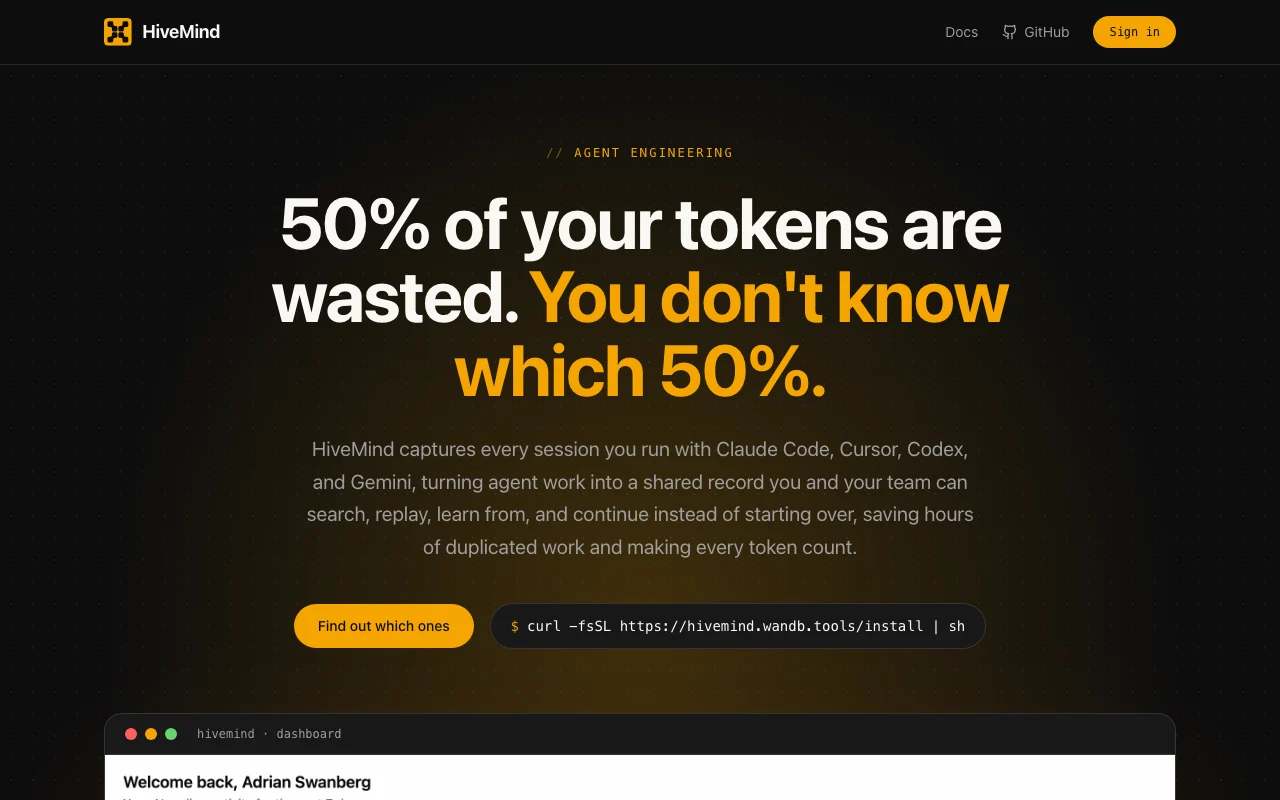
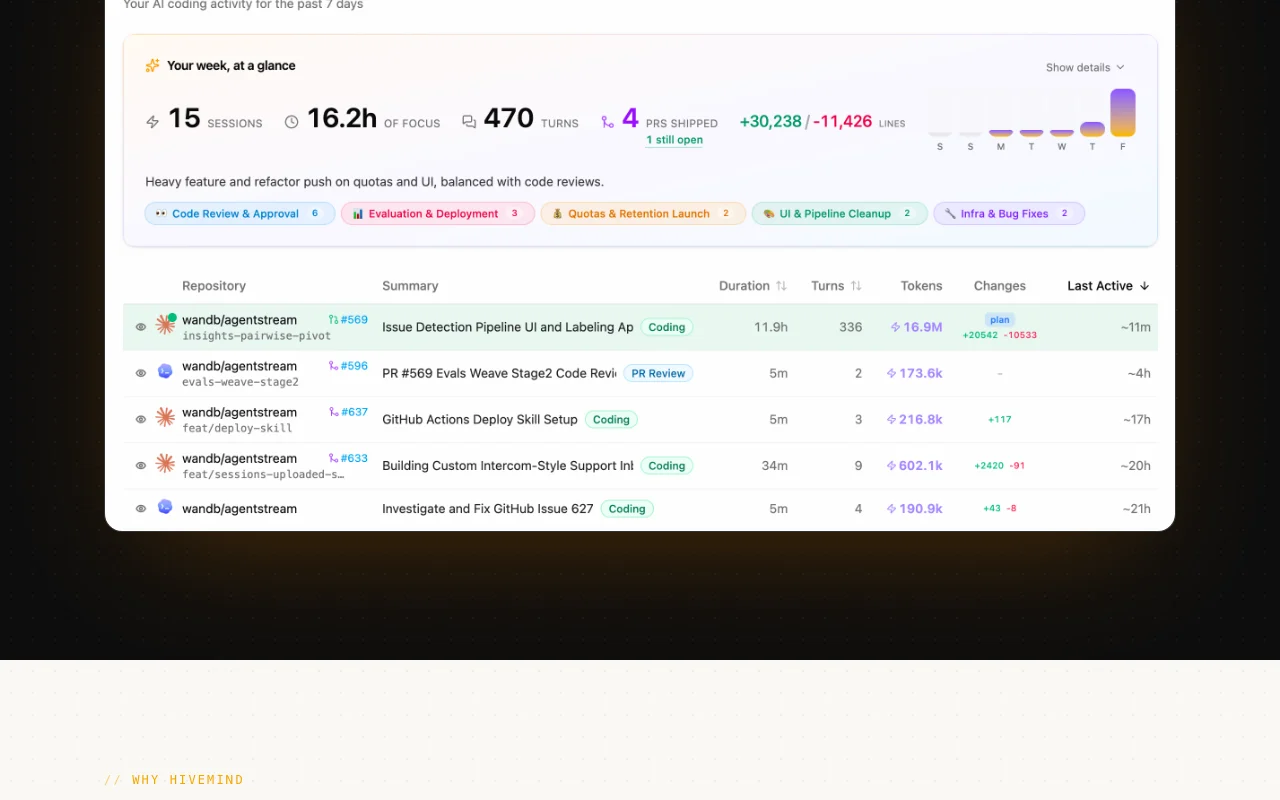
W&B HiveMind is a shared dashboard for AI coding sessions. A lightweight daemon on each developer's machine watches transcripts written by coding agents and uploads them to hivemind.wandb.tools, where sessions can be searched, replayed, forked and analyzed for spend and outcomes.
The docs list Claude Code, Codex, Cursor, Gemini CLI, OpenCode, GitHub Copilot CLI and Pi as supported agents. The daemon redacts API keys and secrets on-device before upload, and visibility follows who can read the source GitHub repo. Install is via a one-line script, Homebrew or uv.
W&B HiveMind's official site: how the product presents itself. hivemind.wandb.tools, captured Oct 2, 2026
What you provide and what you get back
You provide
Local coding-agent transcripts
You get back
Searchable session dashboard
Replay and fork of sessions
Where you can use it
Platforms
web, cli, macos, linux
Account
Required
Agents
Claude Code, Codex, Cursor, Gemini CLI, more
Sync
Every 30 s
Install
Script, Homebrew, uv
Auth
GitHub or SSO
What people use W&B HiveMind for
Scenarios are worked out by our editors from the documentation; the actual result depends on your input and plan.
Seeing live and past coding-agent sessions across machines
Who
Engineering managers
You provide
Agent transcripts
Expected result
A live and historical view of coding-agent sessions across machines.
Prior sessions matching your search term can be reused by the team.
Plan needed
Not stated
Limitation
Results depend on which repos are synced, so work in unsynced repos cannot be found. source (opens in a new tab)
Tracking token spend and outcomes across agents
Who
Team leads
You provide
Session history
Expected result
Spend and outcome metrics are shown across agents for the sessions captured.
Plan needed
Not stated
Limitation
The metrics have not been verified in the official pages we could read, so spend figures should be cross-checked. source (opens in a new tab)
W&B HiveMind features and their limits
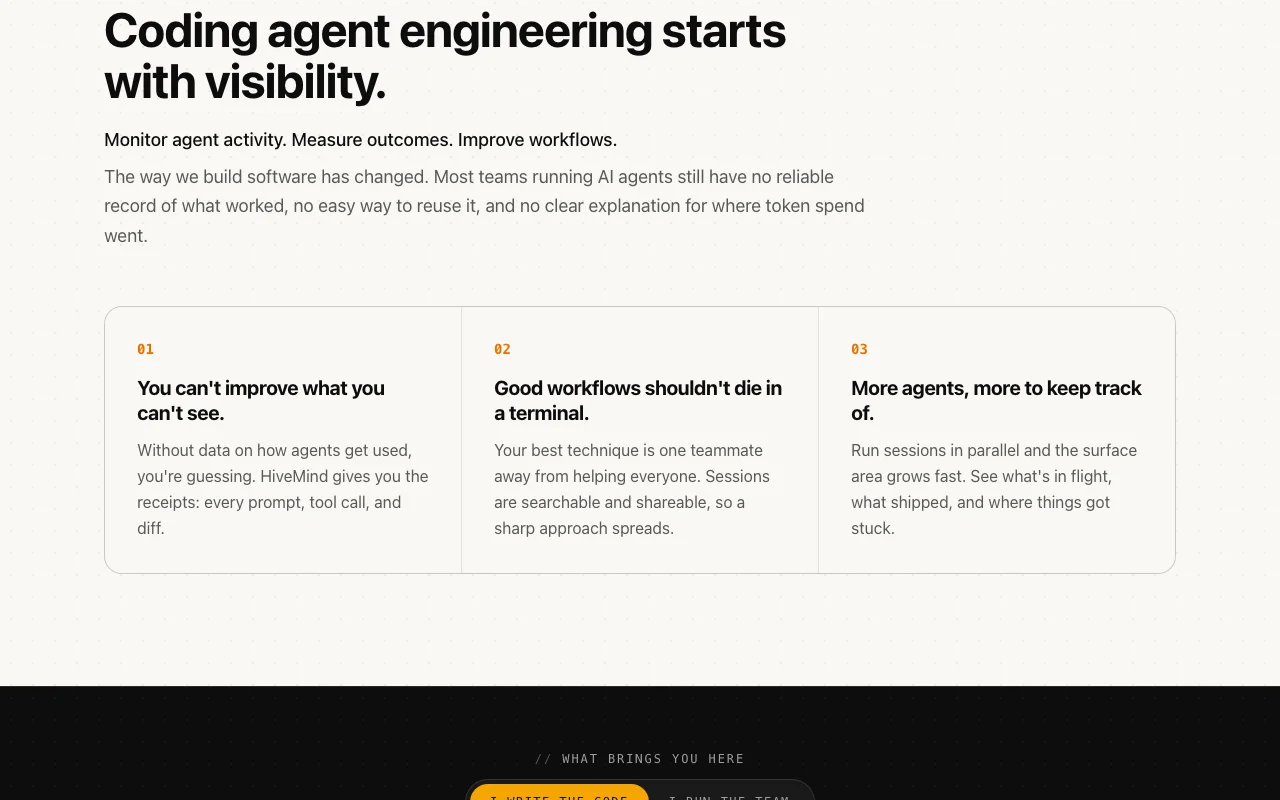
Feature overview on the official site. hivemind.wandb.tools, captured Oct 2, 2026
Daemon that auto-detects agent transcripts and syncs every 30 seconds
Runs in the background, detects agent transcripts and uploads them every 30 seconds. Teams do not have to export transcripts by hand, since the daemon detects and syncs them automatically.
Access: Not statedLimit: Installing the daemon is required before anything is synced.source (opens in a new tab)
One view across Claude Code, Codex, Cursor, Gemini CLI and more
Collects sessions from Claude Code, Codex, Cursor, Gemini CLI and others. Managers get sessions from several coding tools in one place instead of checking each tool.
Session search, replay and fork via dashboard and CLI
Finds, replays and branches past sessions from web or command line. Developers can find a past session, replay it or branch from it, from the web or the command line.
Access: Not statedLimit: Access follows repo rights, so you can only see sessions for repos you have access to.source (opens in a new tab)
@hivemind subagent to query past sessions
Lets an agent query previous sessions. Developers can let an agent look up earlier sessions instead of searching for them manually.
Access: Not statedLimit: The subagent has to be set up before it can query past sessions.source (opens in a new tab)
Pros, cons and deal-breakers
Reasons to choose W&B HiveMind
Supports many coding agents in one dashboard Several coding agents appear in one dashboard, so a team does not need a separate view for each tool.documentedsource (opens in a new tab)
Secrets scrubbed on-device before upload, per site The site says secrets are scrubbed on your device before upload, which lowers the chance of leaking keys in synced sessions.documentedsource (opens in a new tab)
Sessions can be marked private, deleted or exported Sessions can be marked private, deleted or exported, so you keep control over what is stored about your work.documentedsource (opens in a new tab)
Check before paying for W&B HiveMind
Pricing not stated on the pages read Pricing is not stated on the pages we read, so you cannot judge the cost before signing up.documentedsource (opens in a new tab)
Requires installing a background daemon and signing in with GitHub or SSO It needs a background daemon installed and a sign-in with GitHub or SSO, so it is more than a quick browser tool.documentedsource (opens in a new tab)
One-line installer and Homebrew cask need Apple Silicon on macOS; Intel Macs and Windows use uv The one-line installer and Homebrew cask need Apple Silicon on macOS, while Intel Macs and Windows have to use uv.documentedsource (opens in a new tab)
How to use W&B HiveMind for tracking coding-agent sessions
Set up W&B HiveMind
Install the HiveMind daemon via the script, Homebrew or uv.
Sign in with GitHub or SSO.
Run your coding agent.
Example: tracking coding-agent sessions
Open hivemind.wandb.tools.
Find the new session.
Replay or search it.
Review and export the result
Confirm secrets are redacted.
Check visibility.
W&B HiveMind integrations and API
Native integrations and export formats
Export: Session export
API access and separate billing
W&B HiveMind has no public API in its official documentation. CLI available API documentation ↗
Privacy, data use and commercial rights
Summarized from the vendor's current policies; this is not legal advice and a vendor's badge is not an independent audit.
How your inputs and outputs are handled
Coding sessions are uploaded after on-device redaction
Not verified: Pricing; US availability; Retention period; Official pages could not be read as text (client-rendered or empty fetch); facts come from the verified seed research.
How we documented and maintain this page
Every fact about W&B HiveMind above comes from the 2 official pages listed here, last compared on Oct 4, 2026; we have not run W&B HiveMind ourselves, so it has no editorial score. How we check and re-check pages.
Article updated Oct 10, 2026; prices checked Oct 4, 2026. Outbound links to vendors are plain links; we do not earn commissions. How we review · Report an error