Our take: ShipSafe suits solo developers, founders and agencies who want a plain-English security report for a website or API, with a free passive Quick Scan and a one-time $29 Deep Audit running 38+ active checks.
Main limitation: The free Quick Scan unlocks only one low-severity finding, and the site does not present the Deep Audit as a formal pentest for auditors.
By the AI Tool Atlas editors.
Based on the vendor's official documentation; we have not tested this product hands-on. What “documented overview” means
Is ShipSafe right for you?
ShipSafe suits solo developers, founders and agencies who want a plain-English security report for a website or API, with a free passive Quick Scan and a one-time $29 Deep Audit running 38+ active checks. Based on the vendor's documentation, not on a hands-on test.
Best for: Solo developers and founders
Also a good fit for
Agencies checking client sites
Consider another tool if quick Scan unlocks only one low-severity finding
Or if
Deep Audit is a paid per-audit purchase
Not a substitute for a formal pentest as defined by auditors
ShipSafe pricing and usage limits
Prices checked Sep 29, 2026 on the official US pricing page. Official pricing ↗ Prices and limits change often.
For: Proving security to customers and closing deals
Limits
One payment per report
Includes
38+ active exploit-tests across OWASP Top 10
Plain-English remediation steps
2 more
PDF report export and shareable link
Permanent report archive
No API
Usage caps, credits and extra costs
None; no subscription.
Not stated.
What is ShipSafe, and how does it work?
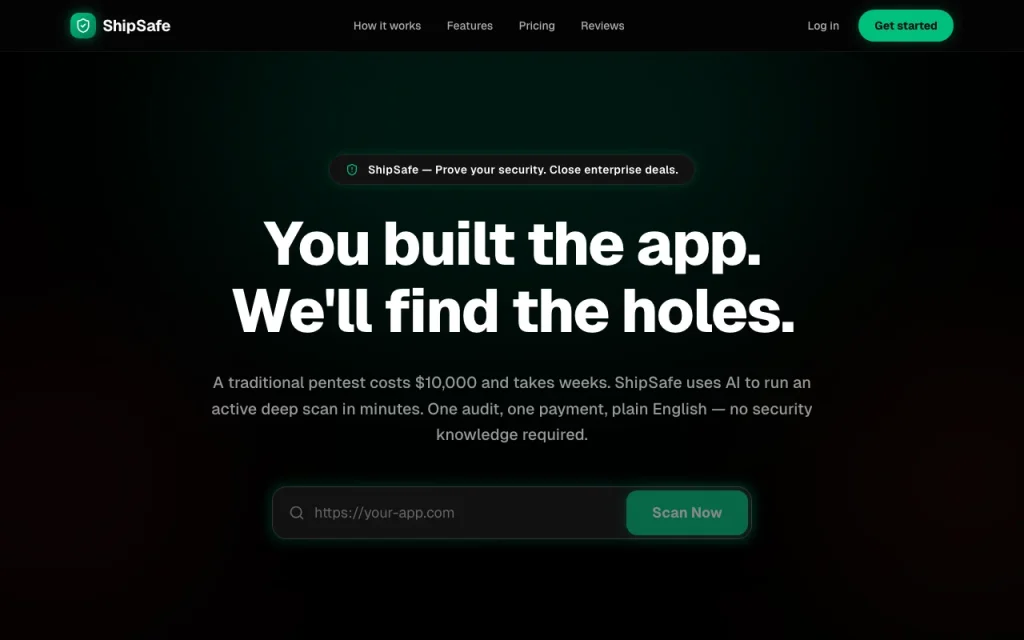
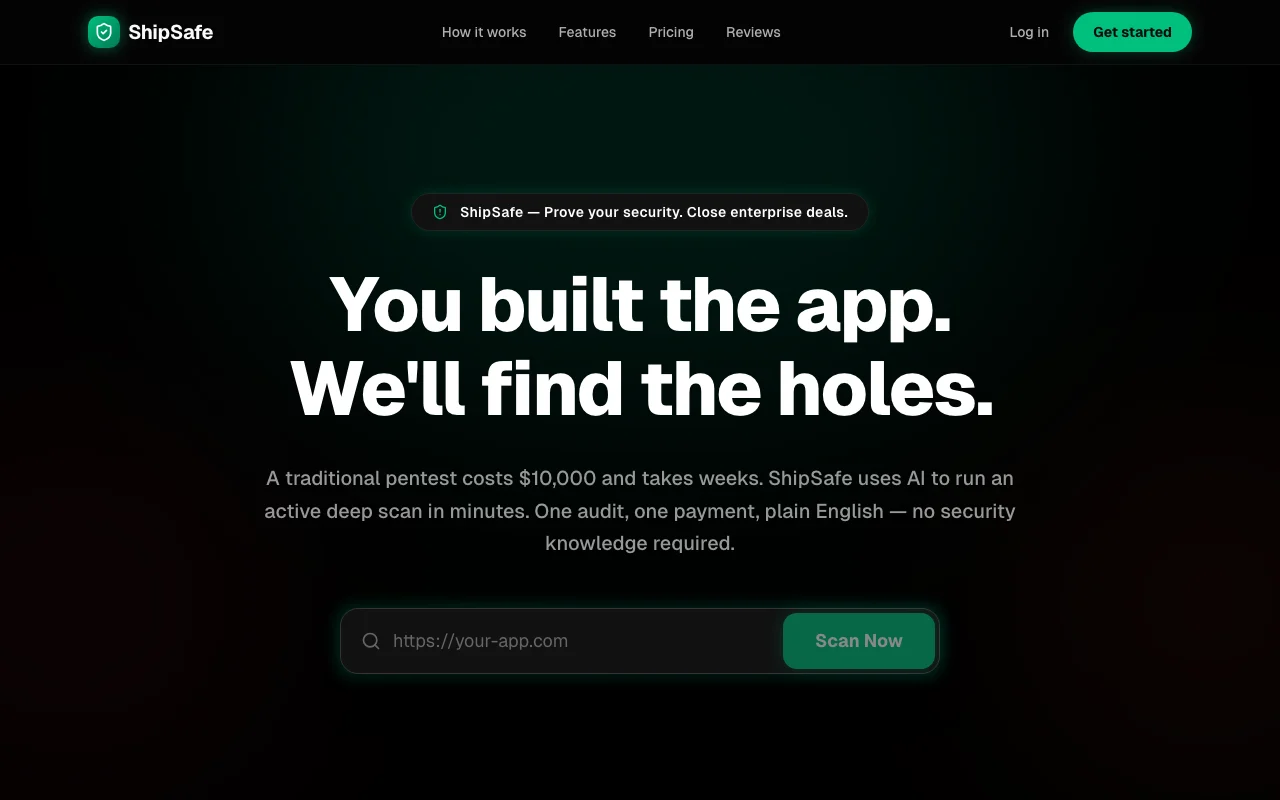
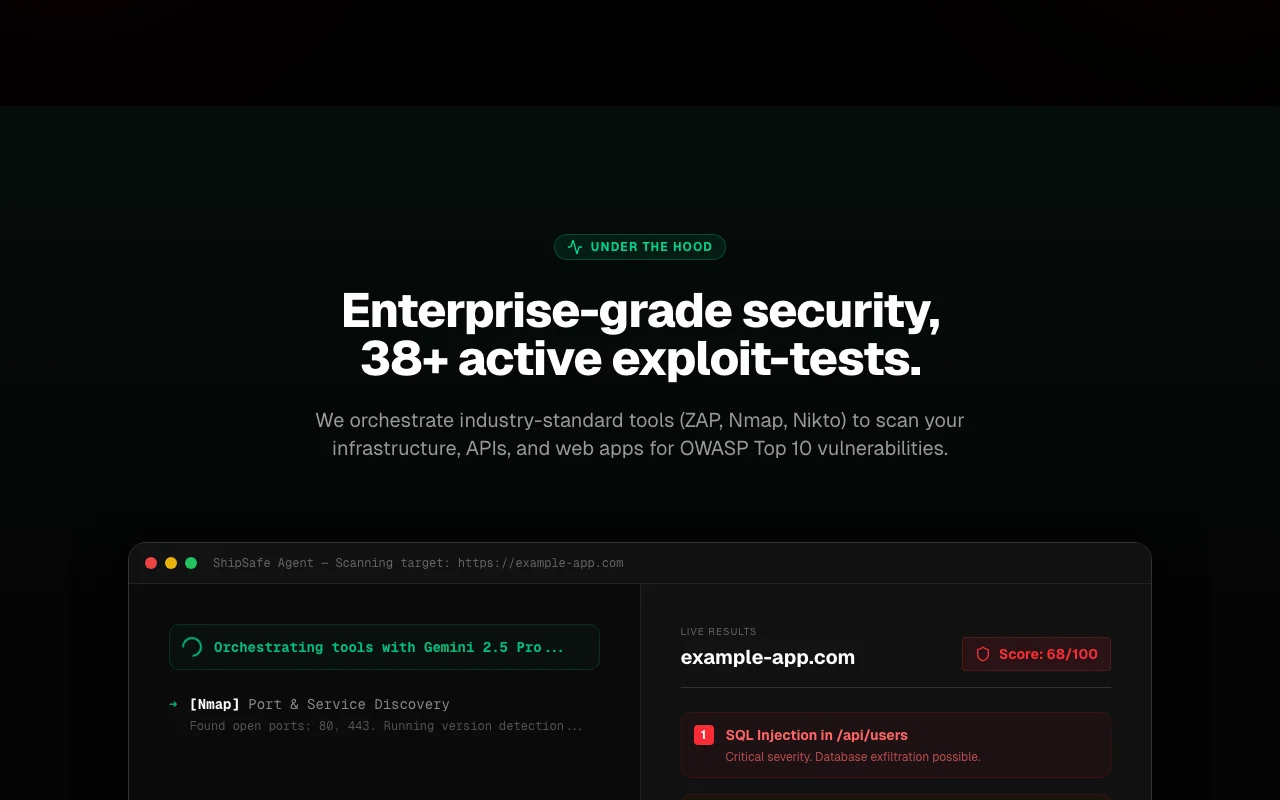
ShipSafe scans websites and APIs for common vulnerabilities and explains the findings in plain English. The site says it orchestrates tools such as ZAP, Nmap and Nikto and uses an AI model to write remediation steps.
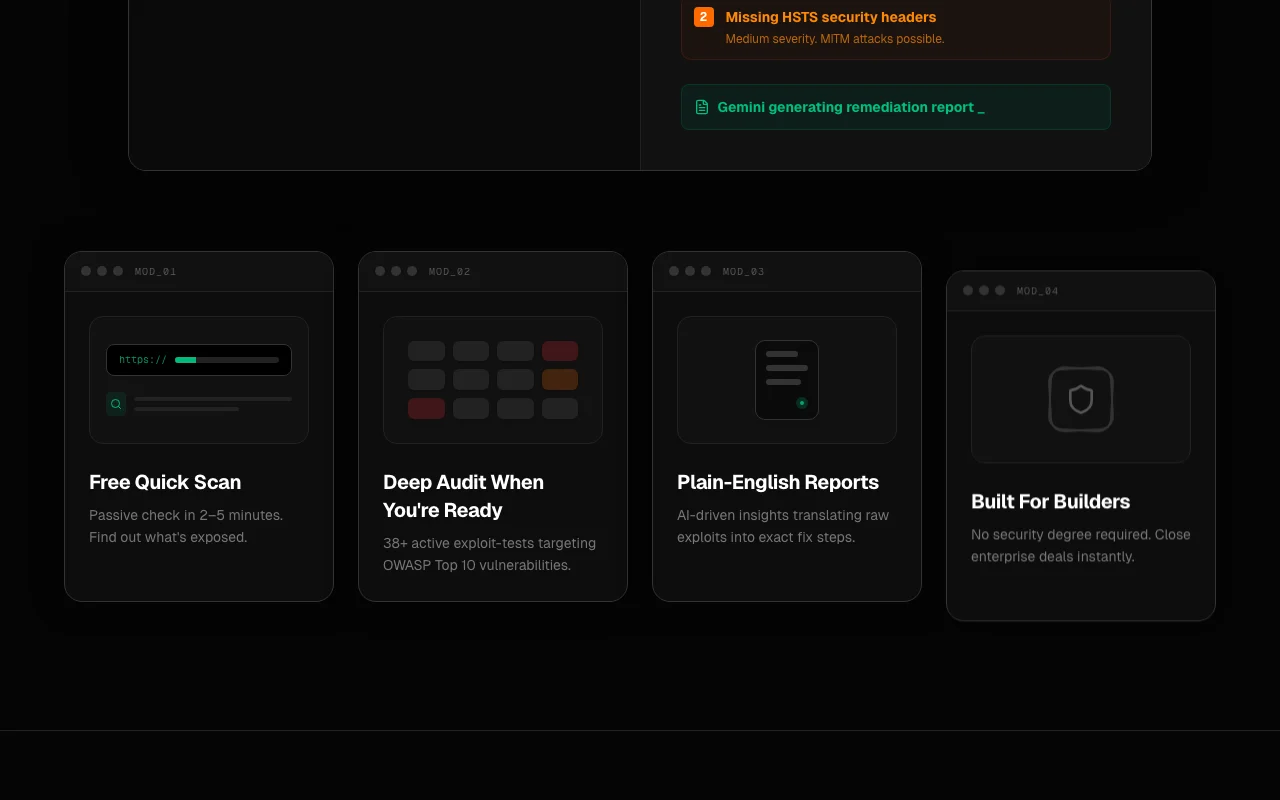
A free passive Quick Scan gives a score and issue counts; a paid Deep Audit runs 38+ active checks covering the OWASP Top 10 and offers a PDF report and shareable link.
ShipSafe's official site: how the product presents itself. shipsafe.site, captured Oct 2, 2026
What you provide and what you get back
What you give ShipSafe and what comes back, from its documentation
You provide
Website or API URL
Account sign-in via Clerk
You get back
Security score and issue counts by severity
Plain-English remediation steps
PDF report and shareable link
Where you can use it
Platforms
Web
Account
Required
Checks
38+ active, OWASP Top 10
Tools
ZAP, Nmap, Nikto, SSLyze, Playwright
AI model
Google Gemini 2.5 Pro
Quick Scan time
2-5 minutes
Report
PDF and shareable link
Best use cases for ShipSafe
Scenarios are worked out by our editors from the documentation; the actual result depends on your input and plan.
Runs active exploit-tests with tools like ZAP, Nmap, Nikto and SSLyze against OWASP Top 10 categories. Finds issues like SQL injection and weak headers.
Access: $29 per auditLimit: Active scanning should only target systems you are allowed to testsource (opens in a new tab)
Plain-English remediation steps
Uses Google Gemini 2.5 Pro to turn raw tool output into step-by-step fixes. Non-security staff can act on results.
Not a substitute for a formal pentest as defined by auditors Some compliance programs still require a human pentest.documentedsource (opens in a new tab)
Scan findings are sent to Google Gemini for interpretation Technical findings leave the scanner for a third party.documentedsource (opens in a new tab)
How to use ShipSafe for scanning a web app for vulnerabilities
Set up ShipSafe
Open shipsafe.site and sign in (authentication uses Clerk).
Enter the URL of a site you own or may test.
Choose Run Quick Scan for the free passive check.
Wait 2 to 5 minutes for the score.
Example: scanning a web app for vulnerabilities
Review the score and issue counts by severity.
Click Get Full Audit and pay the one-time $29.
Wait for the 38+ active checks to finish.
Open the report for steps such as adding HSTS headers.
Review and export the result
Apply a fix and rerun a Quick Scan to see the issue count drop.
Download the PDF and open the shareable link to confirm it loads.
Privacy, data use and commercial rights
Summarized from the vendor's current policies; this is not legal advice and a vendor's badge is not an independent audit.
How your inputs and outputs are handled
Stores target URL, technical findings and AI-generated interpretations; findings are sent to Google Gemini 2.5 Pro.
Quick Scans purged after 90 days; Deep Audits archived until you delete them.
Commercial use and plan restrictions
Quick Scan 90-day retention vs permanent archive for Deep Audit
A passive read-only scan with a score and issue counts by severity, unlocking one low-severity finding, with reports kept for 90 days. source (opens in a new tab)
Do I need to verify my domain for ShipSafe?
No. You can run a Quick Scan or Deep Audit on any URL immediately without DNS configuration. source (opens in a new tab)
Which tools does ShipSafe use?
ZAP, Nmap, Nikto, SSLyze and Playwright for scanning, with Google Gemini 2.5 Pro writing the plain-English report. source (opens in a new tab)
How long are ShipSafe reports kept?
Free Quick Scans are purged after 90 days; paid Deep Audits are archived permanently unless you delete them. source (opens in a new tab)
Not verified: API or CI integration; Training use of findings; US availability.
How we documented and maintain this page
Every fact about ShipSafe above comes from the 3 official pages listed here, last compared on Sep 29, 2026; we have not run ShipSafe ourselves, so it has no editorial score. How we check and re-check pages.
Article updated Oct 10, 2026; prices checked Sep 29, 2026. Outbound links to vendors are plain links; we do not earn commissions. How we review · Report an error