Discovering agent skills
- Who
- Developers
- You provide
- Browsing the leaderboard
- Expected result
- Find popular skills
- Plan needed
- Not applicable
- Limitation
- Quality not guaranteed source (opens in a new tab)
CodingDocumented overviewLast checked Oct 1, 2026
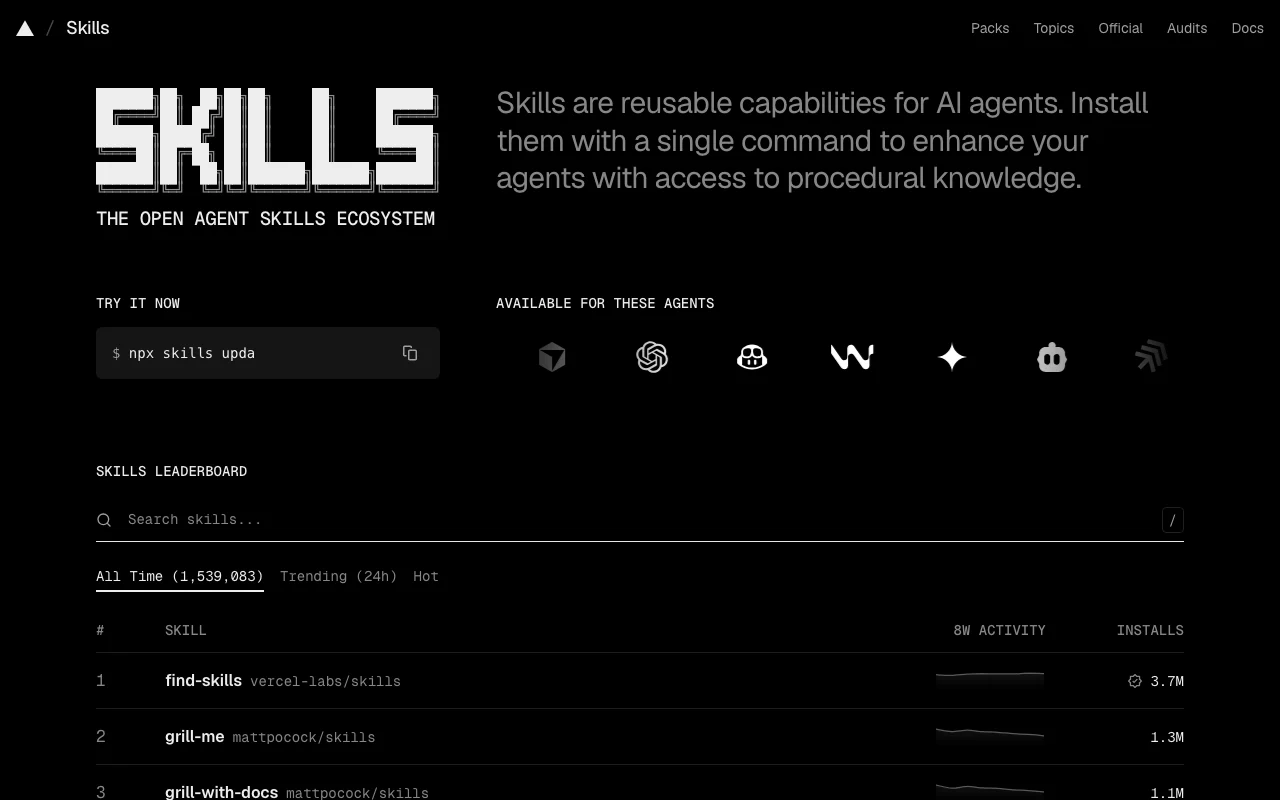
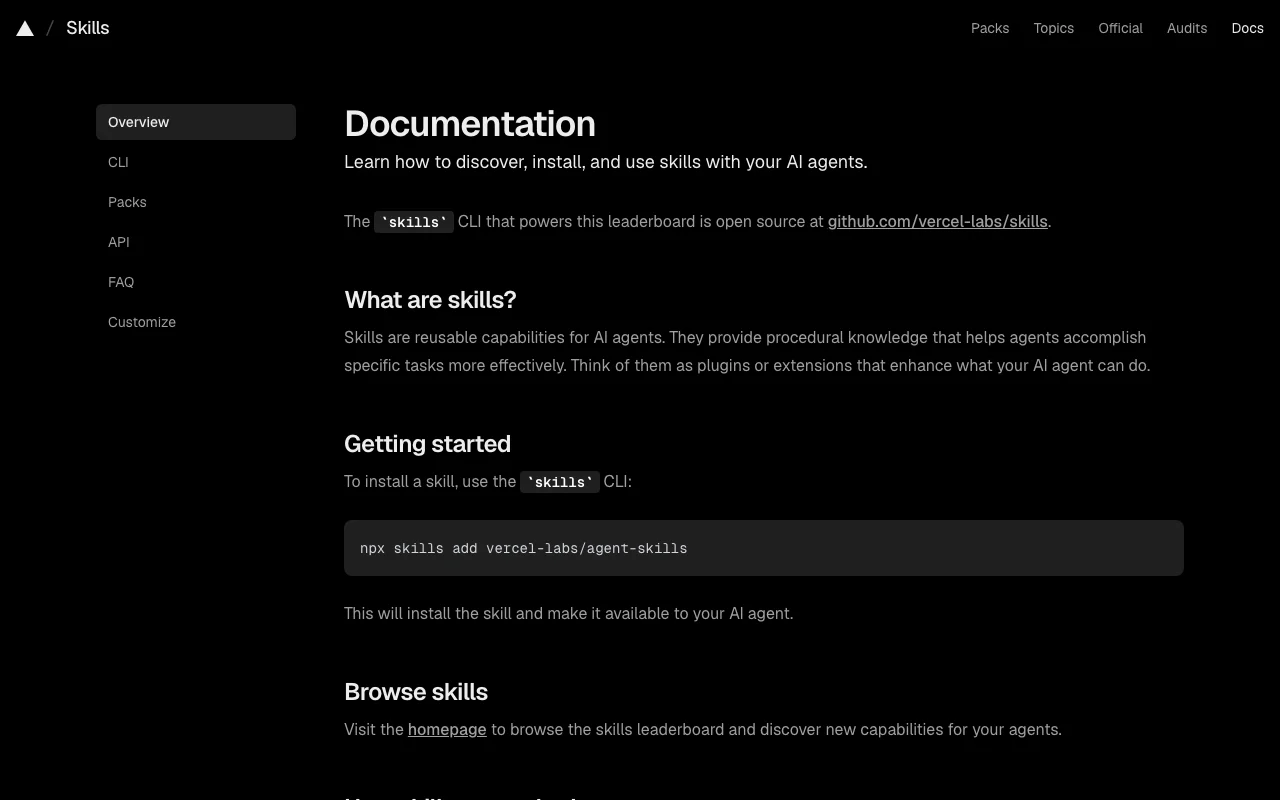
Open directory and leaderboard of reusable agent skills, installed with the skills CLI via npx.

 (open full size in a new tab)
 (open full size in a new tab)
 (open full size in a new tab)
 (open full size in a new tab)
 (open full size in a new tab)
 (open full size in a new tab)
Our take: Skills.sh suits developers who want to discover and install reusable agent skills with one npx command into agents such as Claude Code, Cursor and Codex.
Main limitation: The site does not guarantee the quality or security of listed skills, and no pricing page exists.
Skills.sh suits developers who want to discover and install reusable agent skills with one npx command into agents such as Claude Code, Cursor and Codex. Based on the vendor's documentation, not on a hands-on test.
Also a good fit for
Or if
Headlines from US outlets, selected automatically — not endorsements. Updated Oct 2, 2026
Prices checked Oct 1, 2026 on the official US pricing page. Prices and limits change often.
No pricing page found; installing packs needs no sign-in.
Skills.sh does not publish a plan table we could verify. See official pricing ↗
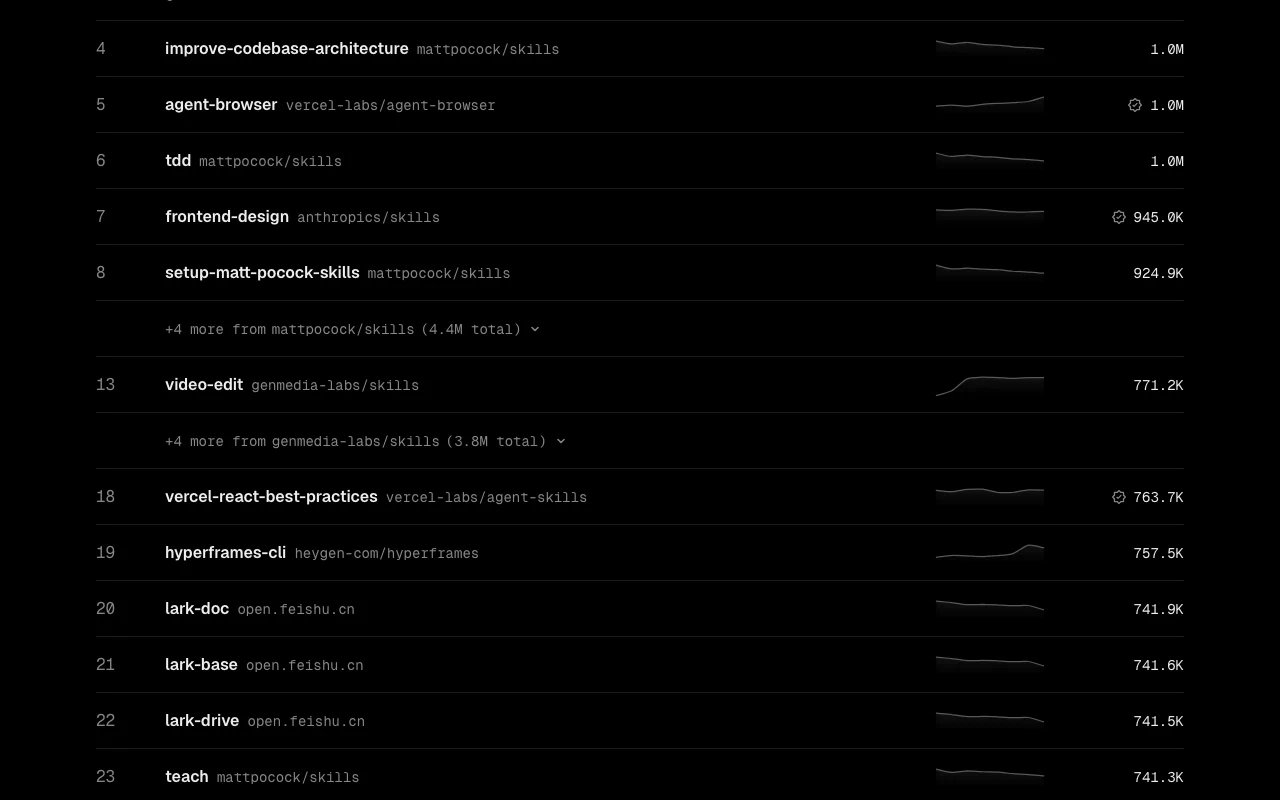
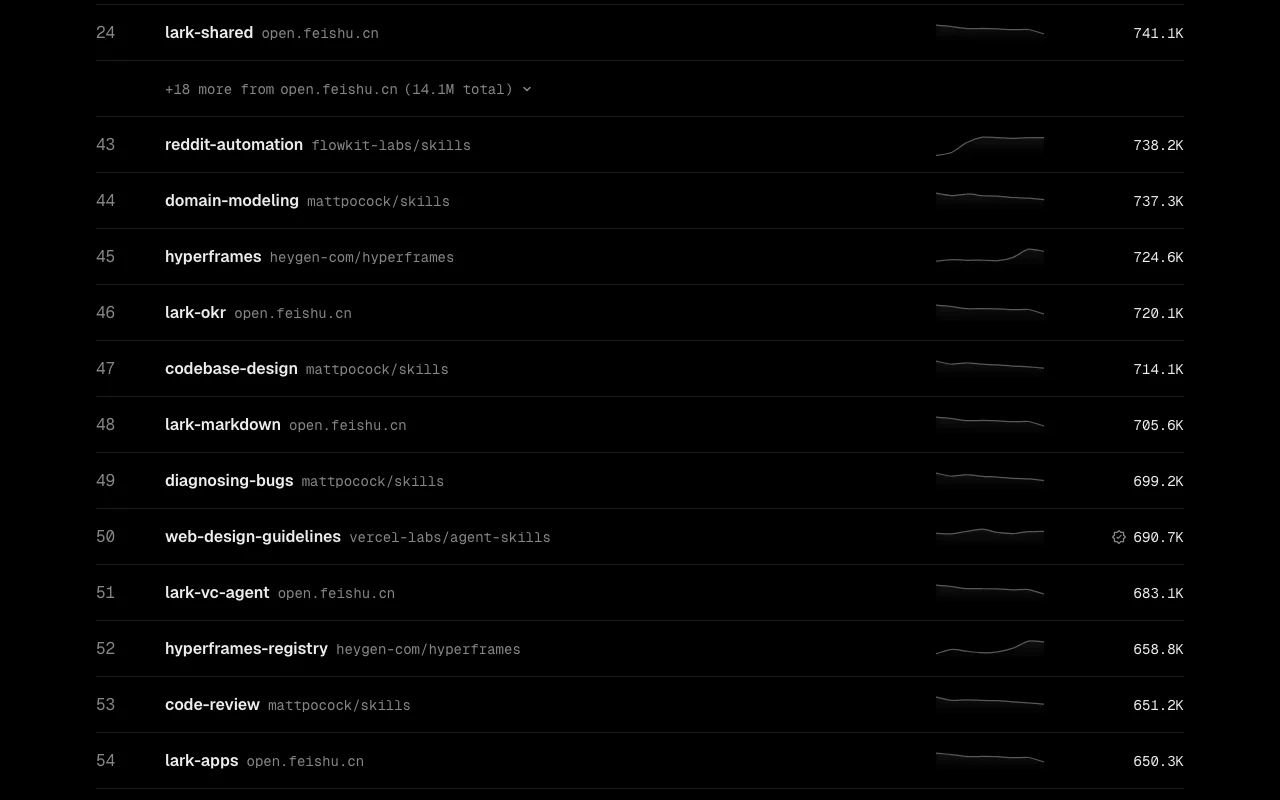
Skills.sh is a directory and leaderboard for agent skills, which are reusable capabilities that give AI coding agents procedural knowledge. Skills are installed with a single npx command from a GitHub source. The leaderboard ranks skills by anonymous install telemetry from the open-source skills CLI. The site also supports skill packs, topic browsing and security audits, and is made by Vercel.
You provide
You get back
Scenarios are worked out by our editors from the documentation; the actual result depends on your input and plan.
Ranks skills by installs. Surfaces popular skills.
Installs a skill with one command. Fast setup.
Bundles skills into packs. Shares setups.
Lets you browse by topic and agent. Aids discovery.
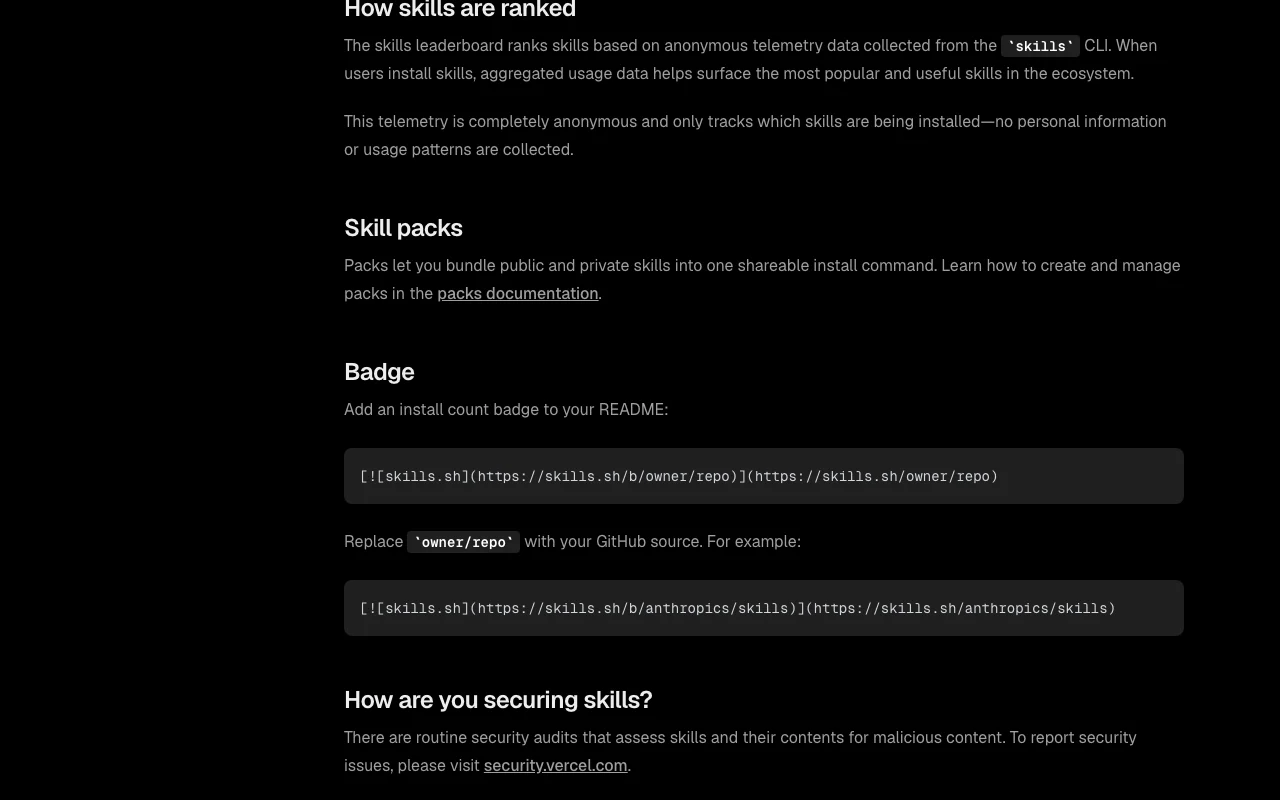
Export: Install-count badges
Skills.sh has no public API in its official documentation. Skill data is also available through a public API per the privacy page. API documentation ↗
Summarized from the vendor's current policies; this is not legal advice and a vendor's badge is not an independent audit.
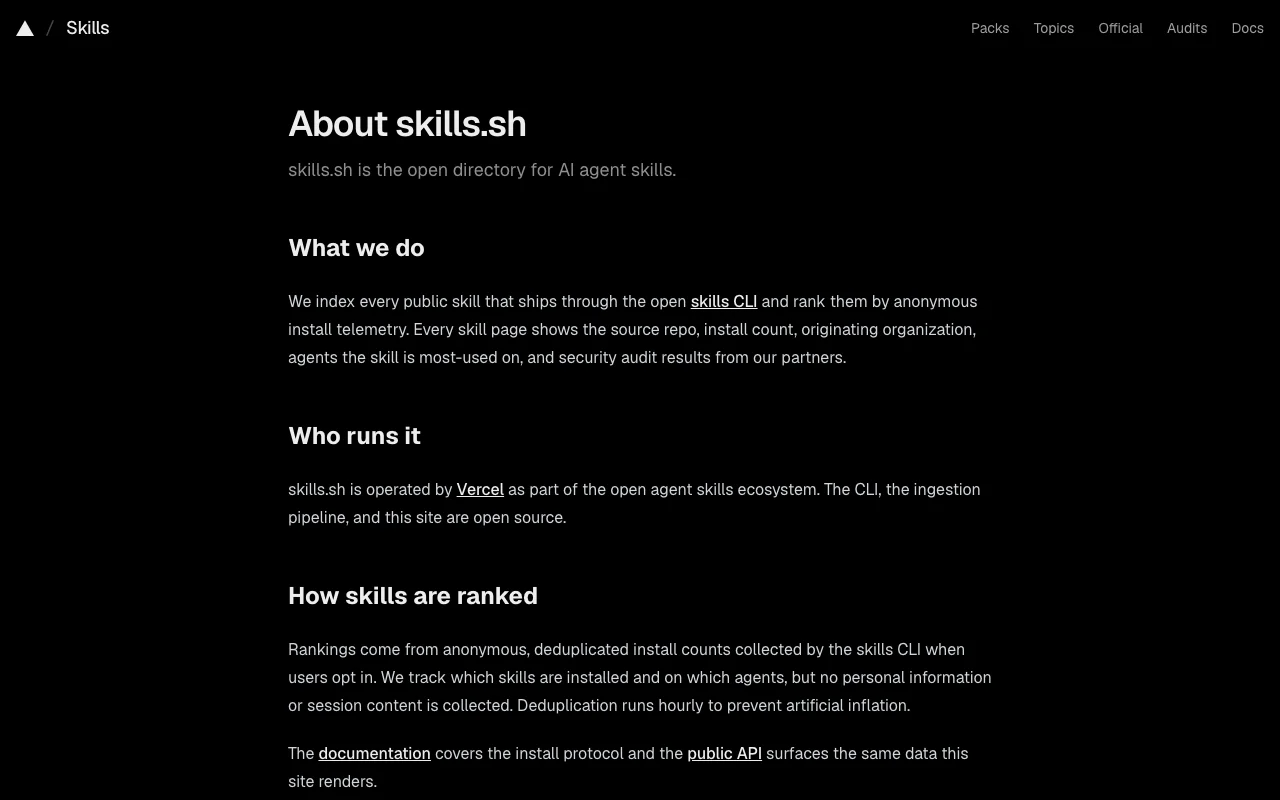
CLI sends anonymous install events (skill, agent name, coarse timestamp, hashed fingerprint).
No prompts or session content collected.
Dedup fingerprint discarded after hourly aggregation.
Not stated.
Policies: skills.sh/privacy
"Better suited" is based on documented features and pricing, not on a head-to-head test.
| Alternative | When to choose it | Pricing | Limitation | |
|---|---|---|---|---|
| GitHub Copilot | — | — | Compare | |
| Cursor | — | — | Compare | |
| Claude | — | — | ||
| Devin Desktop (formerly Windsurf) | — | — | Compare |
No user reviews yet.
Used Skills.sh? Be the first to share your experience.
Run npx skills add owner/repo. source (opens in a new tab)
Yes, anonymous install events; you can disable it in the CLI. source (opens in a new tab)
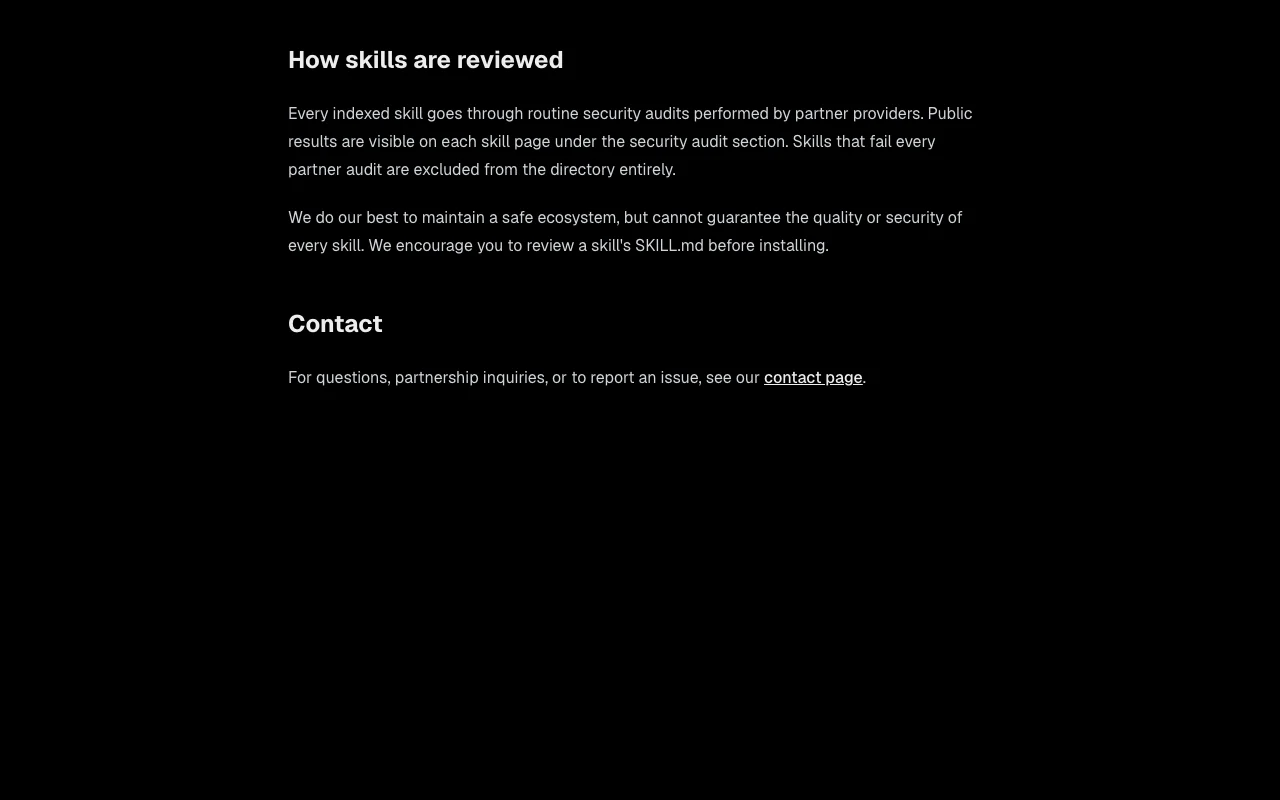
The site runs routine security audits but does not guarantee them. source (opens in a new tab)
No pricing page was found. source (opens in a new tab)
Yes, at github.com/vercel-labs/skills. source (opens in a new tab)
Not verified: Pricing; Skill security guarantees.
Every fact about Skills.sh above comes from the 4 official pages listed here, last compared on Oct 1, 2026; we have not run Skills.sh ourselves, so it has no editorial score. How we check and re-check pages.
Article updated Oct 2, 2026; prices checked Oct 1, 2026. Outbound links to vendors are plain links; we do not earn commissions. How we review · Report an error
compare>