Our take: Choose TaskerArmy if you run a Shopify store and want small theme, SEO and performance changes prepared on a staging theme with QA and a preview that you approve before anything goes live.
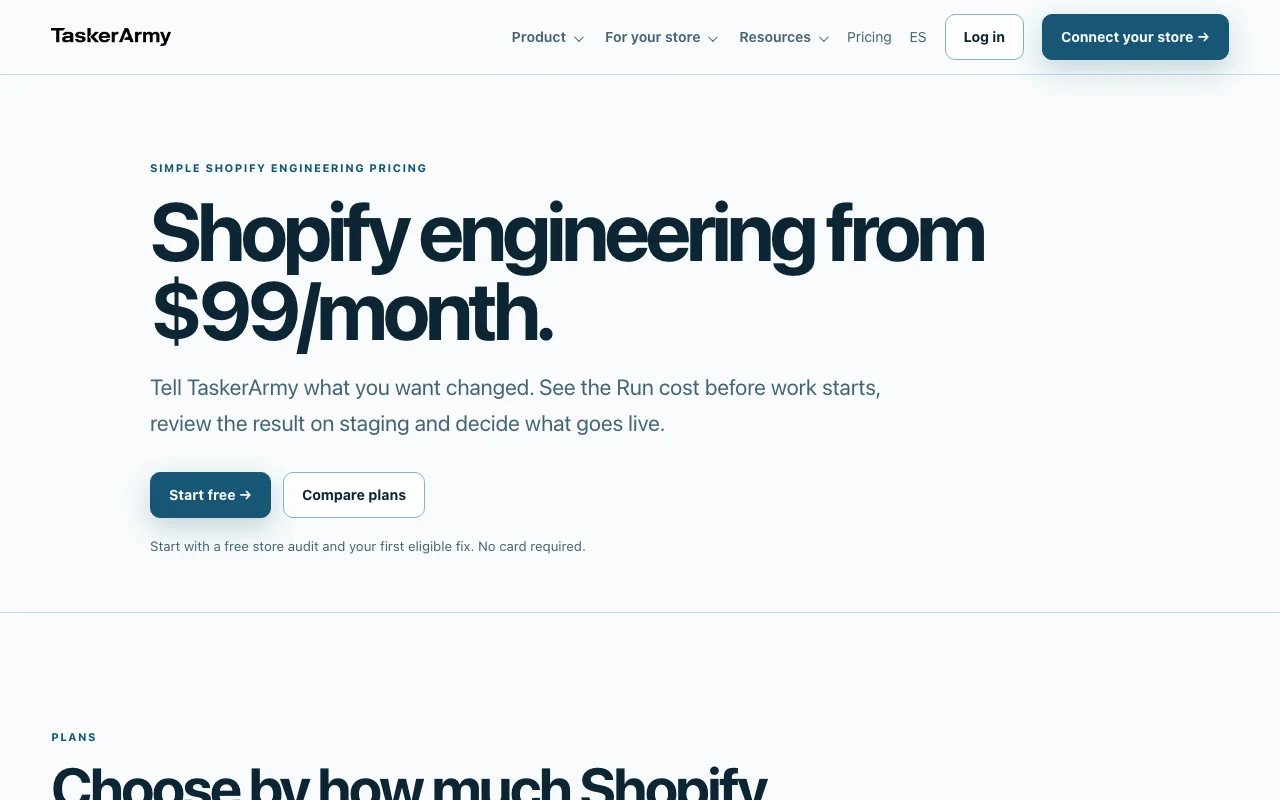
Main limitation: It works only on Shopify stores, and paid plans start at $99/month for 10 Engineering Runs on one store.
By the AI Tool Atlas editors.
Based on the vendor's official documentation; we have not tested this product hands-on. What “documented overview” means
Who should use TaskerArmy
Choose TaskerArmy if you run a Shopify store and want small theme, SEO and performance changes prepared on a staging theme with QA and a preview that you approve before anything goes live. Based on the vendor's documentation, not on a hands-on test.
Best for: Shopify merchants without in-house developers
Also a good fit for
Agencies managing several Shopify stores
Consider another tool if only works with Shopify stores
Or if
Free plan limited to 1 run
Entry plan is $99/mo for 10 runs on one store
TaskerArmy pricing and usage limits
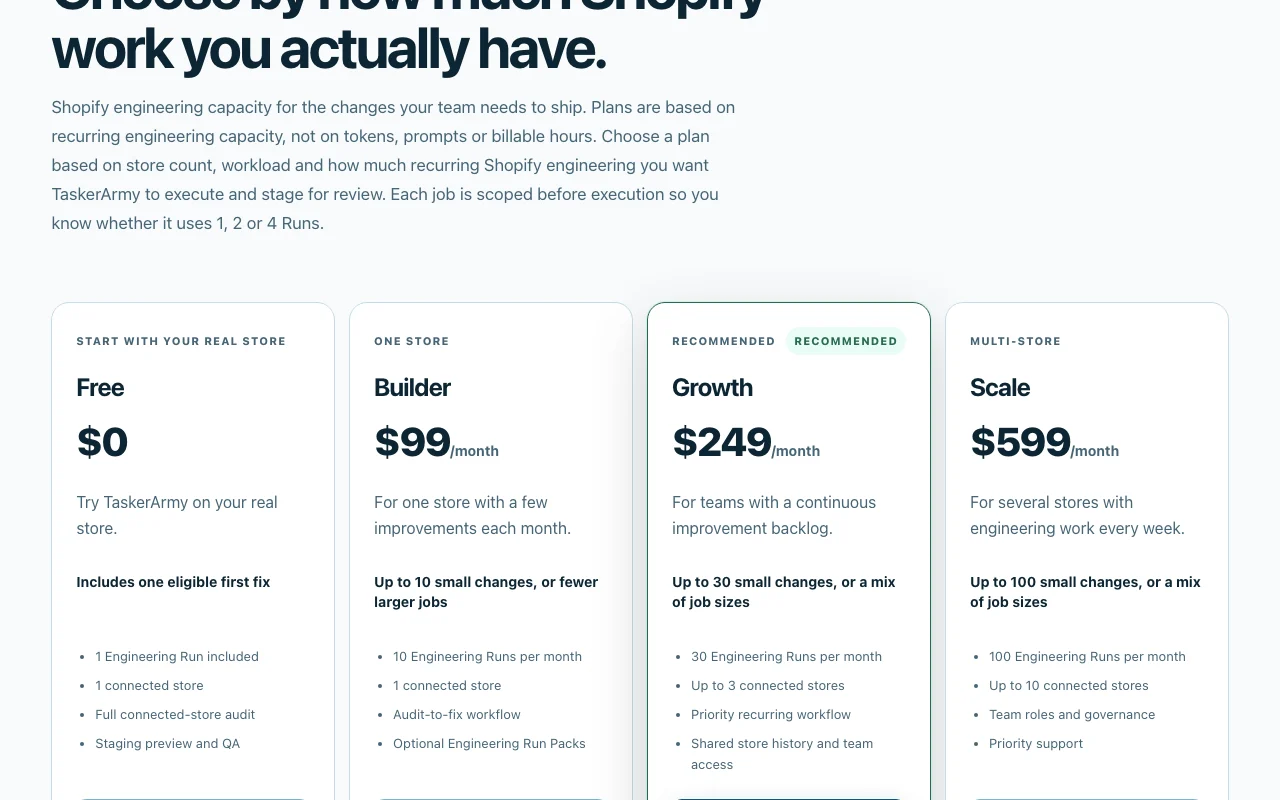
Prices checked Oct 1, 2026 on the official US pricing page. Official pricing ↗ Prices and limits change often.
The official TaskerArmy pricing page as we saw it. taskerarmy.com, captured Oct 1, 2026
Free access and trial conditions
Free plan: connect one store, run the full audit and use 1 Run on an eligible first fix; no card required.
For: Large organizations; sales-led, no automatic checkout
Limits
Custom Engineering Run capacity
More than 10 stores
Includes
Multi-store governance and roles
Security and procurement review
Usage caps, credits and extra costs
One-time Run Packs via Shopify: 5 Runs $59, 20 Runs $199, 50 Runs $399. Packs are not subscriptions.
Not stated; paid plans billed via Shopify Billing on a recurring 30-day interval.
What is TaskerArmy, and how does it work?
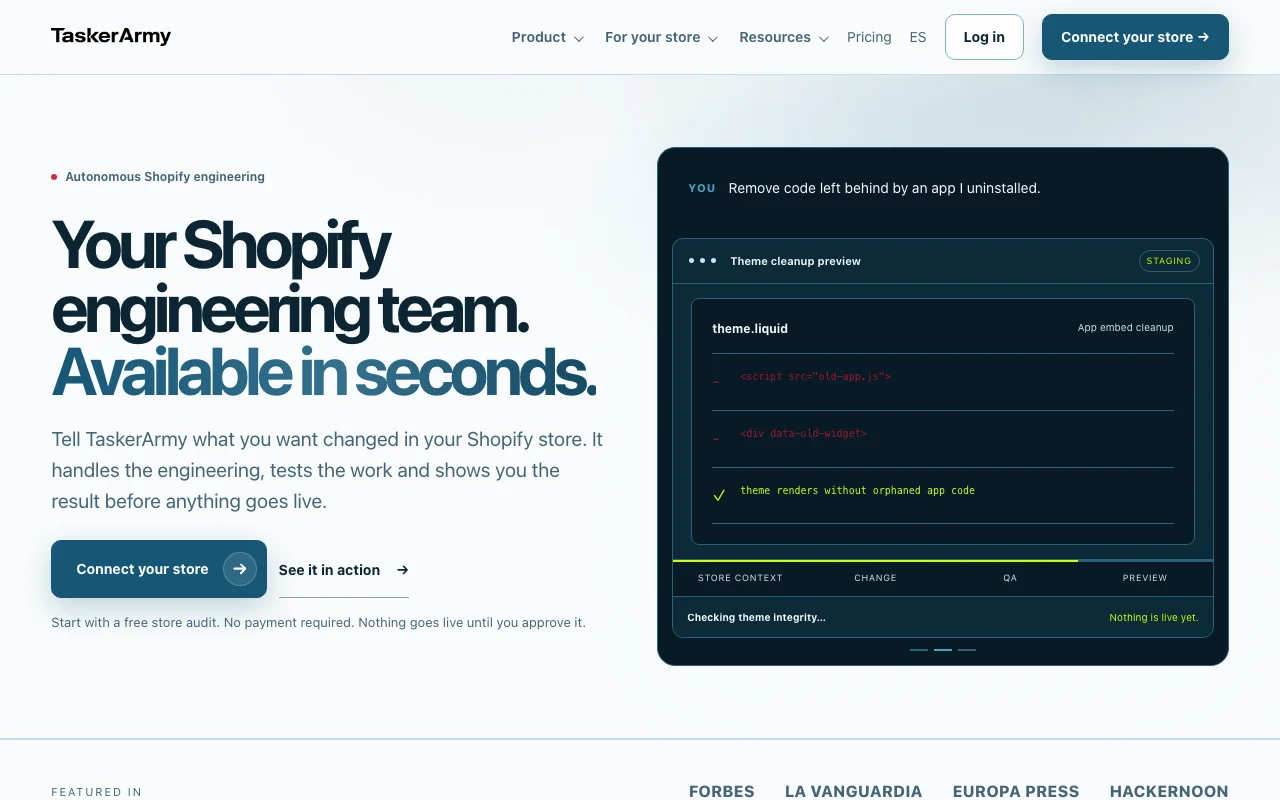
TaskerArmy is an AI engineering platform for Shopify merchants. You describe a storefront change in plain language; the system inspects your store, prepares the change on staging, runs QA checks and shows a preview before anything goes live. Complex work is escalated to humans.
It covers theme improvements, Liquid code changes, technical SEO fixes, performance optimization and app-code cleanup. Work is metered in "Runs": a free plan includes one audit run, paid plans include monthly runs, and one-time Run Packs can be added.
TaskerArmy's official site: how the product presents itself. taskerarmy.com, captured Oct 1, 2026
What you provide and what you get back
What you give TaskerArmy and what comes back, from its documentation
You provide
Plain-language change request for your store
Connected Shopify store and theme context
Audit findings you choose to act on
You get back
Changes prepared on a staging theme
QA evidence and a preview on desktop, tablet and mobile
Optional deployment to the live theme after approval
Where you can use it
Platforms
Web
Account
Required
Platform
Shopify stores only
Free plan
1 Run, 1 store, full audit
Monthly Runs
10 / 30 / 100 (Builder / Growth / Scale)
Store limits
1 / 3 / 10 connected stores
Run cost tiers
1, 2 or 4 Runs per job
Billing
Shopify Billing, 30-day interval
Best use cases for TaskerArmy
Scenarios are worked out by our editors from the documentation; the actual result depends on your input and plan.
Recurring Shopify theme tweaks without a developer
Who
Merchants without an in-house developer
You provide
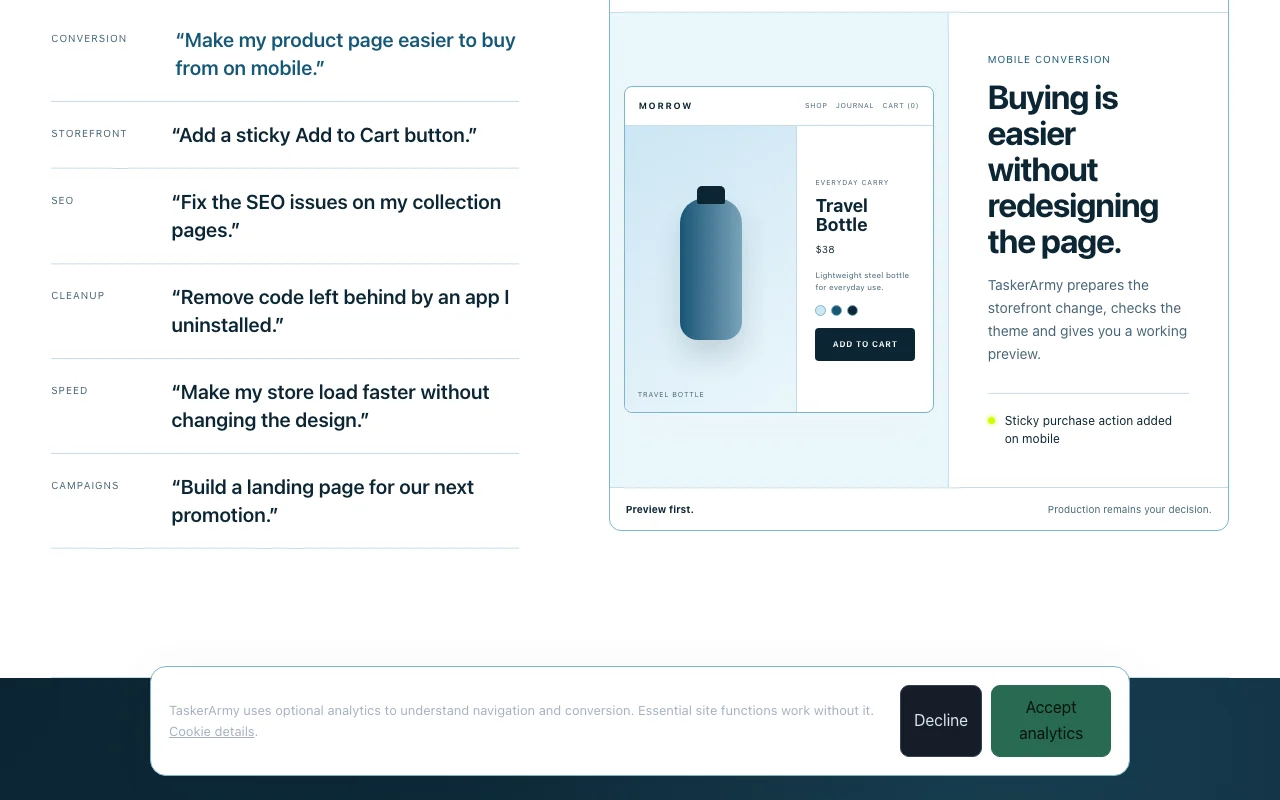
Request such as 'Add a sticky Add to Cart button' or 'Fix a broken mobile menu'
Expected result
A staged change with a preview that you approve before deployment
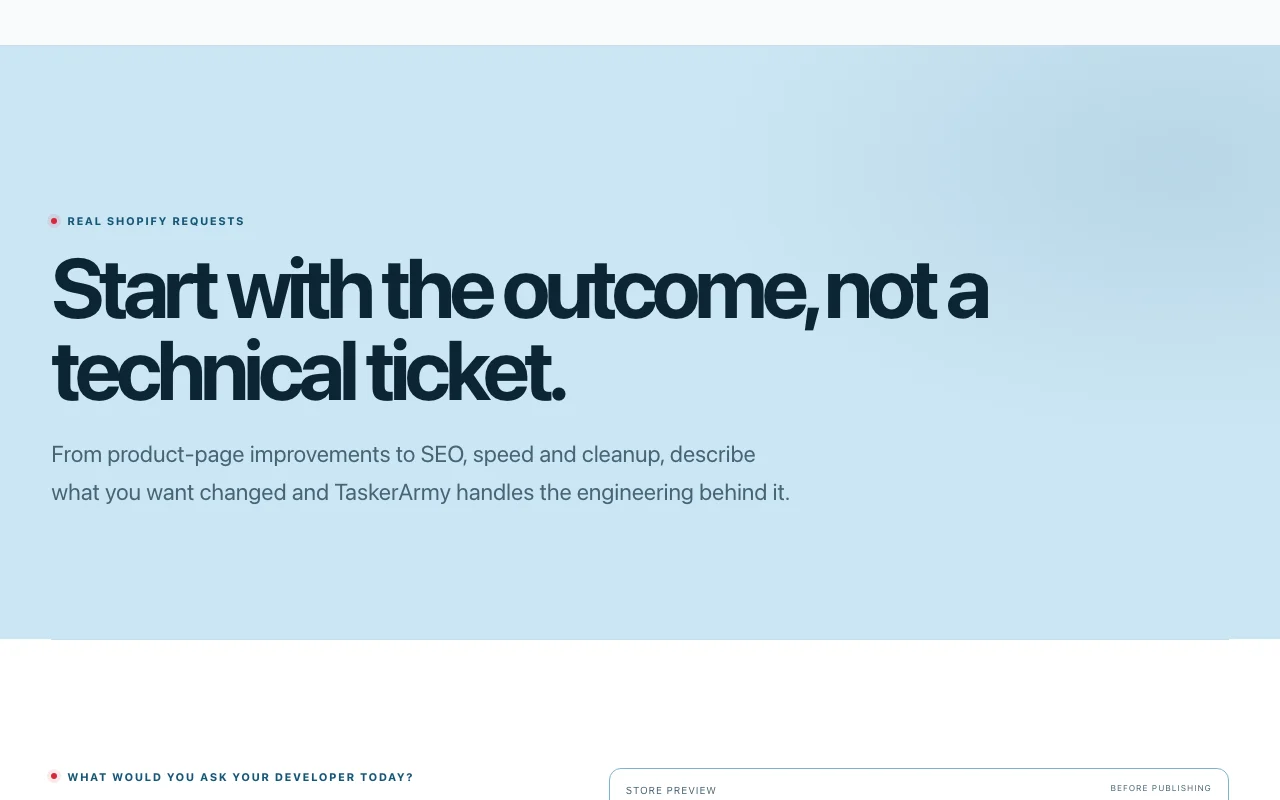
Feature overview on the official site. taskerarmy.com, captured Oct 1, 2026
Plain-language change requests
You describe the outcome; TaskerArmy inspects the relevant theme context, asks clarification questions and groups the conversation, changeset and QA evidence in one session with one engineering objective. A single record per change that the team can inspect.
Access: Free for one eligible fix; paid plans for recurring workLimit: One objective per sessionsource (opens in a new tab)
Staging preview before publishing
Work is done on a staging theme, never the live theme; the review workspace shows desktop, tablet and mobile previews and keeps the code diff under optional technical details. You see the result before customers do.
Access: All plansLimit: Approval does not publish; deployment is a separate explicit actionsource (opens in a new tab)
Automated QA on each run
Before execution the job is scoped as 1, 2 or 4 Runs and you approve the cost; a Run is consumed only when approved work changes staging, and a job larger than expected pauses for re-scoping. Predictable spend with no surprise consumption.
Access: Plan-based monthly Runs plus optional Run PacksLimit: Audits, questions and reviews do not consume Runssource (opens in a new tab)
Store audit on the free plan
Connecting a store runs a baseline audit summarizing theme health and technical findings, which you can turn into scoped sessions. Shows what is worth fixing first.
Access: Free plan includes the full connected-store auditLimit: Audit is inspection only and never publishes changessource (opens in a new tab)
TaskerArmy pros and cons
Where TaskerArmy is strong
Free plan with a full store audit You can see actual findings on your store before paying anything.documentedsource (opens in a new tab)
Changes previewed on staging before going live A broken change cannot reach customers until you explicitly deploy.documentedsource (opens in a new tab)
Human escalation for complex work Hard problems get routed to experienced Shopify engineers rather than failing silently.documentedsource (opens in a new tab)
Run cost is shown and approved before execution; a job that turns out larger pauses for re-scoping You know what a Shopify change will consume before work starts, with no silent overruns.documentedsource (opens in a new tab)
Questions, audits, clarification and reviewing a prepared change do not consume Runs You can ask about your store and review results on staging without spending your monthly Runs.documentedsource (opens in a new tab)
Limitations to check before paying
Only works with Shopify stores Stores on other platforms cannot use it.documentedsource (opens in a new tab)
Free plan limited to 1 run The Free plan covers one fix, so ongoing use requires a paid plan.documentedsource (opens in a new tab)
Entry plan is $99/mo for 10 runs on one store Budget is $1,188 per year at Builder for 10 small changes per month.documentedsource (opens in a new tab)
Requires connecting your store Connecting the store is mandatory, so review the requested Shopify permissions first.documentedsource (opens in a new tab)
Builder plan covers 1 connected store; Growth ($249) up to 3 and Scale ($599) up to 10, with more than 10 stores sales-led An agency with 4 or more stores must jump to a $599/month plan.documentedsource (opens in a new tab)
How to use TaskerArmy for getting a Shopify storefront change prepared and approved
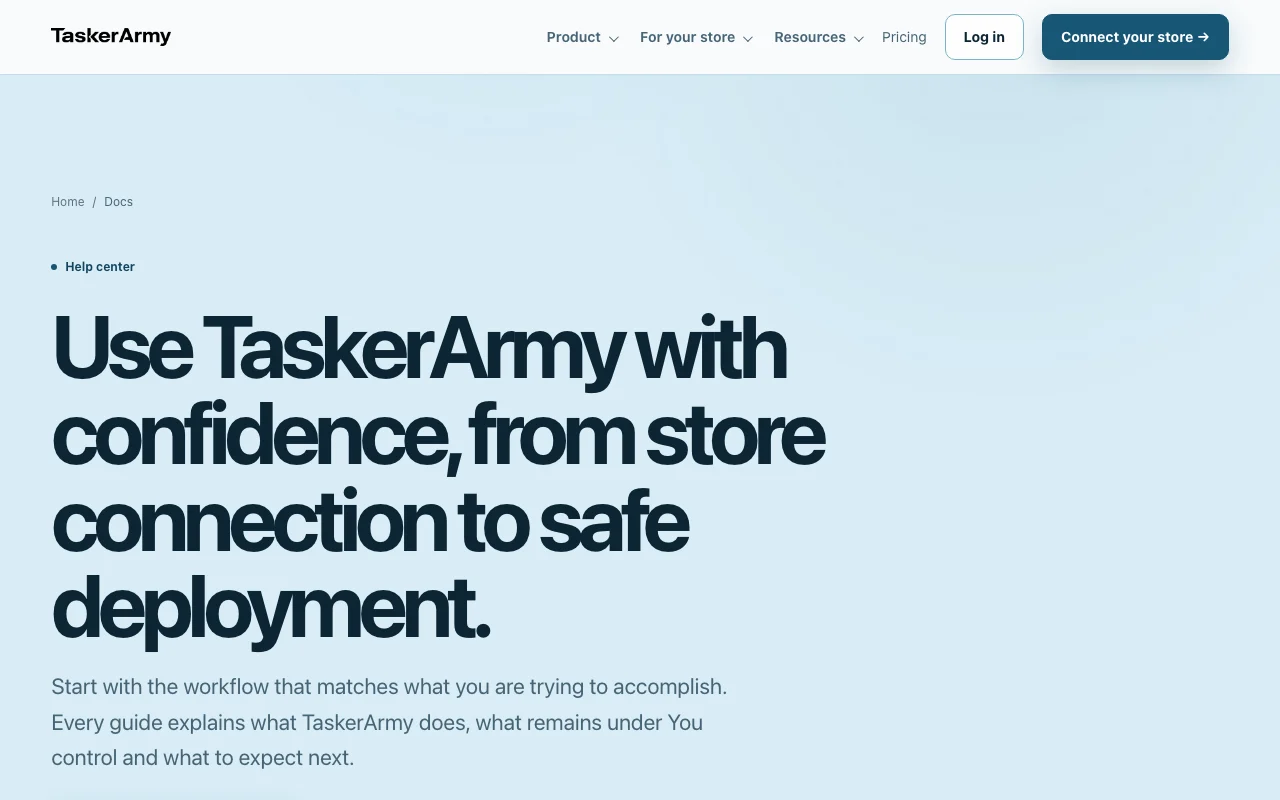
TaskerArmy help center. taskerarmy.com, captured Oct 1, 2026
Set up TaskerArmy
Go to taskerarmy.com and click 'Connect your store' or 'Start free'.
Authorize the Shopify connection and review the requested permissions.
Verify the live theme and the staging theme in the Getting Started checklist.
Run the baseline store audit and read the health score and findings.
Example: getting a Shopify storefront change prepared and approved
Open a finding or start a session with a request such as 'Make my product page easier to buy from on mobile'.
Answer any clarification questions and approve the displayed Run cost (1, 2 or 4 Runs).
Open the review workspace and check the staging preview on desktop, tablet and mobile.
Request revisions, then approve and choose Deploy to the live theme, or keep it in staging.
Review and export the result
Compare the staging preview with your request on all three screen sizes.
Read the QA evidence and risk summary before approving.
Check the live theme after deployment and your Run usage against plan capacity.
Example prompt suggested by our editors (not a recorded output of the product)
Add a sticky Add to Cart button on mobile product pages.
TaskerArmy API
Plan comparison on the official pricing page. taskerarmy.com, captured Oct 1, 2026
API access and separate billing
TaskerArmy has no public API in its official documentation. No public API described; help center covers workflow only API documentation ↗
Privacy, data use and commercial rights
Summarized from the vendor's current policies; this is not legal advice and a vendor's badge is not an independent audit.
How your inputs and outputs are handled
Processes Shopify identity, store and theme metadata, your requests, generated plans and diffs, QA evidence and previews.
Policy says retention periods are to be defined; production schedule not published.
A Run is consumed only when approved engineering work changes your staging environment. Questions, audits, clarification and reviewing prepared work are free. source (opens in a new tab)
How many Runs does a job use?
A small change such as a mobile layout fix uses 1 Run, a larger improvement 2, and a bigger scoped job 4; the cost is shown before you approve. source (opens in a new tab)
Are TaskerArmy Run Packs subscriptions?
No. They are one-time Shopify purchases: 5 Runs for $59, 20 for $199 and 50 for $399, and they do not replace the monthly plan. source (opens in a new tab)
How is TaskerArmy billed?
Paid plans use Shopify Billing on a recurring 30-day interval, and Shopify asks you to approve new charges and plan changes. source (opens in a new tab)
Does TaskerArmy publish changes automatically?
No. Work lands on a staging theme, and approval does not publish; deployment to the live theme is a separate explicit action. source (opens in a new tab)
Not verified: Whether training on merchant data occurs; Data retention periods (policy marked pending legal confirmation); Public API; Free-plan Run does not recur monthly (stated as one included Run).
How we documented and maintain this page
Every fact about TaskerArmy above comes from the 4 official pages listed here, last compared on Oct 1, 2026; we have not run TaskerArmy ourselves, so it has no editorial score. How we check and re-check pages.
Article updated Oct 10, 2026; prices checked Oct 1, 2026. Outbound links to vendors are plain links; we do not earn commissions. How we review · Report an error

 (open full size in a new tab)
 (open full size in a new tab)
 (open full size in a new tab)
 (open full size in a new tab)
 (open full size in a new tab)
 (open full size in a new tab)