Our take: Sharkly fits engineering teams that already run Claude Code, Codex or Gemini CLI and want one board where tickets are assigned to Agents that work in isolated worktrees and return results for human review.
Main limitation: Sharkly sells no model quota: every Agent run consumes your own coding plan or API account.
By the AI Tool Atlas editors.
Based on the vendor's official documentation; we have not tested this product hands-on. What “documented overview” means
Who should use Sharkly
Sharkly fits engineering teams that already run Claude Code, Codex or Gemini CLI and want one board where tickets are assigned to Agents that work in isolated worktrees and return results for human review. Based on the vendor's documentation, not on a hands-on test.
Best for: Engineering teams using AI coding agents
Also a good fit for
Small startups under 10 people
Consider another tool if model usage requires your own coding plan/keys
Or if
Paid seats required above 10 people
Self-hosted is custom priced
Sharkly pricing and usage limits
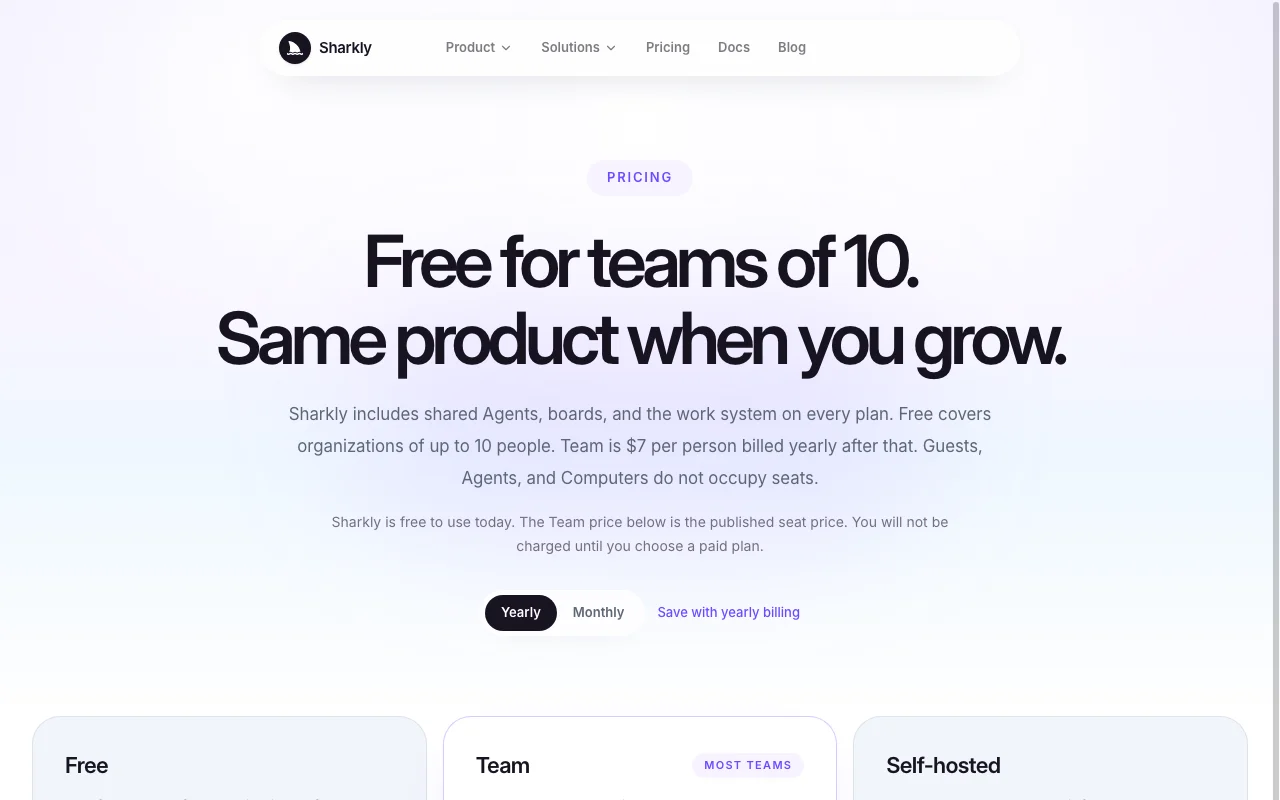
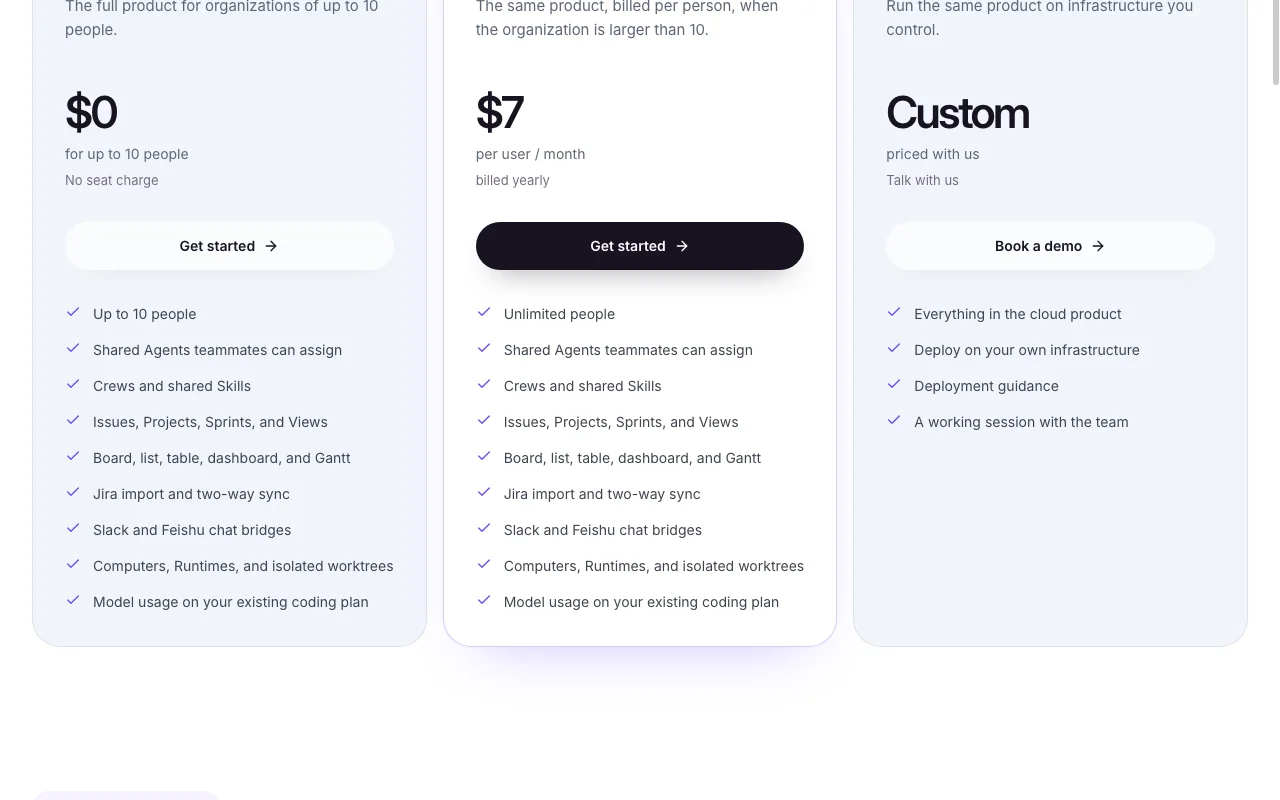
Prices checked Sep 29, 2026 on the official US pricing page. Official pricing ↗ Prices and limits change often.
The official Sharkly pricing page as we saw it. sharkly.ai, captured Oct 1, 2026
Free access and trial conditions
Service is currently free of charge; no charge until you complete a purchase after updated terms.
Model tokens are paid via your Claude Code, Codex or other coding plan or API account.
What is Sharkly, and how does it work?
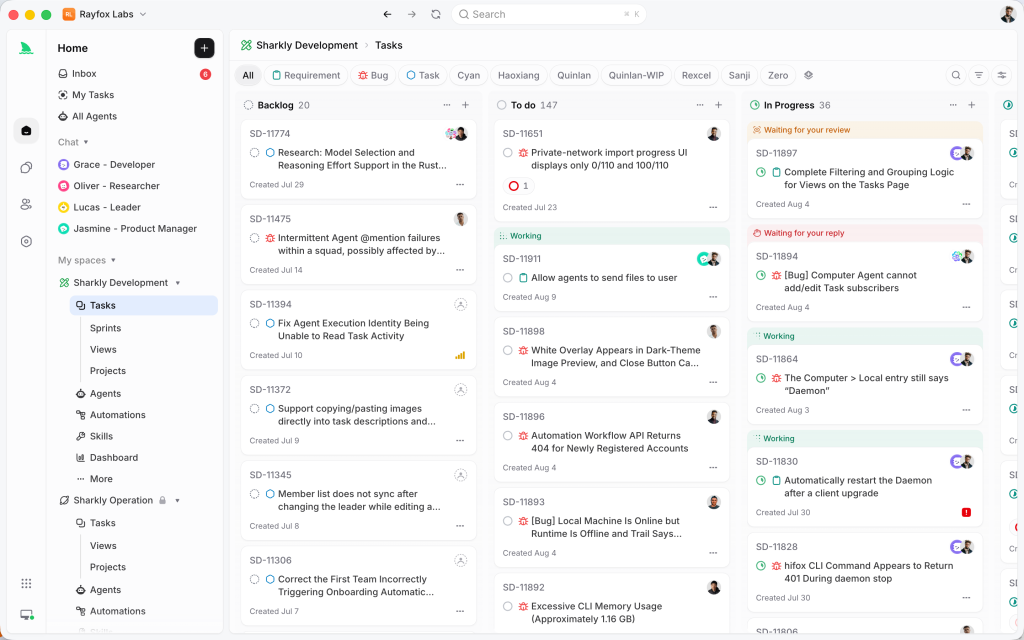
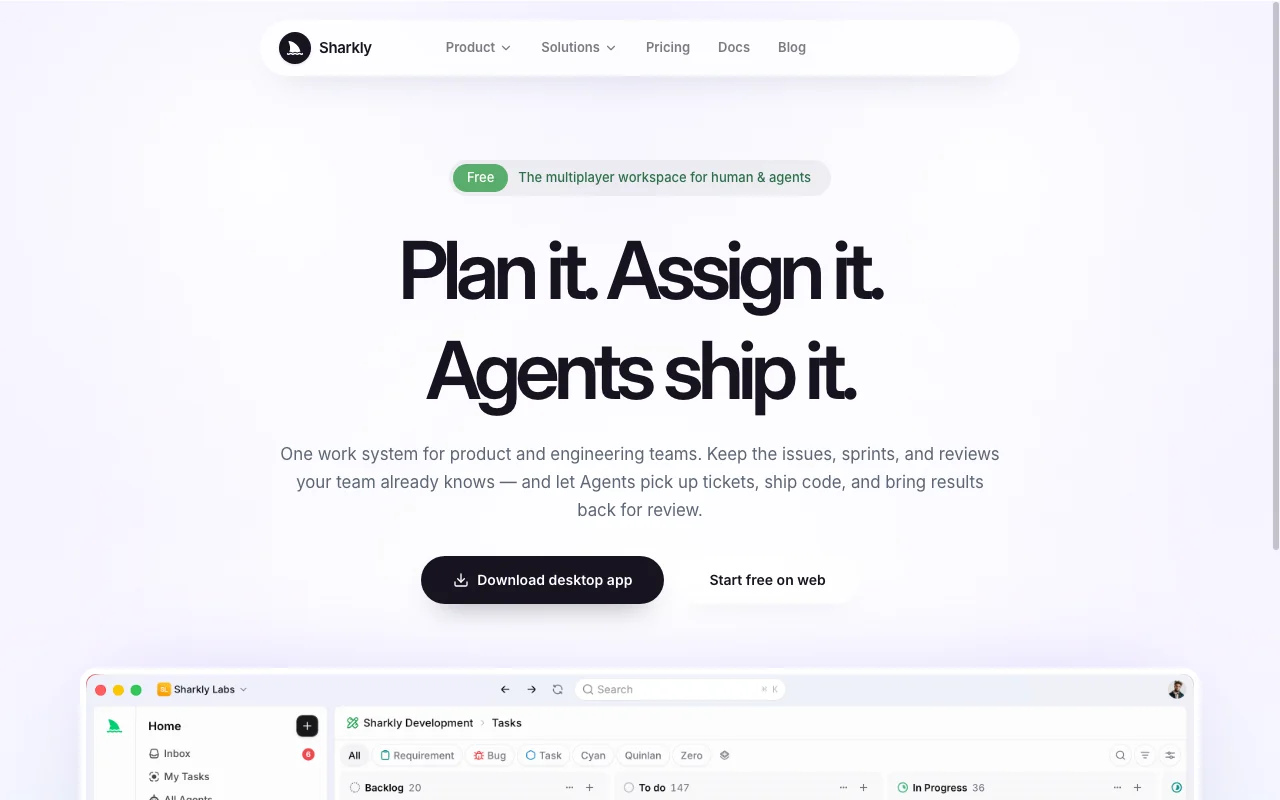
Sharkly is a work system for product and engineering teams that combines issues, sprints and boards with AI agents. Tickets can be assigned to agents that run on connected coding tools such as Claude Code, Codex or Gemini CLI.
Agents work in isolated worktrees and return results for human review before merging. Model usage runs on the team's existing coding plan (BYOK); Sharkly does not sell tokens.
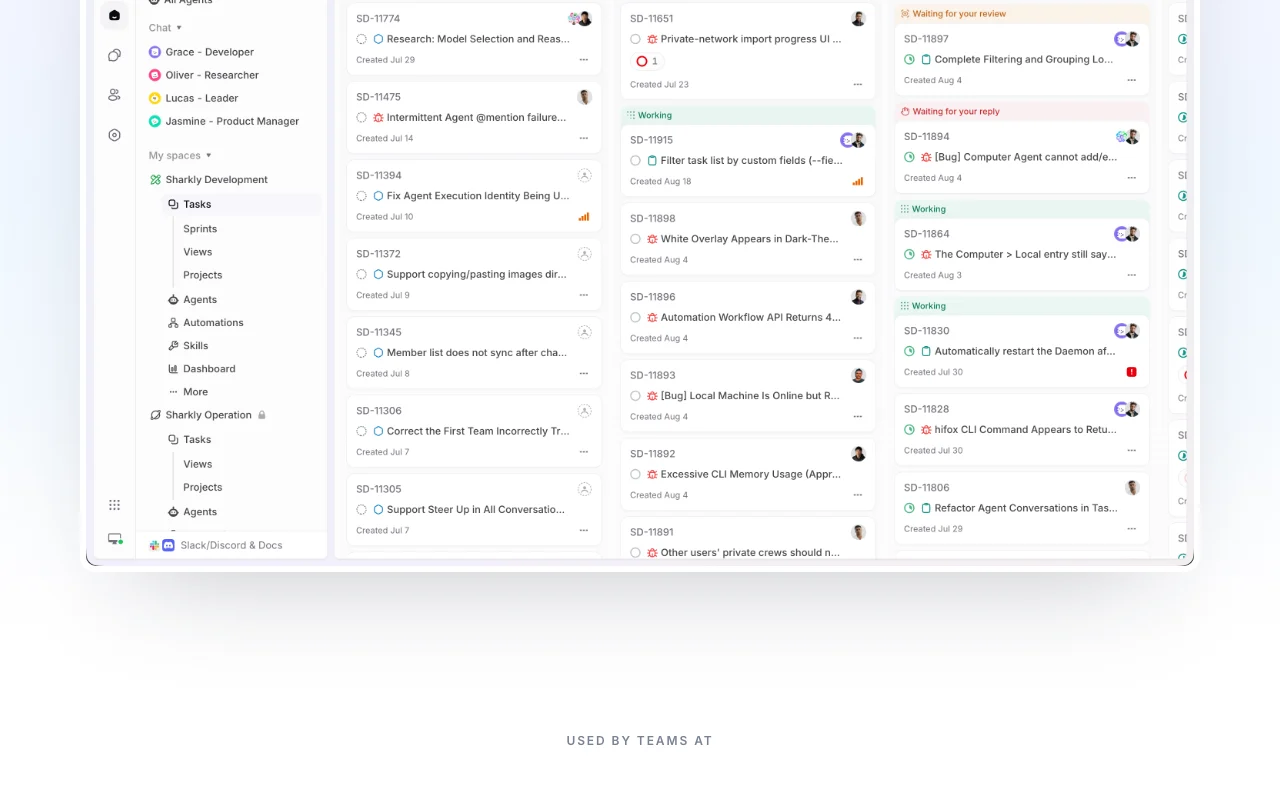
Sharkly's official site: how the product presents itself. sharkly.ai, captured Oct 1, 2026
What you provide and what you get back
What you give Sharkly and what comes back, from its documentation
You provide
Issues, requirements and backlog (imported from Jira, Linear, GitHub Issues, GitLab Issues, Asana, Shortcut)
Connected Computers and Runtimes
Agent assignments on tickets
You get back
Agent code changes in isolated worktrees for review
Progress, blockers and results posted to the ticket
Board, list, table, dashboard and Gantt Views
Where you can use it
Platforms
Web, Desktop
Account
Required
Runtimes
Claude Code, Codex, Gemini CLI, OpenCode, Cursor and others
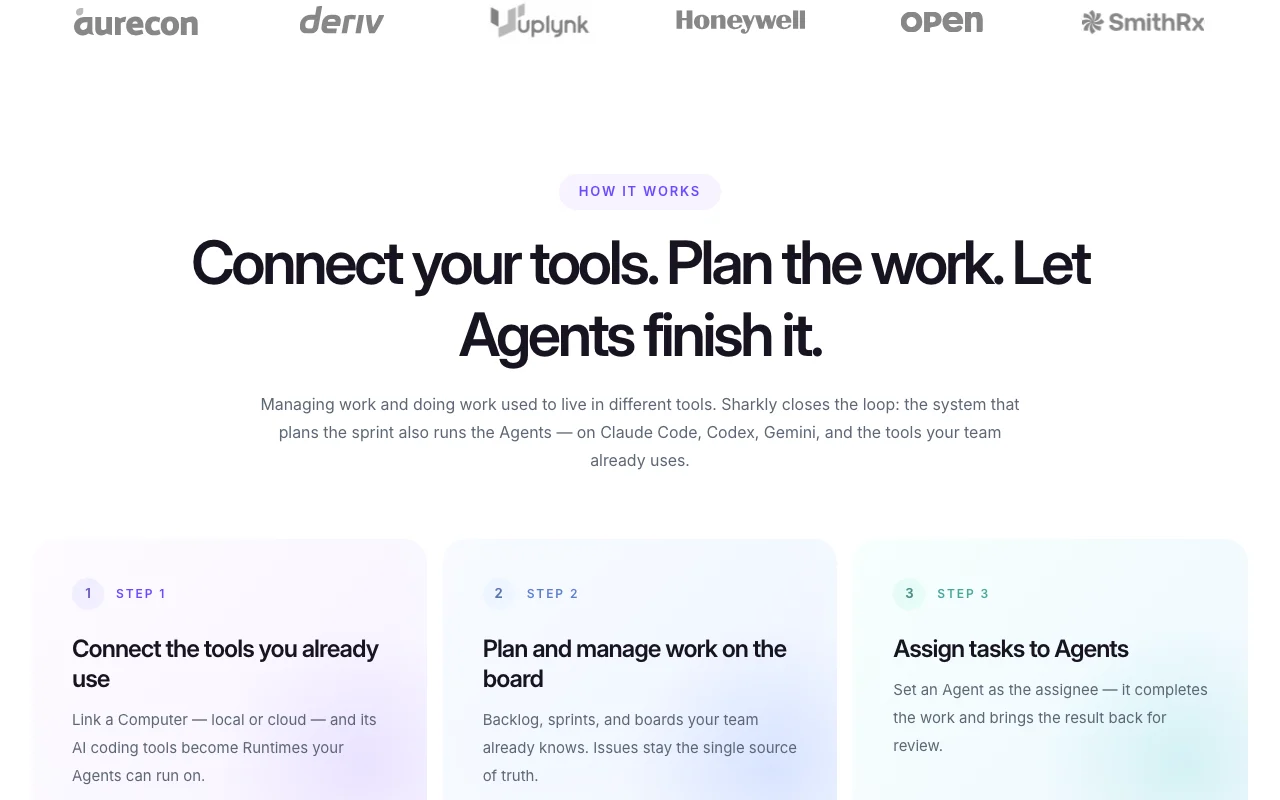
Feature overview on the official site. sharkly.ai, captured Oct 1, 2026
Issues, projects, sprints, boards, Gantt
Provides issues with comments, labels, estimates and custom fields, grouped in Projects and Sprints and viewable as board, list, table, dashboard or Gantt. Replaces a separate PM tool.
Agent assignees running on Claude Code, Codex, Gemini CLI and more
You connect a Computer (local or cloud); its installed coding tools become Runtimes, and an Agent set as ticket assignee runs on one of them with the ticket's context. Up to 10 Agents can work in parallel per the homepage.
Agent code lands in an isolated worktree so parallel changes do not overwrite the main workspace; a human reviews before merge. Prevents conflicts between Agents.
Connect Jira, copy issues with history, and keep both systems in sync while the team migrates. Gradual switch without losing statuses.
Access: All plansLimit: Linear import listed separately; sync scope beyond Jira unstatedsource (opens in a new tab)
Sharkly pros and cons
Where Sharkly is strong
Free for organizations up to 10 people Small startups pay nothing for the full product.documentedsource (opens in a new tab)
Agents and guests don't occupy seats Adding Agents does not raise the Team bill.documentedsource (opens in a new tab)
Self-hosted option available Code context can stay on your infrastructure.documentedsource (opens in a new tab)
Jira import and two-way sync, plus Slack and Feishu chat bridges, are included on every plan A team moving a Jira backlog into Sharkly can keep both in sync without a paid upgrade.documentedsource (opens in a new tab)
Free and Team plans contain the same product; only the people limit differs A 10-person team can start free and later pay $7 per user/month without losing features.documentedsource (opens in a new tab)
Limitations to check before paying
Model usage requires your own coding plan/keys Total cost is Sharkly plus Claude Code, Codex or API spend.documentedsource (opens in a new tab)
Paid seats required above 10 people Cost grows at $7 per person per month once the org passes 10.documentedsource (opens in a new tab)
Sharkly does not sell model tokens; runs use the coding plan or API account you connect You still pay separately for Claude Code, Codex or similar usage when agents work tickets.documentedsource (opens in a new tab)
Team plan is billed yearly at $7 per person/month once an organization exceeds 10 people A 25-person organization pays for seats on a yearly commitment.documentedsource (opens in a new tab)
How to use Sharkly for assigning a bug ticket to an AI coding agent
Set up Sharkly
Create a Space on sharkly.ai (web) or in the desktop app.
Import issues from Jira or Linear, or start a fresh backlog with sprints and boards.
Connect a Computer, local or cloud, so its coding tools appear as Runtimes.
Example: assigning a bug ticket to an AI coding agent
Create an Agent with one repeatable job such as bug fixes.
Open a bug ticket and set the Agent as assignee.
Watch progress and blockers appear on the ticket while the Agent works in an isolated worktree.
Review and export the result
Review the Agent's result on the ticket before merging.
Check the usage dashboard and your coding-plan account for token consumption.
Privacy, data use and commercial rights
Summarized from the vendor's current policies; this is not legal advice and a vendor's badge is not an independent audit.
How your inputs and outputs are handled
Ticket context is passed to Agents running on your connected Computer and Runtime.
Controls for business users
Self-hosted deployment
Sharkly alternatives by need
"Better suited" is based on documented features and pricing, not on a head-to-head test.
Yes: organizations of up to 10 people get the full product at $0; the service is also currently free of charge overall. source (opens in a new tab)
What is the difference between Free and Team?
No feature difference; Team is $7 per user per month billed yearly and applies when the organization is larger than 10 people. source (opens in a new tab)
You do, through the Claude Code, Codex or other coding plan or API account attached to the Runtime; Sharkly does not sell tokens. source (opens in a new tab)
How are parallel Agent changes kept from conflicting?
Agents execute in isolated worktrees, and the team reviews each result before merging. source (opens in a new tab)
Not verified: Privacy policy and data retention; Public API; Monthly-billing Team price.
How we documented and maintain this page
Every fact about Sharkly above comes from the 2 official pages listed here, last compared on Sep 29, 2026; we have not run Sharkly ourselves, so it has no editorial score. How we check and re-check pages.
Article updated Oct 10, 2026; prices checked Sep 29, 2026. Outbound links to vendors are plain links; we do not earn commissions. How we review · Report an error