Open source web
Free
Monthly
For: Developers
Limits
- Needs your own Claude plan or provider
Includes
- MIT license
- Local-only
CodingDocumented overviewLast checked Oct 2, 2026
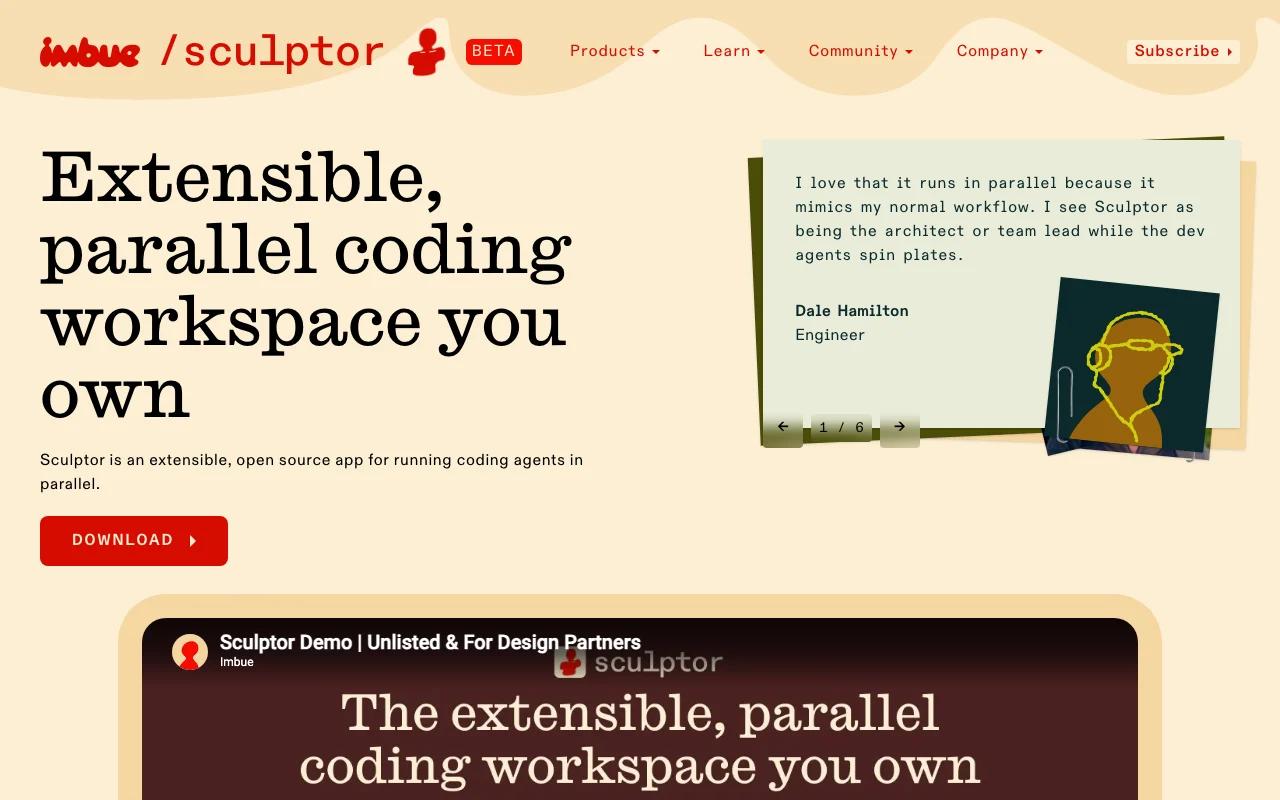
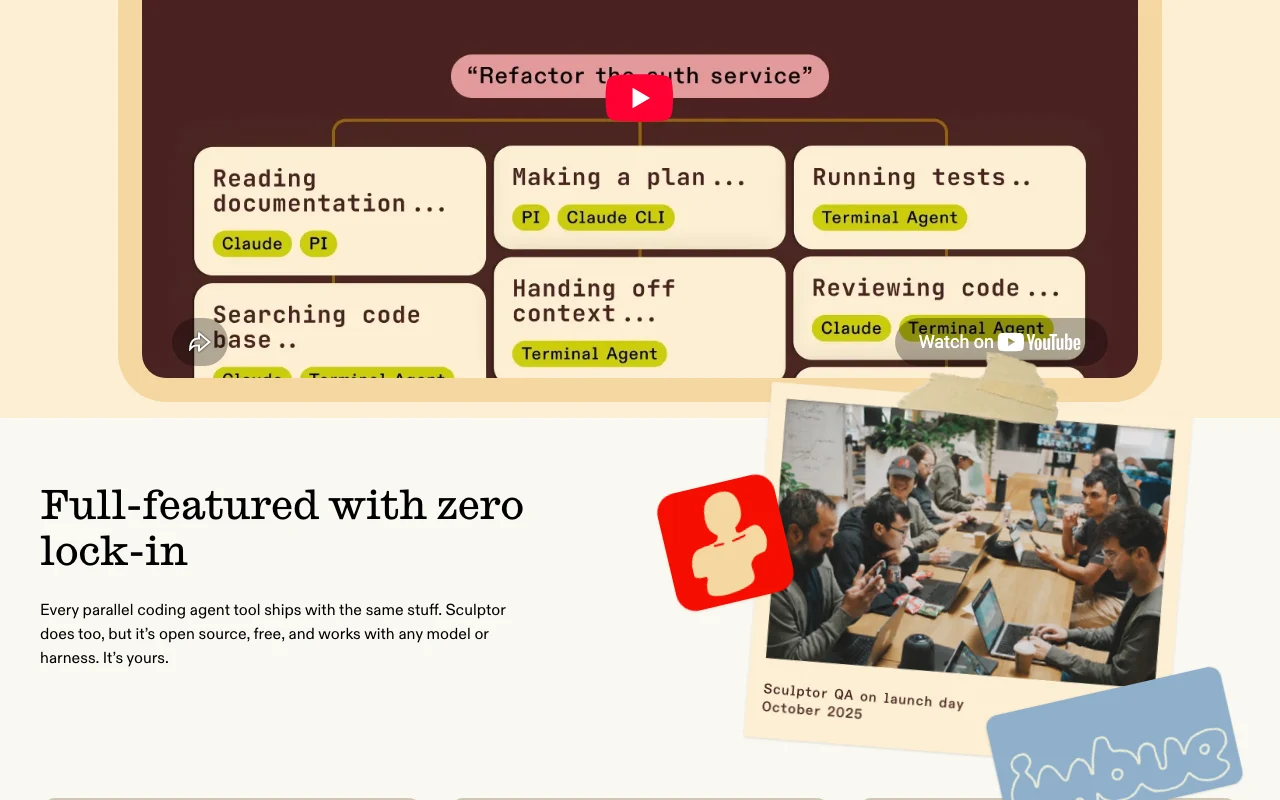
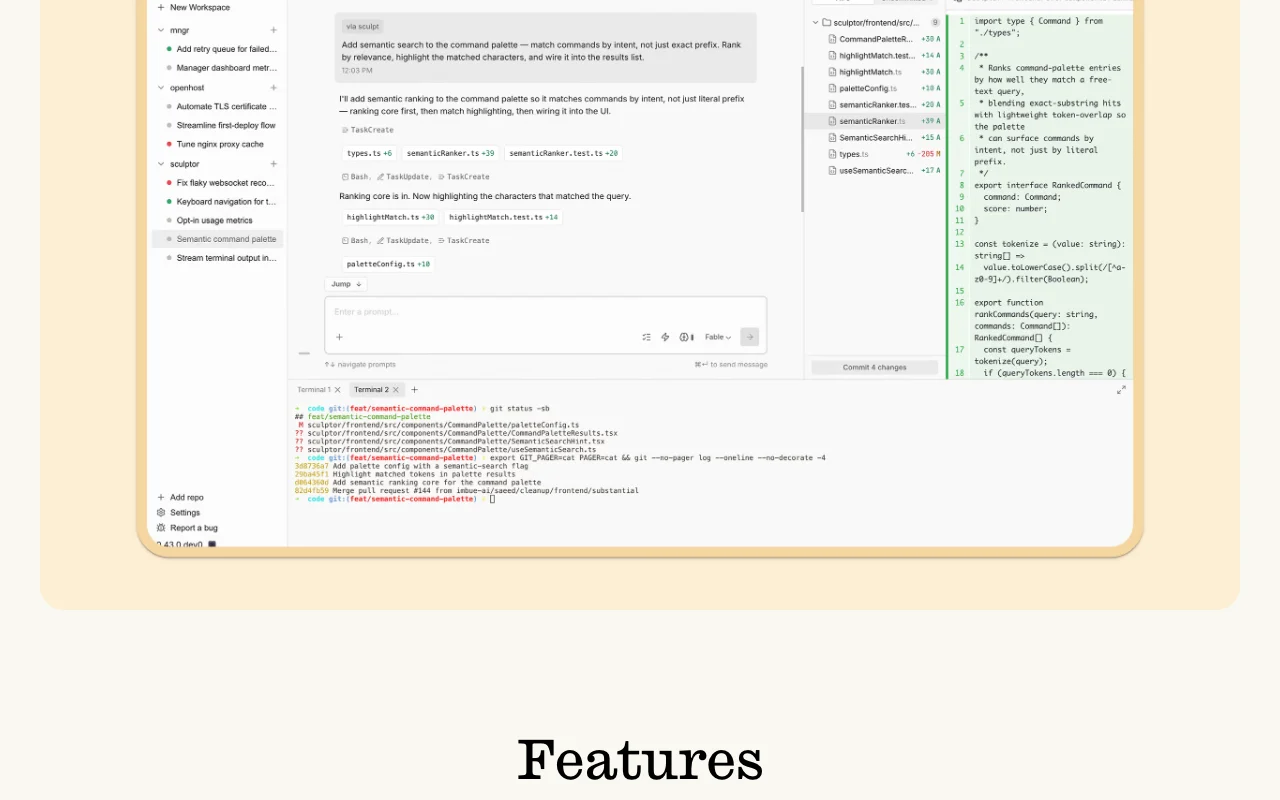
Free open-source desktop app for running coding agents in parallel, each in its own worktree with branch, terminal and diff view.
 (open full size in a new tab)
 (open full size in a new tab)
 (open full size in a new tab)
 (open full size in a new tab)
 (open full size in a new tab)
Our take: Sculptor is worth trying if you use Claude on Mac or Linux and want several coding agents isolated in their own worktrees from one free, open-source window.
Main limitation: It runs only on Mac (Apple Silicon) and Linux and requires your own Claude plan or provider.
Sculptor is worth trying if you use Claude on Mac or Linux and want several coding agents isolated in their own worktrees from one free, open-source window. Based on the vendor's documentation, not on a hands-on test.
Also a good fit for
Or if
Headlines from US outlets, selected automatically — not endorsements. Updated Oct 2, 2026
Prices checked Oct 2, 2026 on the official US pricing page. Official pricing ↗ Prices and limits change often.
App is free and open source (MIT).
None.
Free
Monthly
For: Developers
Limits
Includes
Your Claude or model provider usage.
Not applicable.
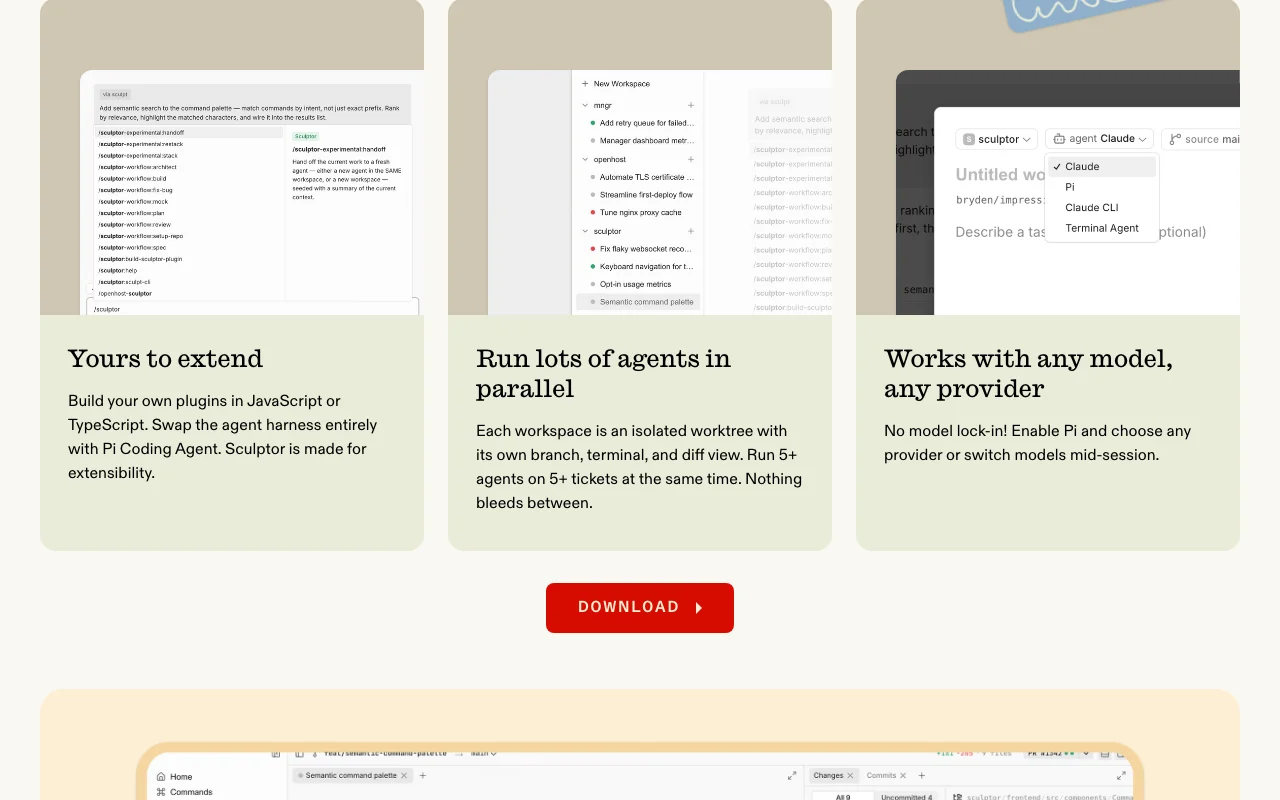
Sculptor, from Imbue, is a desktop app for running coding agents in parallel. Each agent gets its own Git worktree, branch, terminal and diff view, and you review and merge from one window. It is free and MIT-licensed, runs locally on your machine, and uses your existing Claude plan or a supported model provider. Official pages list Mac (Apple Silicon) and Linux; there is no Windows or mobile support currently.
You provide
You get back
Scenarios are worked out by our editors from the documentation; the actual result depends on your input and plan.
Runs each agent in an isolated workspace with its own branch, terminal and diff. Stops agents from interfering with each other.
Lets you preview an agent's changes in your own working directory. Lets you test without manual branch switching.
Flags overlapping changes before merge; reduces merge surprises. Reduces merge surprises.
Keeps session history and context so you can resume. Preserves work between runs.
Add input validation to the signup form and update its tests.
Sculptor has no public API in its official documentation. Plugins in JavaScript or TypeScript.
Summarized from the vendor's current policies; this is not legal advice and a vendor's badge is not an independent audit.
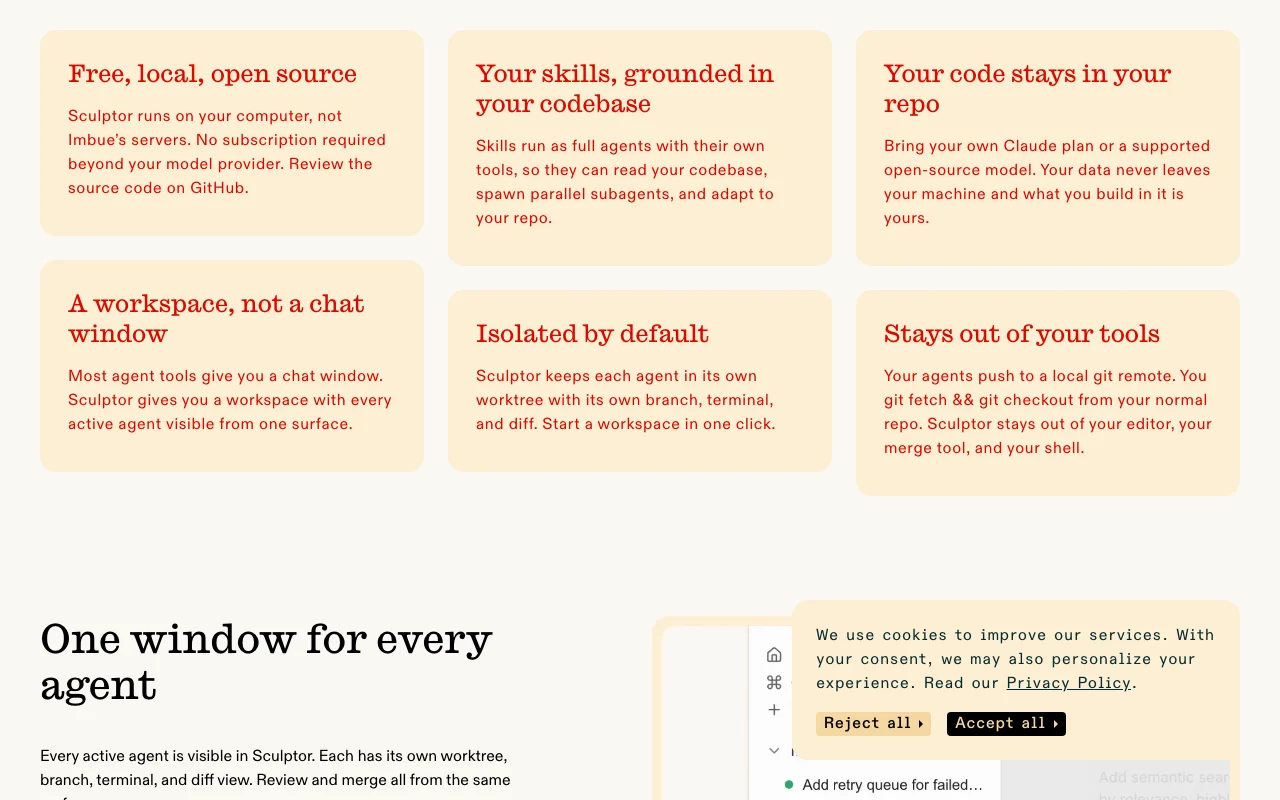
Runs locally; code stays on your machine.
Imbue says it does not train on your code.
Imbue does not store repositories.
Your output is yours.
"Better suited" is based on documented features and pricing, not on a head-to-head test.
| Alternative | When to choose it | Pricing | Limitation | |
|---|---|---|---|---|
| Cursor | — | — | Compare | |
| GitHub Copilot | — | — | Compare | |
| Devin Desktop (formerly Windsurf) | — | — | Compare |
No user reviews yet.
Used Sculptor? Be the first to share your experience.
Mac (Apple Silicon) and Linux; there is no Windows or mobile build.
Claude Opus 4.8, 4.7, 4.6, Sonnet 4.6 and Haiku 4.5, with Pi agent experimental for other providers.
No; it uses your existing Claude plan and does not cap your usage.
MIT, with source on GitHub.
They push to a local git remote that you fetch and check out.
Not verified: Pricing page and privacy/docs URLs returned 404.; Page not available: https://imbue.com/product/sculptor/pricing; Page not available: https://imbue.com/product/sculptor/privacy; Page not available: https://imbue.com/product/sculptor/docs.
Every fact about Sculptor above comes from the 2 official pages listed here, last compared on Oct 2, 2026; we have not run Sculptor ourselves, so it has no editorial score. How we check and re-check pages.
Article updated Oct 2, 2026; prices checked Oct 2, 2026. Outbound links to vendors are plain links; we do not earn commissions. How we review · Report an error
compare>