Free start Chrome desktop
See official pricing source (opens in a new tab)
Unknown
For: Trying Robomonkey
Limits
- Credit-based usage
Includes
- Chat-based extension building

CodingDocumented overviewLast checked Oct 2, 2026
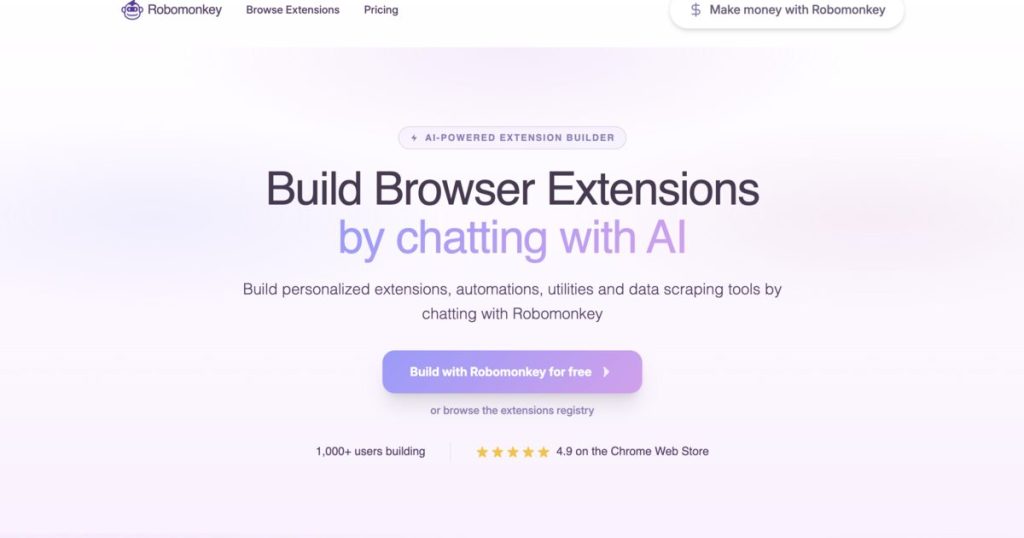
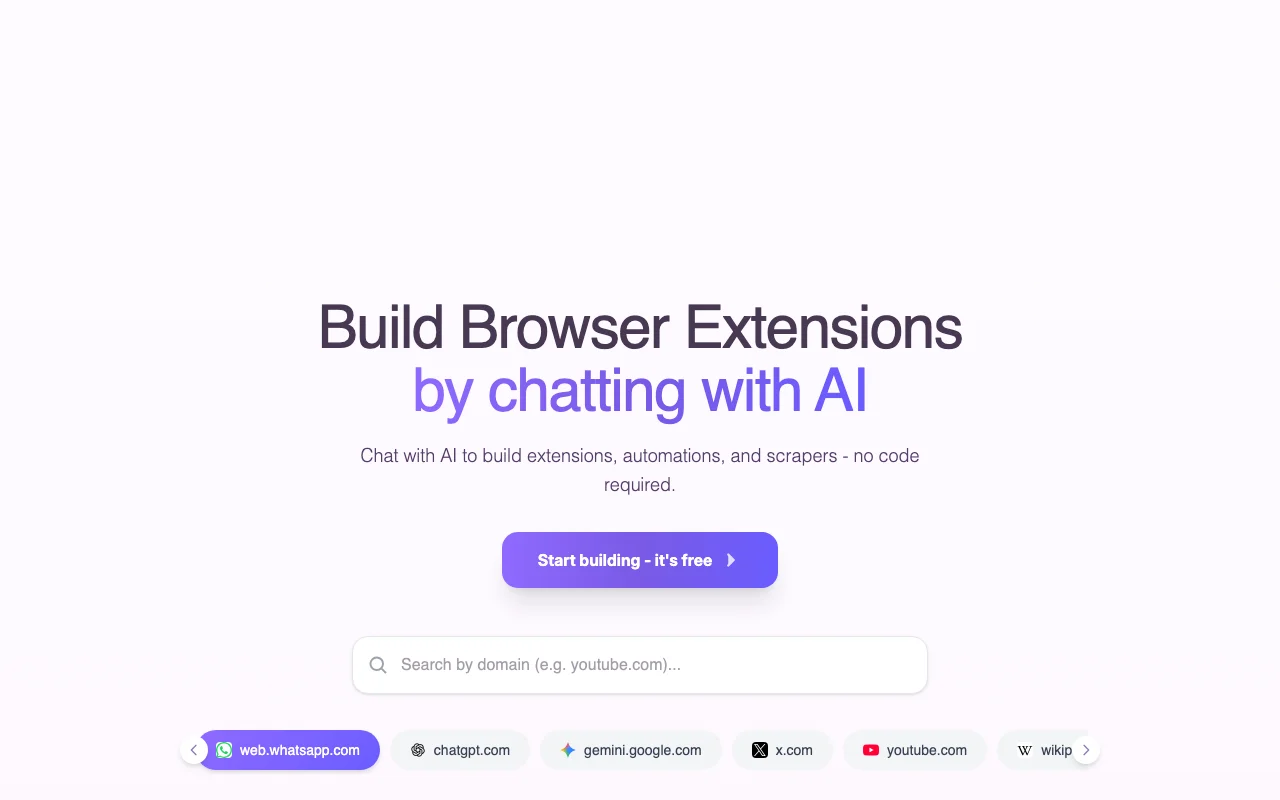
Chat with AI in a browser side panel to build Chrome extensions, userscripts, automations and scrapers without code.
 (open full size in a new tab)
 (open full size in a new tab)
 (open full size in a new tab)
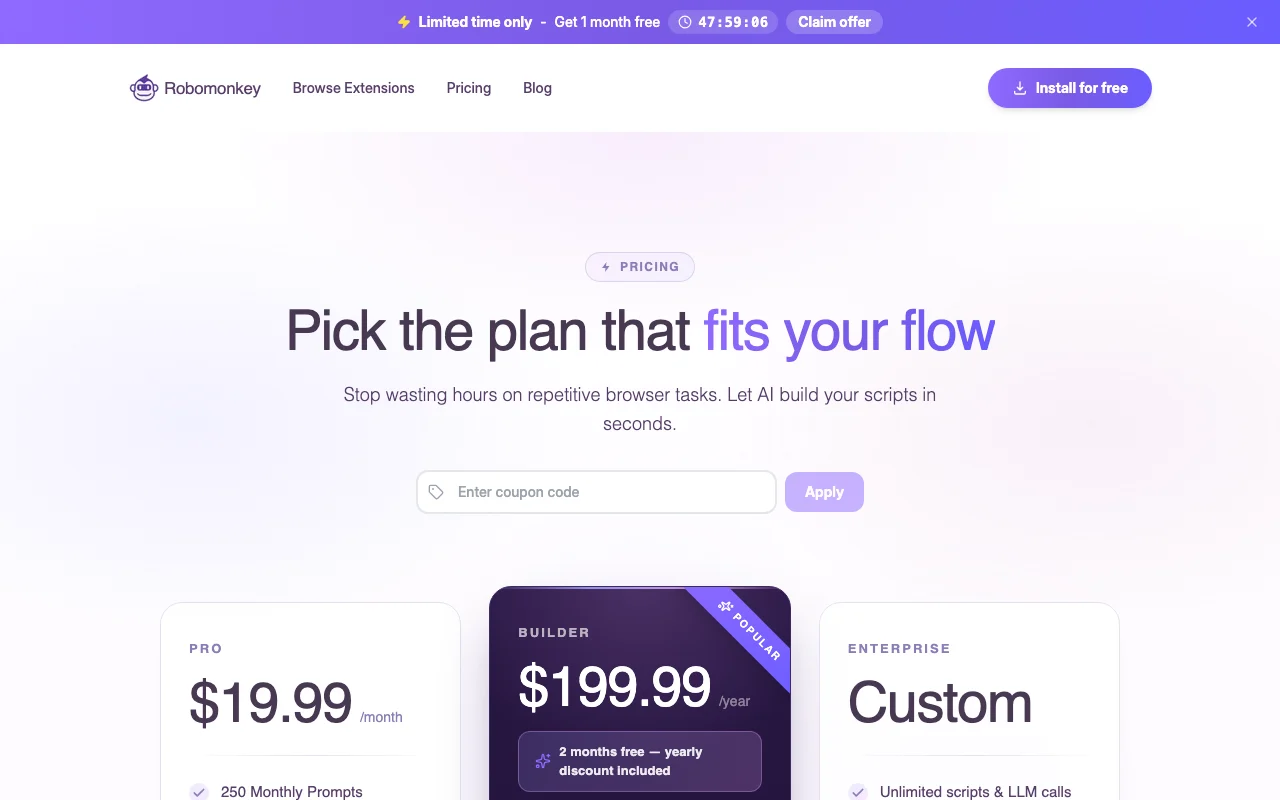 (open full size in a new tab)
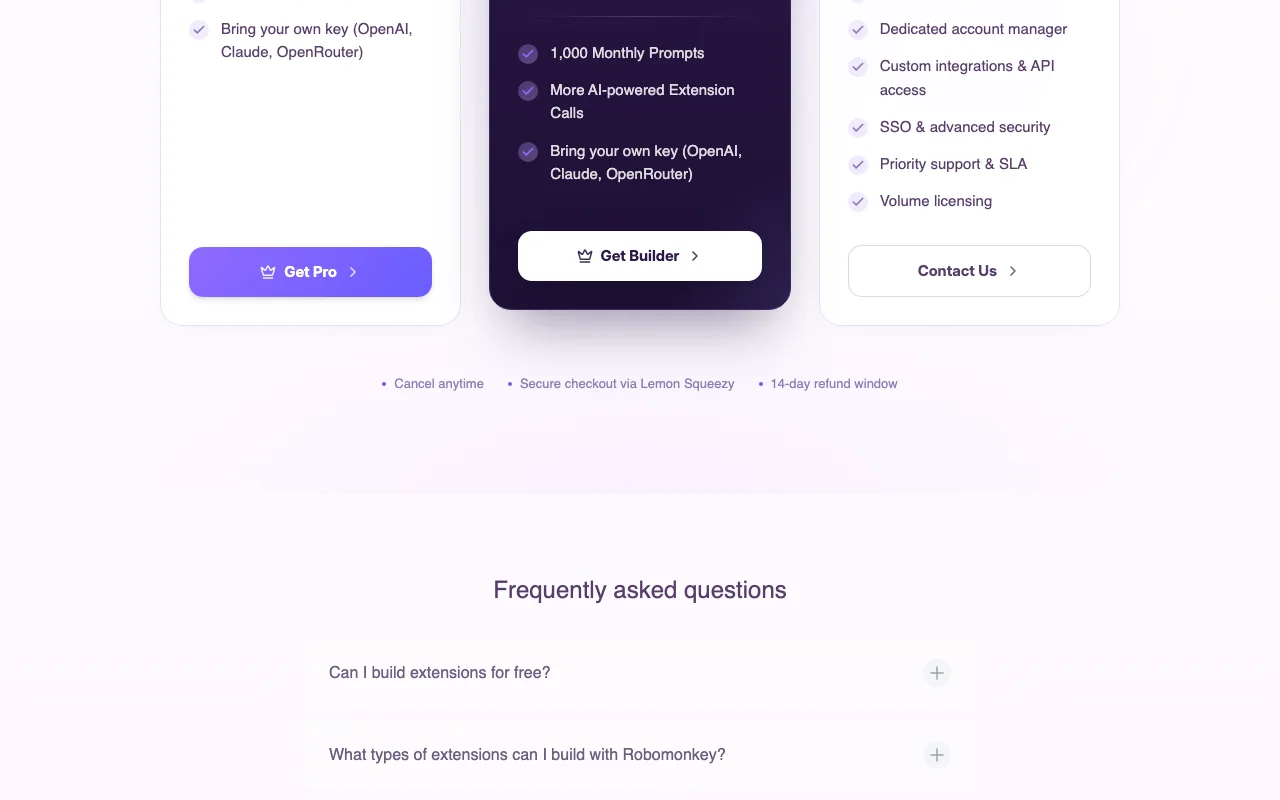 (open full size in a new tab)
 (open full size in a new tab)
Our take: Robomonkey is worth trying if you want to build Chrome userscripts, automations or scrapers by chatting rather than coding, since the homepage says you can start building for free.
Main limitation: Plan prices and credit amounts are not visible in the fetched pricing page, so costs beyond the free start are unknown.
Robomonkey is worth trying if you want to build Chrome userscripts, automations or scrapers by chatting rather than coding, since the homepage says you can start building for free. Based on the vendor's documentation, not on a hands-on test.
Also a good fit for
Or if
Prices checked Oct 2, 2026 on the official US pricing page. Official pricing ↗ Prices and limits change often.
Homepage says start building for free; FAQ asks whether extensions can be built free.
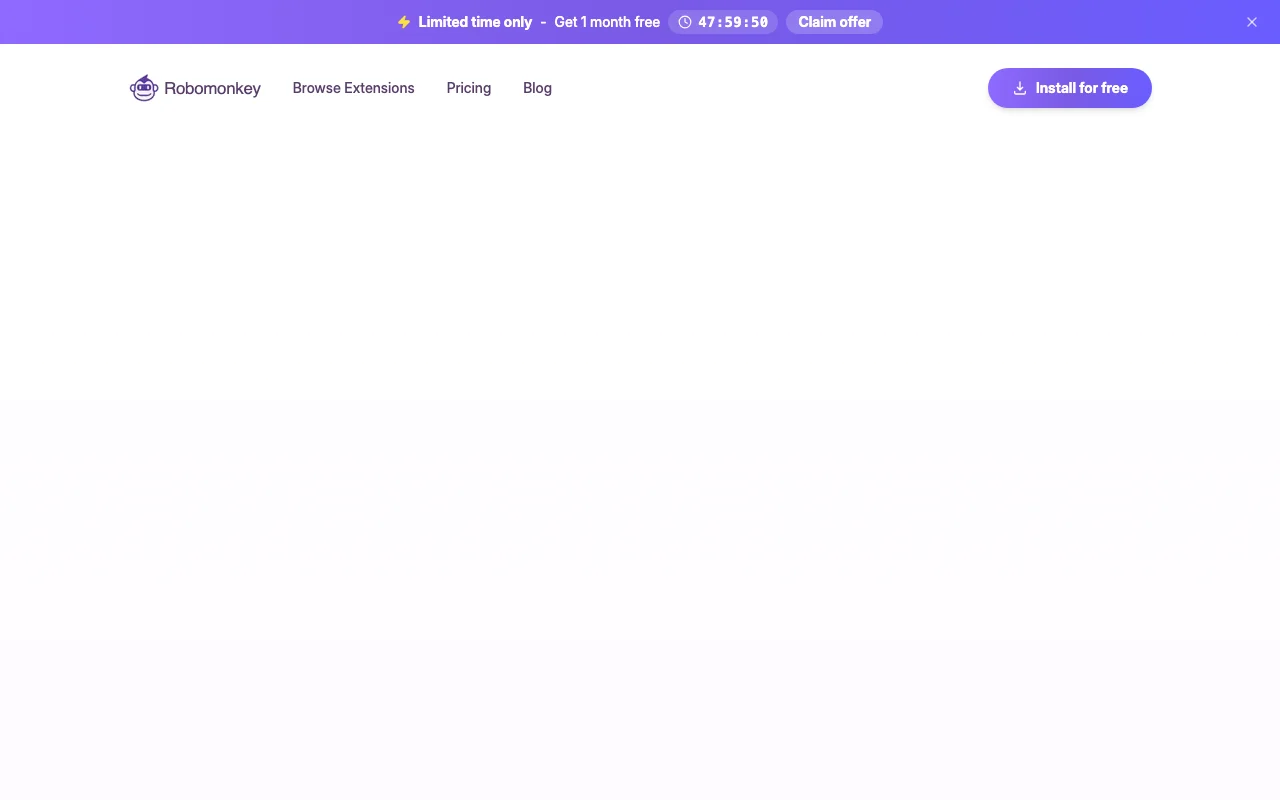
Limited-time banner offers 1 month free.
See official pricing source (opens in a new tab)
Unknown
For: Trying Robomonkey
Limits
Includes
Credits system; plan cards did not render so prices are unknown.
Robomonkey is a Chrome extension that runs in a side panel aware of the page you are on. You describe what you want in plain language and it writes and installs the extension or userscript for you. It can edit its own code on request. The site says it is only available on desktop and offers a credit-based plan structure plus an affiliate program.
You provide
You get back
Scenarios are worked out by our editors from the documentation; the actual result depends on your input and plan.
Lets you describe an extension in plain language and writes the code for you. Skips programming and config files.
Runs in a browser side panel that can see the page you are currently viewing. Builds tweaks specific to the open site.
Installs the generated extension immediately without developer mode. Shortens the test loop to seconds.
Edits its own code when you ask for changes in the chat. Improves an extension iteratively.
Hide the sidebar and recommended videos on this page and make the text larger.
Export: CSV (via generated scrapers)
Robomonkey has no public API in its official documentation. No API documented.
Summarized from the vendor's current policies; this is not legal advice and a vendor's badge is not an independent audit.
The assistant is aware of the page you are viewing.
FAQ lists project ownership but its answer is not in fetched text.
"Better suited" is based on documented features and pricing, not on a head-to-head test.
| Alternative | When to choose it | Pricing | Limitation | |
|---|---|---|---|---|
| Cursor | You can code and want full control | See vendor page | Not a browser side panel | Compare |
| Lovable | You need a website not a browser tweak | See vendor page | Does not modify other sites | Compare |
| Replit | You want hosted code projects | See vendor page | Not page-aware | Compare |
No user reviews yet.
Used Robomonkey? Be the first to share your experience.
No; the homepage says Robomonkey is only available on desktop. source (opens in a new tab)
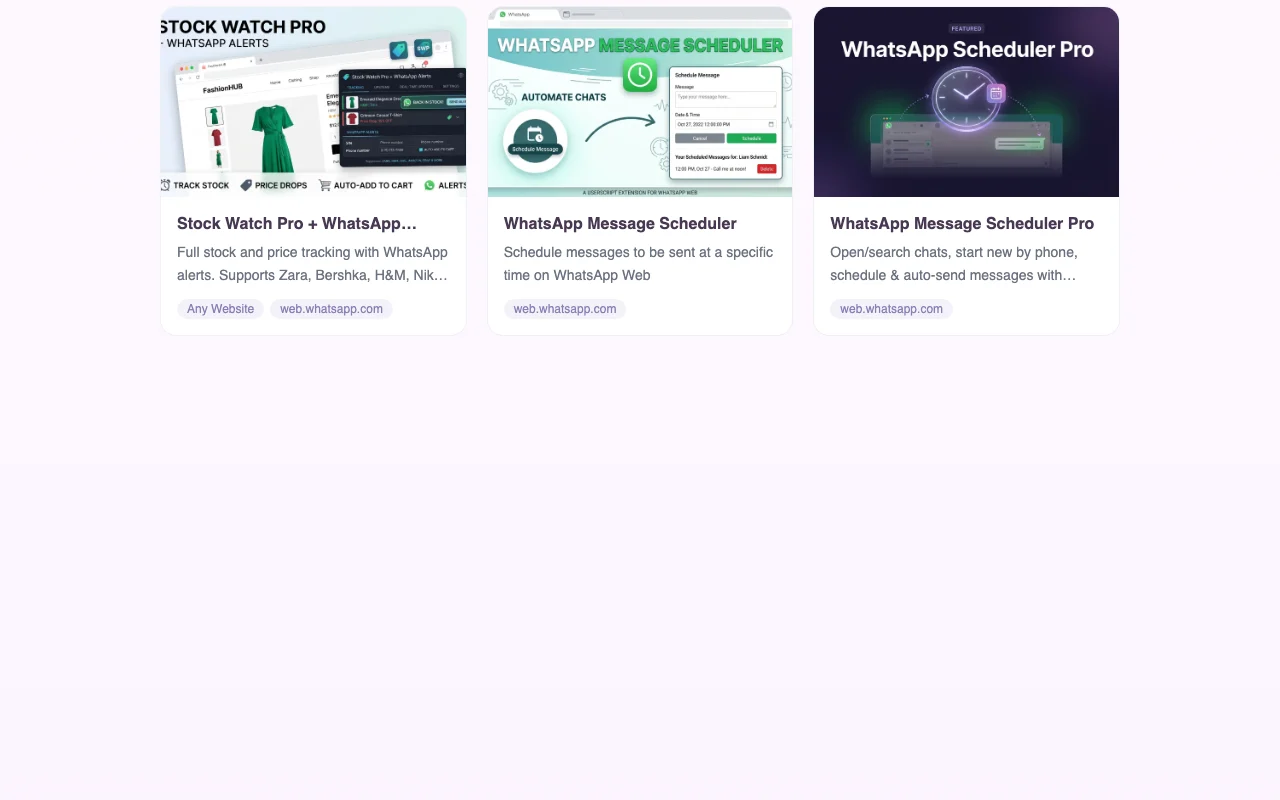
Chrome extensions, userscripts, automations and scrapers, such as a WhatsApp message scheduler. source (opens in a new tab)
Up to $5 per referral, paid monthly via Lemon Squeezy. source (opens in a new tab)
The homepage cites 4.8 stars from 40 Chrome Web Store ratings. source (opens in a new tab)
Yes, the pricing FAQ covers credits, but the answers are not in the fetched text. source (opens in a new tab)
Not verified: Plan prices and credit amounts not rendered; FAQ answers missing; Privacy and docs 404; Project ownership terms not verified.
Every fact about Robomonkey above comes from the 2 official pages listed here, last compared on Oct 2, 2026; we have not run Robomonkey ourselves, so it has no editorial score. How we check and re-check pages.
Article updated Oct 2, 2026; prices checked Oct 2, 2026. Outbound links to vendors are plain links; we do not earn commissions. How we review · Report an error
compare>