Productivity & writingDocumented overviewLast checked Oct 31, 2026
Grammarly: Pricing, Features & Best Use Cases
AI writing assistant that checks grammar, clarity, tone and plagiarism and rewrites text in a browser extension, desktop apps, mobile apps and Microsoft Office and Google Docs integrations.
Our take: Use Grammarly when you want suggestions inside the apps you already write in. Start on Free (100 AI prompts per month) and move to Pro only if you need full-sentence rewrites, tone adjustment or plagiarism and AI-text detection.
Main limitation: Grammarly is cloud-based and needs an internet connection; the official plans page does not list a refund beyond what the law requires.
By the AI Tool Atlas editors.
Based on the vendor's official documentation; we have not tested this product hands-on. What “documented overview” means
Who Grammarly fits
Use Grammarly when you want suggestions inside the apps you already write in. Start on Free (100 AI prompts per month) and move to Pro only if you need full-sentence rewrites, tone adjustment or plagiarism and AI-text detection. Based on the vendor's documentation, not on a hands-on test.
Best for: Students and professionals editing emails and documents
Also a good fit for
Teams that want shared style guides and brand tones
Non-native English writers
Consider another tool if you need a fully offline tool
Or if
You want refunds on subscriptions beyond legal requirements
You need a general chatbot rather than an in-app writing assistant
Grammarly pricing and usage limits
Prices checked Oct 31, 2026 on the official US pricing page. Official pricing ↗ Prices and limits change often.
Free access and trial conditions
Free plan at $0 per month with 100 AI prompts per month.
Pro shows a Try for free option with $0 payment today and an email reminder 2 days before the trial ends.
Paid plans: what changes as you upgrade
Grammarly · web
Free
Free
100 AI prompts per monthMonth
For: Trying Grammarly
Includes
Write without mistakes
See writing tone
Limits
100 AI prompts per month
No tone adjustment, full-sentence rewrites, fluent English writing, inclusive language, citation consistency, AI-text and plagiarism detection, or priority support
Grammarly is an AI writing assistant. It underlines suggestions as you type and groups them into correctness, clarity, engagement and delivery, and its generative AI features can compose, brainstorm, rewrite or reply. It runs in the Grammarly Editor in a browser, in Windows and Mac desktop apps, in browser extensions for Chrome, Safari, Firefox and Edge, in iPhone, iPad and Android apps, and through Microsoft Office and Google Docs integrations.
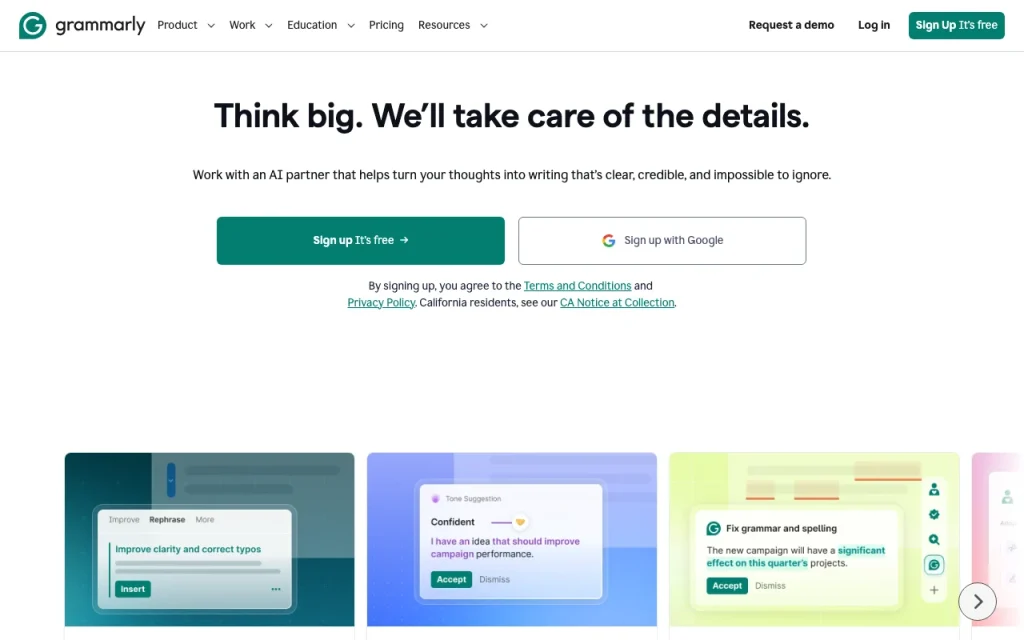
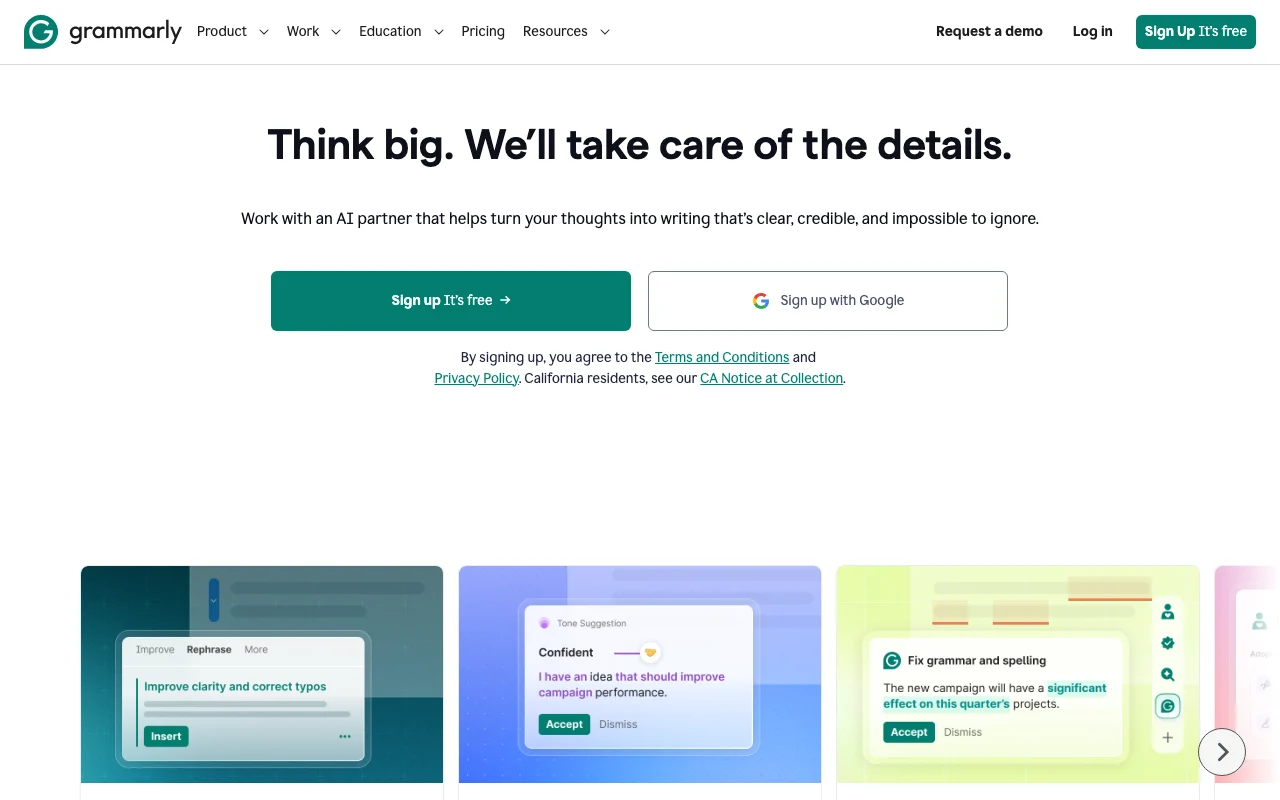
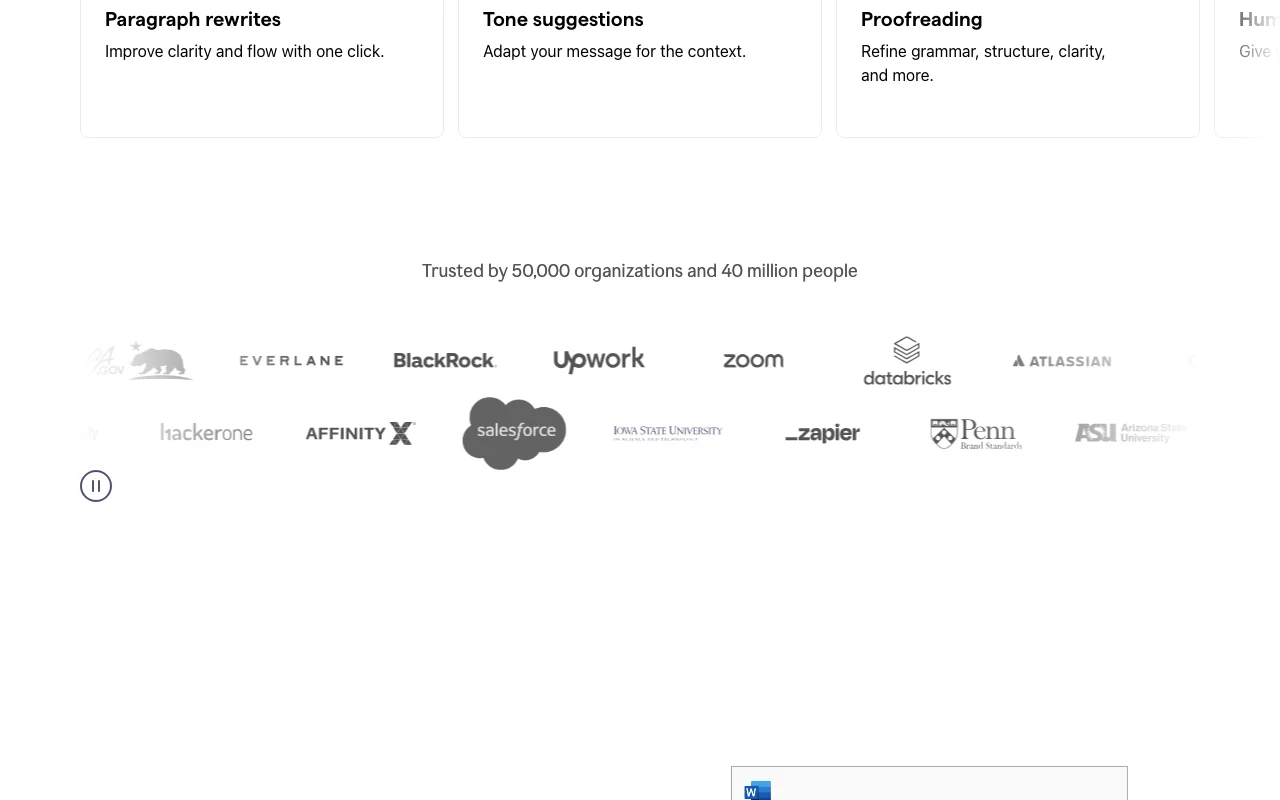
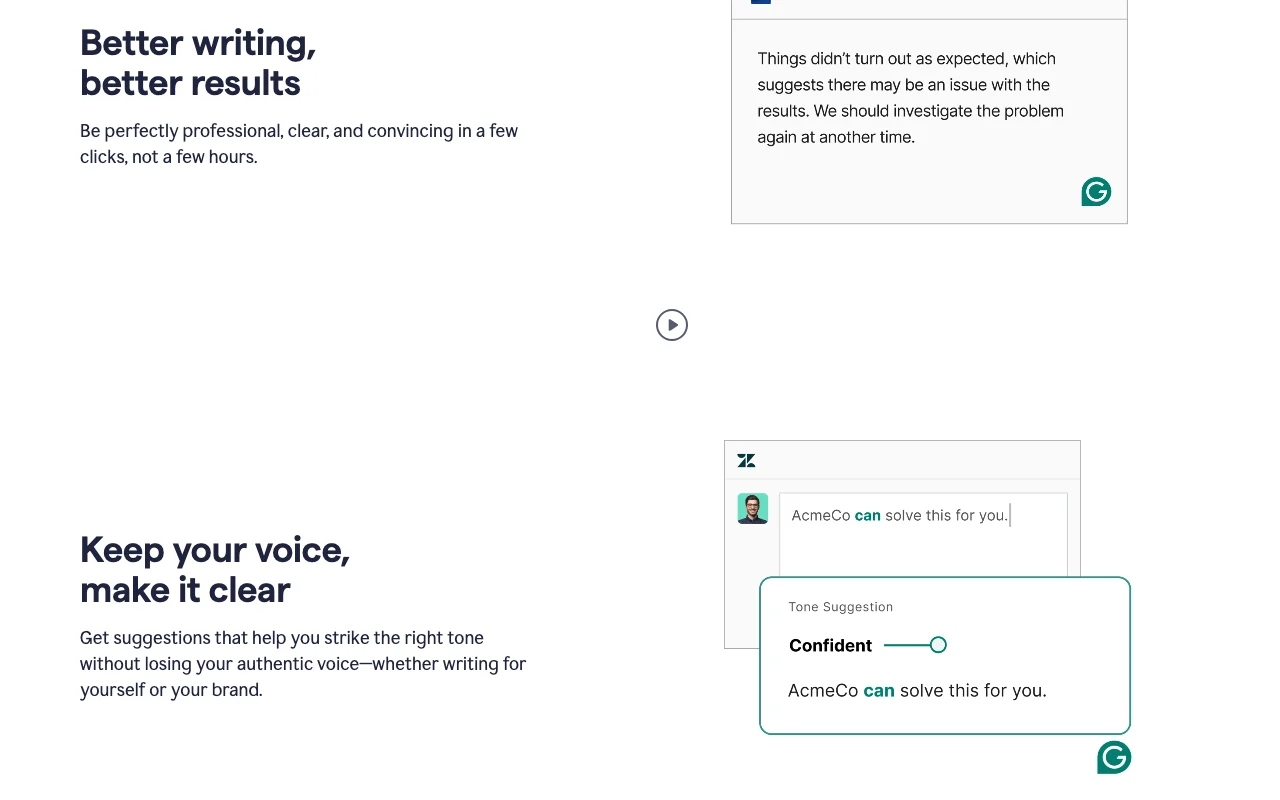
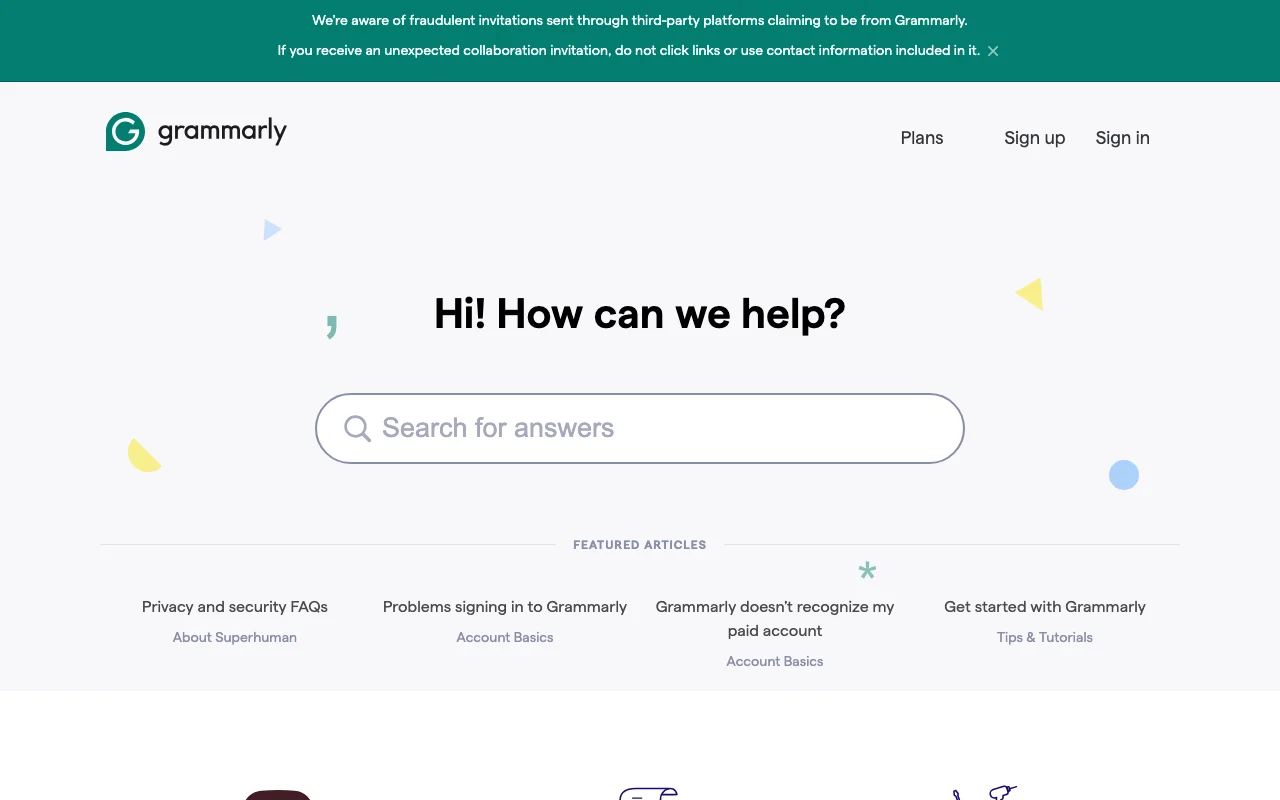
Grammarly's official site: how the product presents itself. grammarly.com, captured Oct 31, 2026
What you provide and what you get back
What you give Grammarly and what comes back, from its documentation
You provide
Text you type or paste
Documents in supported apps
Prompts for generative AI features
You get back
Grammar, clarity, tone and delivery suggestions
Rewritten sentences and paragraphs
Plagiarism and AI-text detection results
Where you can use it
Platforms
Web, Windows, Mac, Chrome, Safari, Firefox, Edge extensions, iPhone, iPad, Android, Microsoft Office, Google Docs
Account
Required
Works offline
No. The Get started article states Grammarly is cloud-based and needs an internet connection.
Works in many places: browser extensions, desktop, mobile, Office and Google Docs Suggestions appear in the apps you already usedocumentedsource (opens in a new tab)
Free plan includes 100 AI prompts per month You can test the AI features without payingdocumentedsource (opens in a new tab)
Suggestions in 24 languages besides English on every plan Non-English users are covered without upgradingdocumentedsource (opens in a new tab)
Five English dialects: American, British, Canadian, Australian, Indian Spelling matches your audiencedocumentedsource (opens in a new tab)
Generative AI prompts are capped on Free and Pro Heavy AI use can hit the monthly limitdocumentedsource (opens in a new tab)
How to use Grammarly for proofreading and rewriting a draft
Grammarly documentation: where the steps below come from. support.grammarly.com, captured Oct 31, 2026
Set up Grammarly
Sign up at grammarly.com with an email or with Google, Facebook or Apple
Open the Grammarly Editor at app.grammarly.com or install the desktop app, browser extension or mobile app
Write or paste your text in the editor or a supported app
Example: proofreading and rewriting a draft
Click the Grammarly icon to see all suggestions
Review the correctness, clarity, engagement and delivery suggestions
Accept or dismiss each one
Optionally use a generative AI prompt to rewrite or reply
Review and export the result
Reread the final text to confirm the meaning is unchanged
Check the language and English dialect setting matches your audience
Grammarly API
Grammarly documentation (continued). support.grammarly.com, captured Oct 31, 2026
API access and separate billing
Grammarly has no public API in its official documentation. Not stated
Privacy, data use and commercial rights
Summarized from the vendor's current policies; this is not legal advice and a vendor's badge is not an independent audit.
How your inputs and outputs are handled
The homepage states: We do not sell or monetize user content.
The privacy policy says AI training is adjustable via training controls in account settings and AI providers are restricted from training their models on user content of Superhuman customers.
Personal data is kept for as long as necessary to provide the products; no specific periods are given.
Commercial use and plan restrictions
Organization accounts are governed by the organization's contract.
Controls for business users
Enterprise: data loss prevention, SAML SSO, SCIM, audit logs API
Full-sentence rewrites, tone adjustment, fluent English writing, plagiarism and AI-text detection, inclusive language, citation consistency, and priority support.
In the web Editor, Windows and Mac apps, Chrome, Safari, Firefox and Edge extensions, iPhone, iPad and Android apps, and Microsoft Office and Google Docs.
Not verified: Enterprise price; Annual price shown on the plans page (homepage states $12 per member per month billed annually, $30 billed monthly); Terms of Service details (not read); Commercial-use terms; Exact retention periods.
How we documented and maintain this page
Every fact about Grammarly above comes from the 8 official pages listed here, last compared on Oct 31, 2026; we have not run Grammarly ourselves, so it has no editorial score. How we check and re-check pages.
Article updated Oct 31, 2026; prices checked Oct 31, 2026. Outbound links to vendors are plain links; we do not earn commissions. How we review · Report an error