Our take: Dvina suits people who want an assistant that keeps a persistent, private context across their documents and apps and are happy to start on a free plan.
Main limitation: Usage allowances are relative multipliers refreshed in 5-hour windows with a weekly ceiling, not stated amounts, and Max pricing shows a struck-through discount.
By the AI Tool Atlas editors.
Based on the vendor's official documentation; we have not tested this product hands-on. What “documented overview” means
Who should use Dvina
Dvina suits people who want an assistant that keeps a persistent, private context across their documents and apps and are happy to start on a free plan. Based on the vendor's documentation, not on a hands-on test.
Best for: Individuals managing large document collections
Also a good fit for
Teams wanting shared AI context
Consider another tool if free plan has limited daily usage
Or if
Usage allowances are relative multipliers, not stated amounts
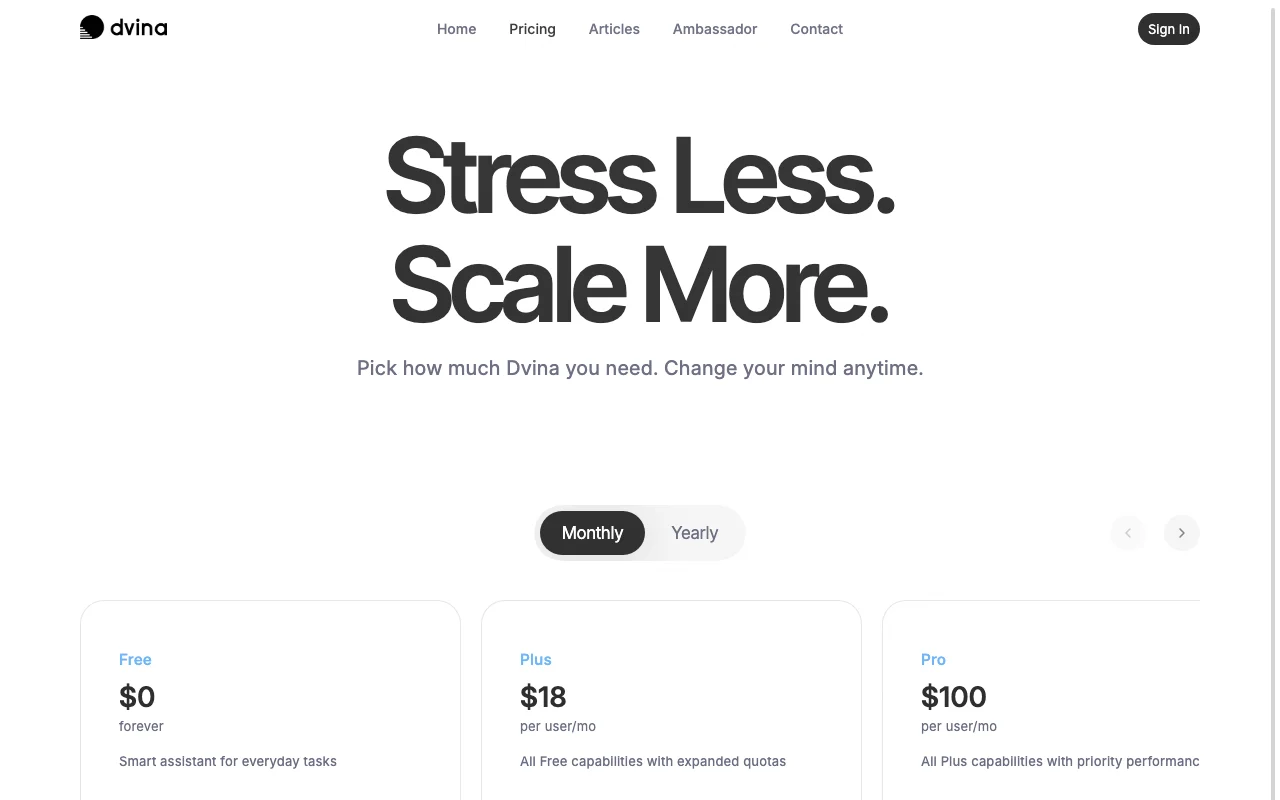
Pro and Max tiers cost $100 and $200 (listed discount to $100) per user per month
Dvina pricing and usage limits
Prices checked Oct 2, 2026 on the official US pricing page. Official pricing ↗ Prices and limits change often.
The official Dvina pricing page as we saw it. dvina.ai, captured Oct 2, 2026
Free access and trial conditions
Free plan forever; encryption, masking and no-training promise are identical on every plan.
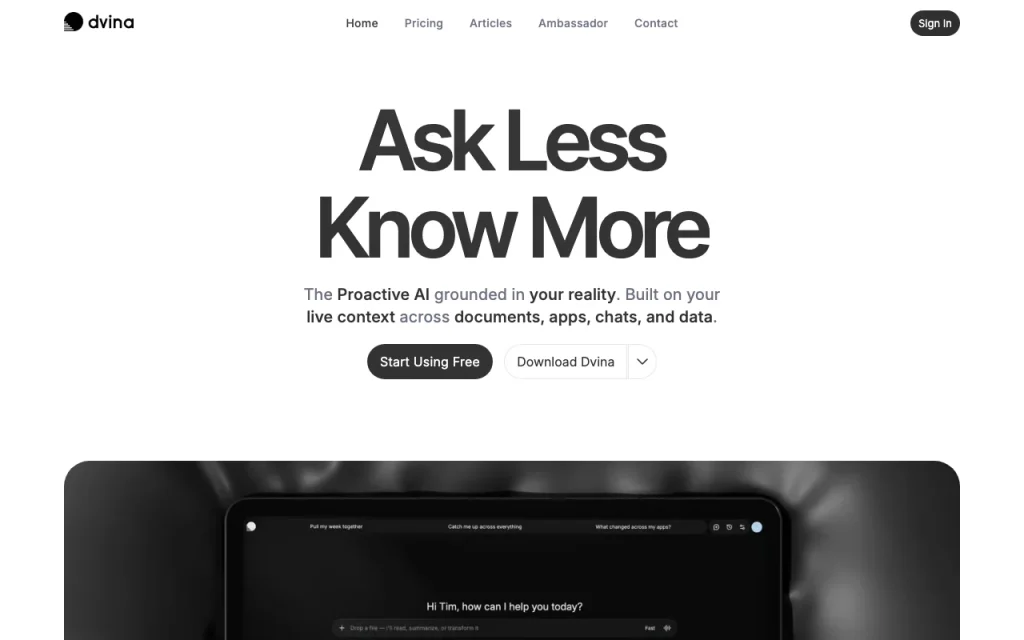
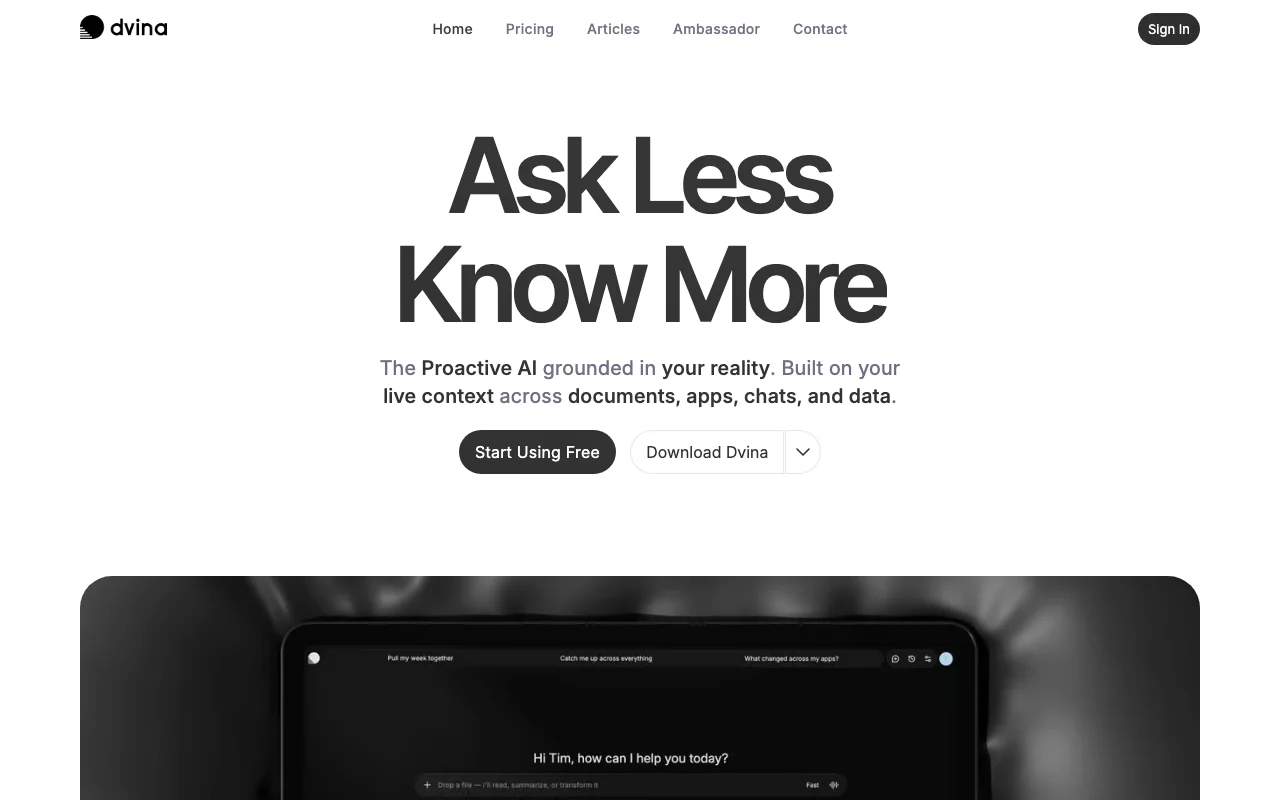
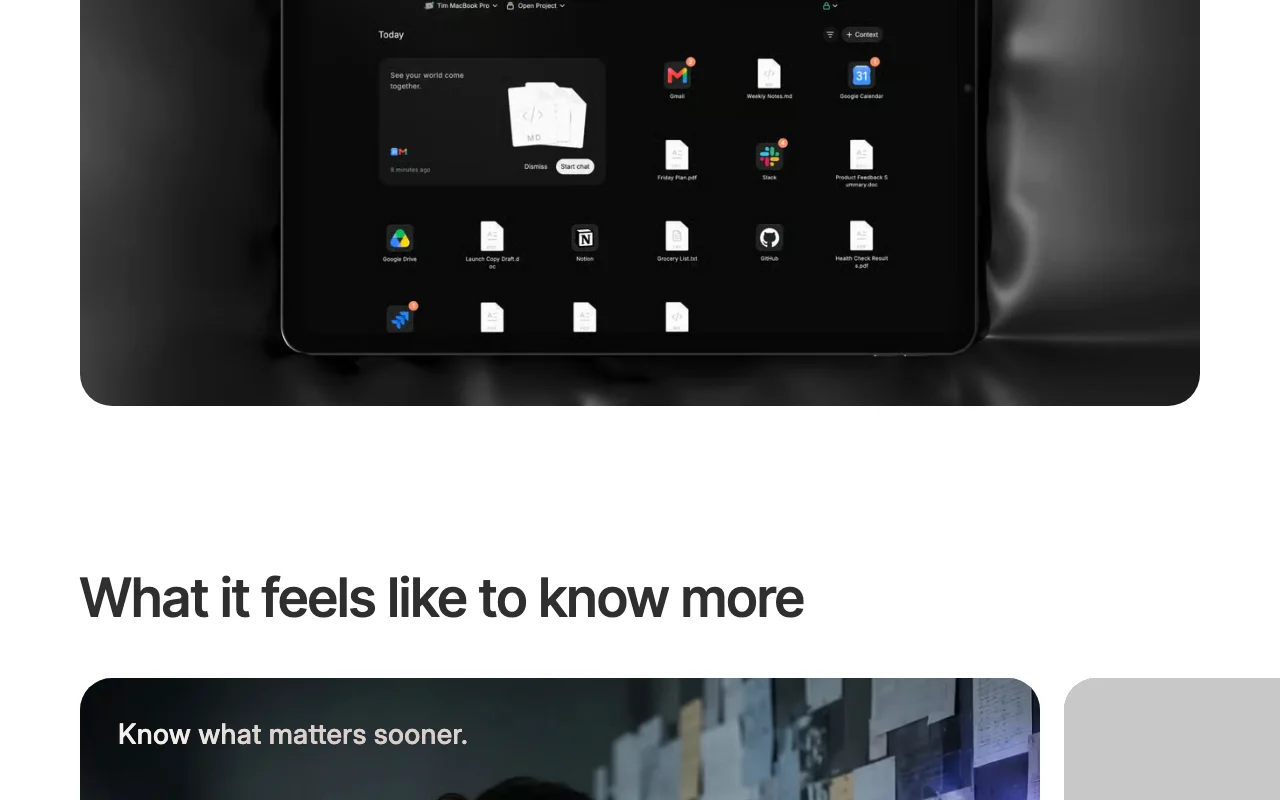
Dvina is a proactive AI assistant that brings documents, apps, chats, artifacts and databases into one live context, so it can surface relevant details over time instead of starting each conversation from scratch. The site states that conversations are encrypted, personal information is shielded automatically and data is never used to train models.
It is offered on web, iPhone, iPad, Android, Mac and PC, with a Free plan and paid Plus, Pro and Max tiers priced per user, plus Enterprise Cloud and Sovereign options through sales. Higher tiers scale usage allowance, live context, computer use and code agent access.
Dvina's official site: how the product presents itself. dvina.ai, captured Oct 2, 2026
What you provide and what you get back
What you give Dvina and what comes back, from its documentation
You provide
Documents, chats and artifacts
Connected apps and databases (140+ apps)
Text questions
You get back
Answers grounded in your live context
Proactively surfaced details
Where you can use it
Platforms
Web, Mobile, Desktop
Account
Required
Where Dvina is most useful
Scenarios are worked out by our editors from the documentation; the actual result depends on your input and plan.
Feature overview on the official site. dvina.ai, captured Oct 2, 2026
Unified context across chats, documents, apps and data
Pulls chats, documents, apps, artifacts and databases into a single live context the assistant can draw on. Avoids restating background in every conversation.
Access: All plans, scaled by usage allowanceLimit: Depth scales with the usage envelopesource (opens in a new tab)
Persistent living memory
Keeps long-term memory so relevant details can be surfaced later without restarting. Cuts repeated explanation.
Connects the assistant to a catalogue of more than 140 apps. Lets it act on data in your tools.
Access: Limited on Free, extended on paid plansLimit: App usage scales with the allowancesource (opens in a new tab)
Dvina: strengths and limits
Where Dvina is strong
Free plan available at $0 Free users get the same privacy promise as paid onesdocumentedsource (opens in a new tab)
No training on user data stated You are not paying a premium for privacydocumentedsource (opens in a new tab)
Available across web, mobile and desktop You can use one account on phone, tablet and computerdocumentedsource (opens in a new tab)
Limitations to check before paying
Free plan has limited daily usage Heavy users hit the cap and wait for the window to refreshdocumentedsource (opens in a new tab)
Usage allowances are relative multipliers, not stated amounts You cannot predict how much work a plan coversdocumentedsource (opens in a new tab)
Pro and Max tiers cost $100 and $200 (listed discount to $100) per user per month Budgeting for a team is costly at $100 or more per seatdocumentedsource (opens in a new tab)
Enterprise requires contacting sales Procurement needs a sales conversationdocumentedsource (opens in a new tab)
How to use Dvina for asking an assistant about your own documents and apps
Set up Dvina
Open dvina.ai and select Start Free.
Create an account and sign in.
Connect the documents or apps you want in the context.
Example: asking an assistant about your own documents and apps
Open a new conversation.
Ask a question that depends on your connected material.
Review the answer and follow-up suggestions.
Review and export the result
Compare the answer against the source document.
Check your remaining allowance and refresh time in the app.
Example prompt suggested by our editors (not a recorded output of the product)
Summarise what changed in my project documents this week
Dvina API
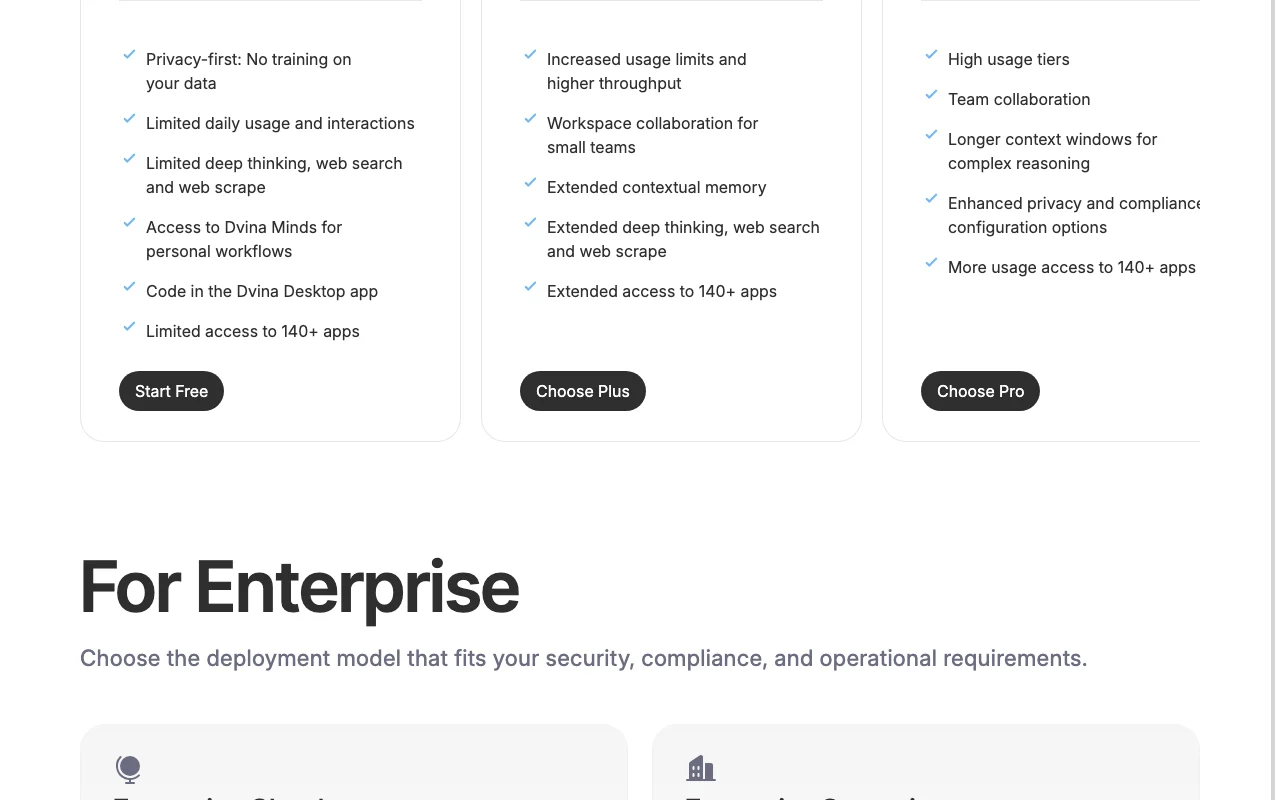
Plan comparison on the official pricing page. dvina.ai, captured Oct 2, 2026
API access and separate billing
Dvina has no public API in its official documentation. API not mentioned on the pages checked.
Privacy, data use and commercial rights
Summarized from the vendor's current policies; this is not legal advice and a vendor's badge is not an independent audit.
How your inputs and outputs are handled
Prompts, files and data are never used for model training; sensitive personal and financial data is masked before model processing.
Not used for model training, stated on every plan.
Enterprise offers custom data retention; consumer retention not stated.
Not verified: Exact usage amounts per plan; Retention for non-enterprise plans; API availability; Plus/Pro/Max yearly price.
How we documented and maintain this page
Every fact about Dvina above comes from the 2 official pages listed here, last compared on Oct 2, 2026; we have not run Dvina ourselves, so it has no editorial score. How we check and re-check pages.
Article updated Oct 10, 2026; prices checked Oct 2, 2026. Outbound links to vendors are plain links; we do not earn commissions. How we review · Report an error