Our take: Choose the Humalike plugin if you already run Hermes Agent and want its group-chat replies to take turns and match each community tone.
Main limitation: The plugin works only with Hermes Agent and is installed from the command line, with no pricing stated.
By the AI Tool Atlas editors.
Based on the vendor's official documentation; we have not tested this product hands-on. What “documented overview” means
Is Hermes Plugin by Humalike right for you?
Choose the Humalike plugin if you already run Hermes Agent and want its group-chat replies to take turns and match each community tone. Based on the vendor's documentation, not on a hands-on test.
Best for: Hermes Agent users
Also a good fit for
Group-chat bot builders
Consider another tool if requires Hermes Agent
Or if
Command-line install
Powered by Humalike APIs; pricing not stated
Hermes Plugin by Humalike pricing and usage limits
Prices checked Oct 4, 2026 on the official US pricing page. Official pricing ↗ Prices and limits change often.
Vendor pricing page re-checked automatically 21 days ago: no changes detected.
What is Hermes Plugin by Humalike, and how does it work?
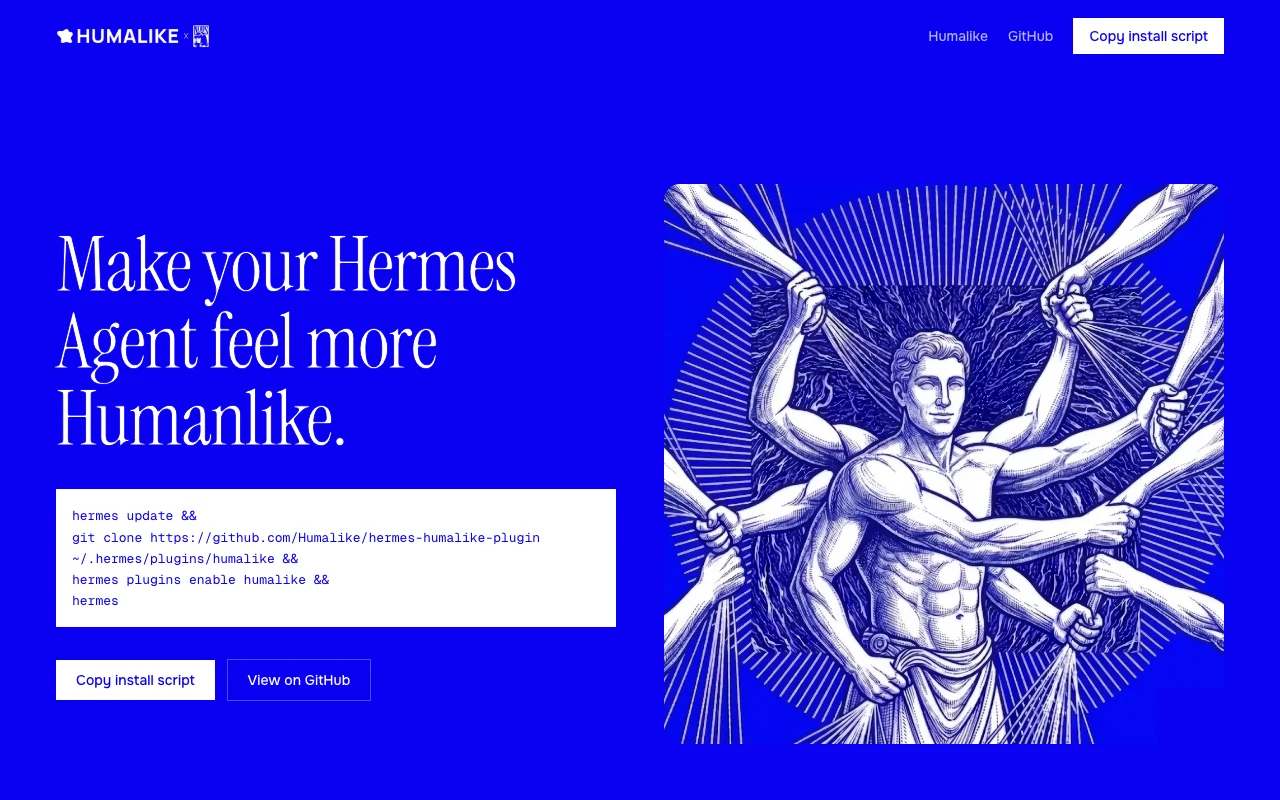
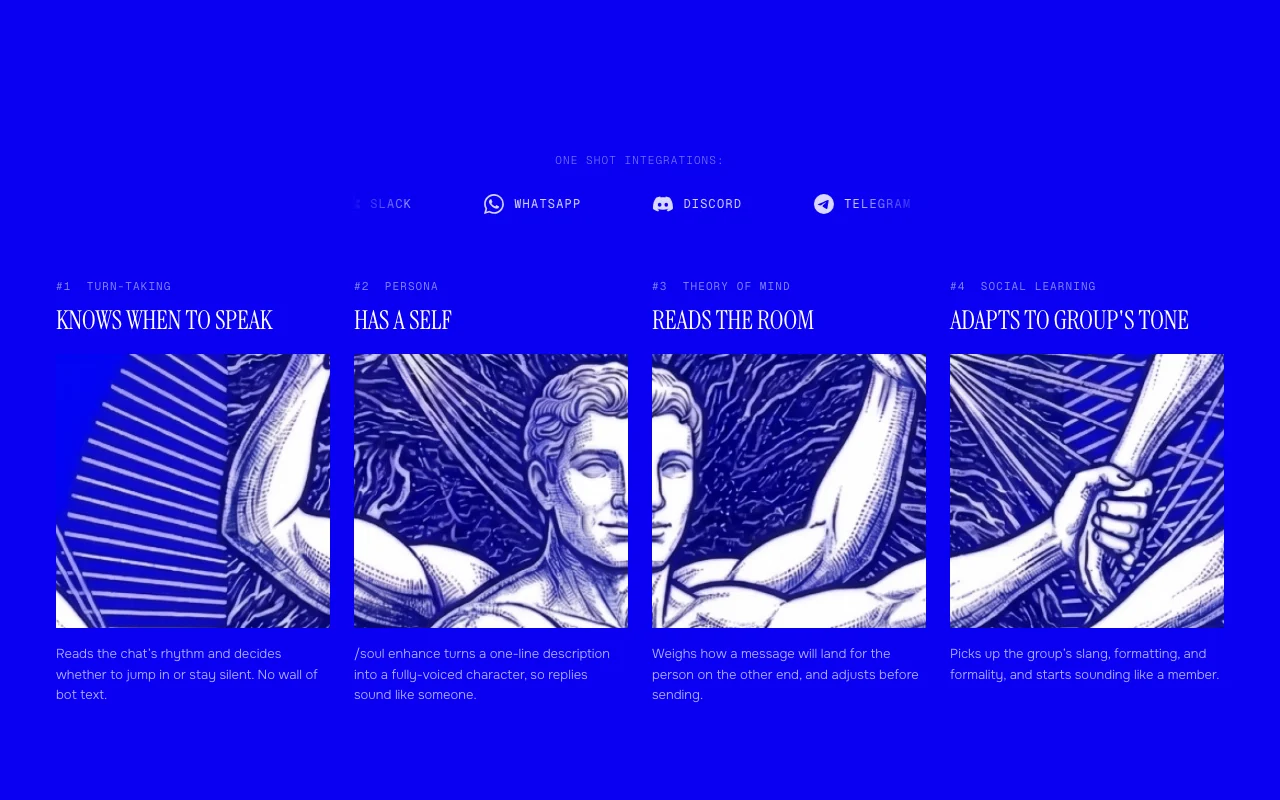
Hermes Plugin by Humalike is an add-on for Hermes Agent, installed from a GitHub repository via a command-line script. It aims to make agent replies in group chats feel more human. The page lists integrations with Telegram, Slack, WhatsApp and Discord and four behaviors: turn-taking, persona, theory of mind and social learning.
Hermes Plugin by Humalike's official site: how the product presents itself. humalike.ai, captured Oct 2, 2026
What you provide and what you get back
You provide
Persona description
Group chat messages
You get back
Human-like replies in group chats
Where you can use it
Account
Not required
Host
Hermes Agent
Chats
Telegram, Slack, WhatsApp, Discord
Install
CLI script
Behaviors
4
Where Hermes Plugin by Humalike is most useful
Scenarios are worked out by our editors from the documentation; the actual result depends on your input and plan.
Group chat bots
Who
Bot builders
You provide
Group messages
Expected result
The bot replies in the group chat only when the plugin judges that a reply fits, instead of answering every message.
Hermes Plugin by Humalike features and their limits
Feature overview on the official site. humalike.ai, captured Oct 2, 2026
Turn-taking decisions
Decides whether to reply or stay quiet. Bot builders get fewer interruptions in busy group chats because the bot can choose to stay quiet.
Access: Not statedLimit: How the decision is tuned is not stated in the pages we could read.source (opens in a new tab)
Persona via /soul enhance
Expands a one-line description into a full voice. Bot builders can write a short description and get a fuller character voice instead of writing a long prompt.
Considers how a reply will land. Community managers get replies that take the effect on the reader into account before sending.
Access: Not statedLimit: The page describes this only briefly and it was not independently verified.source (opens in a new tab)
Group tone adaptation
Mimics slang and formality of a group. Community managers get a bot whose slang and formality match the group, so it stands out less.
Access: Not statedLimit: The page says learning happens automatically, with no stated way to control it.source (opens in a new tab)
Hermes Plugin by Humalike pros and cons
Reasons to choose Hermes Plugin by Humalike
Install via a single script The plugin installs with one script copied from the page, so a Hermes Agent user can try it without a long setup.documentedsource (opens in a new tab)
Listed on GitHub for inspection The code is listed on GitHub, so you can read what the plugin does before installing it.documentedsource (opens in a new tab)
Covers four chat platforms It covers Telegram, Slack, WhatsApp and Discord, so one plugin can serve bots in the chat platforms most communities use.documentedsource (opens in a new tab)
Check before paying for Hermes Plugin by Humalike
Requires Hermes Agent It requires Hermes Agent, so people who use another bot framework cannot use the plugin.documentedsource (opens in a new tab)
Command-line install Installation uses command-line commands, so users who are not comfortable with a terminal may find setup difficult.documentedsource (opens in a new tab)
Powered by Humalike APIs; pricing not stated It is powered by Humalike APIs and no pricing is stated, so the cost of running it is unknown before you install.documentedsource (opens in a new tab)
Platforms of the plugin itself not stated The platforms the plugin itself runs on are not stated, so you cannot confirm which systems the install script supports.documentedsource (opens in a new tab)
How to use Hermes Plugin by Humalike for making chat bots feel human
Set up Hermes Plugin by Humalike
Update Hermes.
Clone the plugin repo into the plugins folder.
Enable it.
Example: making chat bots feel human
Run hermes plugins enable humalike.
Describe the persona.
Add the bot to a group chat.
Review and export the result
Watch turn-taking.
Check tone.
Hermes Plugin by Humalike API
API access and separate billing
Hermes Plugin by Humalike has no public API in its official documentation. Powered by Humalike APIs API documentation ↗
Privacy, data use and commercial rights
Summarized from the vendor's current policies; this is not legal advice and a vendor's badge is not an independent audit.
Every fact about Hermes Plugin by Humalike above comes from the 3 official pages listed here, last compared on Oct 4, 2026; we have not run Hermes Plugin by Humalike ourselves, so it has no editorial score. How we check and re-check pages.
Article updated Oct 10, 2026; prices checked Oct 4, 2026. Outbound links to vendors are plain links; we do not earn commissions. How we review · Report an error