Chat assistantsDocumented overviewLast checked Oct 4, 2026

LYKN: Pricing, Features & Best Use Cases

AI desktop app for Mac that puts 260+ models, agents, research and image tools one shortcut away.

Who LYKN fits

Choose LYKN if you use a Mac and want 260+ AI models behind one shortcut, with a $10 free usage credit and paid plans from $15 per month. Based on the vendor's documentation, not on a hands-on test.

Best for: Mac users wanting many models in one app

Also a good fit for

  • Knowledge workers automating desktop tasks
  • Developers experimenting with multiple models

Consider another tool if windows app not released yet (waitlist only)

Or if

  • Unified API is still coming soon
  • Usage is metered; different models cost different amounts

LYKN pricing and usage limits

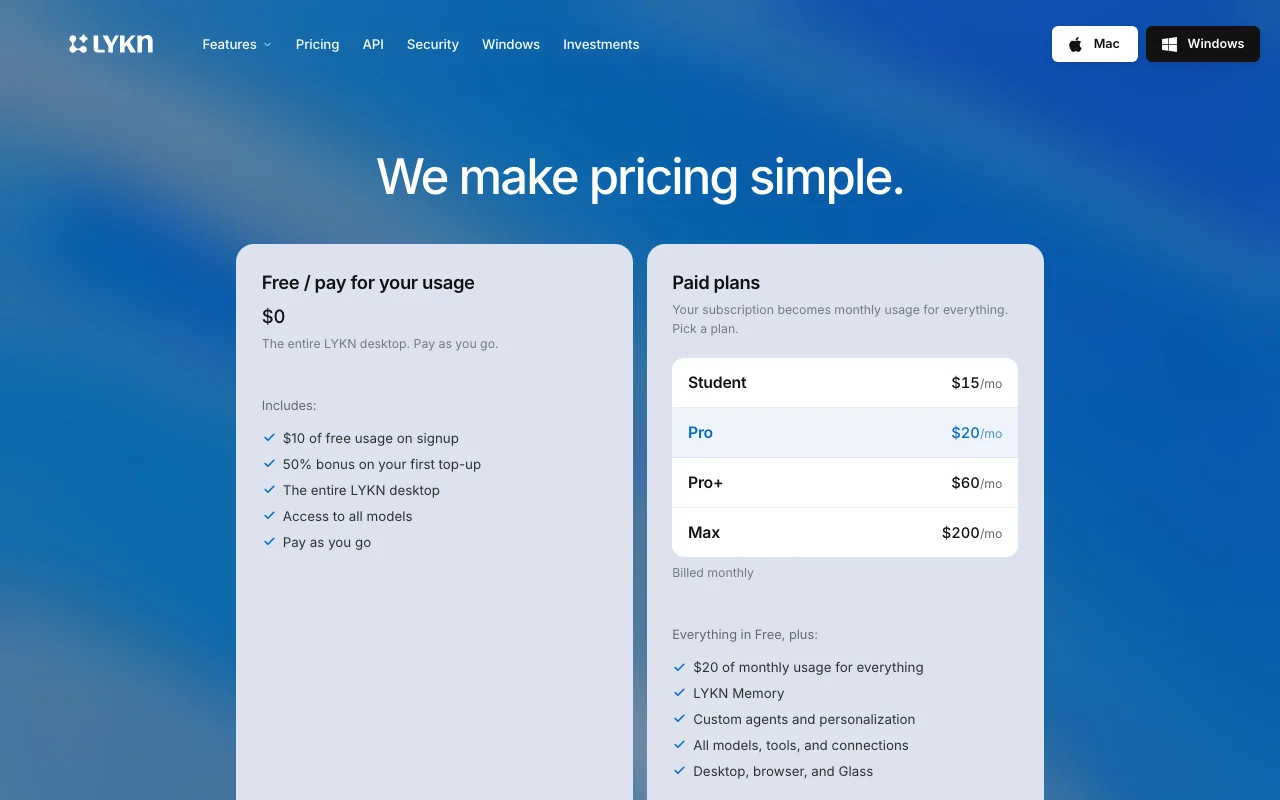
Prices checked Oct 4, 2026 on the official US pricing page. Official pricing ↗ Prices and limits change often.

LYKN pricing page with plans and prices — screenshot of the chat assistants AI tool, Oct 2, 2026
The official LYKN pricing page as we saw it. lykn.io, captured Oct 2, 2026

Free access and trial conditions

$10 usage on signup

Not stated

Paid plans: what changes as you upgrade

Usage caps, credits and extra costs

Usage metered by model

Not stated on the official pages

What is LYKN, and how does it work?

LYKN is an AI desktop app for Mac that brings many AI models into one place. Its site says it can understand your files, complete computer work, build custom software, generate content and do research without switching between apps, and it is summoned anywhere with a keyboard shortcut. The site lists access to 260+ models from providers such as OpenAI, Anthropic, Google, xAI, Meta, DeepSeek and Mistral, plus connections to 1,500+ apps like Gmail, GitHub, Notion and Slack. A Windows app is listed as coming soon via a waitlist, and a unified API is also marked coming soon.

LYKN homepage — screenshot of the chat assistants AI tool, Oct 2, 2026
LYKN's official site: how the product presents itself. lykn.io, captured Oct 2, 2026

What you provide and what you get back

How LYKN works: what you provide, where it runs and what you get backYOU PROVIDEYour inputPrompts and filesConnected appsCHAT ASSISTANTSLYKNmacosfrom $15/mo (Student)free tier availableaccount requiredchecked Oct 4, 2026YOU GET BACKThe resultChat answersGenerated software, images and re…input → LYKN → output · from the vendor's own pages, no hands-on test unless stated
What you give LYKN and what comes back, from its documentation

You provide

  • Prompts and files
  • Connected apps

You get back

  • Chat answers
  • Generated software, images and research

Where you can use it

Platforms
macos
Account
Required
Platform
macOS
Models
260+
App connections
1,500+
Windows
Waitlist

Where LYKN is most useful

Scenarios are worked out by our editors from the documentation; the actual result depends on your input and plan.

Summarizing files from your desktop

Who
Desktop workers
You provide
Local files
Expected result
LYKN gives you written summaries of the local files you point it to.
Plan needed
Free
Limitation
The app works only on Mac, and the files are read from your own desktop. source (opens in a new tab)

Building custom software from a prompt

Who
Makers
You provide
A prompt
Expected result
LYKN produces a piece of custom software from your prompt, which you should test before relying on it.
Plan needed
Free
Limitation
Usage is metered, so a long build can use up a large part of your balance. source (opens in a new tab)

Deep research reports

Who
Analysts
You provide
A topic
Expected result
LYKN produces a research report on the topic you gave it, with the cost depending on the model.
Plan needed
Free
Limitation
Usage is metered, and different models cost different amounts for the same research task. source (opens in a new tab)

What LYKN does, and where it stops

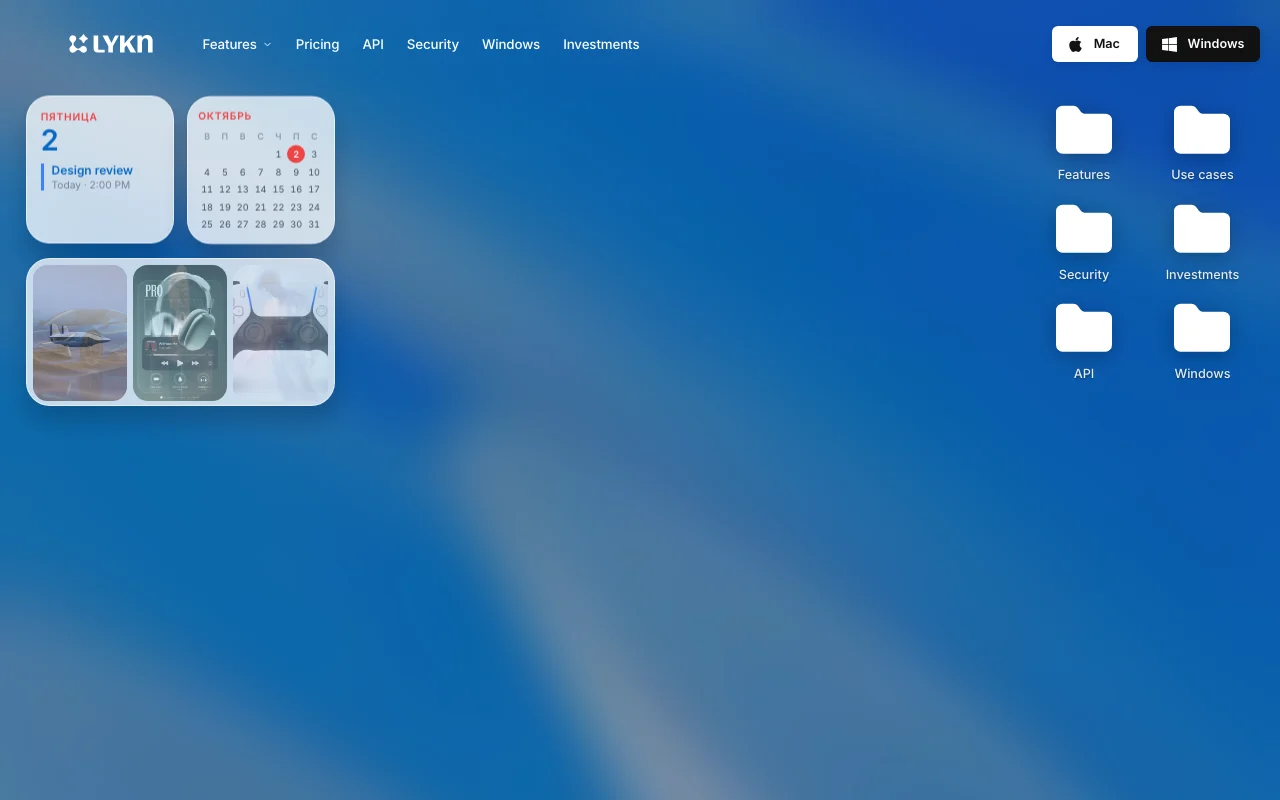
LYKN homepage — screenshot of the chat assistants AI tool, Oct 2, 2026
Feature overview on the official site. lykn.io, captured Oct 2, 2026

Access to 260+ models under one subscription

Lets you switch among models from many vendors under one plan. Users can compare and switch between models from many vendors without managing several subscriptions.

Access: Not statedLimit: Different models cost different amounts, so the usage balance drains faster on some of them. source (opens in a new tab)

Chat, Build, Imagine, Voice, Research and Browser modes

Provides separate working modes. Users can pick a mode that fits the job, such as research or image creation, instead of using one general chat.

Access: Not statedLimit: The pages we could read do not describe what each mode can do in detail. source (opens in a new tab)

Connections to 1,500+ apps such as Gmail, GitHub, Notion and Slack

Hooks to other services. Knowledge workers can connect the services they already use, so the assistant can work with email, code and notes.

Access: Not statedLimit: The site lists the number of apps and examples, but each connection is set up per app. source (opens in a new tab)

Glass overlay summoned with a keyboard shortcut

Appears over any app with a key combo. Mac users can bring up the assistant over any app with a key combination instead of switching windows.

Access: Not statedLimit: The app is for Mac only, since the Windows version is on a waitlist. source (opens in a new tab)

LYKN: strengths and limits

Where LYKN is strong

  • Free tier with $10 of usage on signup You get $10 of usage at signup, so you can try several models and modes before deciding to pay. documented source (opens in a new tab)
  • Many model providers under one subscription Models from many providers sit under one subscription, so you can switch models without opening separate accounts. documented source (opens in a new tab)
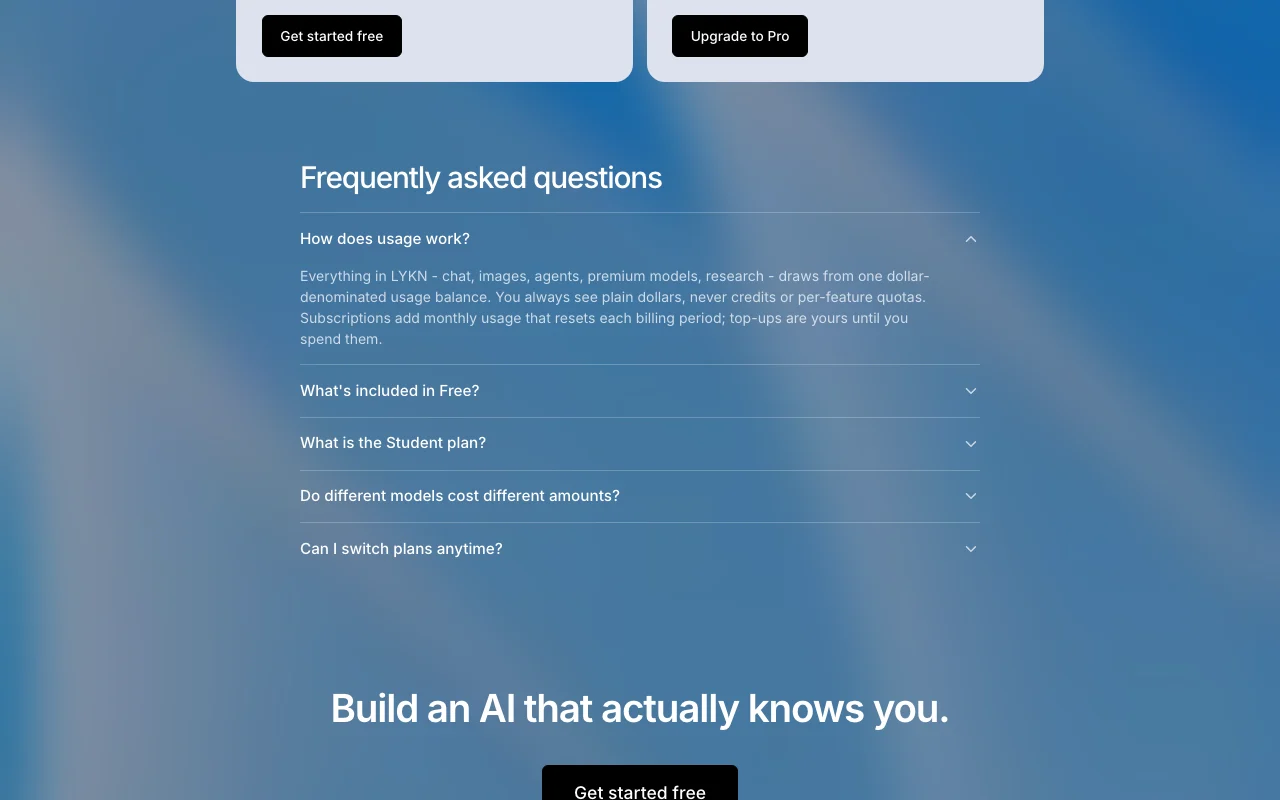
  • Single dollar-denominated usage balance rather than credits Usage is shown as one dollar balance rather than credits, so it is easier to see what each model costs you. documented source (opens in a new tab)

Limitations to check before paying

  • Windows app not released yet (waitlist only) The Windows app is only on a waitlist, so people who do not use a Mac cannot use LYKN at the moment. documented source (opens in a new tab)
  • Unified API is still coming soon The unified API is still marked coming soon, so developers cannot call the models through LYKN in their own code yet. documented source (opens in a new tab)
  • Usage is metered; different models cost different amounts Usage is metered and models cost different amounts, so your monthly spend depends on which models you pick. documented source (opens in a new tab)
  • Memory and custom agents require a paid plan Memory and custom agents need a paid plan, so free users cannot keep context between sessions or build their own agents. documented source (opens in a new tab)

How to use LYKN for using many AI models from the desktop

Set up LYKN

  1. Download LYKN for Mac.
  2. Sign in.
  3. Pick a model.

Example: using many AI models from the desktop

  1. Press the shortcut.
  2. Ask.
  3. Switch model.

Review and export the result

  1. Check usage.
  2. Compare models.
Example prompt suggested by our editors (not a recorded output of the product)
Summarise the PDF on my desktop in five bullets.

LYKN API

LYKN pricing page with plans and prices — screenshot of the chat assistants AI tool, Oct 2, 2026
Plan comparison on the official pricing page. lykn.io, captured Oct 2, 2026

API access and separate billing

LYKN has no public API in its official documentation. Unified API coming soon

Privacy, data use and commercial rights

Summarized from the vendor's current policies; this is not legal advice and a vendor's badge is not an independent audit.

How your inputs and outputs are handled

Prompts go to third-party model providers

Not stated

Not stated

Commercial use and plan restrictions

Not stated

Not stated

LYKN alternatives by need

"Better suited" is based on documented features and pricing, not on a head-to-head test.

ChatGPT: better suited to

Claude: better suited to

Perplexity: better suited to

Alternatives
AlternativeWhen to choose itPricingLimitation
ChatGPT——Compare
Claude——Compare
Perplexity——

Explore LYKN further

If you are looking at LYKN

LYKN user reviews

No user reviews yet.

Used LYKN? Be the first to share your experience.

Write a review

Reviews are checked by a moderator before they appear. Your email is never published. Plain text only.

Your rating (required)

Show what you made or what went wrong. Images are published only if the review is approved; location data is removed.

    LYKN FAQ

    Is there a free tier?

    Yes, $0 pay-as-you-go with $10 of free usage on signup. source (opens in a new tab)

    Which plans?

    Student $15, Pro $20, Pro+ $60, Max $200 per month. source (opens in a new tab)

    Windows?

    Coming soon, waitlist only. source (opens in a new tab)

    How many models?

    260+. source (opens in a new tab)

    Sources and review methodology

    Official sources and verification dates

    Not verified: Privacy; US availability; Official pages could not be read as text (client-rendered or empty fetch); facts come from the verified seed research.

    How we documented and maintain this page

    Every fact about LYKN above comes from the 2 official pages listed here, last compared on Oct 4, 2026; we have not run LYKN ourselves, so it has no editorial score. How we check and re-check pages.

    Article updated Oct 10, 2026; prices checked Oct 4, 2026. Outbound links to vendors are plain links; we do not earn commissions. How we review · Report an error