Our take: Best for privacy-conscious chatbot users and enterprises who need local data cloaking without sending PII to AI models.
Main limitation: Free version supports only 7 languages; file cloaking and advanced data types require AgentCloak Server with no public pricing
By the AI Tool Atlas editors.
Based on the vendor's official documentation; we have not tested this product hands-on. What “documented overview” means
Is AgentCloak (by InCountry) right for you?
Best for privacy-conscious chatbot users and enterprises who need local data cloaking without sending PII to AI models. Based on the vendor's documentation, not on a hands-on test.
Best for: Privacy-conscious chatbot users
Also a good fit for
Enterprises in regulated industries
Security and compliance teams
Teams handling healthcare, financial, or legal data
Consider another tool if need cloaking for multiple languages beyond 7 supported
Or if
Require file upload cloaking
Need industry-specific data type detection (healthcare, financial)
Require enterprise audit logs and on-premises deployment
AgentCloak (by InCountry) pricing and usage limits
Prices checked Sep 29, 2026 on the official US pricing page. Prices and limits change often.
Free access and trial conditions
AgentCloak Desktop is free to download and use indefinitely for individuals and small teams. No account required; all cloaking runs on user's machine.
No trial mentioned; Desktop is free from day one; Server available via demo (contact sales)
For: Enterprises in regulated industries requiring file cloaking, audit trails, and on-premises deployment
Includes
Everything in Desktop, plus:
Advanced server models with more sophisticated sensitive data processing
11 more
File upload cloaking and uncloak sensitive data in uploaded files
Extended language support beyond 7 languages
Enhanced digital twins that group related values
Generalization (e.g., age 35 to 30-39 range, headache to pain condition)
Industry data protection packs (financial services, contracts, healthcare, legal)
MCP data protection for Salesforce, HubSpot, and other apps
Deployment in any cloud, on-premises, or air-gapped
Preconfigured AgentCloak Desktop deployment via Intune
Corporate login (Microsoft Entra, Google Workspace, Okta)
Detailed audit logs
Cross-border data protection with InCountry proxies
Usage caps, credits and extra costs
Server deployment may include professional services, custom configurations, and cross-border data protection add-ons
Not mentioned
What is AgentCloak (by InCountry), and how does it work?
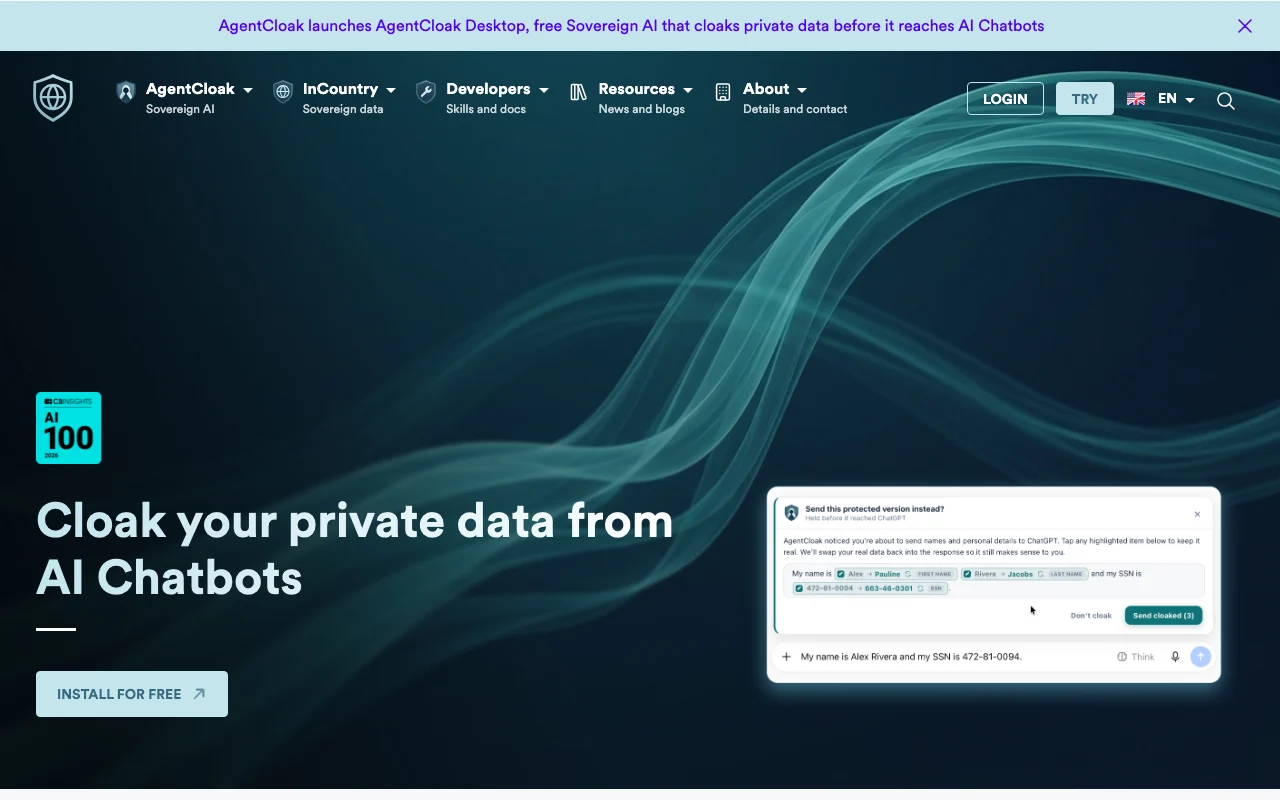
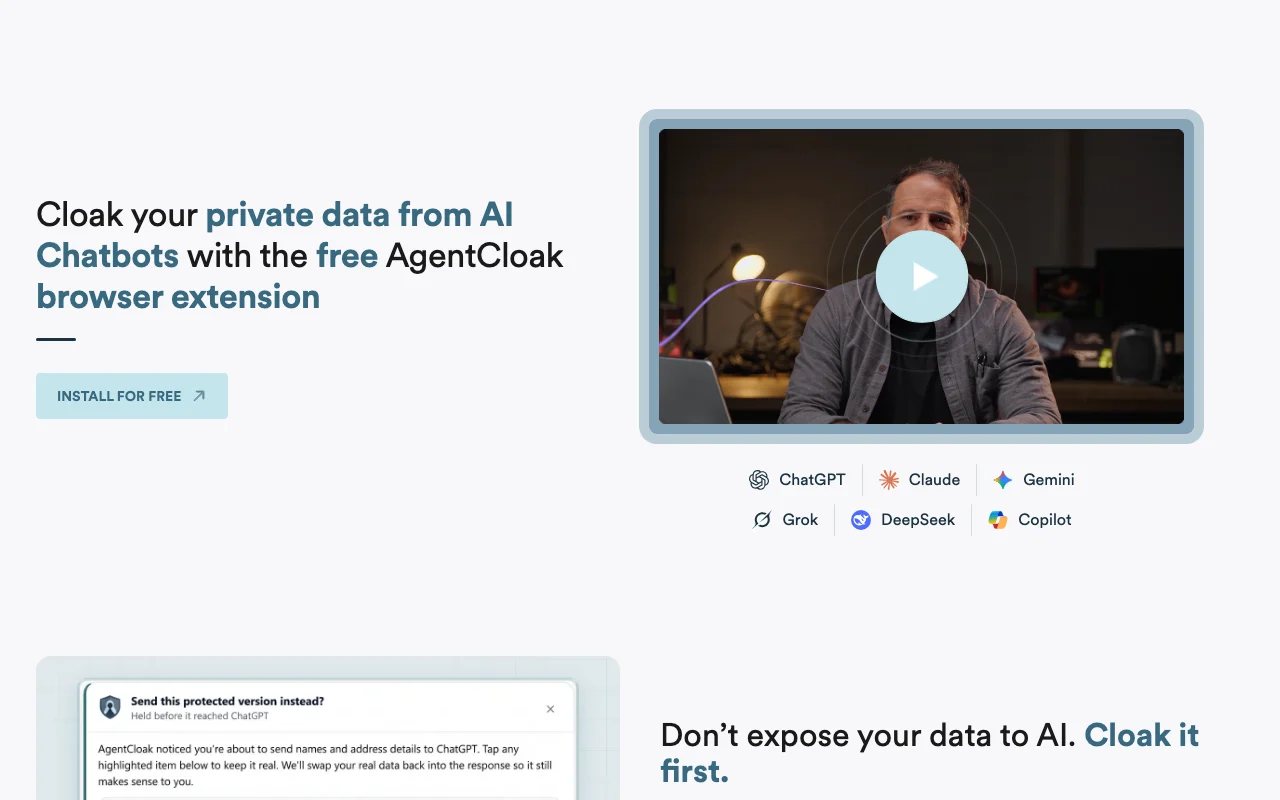
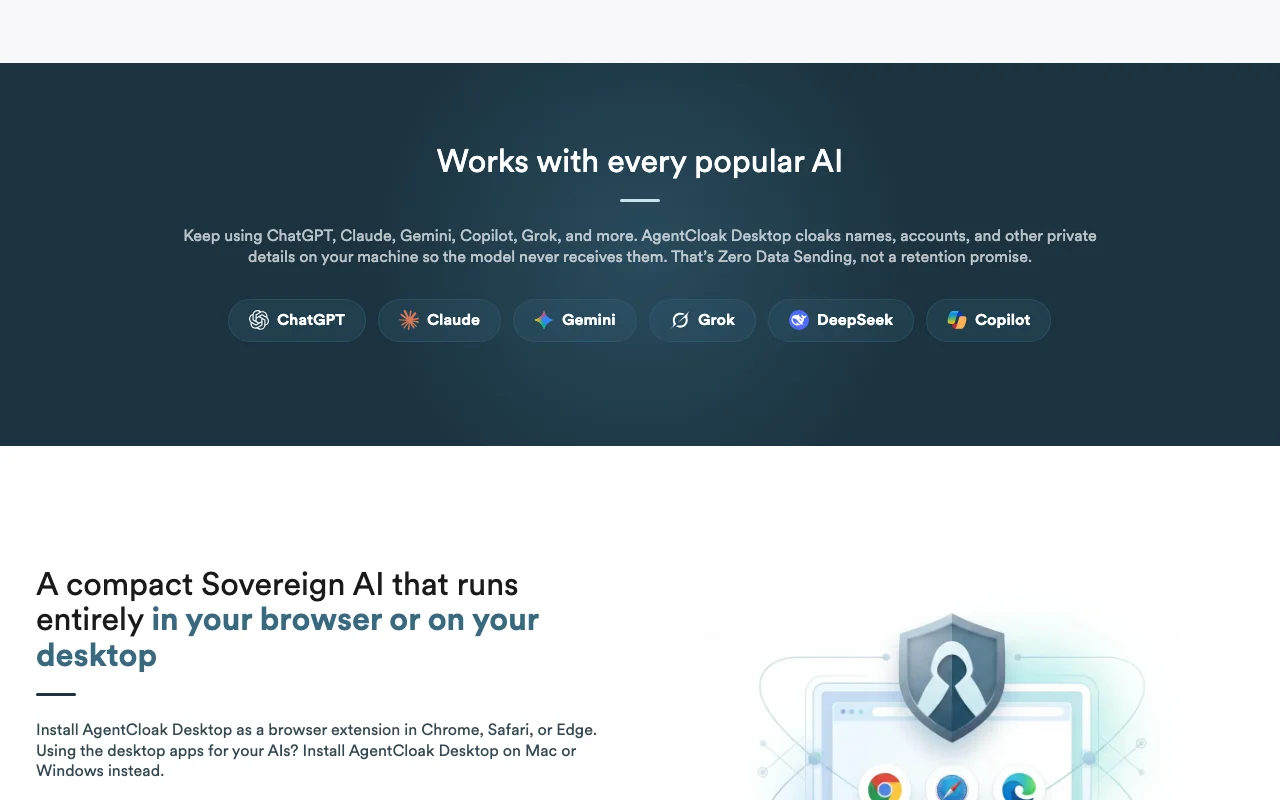
AgentCloak Desktop swaps names, addresses, account numbers and other private data for synthetic 'digital twin' values before a prompt leaves the user's device, then restores the real values in the AI's reply. The cloaking runs locally on the user's machine as a browser extension (Chrome, Safari, Edge) or a Mac/Windows desktop app and works with ChatGPT, Claude, Gemini, Copilot, Grok and DeepSeek. AgentCloak Server adds enterprise features such as file cloaking, more languages, audit logs and on-premises deployment.
AgentCloak (by InCountry)'s official site: how the product presents itself. incountry.com, captured Oct 1, 2026
What you provide and what you get back
What you give AgentCloak (by InCountry) and what comes back, from its documentation
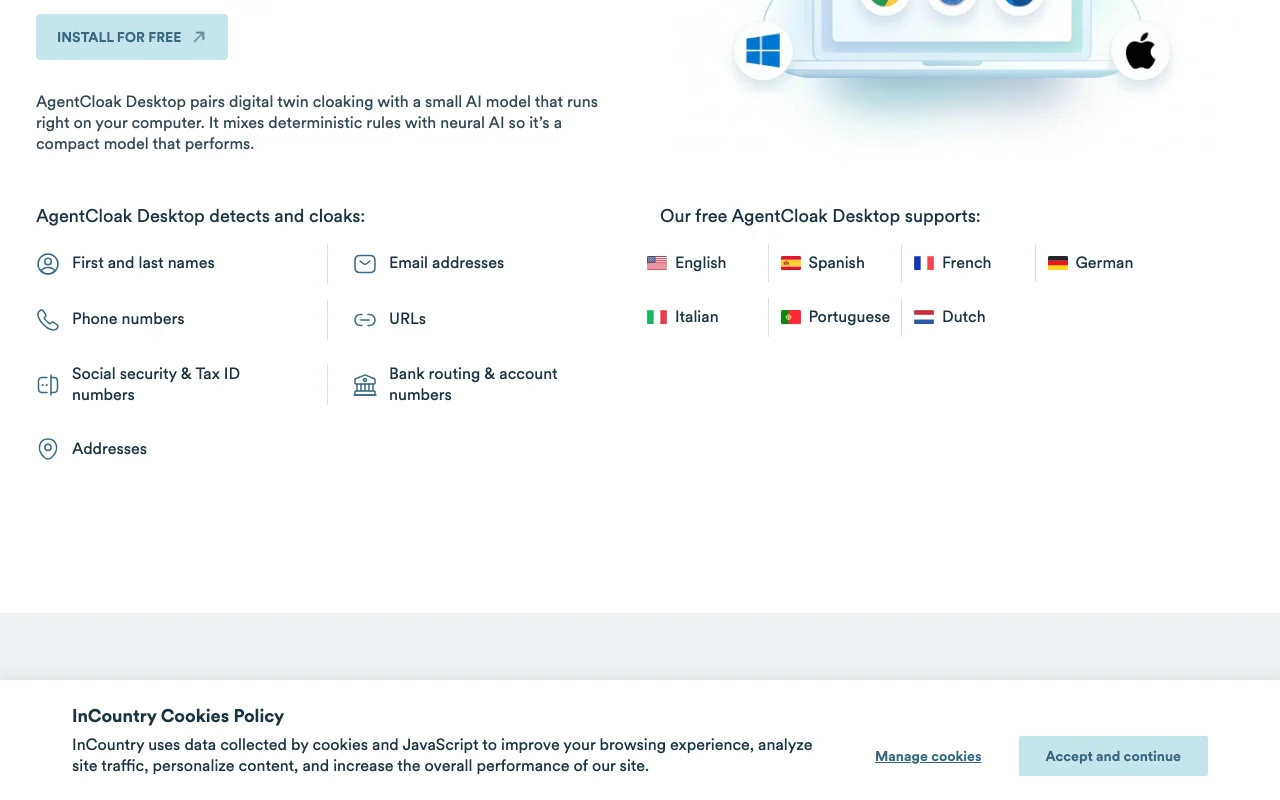
Feature overview on the official site. incountry.com, captured Oct 1, 2026
Local detection and cloaking of PII
Identifies names, emails, phones, URLs, SSNs, bank account numbers, addresses in prompts and replaces with synthetic digital twins before sending to AI Prevents real personal/financial data from reaching AI models while preserving context for coherent responses
Access: Free on AgentCloak Desktop (7 data types, 7 languages); advanced types require ServerLimit: Free version limited to 7 data types and 7 languages; custom patterns require Serversource (opens in a new tab)
Synthetic digital-twin substitution and restoration
Maps real values to persistent synthetic substitutes; applies to outbound prompts and reverses on inbound responses so AI sees context without seeing real data Enables AI to reason about data without exposing sensitive values; consistent across multi-turn conversations via 'Remember' feature
Access: Free on all tiersLimit: Digital twin mapping stored locally on device; no cloud backup or cross-device syncsource (opens in a new tab)
Browser extension for Chrome, Safari and Edge
Installs as browser extension to intercept and cloak prompts to web-based chatbots (ChatGPT, Claude, Gemini, Copilot, Grok, DeepSeek) Works without app installation; transparent to chatbot workflows; works in incognito/private mode
Access: Free on Desktop; same on ServerLimit: Browser-based only; desktop app support separatesource (opens in a new tab)
Mac and Windows desktop apps for ChatGPT Desktop
Standalone apps that cloak data for ChatGPT Desktop and other desktop AI apps (more coming soon) Extends cloaking to desktop app users; works with native apps beyond web browsers
Access: Free on Desktop; more integrations on ServerLimit: Currently only ChatGPT Desktop confirmed; other desktop AI apps coming soonsource (opens in a new tab)
Pros, cons and deal-breakers
Where AgentCloak (by InCountry) is strong
AgentCloak Desktop is free No cost barrier to individuals and small teams needing privacy-preserving AI usedocumentedsource (opens in a new tab)
Cloaking runs entirely on the user's machine No data sent to AgentCloak servers; digital twins and cloaking logic stay local; true zero-knowledge architecturedocumentedsource (opens in a new tab)
Works across major chatbots No need to switch AI providers; integrates seamlessly with ChatGPT, Claude, Gemini, Copilot, Grok, DeepSeek, Coworkdocumentedsource (opens in a new tab)
Enterprise deployment options including air-gapped and on-premises Supports regulated industries and high-compliance environments; data never leaves corporate networkdocumentedsource (opens in a new tab)
Limitations to check before paying
Free version supports only 7 languages Limited to English, Spanish, French, German, Italian, Portuguese, Dutch; global teams need Serverdocumentedsource (opens in a new tab)
File cloaking requires AgentCloak Server Individual users cannot upload and cloak sensitive documents; enterprise feature onlydocumentedsource (opens in a new tab)
No public pricing for AgentCloak Server Enterprise customers must contact sales; pricing model and budget unknown upfrontdocumentedsource (opens in a new tab)
Desktop app support limited (ChatGPT Desktop only) Browser extension works widely, but native desktop apps for Claude, Gemini, etc. not yet supporteddocumentedsource (opens in a new tab)
How to use AgentCloak (by InCountry) for cloaking personal data before sending prompts to AI chatbots
Set up AgentCloak (by InCountry)
Visit incountry.com/products/agentcloak-desktop/ and click 'Install for Free'
Choose browser (Chrome, Safari, Edge) or desktop OS (Mac, Windows)
For browser: install extension and grant permissions to chatbot sites
For desktop app: download and install on Mac or Windows
Example: cloaking personal data before sending prompts to AI chatbots
Open ChatGPT or Claude in your browser
Compose a prompt containing sensitive data (e.g., 'My name is John Smith at 123 Main St, SSN 123-45-6789')
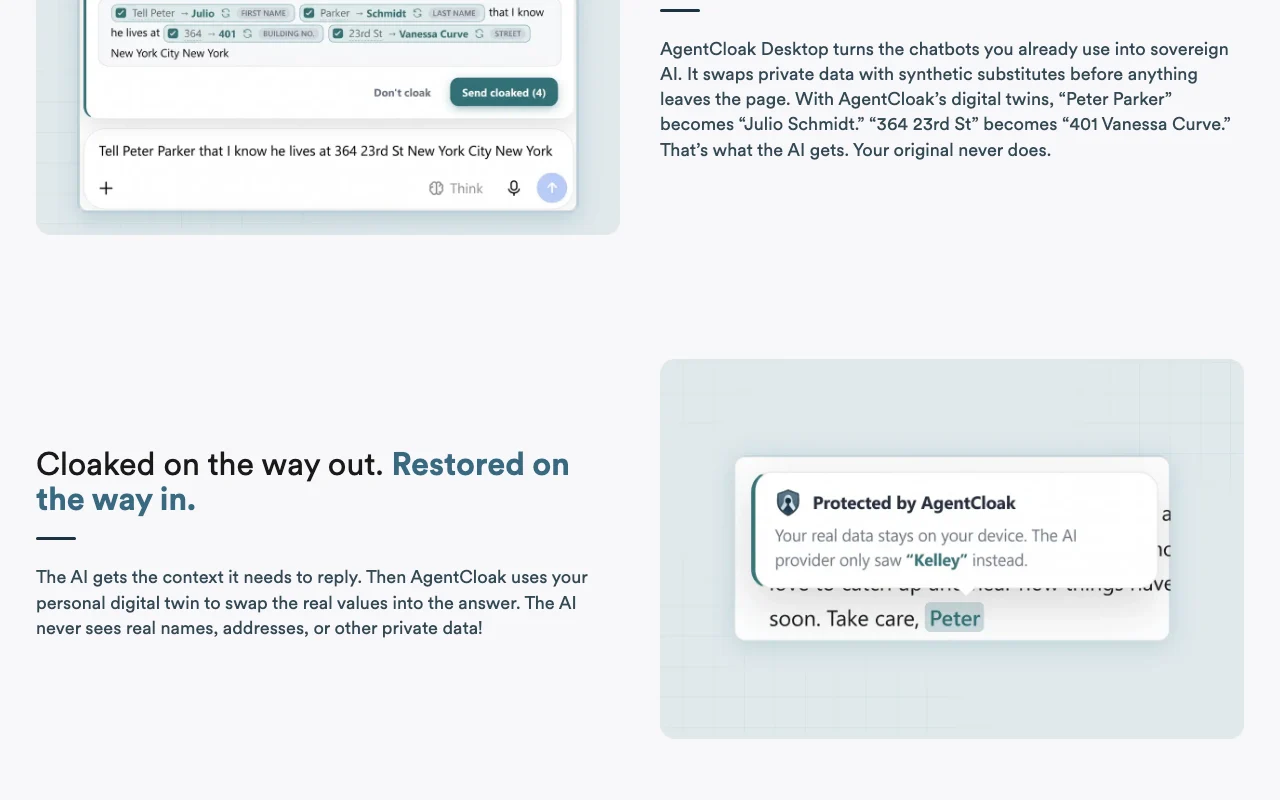
AgentCloak intercepts the prompt and replaces values: John Smith → Julio Schmidt, 123 Main St → 401 Vanessa Curve, SSN → synthetic
AI receives cloaked prompt and responds; AgentCloak automatically restores real values in the response
You see the response with your real data intact, but AI never saw it
Review and export the result
Verify browser extension icon appears in address bar (if using browser)
Enable 'Remember' toggle to persist digital twins across conversations
Test by prompting with known PII and verifying the response makes sense despite cloaking
Check that original data appears in response while synthetic values were sent to AI
Example prompt suggested by our editors (not a recorded output of the product)
I live at 123 Main Street, my phone is (555) 123-4567, and my account number is 9876543210. Can you help me set up a budget?
Privacy, data use and commercial rights
Summarized from the vendor's current policies; this is not legal advice and a vendor's badge is not an independent audit.
How your inputs and outputs are handled
Prompts containing PII are cloaked before leaving the device; only synthetic values reach the AI model. Responses are restored to original values on the user's device. No data sent to AgentCloak servers on Desktop tier.
Not mentioned; local-only architecture suggests no training data collection
Digital twin mappings stored locally on user's device; not retained by AgentCloak. Server tier may have audit logging.
Commercial use and plan restrictions
Permitted; designed for enterprise and commercial use
Free and Server tiers both support full privacy model; no degradation at free tier
Controls for business users
No account or signup required for Desktop
All cloaking runs locally on device
Digital twin data never leaves user's device
Server tier supports on-premises and air-gapped deployment
No. Private data is swapped with synthetic substitutes before anything leaves your device, and restored only on your side when the answer comes back. The AI never sees real names, addresses, or other private data. source (opens in a new tab)
How does cloaking work?
AgentCloak replaces private data with synthetic substitutes using digital twins. For example, 'Peter Parker' becomes 'Julio Schmidt,' and '364 23rd St' becomes '401 Vanessa Curve.' The AI receives the synthetic version. When the AI replies, AgentCloak restores the original values using your personal digital twin, so you see your real data but the model never did. source (opens in a new tab)
Is AgentCloak Desktop free?
Yes. AgentCloak Desktop is free to install and use on browsers (Chrome, Safari, Edge) and desktop apps (Mac/Windows ChatGPT). No account required; all cloaking runs on your device. source (opens in a new tab)
What types of data does the free Desktop product cloak?
AgentCloak Desktop detects and cloaks: first and last names, email addresses, phone numbers, URLs, Social Security and Tax ID numbers, bank routing and account numbers, and addresses. The commercial AgentCloak Server adds support for additional data types including industry-specific sensitive data. source (opens in a new tab)
What languages does the free product support?
The free AgentCloak Desktop supports English, Spanish, French, German, Italian, Portuguese, and Dutch (7 languages total). The commercial AgentCloak Server supports additional languages. source (opens in a new tab)
Not verified: AgentCloak Server pricing (no public pricing available; contact for demo); Full list of data types supported by Server (described as industry-specific, not detailed); Complete list of desktop AI apps supported by Server (only ChatGPT Desktop confirmed for Desktop tier); AgentCloak API availability and documentation.
How we documented and maintain this page
Every fact about AgentCloak (by InCountry) above comes from the 2 official pages listed here, last compared on Sep 29, 2026; we have not run AgentCloak (by InCountry) ourselves, so it has no editorial score. How we check and re-check pages.
Article updated Oct 10, 2026; prices checked Sep 29, 2026. Outbound links to vendors are plain links; we do not earn commissions. How we review · Report an error