Hermes Agent vs OpenClaw in 2026: desktop app or chat-app gateway
Pick OpenClaw to control a self-run assistant from chat apps like WhatsApp and Telegram, and Hermes Desktop for a native app around Hermes Agent with shared CLI memory and skills. Both are free and open source, and both leave model costs to you. OpenClaw has no hosted tier; Hermes Desktop adds optional Nous Portal cloud agents at prices we could not confirm.
We based this comparison on our OpenClaw profile verified 2026-10-01 and our Hermes Desktop profile verified 2026-09-29, both built from official vendor pages; it uses no third-party benchmarks and no vendor paid for placement.
Is OpenClaw better than Hermes Desktop (Nous Research)? The short answer
Both tools are free, open-source agents you run yourself, and both leave model costs to you. OpenClaw is built around a gateway that you talk to from chat apps such as WhatsApp and Telegram, with inbox and calendar tasks as its listed uses. Hermes Desktop is the native app for Hermes Agent by Nous Research, with sessions, memory and skills shared with the command-line version. Choose OpenClaw to work from your phone's chat app, and Hermes Desktop to work in a window beside your project files.
Based on our OpenClaw profile verified 2026-10-01 and our Hermes Desktop profile verified 2026-09-29, with its sources rechecked 2026-10-04; no benchmark was run.
OpenClaw and Hermes Desktop (Nous Research), as their sites look today
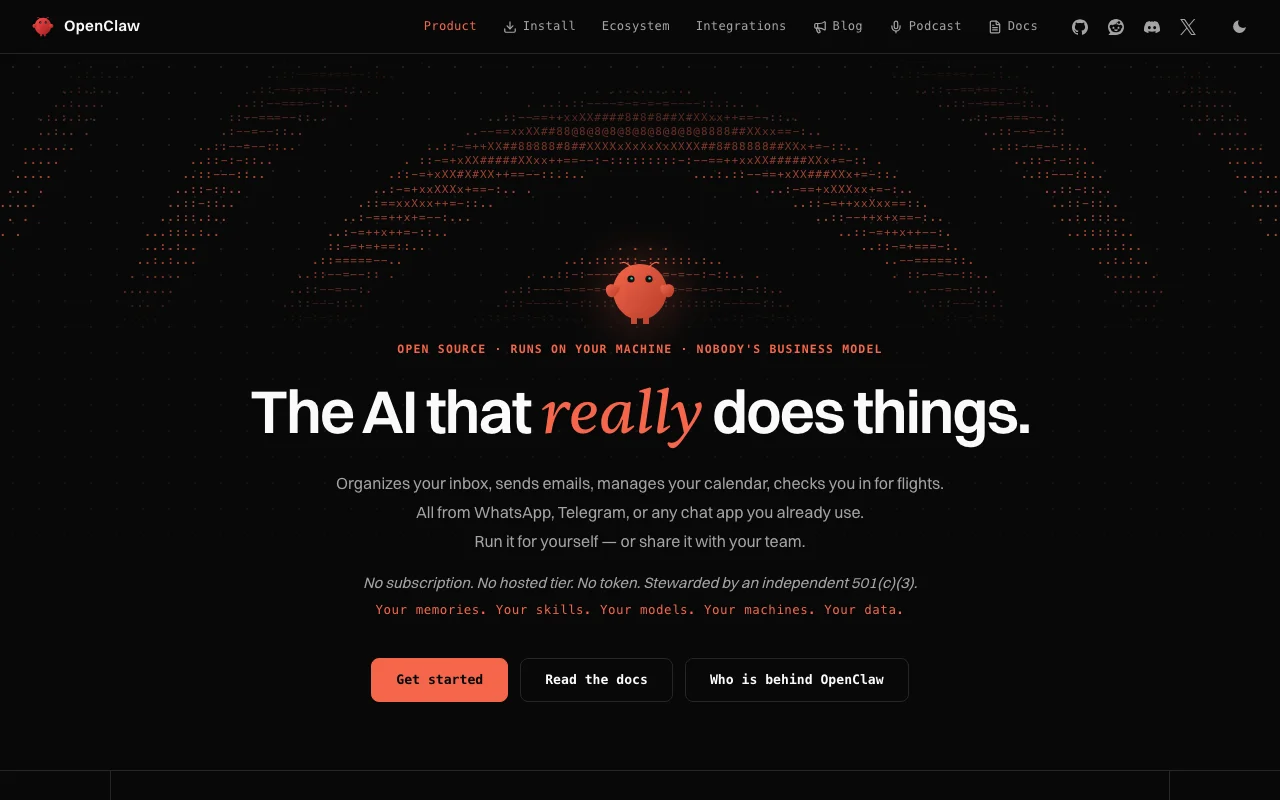
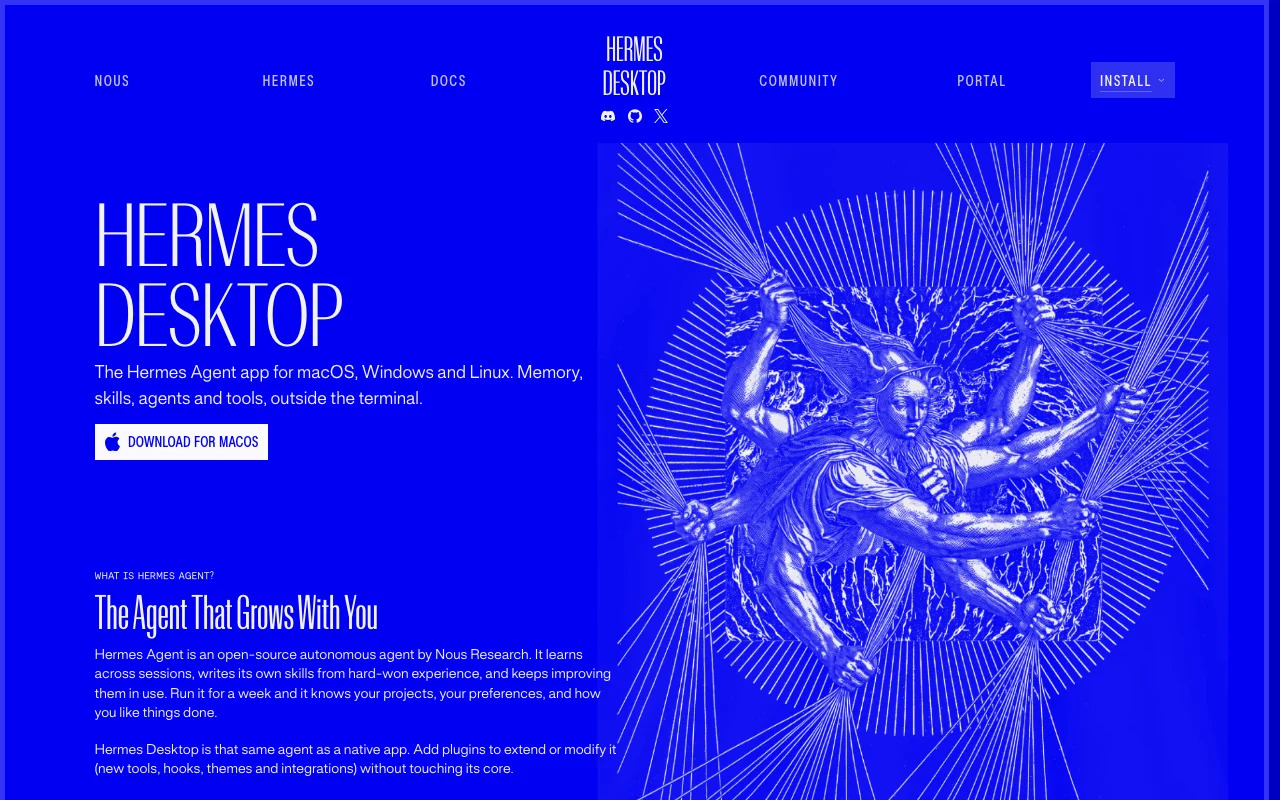
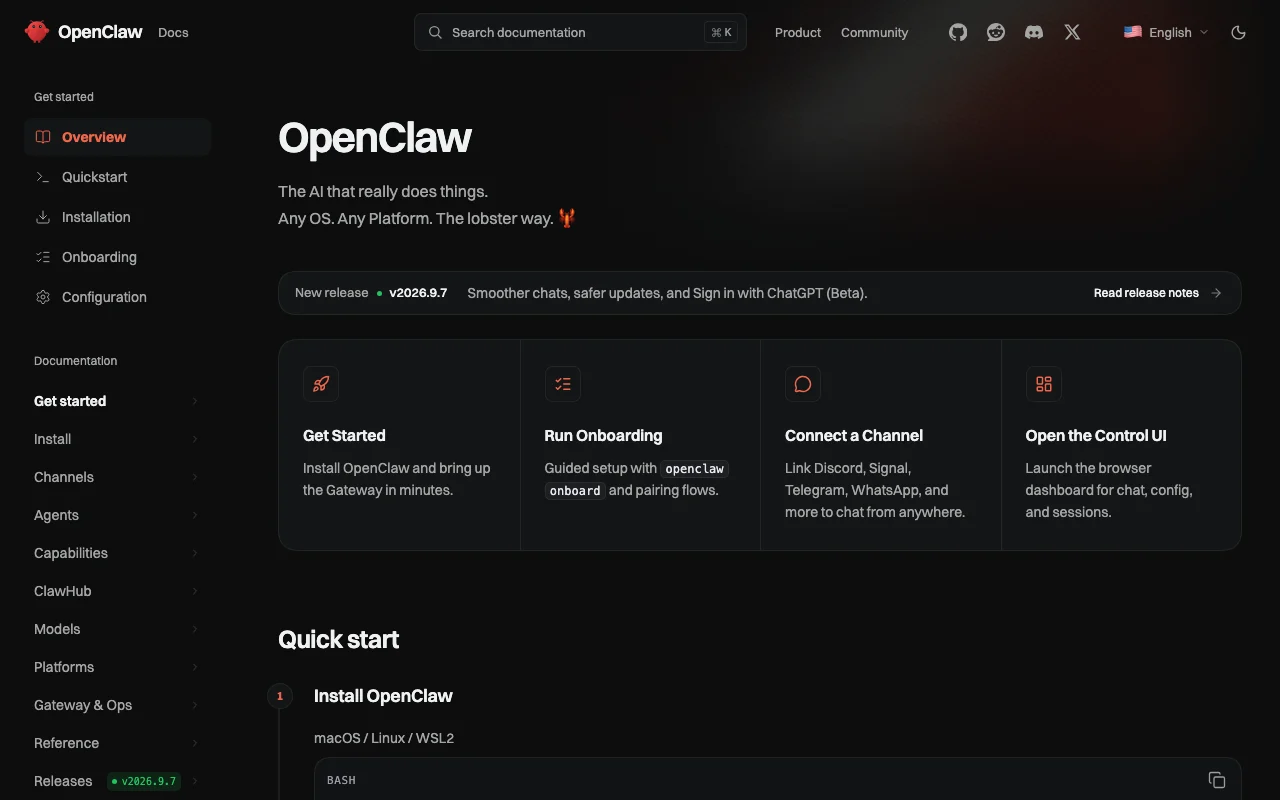
Our own captures of each vendor's public pages. Click a frame for the full-size image.
OpenClaw homepage. openclaw.ai, captured Oct 2, 2026Hermes Desktop (Nous Research) homepage. hermes-agent.nousresearch.com, captured Oct 1, 2026OpenClaw plans and prices. docs.openclaw.ai, captured Oct 2, 2026Hermes Desktop (Nous Research) plans and prices. hermes-agent.nousresearch.com, captured Oct 1, 2026
OpenClaw or Hermes Desktop (Nous Research): which to use, by task
If you only want the answer, this is the table. Everything below is the evidence from the two documented profiles.
Side-by-side comparison
You want to
Use
Why
Message your assistant from WhatsApp or Telegram
OpenClaw
OpenClaw bridges one gateway to many chat apps; Hermes Desktop lists no chat channels
Organize an email inbox
OpenClaw
Listed OpenClaw use case; Hermes Desktop lists no email tasks
Manage a calendar
OpenClaw
Listed OpenClaw use case; Hermes Desktop lists none
Work in a native window with chat and file previews
Hermes Desktop (Nous Research)
Hermes Desktop offers chat, sessions, a file browser and side-by-side previews
Keep memory shared with a terminal version
Hermes Desktop (Nous Research)
Hermes Desktop shares config, keys, sessions, skills and memory with the CLI
Let the agent write its own skills
Hermes Desktop (Nous Research)
Hermes Desktop says the agent writes and improves skills across sessions
Extend the agent with plugins
Either
OpenClaw supports channel plugins and custom skills; Hermes Desktop supports plugins for tools, hooks and themes
Run on macOS, Windows or Linux
Either
Both list all three; OpenClaw's Windows installer is beta and Hermes Desktop's macOS requirement differs between pages
Start without creating an account
Either
OpenClaw needs no account; Hermes Desktop needs none for the base app
Inspect the source code
Either
Both are open source; Hermes Desktop states MIT, OpenClaw's license was not captured
Who should pick which
Pick OpenClaw to drive an assistant from chat apps, Hermes Desktop for a native agent window
Pick OpenClaw if
You want to message your assistant from WhatsApp, Telegram, Discord, Slack or Signal
You want inbox, calendar or email tasks, which are OpenClaw's listed use cases
You are comfortable installing and running a gateway yourself
You want no account at all, with data kept on your own machines per the site
Pick Hermes Desktop (Nous Research) if
You want a native window with chat, sessions, a file browser and side-by-side previews
You want the same config, sessions, skills and memory in the app and the CLI
You want an agent that writes and improves its own skills across sessions
You want a documented MIT license for the base app
What OpenClaw does better, and what Hermes Desktop (Nous Research) does better
OpenClaw
Works through WhatsApp, Telegram, Discord, Slack, Signal, iMessage and more
Inbox, calendar and email use cases listed on the site
Optional voice and camera input through mobile apps
Install by one-line script, npm, pnpm, Docker or Nix
Hermes Desktop (Nous Research)
Native window with chat, sessions, file browser and previews
Config, keys, sessions, skills and memory shared with the CLI
Agent writes and improves its own skills across sessions
Plugins for tools, hooks, themes and integrations
OpenClaw vs Hermes Desktop (Nous Research) pricing: plans and free tiers
Side-by-side comparison
Plan
Tool
Price
Limits
Open source (self-run)
OpenClaw
Free
No hosted tier or subscription per the site; model and API costs are separate; Windows installer labeled beta
Open source (MIT)
Hermes Desktop (Nous Research)
Free
Not stated
Nous Portal (optional)
Hermes Desktop (Nous Research)
Not confirmed
Cloud agents, free and discounted models and bundled tool credits; prices not stated
USD as published on each vendor's pricing page, checked Oct 1, 2026.
Usage limits: what the vendors state
Side-by-side comparison
OpenClaw
Hermes Desktop (Nous Research)
Messages / rate limits
Not stated; depends on the AI provider you connect
Not stated; depends on the model provider you configure
Context / file size
Not stated
Not stated
Seats / team
No team plan documented; sharing an assistant with a team is a listed use case
No team plans documented
Feature comparison
Side-by-side comparison
Feature
OpenClaw
Hermes Desktop (Nous Research)
Chat-app channels
Yes (Discord, Telegram, WhatsApp, Slack, Signal, iMessage and more)
Not stated
Voice input
Optional, through mobile apps
Not stated
File browser and previews
Not stated
Yes
Persistent memory and skills
Not stated
Yes, shared with the CLI
Plugins
Yes (channel plugins, custom skills)
Yes (tools, hooks, themes, integrations)
Desktop apps
Yes (macOS 15+, Windows 10/11, Linux)
Yes (macOS, Windows, Linux)
Mobile apps
Mentioned in the privacy policy; details not stated
Not stated
API
No hosted API
Not documented
Privacy and data training
Side-by-side comparison
OpenClaw
Hermes Desktop (Nous Research)
Training on your data
Not applicable to the app; depends on your chosen AI provider
Not stated on the pages we read
Retention
Depends on your gateway; the policy does not cover it
Not stated on the pages we read
Business controls
Permission-based access; no ad or analytics SDKs in mobile and extension builds
Not stated
Taken from each vendor's published policy pages at the time of our check. Policies change; the source links are at the bottom.
Switching between OpenClaw and Hermes Desktop (Nous Research): what carries over
OpenClaw → Hermes Desktop (Nous Research)Carries over
Your own model provider keys, which Hermes Desktop may also need
The self-run, open-source approach
You lose
Chat access through WhatsApp, Telegram and similar apps
Listed inbox and calendar use cases
Hermes Desktop (Nous Research) → OpenClawCarries over
Your own model provider keys
Custom skills and plugins, which OpenClaw also supports
You lose
Sessions and memory shared with a CLI
An agent that writes its own skills
File browser and side-by-side previews
Pros and cons
OpenClaw
Open source with public docs
No subscription or hosted tier stated
Many chat channels from one gateway
Requires installing and running it yourself
You supply your own models, so model costs are separate
Windows installer labeled beta
Hermes Desktop (Nous Research)
MIT-licensed and free to download and use
No account required for the base app
Same state as the CLI, so sessions carry across interfaces
Linux install is done through the terminal rather than an installer
Desktop docs list macOS on Apple Silicon only, landing page says macOS 12+
Cloud agents and bundled credits need a Nous Portal account
OpenClaw or Hermes Desktop (Nous Research): how to choose
Want to chat with your assistant from WhatsApp or Telegram: choose OpenClaw
Want inbox and calendar tasks from a chat message: choose OpenClaw
Want a native window with files and previews: choose Hermes Desktop
Want the same memory and sessions in app and terminal: choose Hermes Desktop
Mac user: check that your Mac matches the support listed on both pages first
Neither is a subscription, so compare the model provider costs you will pay
Frequently asked questions
Is Hermes Agent the same as Hermes Desktop?
Not exactly. Hermes Agent is the open-source agent from Nous Research, and Hermes Desktop is its graphical app. The app uses the same agent core, config, sessions, skills and memory as the command-line version. Our catalog entry covers the desktop app.
Are OpenClaw and Hermes Agent free?
Yes, the software is free for both. OpenClaw says there is no subscription and no hosted tier. Hermes Desktop is MIT-licensed and free to download. You may still pay a model provider, since both need model access.
Which one works from WhatsApp or Telegram?
OpenClaw. It bridges one gateway to Discord, iMessage, Signal, Slack, Telegram, WhatsApp and more. Hermes Desktop is a desktop window, and we found no chat-app channels in its profile.
Do I need an account for OpenClaw or Hermes Desktop?
Not for the base software in either case. Hermes Desktop needs a Nous Portal account only for cloud agents, free and discounted models and bundled tool credits. We did not confirm Nous Portal prices.