Notion AI vs Claude in 2026: AI in your workspace or a standalone assistant
Pick Notion AI if your team already lives in Notion and wants AI on those pages; pick Claude for a standalone assistant. Full Notion AI starts on Business at $24 per member/month ($20 billed yearly), while Free and Plus only get a trial. Claude has a Free plan and Pro at $20/month. Without your notes in Notion, Notion AI has little context, and Claude needs connectors or uploads to see them.
Starting price$24 per member/mo (Business) · Free; Pro $20/moNotion AI · Claude
Free tierTrial only · YesNotion AI · Claude
Plans documented5 · 8Notion AI · Claude
Usage windowsRolling six-hour and monthly · Five-hour session and weeklyNotion AI · Claude
We based this comparison on our Notion AI and Claude profiles, both verified 2026-09-30 from official vendor pages; it uses no third-party benchmarks and no vendor paid for placement.
Is Notion AI better than Claude? The short answer
Notion AI makes sense when your team already keeps docs, wikis and projects in Notion: it edits pages and databases in place, searches connected apps with citations and transcribes meetings without a bot. Full access needs the Business plan at $24 per member/month ($20 billed yearly), because Free and Plus only get a limited trial. Claude is a standalone assistant with a usable Free plan, Pro at $20/month and apps for web, desktop and mobile, plus file handling up to 500 MB per file. If your notes are not in Notion, Notion AI has little to work with, so pick Claude.
Based on our Notion AI and Claude profiles, both verified 2026-09-30 from official vendor pages; no benchmark was run.
Notion AI and Claude, as their sites look today
Our own captures of each vendor's public pages. Click a frame for the full-size image.
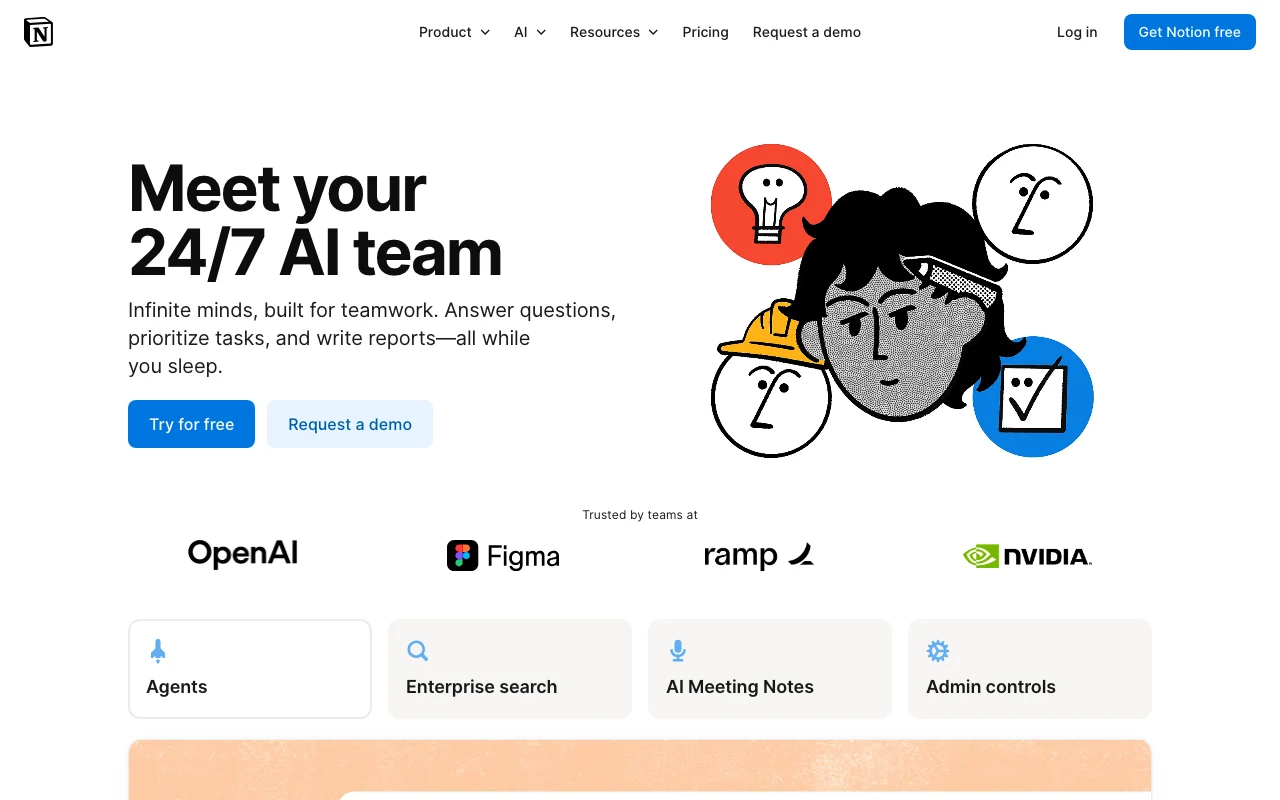
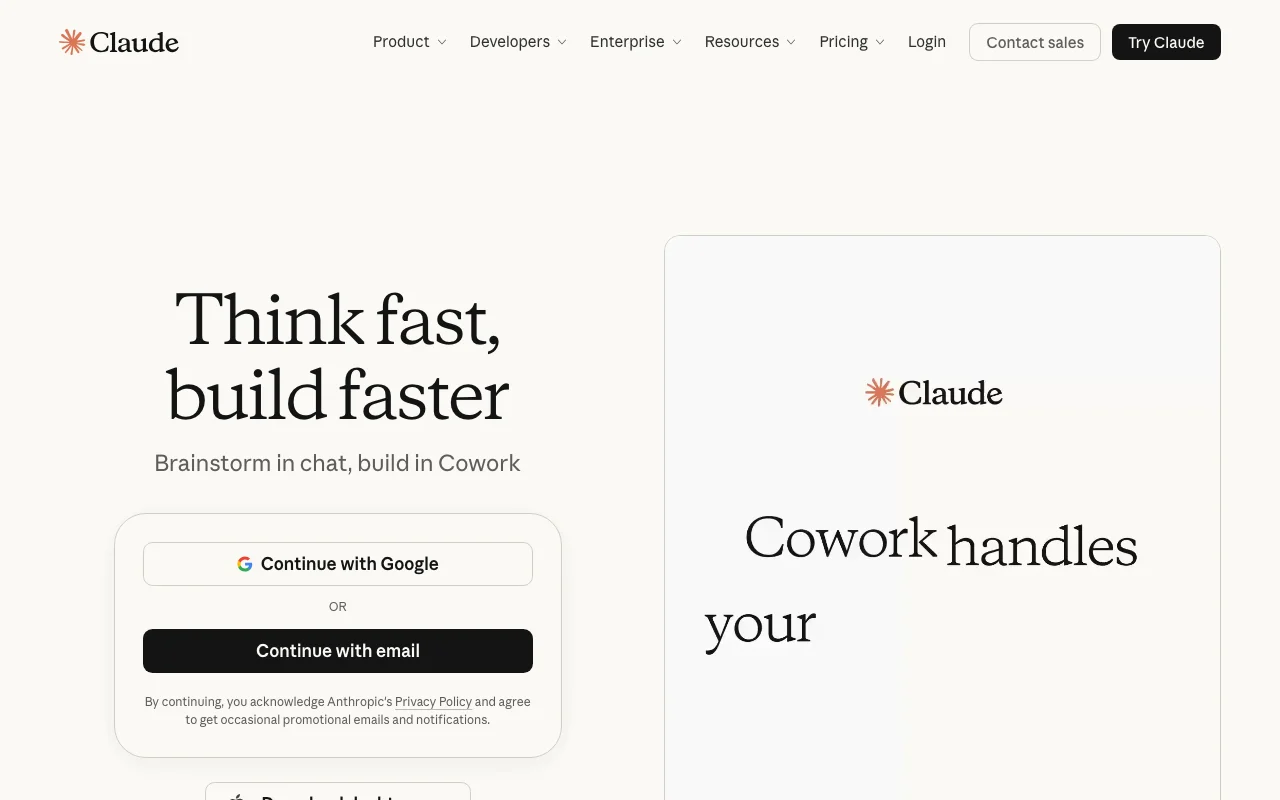
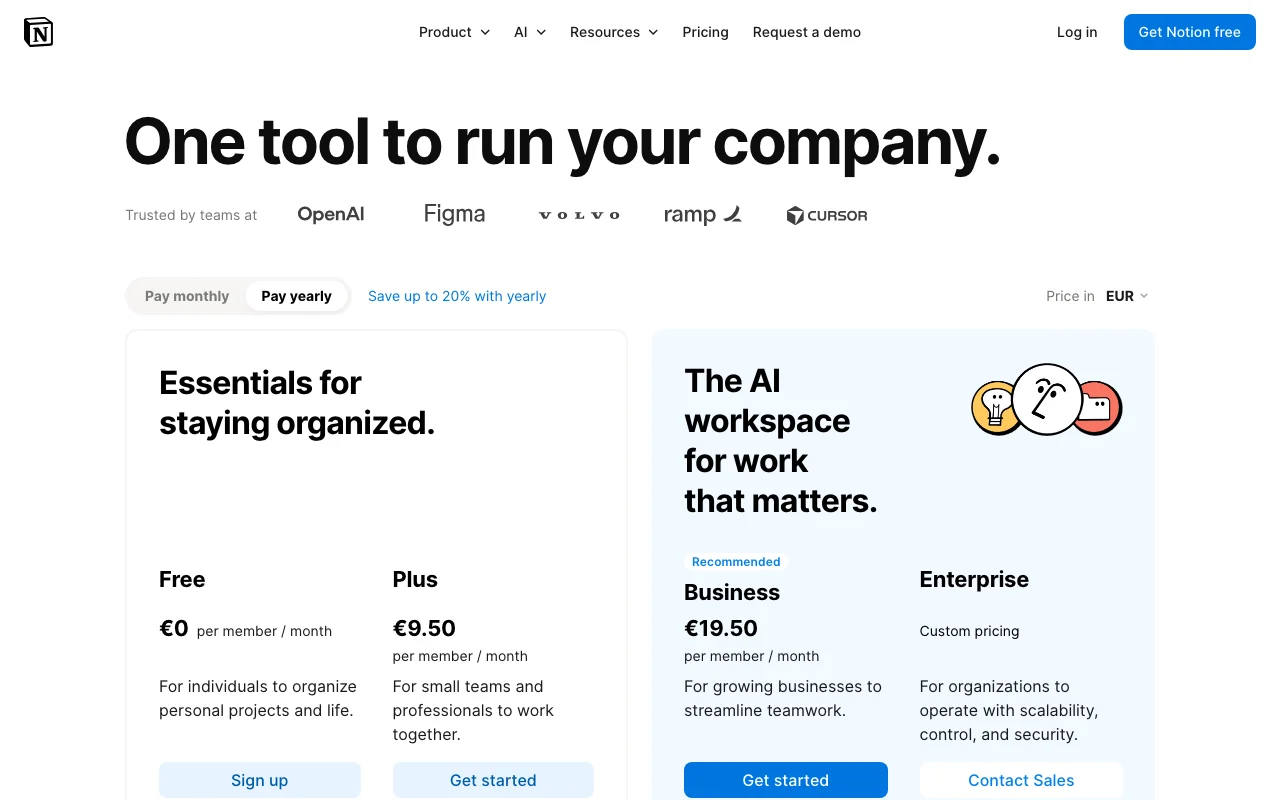
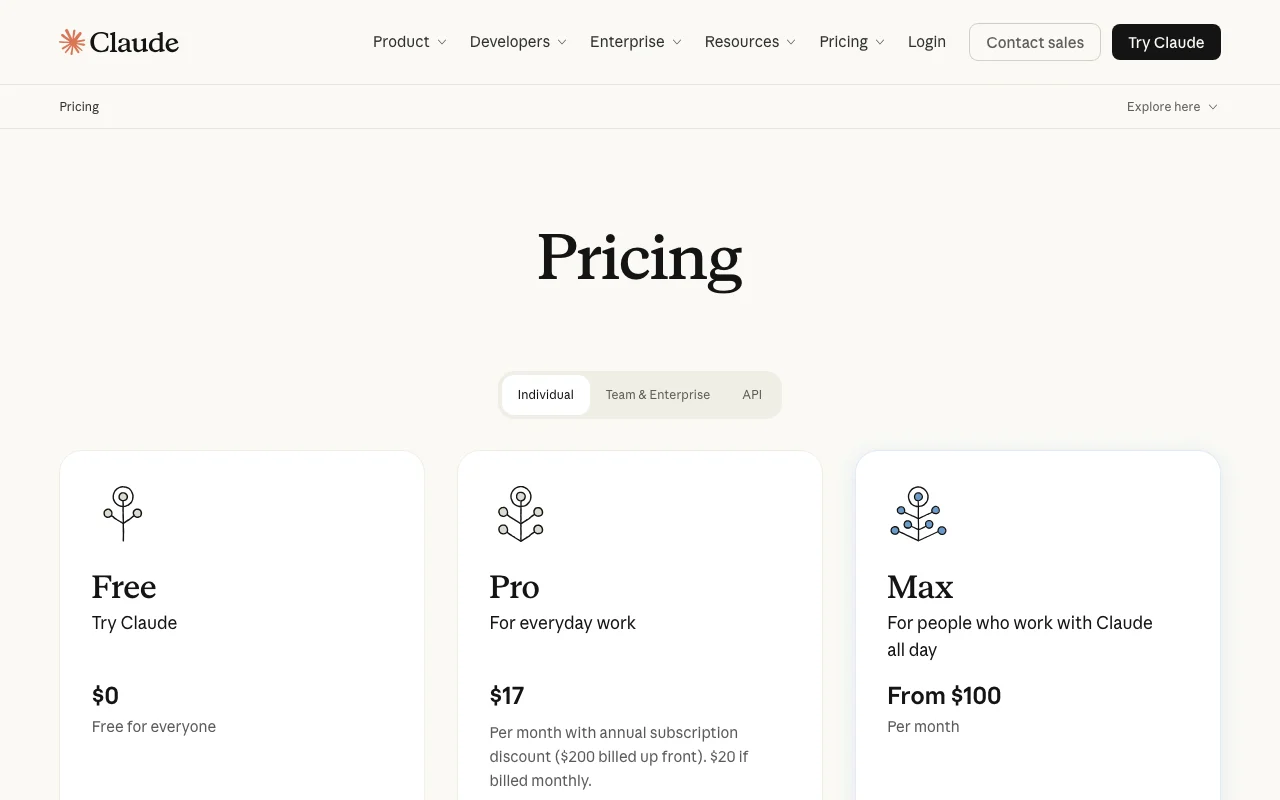
Notion AI homepage. notion.com, captured Oct 1, 2026Claude homepage. claude.com, captured Oct 1, 2026Notion AI plans and prices. notion.com, captured Oct 1, 2026Claude plans and prices. claude.com, captured Oct 1, 2026
Notion AI or Claude: which to use, by task
If you only want the answer, this is the table. Everything below is the evidence from the two documented profiles.
Side-by-side comparison
You want to
Use
Why
Edit or translate pages I already keep in Notion
Notion AI
Notion AI edits, translates and builds pages and databases in place
Summarize my meetings without a bot joining
Notion AI
AI Meeting Notes transcribes device audio with speaker labels on Business and Enterprise
Search company knowledge across Slack, Drive and Jira
Notion AI
Enterprise Search answers with citations across Notion and connected apps
Fill in a database automatically
Notion AI
Notion AI lists database autofill; Claude has no Notion databases of its own
Chat with an assistant for free
Claude
Claude Free includes web search, memory and file creation; Notion Free is a limited trial
Analyze a long PDF or large file
Claude
Claude takes 500 MB per file and PDFs up to 1000 pages in chat; Notion Free caps uploads at 5 MB
Get help writing code
Claude
Claude Code is included on Pro and above
Draft emails and documents
Either
Both list drafting and editing; Notion keeps the result in your workspace
Research a topic and get a report
Either
Notion has Research mode (beta) on Business; Claude has Research on Pro and above
Build an app on an AI model API
Claude
Claude Platform API is pay-per-token; Notion's API is for workspace data
Who should pick which
Pick Notion AI for AI inside your Notion workspace, Claude for a standalone assistant
Pick Notion AI if
Your team already keeps docs, wikis and projects in Notion and wants AI to edit them in place
You want meeting transcripts and summaries saved as Notion pages, with no bot joining the call
You need cited answers across Notion, Slack, Google Drive, GitHub and Jira from one search box
You need zero data retention with LLM providers (Enterprise plan)
Pick Claude if
You want a free plan with web search, memory, file creation and artifacts
You work with large files: 500 MB per file and PDFs up to 1000 pages in chat
You need coding help through Claude Code (Pro and above)
You do not use Notion, or want one assistant across any tools via connectors
What Notion AI does better, and what Claude does better
Notion AI
Edits Notion pages and databases in place, honoring existing page permissions
AI Meeting Notes from any conferencing client without a bot
Enterprise Search with citations, switchable among GPT, Claude and Gemini
Zero data retention with LLM providers on Enterprise
Claude
A Free plan with web search, memory, file creation and artifacts
File uploads up to 500 MB per file, 20 files per chat
Up to 1M-token context on newest models for paid plans
Claude Code and a separate pay-per-token API
Notion AI vs Claude pricing: plans and free tiers
Side-by-side comparison
Plan
Tool
Price
Limits
Notion Free
Notion AI
$0
Limited number of complimentary AI responses; file uploads up to 5 MB
Notion Plus
Notion AI
$12 per member/mo ($10 billed yearly)
AI is a Limited Trial only
Notion Business
Notion AI
$24 per member/mo ($20 billed yearly)
Usage allowance in a rolling six-hour and a monthly window; LLM providers retain data 30 days
Notion Enterprise
Notion AI
Custom (sales)
Same usage allowance model as Business
Notion credits
Notion AI
$10 per 1,000 monthly ($13 per 1,000 annual)
Business and Enterprise only; unused monthly credits reset
Claude Free
Claude
$0
Usage limits apply; up to 5 projects; no Claude Code or Research
Claude Pro
Claude
$20/mo ($17/mo billed annually)
More usage than Free; usage limits apply
Claude Max
Claude
$100 (5x) or $200 (20x)/mo
5x or 20x Pro usage; monthly only; usage limits apply
Claude Team (Standard seat)
Claude
$25/seat/mo ($20 billed annually)
2-150 users; usage limits apply
Claude Team (Premium seat)
Claude
$125/seat/mo ($100 billed annually)
5x more usage than standard seats
Claude Enterprise
Claude
$20/seat/mo billed annually plus usage at API rates
Annual billing; usage cost scales with model and task
Claude API (Claude Platform)
Claude
Per 1M tokens, e.g. Sonnet 5.5 $2 input / $10 output
Your team's docs and wikis already live in Notion: choose Notion AI on Business
You need meeting transcripts saved next to your notes: choose Notion AI
You want a free assistant you can keep using: choose Claude
You work with large files, long PDFs or code: choose Claude
You need both: Claude can read and write Notion pages through Notion MCP
Frequently asked questions
Is Notion AI cheaper than Claude per seat?
Not for full AI. Notion AI is fully included from Business at $24 per member/month, or $20 billed yearly. Claude Pro is $20/month ($17 billed annually), and a Claude Team standard seat is $25/month or $20 billed annually. Notion's Business seat also covers the Notion workspace itself.
Can I use Notion AI for free?
Only as a trial. Free and Plus workspaces get a limited number of complimentary AI responses, and Notion does not publish the count. After that, AI needs Business or Enterprise. Claude's Free plan has usage limits but no trial cutoff.
Can Claude read my Notion pages?
Yes, through Notion MCP, which lets Claude, ChatGPT and Cursor read and write Notion pages. Enterprise admins choose which clients are allowed. Without a connection, Claude only sees what you paste or upload.
Which one trains on my data?
Notion does not train on customer data by default; a workspace owner can opt in. Claude Free, Pro and Max may use chats for training unless you opt out, while Team and Enterprise are not used by default.