Figma Make vs v0 in 2026: Figma frames or Next.js code
Pick Figma Make if your designs are in Figma, and v0 if you want Next.js code you can send to GitHub and Vercel. Both have a free plan: Figma Starter gives 150 AI credits per day, up to 500 per month, and v0 Free gives 7 messages per day. Paid entry is $16 per Full seat per month for Figma Professional and $30 per user per month for v0 Plus.
We based this comparison on our Figma Make and v0 profiles, both verified 2026-10-31 from official vendor pages; it uses no third-party benchmarks and no vendor paid for placement.
Starting priceFree; Professional $16 per Full seat · Free; Plus $30 per userFigma Make · v0
Free tierYes (150 AI credits per day) · Yes (7 messages per day)Figma Make · v0
Plans documented4 · 4Figma Make · v0
PlatformsWeb; mobile view and comment · Web, APIFigma Make · v0
Is Figma Make better than v0? The short answer
Figma Make fits teams whose designs already live in Figma: it reads attached frames and design systems and produces code-backed, visually editable prototypes. v0 fits people who want Next.js, React, Tailwind and shadcn/ui code with GitHub pull requests and deploy to Vercel. Both have a free plan, but they meter use differently: Figma Make draws on AI credits that reset monthly, while v0 caps Free at 7 messages per day and uses dollar credits on paid plans. Published Figma Make apps are public to anyone with the URL; v0 can export its code.
Based on our Figma Make and v0 profiles, both verified 2026-10-31, built from official vendor pages; no benchmark was run.
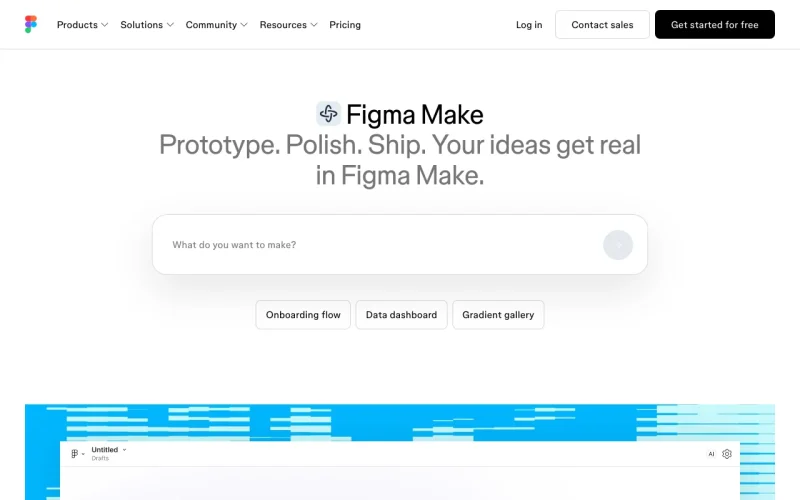
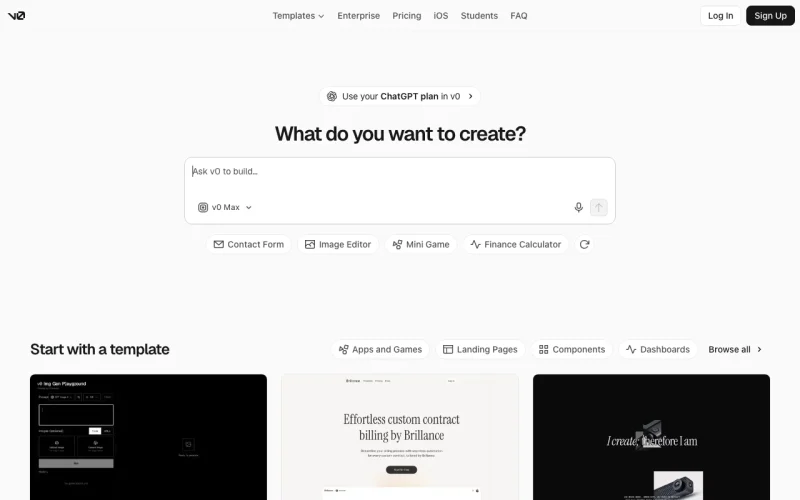
Figma Make and v0, as their sites look today
Our own captures of each vendor's public pages. Click a frame for the full-size image.
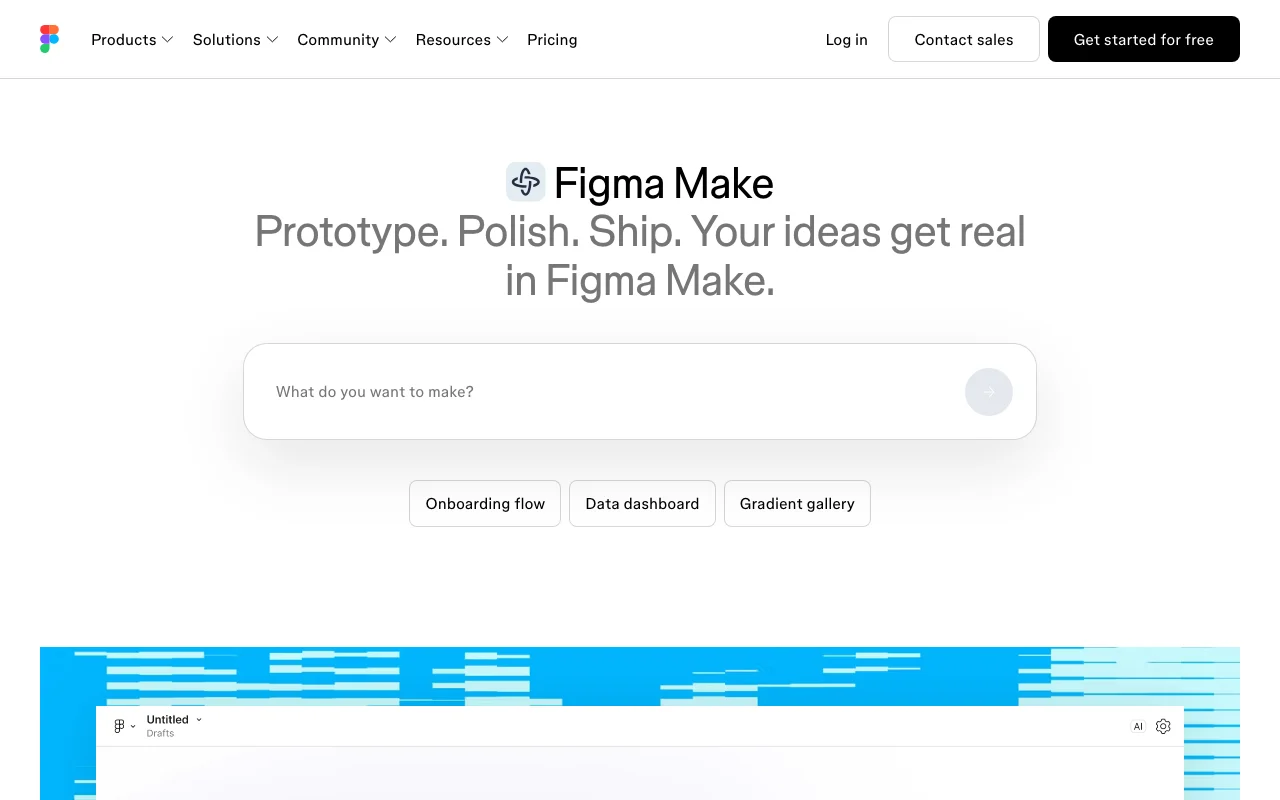
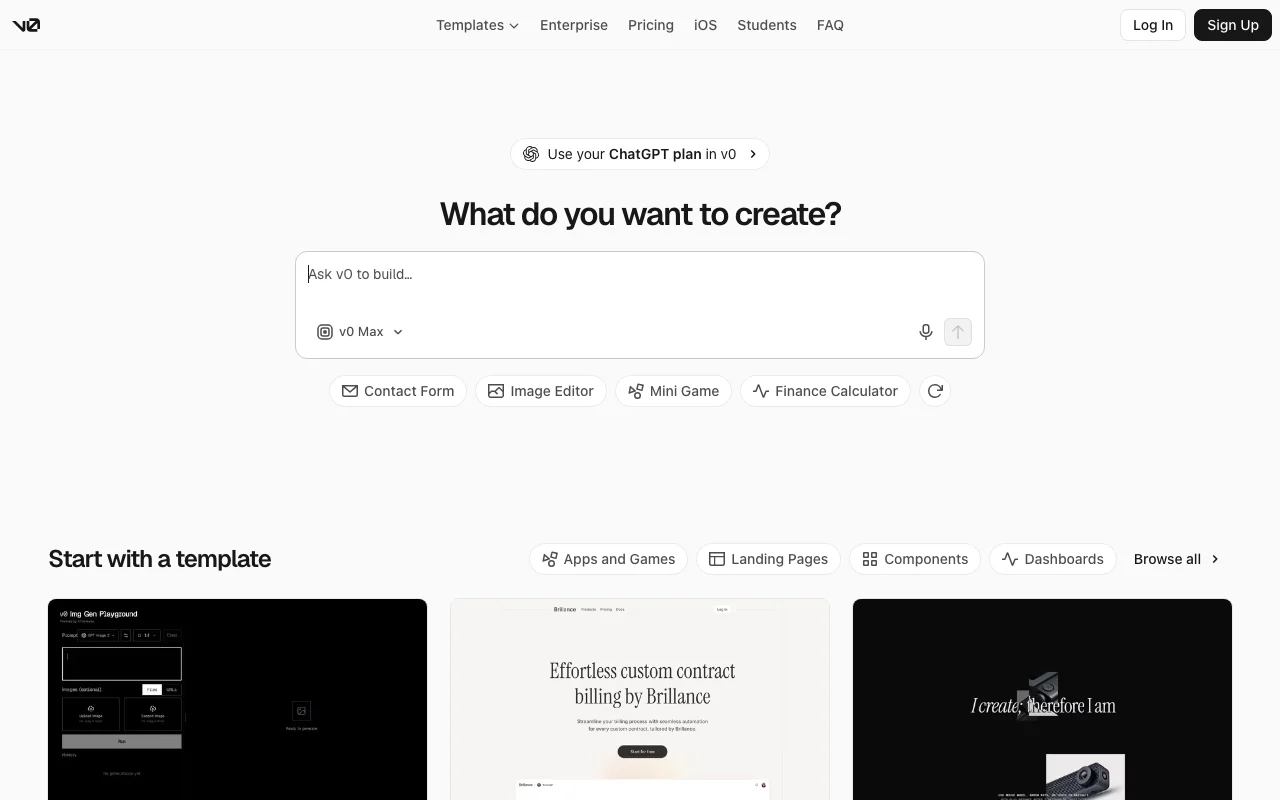
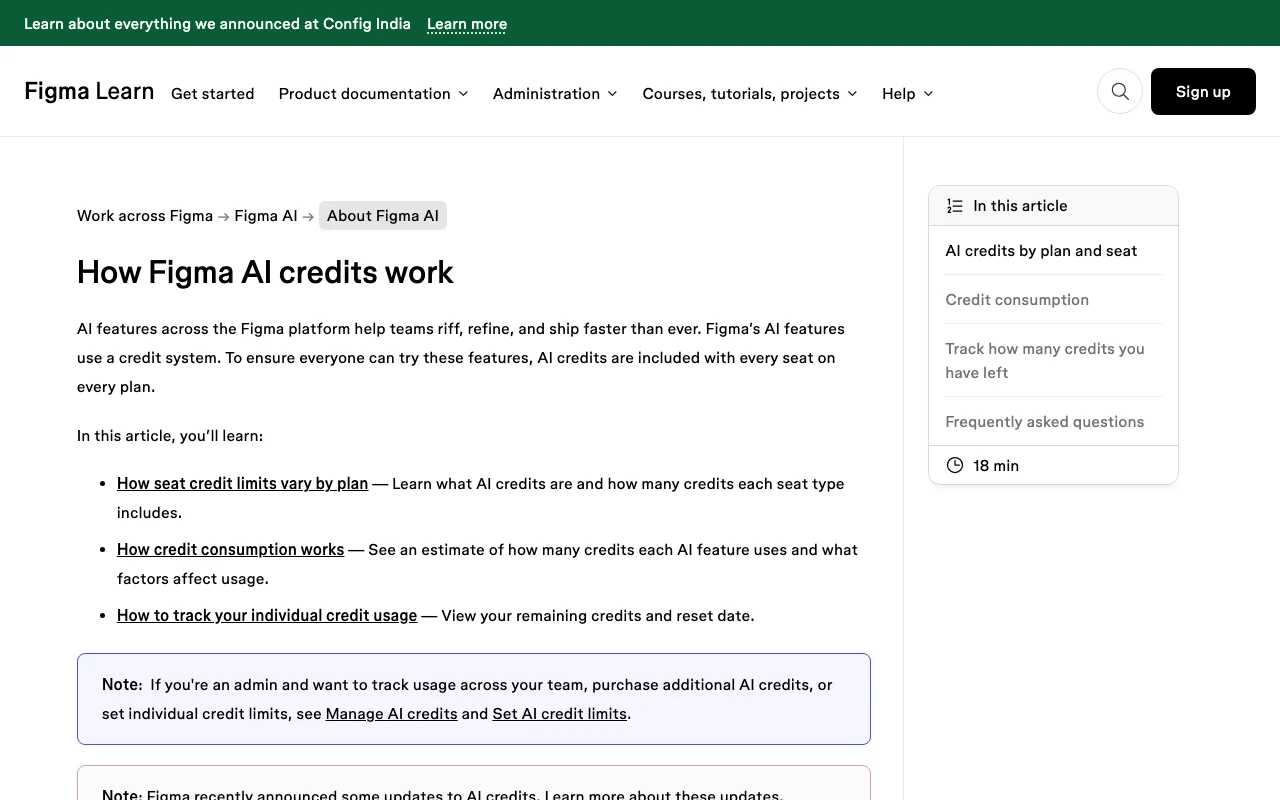
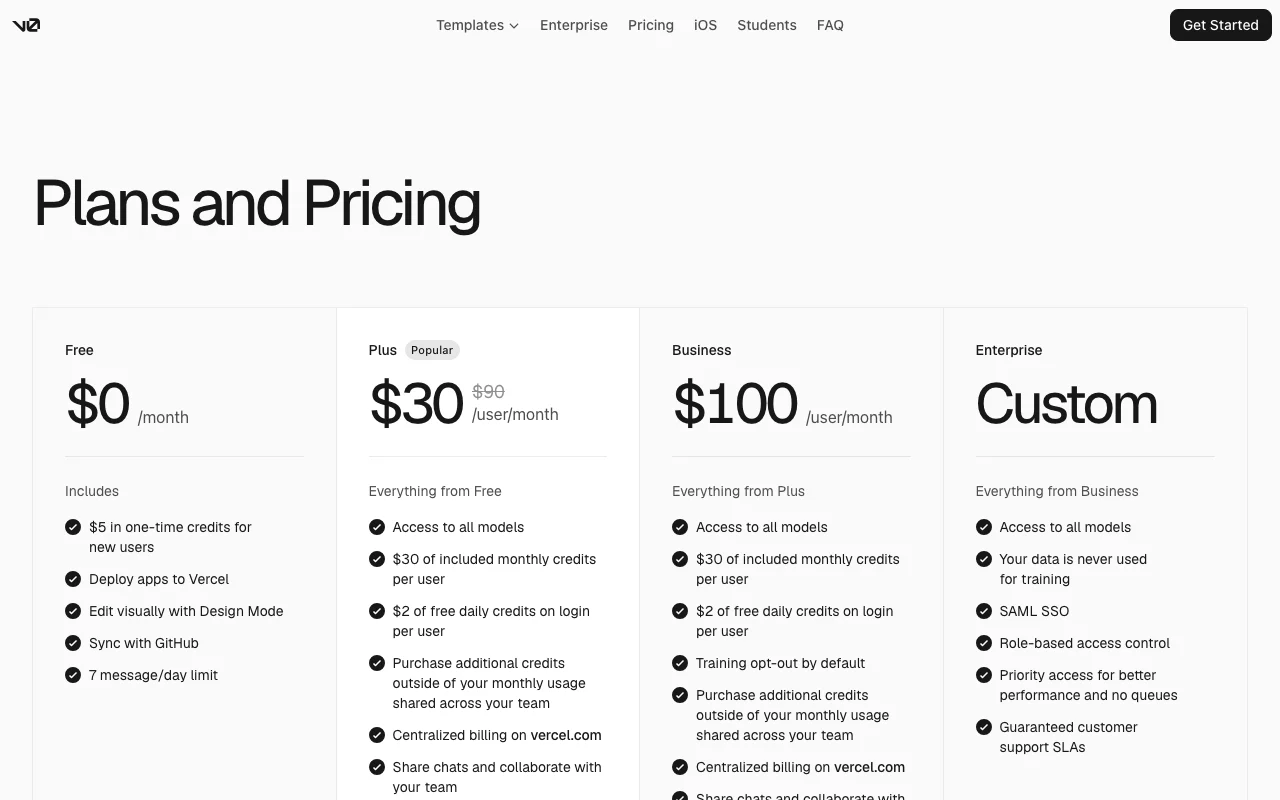
Figma Make homepage. figma.com, captured Oct 31, 2026v0 homepage. v0.app, captured Oct 31, 2026Figma Make plans and prices. help.figma.com, captured Oct 31, 2026v0 plans and prices. v0.app, captured Oct 31, 2026
Figma Make or v0: which to use, by task
If you only want the answer, this is the table. Everything below is the evidence from the two documented profiles.
Side-by-side comparison
You want to
Use
Why
Turn a Figma frame into an interactive prototype
Figma Make
Figma Make takes attached frames as context; v0 Figma import limits are not stated
Generate an app from a text prompt
Either
Both generate a working preview from a prompt; Figma estimates about 100+ credits for an app from scratch
Build a Next.js and React app
v0
v0 documents Next.js, React, TypeScript, Tailwind CSS and shadcn/ui; Figma Make frameworks are not stated
Prototype from a team design system
Figma Make
Make kits sync npm packages, library styles and guidelines; team libraries need a paid plan
Edit styles visually in the preview
Either
Figma Make has point and edit; v0 has Design Mode, unavailable on mobile viewports and read-only chats
Open a pull request on GitHub
v0
v0 creates a branch, commits and opens pull requests; no GitHub integration is listed for Figma Make
Deploy and share a live result
Either
Figma Make publishes to a URL anyone can open, hosted by Amazon Web Services; v0 deploys to Vercel with custom domains
Add a database or payments
v0
v0 connects Neon, Supabase, Upstash for Redis, Blob and Stripe; Figma Make backend services are not stated
Predict what a prompt will cost
Either
Figma cannot predict credits per request; v0 agent runs use credits even when they fail
Keep a published app private
v0
Published Figma Make apps are public to anyone with the URL; v0 privacy of deployed apps is not stated
Who should pick which
Pick Figma Make to prototype from Figma frames, v0 for Next.js code with GitHub and Vercel
Pick Figma Make if
Your designs already live in Figma and you want to attach frames as context
You want output that is code-backed and visually editable, switching between code and canvas
Your team has a Figma design system and wants prototypes that use its components (paid plans)
You prefer a $16 Full seat inside Figma over a separate tool
Pick v0 if
You want Next.js, React, TypeScript, Tailwind CSS and shadcn/ui code
You want GitHub branches and pull requests, and one-click deploy to Vercel
You need to export the code so you are not tied to Vercel hosting
You want a free plan with Design Mode, GitHub sync and Vercel deploy (7 messages per day)
What Figma Make does better, and what v0 does better
Figma Make
Uses Figma designs, frames and design systems as context
Output is code-backed and visually editable, with code and canvas in one place
Version history tracks AI and manual edits so earlier iterations can be restored
Plan mode creates an editable plan before generation starts (paid plans)
v0
Generates Next.js, React, TypeScript, Tailwind CSS and shadcn/ui code
GitHub integration with branches, automatic commits and pull requests, never pushing directly to main
Connects databases (Neon, Supabase, Upstash for Redis, Blob), Stripe and AI providers
MCP client support with presets such as Context7, Linear, Notion, Sentry, Slack and Zapier
Figma Make vs v0 pricing: plans and free tiers
Side-by-side comparison
Plan
Tool
Price
Limits
Figma Make Starter
Figma Make
$0
150 AI credits per day, up to 500 per month; 20 Figma MCP server calls per month
Figma Make Professional
Figma Make
$16 per Full seat per month
3,000 AI credits per month on a Full seat, 500 on Dev and Collab seats; 200 MCP calls per day
Figma Make Organization
Figma Make
$55 per Full seat per month, billed annually
3,500 AI credits per month on a Full seat, 500 on Dev and Collab seats
Figma Make Enterprise
Figma Make
$90 per Full seat per month, billed annually
4,250 AI credits per month on a Full seat, 500 on Dev and Collab seats
v0 Free
v0
$0
7 messages per day
v0 Plus
v0
$30 per user per month
$30 of included monthly credits and $2 of free daily credits on login per user
v0 Business
v0
$100 per user per month
$30 of included monthly credits and $2 of free daily credits on login per user
Designs already in Figma and you want prototypes from frames: choose Figma Make
Need Next.js code with GitHub pull requests and Vercel deploy: choose v0
Want predictable cost: neither meters in a way you can forecast, since Figma cannot predict credits per request and v0 runs use credits even when they fail
Need a private app: Figma Make publishes to a URL anyone can open, so check that before sharing
Need training opt-out by default: v0 offers it on Business; Figma Make's terms are not stated
Still unsure: try both free plans on one small screen and compare the result
Frequently asked questions
Is Figma Make or v0 cheaper?
Both have a free plan. The first paid step is $16 per Full seat per month for Figma Professional, against $30 per user per month for v0 Plus. The units differ: Figma gives 3,000 AI credits per month on a Full seat, v0 includes $30 of monthly credits per user, so the prices are not a like-for-like cost per prompt.
Can I use Figma Make without a paid seat?
Yes, to try it. Starter is free with 150 AI credits per day, up to 500 per month. Full Make access is for Full seats on paid plans; Dev, Collab and View seats can try it in drafts. Starter users can publish to the public web only with a Figma Community publish.
Does v0 use my prompts for training?
v0 may use prompts and content as inputs to third-party model providers to improve its products. Enterprise customers and users who opted out in Vercel settings are excluded. Business has training opt-out by default, and Enterprise data is never used for training. Figma Make's AI training terms are not stated in our profile.
Which one gives me code I can take elsewhere?
v0 documents code export and a GitHub integration that creates a branch, commits and opens pull requests without pushing directly to main. Figma Make output is code-backed and editable in a code editor, but our profile lists no export formats for it.