Coding · pricing

Figma Make pricing in 2026: plans, limits and what is free

Use Figma Make when your design context already lives in Figma and you want to turn frames into interactive prototypes or web apps; check AI credit use first because cost per prompt varies.

Starting price
$16/mo (Professional)
Free option
Yes
Free tier cap
150 AI credits per day, up to 500 per month
Plans
4
Price confirmed
Oct 31, 2026
Pricing page last read
Nov 15, 2026
Enterprise$90.00
Organization$55.00
Professional$16.00

Figma Make pricing page, captured

Our own captures of each vendor's public pages. Click a frame for the full-size image.

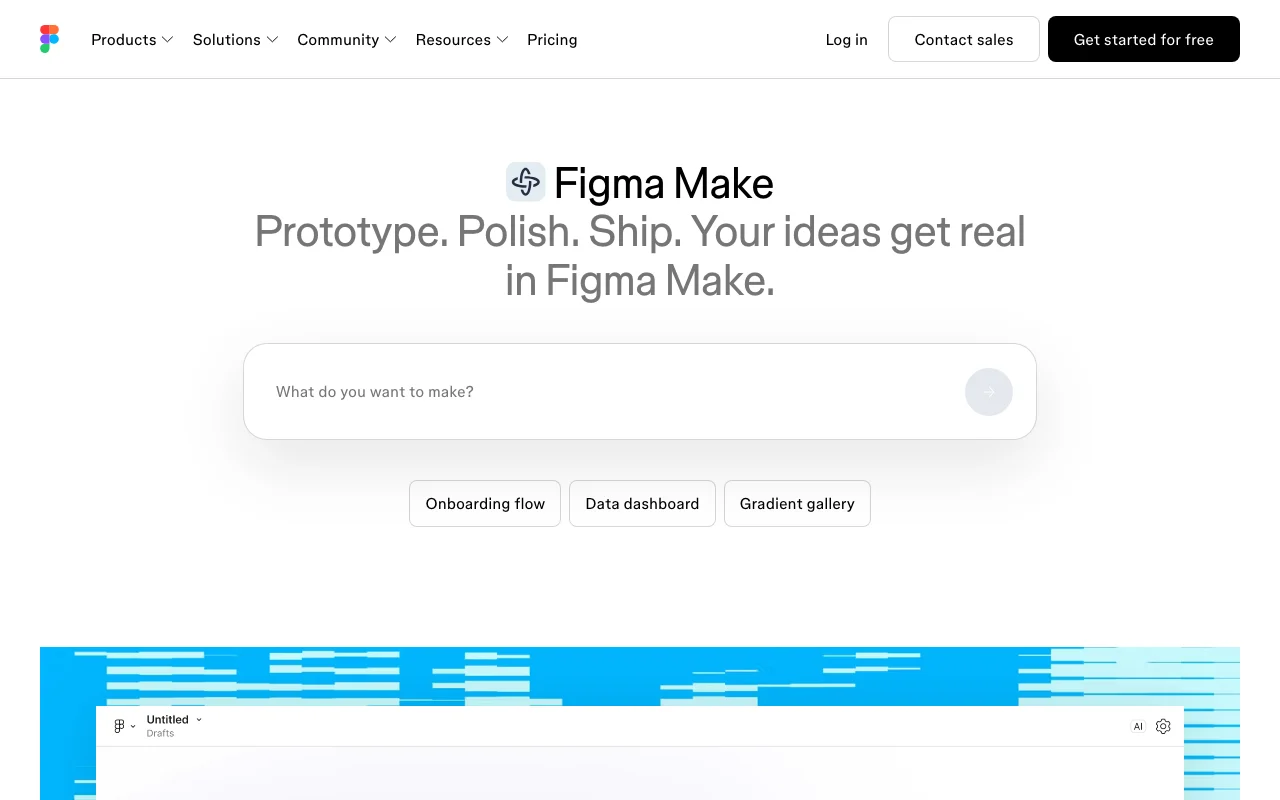
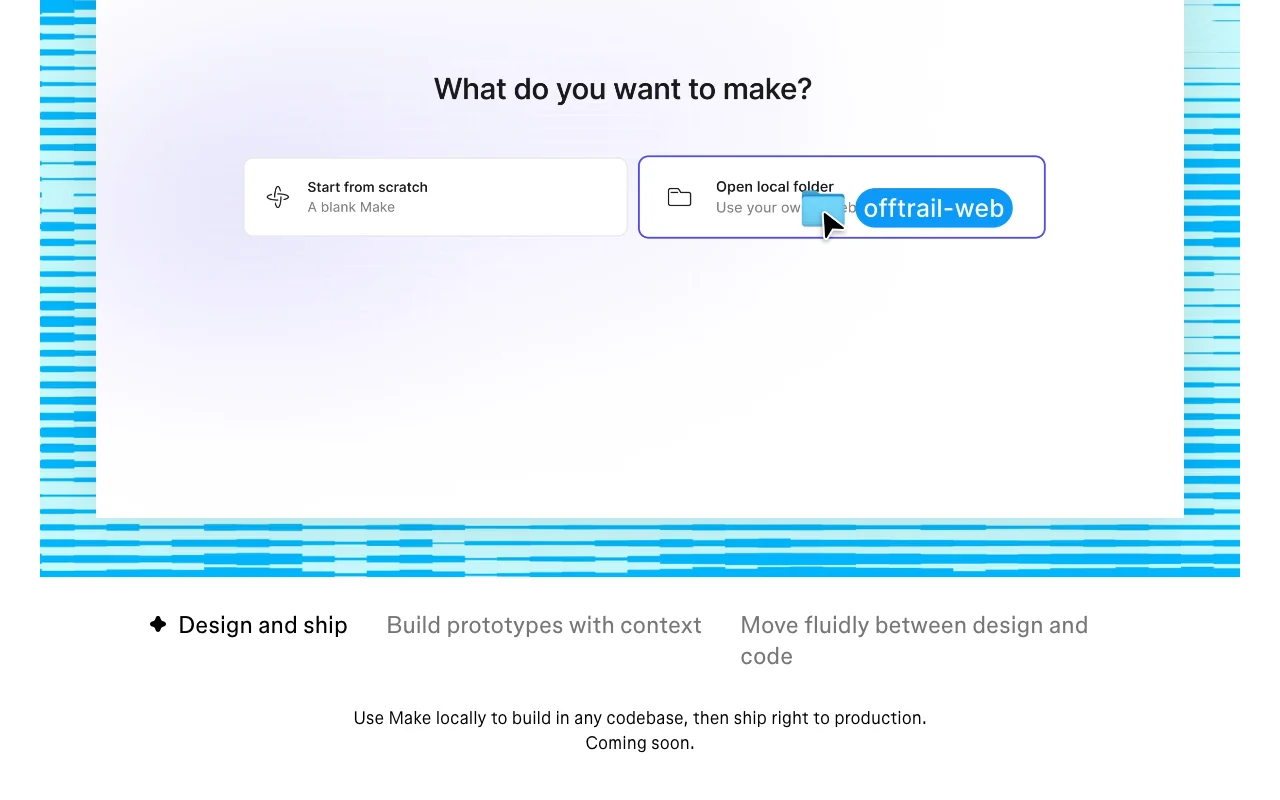
Figma Make homepage, screenshot of the coding AI tool, Oct 31, 2026
Figma Make plans as listed on its pricing page. figma.com, captured Oct 31, 2026
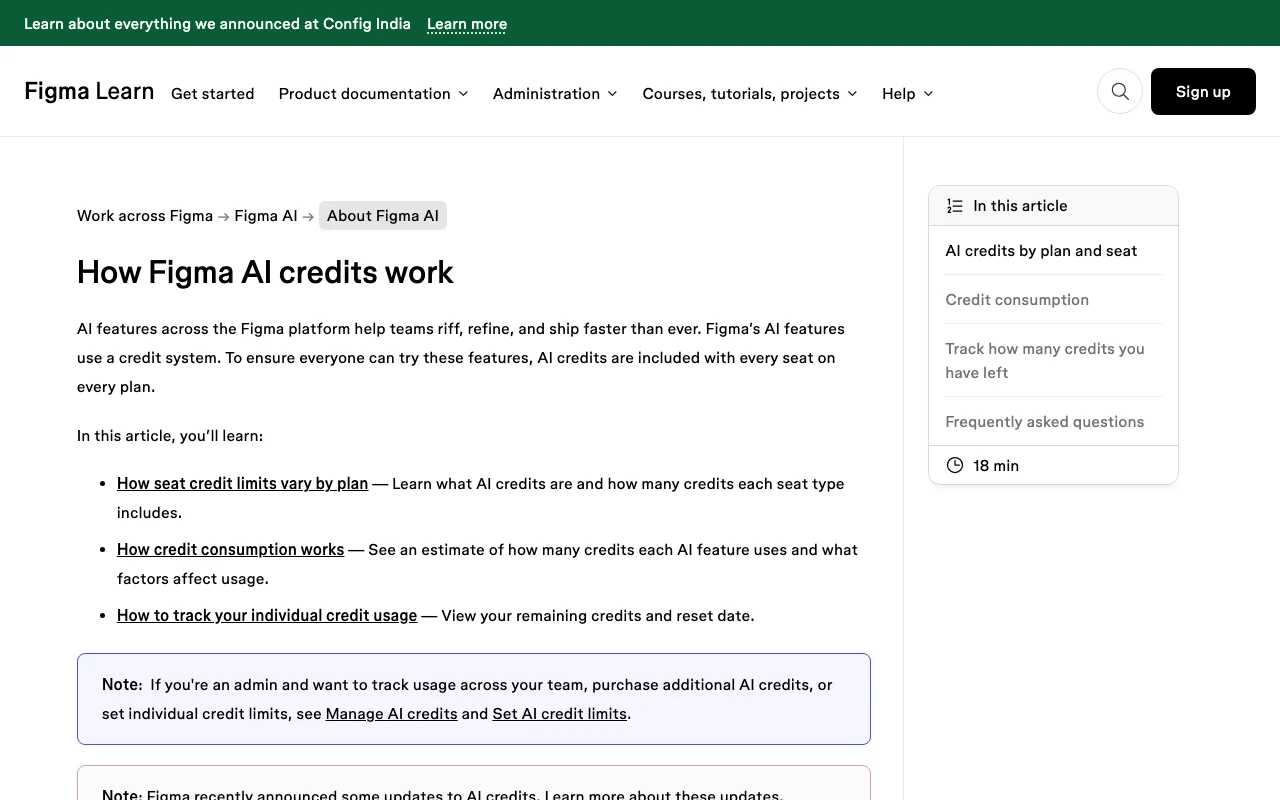
Figma Make documentation, screenshot of the coding AI tool, Oct 31, 2026
More of the Figma Make pricing page. help.figma.com, captured Oct 31, 2026
Figma Make homepage, screenshot of the coding AI tool, Oct 31, 2026
Figma Make homepage. figma.com, captured Oct 31, 2026

Figma Make plans compared

Plans and prices
PlanPriceBillingWho it is forKey limitsAPI
Starter
web
Free Monthly Trying Figma Make 150 AI credits per day, up to 500 per month; 20 Figma MCP server calls per month Billed separately
Professional
web
$16/mo Monthly Individual designers and small teams 3,000 AI credits per month on Full seat; 500 on Dev and Collab seats; 200 MCP calls per day Billed separately
Organization
web
$55/mo Monthly
annual commitment
Larger design teams 3,500 AI credits per month on Full seat; 500 on Dev and Collab seats Billed separately
Enterprise
web
$90/mo Monthly
annual commitment
Enterprises 4,250 AI credits per month on Full seat; 500 on Dev and Collab seats Billed separately

Figma Make usage limits by plan

What the vendor publishes about usage caps on each plan, quoted as published. Where the vendor gives no figure, we say so rather than guess.

Usage limits by plan
PlanPricePublished limitsSource
StarterFree
  • 150 AI credits per day, up to 500 per month
  • 20 Figma MCP server calls per month
figma.com
Professional$16/mo
  • 3,000 AI credits per month on Full seat
  • 500 on Dev and Collab seats
  • 200 MCP calls per day
figma.com
Organization$55/mo
  • 3,500 AI credits per month on Full seat
  • 500 on Dev and Collab seats
figma.com
Enterprise$90/mo
  • 4,250 AI credits per month on Full seat
  • 500 on Dev and Collab seats
figma.com

Limits checked Oct 31, 2026 on the official pages. Compare limits across AI subscriptions

What is free, what costs extra

Free access and trial

Starter is free with 150 AI credits per day, up to 500 per month.

Not stated

Extra costs and taxes

Admins can buy more credits with an AI credits subscription or pay-as-you-go billing; prices not read.

Not stated

Figma Make pricing and usage limits

Prices checked Oct 31, 2026 on the official US pricing page. Official pricing ↗ Prices and limits change often.

Vendor pricing page re-checked automatically 14 days ago: no changes detected.

Free access and trial conditions

Starter is free with 150 AI credits per day, up to 500 per month.

Not stated

Paid plans: what changes as you upgrade

Figma Make · web

Starter

Free

150 AI credits per day, up to 500 per monthAPI billed separatelyMonth

For: Trying Figma Make

Includes

  • Unlimited drafts
  • UI kits and templates
  • 30 days of version history

Limits

  • 150 AI credits per day, up to 500 per month
  • 20 Figma MCP server calls per month

checked Oct 31, 2026 source (opens in a new tab)

Figma Make · web

Professional

$16/mo

Not stated (annual-billed prices not shown on captured page)

3,000 AI credits per month on Full seatAPI billed separatelyMonth

For: Individual designers and small teams

Includes

  • Full seat: $16 per month; Dev seat $12; Collab seat $3
  • Figma Make for Full seats
  • Unlimited files and projects

Limits

  • 3,000 AI credits per month on Full seat
  • 500 on Dev and Collab seats
  • 200 MCP calls per day

checked Oct 31, 2026 source (opens in a new tab)

Figma Make · web

Organization

$55/mo

Billed annually: $55 per Full seat per month; monthly billing not offered

3,500 AI credits per month on Full seatAPI billed separatelyMonth, annual commitment

For: Larger design teams

Includes

  • Dev seat $25, Collab seat $5 per month billed annually
  • Shared libraries and fonts
  • Centralized admin tools

Limits

  • 3,500 AI credits per month on Full seat
  • 500 on Dev and Collab seats

checked Oct 31, 2026 source (opens in a new tab)

Figma Make · web

Enterprise

$90/mo

Billed annually: $90 per Full seat per month; monthly billing not offered

4,250 AI credits per month on Full seatAPI billed separatelyMonth, annual commitment

For: Enterprises

Includes

  • Dev seat $35, Collab seat $5 per month billed annually
  • SCIM seat management
  • Governance+ add-on

Limits

  • 4,250 AI credits per month on Full seat
  • 500 on Dev and Collab seats

checked Oct 31, 2026 source (opens in a new tab)

Usage caps, credits and extra costs

Admins can buy more credits with an AI credits subscription or pay-as-you-go billing; prices not read.

Not stated

How much Figma Make costs per year

At the listed prices, a single user pays between $192 and $1,080 a year on the fixed-price plans, or nothing on the free tier within its limits. Annual billing discounts, taxes and usage-based extras are listed per plan above where the vendor publishes them.

Figma Make FAQ

Which Figma seats can use Figma Make?

Figma Make is available for Full seats on paid plans. Dev, Collab and View seats can try it in drafts.

source (opens in a new tab)

How many credits does a Make prompt cost?

It varies. Figma estimates about 100+ credits for an app from scratch and 75+ to make an attached design interactive.

source (opens in a new tab)

Can I buy more AI credits?

Admins can add credits with an AI credits subscription or pay-as-you-go billing. Prices were not read.

source (opens in a new tab)

Figma Make price and plan changes

No price or plan changes recorded since our check on Oct 31, 2026. We re-read the official pricing page regularly and note changes here.

More about Figma Make