
CodingDocumented overviewLast checked Oct 31, 2026

Figma Make: Pricing, Features & Best Use Cases

Prompt-to-prototype and web app builder inside Figma that generates editable, code-backed frontends from text prompts and Figma designs.

Who should use Figma Make

Use Figma Make when your design context already lives in Figma and you want to turn frames into interactive prototypes or web apps; check AI credit use first because cost per prompt varies. Based on the vendor's documentation, not on a hands-on test.

Best for: Designers prototyping from Figma frames

Also a good fit for

  • Product teams building functional prototypes
  • Teams with a Figma design system

Consider another tool if you need credit costs you can predict in advance

Or if

  • You do not use Figma and have no design files to attach
  • Publishing is needed from a Dev, Collab or View seat

Figma Make pricing and usage limits

Prices checked Oct 31, 2026 on the official US pricing page. Official pricing ↗ Prices and limits change often.

Vendor pricing page re-checked automatically 14 days ago: no changes detected.

Free access and trial conditions

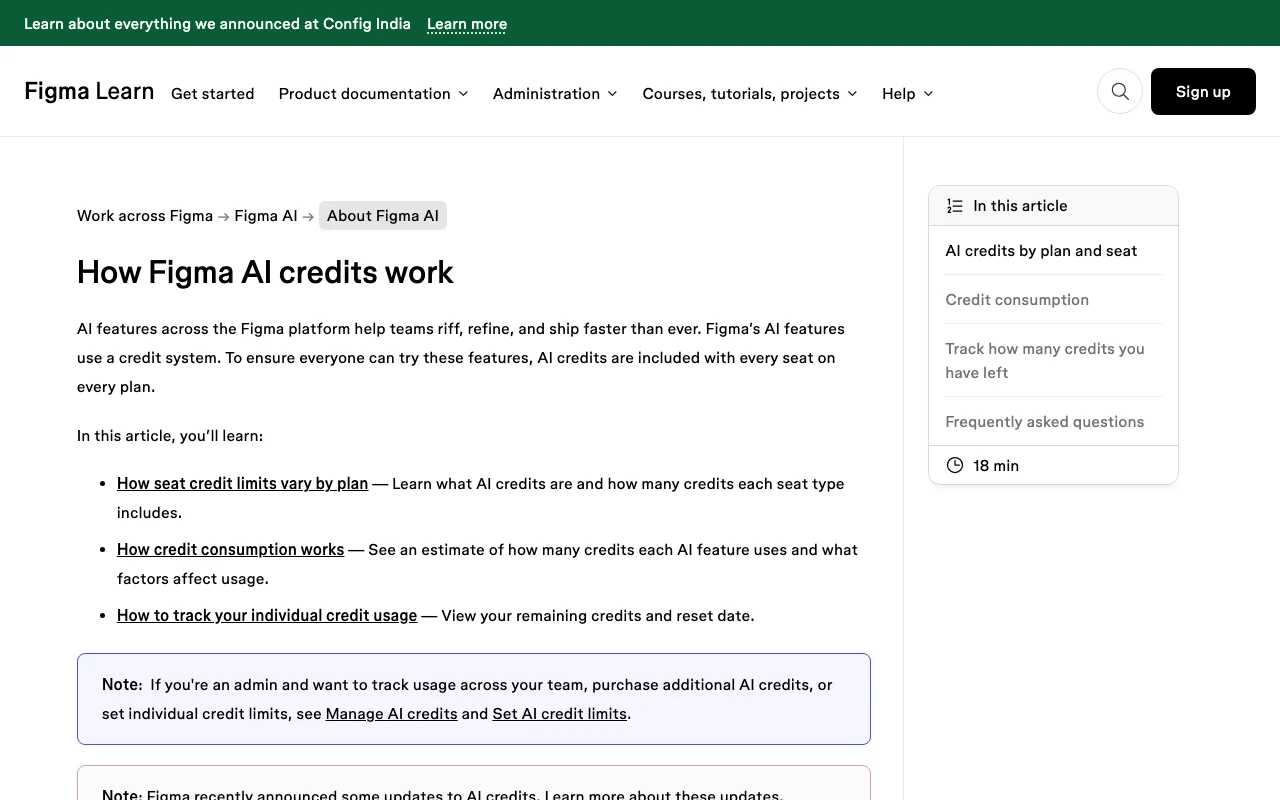
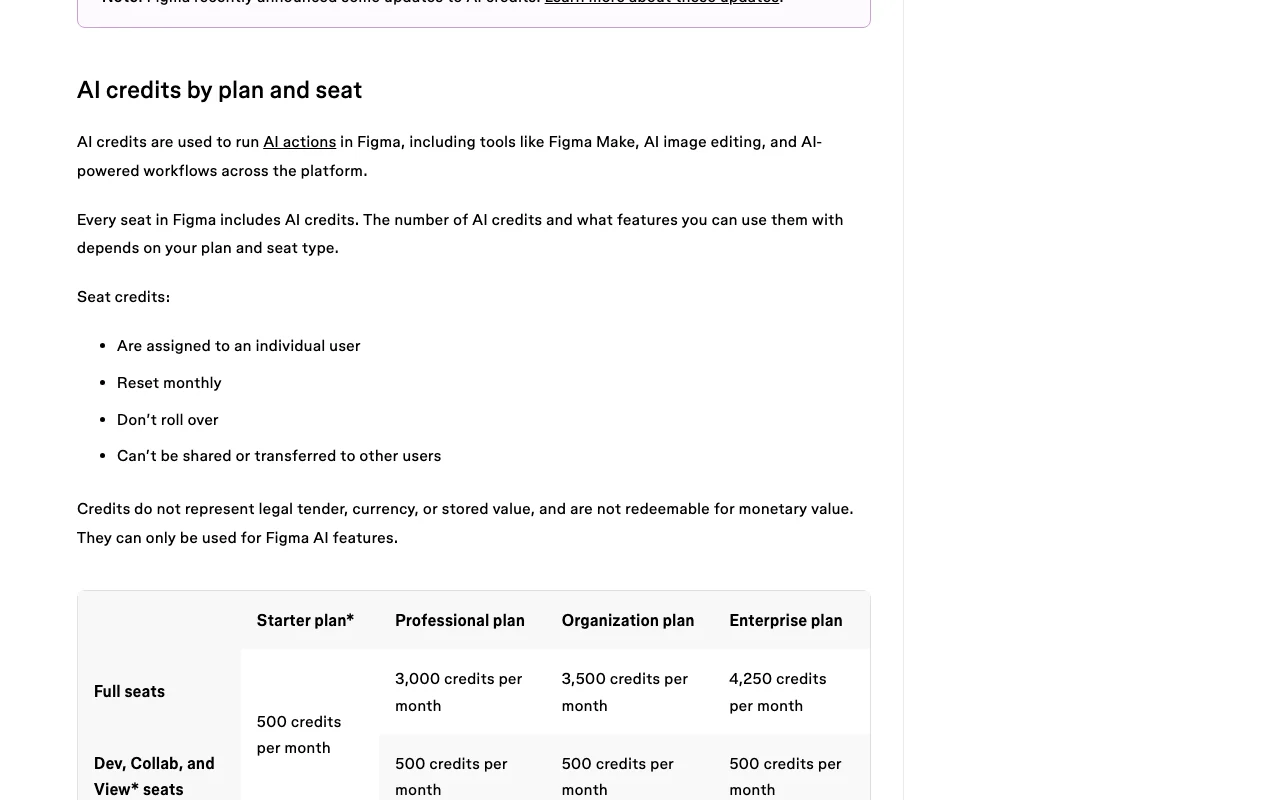
Starter is free with 150 AI credits per day, up to 500 per month.

Not stated

Paid plans: what changes as you upgrade

Figma Make · web

Starter

Free

150 AI credits per day, up to 500 per monthAPI billed separatelyMonth

For: Trying Figma Make

Includes

  • Unlimited drafts
  • UI kits and templates
  • 30 days of version history

Limits

  • 150 AI credits per day, up to 500 per month
  • 20 Figma MCP server calls per month

checked Oct 31, 2026 source (opens in a new tab)

Figma Make · web

Professional

$16/mo

Not stated (annual-billed prices not shown on captured page)

3,000 AI credits per month on Full seatAPI billed separatelyMonth

For: Individual designers and small teams

Includes

  • Full seat: $16 per month; Dev seat $12; Collab seat $3
  • Figma Make for Full seats
  • Unlimited files and projects

Limits

  • 3,000 AI credits per month on Full seat
  • 500 on Dev and Collab seats
  • 200 MCP calls per day

checked Oct 31, 2026 source (opens in a new tab)

Figma Make · web

Organization

$55/mo

Billed annually: $55 per Full seat per month; monthly billing not offered

3,500 AI credits per month on Full seatAPI billed separatelyMonth, annual commitment

For: Larger design teams

Includes

  • Dev seat $25, Collab seat $5 per month billed annually
  • Shared libraries and fonts
  • Centralized admin tools

Limits

  • 3,500 AI credits per month on Full seat
  • 500 on Dev and Collab seats

checked Oct 31, 2026 source (opens in a new tab)

Figma Make · web

Enterprise

$90/mo

Billed annually: $90 per Full seat per month; monthly billing not offered

4,250 AI credits per month on Full seatAPI billed separatelyMonth, annual commitment

For: Enterprises

Includes

  • Dev seat $35, Collab seat $5 per month billed annually
  • SCIM seat management
  • Governance+ add-on

Limits

  • 4,250 AI credits per month on Full seat
  • 500 on Dev and Collab seats

checked Oct 31, 2026 source (opens in a new tab)

Usage caps, credits and extra costs

Admins can buy more credits with an AI credits subscription or pay-as-you-go billing; prices not read.

Not stated

What is Figma Make, and how does it work?

Figma Make is an AI tool in Figma for building prototypes and apps. Everything you build is code-backed and visually editable, so you can move between code and canvas. You describe what to build in an AI chat, optionally attach Figma designs, and get an interactive preview you can edit directly. Published apps are hosted by Amazon Web Services.

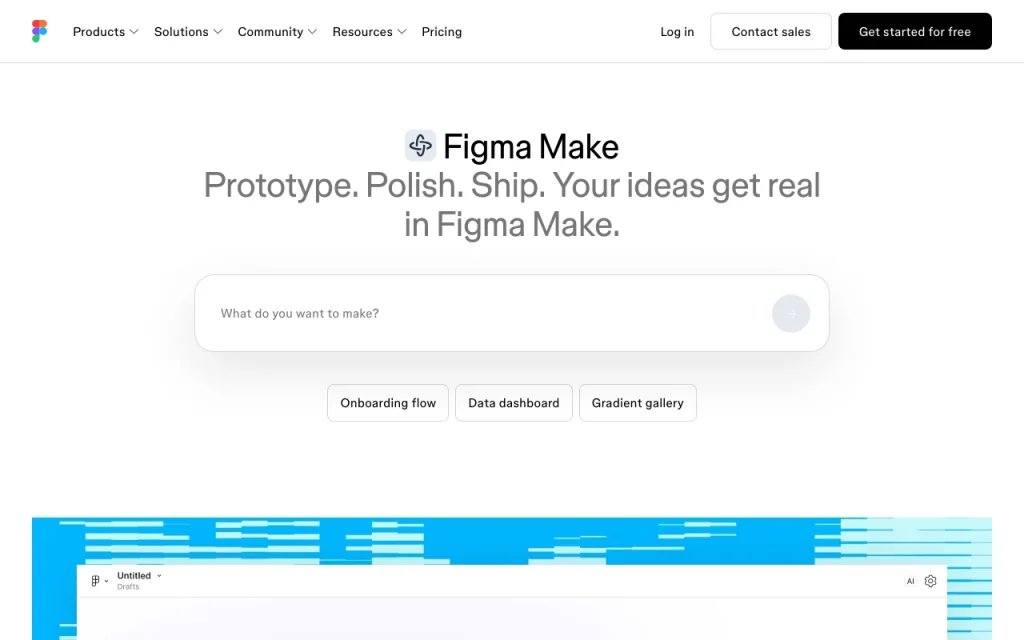
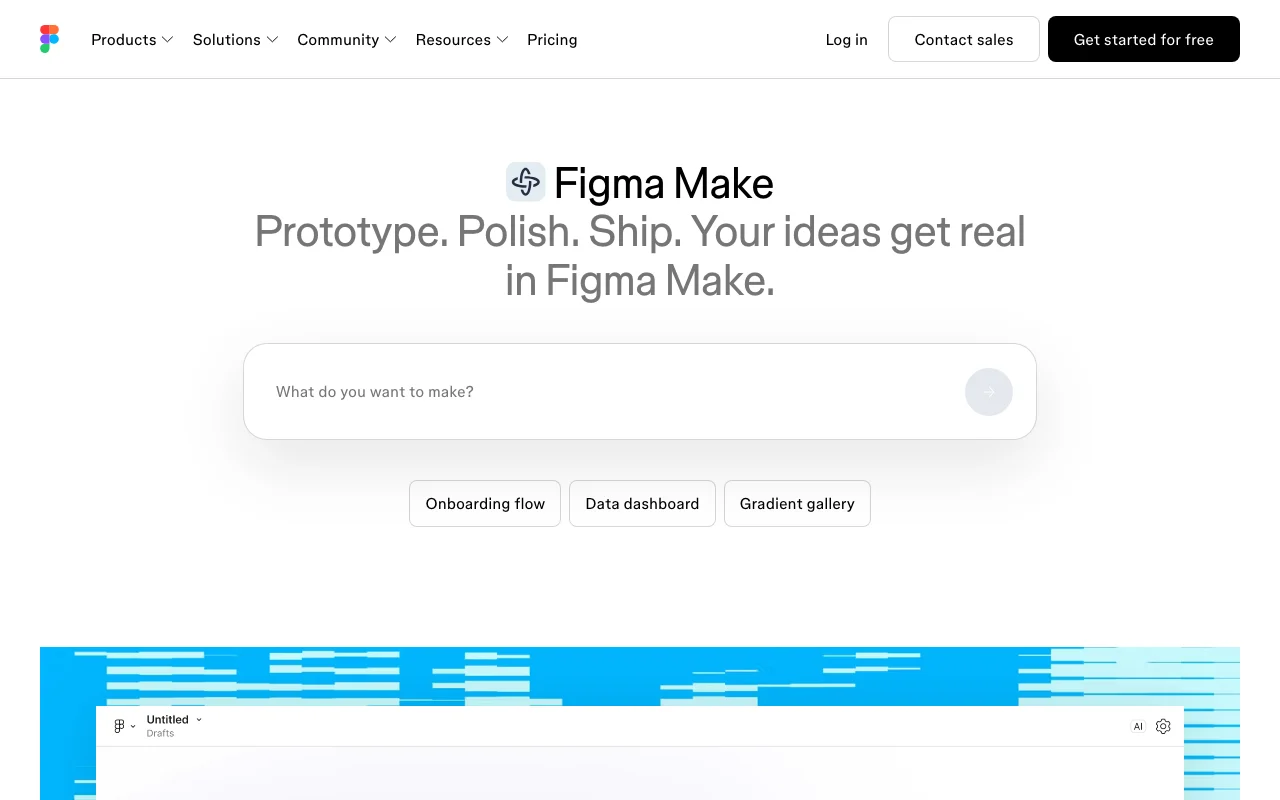
Figma Make homepage, screenshot of the coding AI tool, Oct 31, 2026
Figma Make's official site: how the product presents itself. figma.com, captured Oct 31, 2026

What you provide and what you get back

How Figma Make works: what you provide, where it runs and what you get backYOU PROVIDEYour inputText prompts, including dictationFigma frames and designsImages, videos, audio, text files…CODINGFigma MakeWeb, Mobilefrom $16/mo (Professional)free tier availableaccount requiredchecked Oct 31, 2026YOU GET BACKThe resultInteractive previewsFunctional prototypes and web appsEditable codeinput → Figma Make → output · from the vendor's own pages, no hands-on test unless stated
What you give Figma Make and what comes back, from its documentation

You provide

  • Text prompts, including dictation
  • Figma frames and designs
  • Images, videos, audio, text files and PDFs as attachments

You get back

  • Interactive previews
  • Functional prototypes and web apps
  • Editable code

Where you can use it

Platforms
Web, Mobile (view and comment)
Account
Required
Starter credits
150 per day, up to 500 per month
Full seat credits
3,000 / 3,500 / 4,250 per month (Professional / Organization / Enterprise)
Hosting
Published apps hosted by Amazon Web Services
Credit rollover
None

Where Figma Make is most useful

Scenarios are worked out by our editors from the documentation; the actual result depends on your input and plan.

Turning a Figma design into an interactive prototype

Who
Designers
You provide
Attached Figma frames and a prompt
Expected result
Interactive preview
Plan needed
Professional or higher (Full seat)
Limitation
About 75+ credits to make an attached design interactive (default model, Feb 2026 estimate) source (opens in a new tab)

Generating an app from scratch

Who
Product teams
You provide
Text prompt
Expected result
Functional prototype or web app
Plan needed
Professional or higher (Full seat)
Limitation
About 100+ credits per from-scratch app (estimate) source (opens in a new tab)

Building from a team design system

Who
Design system teams
You provide
Make kit with npm package and styles
Expected result
Prototypes using the system's components
Plan needed
Paid plan
Limitation
Team libraries for style context are not available on Starter source (opens in a new tab)

Key features and their practical limits

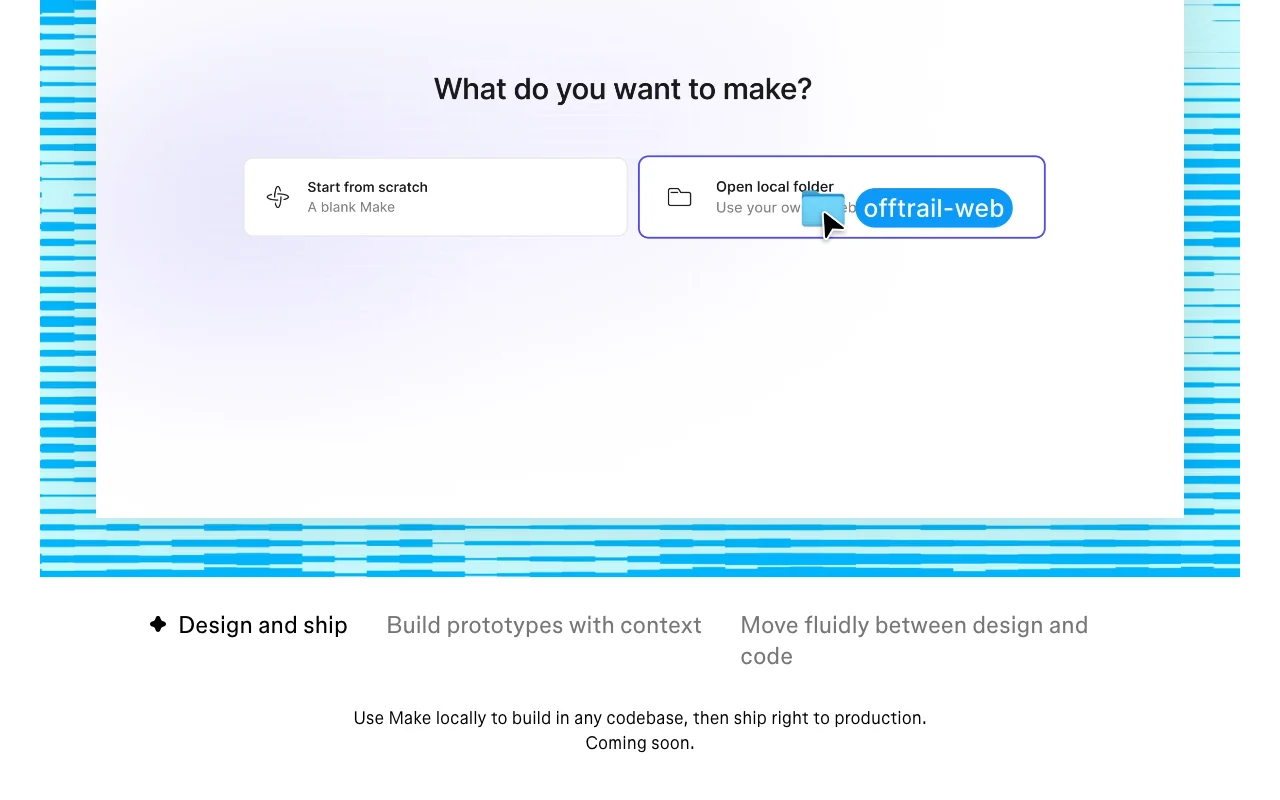
Figma Make homepage, screenshot of the coding AI tool, Oct 31, 2026
Feature overview on the official site. figma.com, captured Oct 31, 2026

Prompt-to-app generation

Generates code and an interactive preview from a text prompt in the AI chat. Gets from idea to a working preview

Access: Full seats on paid plans; others can try in draftsLimit: Credit cost varies per request source (opens in a new tab)

Figma design attachments

Reads attached Figma designs and frames as context for what it builds. Keeps output close to the design

Access: All plansLimit: Team library style context is paid only source (opens in a new tab)

Make kits

Syncs npm packages, library styles and guidelines to generate prototypes. Uses your design system components

Access: Listed on the Make pageLimit: Not stated source (opens in a new tab)

Plan mode

Creates an editable plan before generation starts. Lets you review the approach first

Access: Paid plansLimit: Adds a separate planning step that uses more credits source (opens in a new tab)

Point and edit and code editor

Lets you click elements in the preview to restyle or prompt changes, and edit code directly. Quick manual fixes without re-prompting

Access: Listed on the Make pageLimit: Not stated source (opens in a new tab)

Publishing

Publishes a functional prototype or web app that anyone with the URL can open. Shares a live result

Access: Full seats on paid plans and Starter usersLimit: Starter users can publish to the public web only with a Figma Community publish source (opens in a new tab)

Figma Make: strengths and limits

Reasons to choose Figma Make

Check before paying for Figma Make

How to use Figma Make for building an interactive prototype from a Figma design

Figma Make documentation, screenshot of the coding AI tool, Oct 31, 2026
Figma Make documentation: where the steps below come from. help.figma.com, captured Oct 31, 2026

Set up Figma Make

  1. Sign in to Figma and open your drafts in the file browser
  2. Click Make in the upper-right corner
  3. Describe what to build in the AI chat

Example: building an interactive prototype from a Figma design

  1. Attach a Figma frame to the prompt
  2. Send the prompt and wait for the interactive preview
  3. Refine by chatting or by editing the preview and code
  4. Share the preview or publish it

Review and export the result

  1. Hover the AI credits icon to see credits used
  2. Compare the preview with your original frame
Example prompt suggested by our editors (not a recorded output of the product)
Make the attached checkout frame interactive, with form validation and a confirmation screen.

Figma Make API

Figma Make documentation, screenshot of the coding AI tool, Oct 31, 2026
Figma Make documentation (continued). help.figma.com, captured Oct 31, 2026

API access and separate billing

Figma Make has no public API in its official documentation. No Make API stated on pages read.

Privacy, data use and commercial rights

Summarized from the vendor's current policies; this is not legal advice and a vendor's badge is not an independent audit.

How your inputs and outputs are handled

Anyone with file access can view the conversation and content; viewers of a published app cannot see the conversation.

Deleting the file deletes its data and unpublishes it.

Commercial use and plan restrictions

Published apps are public to anyone with the URL.

Controls for business users

  • Admins can disable AI for an entire plan

Other tools to consider instead of Figma Make

"Better suited" is based on documented features and pricing, not on a head-to-head test.

v0: better suited to

Lovable: better suited to

Bolt.new: better suited to

Alternatives
AlternativeWhen to choose itPricingLimitation
v0——Compare
Lovable——Compare
Bolt.new——Compare

Explore Figma Make further

Figma Make user reviews

No user reviews yet.

Used Figma Make? Be the first to share your experience.

Write a review

Reviews are checked by a moderator before they appear. Your email is never published. Plain text only.

Your rating (required)

Show what you made or what went wrong. Images are published only if the review is approved; location data is removed.

    Figma Make FAQ

    Which Figma seats can use Figma Make?

    Figma Make is available for Full seats on paid plans. Dev, Collab and View seats can try it in drafts.

    source (opens in a new tab)

    How many AI credits does a Full seat get?

    3,000 per month on Professional, 3,500 on Organization and 4,250 on Enterprise. Starter has 150 per day, up to 500 per month.

    source (opens in a new tab)

    How many credits does a Make prompt cost?

    It varies. Figma estimates about 100+ credits for an app from scratch and 75+ to make an attached design interactive.

    source (opens in a new tab)

    Do unused AI credits roll over?

    No. AI credits expire monthly and do not roll over.

    source (opens in a new tab)

    Can I buy more AI credits?

    Admins can add credits with an AI credits subscription or pay-as-you-go billing. Prices were not read.

    source (opens in a new tab)

    Are published Make apps private?

    No. Anyone with the URL can access a published app.

    source (opens in a new tab)

    Sources and review methodology

    Official sources and verification dates

    Not verified: Annual-billed Professional seat prices; Per-plan Make feature matrix; AI training use of customer data; Credit subscription and pay-as-you-go prices; Supported frameworks and backend services.

    How we documented and maintain this page

    Every fact about Figma Make above comes from the 5 official pages listed here, last compared on Oct 31, 2026; we have not run Figma Make ourselves, so it has no editorial score. How we check and re-check pages.

    Article updated Oct 31, 2026; prices checked Oct 31, 2026. Outbound links to vendors are plain links; we do not earn commissions. How we review · Report an error