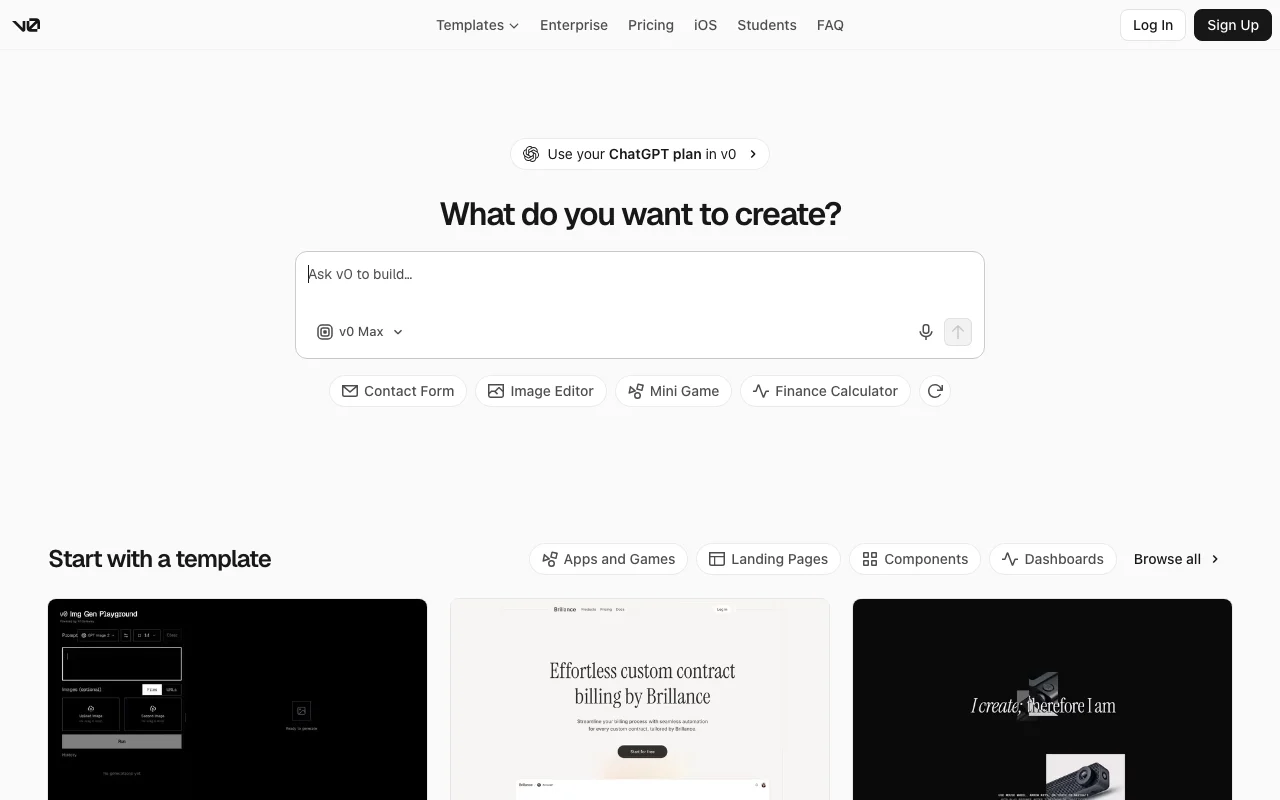
v0 · web
Free
Free
Not stated
7 messages per dayAPI billed separatelyMonth
For: Trying v0
Includes
- Deploy apps to Vercel
- Design Mode
- Sync with GitHub
Limits
- 7 messages per day
checked Oct 31, 2026 source (opens in a new tab)
CodingDocumented overviewLast checked Oct 31, 2026
AI agent from Vercel that turns text prompts, mockups or Figma files into full-stack Next.js apps you can preview, edit visually and deploy.
Our take: Use v0 when you want React, Next.js, Tailwind and shadcn/ui code with one-click deploy to Vercel or a GitHub pull request; the Free plan allows 7 messages per day for a trial.
Main limitation: Free is capped at 7 messages per day, and paid plans use dollar credits, so heavy use can need extra purchased credits.
Use v0 when you want React, Next.js, Tailwind and shadcn/ui code with one-click deploy to Vercel or a GitHub pull request; the Free plan allows 7 messages per day for a trial. Based on the vendor's documentation, not on a hands-on test.
Also a good fit for
Or if
Prices checked Oct 31, 2026 on the official US pricing page. Official pricing ↗ Prices and limits change often.
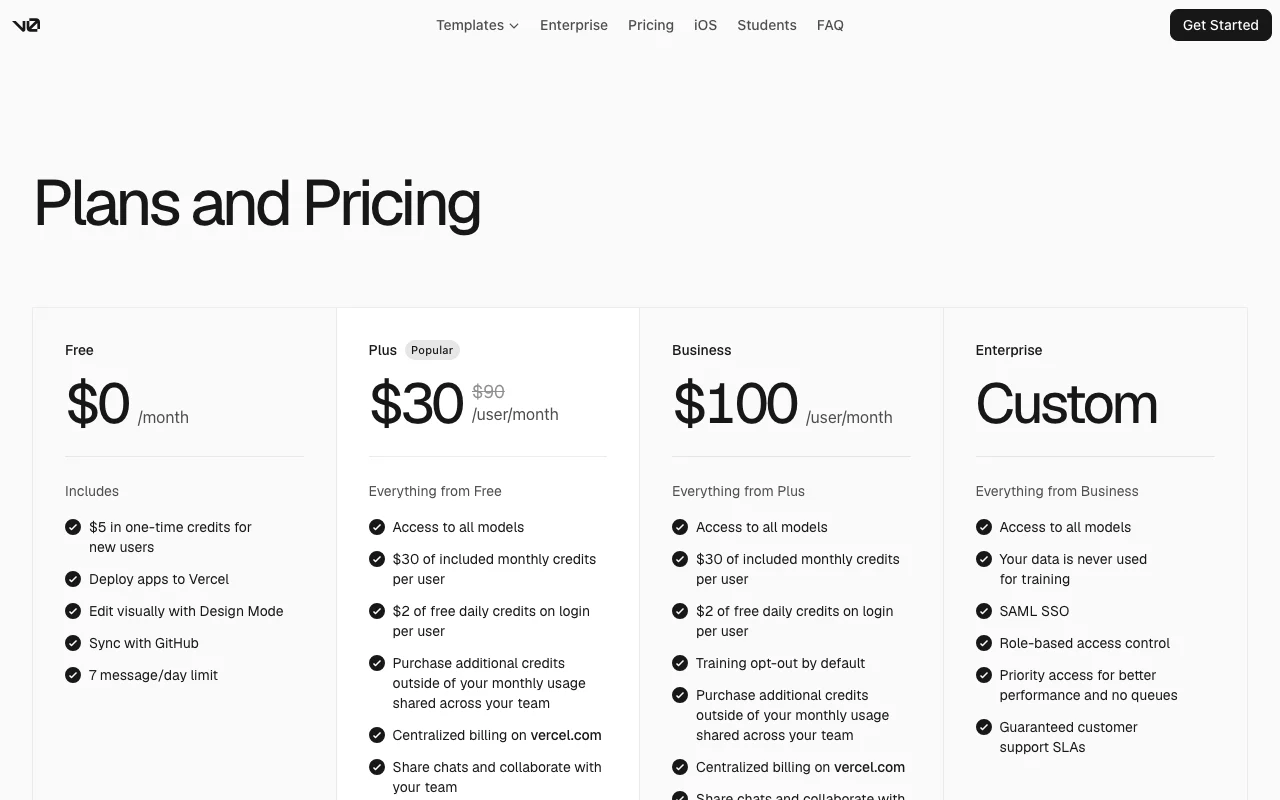
Free plan: 7 messages per day, with deploy to Vercel, Design Mode and GitHub sync.
New users receive $5 in one-time credits, per the pricing page footer.
v0 · web
Free
Not stated
For: Trying v0
Includes
Limits
checked Oct 31, 2026 source (opens in a new tab)
v0 · web
$30/mo per user per month
Not stated
For: Individuals and small teams
Includes
Limits
checked Oct 31, 2026 source (opens in a new tab)
v0 · web
$100/mo per user per month
Not stated
For: Teams needing data controls
Includes
Limits
checked Oct 31, 2026 source (opens in a new tab)
v0 · web
Custom pricing
Not stated
For: Large organizations
Includes
Limits
checked Oct 31, 2026 source (opens in a new tab)
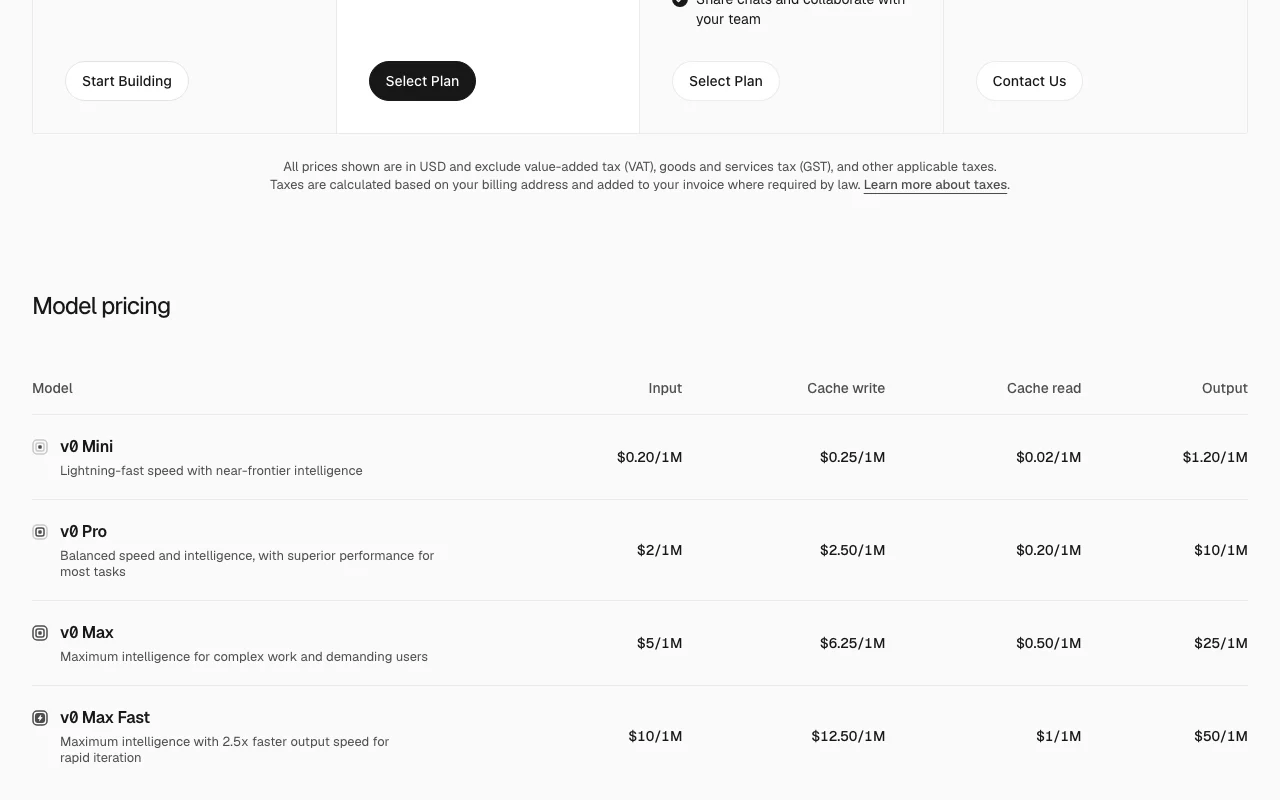
Additional credits can be purchased and are shared across the team. API and model rates per million tokens: v0 Mini $0.20 input, $1.20 output; v0 Pro $2 input, $10 output; v0 Max $5 input, $25 output; v0 Max Fast $10 input, $50 output.
Prices are in USD and exclude applicable taxes, which are added to the invoice where required by law.
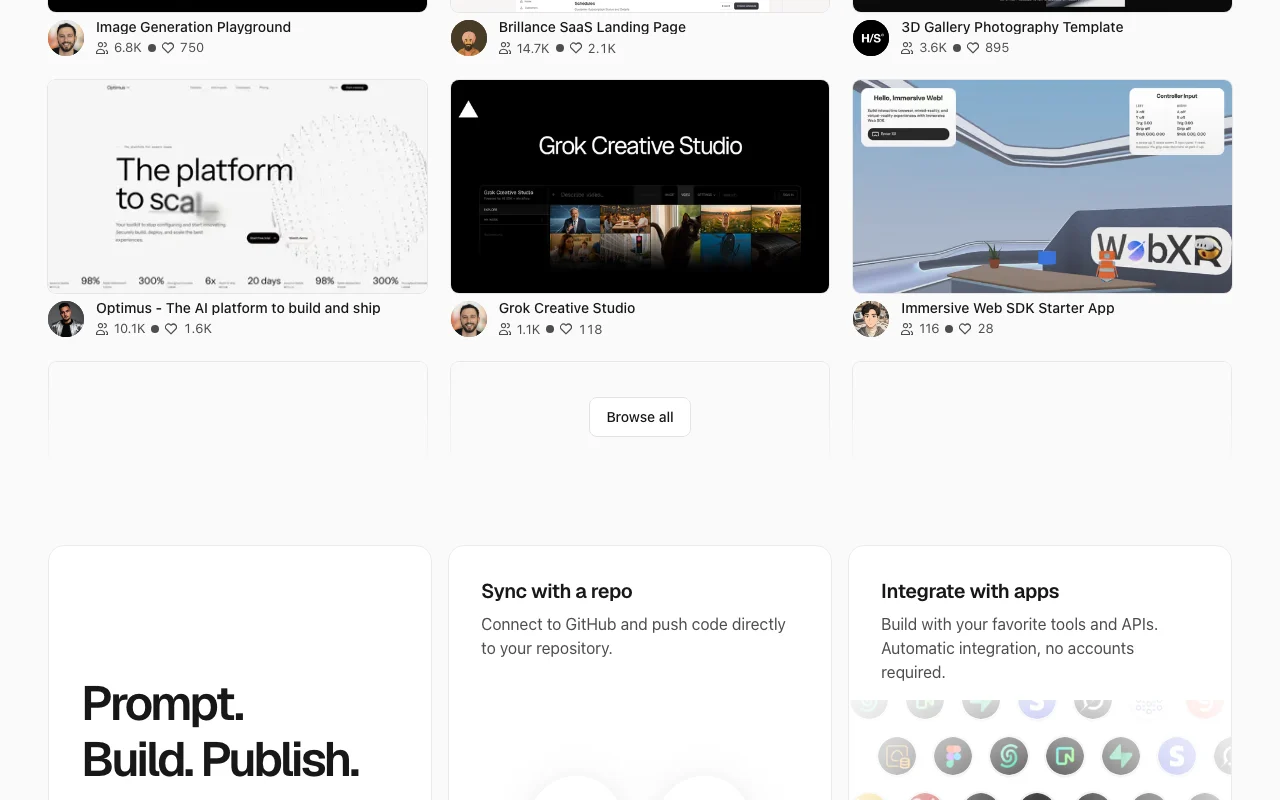
v0 is an AI agent from Vercel for creating code and full-stack apps. You describe an idea in natural language, and it generates the UI, backend logic and deployable code with a live preview. It can search the web, inspect sites, fix errors automatically, connect databases and payment integrations, sync with GitHub through branches and pull requests, and publish to Vercel.
You provide
You get back
Scenarios are worked out by our editors from the documentation; the actual result depends on your input and plan.
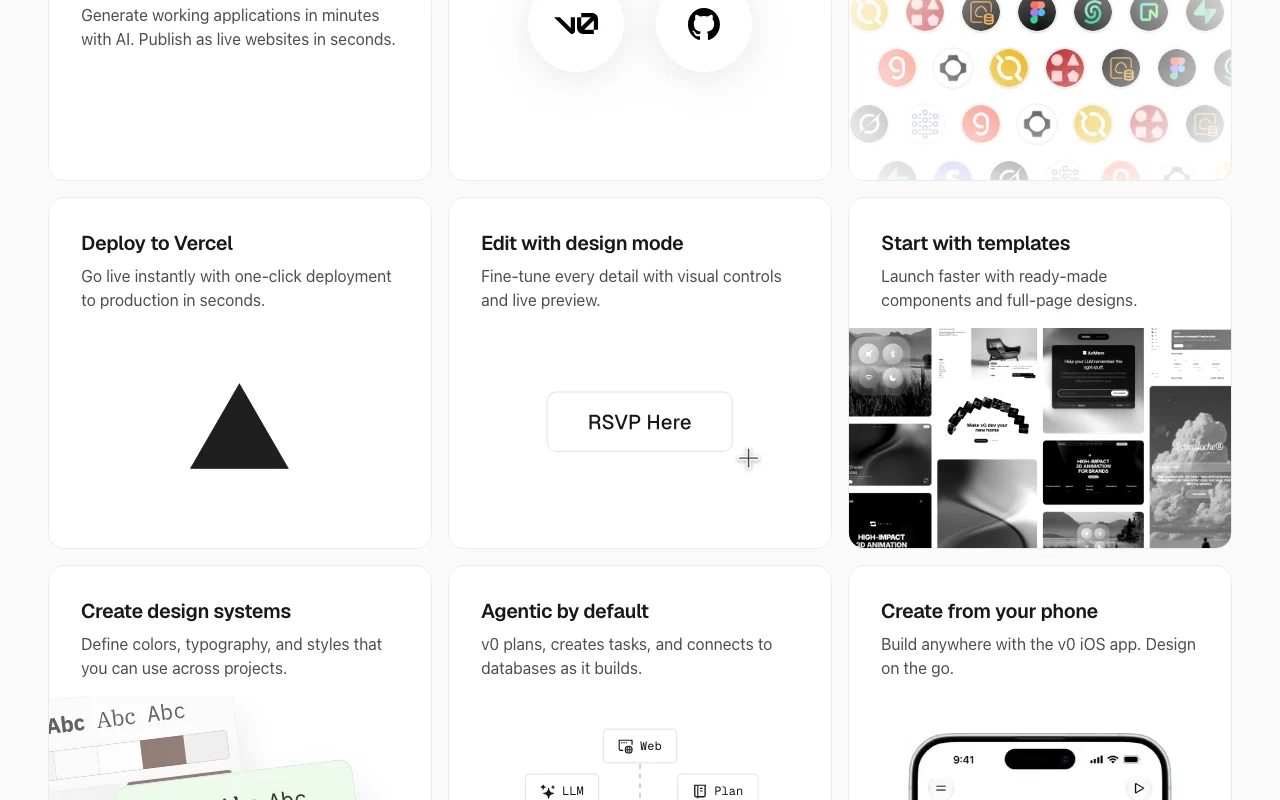
Generates UI, backend logic and deployable code from a natural-language description Moves from idea to a running app without scaffolding
Lets you select elements in the live preview and change typography, colors, spacing and more, or describe changes in words, then Apply creates a new version Fine visual tweaks without rewriting prompts
Creates a working branch, commits automatically and opens pull requests, never pushing directly to main Keeps local and v0 code in sync
Deploys the app to Vercel from the chat header and updates the same URL with Publish Changes One-click deployment with custom domains
Connects external MCP servers (presets include Context7, Linear, Notion, Sentry, Slack, Zapier) that provide tools to v0 during generation Lets the agent use outside tools
Connects databases (Neon, Supabase, Upstash for Redis, Blob), Stripe and AI providers Adds data, payments and AI to generated apps
Build a landing page for a small bakery with a menu section, opening hours and a contact form.
v0 has no public API in its official documentation. API v2 and a v0 MCP server for IDEs are referenced in the docs; details not read.
Summarized from the vendor's current policies; this is not legal advice and a vendor's badge is not an independent audit.
v0 may use prompts and content as inputs to third-party model providers to improve its products.
Enterprise customers and users who opted out in Vercel settings are excluded; customer code from Vercel platform services is not used to train v0 models.
Not stated
Vercel does not own code generated from your prompts; you are responsible for evaluating generated content.
Training opt-out by default on Business; data never used for training on Enterprise.
Policies: v0.app/docs/faqs
"Better suited" is based on documented features and pricing, not on a head-to-head test.
No user reviews yet.
Used v0? Be the first to share your experience.
Seven messages per day.
source (opens in a new tab)The FAQ lists Plus at $30 per user per month and Business at $100 per user per month; both include $30 of monthly credits per user.
source (opens in a new tab)v0 may use prompts and content as inputs to third-party model providers. Enterprise customers and users who opted out in Vercel settings are excluded.
source (opens in a new tab)Yes. Code can be exported, and the GitHub integration creates a branch, commits and opens pull requests without pushing directly to main.
source (opens in a new tab)Yes, as a client that connects external MCP servers, and it can also act as an MCP server in an IDE.
source (opens in a new tab)Yes, the FAQ says agents use credits when they fail and asks users to send feedback on repeated failures.
source (opens in a new tab)Not verified: Annual pricing; Credit amounts for Free; Plus price shown as two figures on the pricing page; the FAQ states $30 per user per month; Premium plan ($20/month) is being sunset and is not on the pricing page; Underlying language models used by v0; Figma import limits; Enterprise price.
Every fact about v0 above comes from the 7 official pages listed here, last compared on Oct 31, 2026; we have not run v0 ourselves, so it has no editorial score. How we check and re-check pages.
Article updated Oct 31, 2026; prices checked Oct 31, 2026. Outbound links to vendors are plain links; we do not earn commissions. How we review · Report an error
compare>