Free Web
Free source (opens in a new tab)
Monthly
For: Trying UXMagic
Limits
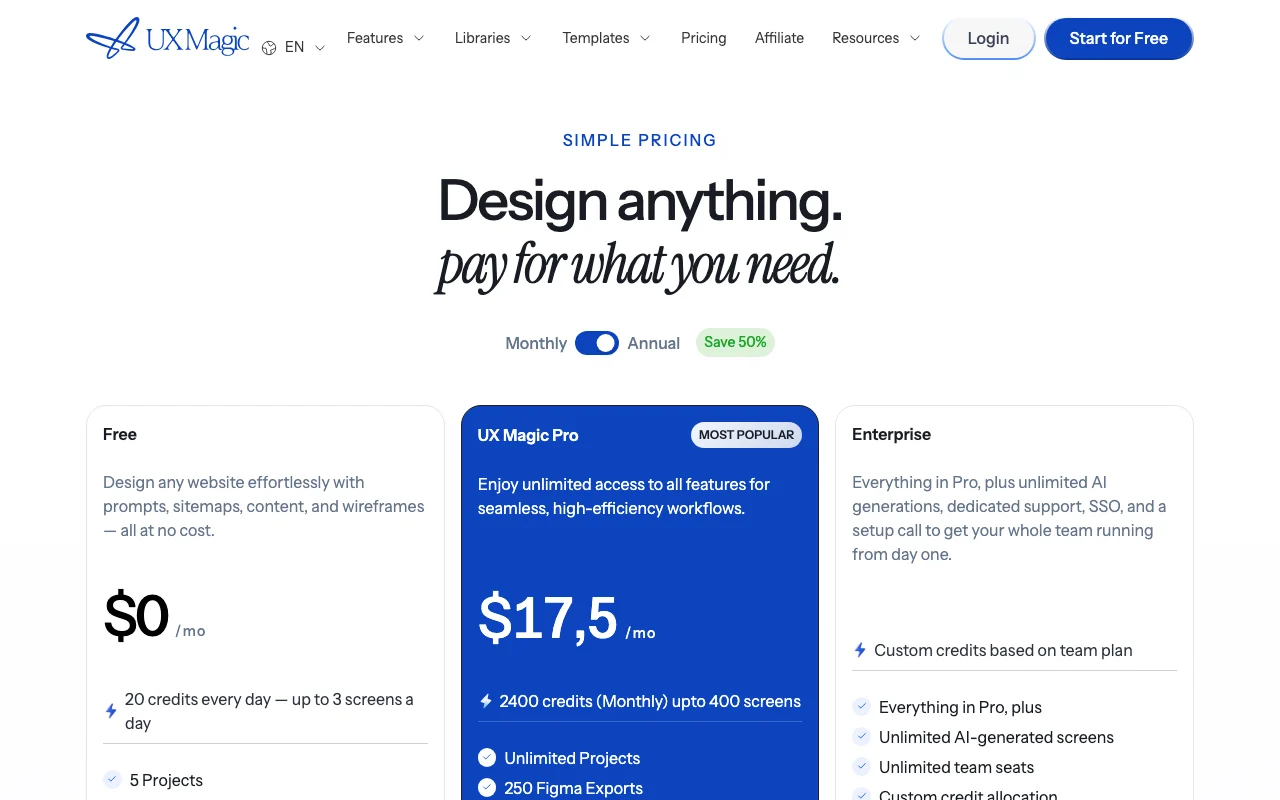
- 20 credits/day; up to 3 screens daily
- 5 projects
1 more
- 1 Figma export
Includes
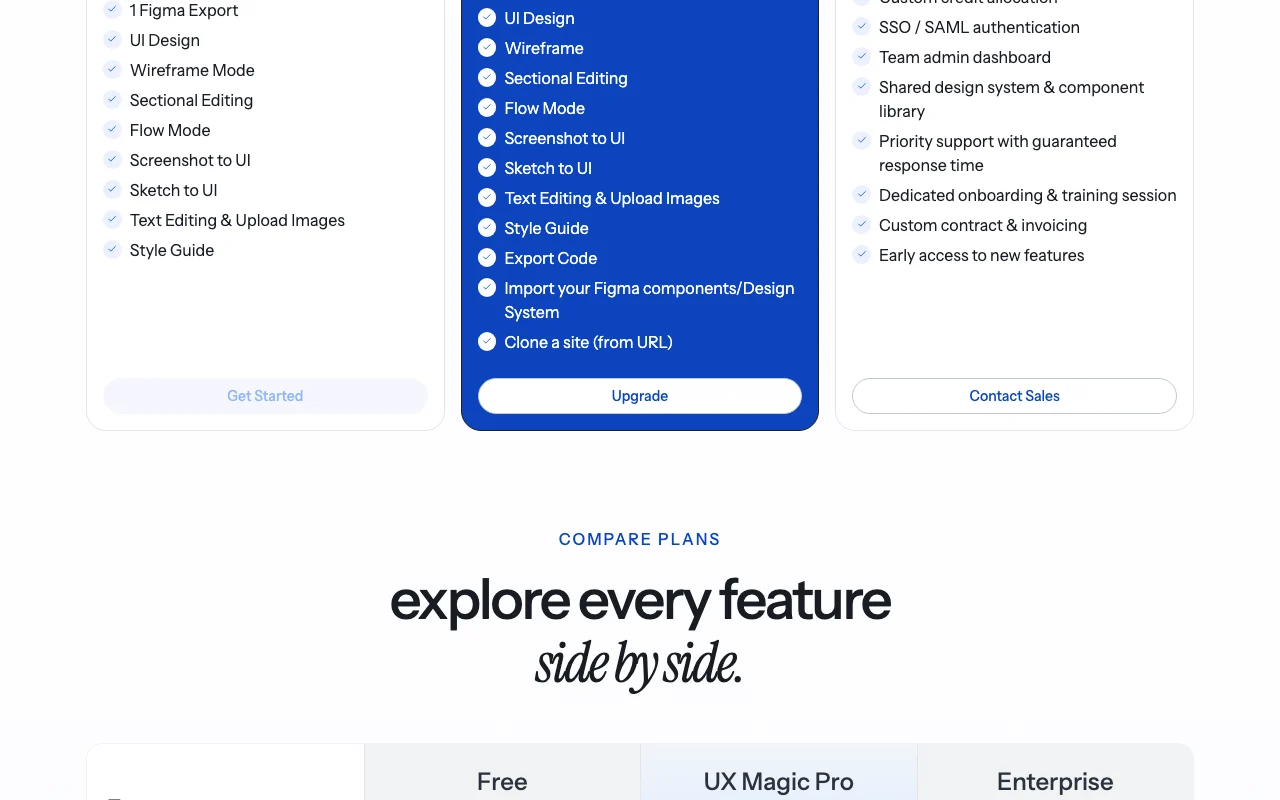
- UI Design
- Wireframe and Flow Mode
2 more
- Screenshot/Sketch to UI
- Clone a site
No API
CodingDocumented overviewLast checked Oct 2, 2026
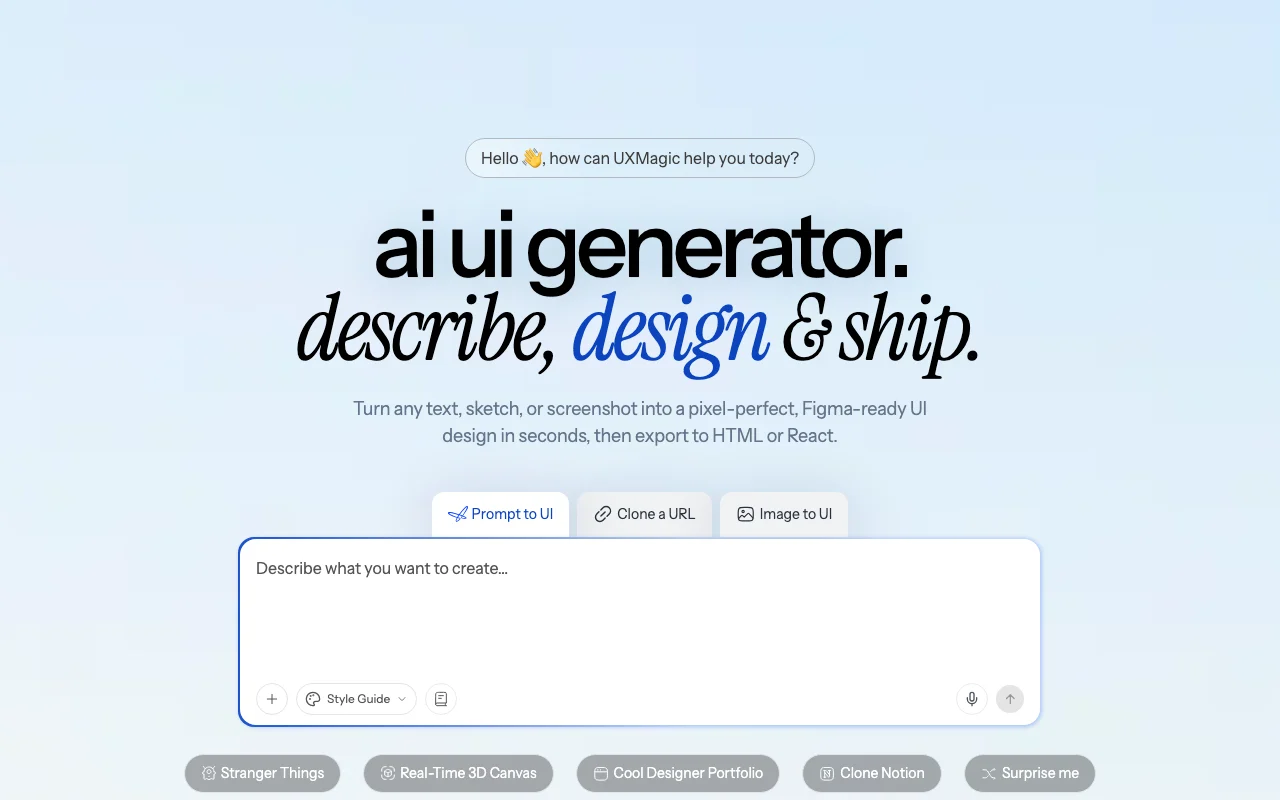
AI UI design tool that turns prompts, sketches, screenshots or URLs into editable screens, with Figma, HTML and React export.

 (open full size in a new tab)
 (open full size in a new tab)
 (open full size in a new tab)
 (open full size in a new tab)
 (open full size in a new tab)
 (open full size in a new tab)
Our take: UXMagic suits designers, founders and developers who want editable UI screens from prompts, sketches, screenshots or URLs with Figma and code export, with a free daily-credit tier and Pro at $35/mo.
Main limitation: Free tier limited to 20 credits/day and 3 screens daily
UXMagic suits designers, founders and developers who want editable UI screens from prompts, sketches, screenshots or URLs with Figma and code export, with a free daily-credit tier and Pro at $35/mo. Based on the vendor's documentation, not on a hands-on test.
Also a good fit for
Or if
Prices checked Oct 2, 2026 on the official US pricing page. Official pricing ↗ Prices and limits change often.
Free: 20 credits daily (refresh at midnight UTC), no card required
Free source (opens in a new tab)
Monthly
For: Trying UXMagic
Limits
Includes
No API
$35 source (opens in a new tab)
Monthly, annual commitment
$17.5/month billed annually ($210/year), 50% off monthly price
For: Regular designers and teams
Limits
Includes
API included
Custom pricing source (opens in a new tab)
Custom
For: Teams that scale
Limits
Includes
API included
Extra credits can be purchased from the dashboard
Not stated
UXMagic generates UI screens, wireframes and multi-screen flows from text prompts, sketches or screenshots, and can recreate a site layout from a URL. Designs can be edited on a canvas. Outputs can be exported to Figma, HTML, React and Tailwind, and to Framer and Webflow. A style guide and Figma component import keep designs consistent.
You provide
You get back
Scenarios are worked out by our editors from the documentation; the actual result depends on your input and plan.
Generates a polished UI screen from a text prompt Fast first design
Creates a multi-screen user flow from one prompt Plan journeys quickly
Turns screenshots or sketches into editable UI Rebuilds existing designs
Recreates a site's layout from its URL for inspiration Faster starting point
Design a mobile onboarding flow with three screens for a budgeting app, clean modern style.
Export: Figma, HTML, React, Tailwind, PDF, PNG, JPEG, WebP
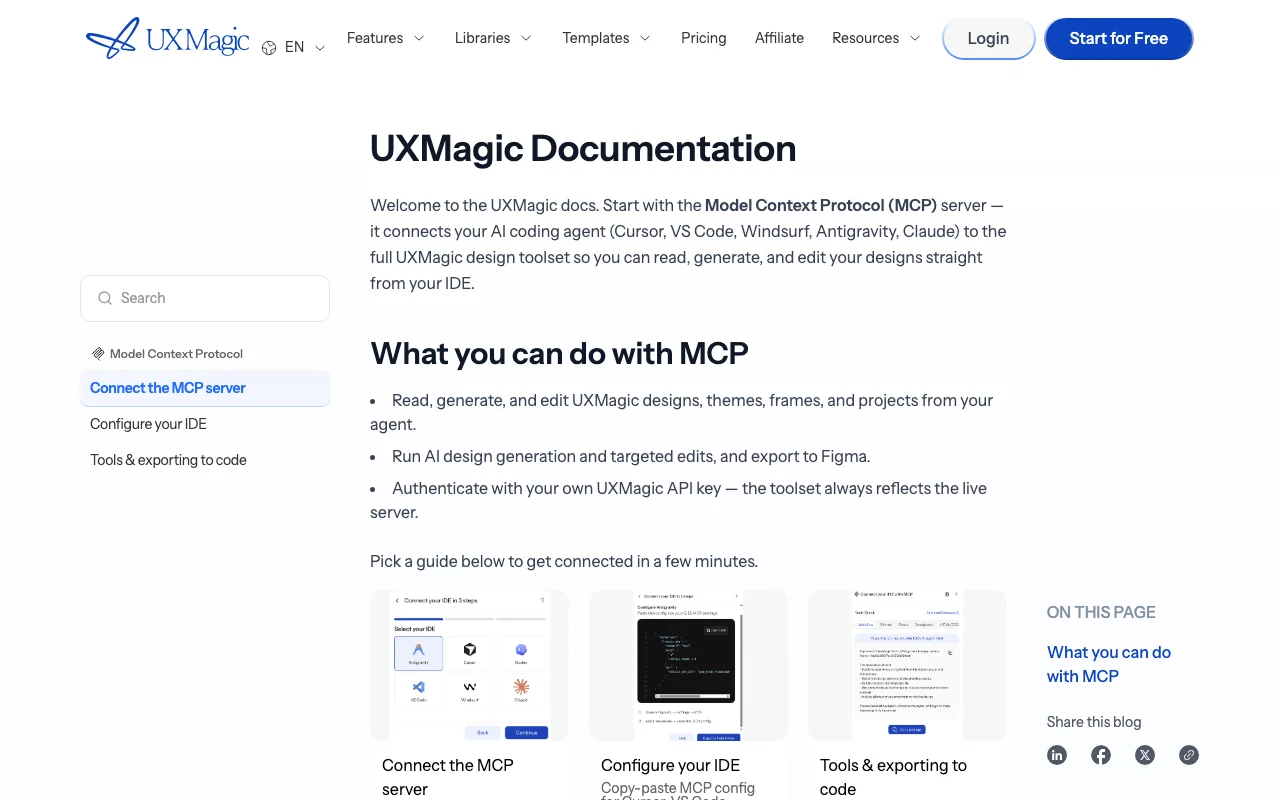
UXMagic has no public API in its official documentation. MCP server works with Cursor, VS Code, Windsurf, Antigravity, Claude Desktop API documentation ↗
Summarized from the vendor's current policies; this is not legal advice and a vendor's badge is not an independent audit.
Not stated on fetched pages
FAQ says users own 100% of designs and code, with no licensing restrictions
SSO/SAML on Enterprise
"Better suited" is based on documented features and pricing, not on a head-to-head test.
No user reviews yet.
Used UXMagic? Be the first to share your experience.
Yes: 20 free credits every day with up to 3 screens daily, no card required. source (opens in a new tab)
$35/month billed monthly, or $17.5/month billed annually ($210/year). source (opens in a new tab)
The FAQ says you own the designs and code with no licensing restrictions. source (opens in a new tab)
The pricing FAQ says no refunds are currently offered on subscriptions or credit purchases. source (opens in a new tab)
Yes, the MCP server connects Cursor, VS Code, Windsurf, Antigravity and Claude Desktop with an API key. source (opens in a new tab)
Not verified: Privacy and retention policy; Training use; Credit price for extra packs; Mobile apps; US availability; FAQ mentions older Premium/Ultimate plans that differ from the pricing page.
Every fact about UXMagic above comes from the 3 official pages listed here, last compared on Oct 2, 2026; we have not run UXMagic ourselves, so it has no editorial score. How we check and re-check pages.
Article updated Oct 2, 2026; prices checked Oct 2, 2026. Outbound links to vendors are plain links; we do not earn commissions. How we review · Report an error
compare>