CodingDocumented overviewLast checked Sep 29, 2026

Corsair: Pricing, Features & Best Use Cases

Open-source TypeScript integration layer that lets apps and AI agents call GitHub, Slack, Gmail and 200+ services with one syntax.

Who Corsair fits

Use Corsair if you are a TypeScript developer who wants one typed syntax for 200+ integrations with managed OAuth, webhooks and rate limits, while keeping credentials in your own database. Based on the vendor's documentation, not on a hands-on test.

Best for: Developers building AI agents that need tool access

Also a good fit for

  • SaaS teams shipping many third-party integrations
  • Multi-tenant B2B products

Consider another tool if hobby tier capped at 50 connections, 100k webhook events and 3 team members

Or if

  • Pro plan costs $200/mo
  • Developer-oriented: requires writing TypeScript or SDK code

Corsair in the news

Headlines from US outlets, selected automatically — not endorsements. Updated Oct 2, 2026

Corsair pricing and usage limits

Prices checked Sep 29, 2026 on the official US pricing page. Official pricing ↗ Prices and limits change often.

Vendor pricing page re-checked automatically 11 days ago: no changes detected.

Free access and trial conditions

Hobby tier plus self-hosting the full SDK for free.

Paid plans: what changes as you upgrade

Hobby Web

Free source (opens in a new tab)

Monthly

For: Small projects

Limits

  • 50 connections
  • 100k webhook events
1 more
  • Up to 3 team members

Includes

  • Unlimited tool calls
  • Corsair-branded consent screen
1 more
  • Discord community support

API included

Pro Web

$200 source (opens in a new tab)

Monthly

For: Production teams

Limits

  • Unlimited connections and webhooks
  • Unlimited team members

Includes

  • Custom branding on consent screen
  • Slack support
1 more
  • Corsair team builds integrations

API included

Enterprise Web

Custom pricing source (opens in a new tab)

Custom

For: Custom needs

Limits

  • Custom

Includes

  • Custom integrations
  • Custom support

API included

What is Corsair, and how does it work?

Corsair is an open-source integration layer for apps and AI agents. Developers install plugins for services such as GitHub, Slack, Gmail or Notion and call every integration through the same typed syntax, while Corsair handles OAuth, token refresh, webhooks and rate limits. It runs inside your own app, with credentials encrypted in your own database; the hosted Hub serves connect pages and OAuth callbacks. Corsair Cloud is a hosted runtime where each tool call is an HTTP request authenticated with a project API key, with clients for TypeScript, Python, Go, Swift and curl. The library is Apache 2.0 licensed and the pricing table lists a free Hobby tier, a Pro tier and custom Enterprise plans.

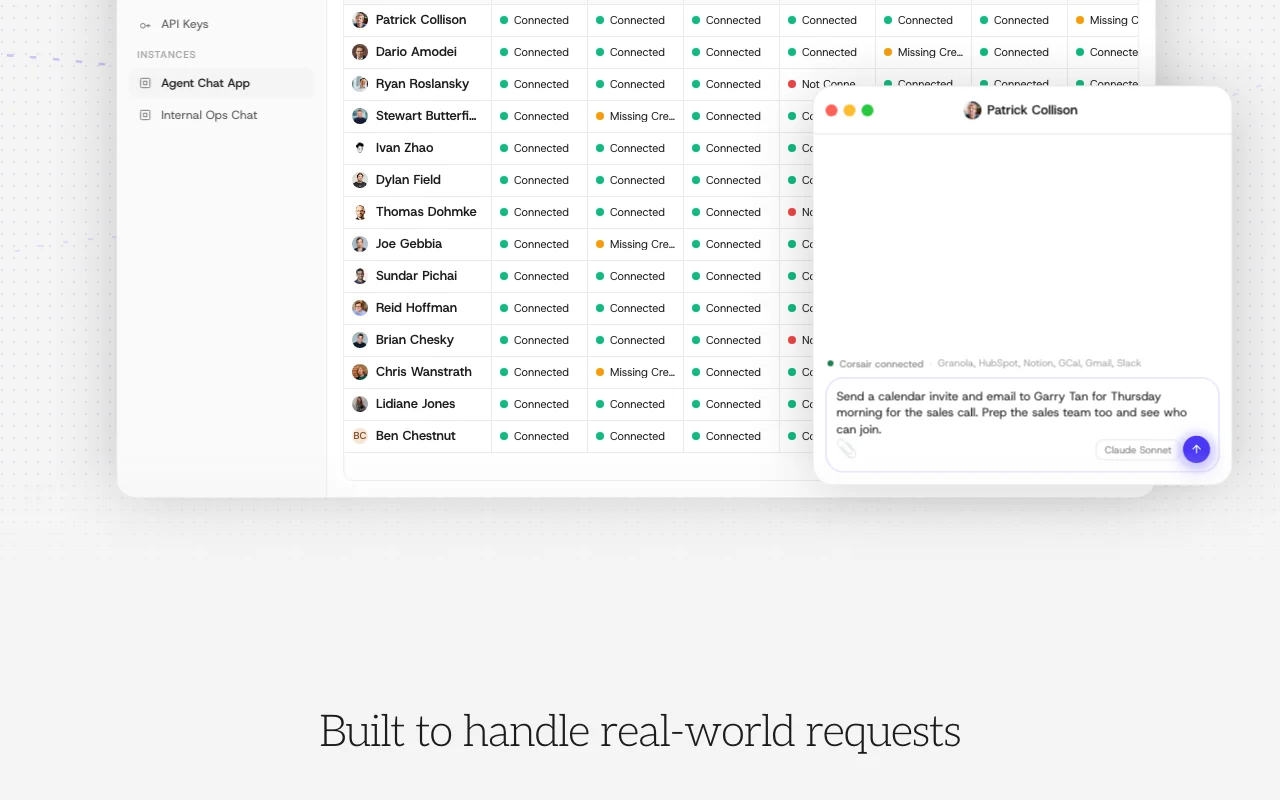
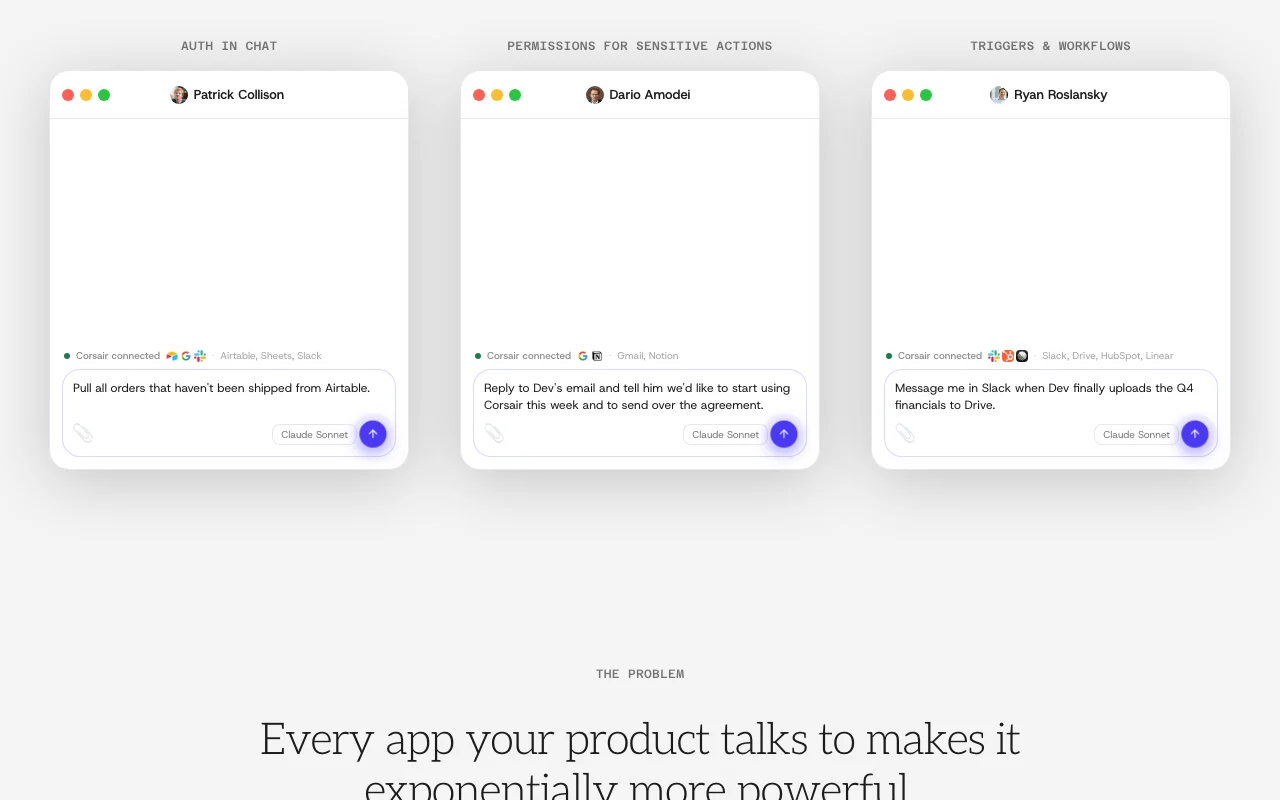
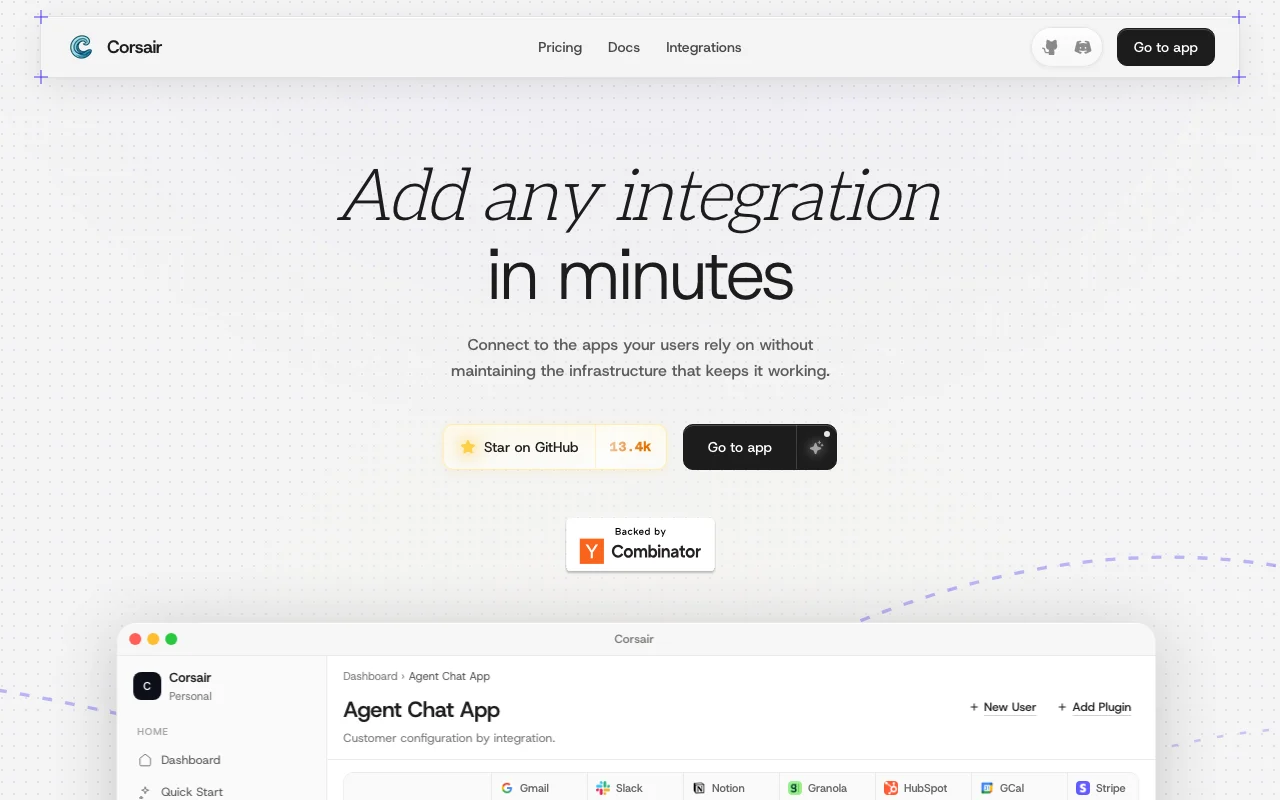
Corsair homepage — screenshot of the coding AI tool, Oct 1, 2026
Corsair's official site: how the product presents itself. corsair.dev, captured Oct 1, 2026

What you provide and what you get back

How Corsair works: what you provide, where it runs and what you get backYOU PROVIDEYour inputPlugin configuration for services…OAuth credentials stored in your…Tool calls from your app or AI ag…CODINGCorsairWeb, APIfrom $200 (Pro)free tier availableaccount requiredchecked Sep 29, 2026YOU GET BACKThe resultTyped integration call resultsWebhook eventsManaged permission and OAuth cons…input → Corsair → output · from the vendor's own pages, no hands-on test unless stated
What you give Corsair and what comes back, from its documentation

You provide

  • Plugin configuration for services like GitHub, Slack, Gmail, Notion
  • OAuth credentials stored in your database
  • Tool calls from your app or AI agent

You get back

  • Typed integration call results
  • Webhook events
  • Managed permission and OAuth consent pages

Where you can use it

Platforms
Web, API
Account
Required
Language
TypeScript; Cloud clients in Python, Go, Swift
License
Apache 2.0
Integrations
200+
Workflows
Beta

What people use Corsair for

Scenarios are worked out by our editors from the documentation; the actual result depends on your input and plan.

Giving an AI agent access to third-party tools without exposing API keys

Who
AI agent developers
You provide
An agent that needs Gmail and Slack
Expected result
Agent calls tools without ever seeing API keys
Plan needed
Hobby
Limitation
50 connections on Hobby source (opens in a new tab)

Adding OAuth-based integrations (Slack, Gmail, GitHub) to a SaaS product

Who
SaaS product teams
You provide
Customer OAuth connections
Expected result
Per-tenant isolated credentials and token refresh
Plan needed
Pro
Limitation
$200/month source (opens in a new tab)

Multi-tenant credential isolation for B2B apps

Who
Open-source contributors
You provide
A missing integration
Expected result
A new plugin scaffolded and merged
Plan needed
Free (Apache 2.0)
Limitation
Community support on Hobby source (opens in a new tab)

Key features and their practical limits

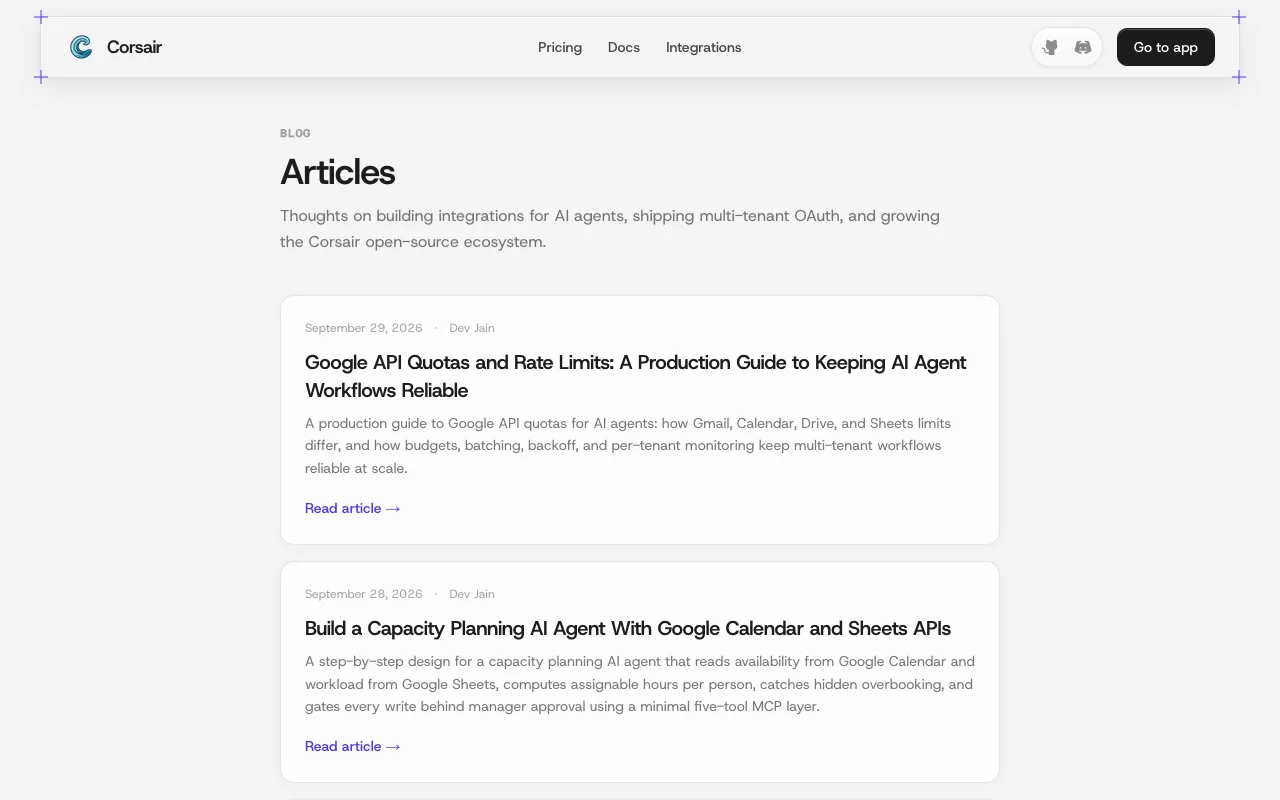
Corsair homepage — screenshot of the coding AI tool, Oct 1, 2026
Feature overview on the official site. corsair.dev, captured Oct 1, 2026

200+ integrations via plugins with a single call syntax

Offers 200+ plugins called through one typed syntax. Uniform code across services.

Access: AllLimit: TypeScript-first source (opens in a new tab)

Managed OAuth, token refresh, webhook verification and rate limits

Handles OAuth, token refresh, webhook signature verification and rate limits. Removes brittle plumbing.

Access: AllLimit: Webhooks capped at 100k on Hobby source (opens in a new tab)

Credentials stay encrypted in your own database

Sets a permission mode per integration so destructive actions need approval. Safer agents.

Access: AllLimit: Needs configuration source (opens in a new tab)

Corsair Cloud hosted runtime with API key auth

Corsair Cloud runs tool calls as HTTP requests with project API keys and clients for TypeScript, Python, Go, Swift and curl. Non-TypeScript apps can use it.

Access: CloudLimit: Hosted option separate from library source (opens in a new tab)

Pros, cons and deal-breakers

Where Corsair is strong

Limitations to check before paying

How to use Corsair for giving an AI agent access to Slack and Gmail

Set up Corsair

  1. Install the Corsair package in your TypeScript project.
  2. Add the Slack and Gmail plugins.
  3. Configure OAuth credentials, stored encrypted in your database.
  4. Set permission modes so destructive actions need approval.

Example: giving an AI agent access to Slack and Gmail

  1. Connect a user's Gmail through the Hub connect page.
  2. Have the agent call the Gmail send tool.
  3. Approve the draft when prompted.
  4. Check the message in the Sent folder.

Review and export the result

  1. Confirm credentials are encrypted in your database.
  2. Verify the agent saw only method names and results.
  3. Check webhook events reach your handler.

Corsair API

API access and separate billing

Corsair has no public API in its official documentation. Cloud API clients for TypeScript, Python, Go, Swift, curl. API documentation ↗

Privacy, data use and commercial rights

Summarized from the vendor's current policies; this is not legal advice and a vendor's badge is not an independent audit.

How your inputs and outputs are handled

Credentials stay encrypted in your database; the Hub relays OAuth without storing credentials or data.

Commercial use and plan restrictions

Apache 2.0 license.

Controls for business users

  • Per-integration permission modes
  • Per-tenant caching

Corsair alternatives by need

"Better suited" is based on documented features and pricing, not on a head-to-head test.

Zapier: better suited to

Make: better suited to

n8n: better suited to

Alternatives
AlternativeWhen to choose itPricingLimitation
Zapier——
Make——
n8n——

Explore Corsair further

If you are looking at Corsair

Corsair user reviews

No user reviews yet.

Used Corsair? Be the first to share your experience.

Write a review

Reviews are checked by a moderator before they appear. Your email is never published. Plain text only.

Your rating (required)

Show what you made or what went wrong. Images are published only if the review is approved; location data is removed.

    Corsair FAQ

    Does my agent see my API keys?

    No. Corsair resolves credentials at call time; the agent sees only method names and results. source (opens in a new tab)

    Can I use it without an AI agent?

    Yes, you can call it as a typed library for actions like posting to Slack. source (opens in a new tab)

    Does the hosted Hub store my credentials?

    No, it is a relay; credentials and data live in your database. source (opens in a new tab)

    What if an integration is missing?

    Open a PR, fork the repo, or scaffold a plugin with one command. source (opens in a new tab)

    What does Pro cost?

    $200 per month with unlimited connections, webhooks and team members. source (opens in a new tab)

    Sources and review methodology

    Official sources and verification dates

    Not verified: Privacy policy; Docs content.

    How we documented and maintain this page

    Every fact about Corsair above comes from the 2 official pages listed here, last compared on Sep 29, 2026; we have not run Corsair ourselves, so it has no editorial score. How we check and re-check pages.

    Article updated Oct 10, 2026; prices checked Sep 29, 2026. Outbound links to vendors are plain links; we do not earn commissions. How we review · Report an error