CodingDocumented overviewLast checked Oct 2, 2026

Crayon AI: Pricing, Features & Best Use Cases

Web platform that turns plain-English descriptions into playable games without using a game engine.
Who should use Crayon AI

Crayon suits people who want to prototype browser games from plain-English prompts without a game engine and can work within a credit budget. Based on the vendor's documentation, not on a hands-on test.

Best for: Hobbyists prototyping casual games

Also a good fit for

  • Non-programmers wanting playable web games

Consider another tool if free tier is a one-time 100-credit allowance that expires after 90 days

Or if

  • Plan credits do not roll over between billing cycles
  • Game export is a paid-plan feature

Crayon AI pricing and usage limits

Prices checked Oct 2, 2026 on the official US pricing page. Official pricing ↗ Prices and limits change often.

Crayon AI pricing page with plans and prices — screenshot of the coding AI tool, Oct 2, 2026
The official Crayon AI pricing page as we saw it. usecrayon.ai, captured Oct 2, 2026

Free access and trial conditions

New accounts receive a one-time 100 free credits valid 90 days.

No trial beyond free credits.

Paid plans: what changes as you upgrade

Free credits web

Free source (opens in a new tab)

Month

For: Trying the builder

Limits

  • One allowance per person
  • Credits expire after 90 days

Includes

  • Build and play games

Starter web

$15/mo source (opens in a new tab)

Month

For: Light creators

Limits

  • 1,500 credits per billing cycle
  • No rollover

Includes

  • Game export
  • Priority support

Creator web

$49/mo source (opens in a new tab)

Month

For: Regular creators

Limits

  • 5,000 credits per billing cycle
  • No rollover

Includes

  • Game export
  • Priority support

Professional web

$100/mo source (opens in a new tab)

Month

For: Heavy creators

Limits

  • 12,000 credits per billing cycle
  • No rollover

Includes

  • Game export
  • Priority support

Credit pack web

$5 source (opens in a new tab)

One-time

For: Topping up

Limits

  • 400 credits per pack
  • Usable within 60 days

Includes

  • Extra credits

Usage caps, credits and extra costs

Credit packs at $5 per 400 credits; all purchases final, no refunds.

Prices in US dollars and exclude applicable taxes; payments via Stripe.

What is Crayon AI, and how does it work?

Crayon AI is a browser-based game creation tool. You describe a game idea in plain English, answer guided questions to refine gameplay, and adjust characters and assets with natural-language edits instead of working in a game engine. Finished games can be published to Crayon's arcade, exported for portals such as Poki and CrazyGames, or self-hosted. Public information is limited to a single landing page; no pricing or documentation pages were found.

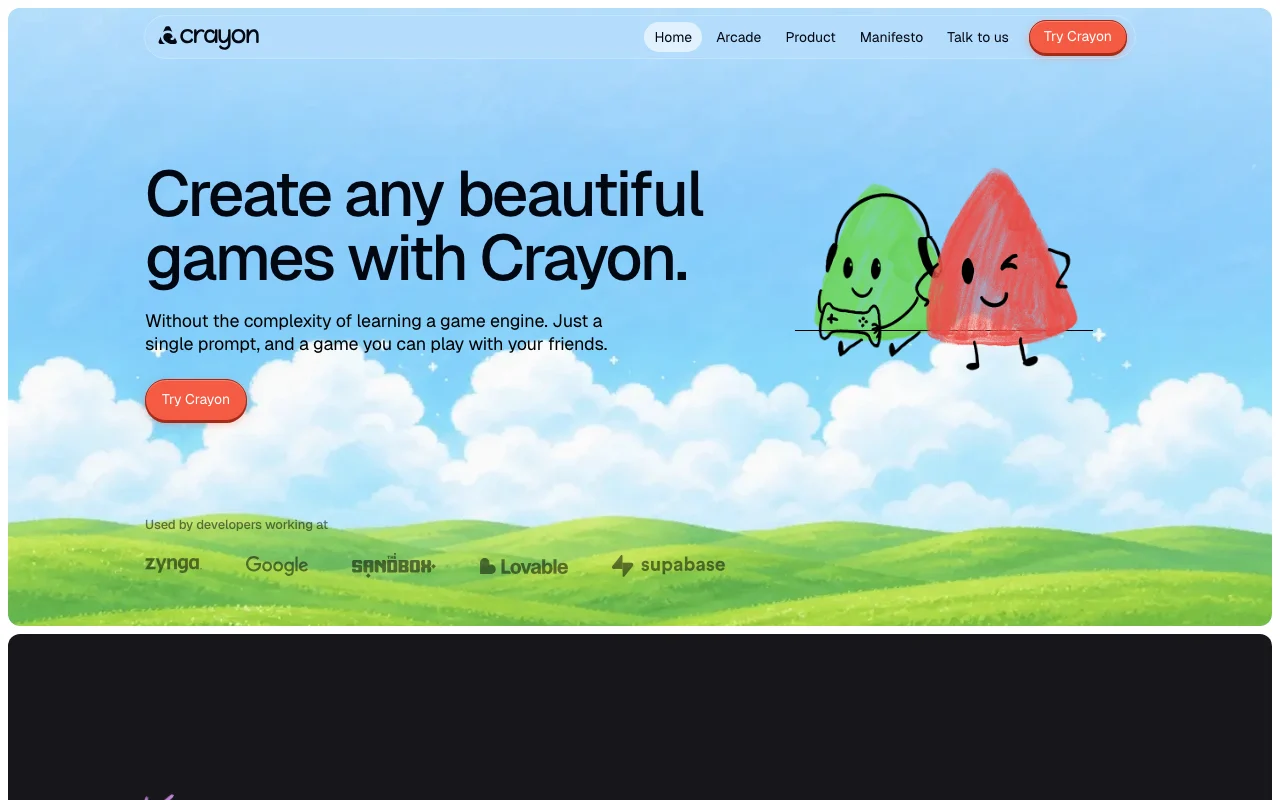
Crayon AI homepage — screenshot of the coding AI tool, Oct 2, 2026
Crayon AI's official site: how the product presents itself. usecrayon.ai, captured Oct 2, 2026

What you provide and what you get back

How Crayon AI works: what you provide, where it runs and what you get backYOU PROVIDEYour inputPlain-English game ideaAnswers to setup questionsChat edit requestsCODINGCrayon AIWebfrom $15/mo (Starter)free tier availableaccount requiredchecked Oct 2, 2026YOU GET BACKThe resultPlayable browser gameExports for game portalsinput → Crayon AI → output · from the vendor's own pages, no hands-on test unless stated
What you give Crayon AI and what comes back, from its documentation

You provide

  • Plain-English game idea
  • Answers to setup questions
  • Chat edit requests

You get back

  • Playable browser game
  • Exports for game portals

Where you can use it

Platforms
Web
Account
Required

Best use cases for Crayon AI

Scenarios are worked out by our editors from the documentation; the actual result depends on your input and plan.

Prototype a casual game from a text prompt

Who
Hobbyists and indie makers
You provide
A game idea as text
Expected result
A playable prototype
Plan needed
Free credits or Starter
Limitation
Beta features may produce errors source (opens in a new tab)

Build browser games without engine knowledge

Who
People without coding skills
You provide
Natural-language edit requests
Expected result
Games adjusted without an engine
Plan needed
Any plan
Limitation
Edits cost credits source (opens in a new tab)

Publish games to web game portals

Who
Creators targeting web portals
You provide
Finished game
Expected result
Exported or arcade-published game
Plan needed
Paid plan
Limitation
Export is a paid feature source (opens in a new tab)

Crayon AI features and their limits

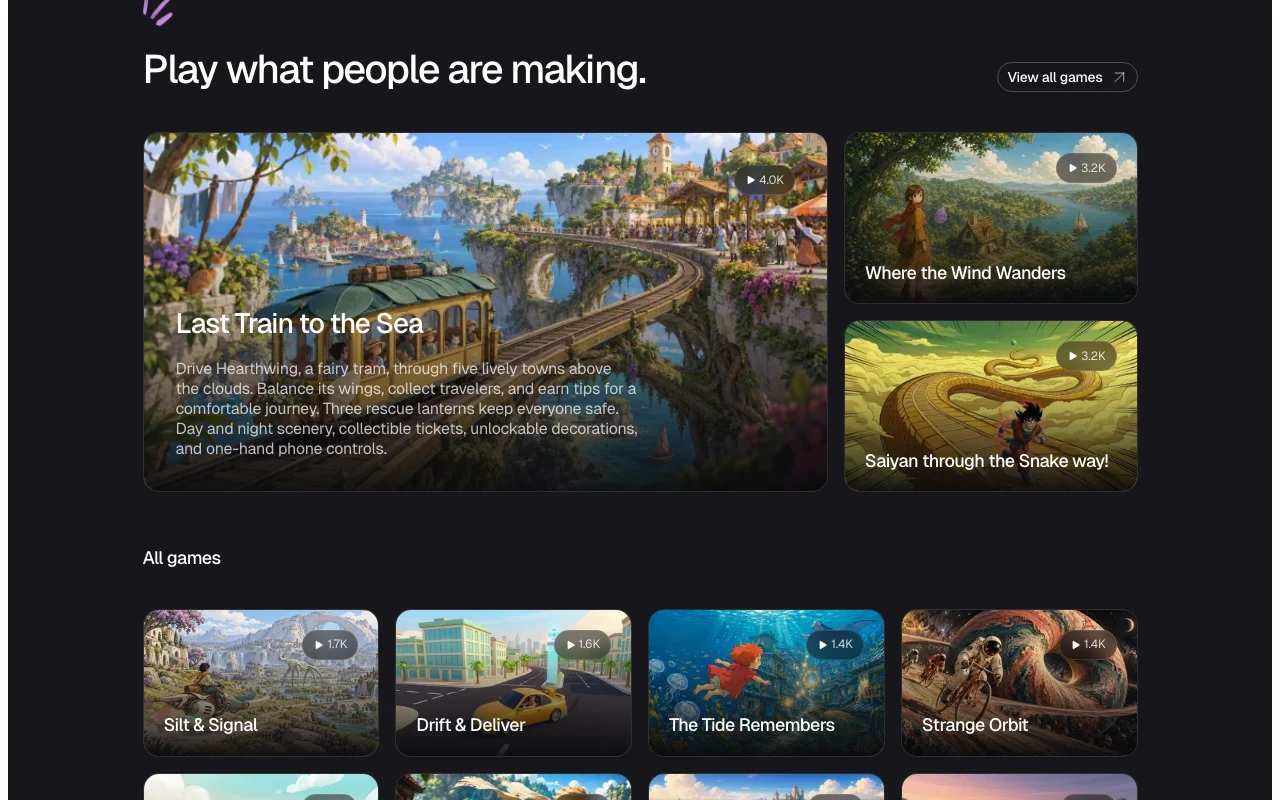
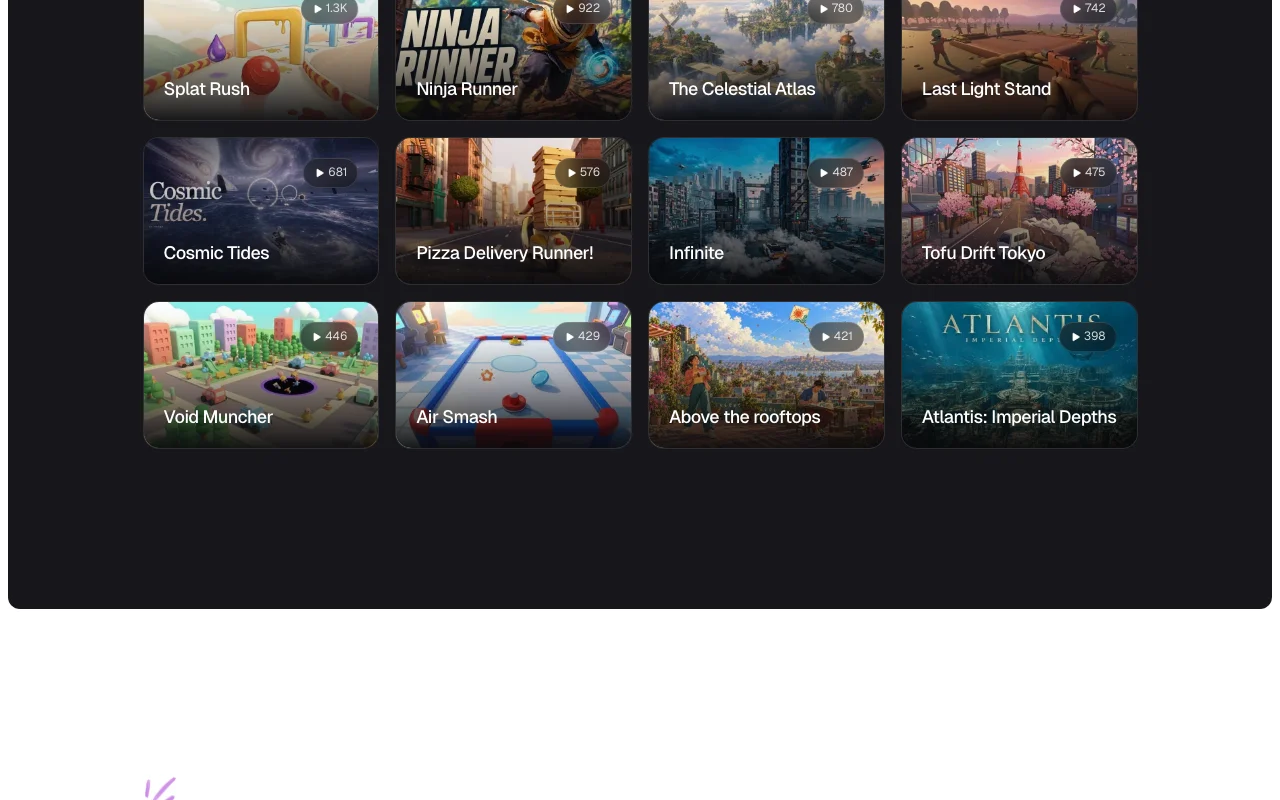
Crayon AI homepage — screenshot of the coding AI tool, Oct 2, 2026
Feature overview on the official site. usecrayon.ai, captured Oct 2, 2026

Text-prompt game generation

Builds a playable game from your idea, setup answers and a plan. Skips manual engine setup.

Access: All accounts, credit-meteredLimit: Generated games may contain errors source (opens in a new tab)

Guided questions to refine gameplay

Asks setup questions to shape gameplay before the build. Reduces vague results.

Access: All accountsLimit: Adds a step before the build source (opens in a new tab)

Natural-language asset and character edits

Lets you change characters and assets through chat and an asset editor. Avoids art tools.

Access: All accounts, credit-meteredLimit: Each action uses credits source (opens in a new tab)

Built-in arcade for publishing

Provides Crayon Arcade where published games can be played, shared and remixed. Gives a place to share without hosting.

Access: PublishingLimit: Remixing only where you allow it source (opens in a new tab)

Crayon AI: strengths and limits

Where Crayon AI is strong

Limitations to check before paying

How to use Crayon AI for making a browser game from a text idea

Set up Crayon AI

  1. Open usecrayon.ai.
  2. Create an account (you must be 13 or older).
  3. Start a new game in Standard mode.

Example: making a browser game from a text idea

  1. Describe your game idea in plain English.
  2. Answer the setup questions.
  3. Review the generated game and edit via chat.
  4. Publish to the arcade.

Review and export the result

  1. Play the game through to check it works.
  2. Check your credit balance.
Example prompt suggested by our editors (not a recorded output of the product)
A side-scrolling game where a fairy tram collects travelers across clouds

Crayon AI integrations and API

Crayon AI pricing page with plans and prices — screenshot of the coding AI tool, Oct 2, 2026
Plan comparison on the official pricing page. usecrayon.ai, captured Oct 2, 2026

Native integrations and export formats

Export: Game export on paid plans

API access and separate billing

Crayon AI has no public API in its official documentation. API not mentioned on the pages checked.

Privacy, data use and commercial rights

Summarized from the vendor's current policies; this is not legal advice and a vendor's badge is not an independent audit.

How your inputs and outputs are handled

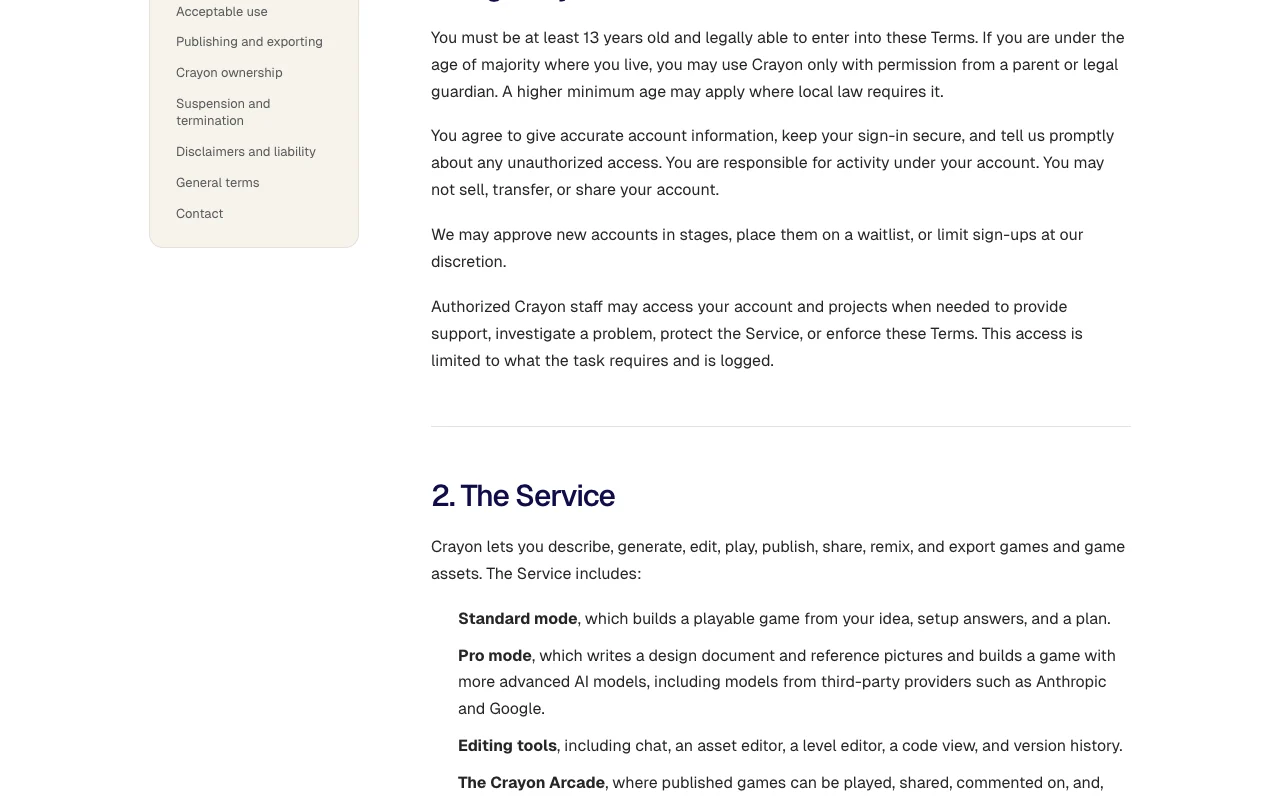
Prompts and games are processed by Crayon and third-party model providers including Anthropic and Google.

Commercial use and plan restrictions

Crayon does not claim ownership of output; games are yours with no royalties.

Game export requires a paid plan.

Policies: usecrayon.ai/privacy

Other tools to consider instead of Crayon AI

"Better suited" is based on documented features and pricing, not on a head-to-head test.

Lovable: better suited to

Replit: better suited to

Cursor: better suited to

Alternatives
AlternativeWhen to choose itPricingLimitation
Lovable——Compare
Replit——Compare
Cursor——Compare

Explore Crayon AI further

Tools and guides near Crayon AI

Crayon AI user reviews

No user reviews yet.

Used Crayon AI? Be the first to share your experience.

Write a review

Reviews are checked by a moderator before they appear. Your email is never published. Plain text only.

Your rating (required)

Show what you made or what went wrong. Images are published only if the review is approved; location data is removed.

    Crayon AI FAQ

    How many free credits does Crayon give new accounts?

    New accounts get a one-time 100 free credits valid for 90 days, one allowance per person. source (opens in a new tab)

    What are Crayon's paid plans?

    Starter is US $15/month for 1,500 credits, Creator $49 for 5,000 and Professional $100 for 12,000. source (opens in a new tab)

    Do Crayon credits roll over?

    No, plan credits expire at the end of each billing cycle; credit packs are usable for 60 days. source (opens in a new tab)

    Who owns games made with Crayon?

    Crayon states it does not claim ownership of output and takes no royalties or revenue share. source (opens in a new tab)

    Sources and review methodology

    Official sources and verification dates

    Not verified: Privacy policy details; Docs content; Credit cost per action.

    How we documented and maintain this page

    Every fact about Crayon AI above comes from the 2 official pages listed here, last compared on Oct 2, 2026; we have not run Crayon AI ourselves, so it has no editorial score. How we check and re-check pages.

    Article updated Oct 10, 2026; prices checked Oct 2, 2026. Outbound links to vendors are plain links; we do not earn commissions. How we review · Report an error