Our take: Use AllyHub if you want no-code agents that scrape sites, monitor changes and turn the data into charts and summaries, and you are fine paying by monthly credits from $15.99.
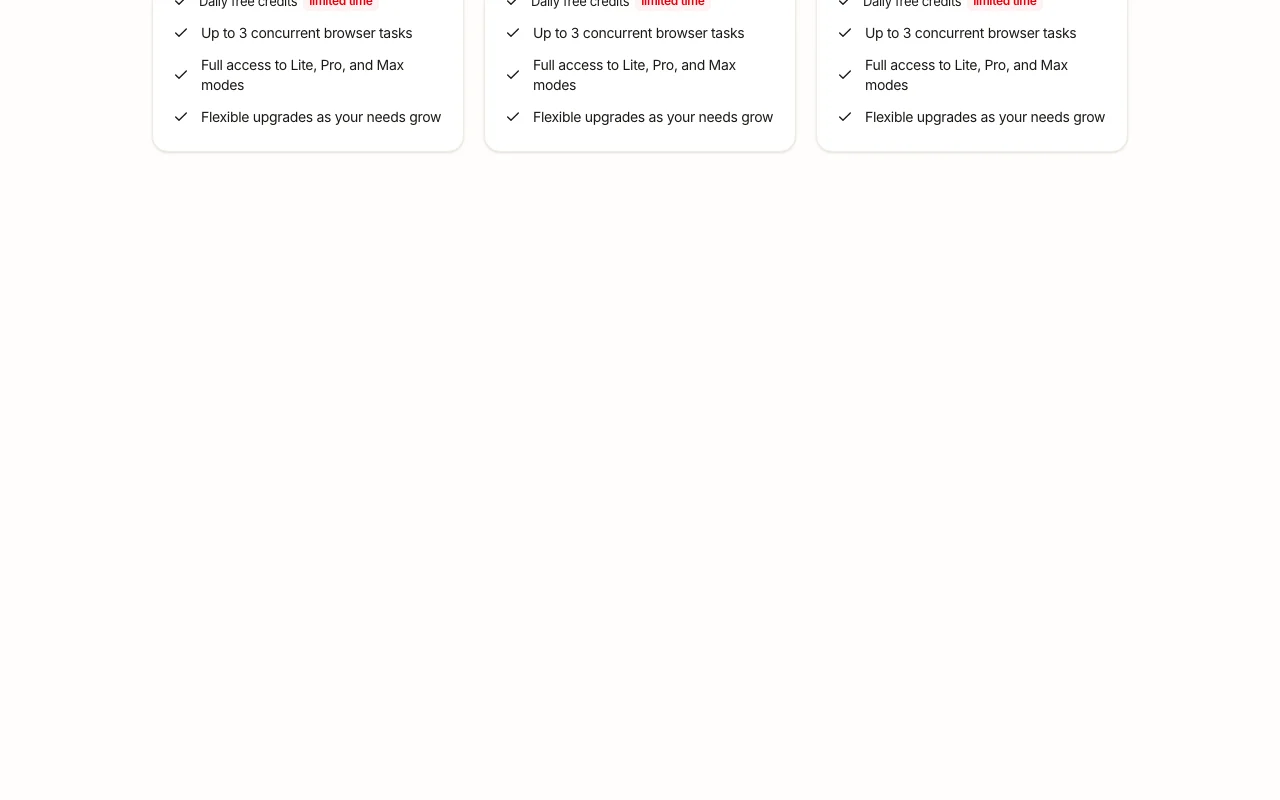
Main limitation: Every plan is credit-based with a cap of 3 concurrent browser tasks, and the daily free credits are labeled limited time.
By the AI Tool Atlas editors.
Based on the vendor's official documentation; we have not tested this product hands-on. What “documented overview” means
Who should use AllyHub
Use AllyHub if you want no-code agents that scrape sites, monitor changes and turn the data into charts and summaries, and you are fine paying by monthly credits from $15.99. Based on the vendor's documentation, not on a hands-on test.
Best for: Analysts and marketers tracking web data
Also a good fit for
Teams needing no-code scraping
Consider another tool if credit-based plans (2,000 to 20,000 credits/month)
Or if
Up to 3 concurrent browser tasks on all plans
Daily free credits are labeled limited time
AllyHub pricing and usage limits
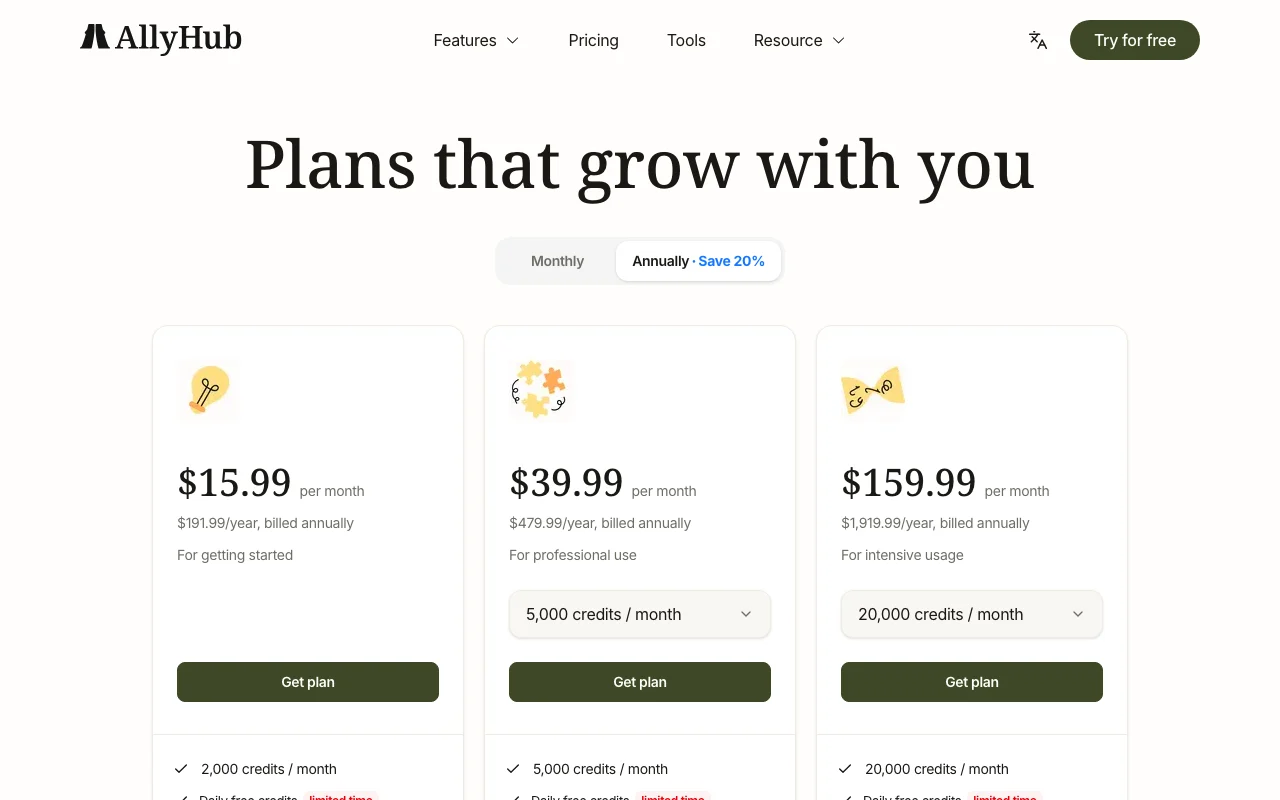
Prices checked Sep 29, 2026 on the official US pricing page. Official pricing ↗ Prices and limits change often.
The official AllyHub pricing page as we saw it. allyhub.com, captured Oct 1, 2026
Free access and trial conditions
No fixed free plan on the pricing page; daily free credits are shown as limited time.
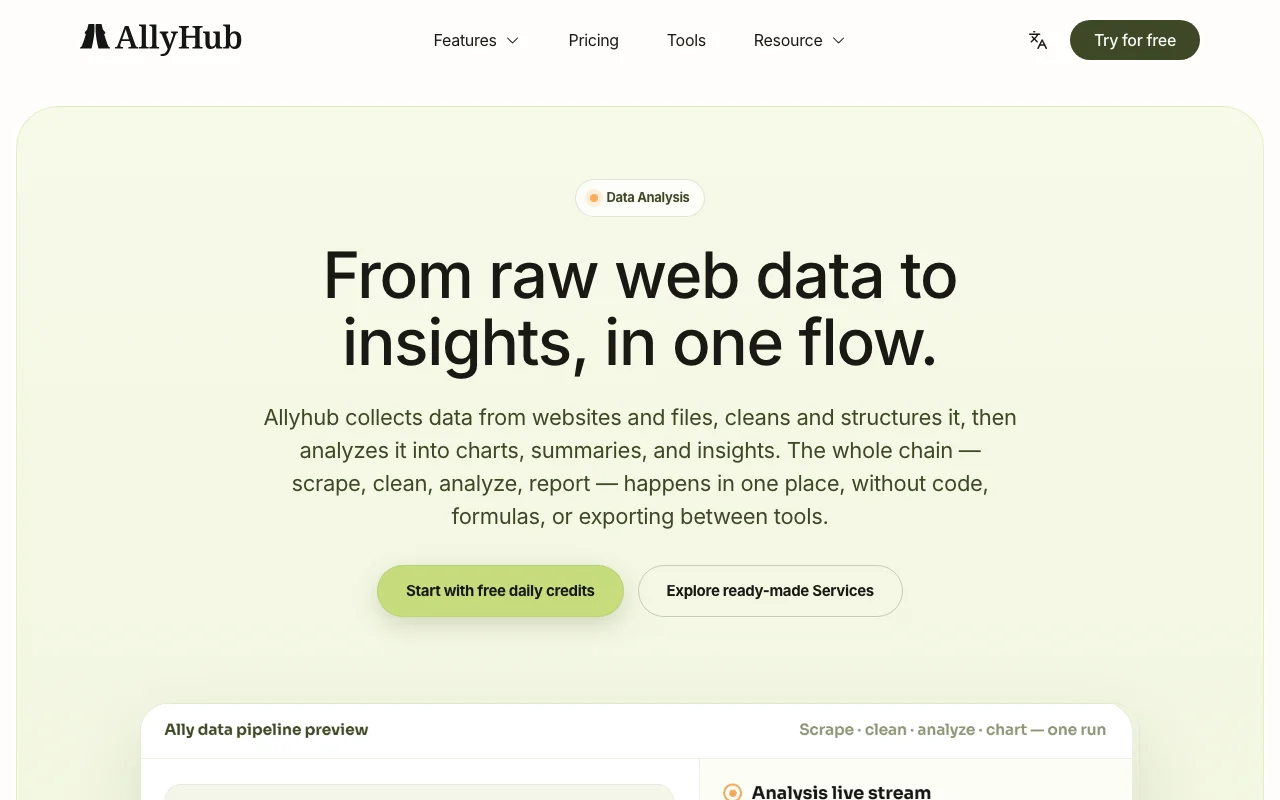
AllyHub lets you create an AI agent, called an Ally, that gathers data from websites such as TikTok, Instagram, LinkedIn and Amazon, watches for changes and reports on a schedule.
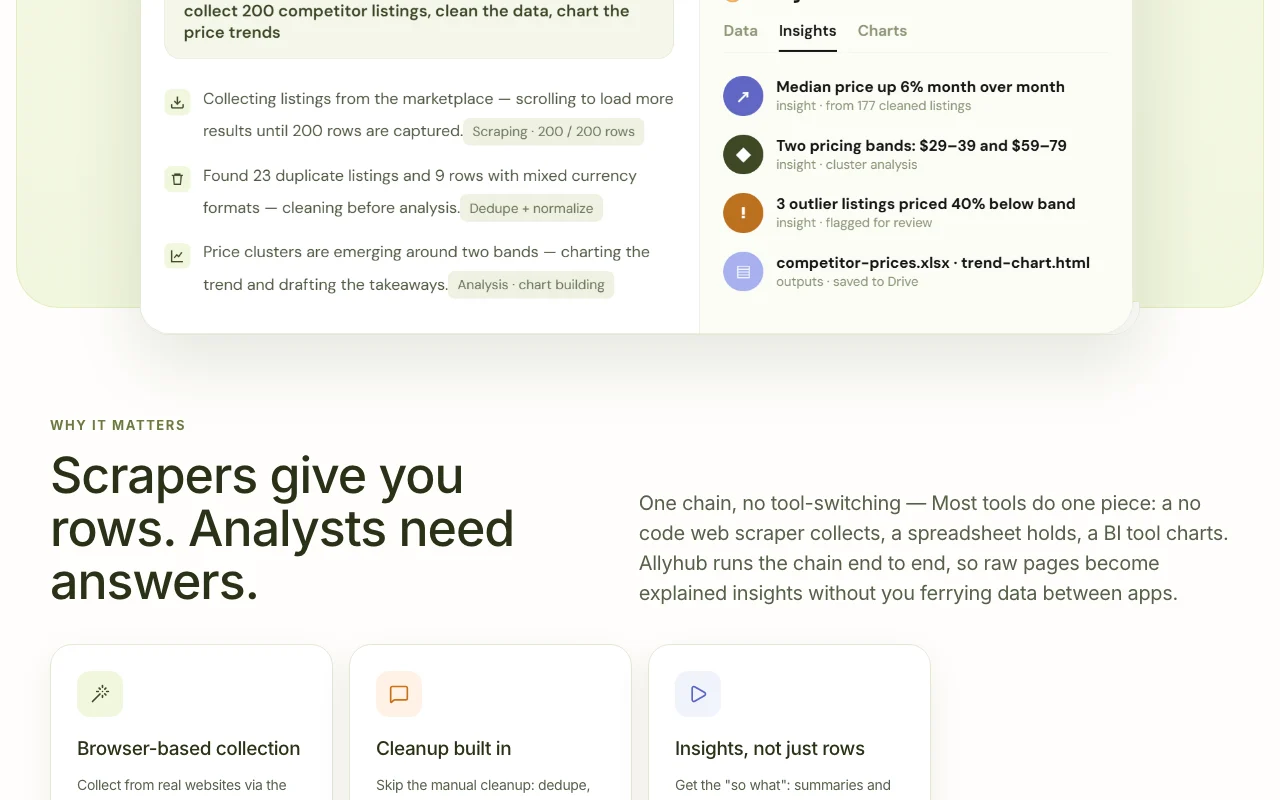
Its data analysis flow scrapes web pages or reads uploaded files, cleans and structures the data, then produces tables, charts and summaries without code.
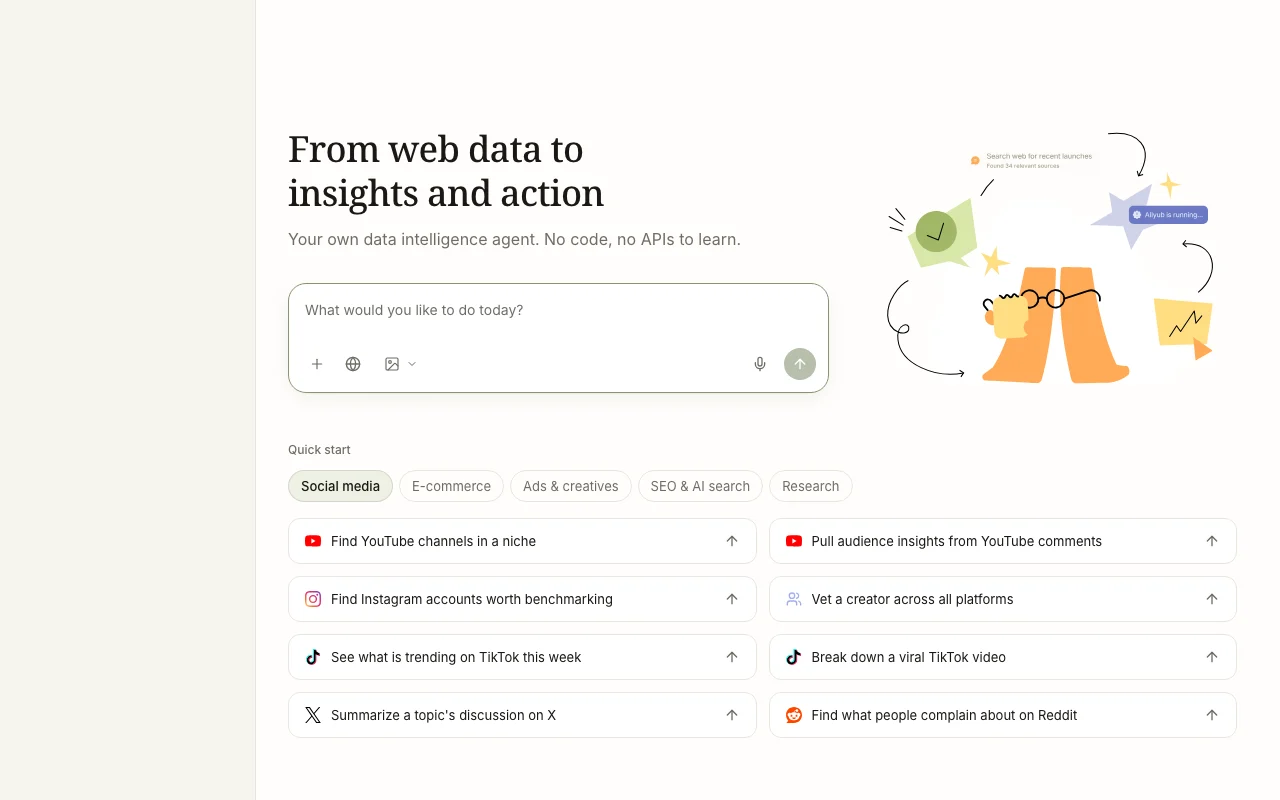
AllyHub's official site: how the product presents itself. allyhub.com, captured Oct 1, 2026
What you provide and what you get back
What you give AllyHub and what comes back, from its documentation
You provide
A task prompt describing which site data to collect
Target sites such as TikTok, Instagram, LinkedIn, Amazon
Uploaded files for analysis
You get back
Structured tables
Charts
Written summaries and insights
Where you can use it
Platforms
Web
Account
Required
Sources
TikTok, Instagram, LinkedIn, Amazon and other sites
Modes
Lite, Pro, Max
Concurrency
3 browser tasks
Outputs
Tables, charts, summaries
Best use cases for AllyHub
Scenarios are worked out by our editors from the documentation; the actual result depends on your input and plan.
Feature overview on the official site. allyhub.com, captured Oct 1, 2026
Browser-based web data collection
Runs a browser agent that opens dynamic sites and extracts data from them. Collects data from pages that load content dynamically without writing scrapers.
Access: All plans, modes Lite, Pro and MaxLimit: Limited to 3 concurrent browser taskssource (opens in a new tab)
Scheduled monitoring
Lets an Ally revisit pages on a schedule and report what changed. Keeps price or content tracking running without manual checks.
Privacy policy allows de-identified use of content to improve services Users with sensitive data must review the opt-outdocumentedsource (opens in a new tab)
How to use AllyHub for collecting and monitoring web data with an AI agent
Set up AllyHub
Sign up on allyhub.com
Pick a plan or use the daily free credits
Open the workspace and create a new Ally
Install the browser extension if your task needs it
Example: collecting and monitoring web data with an AI agent
Describe the data to gather and the target site
Run the Ally in Lite, Pro or Max mode
Review the extracted table
Ask for a chart and summary
Review and export the result
Spot-check several rows against the source page
Confirm credit use matches expectations
Example prompt suggested by our editors (not a recorded output of the product)
Collect the title, price and rating of the top 20 results for 'standing desk' on Amazon and chart price against rating.
AllyHub API
Plan comparison on the official pricing page. allyhub.com, captured Oct 1, 2026
API access and separate billing
AllyHub has no public API in its official documentation. Docs page mentions scripts and workflows; API not confirmed API documentation ↗
Privacy, data use and commercial rights
Summarized from the vendor's current policies; this is not legal advice and a vendor's badge is not an independent audit.
How your inputs and outputs are handled
Prompts, uploaded files and, with the extension, webpage structure and metadata are collected for task execution.
May use content to optimize services after encryption and de-identification; the policy mentions an option not to participate.
Does AllyHub use my content to improve its service?
The privacy policy says content and output may be used for optimization only after encryption and de-identification, with an option to opt out. source (opens in a new tab)
Not verified: Free trial; API availability; Retention period; Homepage content not readable.
How we documented and maintain this page
Every fact about AllyHub above comes from the 3 official pages listed here, last compared on Sep 29, 2026; we have not run AllyHub ourselves, so it has no editorial score. How we check and re-check pages.
Article updated Oct 10, 2026; prices checked Sep 29, 2026. Outbound links to vendors are plain links; we do not earn commissions. How we review · Report an error