Our take: Choose Analytify when you want plain-English BI dashboards over your own databases and business apps, starting free with your own LLM key or moving to a custom Enterprise plan.
Main limitation: The free Community tier has 0 platform AI credits, no dashboard sharing, and Enterprise pricing is not published.
By the AI Tool Atlas editors.
Based on the vendor's official documentation; we have not tested this product hands-on. What “documented overview” means
Is Analytify right for you?
Choose Analytify when you want plain-English BI dashboards over your own databases and business apps, starting free with your own LLM key or moving to a custom Enterprise plan. Based on the vendor's documentation, not on a hands-on test.
Best for: Small businesses exploring BI
Also a good fit for
Data teams wanting natural-language analytics
Enterprises needing self-hosted BI
Consider another tool if free tier requires your own LLM API key (0 platform AI credits)
Or if
Free tier limited to 5 dashboards, 4 basic data sources, 2 integrations and 100K data-lake rows
Dashboard sharing not available on Free
Analytify pricing and usage limits
Prices checked Oct 2, 2026 on the official US pricing page. Official pricing ↗ Prices and limits change often.
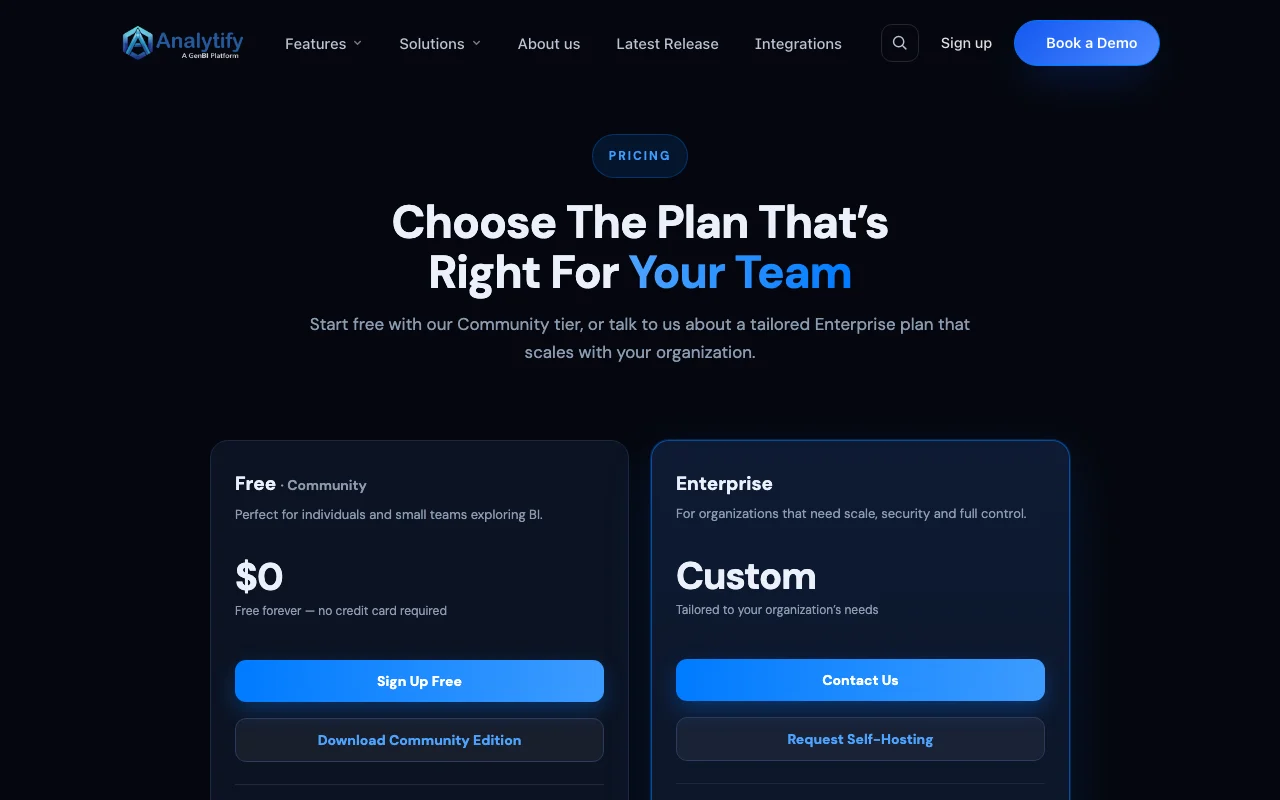
The official Analytify pricing page as we saw it. analytify.ai, captured Oct 2, 2026
Free access and trial conditions
Free Community tier is free forever with no credit card.
For: Organizations needing scale, security and control
Limits
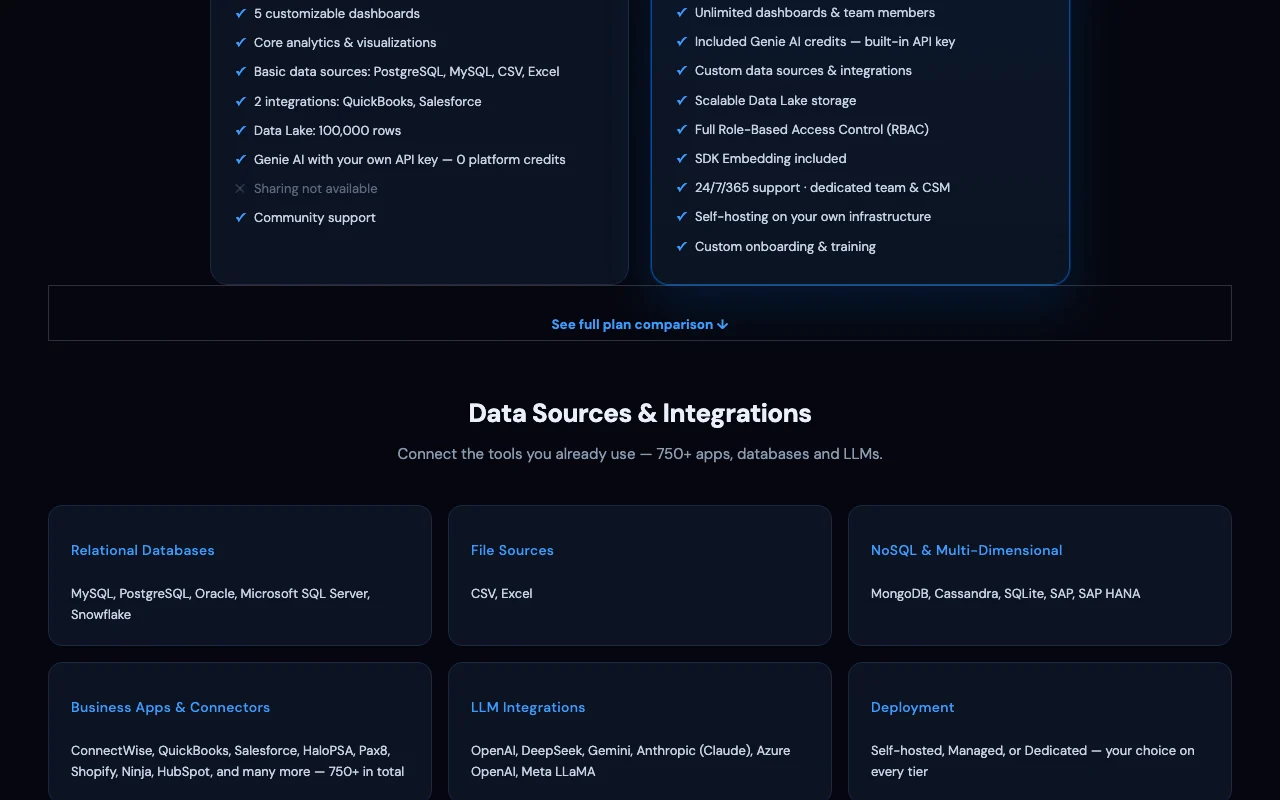
Unlimited dashboards and team members
Included Genie AI credits
Includes
Role-based access control
SDK embedding
2 more
Self-hosting
24/7/365 support with dedicated CSM
Usage caps, credits and extra costs
Free tier needs your own LLM API key; SDK embedding is an add-on on Free.
All prices listed are in USD; taxes not stated.
What is Analytify, and how does it work?
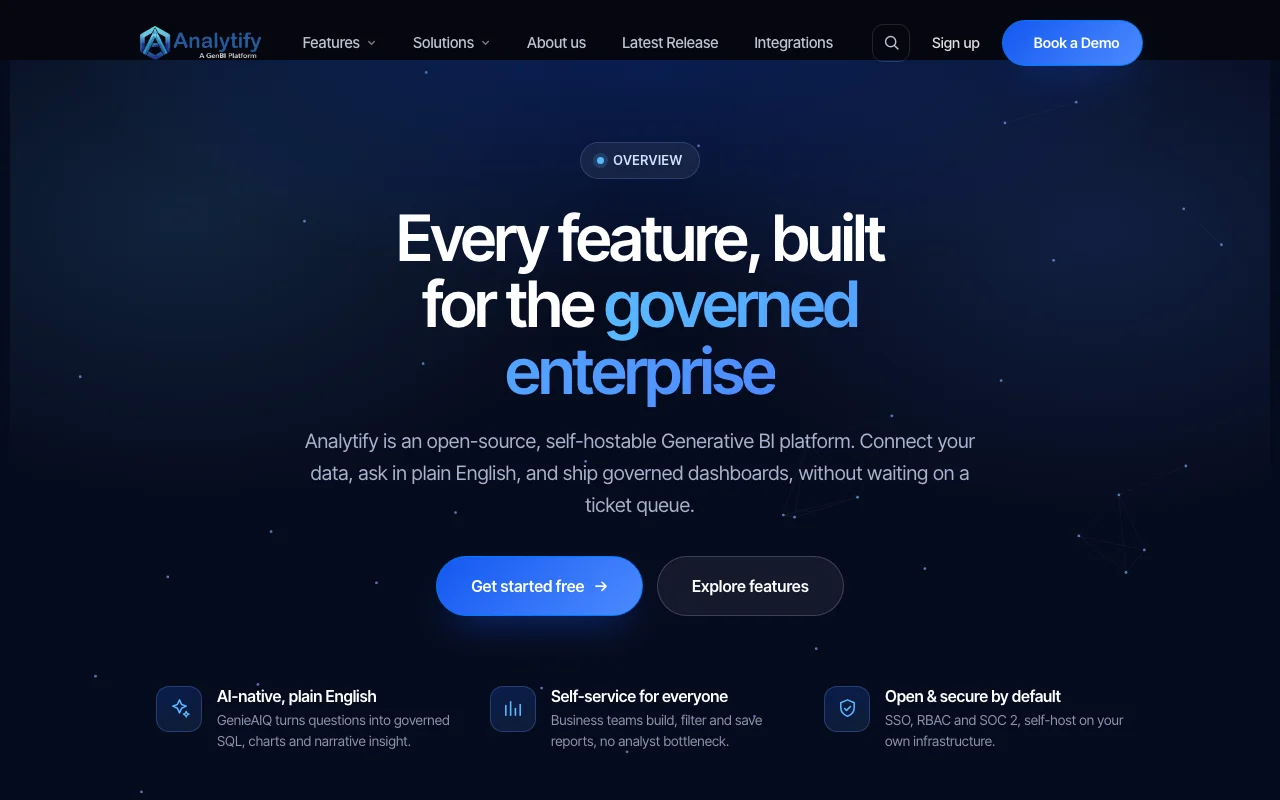
Analytify is a business intelligence platform with an AI assistant (Genie AIQ) that lets users query connected data in plain English and generate dashboards, reports and recommendations. It advertises 750+ connectors spanning databases, files and business apps.
A free Community tier offers 5 dashboards and basic data sources with bring-your-own LLM API key, while the custom-priced Enterprise plan adds unlimited dashboards, included AI credits, RBAC, SDK embedding and self-hosting.
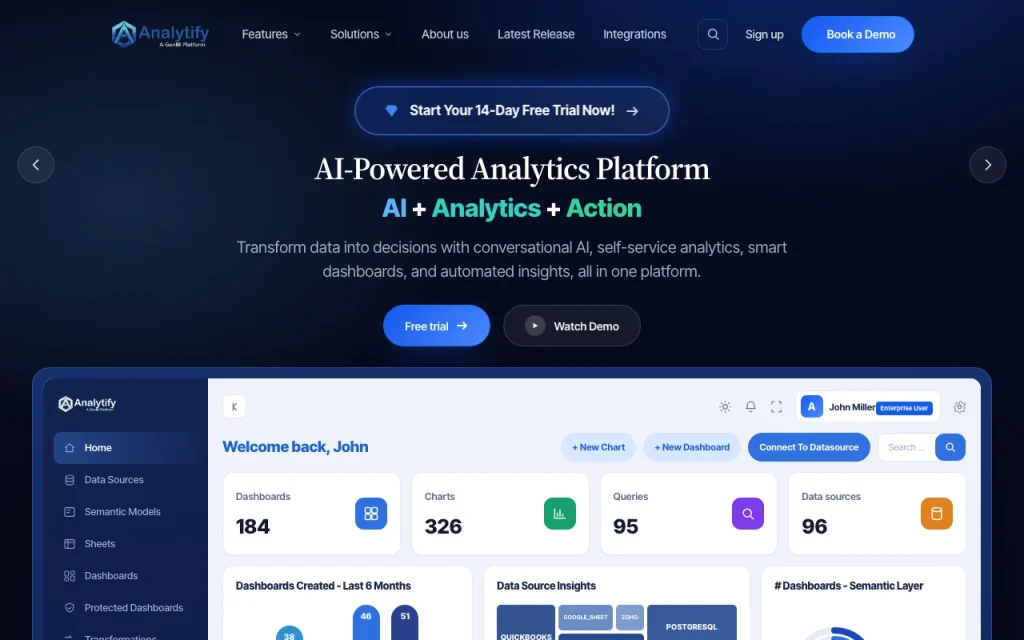
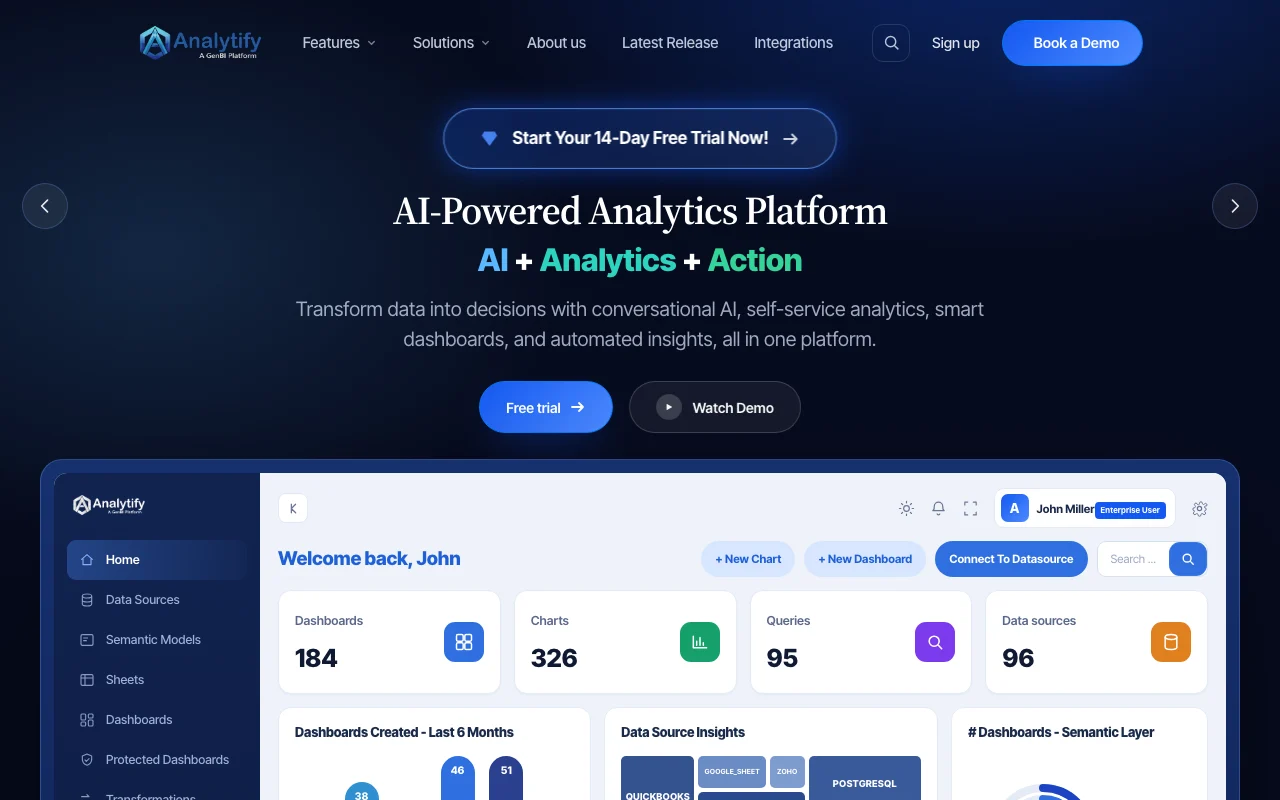
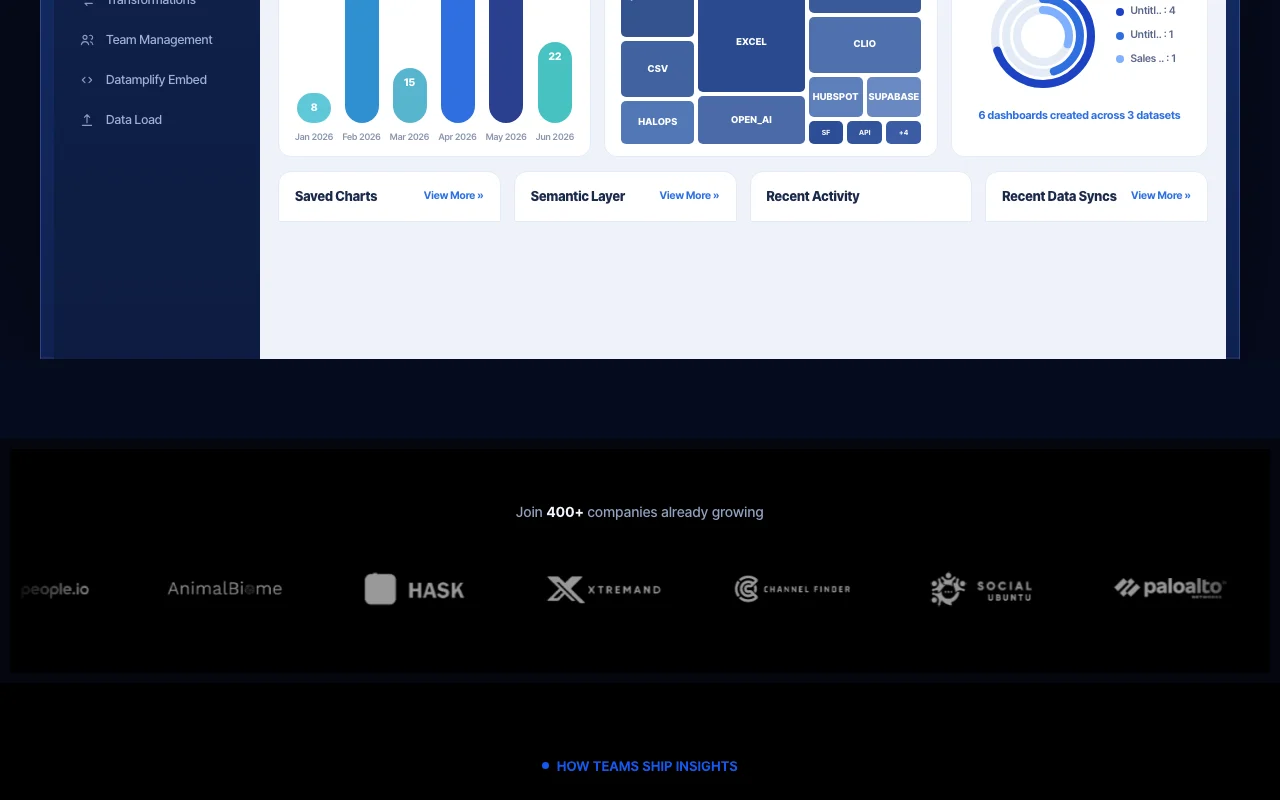
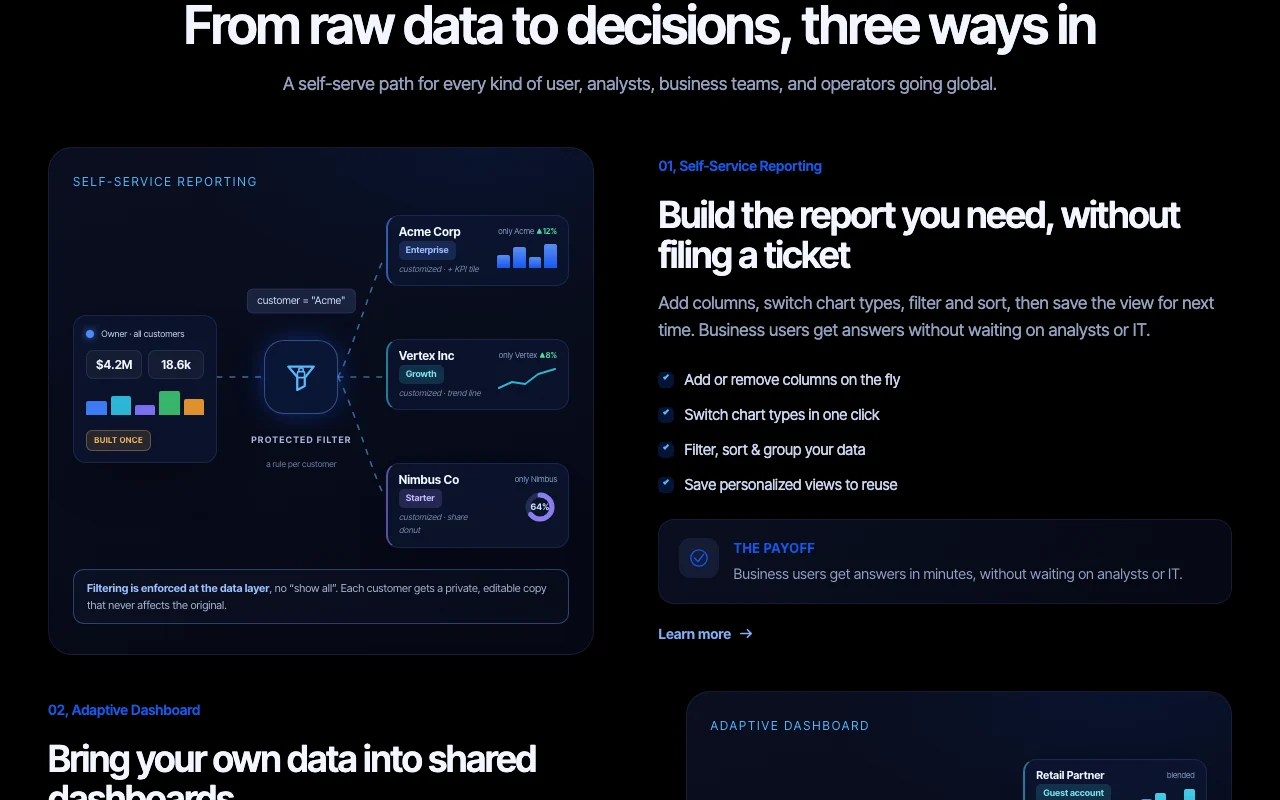
Analytify's official site: how the product presents itself. analytify.ai, captured Oct 2, 2026
What you provide and what you get back
What you give Analytify and what comes back, from its documentation
You provide
Connected databases, CSV and Excel files, business apps
Plain-English questions
You get back
Dashboards and reports
AI answers and recommendations
Where you can use it
Platforms
Web
Account
Required
What people use Analytify for
Scenarios are worked out by our editors from the documentation; the actual result depends on your input and plan.
Asking business data questions in plain English
Who
Business users without SQL skills
You provide
Connected data source and a plain-English question
Free Community tier with no credit card required You can try it without paying or entering a carddocumentedsource (opens in a new tab)
Supports multiple LLM providers (OpenAI, Gemini, Anthropic, DeepSeek, others) You can use the LLM provider you already pay fordocumentedsource (opens in a new tab)
Self-hosted, managed or dedicated deployment options Deployment fits security or compliance needsdocumentedsource (opens in a new tab)
Enterprise plan lists 24/7 support with defined response SLAs Enterprise buyers get response-time commitmentsdocumentedsource (opens in a new tab)
Limitations to check before paying
Free tier requires your own LLM API key (0 platform AI credits) You must bring and pay for your own LLM usage on Freedocumentedsource (opens in a new tab)
Free tier limited to 5 dashboards, 4 basic data sources, 2 integrations and 100K data-lake rows Small teams may outgrow the Free limits quicklydocumentedsource (opens in a new tab)
Dashboard sharing not available on Free Teams cannot share dashboards on the free plandocumentedsource (opens in a new tab)
Enterprise pricing is custom, not published You must contact sales to learn Enterprise costdocumentedsource (opens in a new tab)
How to use Analytify for asking business questions of your data
Set up Analytify
Open analytify.ai and choose Sign Up Free.
Create a Community account.
Connect a data source such as PostgreSQL, MySQL, CSV or Excel.
Add your own LLM API key for Genie AI.
Example: asking business questions of your data
Open Genie AIQ.
Ask a question in plain English about your data.
Review the generated chart or dashboard.
Save the dashboard.
Review and export the result
Compare the figures with a direct query of the source.
Confirm your data and dashboards stay within the Free limits.
Example prompt suggested by our editors (not a recorded output of the product)
Show monthly revenue by region for the last 12 months
Analytify integrations and API
Plan comparison on the official pricing page. analytify.ai, captured Oct 2, 2026
Native integrations and export formats
Export: CSV, Excel
API access and separate billing
Analytify has no public API in its official documentation. 750+ connectors listed; API availability not stated.
Privacy, data use and commercial rights
Summarized from the vendor's current policies; this is not legal advice and a vendor's badge is not an independent audit.
How your inputs and outputs are handled
Genie AI uses your connected data and questions; Free sends them via your own LLM API key.
Inactive Community accounts: 30-day grace period, deleted after 90 days; Enterprise follows contract terms.
How does Analytify's Free Community tier differ from Enterprise?
Free gives 5 dashboards and basic sources with your own AI key; Enterprise adds unlimited dashboards, included AI credits, RBAC, SDK embedding and self-hosting. source (opens in a new tab)
Do I need my own AI API key to use Analytify's Genie AI?
On the Free tier yes, you bring your own key; Enterprise includes a built-in key and AI credits. source (opens in a new tab)
Can Analytify be self-hosted?
Yes, Enterprise can be deployed on your own infrastructure, or run as managed or dedicated. source (opens in a new tab)
How long does Analytify keep data for inactive Community accounts?
Data is kept through a 30-day grace period and accounts are deleted after 90 days. source (opens in a new tab)
Not verified: API documentation; Enterprise price; Privacy policy details and training use.
How we documented and maintain this page
Every fact about Analytify above comes from the 2 official pages listed here, last compared on Oct 2, 2026; we have not run Analytify ourselves, so it has no editorial score. How we check and re-check pages.
Article updated Oct 10, 2026; prices checked Oct 2, 2026. Outbound links to vendors are plain links; we do not earn commissions. How we review · Report an error