
Online design platform with templates and AI tools for graphics, presentations, social posts and video.
Free stops at: 1.6M+ templates
Listed Not yet reviewed
Free · paid from $144/yr US · checked Sep 29
Head-to-head · profiles checked Oct 1, 2026
Use Canva to lay out designs and ChatGPT to generate text and images. Canva has a Free plan with 1.6M+ templates and Pro at $144 per year for one person; its AI tools share a capped allowance. ChatGPT has a Free plan with unlimited everyday text chat and Plus at $20 per month, with image generation on every plan, capped on Free. For social graphics and slide decks built from templates, Canva fits; for writing and prompt-made images, ChatGPT fits.
We based this comparison on our Canva profile verified 2026-10-01 and our ChatGPT profile verified 2026-09-30, built from official vendor pages (Canva's pages blocked automated access, so several Canva facts are unconfirmed); it uses no third-party benchmarks and no vendor paid for placement.
Canva is a template-based design editor: you build social graphics, slide decks and print pieces on a canvas, with AI tools drawing on a capped shared allowance. ChatGPT is a chat assistant that writes, researches, analyzes files and generates images from text prompts. Pick Canva when the result is a finished, laid-out design; pick ChatGPT when you need the words, ideas or a standalone generated image. Many small teams will use both, since neither profile documents the other's core job.
Based on our Canva profile verified 2026-10-01 (pricing seed only; Canva's pages blocked automated access) and our ChatGPT profile verified 2026-09-30; no benchmark was run.
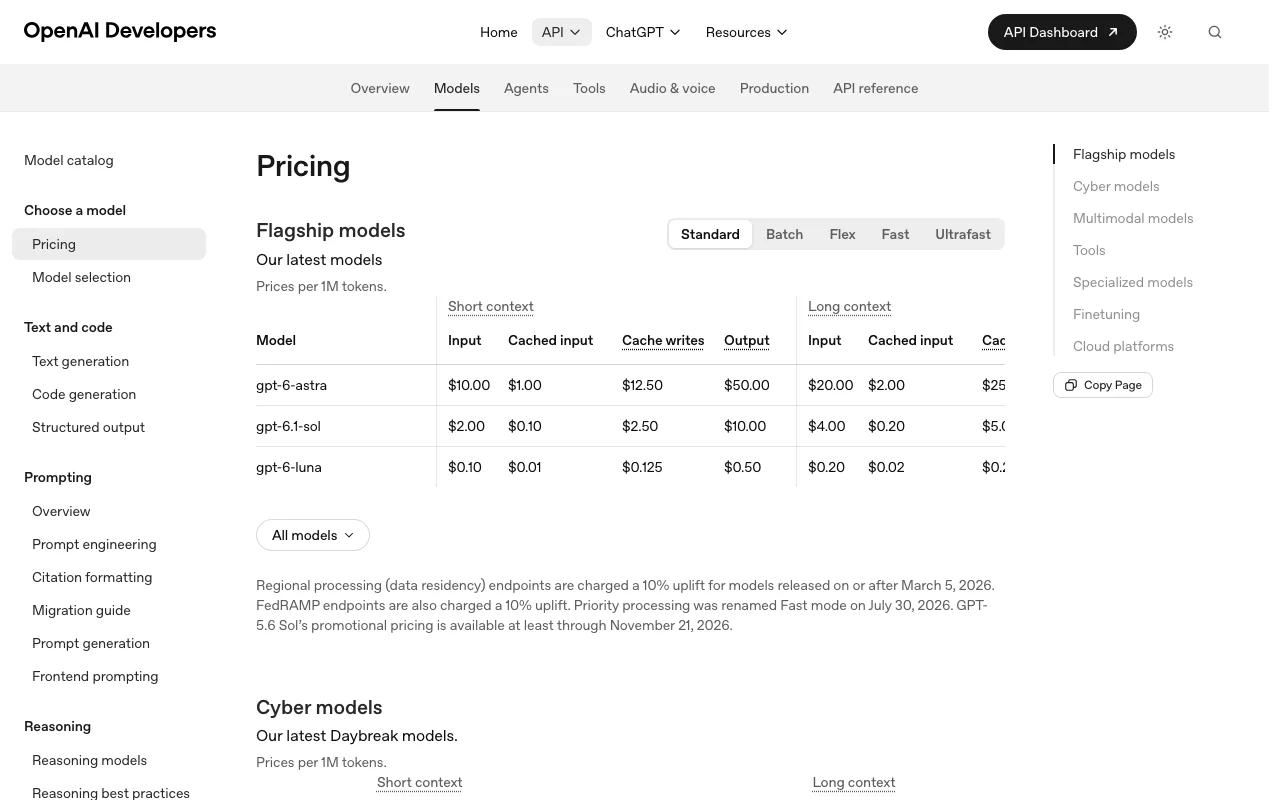
Our own captures of each vendor's public pages. Click a frame for the full-size image.
If you only want the answer, this is the table. Everything below is the evidence from the two documented profiles.
| You want to | Use | Why |
|---|---|---|
| Make an Instagram post from a template | Canva | Canva offers social templates you edit with your brand colors and copy |
| Write captions for a week of posts | ChatGPT | ChatGPT lists drafting and editing text and brainstorming |
| Build a slide deck with a designed layout | Canva | Canva builds decks from presentation templates in its editor |
| Draft the text for a presentation | ChatGPT | ChatGPT drafts text and can create editable presentations via ChatGPT Work |
| Generate an image from a text prompt | Either | ChatGPT lists image generation on all plans; Canva lists AI design tools on Pro and Business |
| Print a flyer or brochure | Canva | Canva has print-ready CMYK export on paid plans |
| Find stock photos, video or music | Canva | Canva includes a stock photo, video and audio library in the editor |
| Make many versions of one design from data | Canva | Canva lists bulk design creation |
| Research a topic with cited sources | ChatGPT | ChatGPT has web search with citations and deep research |
| Analyze a spreadsheet or PDF | ChatGPT | ChatGPT documents file uploads and data analysis |
| Plan | Tool | Price | Limits |
|---|---|---|---|
| Canva Free | Canva | $0 | 1.6M+ templates |
| Canva Pro | Canva | $144/yr per person | Priced for one person; shared AI allowance is capped |
| Canva Business | Canva | $250/yr per person | Priced per person; shared AI allowance is capped |
| Canva Enterprise | Canva | Custom (sales) | Quote from sales |
| ChatGPT Free | ChatGPT | $0 | Unlimited everyday text chat subject to safeguards; separate caps on uploads, images, voice |
| ChatGPT Go | ChatGPT | Not confirmed (US price) | Higher limits than Free; may include ads |
| ChatGPT Plus | ChatGPT | $20/mo | May include message caps during high demand |
| ChatGPT Pro | ChatGPT | $100, $200 or $500/mo | Allowances vary by tier |
| ChatGPT Business Standard | ChatGPT | $25/seat/mo ($20 annual) | Minimum 2 seats |
| ChatGPT Business Premium | ChatGPT | $125/seat/mo ($100 annual) | 5x more usage than Standard |
| ChatGPT Enterprise | ChatGPT | Custom (sales) | Depends on agreement |
USD as published on each vendor's pricing page, checked Oct 1, 2026. Canva pricing in full · ChatGPT pricing in full
| Canva | ChatGPT | |
|---|---|---|
| AI / message limits | Shared AI allowance is capped; size not stated; AI Pass add-on extends it | Free: unlimited everyday text chat subject to safeguards; tools capped by plan |
| Image generation | AI design tools on Pro and Business, from the shared allowance | All plans; limited and slower on Free; unlimited on Pro subject to guardrails |
| Storage / file size | Not stated | Free Library storage of 500 MB |
| Seats / team | Pro for one person; Business priced per person | Business needs 2 seats minimum; Enterprise via sales |
| Feature | Canva | ChatGPT |
|---|---|---|
| Templates | Yes | No |
| Design editor | Yes | No |
| Image generation | Yes (AI design tools, paid plans) | Yes |
| Stock library | Yes | Not stated |
| Video | Yes (short videos) | Not stated |
| Voice | Not stated | Yes |
| Web search | Not stated | Yes |
| API | Not confirmed | Yes, separate product billed by usage |
| Mobile apps | Not stated | Yes |
| Canva | ChatGPT | |
|---|---|---|
| Training on your data | Not confirmed | Consumer chats may be used unless you opt out or use temporary chat; Business, Enterprise and API not by default |
| Retention | Not confirmed | Temporary chats may be kept up to 30 days for safety; consumer default not verified |
| Business controls | Not confirmed | SAML SSO, SCIM, role-based access, DPA, SOC 2 |
Taken from each vendor's published policy pages at the time of our check. Policies change; the source links are at the bottom.
Online design platform with templates and AI tools for graphics, presentations, social posts and video.
Free stops at: 1.6M+ templates
Free · paid from $144/yr US · checked Sep 29
OpenAI's general-purpose AI assistant for writing, research, analysis, image generation and coding help.
Free stops at: Unlimited everyday text chats subject to abuse-prevention safeguards, Separate usage limits for file uploads,…
Free · paid from $20/mo US · checked Sep 30
Canva, if you want a finished post: it offers social templates sized for a feed, stock content, brand colors and a content planner on paid plans. ChatGPT can generate an image from a prompt and write the caption, but its profile lists no layout editor or template library.
ChatGPT can create editable presentations through ChatGPT Work, which is limited on Free and expanded on Plus. Canva builds slide decks from presentation templates in its design editor, and educators can get most premium features free.
Canva Pro is $144 per year for one person, excluding tax; a monthly price is offered but we did not capture it. ChatGPT Plus is $20 per month with no annual option. Both have a free plan.
Not confirmed. Canva's privacy page blocked our automated check, so we could not verify its training or retention terms. ChatGPT consumer chats may be used for training unless you turn it off or use temporary chat; Business and Enterprise data is not used by default.
Only official vendor pages. No third-party benchmarks, forum threads or press were used. How we review.
compare>