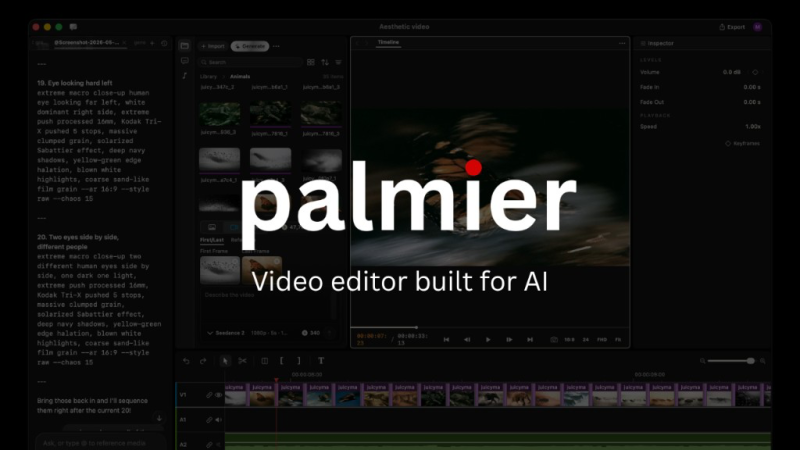
Video Editorial example
Palmier Pro prompt for editing a video through Claude or Codex
An editorial example for editing a video through Claude or Codex in Palmier Pro, written for our guide and not tested against the vendor
- For
- Palmier Pro
- Source
- AI Tool Atlas guide: Palmier Pro
- Checked
- Oct 1, 2026
The prompt
Editorial example from our guide
Cut this interview to the best 60 seconds, add burned-in captions, and place the logo bottom-right.
How to check the result
- Scrub the timeline for wrong cuts
- Check caption accuracy against the audio
This prompt was written as an example for our guide and has not been run against the tool. Expect to adapt it to your case. How we document tools.
No user reviews yet
Multi-track video editor for macOS that AI tools like Claude or Codex can drive via MCP, with in-timeline media generation.
Free stops at: No account required
Listed Not yet reviewed
Verified
palmier.io ↗ (opens Palmier Pro website in a new tab)
More video prompts
Environment: a misty alpine meadow with a log cabin. Character: a shiba inu seen from a third-person angle.
Remove all pauses longer than 2 seconds and match the color grade of shot 3 to all other shots
Welcome to the team. In this three-minute video you will learn how to set up your laptop and request access to our tools.