Grammarly vs Wordtune in 2026: in-app editing or English rewrites
Pick Grammarly for suggestions inside the apps you already use, and Wordtune for low-cost English rewrites. Grammarly Pro is $30 per month ($12 per member per month billed annually on its homepage); Wordtune Advanced is $6.99 per month and Unlimited is $9.99. Both have a free plan: 100 AI prompts per month on Grammarly, 10 rewrites per day on Wordtune. Wordtune writes only in English, and its policy says your content is used to improve its services.
We based this comparison on our Grammarly and Wordtune profiles, both verified 2026-10-31 from official vendor pages; it uses no third-party benchmarks and no vendor paid for placement.
Starting priceFree; Pro $30/mo · Free; Advanced $6.99/moGrammarly · Wordtune
Is Grammarly better than Wordtune? The short answer
Grammarly fits people who want suggestions inside the apps they already write in: it lists browser extensions, desktop and mobile apps, Microsoft Office and Google Docs, plus 24 other languages and team style guides. Wordtune costs less, with Advanced at $6.99 a month, and centers on choosing between rewrite suggestions and switching tone, but it writes only in English and its privacy policy says content is used to improve its services. Grammarly Pro is $30 a month billed monthly, so price is the main trade-off. Pick Wordtune for low-cost English rewrites and Grammarly for wider coverage and team controls.
Based on our Grammarly and Wordtune profiles, both verified 2026-10-31 from official vendor pages; the Wordtune help center could not be reached and no benchmark was run.
Grammarly and Wordtune, as their sites look today
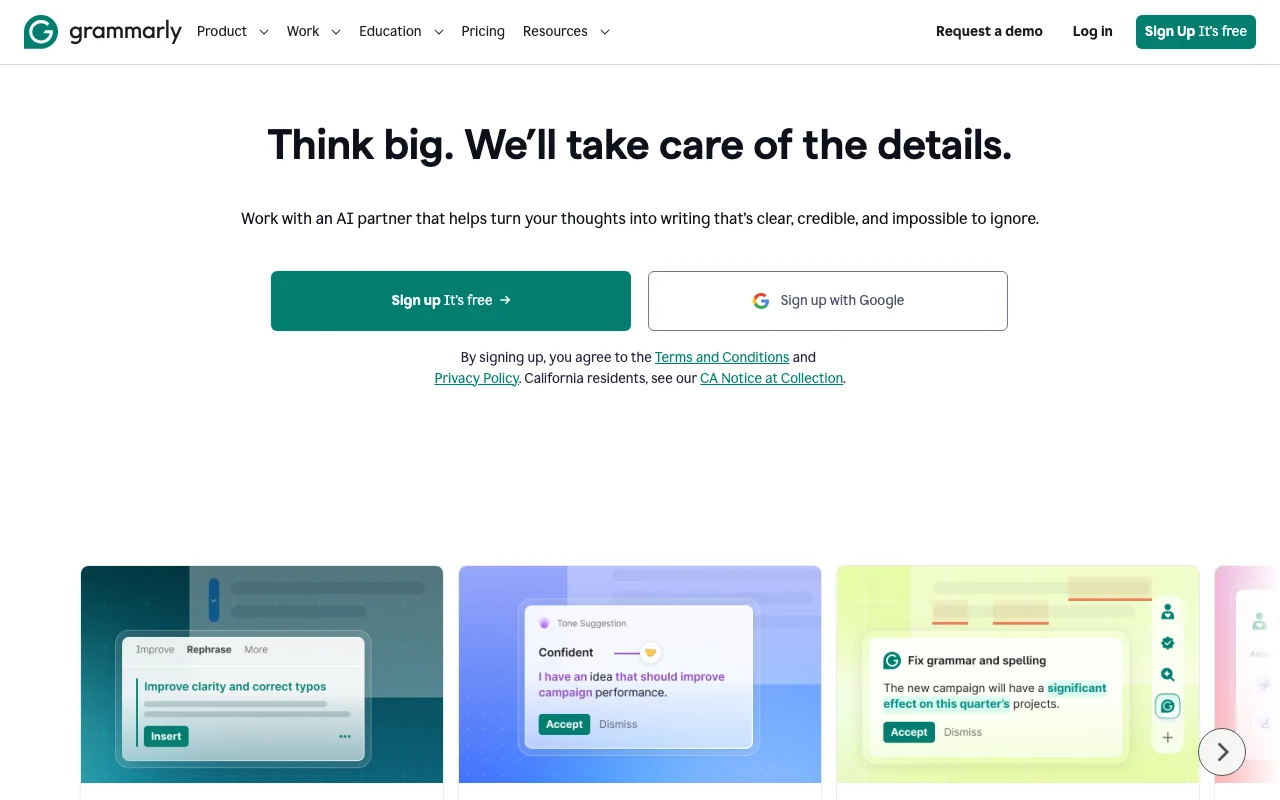
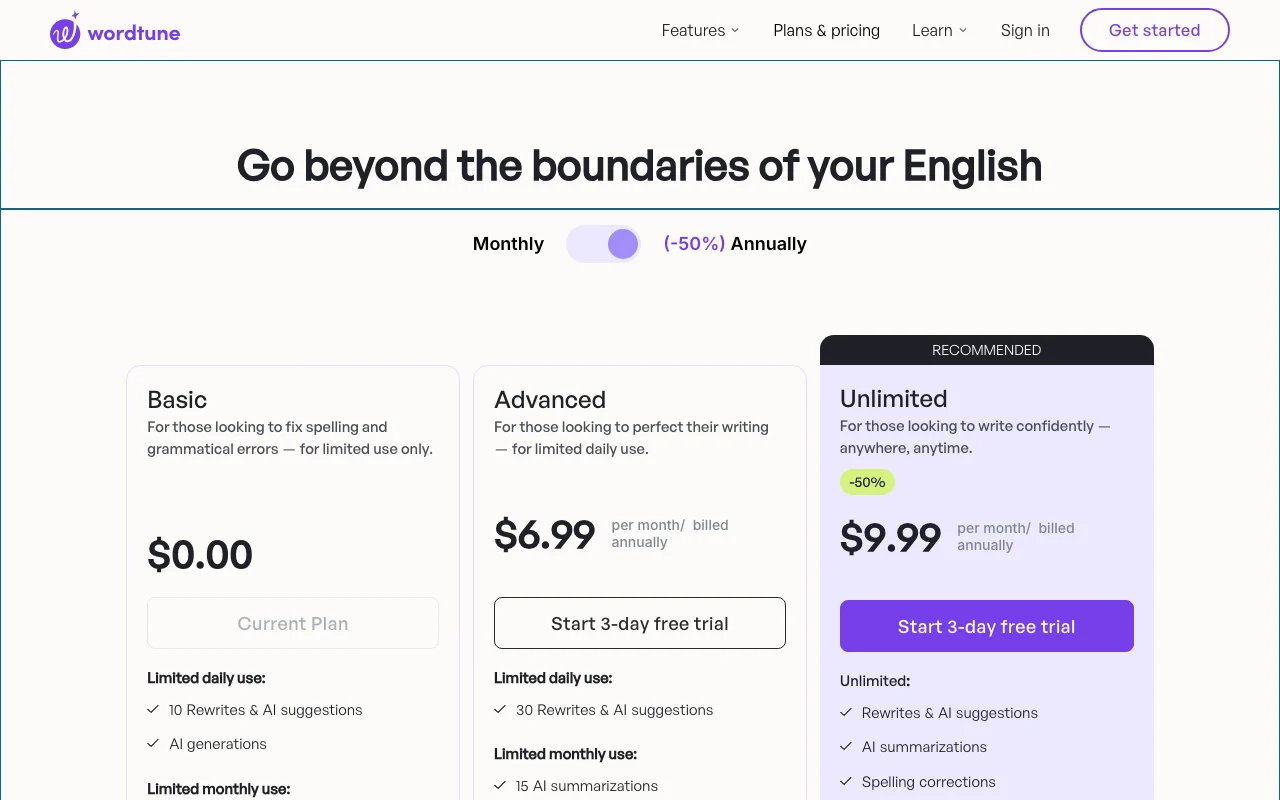
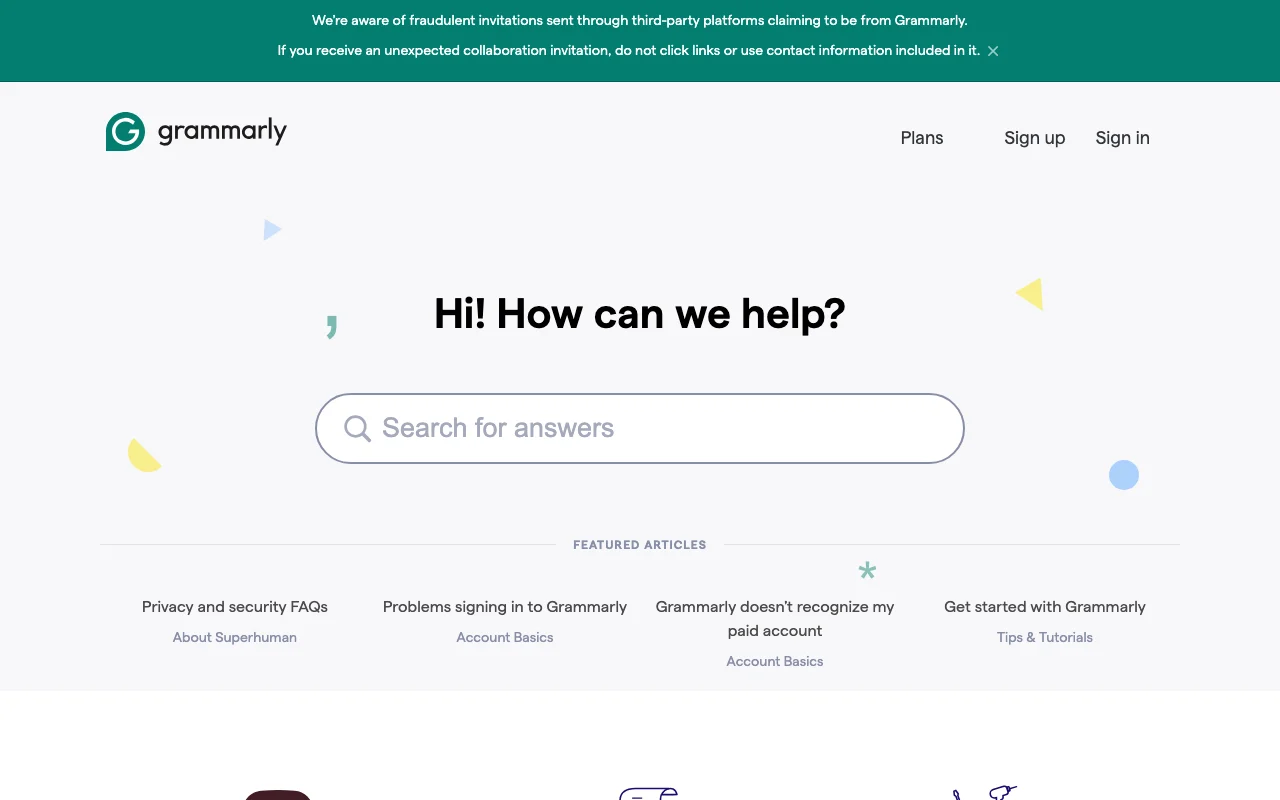
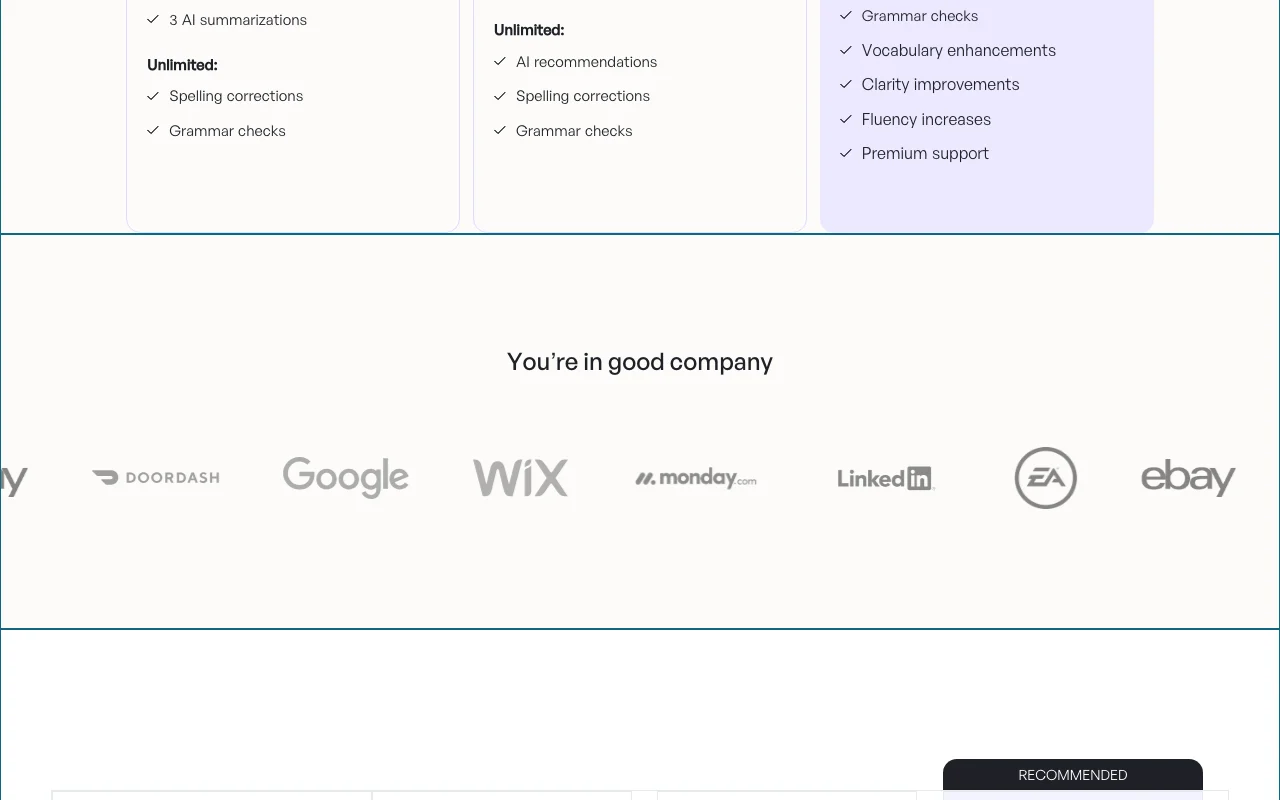
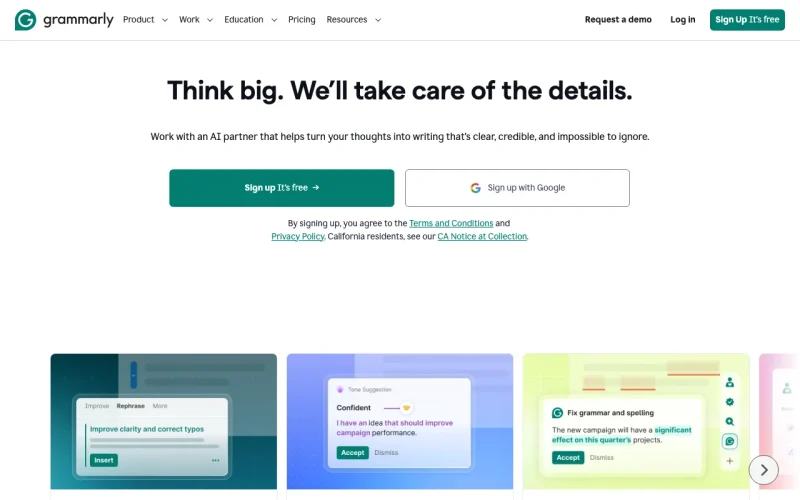
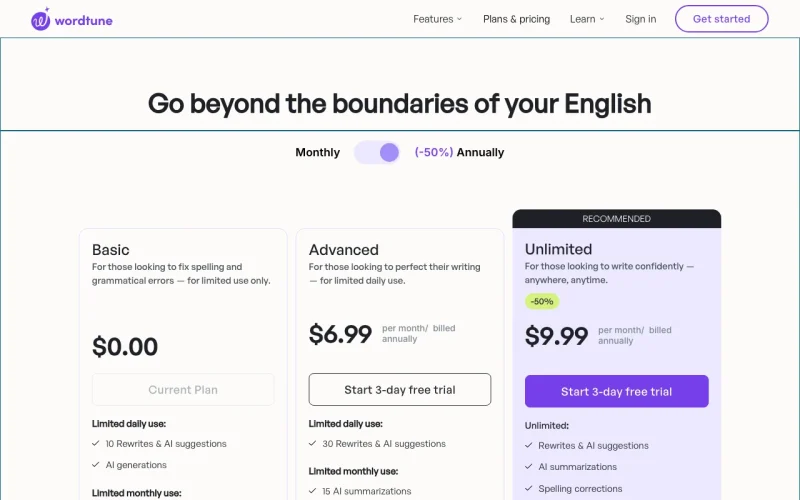
Our own captures of each vendor's public pages. Click a frame for the full-size image.
Grammarly homepage. grammarly.com, captured Oct 31, 2026Wordtune homepage. wordtune.com, captured Oct 31, 2026Grammarly plans and prices. support.grammarly.com, captured Oct 31, 2026Wordtune plans and prices. wordtune.com, captured Oct 31, 2026
Grammarly or Wordtune: which to use, by task
If you only want the answer, this is the table. Everything below is the evidence from the two documented profiles.
Side-by-side comparison
You want to
Use
Why
Proofread an email or document
Grammarly
Grammarly groups suggestions by correctness, clarity, engagement and delivery; Wordtune lists grammar and spelling checks
Rewrite a sentence in a different tone
Either
Grammarly Pro adds tone adjustment and full-sentence rewrites; Wordtune offers rewrite suggestions and casual or formal tone
Pick between several rewrites of one sentence
Wordtune
Wordtune offers rewrite suggestions you can choose from
Summarize an article or video
Wordtune
Wordtune lists a summarizer for text or video; Grammarly's profile lists none
Check for plagiarism or AI-generated text
Grammarly
Grammarly Pro and Enterprise include plagiarism and AI-text detection; Wordtune lists none
Write in a language other than English
Grammarly
Grammarly gives suggestions in 24 other languages; Wordtune writes only in English
Turn text from another language into English
Wordtune
Wordtune's Smart Translate converts ten listed languages into English; plan access is not stated
Edit inside Word or Google Docs
Grammarly
Grammarly lists Microsoft Office and Google Docs integrations; Wordtune lists neither
Keep a team's writing consistent
Grammarly
Grammarly Pro has 1 style guide and 1 brand tone, Enterprise is unlimited; Wordtune lists no team features
Edit on a phone or tablet
Grammarly
Grammarly lists iPhone, iPad and Android apps; Wordtune lists iOS only
Who should pick which
Pick Grammarly for in-app editing and team controls, Wordtune for low-cost English rewrites
Pick Grammarly if
You want suggestions inside Microsoft Office, Google Docs, desktop apps and Android
You need plagiarism or AI-text detection (Pro and Enterprise)
You write in other languages: Grammarly gives suggestions in 24 besides English
Your team needs shared style guides, brand tones or SAML SSO and SCIM on Enterprise
Pick Wordtune if
You want the lower listed price: Advanced is $6.99/month and Unlimited is $9.99/month
You like choosing between several rewrite suggestions and switching casual or formal tone
You want a summarizer for text or video
You write only in English, or need text from ten listed languages translated into English
What Grammarly does better, and what Wordtune does better
Grammarly
Microsoft Office and Google Docs integrations, plus desktop and Android apps
Plagiarism and AI-text detection on Pro and Enterprise
Suggestions in 24 languages besides English
Shared style guides, brand tones and Enterprise controls such as SAML SSO and SCIM
Wordtune
Lower listed prices: Advanced $6.99 and Unlimited $9.99 per month
Rewrite suggestions you pick from, with casual or formal tone
A summarizer for text or video
Smart Translate from ten listed languages into English
Grammarly vs Wordtune pricing: plans and free tiers
Side-by-side comparison
Plan
Tool
Price
Limits
Grammarly Free
Grammarly
$0
100 AI prompts per month; no tone adjustment, full-sentence rewrites or plagiarism detection
Grammarly Pro
Grammarly
$30/mo ($12 per member per month billed annually)
2,000 AI prompts per member per month
Grammarly Enterprise
Grammarly
Custom (sales)
Unlimited AI prompts per member per month
Wordtune Basic
Wordtune
$0
10 rewrites and AI suggestions per day; 3 AI summarizations per month
Wordtune Advanced
Wordtune
$6.99/mo ($4.89 per month billed annually)
30 rewrites and AI suggestions per day; 15 AI summarizations per month
AI writing assistant that checks grammar, clarity, tone and plagiarism and rewrites text in a browser extension, desktop apps, mobile apps and Microsoft Office and Google Docs integrations.
Free stops at: 100 AI prompts per month, No tone adjustment, full-sentence rewrites, fluent English writing, inclusive langu…
Need suggestions inside Word, Google Docs or an Android app: choose Grammarly
Want plagiarism or AI-text detection: choose Grammarly Pro
Write in languages besides English: choose Grammarly, since Wordtune writes only in English
Want the lowest listed monthly price for rewrites: choose Wordtune
Want a summarizer for text or video: choose Wordtune
Handling sensitive text: choose Grammarly, which documents training controls and says it does not sell user content
Frequently asked questions
Is Wordtune cheaper than Grammarly?
On listed monthly prices, yes: Wordtune Advanced is $6.99 per month and Unlimited is $9.99, while Grammarly Pro is $30 per month. Billed annually, Grammarly's homepage states $12 per member per month, and Wordtune lists $4.89 for Advanced and $6.99 for Unlimited. The plans include different features, so compare what each one covers.
Which free plan gives more, Grammarly or Wordtune?
Grammarly Free includes 100 AI prompts per month and omits tone adjustment, full-sentence rewrites and plagiarism detection. Wordtune Basic gives 10 rewrites and AI suggestions per day, 3 AI summarizations per month and unlimited spelling and grammar checks. The caps are counted differently, monthly versus daily, so the better fit depends on how often you write.
Does Wordtune support languages other than English?
Not as an output language. Wordtune's homepage says it writes only in English and translates into English from ten other languages. Grammarly gives suggestions in 24 languages besides English on all plans.
Do Grammarly and Wordtune use my text for training?
Grammarly's privacy policy says AI training is adjustable through training controls in account settings, and its homepage says it does not sell or monetize user content. Wordtune's privacy policy says content you enter is used to improve, enhance and develop its Services and for research. Read both policies before submitting sensitive text.