Google AI Studio vs Gemini in 2026: developer workspace or chat app
Pick Google AI Studio to build on Gemini and Gemini to use it as an assistant. AI Studio has a free tier and bills the paid tier per 1M tokens, for example $0.75 input and $3.75 output for Gemini 3.8 Flash through Dec 31, 2026. Gemini has a $0 Free plan, Google AI Plus at $4.99/month and Google AI Pro at $19.99/month. AI Studio is web and API only; Gemini adds desktop and mobile apps.
Starting priceFree; paid per 1M tokens · Free; Plus $4.99/moGoogle AI Studio · Google Gemini
Free tierYes · YesGoogle AI Studio · Google Gemini
Plans documented6 · 9Google AI Studio · Google Gemini
PlatformsWeb, API · Web, desktop, mobile, APIGoogle AI Studio · Google Gemini
We based this comparison on our Google AI Studio profile verified 2026-10-01 and our Google Gemini profile verified 2026-09-30, both built from official Google pages; it uses no third-party benchmarks and no vendor paid for placement.
Is Google AI Studio better than Google Gemini? The short answer
Google AI Studio is a browser workspace for developers: it tests Gemini models, issues a Gemini API key and bills the paid tier per 1M tokens. The Gemini app is a finished assistant with web, desktop and mobile apps, plans from $4.99/month and connections to Gmail, Drive and Calendar. Both have a free tier, and both use free-tier content to improve Google products in some cases. People who want to build on Gemini should open AI Studio; people who want to chat, research and work inside Google apps should use Gemini.
Based on our Google AI Studio profile verified 2026-10-01 and Google Gemini profile verified 2026-09-30, both built from official Google pages; no benchmark was run.
Google AI Studio and Google Gemini, as their sites look today
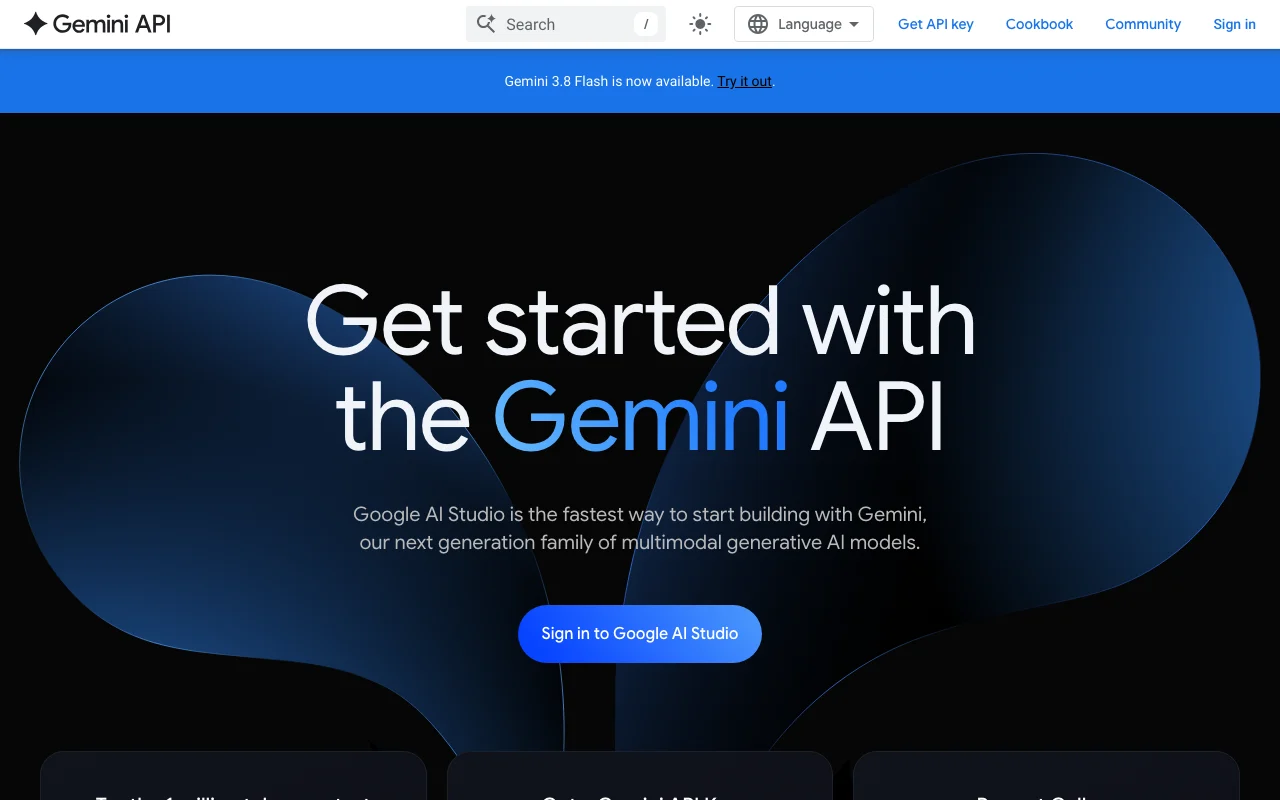
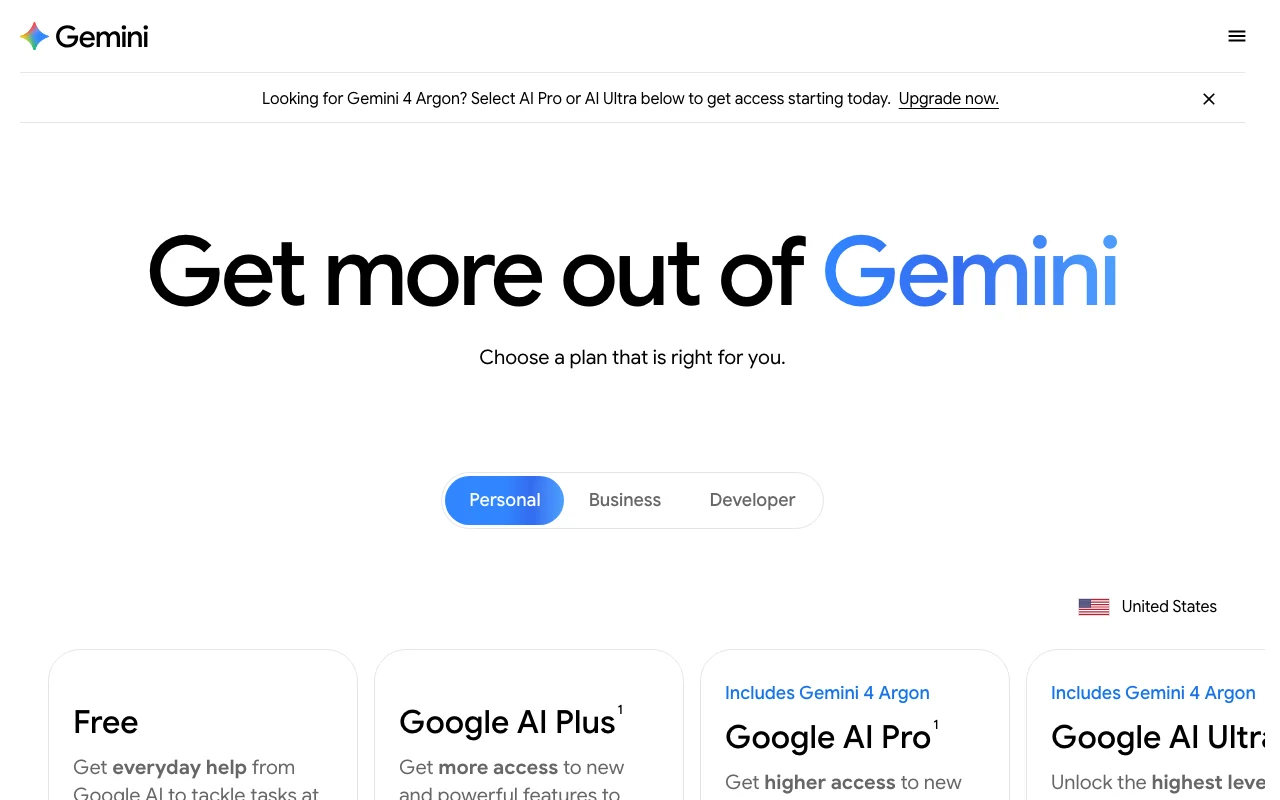
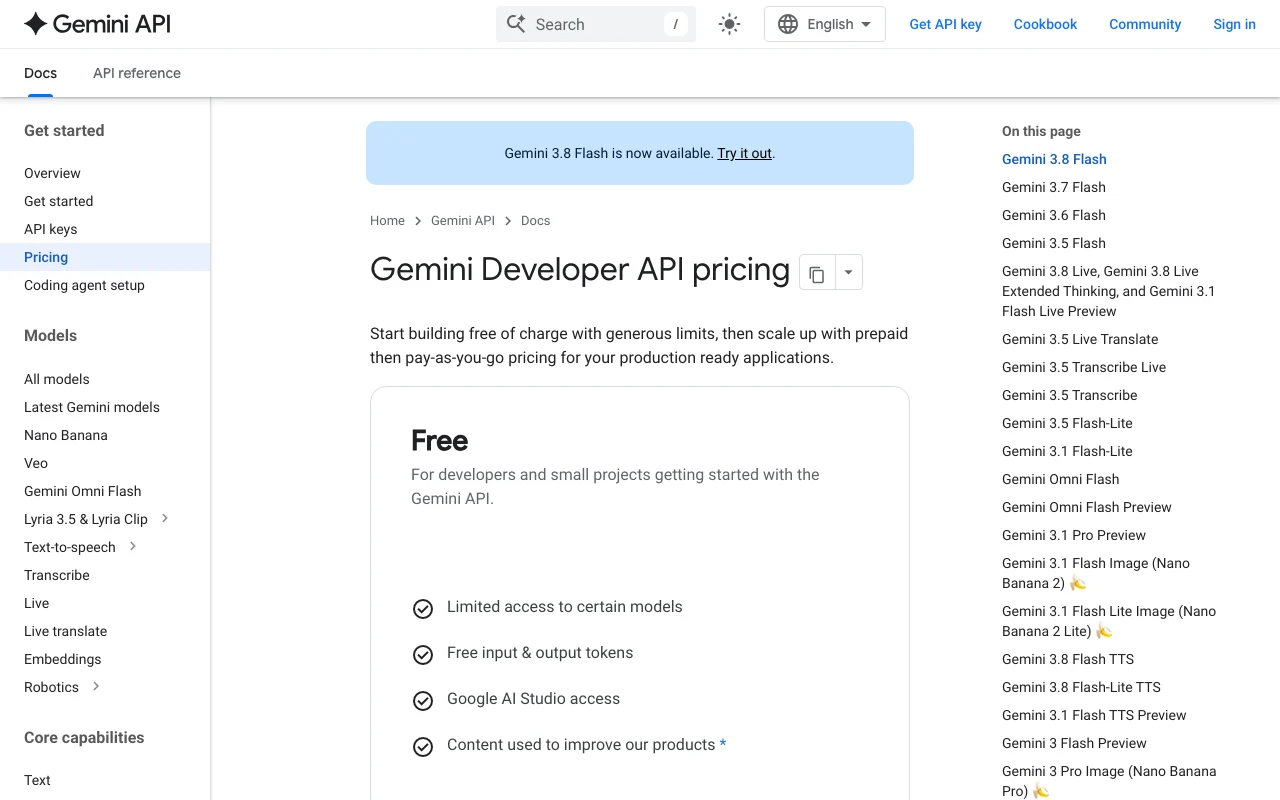
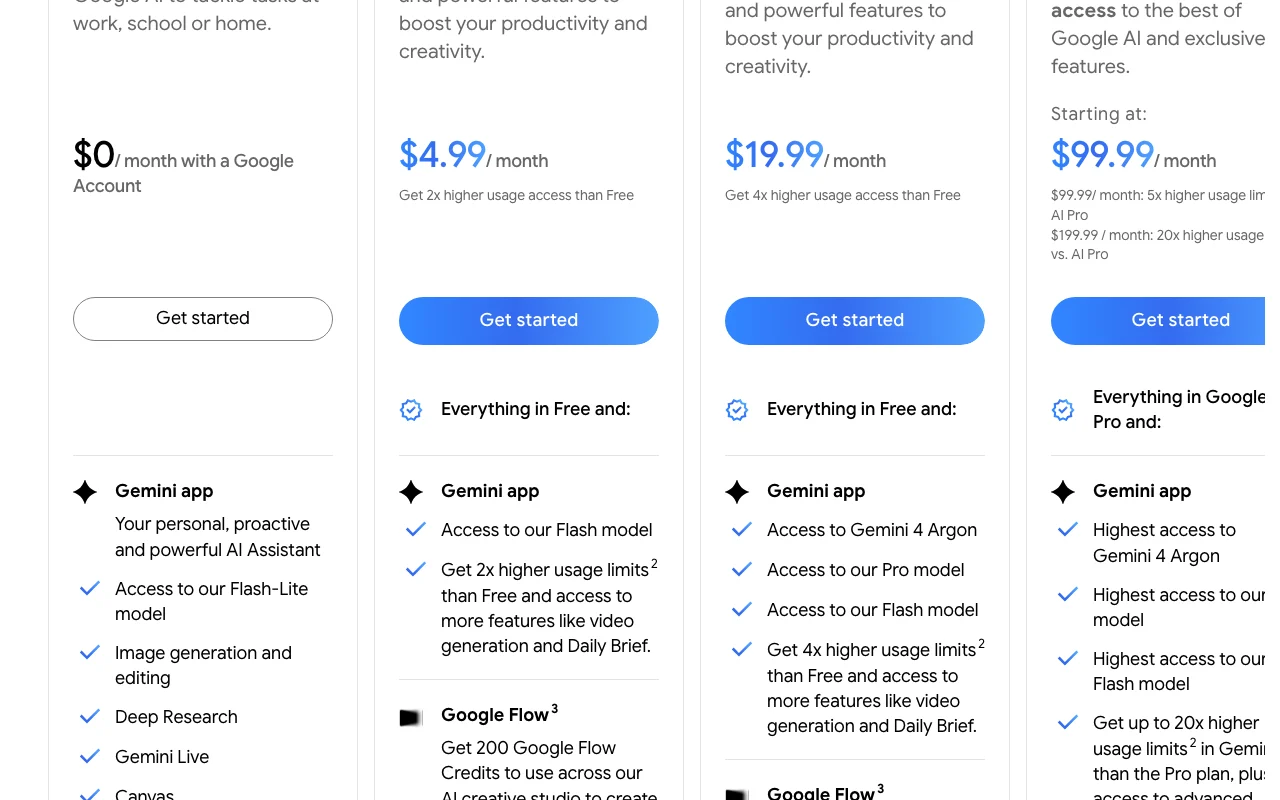
Our own captures of each vendor's public pages. Click a frame for the full-size image.
Google AI Studio homepage. ai.google.dev, captured Oct 2, 2026Google Gemini homepage. gemini.google, captured Oct 28, 2026Google AI Studio plans and prices. ai.google.dev, captured Oct 2, 2026Google Gemini plans and prices. gemini.google, captured Oct 28, 2026
Google AI Studio or Google Gemini: which to use, by task
If you only want the answer, this is the table. Everything below is the evidence from the two documented profiles.
Side-by-side comparison
You want to
Use
Why
Chat about everyday questions
Google Gemini
Gemini is a chat assistant with a Free plan; AI Studio is described as a prompt-testing workspace
Write or edit documents
Google Gemini
Gemini lists drafting text and Canvas documents; AI Studio lists text responses for prompt testing
Summarize or analyze uploaded files
Either
Gemini takes up to 10 files per prompt; AI Studio accepts images, multimodal files and long documents
Research with a multi-source report
Google Gemini
Gemini lists Deep Research reports; AI Studio's profile lists none
Generate images or video
Either
Gemini generates images and video in the app; AI Studio reaches Veo and Nano Banana via the API, and Veo is not on the free tier
Get a Gemini API key
Google AI Studio
AI Studio has a Get API key button; Gemini app plans do not include the API
Test prompts across Gemini models
Google AI Studio
AI Studio has a browser playground with a model dropdown and a prompt gallery
Build a web app with Gemini
Google AI Studio
AI Studio has Build mode for creating full-stack apps from natural-language descriptions
Use Gmail, Drive and Calendar
Google Gemini
Gemini lists Connected Apps for Google Workspace, YouTube and Maps; AI Studio lists none
Keep free-plan content out of training
Google Gemini
Gemini does not train on Keep Activity off or temporary chats; AI Studio free-tier content is used to improve Google products
Who should pick which
Pick AI Studio to build on Gemini, the Gemini app to chat and work in Google apps
Pick Google AI Studio if
You want a free playground to test prompts against Gemini models
You need a Gemini API key for an app
You want to build apps in Build mode and move to the API later
You prefer paying per 1M tokens, with a Batch option at 50% lower cost
Pick Google Gemini if
You want a chat assistant with web, desktop and mobile apps
You work in Gmail, Drive, Calendar or Chrome and want Gemini connected to them
You want Deep Research reports, image and video generation in the same app
You prefer a flat monthly plan, from $4.99/month, over per-token billing
What Google AI Studio does better, and what Google Gemini does better
Google AI Studio
Gemini API key generation and a direct path from prototype to API
Build mode for creating apps
Paid channels (Standard, Batch, Flex, Priority) with Batch at 50% lower cost
Prompt gallery and long-context experiments with a 1 million token window on the Free tier
Google Gemini
Web, desktop and mobile apps
Connected Apps for Gmail, Drive, Calendar, YouTube and Maps
Deep Research, image and video generation, Gemini Live voice
Plans from $4.99/month with bundled cloud storage, Flow credits and Gemini in Google apps
Google AI Studio vs Google Gemini pricing: plans and free tiers
Side-by-side comparison
Plan
Tool
Price
Limits
Google AI Studio Free
Google AI Studio
$0
Limited model access (no Veo), free tokens, lower rate limits than Paid
Google AI Studio Paid Standard
Google AI Studio
Per 1M tokens: Gemini 3.8 Flash $0.75 input, $3.75 output (through Dec 31, 2026)
Higher rate limits, context caching, all models
Google AI Studio Paid Batch, Flex and Priority
Google AI Studio
Per 1M tokens, Gemini 3.8 Flash: Batch and Flex $0.375 / $1.875; Priority $1.35 / $6.75 (input / output, through Dec 31, 2026)
Batch is asynchronous at 50% lower cost; Priority has the highest rate limits
Google AI Studio Enterprise
Google AI Studio
Custom (sales)
Custom rate limits via provisioned throughput
Gemini Free
Google Gemini
$0
Standard compute-based limits, 32k token context window
Google AI Plus
Google Gemini
$4.99/mo
2x higher usage limits than Free, 400 GB cloud storage
Google AI Pro
Google Gemini
$19.99/mo
4x higher usage limits than Free, 1 million token context window
Need a Gemini API key or want to prototype prompts: choose Google AI Studio
Want to build an app with Build mode: choose Google AI Studio
Want a chat assistant with desktop and mobile apps: choose Gemini
Work in Gmail, Drive or Calendar: choose Gemini for Connected Apps
Want a flat monthly plan rather than per-token billing: choose Gemini, from $4.99/month
Handling confidential content: check the training terms of the tier you use, since both free tiers can use content to improve Google products
Frequently asked questions
Is Google AI Studio the same as Gemini?
No. Google AI Studio is a web workspace for testing Gemini models and getting a Gemini API key. Gemini is a chat assistant with web, desktop and mobile apps. Both run Gemini models, but they are sold and billed differently.
Is Google AI Studio free, and is Gemini free?
Yes to both. AI Studio has a free tier with free input and output tokens, limited model access and lower rate limits. The Gemini app has a Free plan at $0 with a Google Account. Paid Gemini plans start at $4.99/month with Google AI Plus.
Which one uses my content for training?
On AI Studio, free-tier content is used to improve Google products and paid-tier content is not. In the Gemini app, chats with Keep Activity on are used to train Google models and a subset is reviewed by humans; Keep Activity off or temporary chats are not used unless you submit feedback.
Do I need AI Studio to use the Gemini API?
AI Studio is the documented place to generate a Gemini API key, and its Free and Paid tiers are the API tiers. The Gemini app plans do not include the API. Google lists the Gemini Developer API as a separate product with its own free and pay-as-you-go tiers.