Our take: Developer platform for deploying long-running AI agents as TypeScript functions on managed Linux machines.. Useful for specific workflows and integrations.
Main limitation: Requires Node.js 22+ and TypeScript/JavaScript
By the AI Tool Atlas editors.
Based on the vendor's official documentation; we have not tested this product hands-on. What “documented overview” means
Is OpenComputer right for you?
Developer platform for deploying long-running AI agents as TypeScript functions on managed Linux machines.. Useful for specific workflows and integrations. Based on the vendor's documentation, not on a hands-on test.
Best for: Developers building autonomous agents
Also a good fit for
Teams needing durable, long-running agent sessions
Consider another tool if requires Node.js 22+ and TypeScript/JavaScript
Or if
Usage-based billing on top of subscriptions
Requires an OpenComputer account
OpenComputer pricing and usage limits
Prices checked Oct 1, 2026 on the official US pricing page. Official pricing ↗ Prices and limits change often.
$10 free starter credit; exact usage rates not published
For: Individual agents
Limits
Managed Linux machine per session
Tools and MCP servers
1 more
Session hibernation
Includes
TypeScript agent deployment
CLI deploy
2 more
Real Linux machine
Durable sessions
API included
Usage caps, credits and extra costs
Applicable VAT or sales tax may apply
What is OpenComputer, and how does it work?
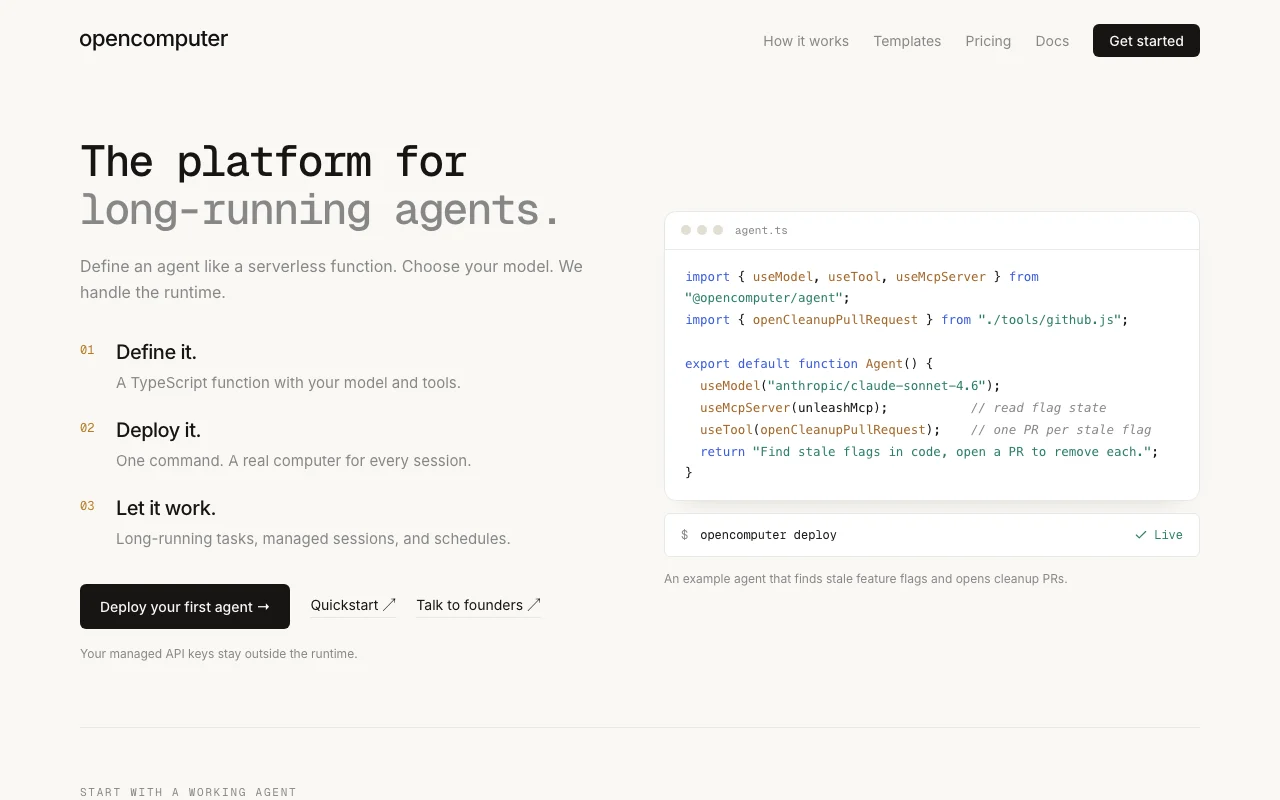
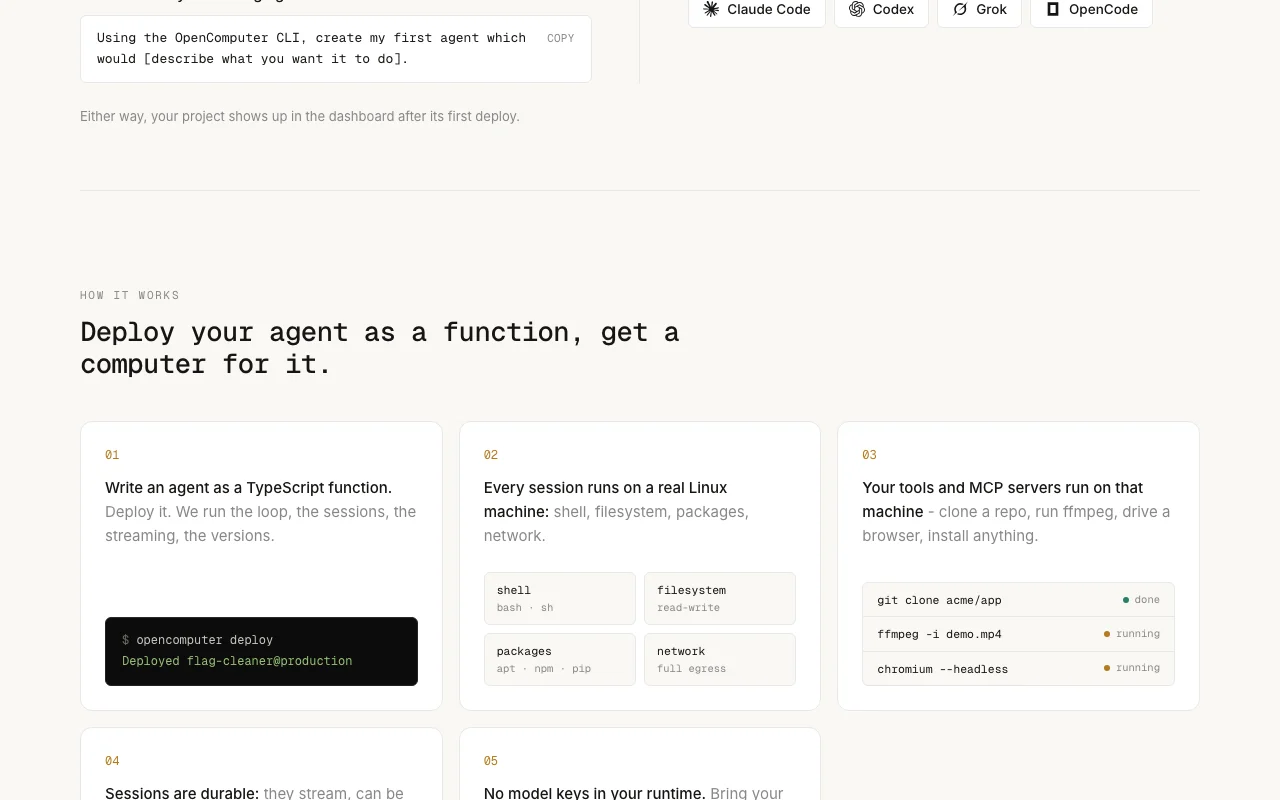
OpenComputer is a hosting platform for long-running AI agents. Developers write agents as TypeScript functions, deploy them with a CLI, and each session runs on a managed Linux machine with tools, MCP servers and persistent state. Sessions can hibernate and resume, and multi-turn loops stream results.
It is model-agnostic (Claude, Grok and others via API pass-through) and injects managed API keys so credentials never reach the runtime. Pricing is pay-as-you-go with $10 free starter credit; Pro and Max subscriptions multiply usage credit.
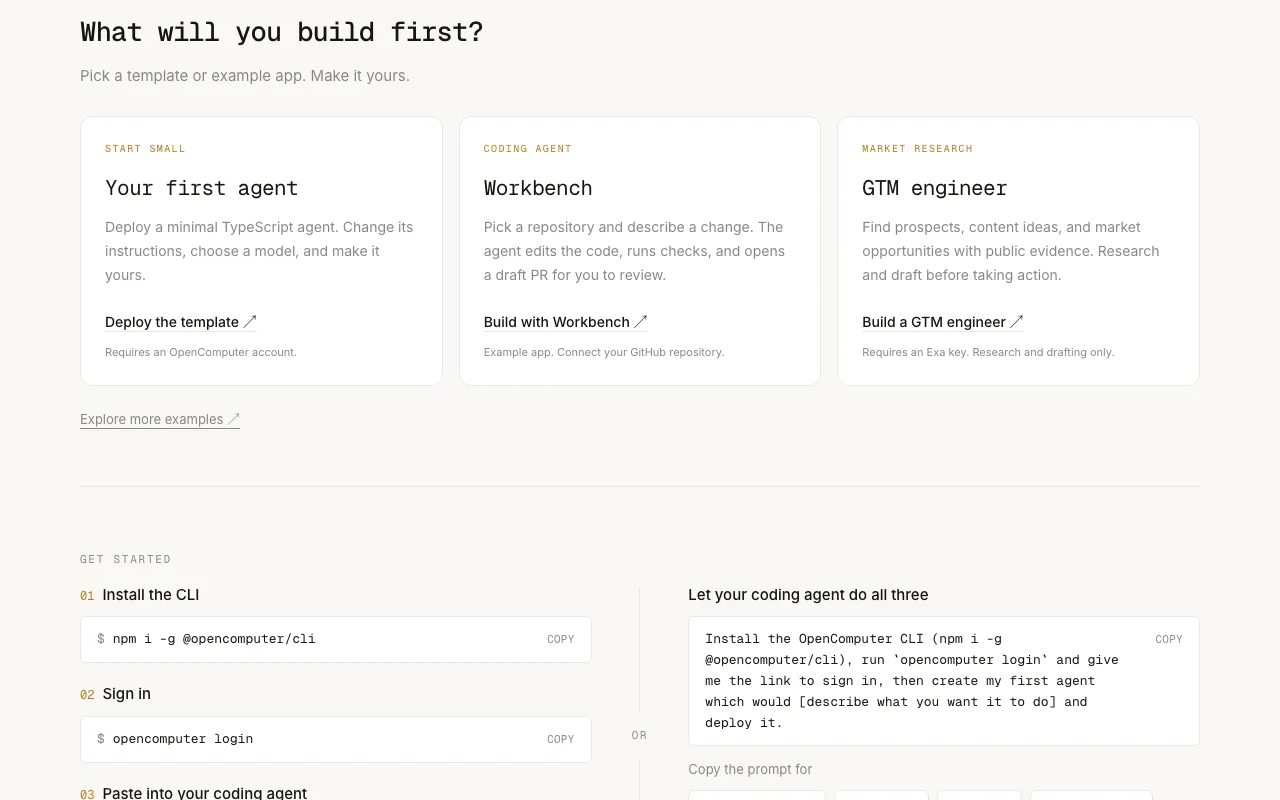
OpenComputer's official site: how the product presents itself. opencomputer.dev, captured Oct 2, 2026
What you provide and what you get back
What you give OpenComputer and what comes back, from its documentation
You provide
Configuration data
User input
External data sources
You get back
Processed results
Exported data
Formatted output
Where you can use it
Platforms
Web, API
Account
Required
What people use OpenComputer for
Scenarios are worked out by our editors from the documentation; the actual result depends on your input and plan.
Each session runs on a real Linux machine with shell, filesystem, apt/npm/pip packages and network access An agent can clone a repo, run ffmpeg or drive a headless browser as part of a task.documentedsource (opens in a new tab)
Sessions are durable: they stream, can be steered mid-run, hibernate when idle and resume Long-running tasks survive pauses without restarting from scratch.documentedsource (opens in a new tab)
Check before paying for OpenComputer
Requires Node.js 22+ and TypeScript/JavaScript Limitation to consider in decisiondocumentedsource (opens in a new tab)
Usage-based billing on top of subscriptions Limitation to consider in decisiondocumentedsource (opens in a new tab)
Example apps have extra prerequisites, e.g. the GTM engineer template needs an Exa key and only does research and drafting Templates may not work out of the box without third-party keys.documentedsource (opens in a new tab)
How to use OpenComputer for using the tool
Set up OpenComputer
Sign up for an account
Configure your workspace settings
Connect your data sources
Example: using the tool
Create your first project
Add sample data
Execute a test run
Review and export the result
Verify the output
Check the logs
Best OpenComputer alternatives for different needs
"Better suited" is based on documented features and pricing, not on a head-to-head test.
Every fact about OpenComputer above comes from the 3 official pages listed here, last compared on Oct 1, 2026; we have not run OpenComputer ourselves, so it has no editorial score. How we check and re-check pages.
Article updated Oct 10, 2026; prices checked Oct 1, 2026. Outbound links to vendors are plain links; we do not earn commissions. How we review · Report an error