CodingDocumented overviewLast checked Oct 2, 2026

OpsWorker: Pricing, Features & Best Use Cases

AI SRE platform that investigates production incidents across Kubernetes, cloud, code and telemetry.
Who OpsWorker fits

OpsWorker suits SRE and platform teams on Kubernetes who want an AI agent to investigate incidents, though prices are not public and a demo or trial is needed. Based on the vendor's documentation, not on a hands-on test.

Best for: SRE and DevOps teams

Also a good fit for

  • Platform engineers

Consider another tool if no public prices seen

Or if

  • Demo or sign-up required
  • Performance figures are vendor claims

OpsWorker pricing and usage limits

Prices checked Oct 2, 2026 on the official US pricing page. Official pricing ↗ Prices and limits change often.

Free access and trial conditions

Not stated beyond the trial.

14-day free trial advertised on the homepage.

Paid plans: what changes as you upgrade

Free trial web

Free source (opens in a new tab)

Trial

Homepage advertises a 14-day free trial; limits not stated.

For: Teams evaluating the product

Limits

  • 14 days

Usage caps, credits and extra costs

Pricing page was empty; no plans or prices captured.

Not stated.

What is OpsWorker, and how does it work?

OpsWorker is an AI SRE platform for Kubernetes and cloud teams. Its agents handle incident resolution, prevention, service discovery and production intelligence, correlating telemetry, infrastructure changes and code context to identify root causes and propose fixes, including auto-generated pull requests. The docs describe a SaaS app (app.opsworker.ai) plus a Kubernetes agent, with integrations for Prometheus, Grafana, Datadog, Slack, GitHub and GitLab. The site offers a demo and a 14-day free trial and states SOC2 compliance; no prices are published.

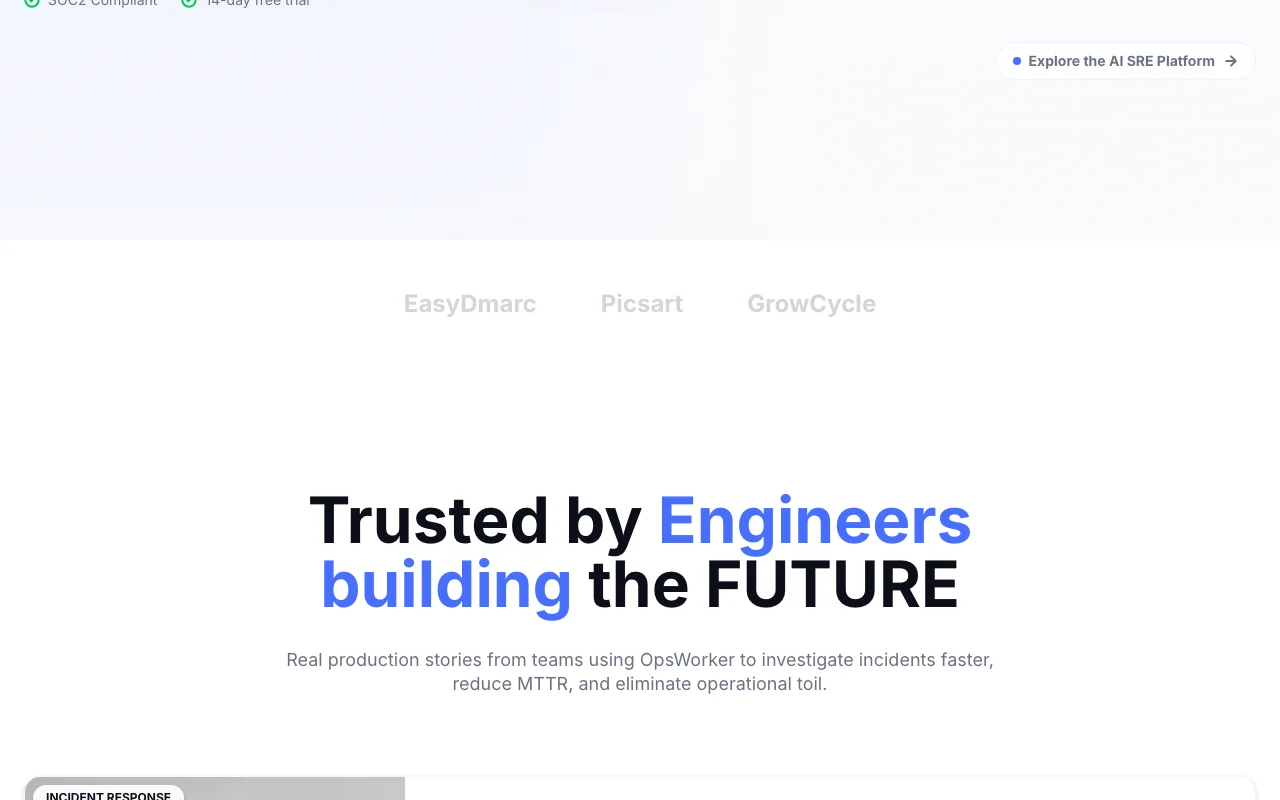
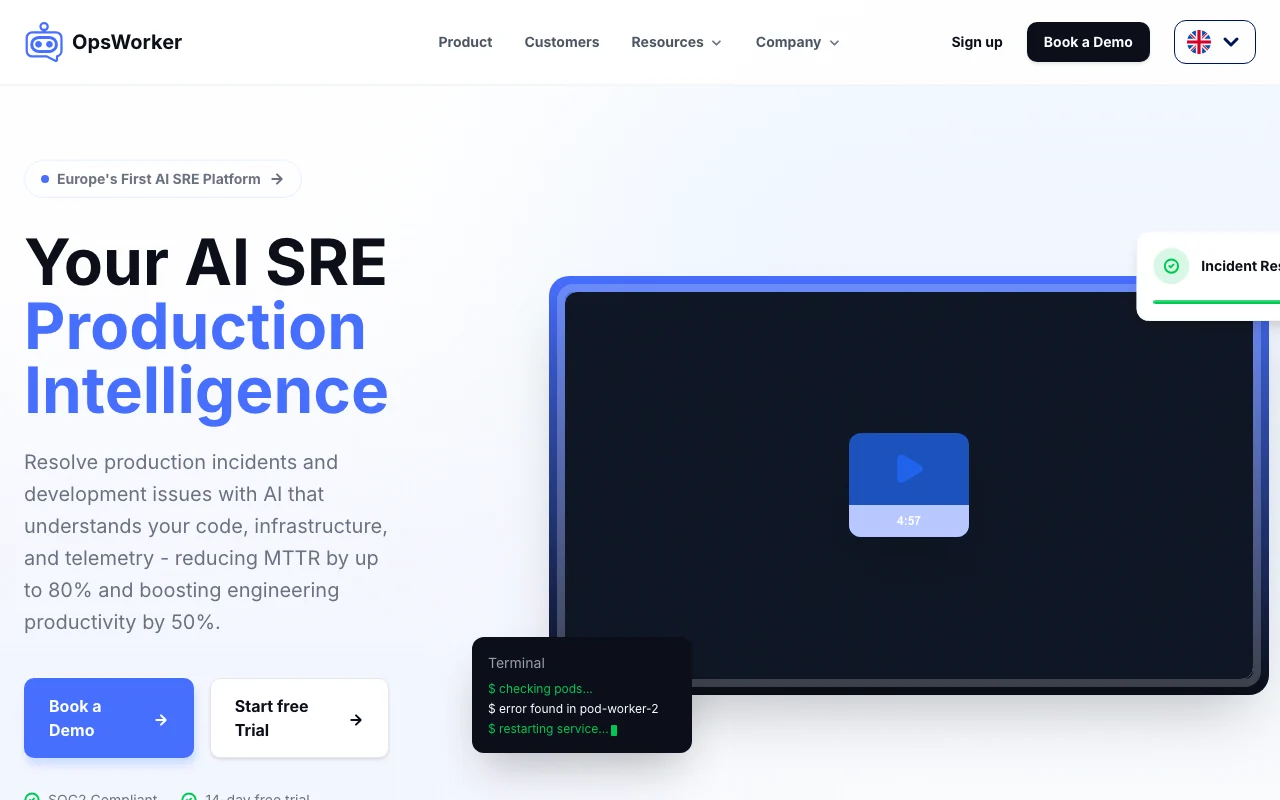
OpsWorker homepage — screenshot of the coding AI tool, Oct 2, 2026
OpsWorker's official site: how the product presents itself. opsworker.ai, captured Oct 2, 2026

What you provide and what you get back

How OpsWorker works: what you provide, where it runs and what you get backYOU PROVIDEYour inputAlerts and telemetry from observa…Kubernetes and cloud stateCode and configurationCODINGOpsWorkerWebprice not publishedno free tieraccount requiredchecked Oct 2, 2026YOU GET BACKThe resultRoot-cause analysisRemediation steps with suggested…Auto-generated pull requestsSlack investigation resultsinput → OpsWorker → output · from the vendor's own pages, no hands-on test unless stated
What you give OpsWorker and what comes back, from its documentation

You provide

  • Alerts and telemetry from observability sources
  • Kubernetes and cloud state
  • Code and configuration

You get back

  • Root-cause analysis
  • Remediation steps with suggested commands
  • Auto-generated pull requests
  • Slack investigation results

Where you can use it

Platforms
Web
Account
Required
Targets
Kubernetes and cloud environments
Notifications
Slack
Fix output
Auto-generated pull requests
Compliance
SOC2 (vendor stated)

What people use OpsWorker for

Scenarios are worked out by our editors from the documentation; the actual result depends on your input and plan.

Incident investigation

Who
On-call SREs and DevOps
You provide
An alert from observability tools
Expected result
Root cause and L1-L3 remediation steps in minutes
Plan needed
Trial or sales plan
Limitation
Prices and limits not public source (opens in a new tab)

Reliability risk review

Who
Software engineers and SREs
You provide
Deployments and configuration
Expected result
Reliability risks flagged with auto-generated PRs
Plan needed
Not stated
Limitation
Fix quality depends on the codebase and is a vendor claim source (opens in a new tab)

Service dependency discovery

Who
Platform engineers
You provide
Kubernetes resources and traffic
Expected result
A map of service dependencies and blast radius
Plan needed
Not stated
Limitation
Focused on Kubernetes and cloud source (opens in a new tab)

What OpsWorker does, and where it stops

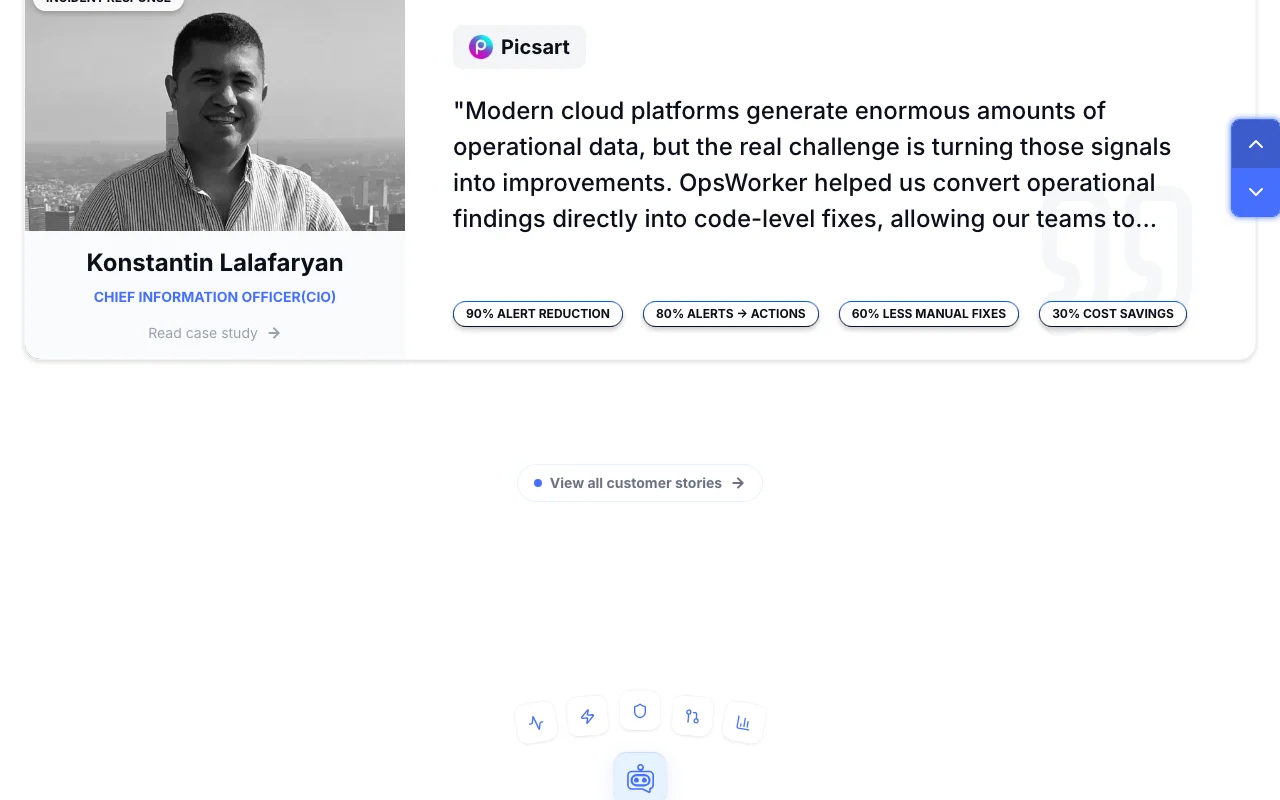
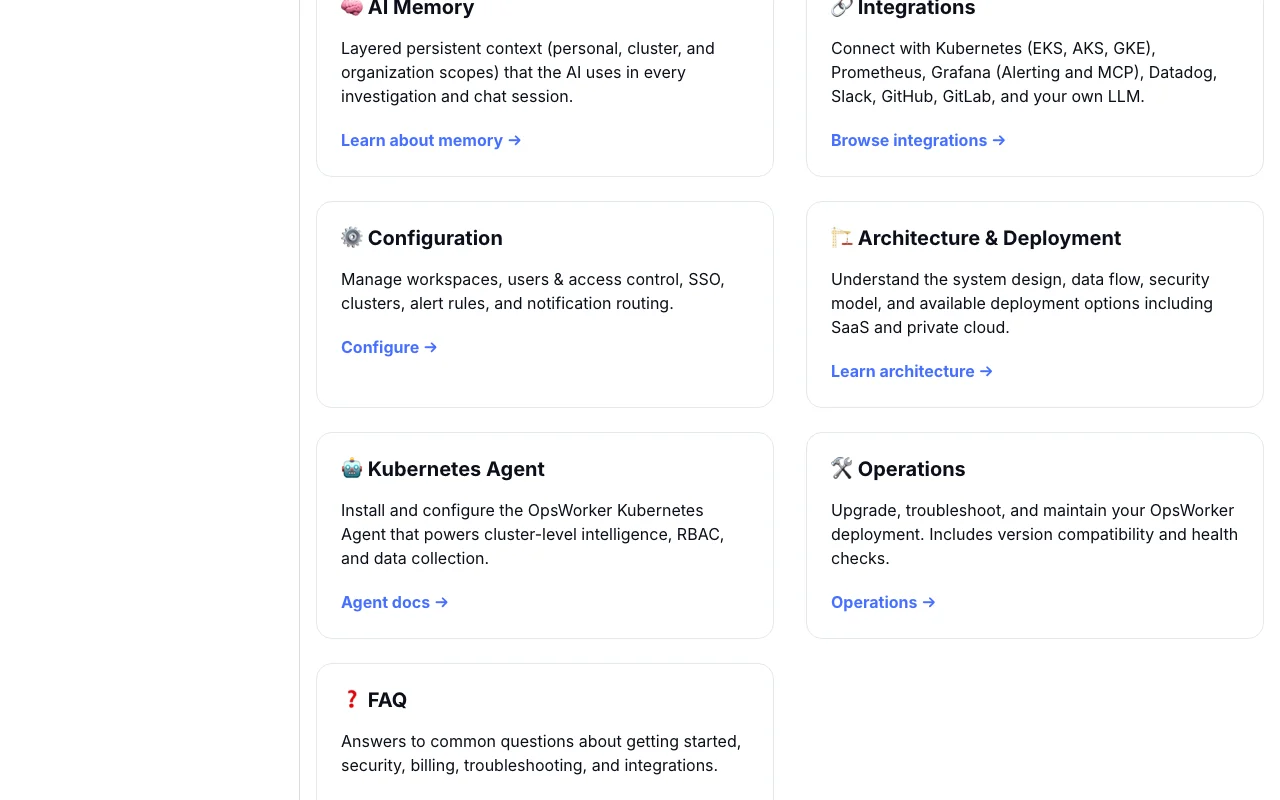
OpsWorker homepage — screenshot of the coding AI tool, Oct 2, 2026
Feature overview on the official site. opsworker.ai, captured Oct 2, 2026

Incident Resolution Agent

Correlates telemetry, infrastructure changes and code to find root causes and propose resolutions. Reduces manual digging across dashboards.

Access: Via demo or free trialLimit: Speed claims are vendor-provided source (opens in a new tab)

Prevention Agent

Finds reliability risks such as misconfigurations before production and generates PRs for fixes. Moves work from firefighting to prevention.

Access: Via demo or free trialLimit: Not stated which repo hosts are supported source (opens in a new tab)

Service Discovery Agent

Analyzes service topology and runtime connections to reveal hidden dependencies. Helps find the service behind cascading failures.

Access: Via demo or free trialLimit: Coverage beyond Kubernetes is not stated source (opens in a new tab)

Production Intelligence Agent

Builds a continuously updated model of infrastructure, deployments and ownership. Gives engineering leaders a shared view of production.
Access: Via demo or free trialLimit: Data sources supported are not fully listed source (opens in a new tab)

OpsWorker: strengths and limits

Reasons to choose OpsWorker

Check before paying for OpsWorker

How to use OpsWorker for investigating a production incident with an AI SRE

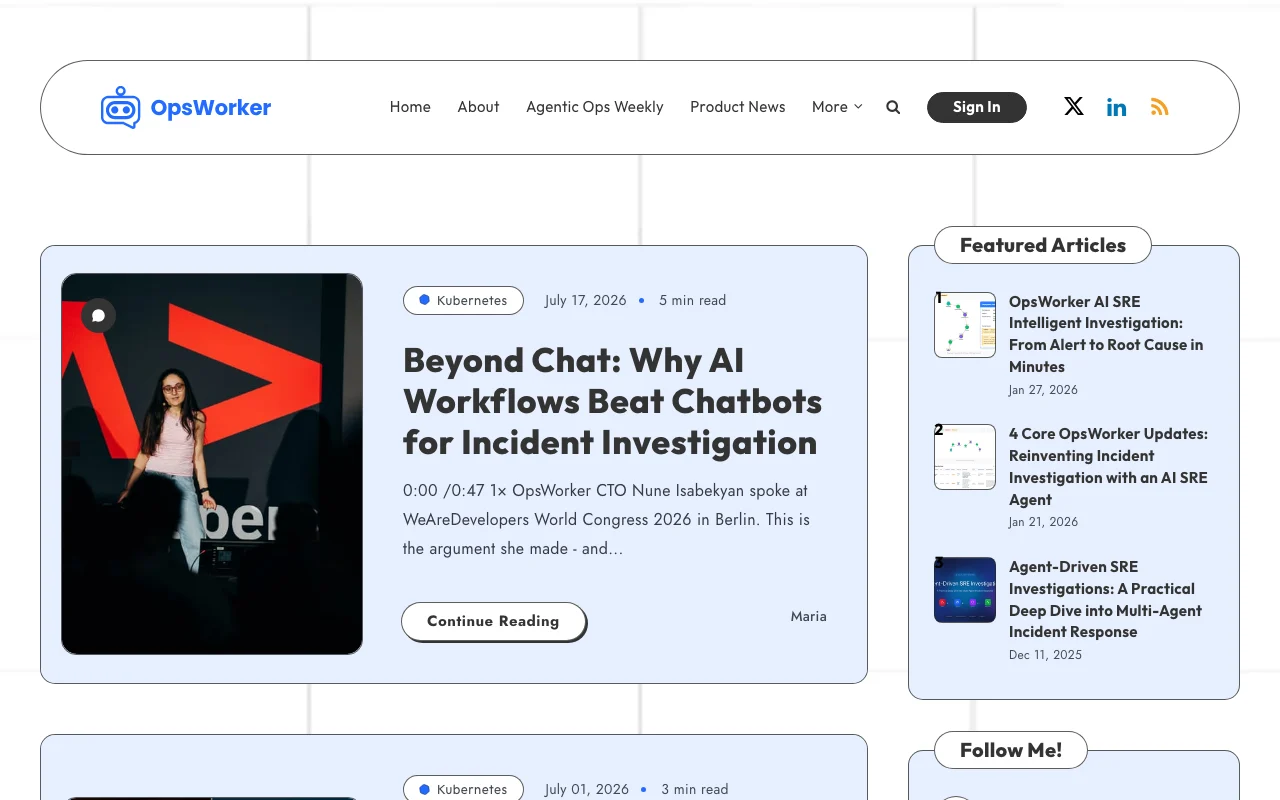
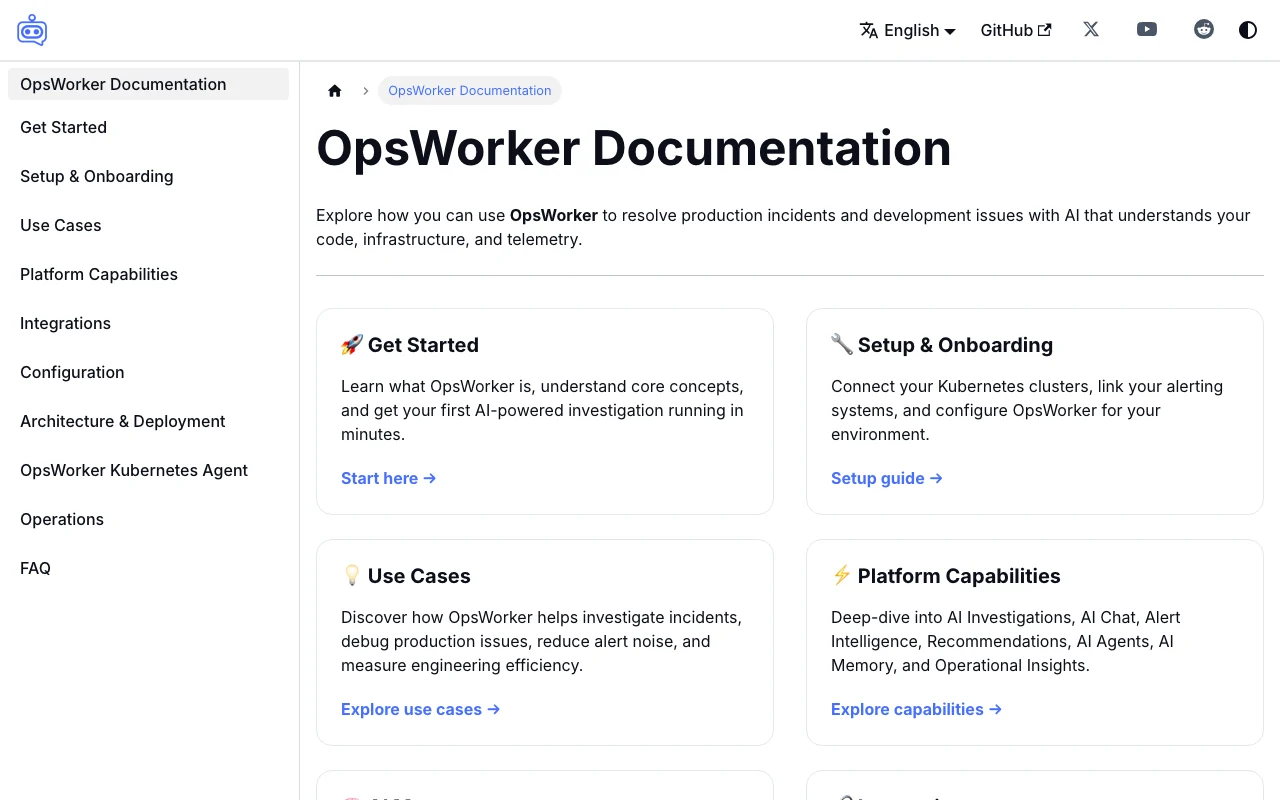
OpsWorker documentation — screenshot of the coding AI tool, Oct 2, 2026
OpsWorker documentation: where the steps below come from. opsworker.ai, captured Oct 2, 2026

Set up OpsWorker

  1. Start the 14-day free trial or book a demo at opsworker.ai
  2. Connect your observability sources and cloud or Kubernetes access
  3. Connect Slack for notifications
  4. Link your code repository

Example: investigating a production incident with an AI SRE

  1. Let an alert trigger an investigation
  2. Read the root cause and blast radius in Slack
  3. Ask follow-up questions in the incident chat
  4. Review the proposed fix or generated PR

Review and export the result

  1. Compare the root cause with your own findings
  2. Verify suggested commands in a safe environment before running them

OpsWorker API

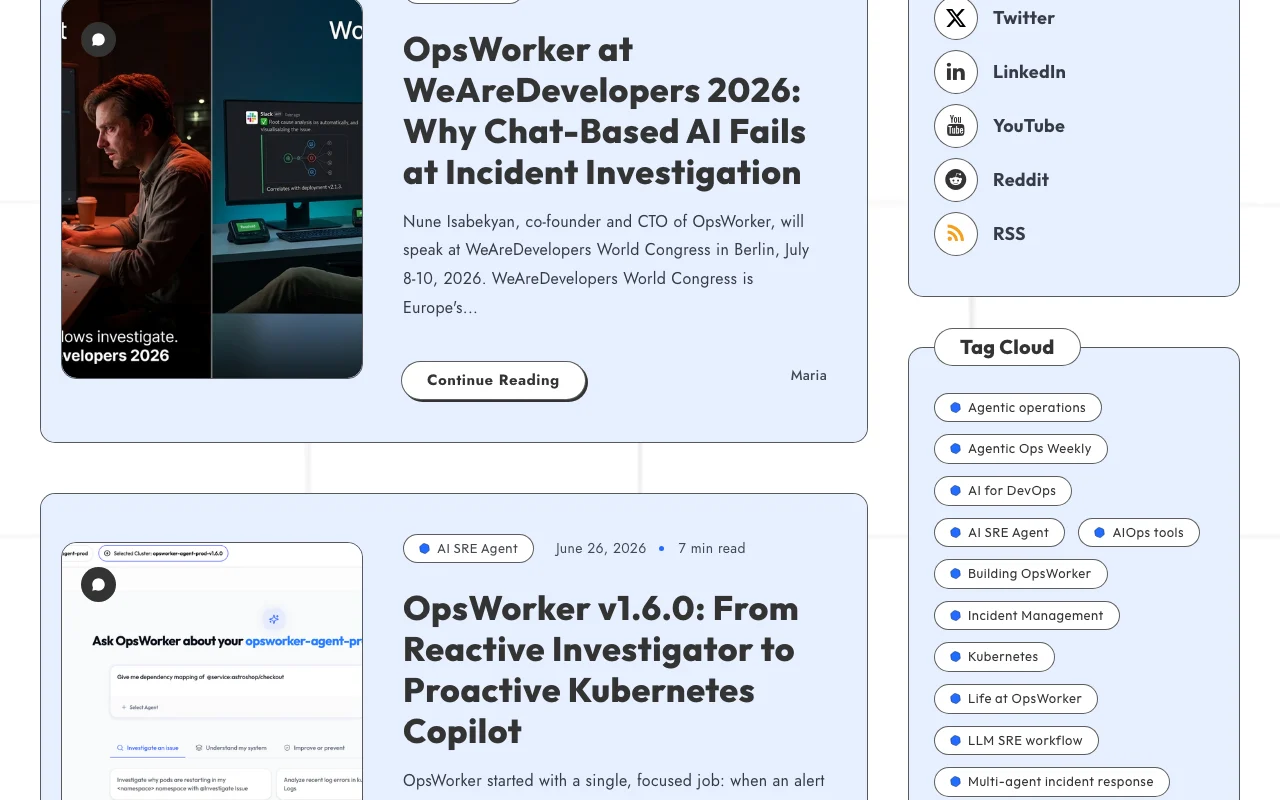
OpsWorker documentation — screenshot of the coding AI tool, Oct 2, 2026
OpsWorker documentation (continued). opsworker.ai, captured Oct 2, 2026

API access and separate billing

OpsWorker has no public API in its official documentation. Docs link exists; contents not captured.

Privacy, data use and commercial rights

Summarized from the vendor's current policies; this is not legal advice and a vendor's badge is not an independent audit.

How your inputs and outputs are handled

Ingests telemetry, infrastructure state and code context.

Controls for business users

  • SOC2 compliance stated on homepage

Best OpsWorker alternatives for different needs

"Better suited" is based on documented features and pricing, not on a head-to-head test.

GitHub Copilot: better suited to

Alternatives
AlternativeWhen to choose itPricingLimitation
GitHub Copilot——Compare

Explore OpsWorker further

If you are looking at OpsWorker

OpsWorker user reviews

No user reviews yet.

Used OpsWorker? Be the first to share your experience.

Write a review

Reviews are checked by a moderator before they appear. Your email is never published. Plain text only.

Your rating (required)

Show what you made or what went wrong. Images are published only if the review is approved; location data is removed.

    OpsWorker FAQ

    Does OpsWorker publish its pricing?

    No. The pricing page returned no content, so no plan prices are public in the fetched pages; the homepage offers a demo and a 14-day free trial. source (opens in a new tab)

    Which agents does the OpsWorker platform include?

    The homepage lists Incident Resolution, Prevention, Service Discovery and Production Intelligence agents. source (opens in a new tab)

    Is OpsWorker SOC2 compliant?

    The homepage states OpsWorker is SOC2 compliant. source (opens in a new tab)

    Where does OpsWorker deliver investigation results?

    Investigation results are posted to Slack, with a dedicated incident chat for follow-up questions. source (opens in a new tab)

    Sources and review methodology

    Official sources and verification dates

    Not verified: Prices; Privacy policy; Data retention; Training use; Supported integrations list.

    How we documented and maintain this page

    Every fact about OpsWorker above comes from the 4 official pages listed here, last compared on Oct 2, 2026; we have not run OpsWorker ourselves, so it has no editorial score. How we check and re-check pages.

    Article updated Oct 10, 2026; prices checked Oct 2, 2026. Outbound links to vendors are plain links; we do not earn commissions. How we review · Report an error