Our take: pen.dev (formerly pencil.dev) suits developers who design and teams using AI coding agents who want a WebGL design canvas with Figma and HTML import, MCP and CLI control, and HTML/Tailwind export, currently free.
Main limitation: The vendor says paid plans may be introduced later, and AI features need your own model subscription or API key.
By the AI Tool Atlas editors.
Based on the vendor's official documentation; we have not tested this product hands-on. What “documented overview” means
Who pen.dev (formerly pencil.dev) fits
pen.dev (formerly pencil.dev) suits developers who design and teams using AI coding agents who want a WebGL design canvas with Figma and HTML import, MCP and CLI control, and HTML/Tailwind export, currently free. Based on the vendor's documentation, not on a hands-on test.
Best for: Developers who design
Also a good fit for
Teams using AI coding agents
Consider another tool if pricing may change in the future
Or if
Windows ARM64 build marked coming soon
Requires own model subscription or API key for AI
pen.dev (formerly pencil.dev) pricing and usage limits
Prices checked Sep 29, 2026 on the official US pricing page. Official pricing ↗ Prices and limits change often.
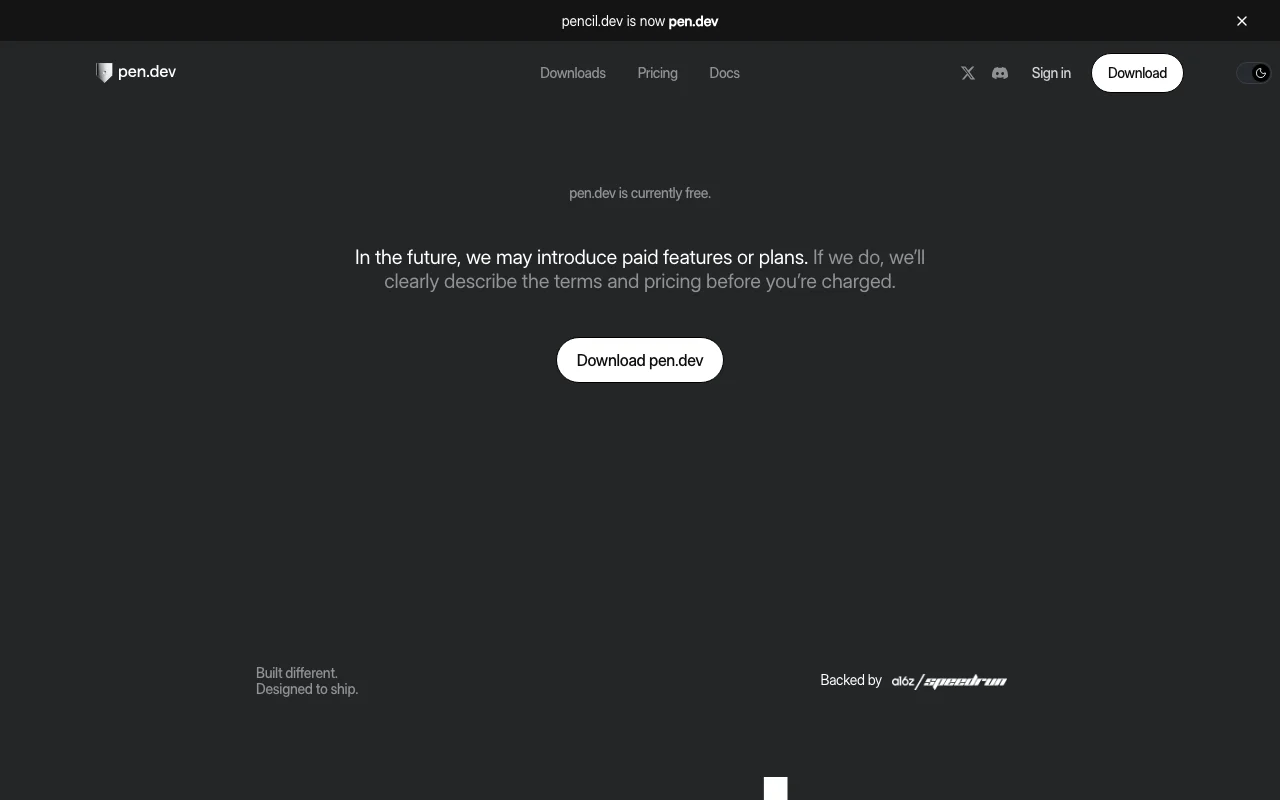
The official pen.dev (formerly pencil.dev) pricing page as we saw it. pen.dev, captured Oct 1, 2026
Site says paid features or plans may be introduced later with terms described beforehand
For: Developers who design and agent-assisted teams
Limits
Bring your own model subscription or API key
Windows ARM64 build coming soon
Includes
Agent design on canvas
Figma and HTML import
2 more
MCP, WebMCP and CLI
HTML/Tailwind export
API included
Usage caps, credits and extra costs
Your own ChatGPT or Claude subscription or API keys for AI; image generation features route through third-party providers.
Not stated.
What is pen.dev (formerly pencil.dev), and how does it work?
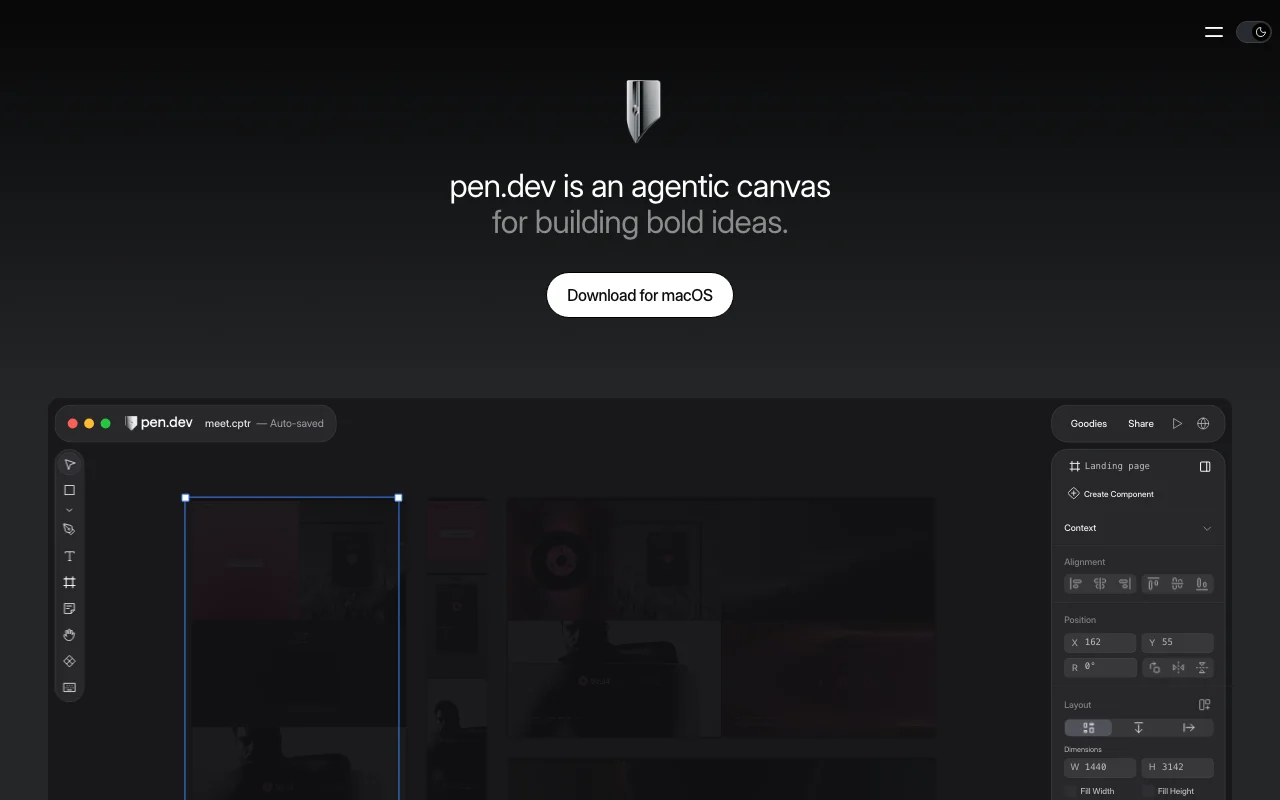
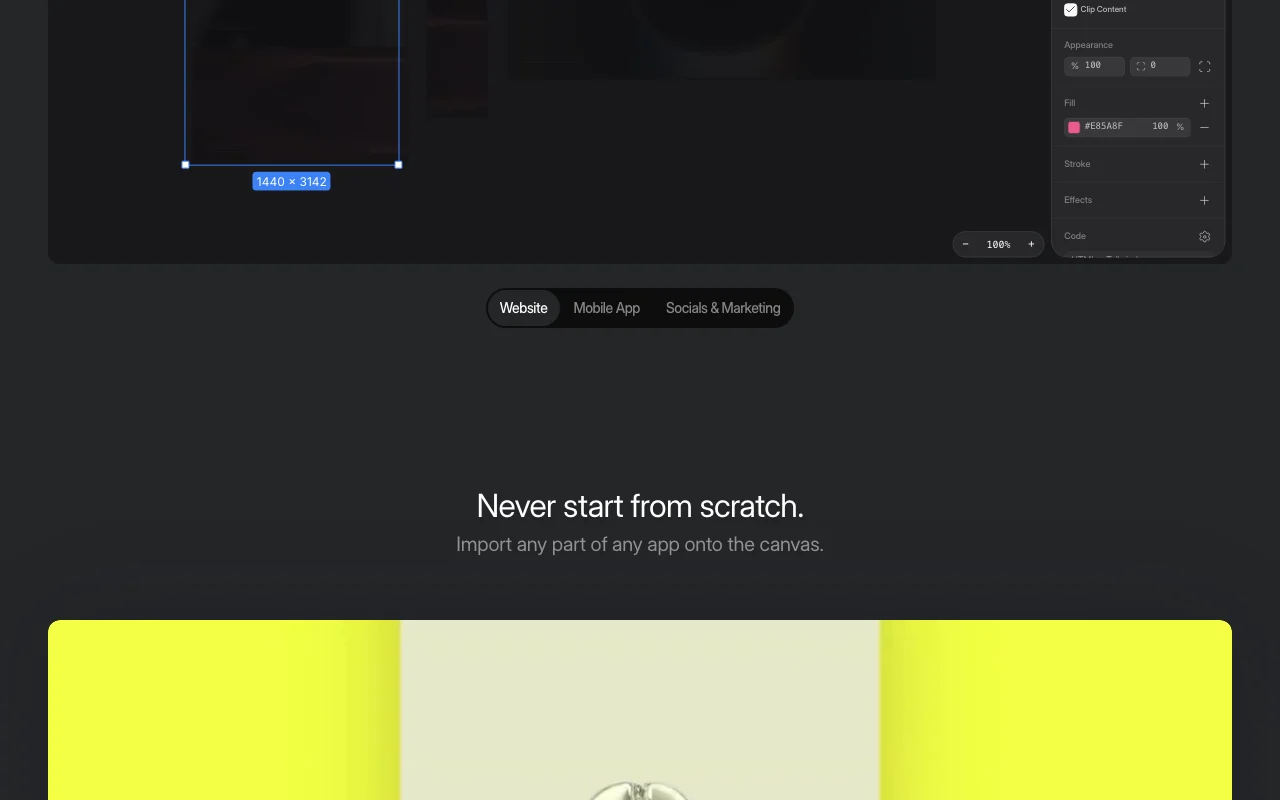
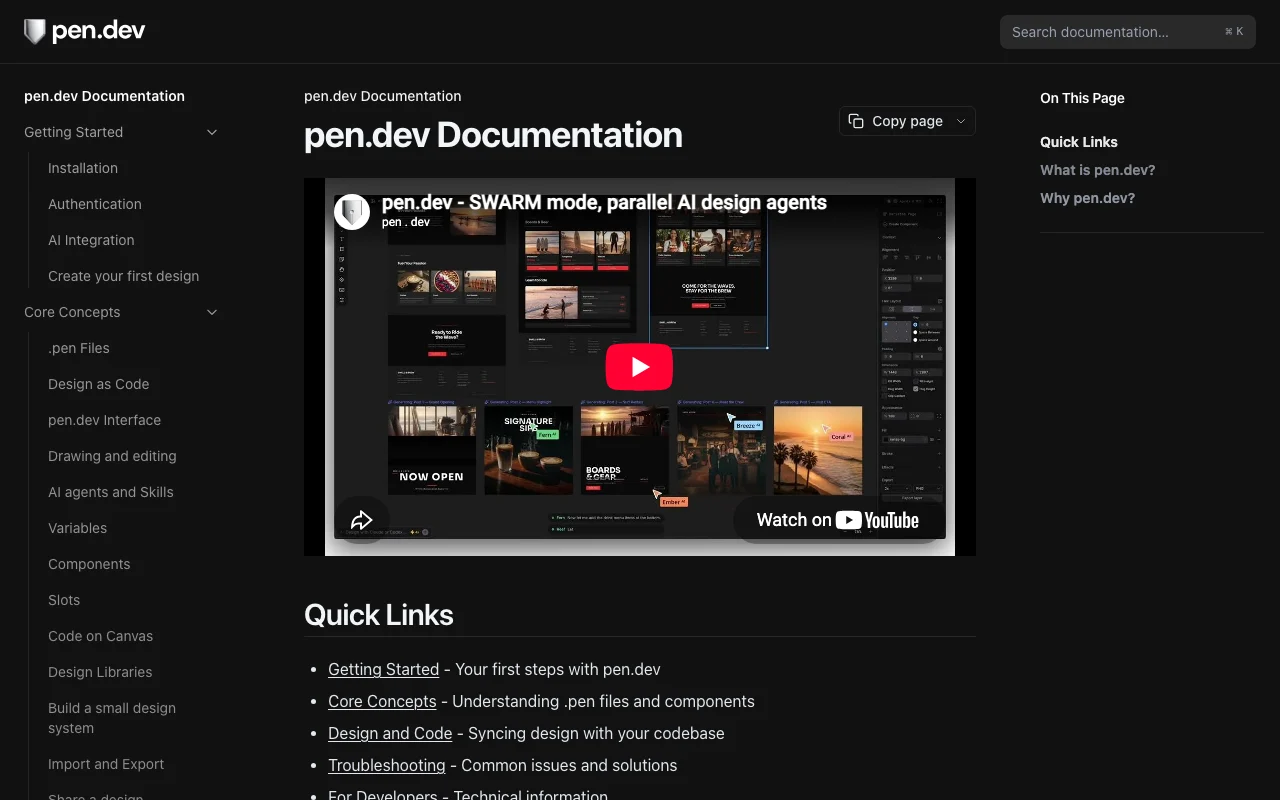
pen.dev, formerly pencil.dev, is an agentic canvas for designing websites, mobile apps and social graphics. Users can design manually or with AI agents directly on the canvas, and import web pages, HTML or Figma content.
It works with models via a ChatGPT or Claude subscription, API keys, or MCP, WebMCP and a CLI, and offers extensions for Cursor, VS Code, Windsurf and Antigravity.
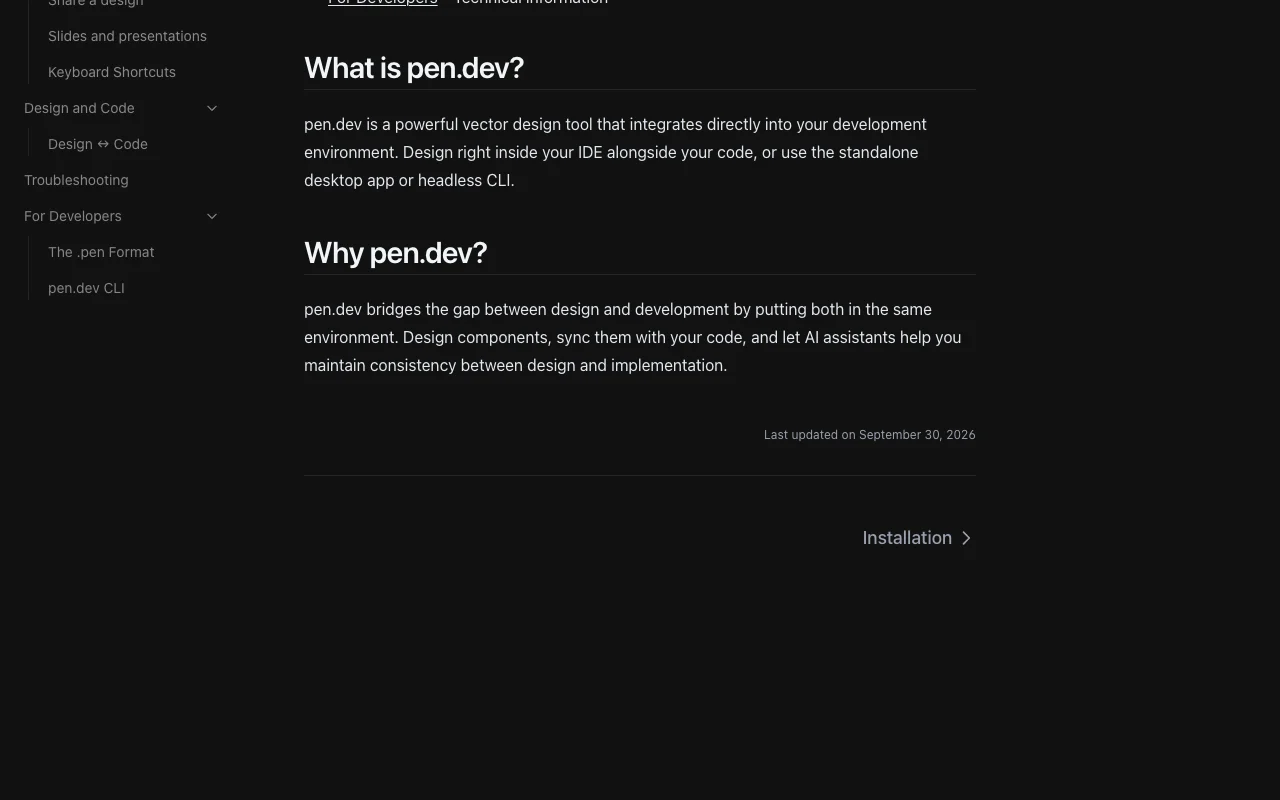
pen.dev (formerly pencil.dev)'s official site: how the product presents itself. pen.dev, captured Oct 1, 2026
What you provide and what you get back
What you give pen.dev (formerly pencil.dev) and what comes back, from its documentation
You provide
Prompts to on-canvas or MCP-connected agents
Web pages and HTML via built-in browser or Chrome extension
Figma .fig files or pasted Figma content
Manual drawing with pen tool and layers
You get back
Designs in the open .pen JSON format
HTML with CSS/Tailwind
PDF, PNG, JPEG, WEBP exports
Shareable links and slide decks
Where you can use it
Platforms
Desktop
Account
Required
Platforms
macOS, Windows x64, Linux (ARM64 Windows soon)
Import
Figma .fig, HTML, web pages, Chrome extension
Export
PDF, PNG, JPEG, WEBP, HTML/CSS/Tailwind
Agent access
MCP, WebMCP, CLI
File format
.pen JSON
What people use pen.dev (formerly pencil.dev) for
Scenarios are worked out by our editors from the documentation; the actual result depends on your input and plan.
Designing websites and apps
Who
Developers who design
You provide
Prompt or manual layout on the canvas
Expected result
Website, mobile app or social graphic designs with components and variables
pen.dev (formerly pencil.dev) has no public API in its official documentation. CLI and MCP; no REST API listed API documentation ↗
Privacy, data use and commercial rights
Summarized from the vendor's current policies; this is not legal advice and a vendor's badge is not an independent audit.
How your inputs and outputs are handled
Text AI features with your own provider keys go directly from your device to the provider; image/SVG features pass through vendor servers to providers.
pen.dev Pro model content is not stored or used to train AI models.
Web-page imports are processed in real time and not stored on servers.
Yes, pen.dev is currently free, though the vendor says it may introduce paid features or plans later and will describe terms before charging. source (opens in a new tab)
Which AI models does pen.dev support?
You can bring Claude, OpenAI, Grok, Qwen, Gemini, Kimi, Deepseek, Minimax and others via a ChatGPT or Claude subscription, API keys, or MCP. source (opens in a new tab)
Can pen.dev import from Figma?
Yes, it imports .fig files with layouts, styles and images, or you can copy and paste from Figma directly. source (opens in a new tab)
Which IDEs does pen.dev integrate with?
Extensions are offered for Cursor, VS Code, Windsurf and Antigravity, and agents like Claude Code and Codex connect over MCP. source (opens in a new tab)
What format does pen.dev save designs in?
The open .pen format, a JSON file with an open schema that agents can read natively. source (opens in a new tab)
Not verified: Future pricing; US availability; Retention of account data.
How we documented and maintain this page
Every fact about pen.dev (formerly pencil.dev) above comes from the 6 official pages listed here, last compared on Sep 29, 2026; we have not run pen.dev (formerly pencil.dev) ourselves, so it has no editorial score. How we check and re-check pages.
Article updated Oct 10, 2026; prices checked Sep 29, 2026. Outbound links to vendors are plain links; we do not earn commissions. How we review · Report an error