Audio & SpracheDokumentierter ÜberblickZuletzt geprüft Oct 1, 2026

Streva: Preise, Funktionen & beste Einsatzzwecke

macOS voice dictation app that transcribes and translates speech into polished text in any app, across 100+ languages.
Für wen Streva geeignet ist

Choose Streva if you work on a Mac and want to speak in one language and have polished text, optionally translated, inserted at your cursor in any app. Auf Basis der Dokumentation des Anbieters, nicht in einem praktischen Test.

Am besten für: Multilingual professionals

Auch gut geeignet für

  • Mac users who prefer dictation
  • Students and researchers writing notes

Ein anderes Tool in Betracht ziehen, wenn mac only; Windows and iOS not yet available

Oder wenn

  • Free plan capped at 2,000 words per week
  • Requires sign-in

Streva Preise und Nutzungslimits

Preise am Oct 1, 2026 auf der offiziellen US-Preisseite geprüft. Offizielle Preise ↗ Preise und Limits ändern sich häufig.

Preisseite des Anbieters vor 11 Tagen automatisch neu geprüft: keine Änderungen festgestellt.

Kostenloser Zugang und Testbedingungen

Streva Basic is free with no credit card; sign in and download the Mac app.

No separate trial; the Basic plan serves as the free trial.

Kostenpflichtige Tarife: was sich beim Upgrade ändert

Streva Basic Mac app

Kostenlos Quelle (öffnet in neuem Tab)

Kostenlos

Für: Trying dictation before paying

Limits

  • 2,000 words per week

Enthält

  • Translation and transcription
  • 100+ languages
1 mehr
  • Personal dictionary

Streva Pro (monthly) Mac app

$15 Quelle (öffnet in neuem Tab)

Monthly

Für: Heavy daily dictation

Limits

  • Unlimited dictation words

Enthält

  • Everything in Basic
  • Prioritized feature requests
1 mehr
  • Early access to new features

Streva Pro (annual) Mac app

$120 Quelle (öffnet in neuem Tab)

Annually

Für: Heavy daily dictation, paid yearly

Limits

  • Unlimited dictation words

Enthält

  • Everything in Basic
  • Prioritized feature requests
1 mehr
  • Early access to new features

Nutzungsobergrenzen, Guthaben und Zusatzkosten

None listed.

Not stated.

Was ist Streva und wie funktioniert es?

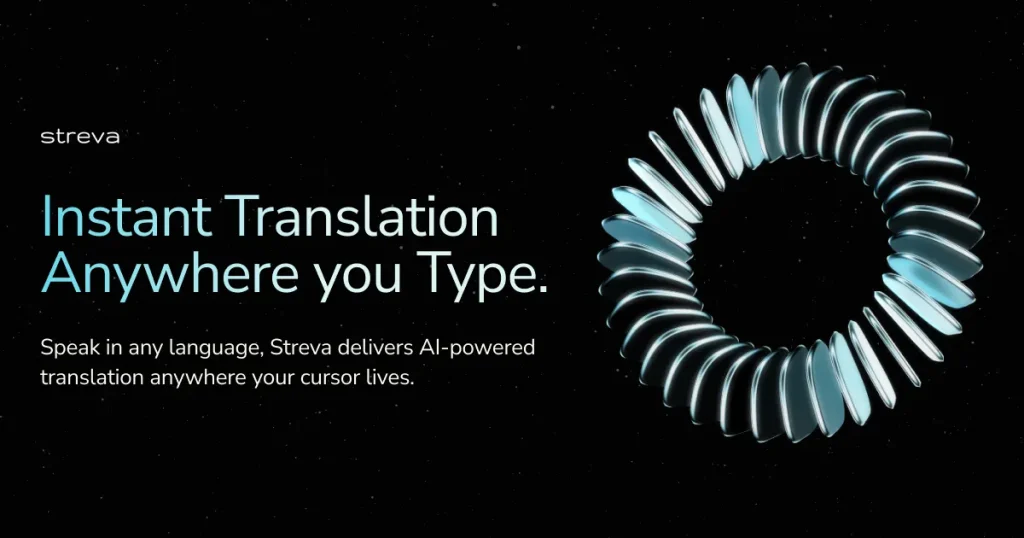
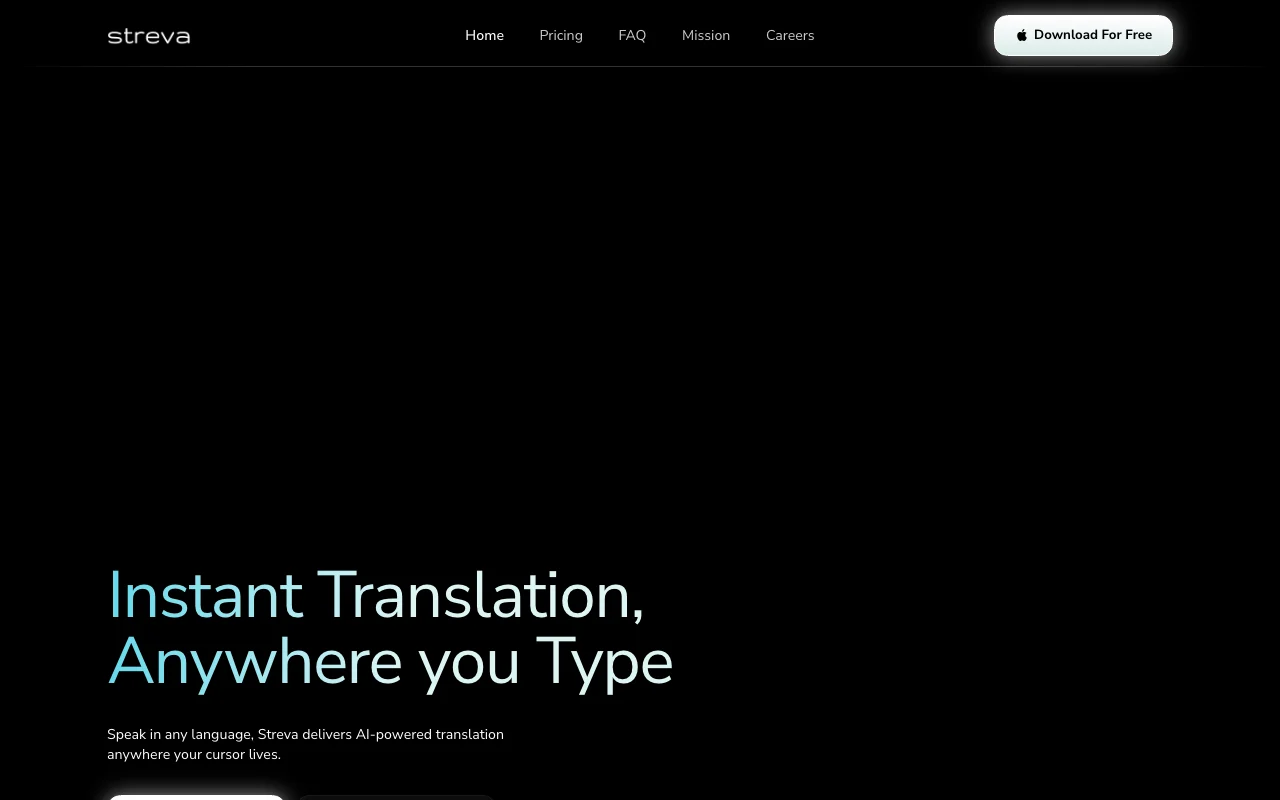
Streva is a native macOS app for voice dictation and real-time translation. You speak in any language and it inserts formatted, translated or cleaned-up text wherever your cursor is, such as email or Slack, adapting formatting to the current app. It supports 100+ languages and offers a Private Mode in which audio and transcripts are not retained. Windows and iOS versions are listed as on the roadmap, with a Windows waitlist.

Streva Startseite – Screenshot des KI-Tools audio & sprache, Oct 2, 2026
Offizielle Website von Streva: So stellt sich das Produkt selbst dar. streva.ai, erfasst Oct 2, 2026

Was Sie liefern und was Sie erhalten

Wie Streva funktioniert: was Sie liefern, wo es läuft und was Sie zurückbekommenSIE LIEFERNIhre EingabeSpoken audio from the Mac microph…Dictionary terms you addAUDIO & SPRACHEStrevaDesktopab $15 (Streva Pro (monthly))kostenloser Tarif verfügbarKonto erforderlichgeprüft Oct 1, 2026SIE ERHALTEN ZURÜCKDas ErgebnisCleaned-up text typed at the curs…Translated text in the target lan…input → Streva → output · von den eigenen Seiten des Anbieters, kein praktischer Test, sofern nicht angegeben
Was Sie Streva geben und was zurückkommt, laut Dokumentation

Sie liefern

  • Spoken audio from the Mac microphone
  • Dictionary terms you add

Sie erhalten zurück

  • Cleaned-up text typed at the cursor
  • Translated text in the target language

Wo Sie es nutzen können

Plattformen
Desktop
Konto
Erforderlich
Platform
macOS native app; Windows waitlist
Languages
100+ (vendor claim)
Speed claim
220 wpm vs 45 wpm typing (vendor claim)
Free cap
2,000 words/week
Export formats
None; text inserted at cursor

Die besten Einsatzzwecke für Streva

Die Szenarien erarbeiten unsere Redakteure anhand der Dokumentation; das tatsächliche Ergebnis hängt von Ihrer Eingabe und Ihrem Tarif ab.

Dictating emails and Slack messages

Wer
Professionals answering email and Slack all day
Sie liefern
Rambling spoken reply such as 'forgot to reply, busy morning, 3pm works'
Erwartetes Ergebnis
A polished sentence ('Sorry for the late reply... 3 PM works perfectly') inserted in the open compose box
Benötigter Tarif
Basic up to 2,000 words/week, Pro beyond
Einschränkung
Weekly word cap on Basic Quelle (öffnet in neuem Tab)

Writing in another language by speaking

Wer
Multilingual workers and researchers
Sie liefern
Speech in your native language
Erwartetes Ergebnis
Text written in another language, with intent and tone preserved, inline where you type
Benötigter Tarif
Basic or Pro
Einschränkung
Quality per language pair is vendor-claimed, no benchmark published Quelle (öffnet in neuem Tab)

Turning spoken notes into structured text

Wer
Students and clinicians taking notes
Sie liefern
Spoken commands like 'Meeting notes: decisions and next steps' or 'Summarize this in three bullets'
Erwartetes Ergebnis
Structured notes or bullets rather than a raw transcript
Benötigter Tarif
Basic or Pro
Einschränkung
Output format depends on its interpretation of intent; review before sending Quelle (öffnet in neuem Tab)

Wichtige Funktionen und ihre praktischen Grenzen

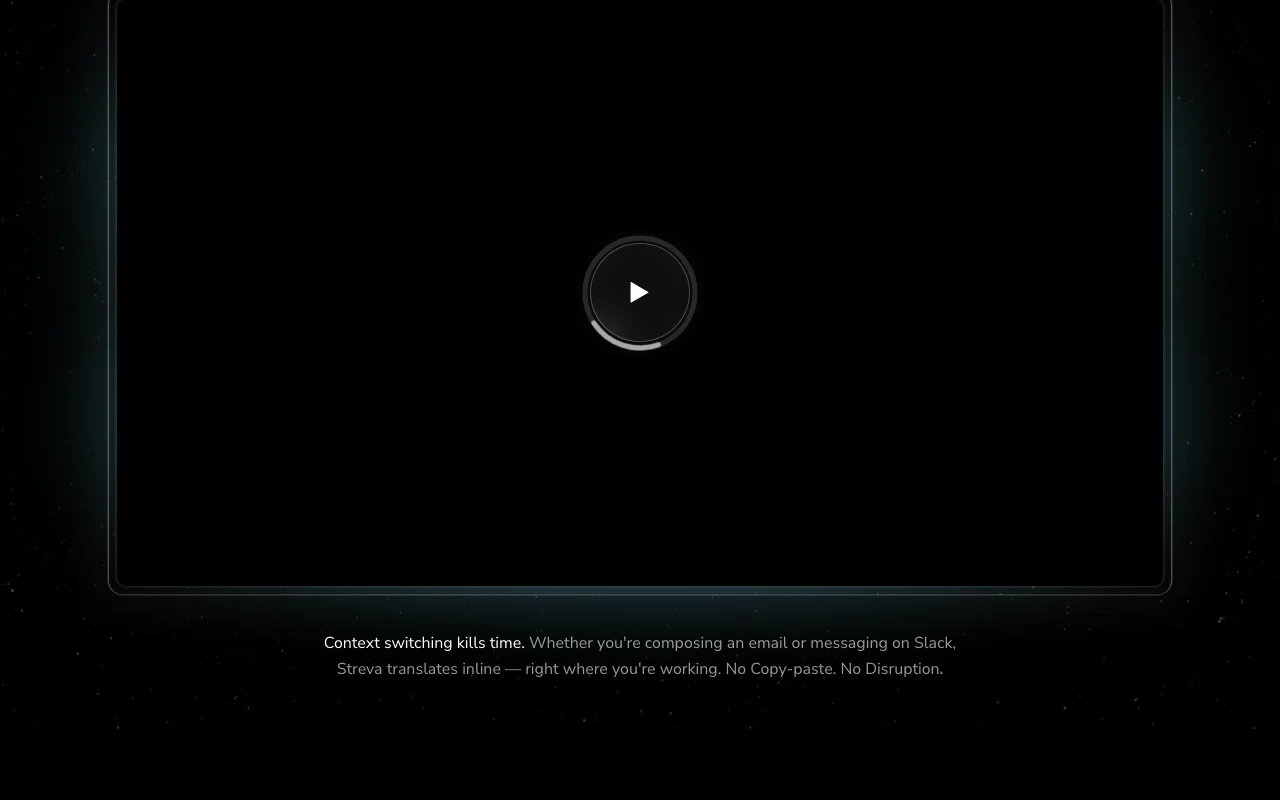
Streva Startseite – Screenshot des KI-Tools audio & sprache, Oct 2, 2026
Funktionsüberblick auf der offiziellen Website. streva.ai, erfasst Oct 2, 2026

Voice dictation into any Mac app

A floating Mac app captures your voice and types the result into whichever app has the cursor, so no copy-paste step is needed. Removes context switching between a transcription tool and your writing app.

Zugriff: Basic and ProLimit: macOS only Quelle (öffnet in neuem Tab)

Real-time translation across 100+ languages

Speech recognition feeds a large language model that rewrites the transcript in the language you choose while keeping intent. Lets you write replies in a language you cannot type fluently.

Zugriff: Basic and ProLimit: Language list beyond '100+' is not itemised on the page Quelle (öffnet in neuem Tab)

Context-aware formatting per app

The model detects the active app (e.g. email vs Slack) and adjusts tone and layout of the inserted text. Messages arrive already formatted for the destination.

Zugriff: Basic and ProLimit: Exact list of supported apps is not published Quelle (öffnet in neuem Tab)

Personal dictionary

You store names, jargon and terms in a dictionary that the recognizer uses as personalization. Fewer misspelled product names and technical terms.

Zugriff: Listed under Basic, so also ProLimit: Dictionary size limits not stated Quelle (öffnet in neuem Tab)

Streva Vor- und Nachteile

Wo Streva stark ist

Einschränkungen, die Sie vor dem Bezahlen prüfen sollten

  • Mac only; Windows and iOS not yet available Windows and iPhone users cannot use it; Windows is waitlist only. dokumentiert Quelle (öffnet in neuem Tab)
  • Free plan capped at 2,000 words per week About 2,000 words is roughly a few emails a day, so heavy users hit the wall mid-week. dokumentiert Quelle (öffnet in neuem Tab)
  • Requires sign-in You cannot use it anonymously; an account is needed even for the free plan. dokumentiert Quelle (öffnet in neuem Tab)
  • Pro needed for unlimited dictation Unlimited dictation is the main reason to pay, so regular users end up on Pro. dokumentiert Quelle (öffnet in neuem Tab)

So nutzen Sie Streva für dictating and translating text into any Mac app

Streva einrichten

  1. Open streva.ai and click 'Download For Free' to get the Mac app.
  2. Install the app and sign in when prompted (no credit card needed for the Free plan).
  3. Allow microphone access and choose Private Mode if you do not want audio or transcripts retained.
  4. Open 'Dictionary' and add names and jargon you use often.

Beispiel: dictating and translating text into any Mac app

  1. Click into an email or Slack message box.
  2. Trigger Streva's dictation and say your reply, e.g. 'Yes, that works for me, I'll move forward on this.'
  3. Optionally say 'Rewrite this to sound more professional' or speak in another language for translation.
  4. Review the text Streva inserted and send.

Ergebnis prüfen und exportieren

  1. Confirm the text appears in the app where your cursor was.
  2. Check names and technical terms against your dictionary entries.
  3. Watch usage against the 2,000 words per week cap on Basic.
Von unserer Redaktion vorgeschlagener Beispiel-Prompt (keine aufgezeichnete Ausgabe des Produkts)
Make this clearer and more concise.

Streva API

API-Zugang und separate Abrechnung

Streva hat laut offizieller Dokumentation keine öffentliche API. No API or docs page found (/docs returns 404)

Datenschutz, Datennutzung und kommerzielle Rechte

Zusammengefasst aus den aktuellen Richtlinien des Anbieters; dies ist keine Rechtsberatung, und das Badge eines Anbieters ersetzt kein unabhängiges Audit.

Wie Ihre Eingaben und Ausgaben verarbeitet werden

Voice audio and resulting transcripts are processed to produce text.

In Private Mode audio and transcripts are processed only to complete the request and never retained.

Kommerzielle Nutzung und Tarifbeschränkungen

Private Mode availability per plan not stated.

Die besten Streva-Alternativen für unterschiedliche Anforderungen

„Besser geeignet“ beruht auf dokumentierten Funktionen und Preisen, nicht auf einem direkten Test.

Otter.ai: besser geeignet für

Descript: besser geeignet für

ElevenLabs: besser geeignet für

ChatGPT: besser geeignet für

Alternativen
AlternativeWann Sie es wählen solltenPreiseEinschränkung
Otter.ai——Vergleichen
Descript——
ElevenLabs——Vergleichen
ChatGPT——

Streva weiter erkunden

Wenn Sie Streva in Betracht ziehen

Streva Nutzerbewertungen

Noch keine Nutzerbewertungen.

Verwendet Streva? Teilen Sie als Erste oder Erster Ihre Erfahrung.

Bewertung schreiben

Bewertungen werden von einem Moderator geprüft, bevor sie erscheinen. Ihre E-Mail-Adresse wird nie veröffentlicht. Nur Klartext.

Ihre Bewertung (erforderlich)

Zeigen Sie, was Sie erstellt haben oder was schiefgelaufen ist. Bilder werden nur veröffentlicht, wenn die Bewertung freigegeben wird; Standortdaten werden entfernt.

    Streva FAQ

    How many words can I dictate for free on Streva?

    Streva Basic includes 2,000 words per week at no cost and no credit card. Pro removes the cap. Quelle (öffnet in neuem Tab)

    What does Streva Pro cost and what does it add?

    Pro is $15 per month or $120 per year. It adds unlimited dictation words, prioritized feature requests and early access to new features on top of Basic. Quelle (öffnet in neuem Tab)

    Does Streva run on Windows or iPhone?

    Not yet. It is a native macOS app; Windows has a waitlist form on the site and iOS is on the roadmap. Quelle (öffnet in neuem Tab)

    What does Private Mode do in Streva?

    With Private Mode on, your audio and transcripts are used only to complete the request and are never retained, per the vendor FAQ. Quelle (öffnet in neuem Tab)

    Can Streva translate while I dictate?

    Yes. You speak in one language and it outputs text translated inline, claiming support for 100+ languages and intent preservation. Quelle (öffnet in neuem Tab)

    Quellen und Bewertungsmethodik

    Offizielle Quellen und Prüfdaten

    Nicht verifiziert: Privacy policy contents (/privacy 404); Training use of audio; Itemised language list; Offline support; API.

    Wie wir diese Seite dokumentiert haben und pflegen

    Jede Angabe zu Streva oben stammt aus den 3 hier aufgeführten offiziellen Seiten, zuletzt verglichen am Oct 1, 2026; wir haben Streva nicht selbst getestet, daher gibt es keine redaktionelle Bewertung. Wie wir Seiten prüfen und erneut prüfen.

    Artikel aktualisiert Oct 10, 2026; Preise geprüft Oct 1, 2026. Ausgehende Links zu Anbietern sind einfache Links; wir erhalten keine Provisionen. So testen wir · Fehler melden