Áudio e vozVisão geral documentadaÚltima verificação Oct 1, 2026

Streva: preços, recursos e melhores casos de uso

macOS voice dictation app that transcribes and translates speech into polished text in any app, across 100+ languages.
Quem deve usar Streva

Choose Streva if you work on a Mac and want to speak in one language and have polished text, optionally translated, inserted at your cursor in any app. Com base na documentação do fornecedor, fora de um teste prático.

Ideal para: Multilingual professionals

Também indicado para

  • Mac users who prefer dictation
  • Students and researchers writing notes

Considere outra ferramenta se mac only; Windows and iOS not yet available

Ou se

  • Free plan capped at 2,000 words per week
  • Requires sign-in

Preços e limites de uso do Streva

Preços verificados em Oct 1, 2026 na página oficial de preços dos EUA. Preços oficiais ↗ Preços e limites mudam com frequência.

Página de preços do fornecedor verificada novamente de forma automática em há 11 dias: nenhuma mudança detectada.

Condições de acesso gratuito e de teste

Streva Basic is free with no credit card; sign in and download the Mac app.

No separate trial; the Basic plan serves as the free trial.

Planos pagos: o que muda ao fazer upgrade

Streva Basic Mac app

Grátis fonte (abre em uma nova guia)

Grátis

Para: Trying dictation before paying

Limites

  • 2,000 words per week

Inclui

  • Translation and transcription
  • 100+ languages
1 mais
  • Personal dictionary

Streva Pro (monthly) Mac app

$15 fonte (abre em uma nova guia)

Monthly

Para: Heavy daily dictation

Limites

  • Unlimited dictation words

Inclui

  • Everything in Basic
  • Prioritized feature requests
1 mais
  • Early access to new features

Streva Pro (annual) Mac app

$120 fonte (abre em uma nova guia)

Annually

Para: Heavy daily dictation, paid yearly

Limites

  • Unlimited dictation words

Inclui

  • Everything in Basic
  • Prioritized feature requests
1 mais
  • Early access to new features

Limites de uso, créditos e custos extras

None listed.

Not stated.

O que é Streva e como funciona?

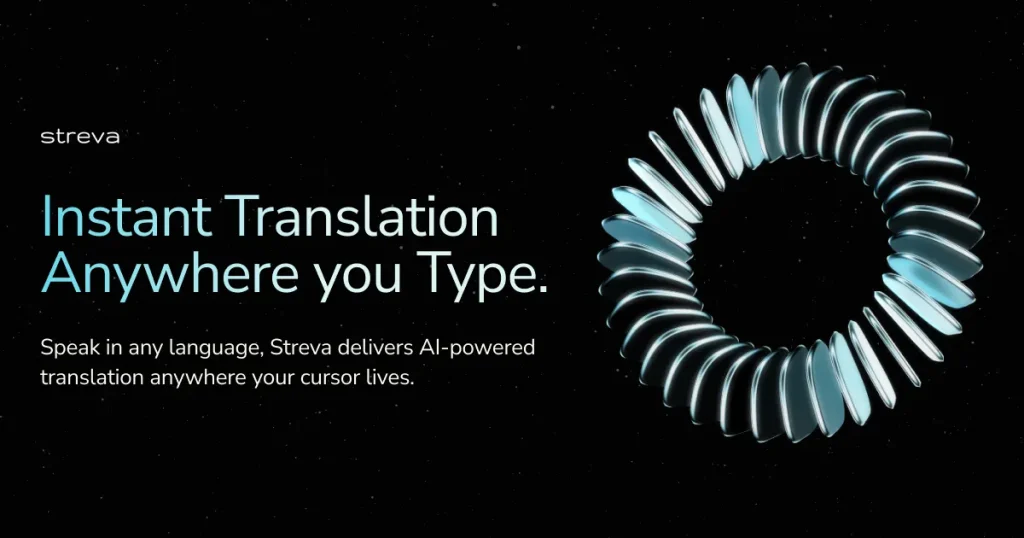
Streva is a native macOS app for voice dictation and real-time translation. You speak in any language and it inserts formatted, translated or cleaned-up text wherever your cursor is, such as email or Slack, adapting formatting to the current app. It supports 100+ languages and offers a Private Mode in which audio and transcripts are not retained. Windows and iOS versions are listed as on the roadmap, with a Windows waitlist.

Streva página inicial: captura de tela da ferramenta de IA Áudio e voz, Oct 2, 2026
Site oficial do Streva: como o produto se apresenta. streva.ai, capturado Oct 2, 2026

O que você fornece e o que recebe de volta

Como o Streva funciona: o que você fornece, onde ele roda e o que você recebe de voltaVOCÊ FORNECESua entradaSpoken audio from the Mac microph…Dictionary terms you addÁUDIO E VOZStrevaDesktopa partir de $15 (Streva Pro (mont…plano gratuito disponívelexige contaverificado Oct 1, 2026VOCÊ RECEBE DE VOLTAO resultadoCleaned-up text typed at the curs…Translated text in the target lan…input → Streva → output · das páginas do próprio fornecedor, sem teste prático, salvo indicação em contrário
O que você fornece a Streva e o que recebe de volta, segundo a documentação

O que você fornece

  • Spoken audio from the Mac microphone
  • Dictionary terms you add

O que você recebe de volta

  • Cleaned-up text typed at the cursor
  • Translated text in the target language

Onde você pode usar

Plataformas
Desktop
Conta
Obrigatório
Platform
macOS native app; Windows waitlist
Languages
100+ (vendor claim)
Speed claim
220 wpm vs 45 wpm typing (vendor claim)
Free cap
2,000 words/week
Export formats
None; text inserted at cursor

Melhores casos de uso do Streva

Os cenários são elaborados por nossos editores a partir da documentação; o resultado real depende da sua entrada e do seu plano.

Dictating emails and Slack messages

Quem
Professionals answering email and Slack all day
O que você fornece
Rambling spoken reply such as 'forgot to reply, busy morning, 3pm works'
Resultado esperado
A polished sentence ('Sorry for the late reply... 3 PM works perfectly') inserted in the open compose box
Plano necessário
Basic up to 2,000 words/week, Pro beyond
Limitação
Weekly word cap on Basic fonte (abre em uma nova guia)

Writing in another language by speaking

Quem
Multilingual workers and researchers
O que você fornece
Speech in your native language
Resultado esperado
Text written in another language, with intent and tone preserved, inline where you type
Plano necessário
Basic or Pro
Limitação
Quality per language pair is vendor-claimed, no benchmark published fonte (abre em uma nova guia)

Turning spoken notes into structured text

Quem
Students and clinicians taking notes
O que você fornece
Spoken commands like 'Meeting notes: decisions and next steps' or 'Summarize this in three bullets'
Resultado esperado
Structured notes or bullets rather than a raw transcript
Plano necessário
Basic or Pro
Limitação
Output format depends on its interpretation of intent; review before sending fonte (abre em uma nova guia)

Principais recursos e seus limites práticos

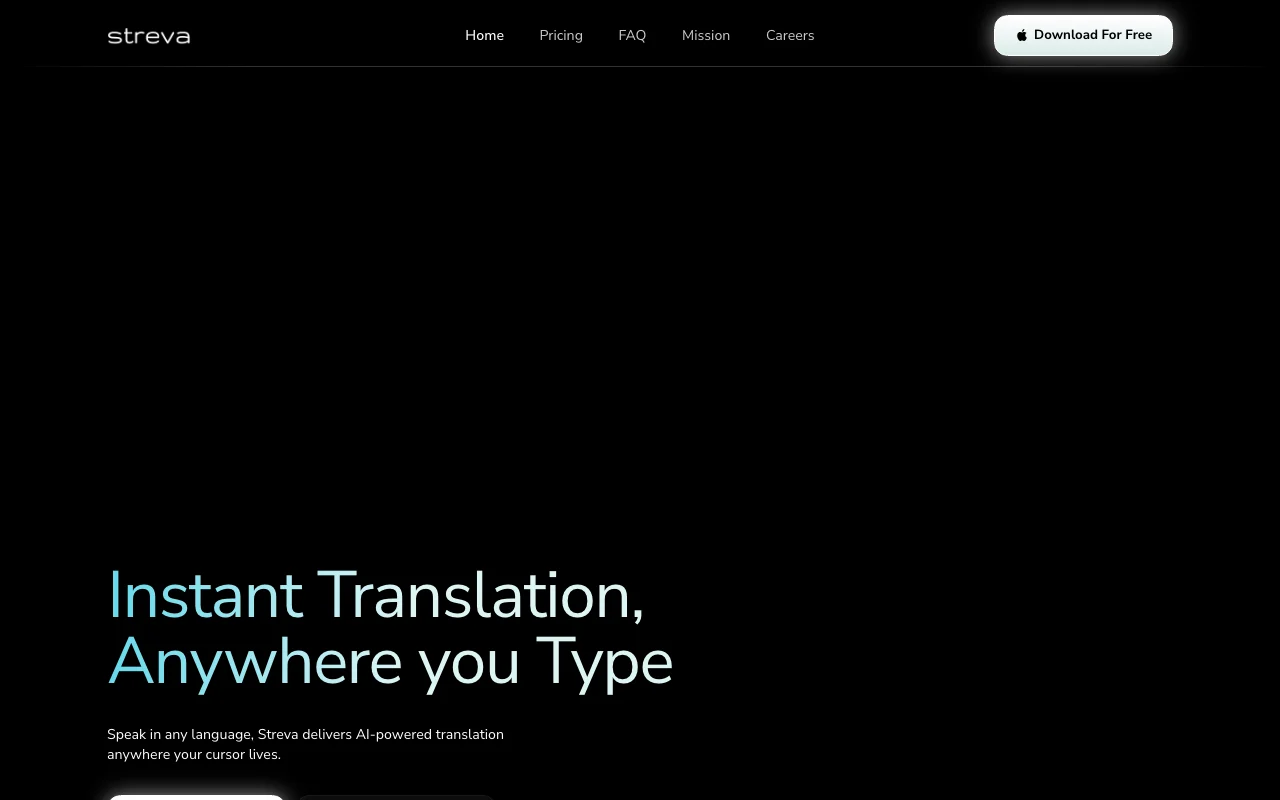
Streva página inicial: captura de tela da ferramenta de IA Áudio e voz, Oct 2, 2026
Visão geral dos recursos no site oficial. streva.ai, capturado Oct 2, 2026

Voice dictation into any Mac app

A floating Mac app captures your voice and types the result into whichever app has the cursor, so no copy-paste step is needed. Removes context switching between a transcription tool and your writing app.

Acesso: Basic and ProLimite: macOS only fonte (abre em uma nova guia)

Real-time translation across 100+ languages

Speech recognition feeds a large language model that rewrites the transcript in the language you choose while keeping intent. Lets you write replies in a language you cannot type fluently.

Acesso: Basic and ProLimite: Language list beyond '100+' is not itemised on the page fonte (abre em uma nova guia)

Context-aware formatting per app

The model detects the active app (e.g. email vs Slack) and adjusts tone and layout of the inserted text. Messages arrive already formatted for the destination.

Acesso: Basic and ProLimite: Exact list of supported apps is not published fonte (abre em uma nova guia)

Personal dictionary

You store names, jargon and terms in a dictionary that the recognizer uses as personalization. Fewer misspelled product names and technical terms.

Acesso: Listed under Basic, so also ProLimite: Dictionary size limits not stated fonte (abre em uma nova guia)

Prós e contras do Streva

Onde Streva é forte

Limitações a conferir antes de pagar

  • Mac only; Windows and iOS not yet available Windows and iPhone users cannot use it; Windows is waitlist only. documentado fonte (abre em uma nova guia)
  • Free plan capped at 2,000 words per week About 2,000 words is roughly a few emails a day, so heavy users hit the wall mid-week. documentado fonte (abre em uma nova guia)
  • Requires sign-in You cannot use it anonymously; an account is needed even for the free plan. documentado fonte (abre em uma nova guia)
  • Pro needed for unlimited dictation Unlimited dictation is the main reason to pay, so regular users end up on Pro. documentado fonte (abre em uma nova guia)

Como usar o Streva para dictating and translating text into any Mac app

Configurar Streva

  1. Open streva.ai and click 'Download For Free' to get the Mac app.
  2. Install the app and sign in when prompted (no credit card needed for the Free plan).
  3. Allow microphone access and choose Private Mode if you do not want audio or transcripts retained.
  4. Open 'Dictionary' and add names and jargon you use often.

Exemplo: dictating and translating text into any Mac app

  1. Click into an email or Slack message box.
  2. Trigger Streva's dictation and say your reply, e.g. 'Yes, that works for me, I'll move forward on this.'
  3. Optionally say 'Rewrite this to sound more professional' or speak in another language for translation.
  4. Review the text Streva inserted and send.

Revise e exporte o resultado

  1. Confirm the text appears in the app where your cursor was.
  2. Check names and technical terms against your dictionary entries.
  3. Watch usage against the 2,000 words per week cap on Basic.
Exemplo de prompt sugerido por nossos editores (não é uma saída registrada do produto)
Make this clearer and more concise.

Streva API

Acesso à API e cobrança separada

Streva não tem API pública na documentação oficial. No API or docs page found (/docs returns 404)

Privacidade, uso de dados e direitos comerciais

Resumido a partir das políticas atuais do fornecedor; não é aconselhamento jurídico, e o selo de um fornecedor não é uma auditoria independente.

Como suas entradas e saídas são tratadas

Voice audio and resulting transcripts are processed to produce text.

In Private Mode audio and transcripts are processed only to complete the request and never retained.

Uso comercial e restrições de plano

Private Mode availability per plan not stated.

Melhores alternativas ao Streva para diferentes necessidades

"Mais indicado" se baseia em recursos e preços documentados, não em um teste comparativo direto.

Otter.ai: mais indicado para

Descript: mais indicado para

ElevenLabs: mais indicado para

ChatGPT: mais indicado para

Alternativas
AlternativaQuando escolherPreçosLimitação
Otter.ai——Comparar
Descript——
ElevenLabs——Comparar
ChatGPT——

Explore mais sobre Streva

Se você está de olho no Streva

Streva avaliações de usuários

Ainda não há avaliações de usuários.

Usado Streva? Seja o primeiro a compartilhar sua experiência.

Escrever uma avaliação

As avaliações são verificadas por um moderador antes de aparecerem. Seu e-mail nunca é publicado. Somente texto simples.

Sua nota (obrigatório)

Mostre o que você criou ou o que deu errado. As imagens só são publicadas se a avaliação for aprovada; os dados de localização são removidos.

    Perguntas frequentes sobre Streva

    How many words can I dictate for free on Streva?

    Streva Basic includes 2,000 words per week at no cost and no credit card. Pro removes the cap. fonte (abre em uma nova guia)

    What does Streva Pro cost and what does it add?

    Pro is $15 per month or $120 per year. It adds unlimited dictation words, prioritized feature requests and early access to new features on top of Basic. fonte (abre em uma nova guia)

    Does Streva run on Windows or iPhone?

    Not yet. It is a native macOS app; Windows has a waitlist form on the site and iOS is on the roadmap. fonte (abre em uma nova guia)

    What does Private Mode do in Streva?

    With Private Mode on, your audio and transcripts are used only to complete the request and are never retained, per the vendor FAQ. fonte (abre em uma nova guia)

    Can Streva translate while I dictate?

    Yes. You speak in one language and it outputs text translated inline, claiming support for 100+ languages and intent preservation. fonte (abre em uma nova guia)

    Fontes e metodologia de análise

    Fontes oficiais e datas de verificação

    Não verificado: Privacy policy contents (/privacy 404); Training use of audio; Itemised language list; Offline support; API.

    Como documentamos e mantemos esta página

    Todos os fatos sobre Streva acima vêm de 3 páginas oficiais listados aqui, comparados pela última vez em Oct 1, 2026; não executamos Streva por conta própria, por isso ele não tem nota editorial. Como verificamos e reverificamos as páginas.

    Artigo atualizado em Oct 10, 2026; preços verificados Oct 1, 2026. Os links para fornecedores são links comuns; não ganhamos comissões. Como avaliamos · Relatar um erro