Research & searchDocumented overviewLast checked Sep 29, 2026

Sourclip: Pricing, Features & Best Use Cases

Chrome extension that adds bulk source capture, folders, saved prompts and artifact export to Google NotebookLM.
Is Sourclip right for you?

Install Sourclip if you rely on Google NotebookLM and want one-click capture of pages, PDFs, YouTube and AI chats plus artifact export that NotebookLM lacks. Based on the vendor's documentation, not on a hands-on test.

Best for: NotebookLM power users

Also a good fit for

  • Students and researchers collecting many sources
  • People who want to export NotebookLM audio and study materials

Consider another tool if free plan limited to 10 captures/day and 10 exports/day

Or if

  • Free plan capped at 5 folders and 3 saved prompts
  • Requires a Google NotebookLM account

Sourclip pricing and usage limits

Prices checked Sep 29, 2026 on the official US pricing page. Official pricing ↗ Prices and limits change often.

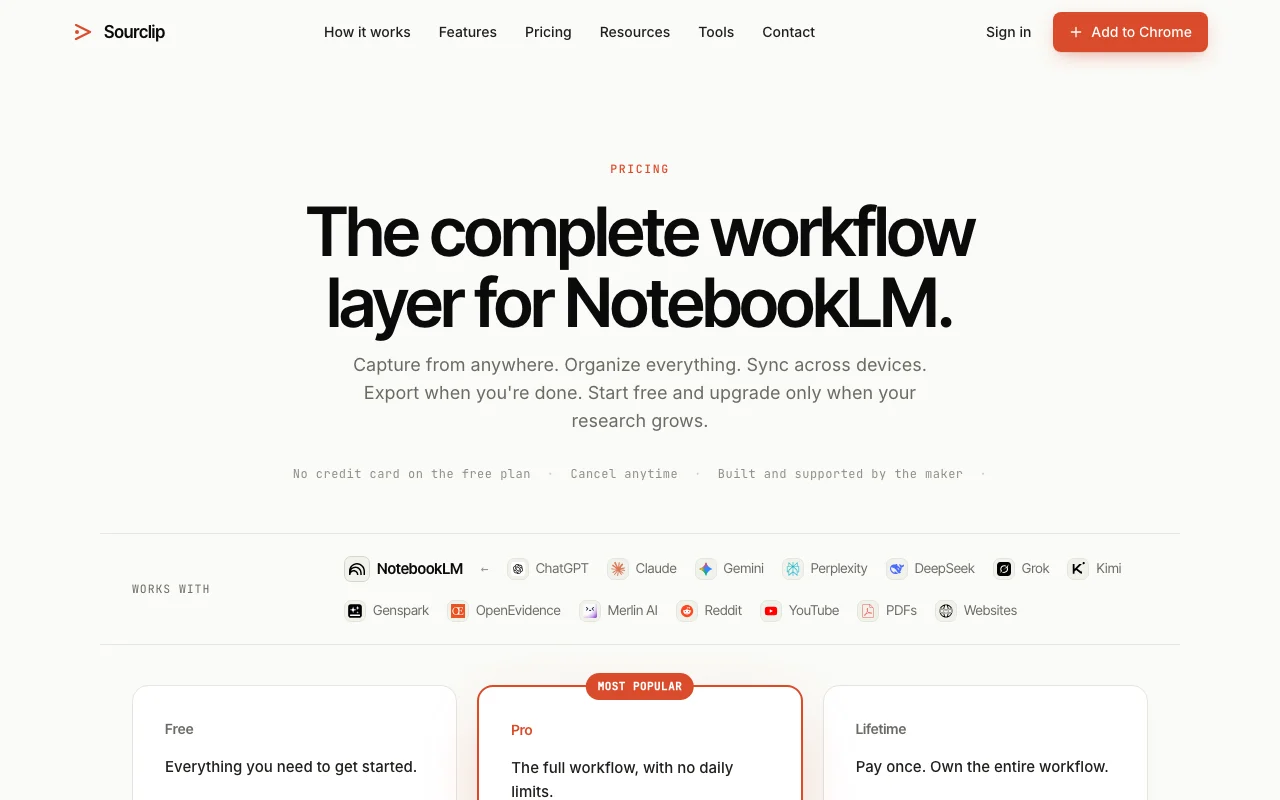
Sourclip pricing page with plans and prices — screenshot of the research & search AI tool, Oct 1, 2026
The official Sourclip pricing page as we saw it. sourclip.com, captured Oct 1, 2026

Free access and trial conditions

Free forever plan.

None.

Paid plans: what changes as you upgrade

Free Web

Free source (opens in a new tab)

Forever

For: Light research

Limits

  • 10 captures/day
  • 10 exports/day
1 more
  • 5 folders, 3 saved prompts

Includes

  • AI chat capture
  • YouTube import up to 15 videos
1 more
  • Workspace dashboard

Pro Web

$30 source (opens in a new tab)

Yearly, annual commitment

$30/year, no monthly option

For: Daily NotebookLM users

Limits

  • Unlimited captures, exports, folders, prompts

Includes

  • Cloud sync
  • Custom branding exports
1 more
  • Priority support

Lifetime Web

$49 one-time source (opens in a new tab)

One-time

For: Long-term users

Limits

  • Lifetime access

Includes

  • Everything in Pro
  • All future updates

Usage caps, credits and extra costs

Requires Google NotebookLM account.

Not stated.

What is Sourclip, and how does it work?

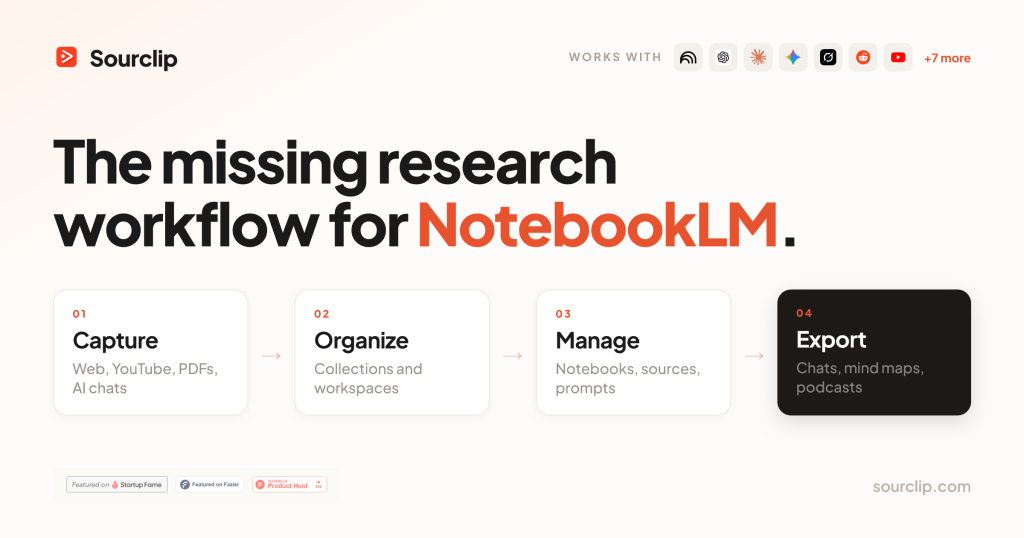
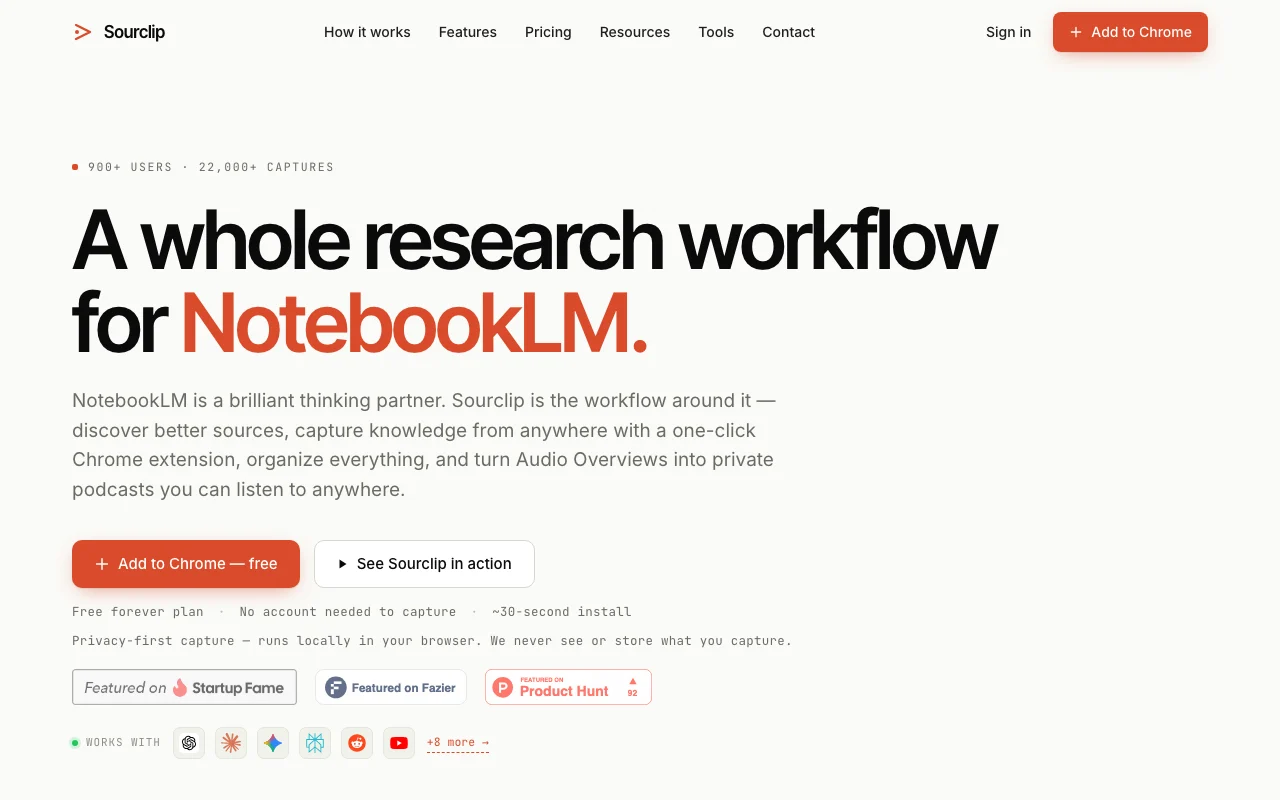
Sourclip is a Chrome extension that layers a research workflow on top of Google NotebookLM. It captures web pages, PDFs, YouTube videos (including playlists and channels), Reddit and X posts, and full AI chat conversations from ChatGPT, Claude, Gemini, Perplexity, Grok and DeepSeek into a chosen notebook with one click, and supports bulk URL import. It also organises notebooks into folders, offers cross-notebook search (Ctrl+K), a reusable prompt library, a mind map editor, and exports NotebookLM artifacts that Google does not let you download natively: notes and study guides as Markdown, flashcards and quizzes as interactive HTML, Audio Overviews as mp3/m4a (with a personal podcast RSS feed), videos as mp4 and slides as PDF. Capture processing runs locally in the browser; Pro adds cloud sync of folders, prompts and settings.

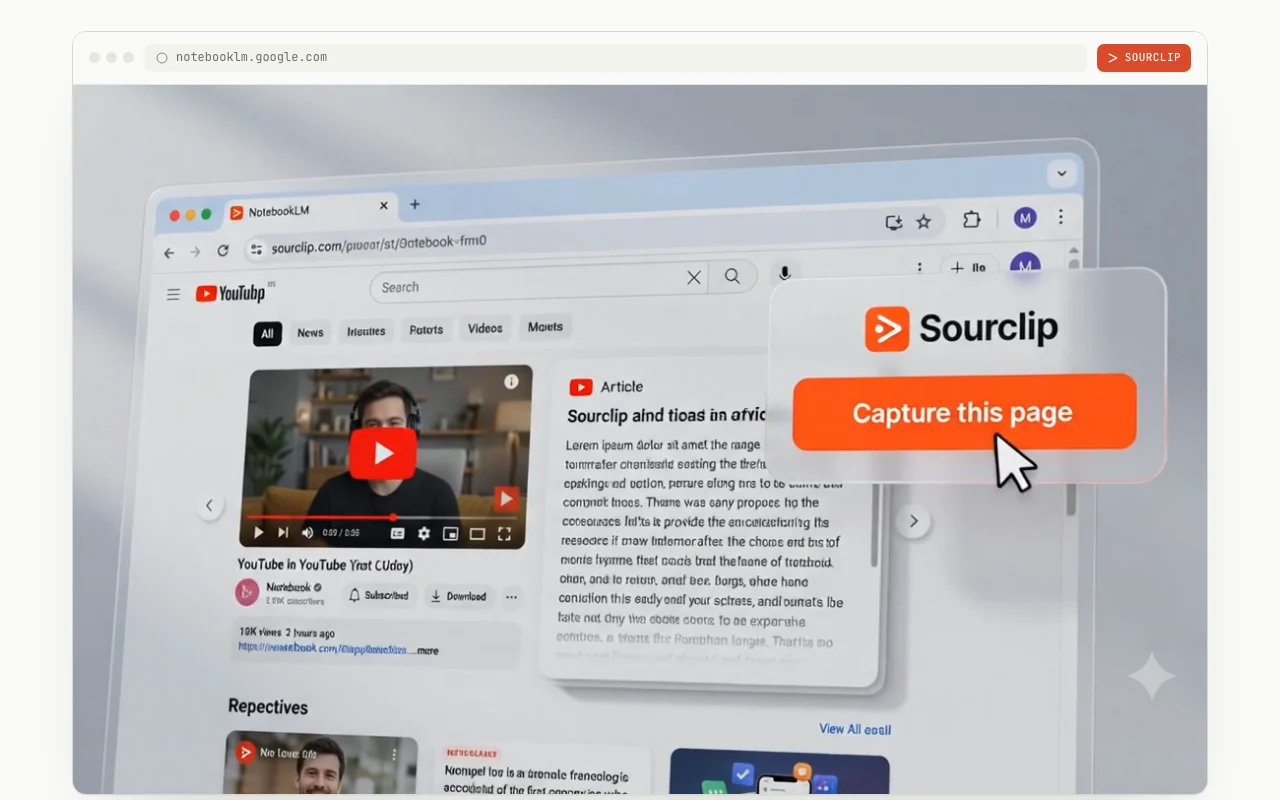
Sourclip homepage — screenshot of the research & search AI tool, Oct 1, 2026
Sourclip's official site: how the product presents itself. sourclip.com, captured Oct 1, 2026

What you provide and what you get back

How Sourclip works: what you provide, where it runs and what you get backYOU PROVIDEYour inputWeb pages, PDFs, YouTube videos,…AI chat conversations from ChatGP…Bulk URL listsRESEARCH & SEARCHSourclipWebfrom $30 (Pro)free tier availablechecked Sep 29, 2026YOU GET BACKThe resultSources added to a chosen Noteboo…Markdown, HTML, PDF, mp3/m4a expo…Podcast RSS feed of Audio Overvie…input → Sourclip → output · from the vendor's own pages, no hands-on test unless stated
What you give Sourclip and what comes back, from its documentation

You provide

  • Web pages, PDFs, YouTube videos, Reddit and X posts
  • AI chat conversations from ChatGPT, Claude, Gemini and others
  • Bulk URL lists

You get back

  • Sources added to a chosen NotebookLM notebook
  • Markdown, HTML, PDF, mp3/m4a exports of NotebookLM artifacts
  • Podcast RSS feed of Audio Overviews

Where you can use it

Platforms
Web
Account
Not required
Browsers
Chrome, Edge, Brave, Arc
Exports
Markdown, HTML, PDF, mp3/m4a, ZIP
Free limits
10 captures and 10 exports per day
Billing
$30/yr or $49 once

What people use Sourclip for

Scenarios are worked out by our editors from the documentation; the actual result depends on your input and plan.

Sending web pages, PDFs and YouTube videos to NotebookLM in one click

Who
Researchers using NotebookLM
You provide
Open tabs and a list of URLs
Expected result
All pages imported as sources into a notebook
Plan needed
Free up to 10 captures/day
Limitation
Unlimited captures need Pro source (opens in a new tab)

Saving ChatGPT or Claude conversations as NotebookLM sources

Who
AI power users
You provide
A ChatGPT or Claude conversation
Expected result
The full chat saved as a NotebookLM source
Plan needed
Free
Limitation
Supported chat sites only source (opens in a new tab)

Bulk-importing a list of URLs into a notebook

Who
Students
You provide
A NotebookLM study guide, flashcards or Audio Overview
Expected result
Downloaded Markdown, interactive HTML or mp3/m4a files
Plan needed
Free up to 10 exports/day
Limitation
Needs Chrome-based browser source (opens in a new tab)

Sourclip features and their limits

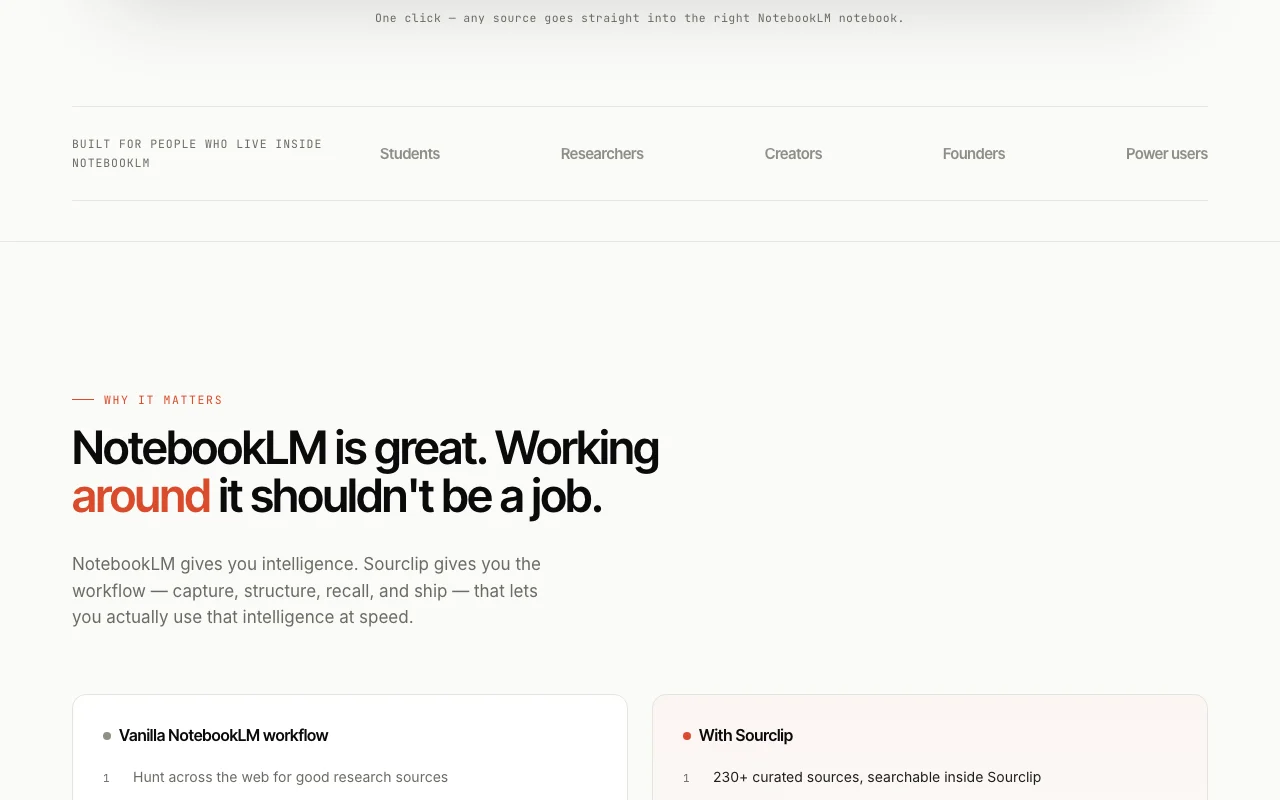
Sourclip homepage — screenshot of the research & search AI tool, Oct 1, 2026
Feature overview on the official site. sourclip.com, captured Oct 1, 2026

One-click capture from web, YouTube, PDF, Reddit, X and AI chats

Adds one-click capture buttons on web pages, YouTube, Reddit, X and AI chat sites that send content to NotebookLM. No copy-paste.

Access: FreeLimit: Full YouTube playlists and channels need Pro source (opens in a new tab)

Bulk URL import

Organizes notebooks into folders with cross-notebook search (Ctrl+K). Find sources fast.

Access: 5 folders freeLimit: Unlimited folders need Pro source (opens in a new tab)

Notebook folders and cross-notebook search

Keeps a reusable prompt library with shortcuts. Reuse prompts.

Access: 3 freeLimit: Unlimited with Pro source (opens in a new tab)

Reusable prompt library with shortcuts

Exports NotebookLM notes, study guides, flashcards, quizzes and Audio Overviews that Google does not let you download natively. Use artifacts offline.

Access: Free with daily capLimit: 10 exports/day on Free source (opens in a new tab)

Sourclip: strengths and limits

Where Sourclip is strong

Limitations to check before paying

How to use Sourclip for capturing web sources into a NotebookLM notebook

Set up Sourclip

  1. Add Sourclip to Chrome (also Edge, Brave or Arc).
  2. Open NotebookLM in a tab and sign in to Google.
  3. Pick a target notebook in the extension popup.
  4. Open the page or video you want to save.

Example: capturing web sources into a NotebookLM notebook

  1. Click Capture on a web article.
  2. Open a YouTube playlist and use Save to NotebookLM.
  3. Paste a list of URLs into bulk import.
  4. Press Ctrl+K to search across notebooks.

Review and export the result

  1. Open the notebook and confirm the new sources appear.
  2. Check the daily capture counter against the limit of 10.
  3. Export a study guide as Markdown and open it.

Sourclip integrations and API

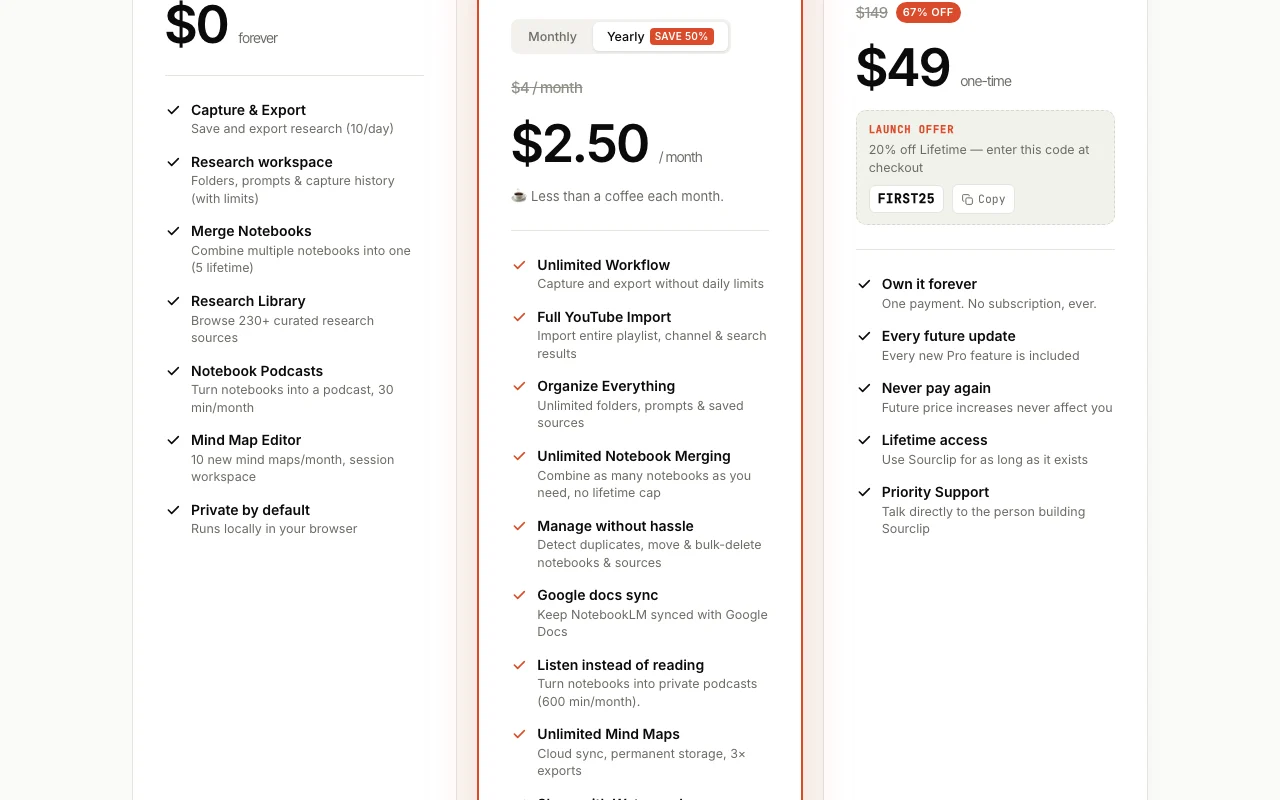
Sourclip pricing page with plans and prices — screenshot of the research & search AI tool, Oct 1, 2026
Plan comparison on the official pricing page. sourclip.com, captured Oct 1, 2026

Native integrations and export formats

Export: Markdown, HTML, PDF, mp3, m4a, ZIP

API access and separate billing

Sourclip has no public API in its official documentation. Browser extension; docs returned 404.

Privacy, data use and commercial rights

Summarized from the vendor's current policies; this is not legal advice and a vendor's badge is not an independent audit.

How your inputs and outputs are handled

Capture processing runs in your browser; content goes straight to NotebookLM.

Capture history limited to last 20 entries locally; Pro account data deletable on request.

Commercial use and plan restrictions

Account data (email, prompts, folder layout) stored in Supabase only for signed-in users.

Policies: sourclip.com/privacy

Sourclip alternatives by need

"Better suited" is based on documented features and pricing, not on a head-to-head test.

Gemini Notebook (formerly NotebookLM): better suited to

Perplexity: better suited to

Notion AI: better suited to

ChatGPT: better suited to

Alternatives
AlternativeWhen to choose itPricingLimitation
Gemini Notebook (formerly NotebookLM)——Compare
Perplexity——Compare
Notion AI——
ChatGPT——

Explore Sourclip further

Tools and guides near Sourclip

Sourclip user reviews

No user reviews yet.

Used Sourclip? Be the first to share your experience.

Write a review

Reviews are checked by a moderator before they appear. Your email is never published. Plain text only.

Your rating (required)

Show what you made or what went wrong. Images are published only if the review is approved; location data is removed.

    Sourclip FAQ

    Do I need an account?

    No for capturing; an account is needed only to upgrade to Pro. source (opens in a new tab)

    Does Sourclip see my captured content?

    It says capture processing is local and content is sent from your browser to NotebookLM, not to Sourclip. source (opens in a new tab)

    Which AI chats can be saved?

    ChatGPT, Claude, Gemini, Perplexity, Grok, DeepSeek and more. source (opens in a new tab)

    How do I cancel Pro?

    Email [email protected]; you keep access to the end of the billing period. source (opens in a new tab)

    Is the Mind Map Editor free?

    Free gives 10 new mind maps a month; Pro is unlimited with cloud sync. source (opens in a new tab)

    Sources and review methodology

    Official sources and verification dates

    Not verified: Monthly Pro price (none offered); Refund terms.

    How we documented and maintain this page

    Every fact about Sourclip above comes from the 3 official pages listed here, last compared on Sep 29, 2026; we have not run Sourclip ourselves, so it has no editorial score. How we check and re-check pages.

    Article updated Oct 10, 2026; prices checked Sep 29, 2026. Outbound links to vendors are plain links; we do not earn commissions. How we review · Report an error