Research & searchDocumented overviewLast checked Sep 29, 2026

DataLumio: Pricing, Features & Best Use Cases

AI data analysis tool for qualitative and quantitative data, with data cleaning, dashboards and PDF chat on a shared credit system.
Who DataLumio fits

Pick DataLumio if you are a researcher, student or small team that wants survey, spreadsheet, transcript and PDF analysis from one shared credit balance, from $5 one-time or $10 per month. Based on the vendor's documentation, not on a hands-on test.

Best for: Researchers and students

Also a good fit for

  • Survey analysts
  • Small teams

Consider another tool if usage is credit-metered (10 credits per analysis request)

Or if

  • Upload limited to 4 files per analysis
  • Enterprise tier requires contacting sales

DataLumio pricing and usage limits

Prices checked Sep 29, 2026 on the official US pricing page. Official pricing ↗ Prices and limits change often.

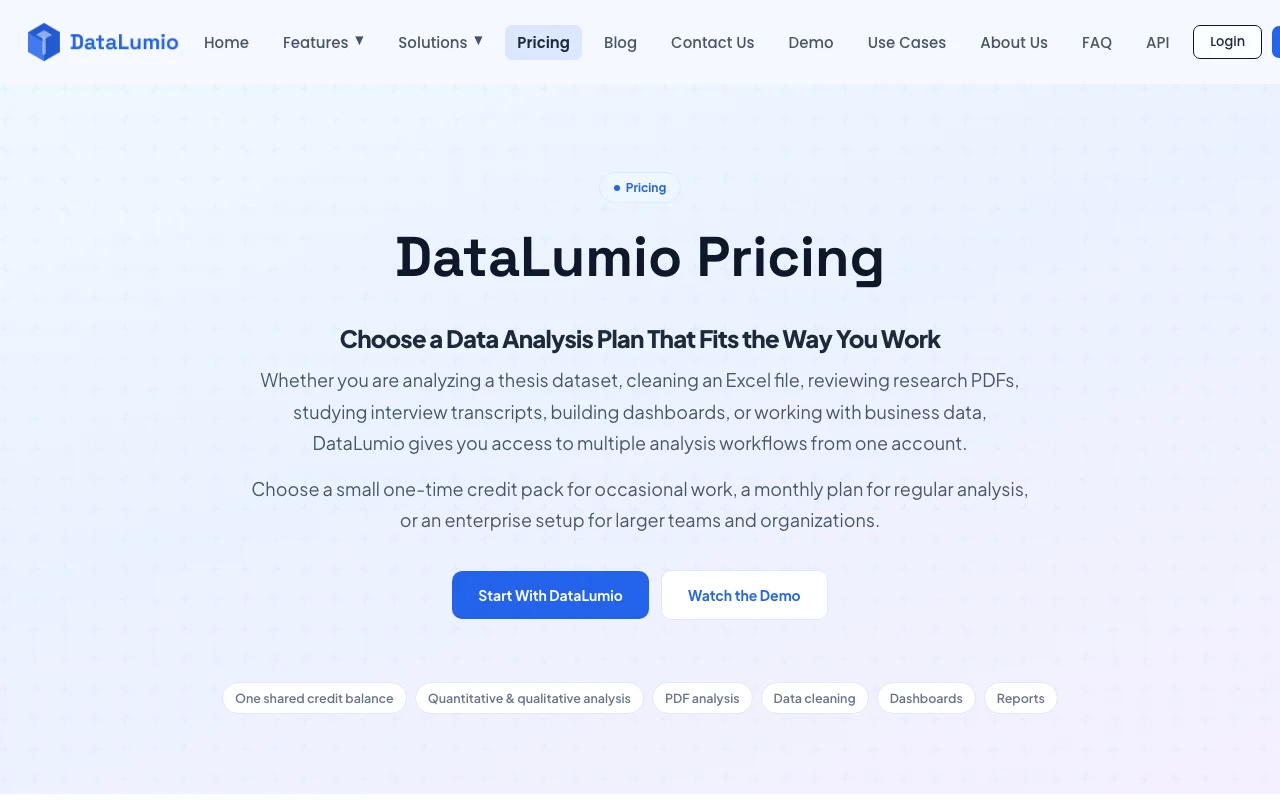
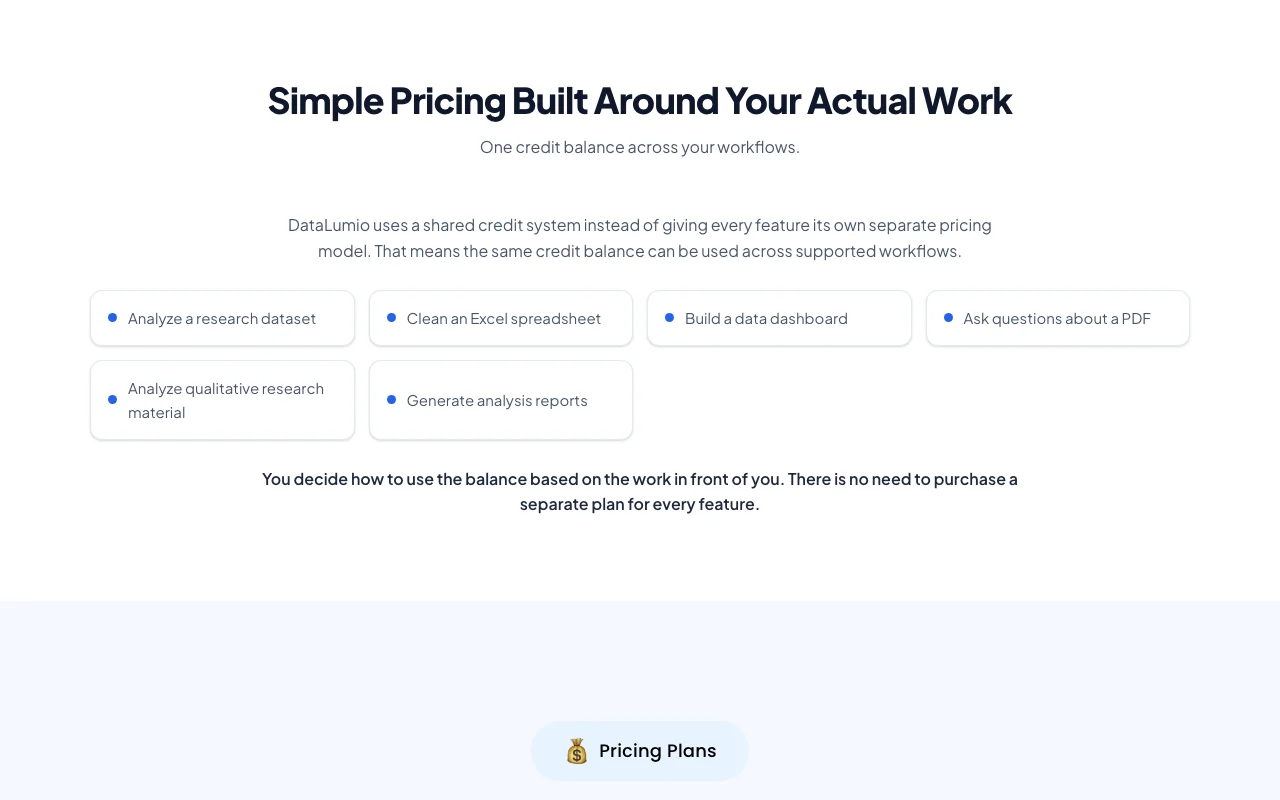
DataLumio pricing page with plans and prices — screenshot of the research & search AI tool, Oct 1, 2026
The official DataLumio pricing page as we saw it. datalumio.co, captured Oct 1, 2026

Free access and trial conditions

Page says start free but no free tier was listed.

Not confirmed.

Paid plans: what changes as you upgrade

Starter Web

$5 one-time source (opens in a new tab)

One-time

For: Students and occasional use

Limits

  • 25 credits
  • Upload 4 files per analysis

Includes

  • Qualitative and quantitative support
  • Advanced visual reports
2 more
  • Docx export
  • Email support

Standard Web

$10/mo source (opens in a new tab)

Month

For: Small teams with regular analysis

Limits

  • 50 credits
  • Upload 4 files per analysis

Includes

  • Qualitative and quantitative support
  • Advanced visual reports
2 more
  • Docx export
  • Email support

Pro Web

$29/mo source (opens in a new tab)

Month

For: Researchers needing deeper insights

Limits

  • 150 credits
  • Upload 4 files per analysis

Includes

  • Qualitative and quantitative support
  • Advanced visual reports
2 more
  • Docx export
  • Email support

Enterprise Web

Custom pricing source (opens in a new tab)

Month

For: High-volume organizations

Limits

  • Unlimited credits

Includes

  • Priority support and SLA
  • Docx export

Usage caps, credits and extra costs

Credits: analysis, cleaning, dashboard 10 each; image generation 5; PDF chat 1 per text question.

Not stated.

What is DataLumio, and how does it work?

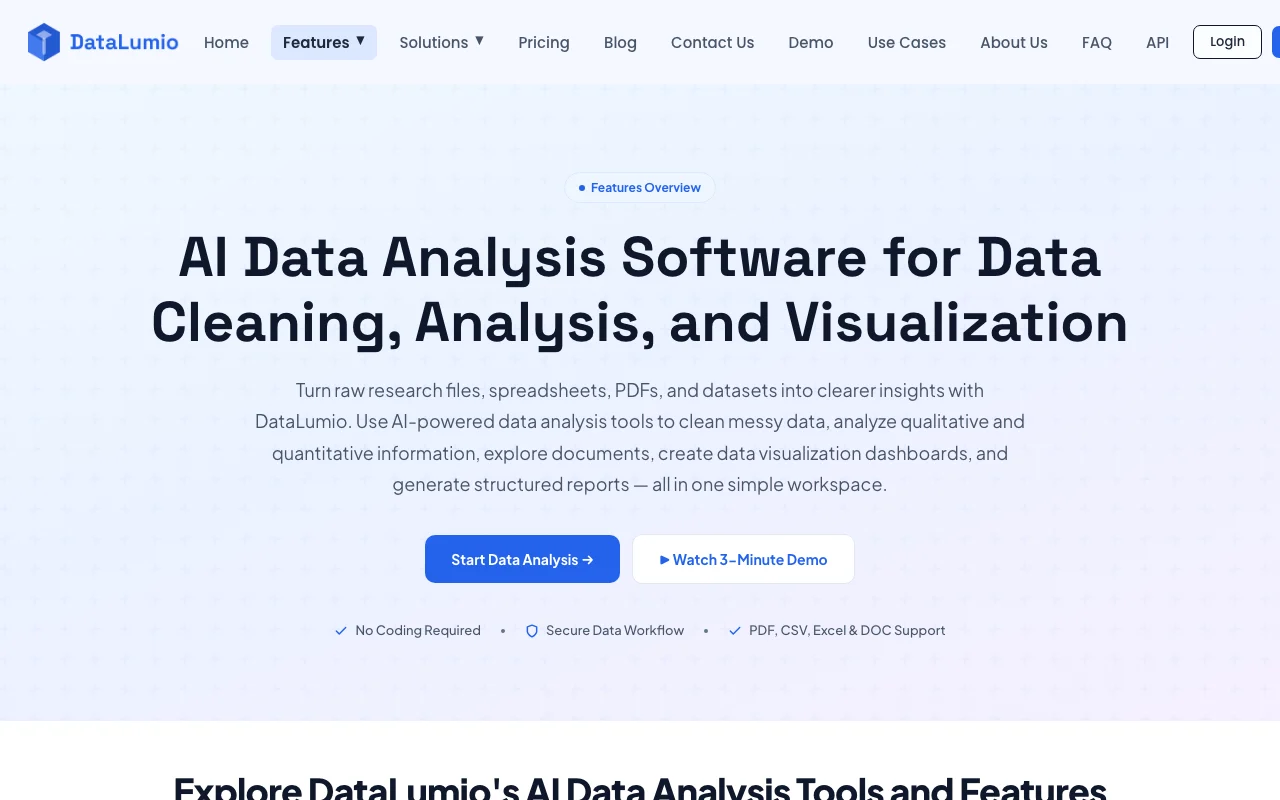
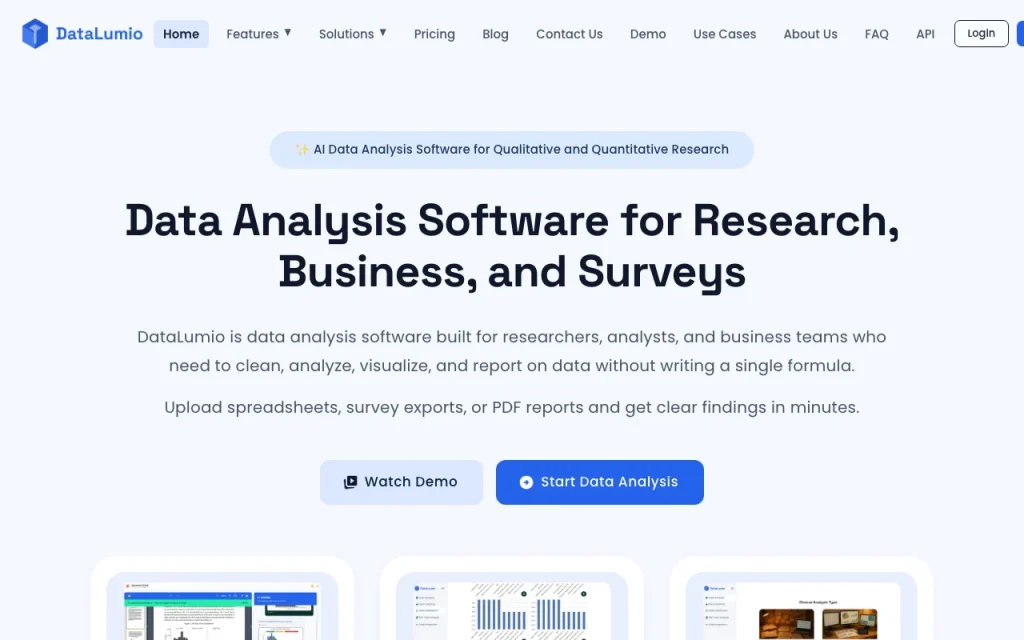
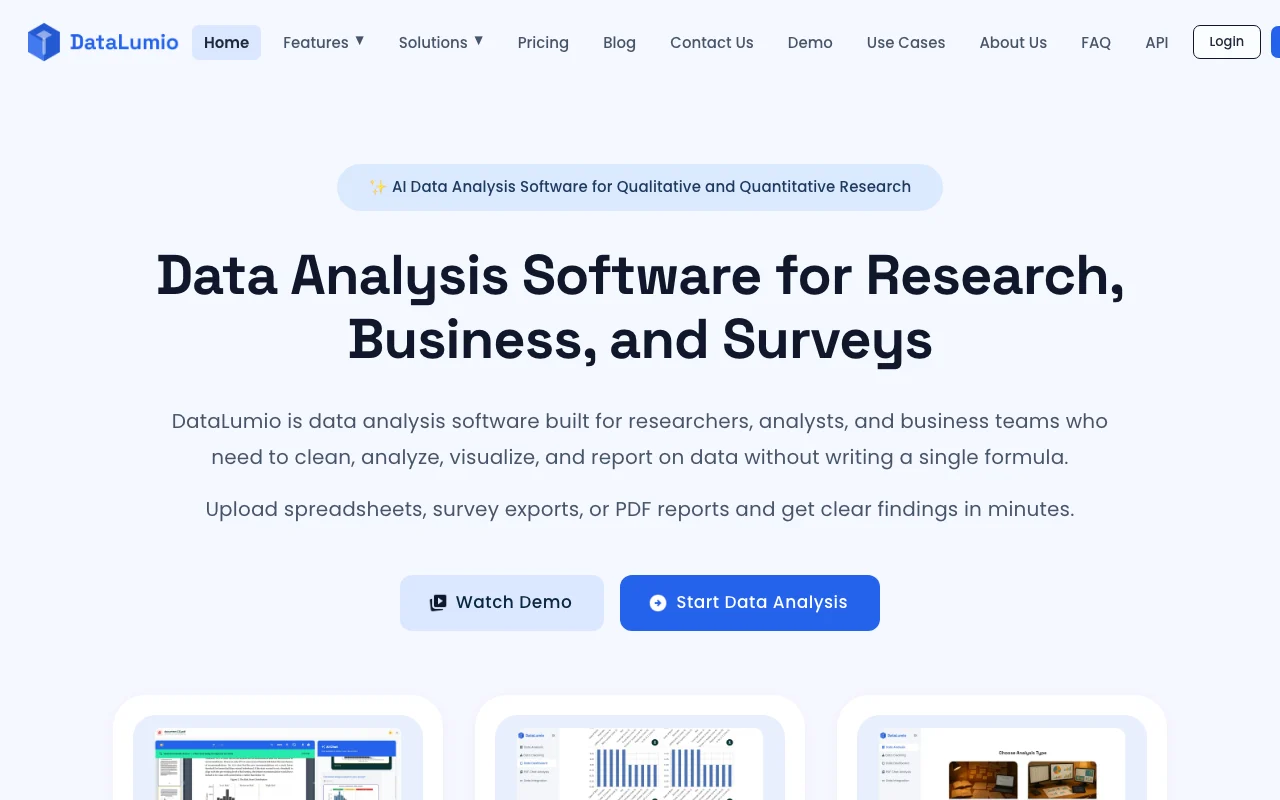
DataLumio lets users upload spreadsheets, survey exports and PDFs, then clean data, run qualitative and quantitative analysis, build dashboards and generate reports without writing formulas. It uses one shared credit balance across features, with a one-time starter pack and monthly plans.

DataLumio homepage — screenshot of the research & search AI tool, Oct 1, 2026
DataLumio's official site: how the product presents itself. datalumio.co, captured Oct 1, 2026

What you provide and what you get back

How DataLumio works: what you provide, where it runs and what you get backYOU PROVIDEYour inputCSV and Excel spreadsheetsSurvey exportsInterview transcriptsPDF research documentsRESEARCH & SEARCHDataLumioWebfrom $5 (Starter)free tier availableaccount requiredchecked Sep 29, 2026YOU GET BACKThe resultAnalysis reportsCleaned datasetsDashboardsDocx reportsinput → DataLumio → output · from the vendor's own pages, no hands-on test unless stated
What you give DataLumio and what comes back, from its documentation

You provide

  • CSV and Excel spreadsheets
  • Survey exports
  • Interview transcripts
  • PDF research documents

You get back

  • Analysis reports
  • Cleaned datasets
  • Dashboards
  • Docx reports

Where you can use it

Platforms
Web
Account
Required
Inputs
CSV, Excel, transcripts, PDF
Credits
10 per analysis/clean/dashboard
Uploads
4 files per analysis
Export
Docx

Where DataLumio is most useful

Scenarios are worked out by our editors from the documentation; the actual result depends on your input and plan.

Survey data analysis

Who
Survey analysts
You provide
Structured survey responses
Expected result
Quantitative results and themes in open-ended answers
Plan needed
Standard or Pro
Limitation
10 credits per request source (opens in a new tab)

Thesis and dissertation data

Who
Graduate students
You provide
Datasets, transcripts and research PDFs
Expected result
Qualitative and quantitative analysis with reports
Plan needed
Starter or Pro
Limitation
Interpretation remains yours to check source (opens in a new tab)

Interview transcript analysis

Who
Qualitative researchers
You provide
Transcript files
Expected result
Themes, quotations and sentiment
Plan needed
Any paid
Limitation
Up to 4 files per analysis source (opens in a new tab)

Cleaning an Excel spreadsheet

Who
Business users
You provide
CSV or Excel files
Expected result
Cleaned dataset ready for analysis
Plan needed
Any paid
Limitation
10 credits per cleaning request source (opens in a new tab)

DataLumio features and their limits

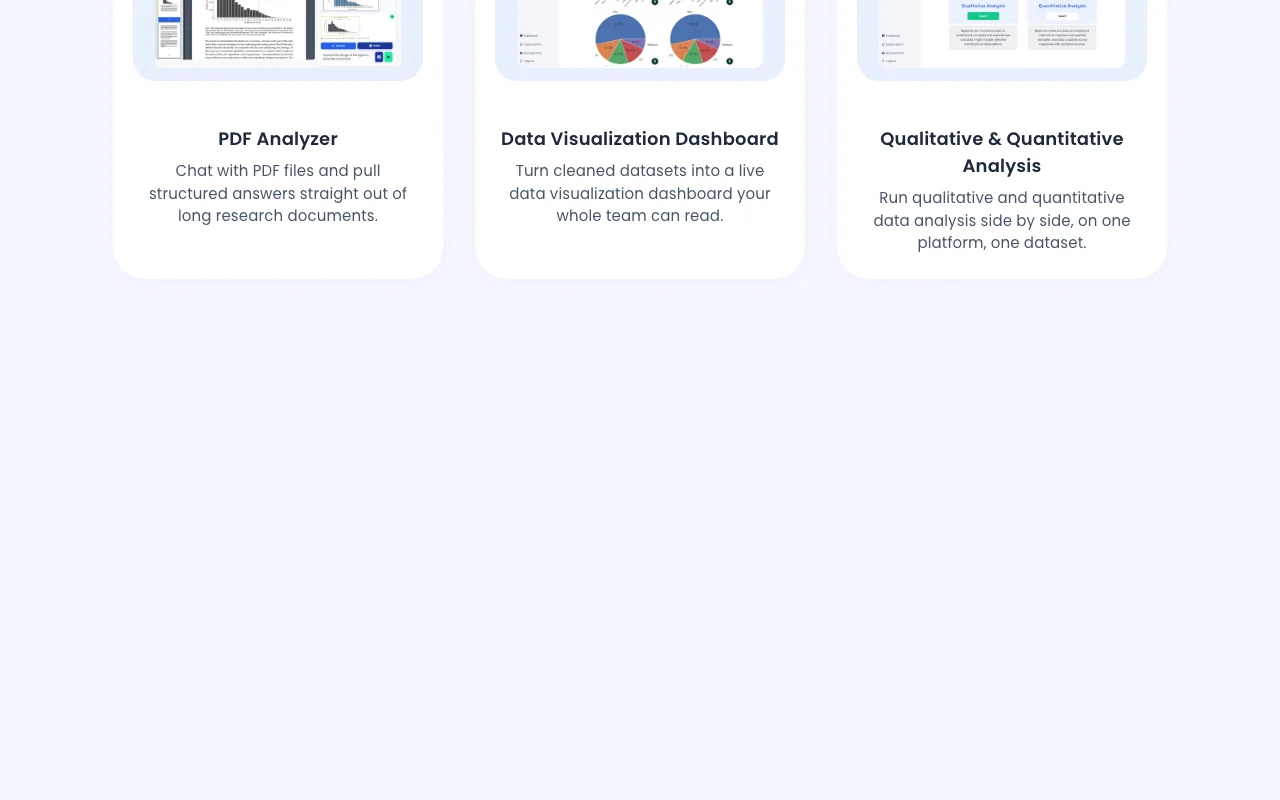
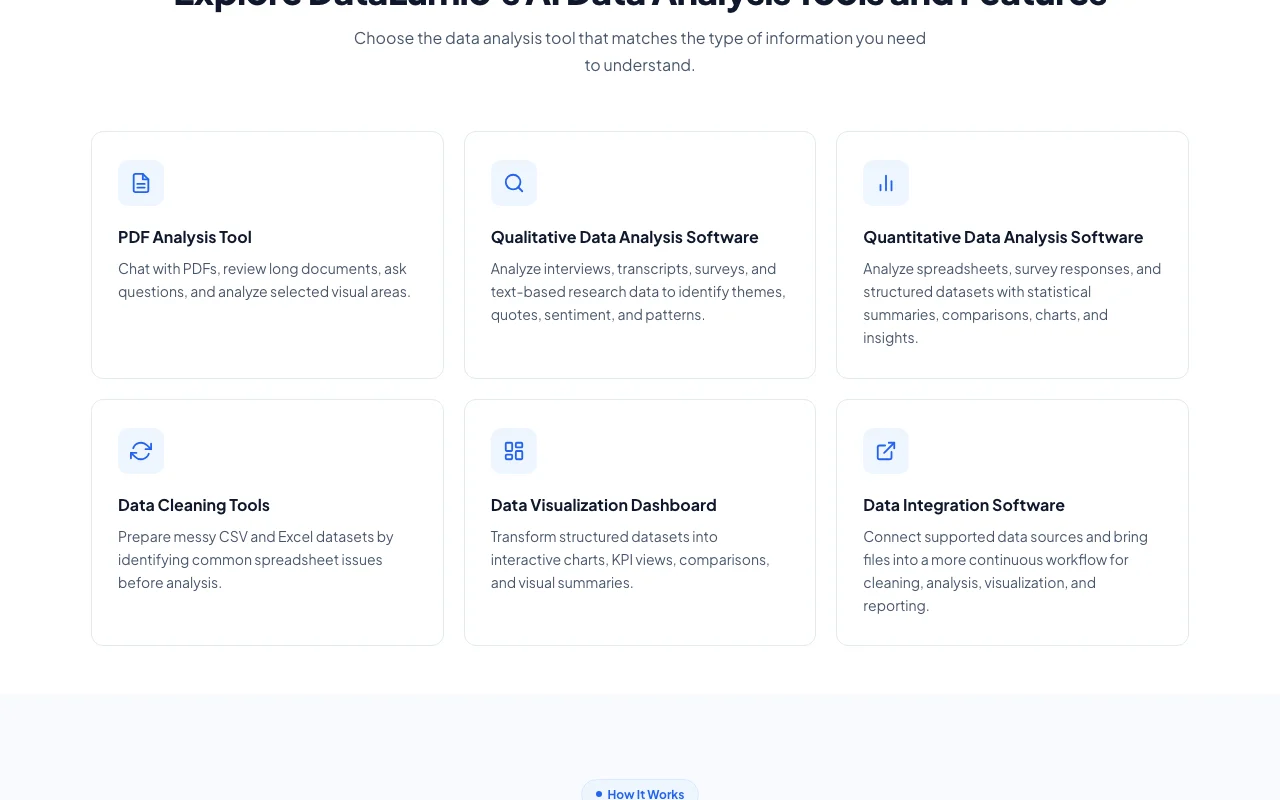
DataLumio homepage — screenshot of the research & search AI tool, Oct 1, 2026
Feature overview on the official site. datalumio.co, captured Oct 1, 2026

Qualitative and quantitative analysis

Analyzes qualitative and quantitative data and produces reports for 10 credits per request. Gets findings without formulas.

Access: All plansLimit: 4 files per analysis source (opens in a new tab)

Data cleaning for CSV and Excel

Cleans supported CSV and Excel datasets before analysis. Prepares messy data.

Access: All plansLimit: Only supported file types source (opens in a new tab)

Dashboards

Turns structured datasets into shareable dashboards. Visual results ready to present.

Access: All plansLimit: 10 credits each source (opens in a new tab)

PDF chat

Answers questions about uploaded PDFs at 1 credit per text question. Extracts answers from long documents.

Access: All plansLimit: Supported PDFs only source (opens in a new tab)

DataLumio: strengths and limits

Where DataLumio is strong

Limitations to check before paying

How to use DataLumio for analyzing survey results

Set up DataLumio

  1. Create a DataLumio account
  2. Buy the Starter pack or subscribe to a monthly plan
  3. Open a new analysis workspace

Example: analyzing survey results

  1. Upload your survey CSV (up to 4 files)
  2. Choose quantitative or qualitative analysis
  3. Run the report (10 credits)
  4. Export the result as Docx

Review and export the result

  1. Spot-check key figures against your raw data
  2. Review generated findings with your own judgment
Example prompt suggested by our editors (not a recorded output of the product)
Summarize satisfaction scores by age group and list the top three themes in the open-ended comments.

DataLumio integrations and API

DataLumio pricing page with plans and prices — screenshot of the research & search AI tool, Oct 1, 2026
Plan comparison on the official pricing page. datalumio.co, captured Oct 1, 2026

Native integrations and export formats

Export: Docx

API access and separate billing

DataLumio has no public API in its official documentation. Navigation lists an API page that was not loaded

Privacy, data use and commercial rights

Summarized from the vendor's current policies; this is not legal advice and a vendor's badge is not an independent audit.

How your inputs and outputs are handled

Uploaded datasets, transcripts and PDFs are processed to produce analyses.

Not captured from reviewed text.

Not captured.

Commercial use and plan restrictions

Not stated.

Priority support on Enterprise only.

Policies: datalumio.co/privacy

Best DataLumio alternatives for different needs

"Better suited" is based on documented features and pricing, not on a head-to-head test.

Gemini Notebook (formerly NotebookLM): better suited to

ChatGPT: better suited to

Alternatives
AlternativeWhen to choose itPricingLimitation
Gemini Notebook (formerly NotebookLM)——Compare
ChatGPT——

Explore DataLumio further

Tools and guides near DataLumio

DataLumio user reviews

No user reviews yet.

Used DataLumio? Be the first to share your experience.

Write a review

Reviews are checked by a moderator before they appear. Your email is never published. Plain text only.

Your rating (required)

Show what you made or what went wrong. Images are published only if the review is approved; location data is removed.

    DataLumio FAQ

    How much does DataLumio cost?

    Starter is $5 one-time for 25 credits, Standard $10 per month for 50, Pro $29 per month for 150, and Enterprise is listed at $100 with unlimited use via sales. source (opens in a new tab)

    What does each action cost in credits?

    Analysis reports, data cleaning and dashboards are 10 credits per request, image generation 5, and PDF chat 1 per text question. source (opens in a new tab)

    How many files can I upload?

    Four files per analysis. source (opens in a new tab)

    Can I export reports?

    Yes, to Docx. source (opens in a new tab)

    Is there a free plan?

    The page says start free but lists no free tier, so it is unconfirmed. source (opens in a new tab)

    Sources and review methodology

    Official sources and verification dates

    Not verified: Free tier; Training and retention policy; API; Trial.

    How we documented and maintain this page

    Every fact about DataLumio above comes from the 2 official pages listed here, last compared on Sep 29, 2026; we have not run DataLumio ourselves, so it has no editorial score. How we check and re-check pages.

    Article updated Oct 2, 2026; prices checked Sep 29, 2026. Outbound links to vendors are plain links; we do not earn commissions. How we review · Report an error